If your interviewer uses HireVue, here’s how PhantomCode helps on your side.
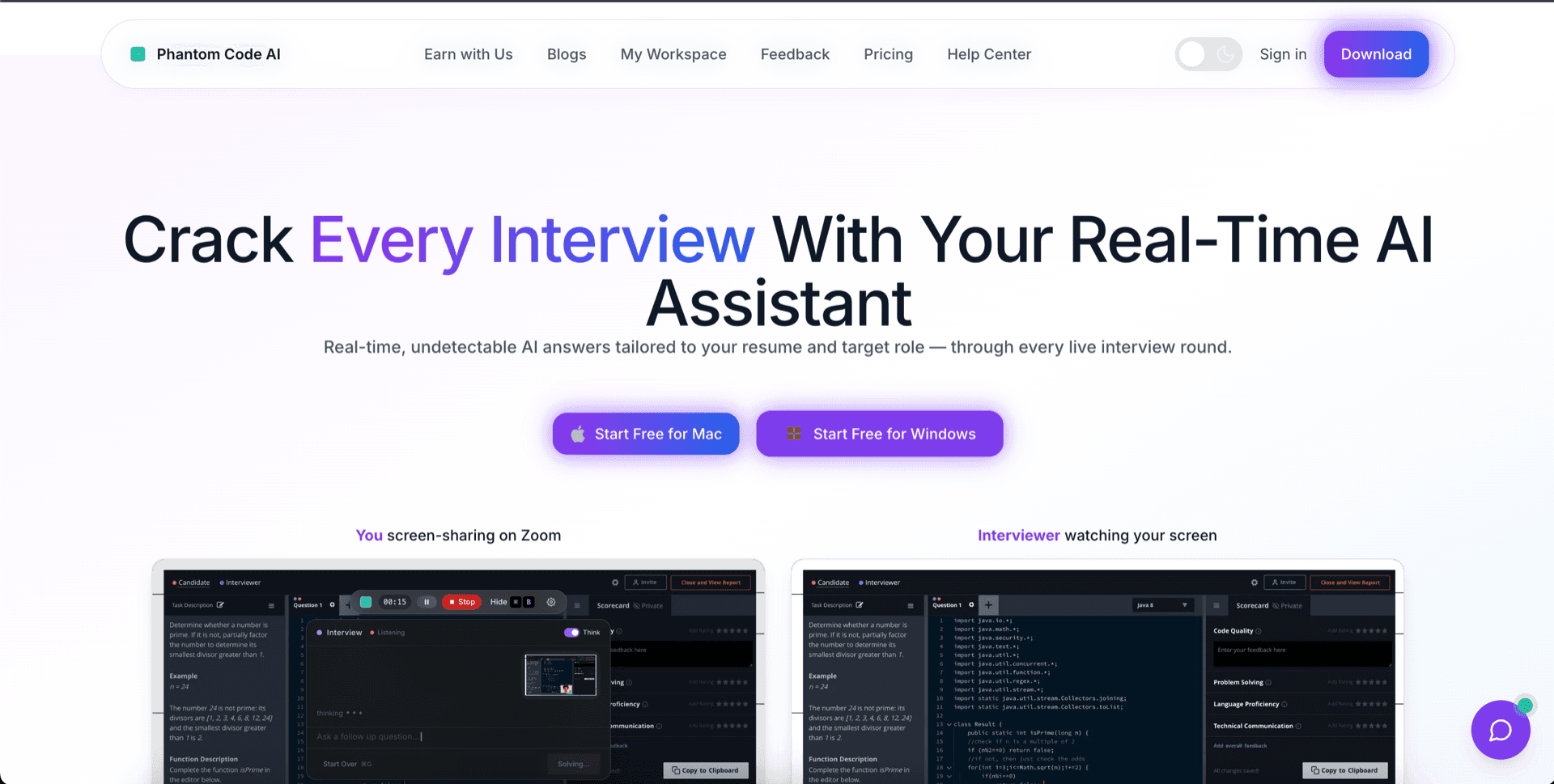
You can’t pick your way out of HireVue — the employer chose it for you. What you can do is bring your own assistant to the recording. PhantomCode is the candidate-side tool: real-time coaching while the camera rolls, invisible to the playback the hiring team sees, fluent in 50+ spoken languages, and a transcript so you can read your own answer back when the take is over.
What HireVue actually is
HireVue is a recorded video interview platform. Employers — usually the recruiting team or the talent operations team inside a large company — buy it as part of their hiring stack. When they invite you to a HireVue interview, you log into a portal, read a written prompt, get a short prep timer, and then record a one-take video response. Some questions are behavioral. Some ask you to walk through a project. Some give you a coding or game-based exercise. The recordings are reviewed asynchronously by recruiters and hiring managers, sometimes alongside automated scoring.
The first thing worth saying clearly: HireVue is not a tool you buy and it is not a tool you can swap out. If a company has decided to screen with HireVue, that is the format. There is no competing platform you can route the interview through. Searching for “HireVue alternative” from the candidate side does not lead to a different recorded interview product — it leads to the question of what you can actually do to be ready when the recording starts.
That is the gap PhantomCode fills. You cannot replace HireVue. You can equip yourself for it.
Why candidates need a tool of their own
A HireVue interview is structurally different from a live phone screen. There is no interviewer to read the room, no follow-up question that signals which part of your answer landed, no chance to course-correct if you start down the wrong story. You get a prompt, a prep timer, and one take. Then it is sent to a hiring team that will watch you, possibly weeks later, alongside dozens of other candidates.
That format favors the prepared. Candidates who have practiced behavioral framing, who know how to land a STAR answer in two minutes, and who can talk fluently while a camera stares at them tend to do well. Candidates who freeze on the first take, or who realize halfway through that they buried the impact, tend to feel they under-performed even when the underlying experience is strong.
PhantomCode is not trying to be HireVue. It is trying to be the thing that sits on your side of the screen while HireVue is recording — so the take they review is your best version of your own answer, not the version where you forgot which project you were going to talk about.
Five ways PhantomCode helps when you are interviewing on HireVue
Specific, candidate-side capabilities — not generic interview tips.
Real-time AI coaching while you record
HireVue gives you a prompt, a countdown, and a single take. PhantomCode listens to the question as it is being asked and surfaces a structured answer skeleton, key points worth hitting, and follow-up risks the interviewer might dig into. You are still the one talking — but you are not staring at the camera trying to remember whether you covered the situation, the action, and the result. The coaching shows up on your side of the screen while the recording rolls on theirs.
Invisible to the recording itself
This is the part candidates ask about most. Your assistant is not part of what the hiring team sees in playback. You read the suggestion off your screen; their recording captures you, your camera feed, and your spoken answer — and nothing else from the assistant. We do not market the mechanism behind that, and we will not in a public page. What we will say plainly: when the recruiter or hiring manager later watches your submission, they are watching you, not your tooling.
Behavioral question framing on demand
Most HireVue prompts are behavioral: tell me about a time you led a team, describe a conflict, walk through a project you are proud of. PhantomCode is built to scaffold those answers in real time — STAR-style structure, the part where you actually quantify the impact, and the small bridge sentence that closes the answer cleanly instead of trailing off. If you have ever ended a HireVue take by saying "yeah, so, I think that’s it," you know exactly the moment this is for.
50+ spoken languages, not English-only
Plenty of HireVue interviews are run in English even when the candidate’s strongest language is something else. PhantomCode runs in Arabic, Mandarin, Hindi, Tamil, Bengali, Marathi, Urdu, Vietnamese, Thai, Indonesian, Tagalog, Korean, Japanese, Russian, Turkish, German, French, Spanish, Portuguese, Italian, Polish, Dutch, Czech, Romanian, Hungarian, Greek, Swedish, Norwegian, Danish, Finnish, Hebrew, Persian, Ukrainian, Bulgarian, Croatian, Slovak, Slovenian, Estonian, Latvian, Lithuanian, Catalan, Galician, Basque, Welsh, Irish, Maltese, Belarusian, Mongolian, and more — 55 primary plus 6 bilingual and multilingual modes. If you think faster in your home language and answer in English, the bilingual modes are built for exactly that gap.
After-interview transcript so you can review what you said
HireVue keeps your recording for the hiring team. You do not get it back. Once the submit button is clicked, the take is gone from your side — and if the same employer asks for a second round, you are guessing at what you covered the first time. PhantomCode keeps a private transcript of every session you run on your side: the questions asked, your answers, the suggestions you took or skipped. You can read it at 10pm the same night and see exactly where the answer wandered, where you forgot to quantify, and where the closing landed. That is the post-mortem layer HireVue cannot give you because it is built for the employer, not for you.
What HireVue does well
It is worth being honest about this. HireVue is not the boogeyman of recruiting, and pretending it is would not help you prepare. From the candidate side, two things about it are genuinely useful:
- +Consistent comparison data for the hiring team. Every candidate sees the same prompts in the same order with the same prep timer. That cuts down on the “the recruiter caught me on a bad day” randomness of live screens. If you give a strong take, it lands the same way for the hiring manager whether they review it Tuesday morning or Friday night — there is no “I was the last interview of a long day” penalty baked in.
- +Less stressful than live for some candidates. If live phone screens spike your anxiety because of the back-and-forth, the asynchronous format can actually feel calmer. You see the prompt, you have a prep window, you record on your own time within the deadline. No one is interrupting you mid-answer, and there is no awkward silence to fill. Plenty of candidates perform better on HireVue than on live screens for exactly this reason.
- +Schedule flexibility. You can usually take a HireVue any time in a multi-day window — useful if you are interviewing while still employed, or across time zones. That alone is a real candidate benefit.
The point is not to be against HireVue. The point is that the format leaves you alone with a camera and a prompt — and that is a moment where having the right support on your side of the screen matters.
Use PhantomCode for your HireVue interview
Five steps. None of them require switching anything on the employer side.
- 1Download PhantomCode for Mac or Windows the day your HireVue invitation arrives. The native installer takes care of the recording-side invisibility automatically — there is nothing to configure.
- 2Pick your spoken language. If you think faster in Hindi, Mandarin, Spanish, Arabic, or Tamil and answer in English, switch on the relevant bilingual mode before the take. The whole point is that your real fluency reaches the recording.
- 3Run a practice take first. Most HireVue portals let you do a test recording. Use it. Open PhantomCode beside it, walk through a behavioral answer out loud, and see what the assistant surfaces in real time. Adjust how much of the screen it occupies until it feels natural.
- 4Record the real take. When the prompt appears, take the prep seconds to glance at the suggested structure, then record. Look at the camera, not at the assistant. The point is that the suggestion is there if you need it — not that you read it word for word.
- 5Read the transcript afterward. Even though HireVue keeps the video, PhantomCode keeps your own transcript on your side. Read it the same night. If you have another HireVue round next week, you will know exactly which framing landed and which one trailed off.
Want the side-by-side, not just the candidate-side guide?
We have a longer PhantomCode vs HireVue breakdown that frames the two products honestly — what HireVue is for the employer, what PhantomCode is for the candidate, and where the two meet during the recording itself.
Read PhantomCodeAI vs HireVueFrequently Asked Questions
- Is PhantomCode an alternative to HireVue?
- Not literally — HireVue is bought by employers, so there's no competing platform a candidate can route the interview through. Searching for a HireVue alternative from the candidate side really leads to a different question: what can you bring to the recording? PhantomCode is that answer — a candidate-side assistant that coaches you in real time while HireVue records.
- Can the hiring team see PhantomCode in my HireVue recording?
- No. The assistant is not part of what the hiring team sees in playback — their recording captures you, your camera feed, and your spoken answer, and nothing else from the assistant. You read suggestions on your side of the screen; when a recruiter or hiring manager watches the submission later, they are watching you, not your tooling.
- Can I use PhantomCode and HireVue at the same time?
- Yes — that's the intended workflow. Download PhantomCode when the HireVue invitation arrives, pick your spoken language (including bilingual modes if you think in one language and answer in English), run a practice take in the portal's test recording, then record the real take with the suggested structure available on your side of the screen.
- How much does PhantomCode cost for HireVue interviews?
- PhantomCode pricing starts from $19 / ₹1,599 for the Starter plan, with a Monthly plan at $49 / ₹4,299 and a Yearly plan at $199 / ₹19,999. If your pipeline includes several HireVue rounds plus live interviews at other companies, the same subscription covers both formats.
- Does PhantomCode help if I think in another language but answer in English?
- That gap is exactly what the bilingual modes are for. PhantomCode runs in 55 primary spoken languages — including Hindi, Mandarin, Tamil, Arabic, Spanish, and dozens more — plus 6 bilingual and multilingual modes, so your real fluency reaches the recording even when the take itself is delivered in English. Switch the relevant mode on before you record.
Ready to Ace Your Next Interview?
Download now — invisible, undetectable, and works on every platform. Plans start at $19.