Looking for a Teal HQ Alternative? PhantomCode handles the interview Teal HQ doesn't.
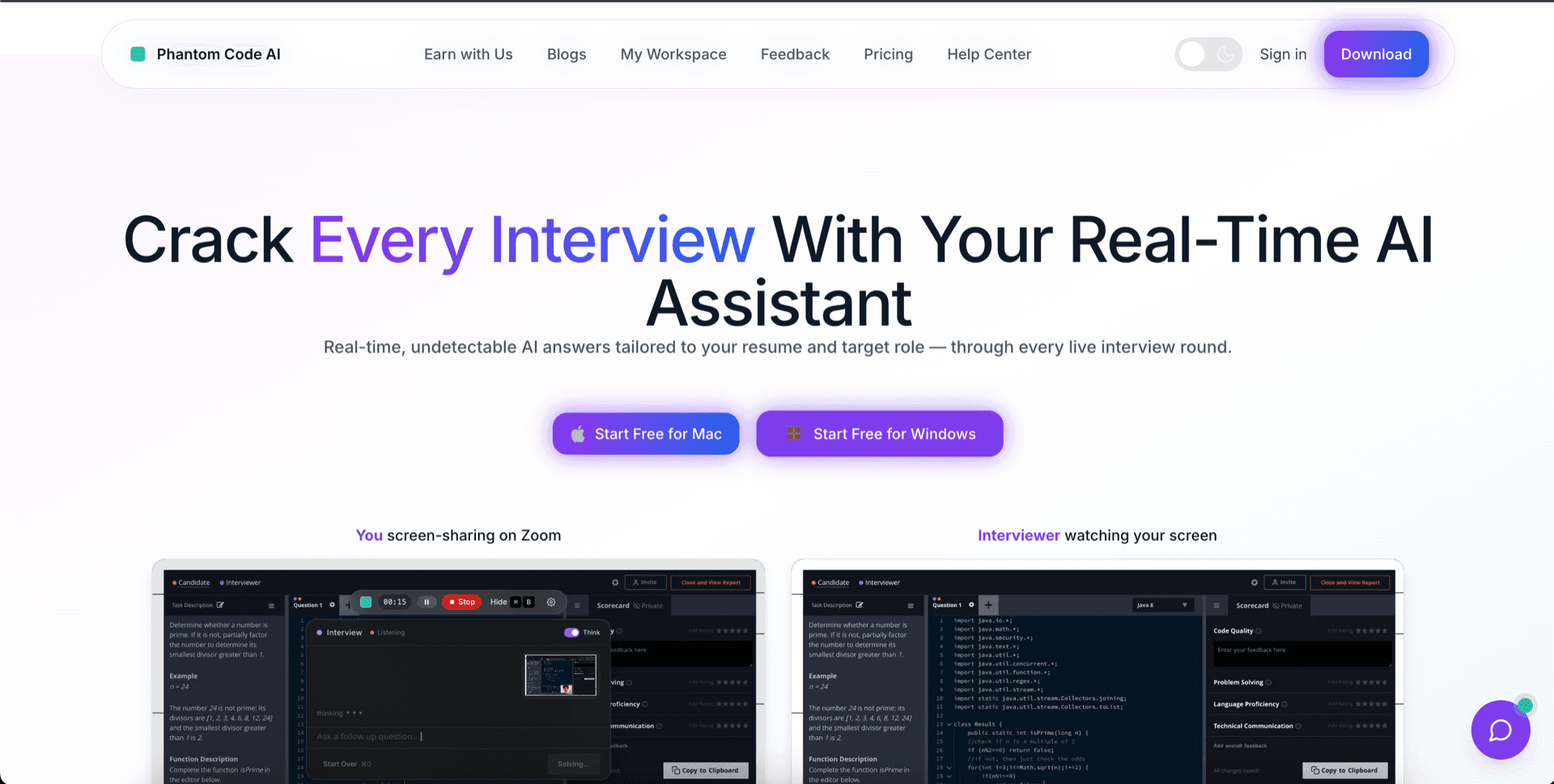
Teal HQ is a polished application-stage tool — a job tracker that turns scattered browser tabs into a single Kanban board, plus AI resume tailoring that maps your experience to a specific job description. That part of the funnel is what Teal is built for, and it does it well. PhantomCode lives one stage later. We're a Mac and Windows native co-pilot for the live interview itself — coding, system design, behavioral — invisible to screen capture, voice-aware, and built around the 45 minutes that decide whether the application turns into an offer.
Why Teal stops at the resume
Teal HQ's product story is about the path before the recruiter call. You save jobs from LinkedIn, Indeed, and Greenhouse into a single board. You watch the AI resume tool reword your bullets to match the job description. You generate a cover-letter draft, track follow-ups, and watch your pipeline move from saved to applied to interviewing. It's a clean experience — the kind of tool a careful candidate uses for two months before any offer is on the table.
Then the recruiter replies and schedules the technical screen. From that moment, Teal's job is mostly done. The interviewer doesn't care which Kanban column the application sat in, or which version of the resume was sent. They care whether you can write a clean two-pointer solution, draw a sane system design on a whiteboard, or talk about a hard project for ten minutes without falling apart. That is a different problem, and it deserves a different tool.
The interview itself isn't a checklist or a document. It's a real-time conversation, often on a screen-shared video call, with someone evaluating both your code and your reasoning. A resume tailor cannot help you there — the resume has already done its work. What you need next is something that listens to the question, suggests an approach, and gives you a clean reference solution to talk through, all without showing up in the interviewer's screen capture.
5 reasons to add PhantomCode to your Teal HQ workflow
Live during the round, not after it
PhantomCode listens to the interviewer in real time. As the question is asked, the overlay surfaces an approach, edge cases, and a working reference solution within seconds. Teal HQ's feedback loop happens before and after — applied, replied, rejected. PhantomCode's loop happens during the call, where the actual decision is made. The two are not competing; they're sequential.
Coding, system design, and behavioral all in one overlay
A real interview loop is rarely just one round. Phone screen with two LeetCode mediums, a system design panel, two behavioral discussions, then a bar-raiser. PhantomCode covers all three modes from the same overlay: eleven programming languages with structured solutions and complexity analysis, system design walk-throughs with diagrams and trade-offs, and STAR-style behavioral prompts that pull from your own background. One tool, the whole on-site, every round.
Invisible to screen recording
PhantomCode is a Mac and Windows native desktop application engineered to stay out of screen capture entirely. Zoom, Google Meet, Microsoft Teams, Loom, OBS, and proctoring software see your shared screen without it. That single architectural property is what makes a real-time interview assistant usable in the first place — and it's something a browser tab or web app can't structurally provide.
50+ spoken languages, with bilingual modes
Teal HQ's resume product is comfortable inside an English-speaking job market. Real interviews are not always in English. PhantomCode is voice-aware in 55 primary spoken languages — including Arabic, English, Hindi, Mandarin, Tamil, Spanish, Portuguese, French, German, Japanese, Korean, Vietnamese, Indonesian, Turkish, Polish, and Dutch — plus 6 bilingual and multilingual modes for candidates who switch mid-sentence. The interview meets you in whatever language the call actually happens in.
After-interview transcript that pairs with your tracker
Every PhantomCode session produces a full transcript: the question your interviewer asked, the approach you took, the code you wrote, the trade-offs you discussed, the follow-up topics that came up. Drop the summary into the notes field of the Teal card for that role and you have a complete record from saved-job to offer — the application data Teal tracks, plus the actual interview performance data Teal can't see. That's the full loop.
Ready to Ace Your Next Interview?
Download now — invisible, undetectable, and works on every platform. Plans start at $19.
When Teal HQ still helps
Teal HQ isn't a tool you replace with PhantomCode — it's a tool that lives in a different stage of the same job search. Their Chrome extension for saving jobs is genuinely useful, the Kanban view turns a chaotic search into something you can manage in five minutes a day, and the AI resume tailor handles the kind of bullet-point reframing that's tedious to do by hand. If your bottleneck is volume of applications and the discipline to keep them organized, Teal HQ is one of the better products in that space.
The honest framing is sequential. Use Teal HQ to find the role, tune the resume, and submit the application. Use PhantomCode the moment a recruiter replies and the technical screen lands on the calendar. The application phase and the interview phase are different products because they're different problems. A candidate running a serious search will quietly want both.
Add PhantomCode in 5 minutes
- 1Keep your Teal HQ subscription — it's still doing the work it's good at on the application side.
- 2Download PhantomCode for Mac or Windows from the homepage. It's a native installer, not a browser extension.
- 3Sign in, choose your primary spoken language, and pick programming-language defaults for the coding rounds you expect.
- 4Run a 5-minute warm-up against a LeetCode medium so the overlay and voice mode feel familiar before the real call.
- 5When a Teal-tracked role moves to the interview column, launch PhantomCode for the round and let it stay out of screen capture while the conversation happens.
Cover the round Teal can't
Mac and Windows native. Invisible to screen capture. Voice-aware in 50+ spoken languages. Coding, system design, and behavioral in one overlay.
The short version
- Teal HQ: application-stage tool — job tracker plus AI resume tailoring. Strong inside the funnel before the recruiter call.
- PhantomCode: interview-stage tool — Mac and Windows native co-pilot for live coding, system design, and behavioral rounds.
- Different category, different stage. Teal stops at the resume; PhantomCode picks up at the round.
- If you're searching for a Teal HQ alternative for interviews specifically, the answer is to add PhantomCode rather than swap one for the other.
Want a balanced comparison instead?
See the side-by-side: PhantomCodeAI vs Teal HQFrequently Asked Questions
- Is PhantomCode a replacement for Teal HQ?
- No — it's the tool for the stage Teal HQ doesn't cover. Teal is genuinely good at the application phase: saving jobs from LinkedIn and Indeed into one board, tailoring resume bullets to a job description, tracking follow-ups. PhantomCode picks up when a recruiter replies and the technical screen lands on the calendar. Different problems, different products, used in sequence.
- Should I use Teal HQ and PhantomCode together?
- Yes — the honest framing is sequential. Use Teal HQ to find the role, tune the resume and submit the application; launch PhantomCode the moment the interview is scheduled. You can even drop each session's transcript summary into the notes field of the Teal card for that role, giving you a complete record from saved-job to offer.
- What does PhantomCode actually cover during the interview?
- All three modes of a real loop, from one overlay: coding rounds in eleven programming languages with structured solutions and complexity analysis, system design walk-throughs with diagrams and trade-offs, and STAR-style behavioral prompts that pull from your own background. It listens to the interviewer in real time and surfaces an approach, edge cases and a working reference solution within seconds.
- Is PhantomCode really invisible during screen sharing?
- Yes — it's a Mac and Windows native desktop application engineered to stay out of screen capture entirely. Zoom, Google Meet, Microsoft Teams, Loom, OBS and proctoring software see your shared screen without it. That single architectural property is what makes a real-time interview assistant usable at all, and it's something a browser tab structurally can't provide.
- How much does PhantomCode cost?
- Plans start from $19 / ₹1,599 for a one-time Starter pack, with a monthly subscription at $49 / ₹4,299 and a yearly plan at $199 / ₹19,999 — no lifetime tier. Keep your Teal HQ subscription for the application side; the two tools cover different stages of the same job search.