Looking for an Interview Coder alternative? Here's why engineers are switching to PhantomCode.
The yellow-and-black overlay built a real audience on US tech Twitter. But the engineers who've actually run it through a final round are quietly looking for something else — something that doesn't blink in the dock during a screen-share, hears the interviewer instead of staring at a screenshot, and speaks more than one language.
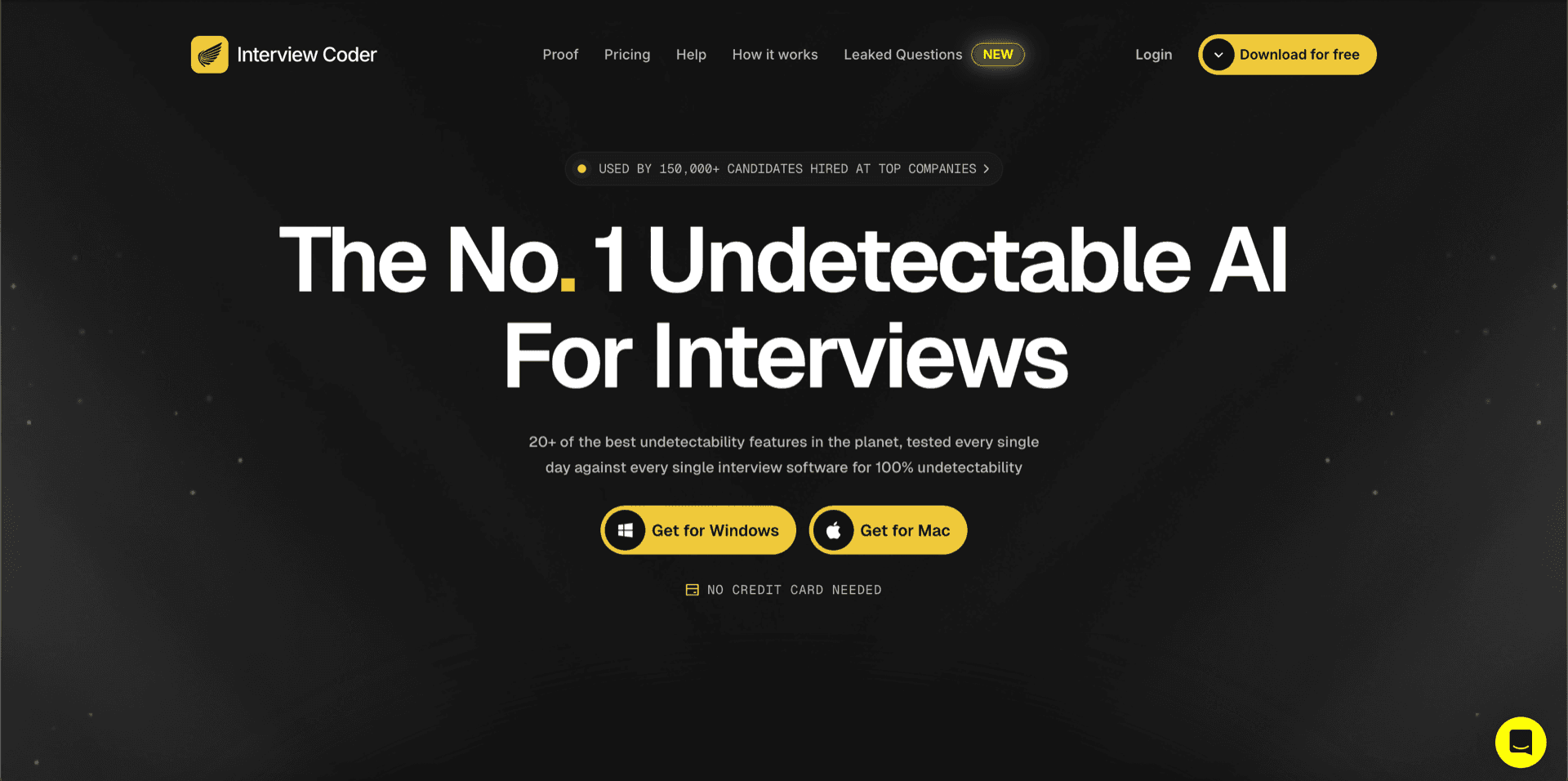
This page is the persuasive case for switching. If you want a balanced, even-handed feature-by-feature comparison instead, jump to /vs/interview-coder.
What pushes engineers off Interview Coder
Four things show up in almost every switch story we hear. None of them are dealbreakers in isolation. Together, they are why the search volume for “Interview Coder alternative” keeps climbing.
$60/month, every month
Interview Coder charges a flat $60/month subscription. Most engineers are interviewing in 3-6 week sprints, and paying a monthly bill through the quiet months between loops adds up fast. PhantomCode sells credit packs that are a genuine one-time purchase — credits never expire, so a pack bought for one sprint is still there for the next one.
Visible in the dock and tray during screen-share
Interview Coder brands itself as undetectable, but the app icon still shows up in the macOS dock and the Windows system tray. The moment a candidate shares their full screen on Zoom or Meet, that icon — and its name — is in plain sight of the interviewer. The window may be hidden, but the brand is not.
English-only — no spoken-language support
If your interviewer speaks Hindi, Mandarin, Tamil, Spanish, Portuguese, Arabic, Japanese, Korean, French, or German, Interview Coder has nothing to give you. It is built around English screenshots, not the conversational reality of a global hiring loop where the candidate, the interviewer, and the rubric all live in different languages.
Screenshot-only — it can't hear the question
Interview Coder only sees what you screenshot. If your interviewer reads the problem aloud, asks a clarifying question, narrates an edge case, or pivots to a follow-up, Interview Coder is silent. Modern coding rounds are conversational, not a static prompt on a page — a screenshot-only tool is a half-tool.
5 reasons engineers switch from Interview Coder to PhantomCode
Interviews are anxious. The format is broken — you're solving novel problems under stranger's eyes, in a window of 45 minutes, with a camera on. The right tool relieves that pressure. The wrong one adds to it.
- 01
Invisibility that actually holds up on a screen-share
PhantomCode is a native macOS and Windows desktop app whose window does not appear in screen recording or screen sharing. We have verified the behavior across Zoom, Google Meet, Microsoft Teams, and the QuickTime and OBS family of recorders — the overlay is on your screen, but it is not in the recording. There is no dock icon and no tray notification announcing that you are running it. That is the difference between marketing the word and shipping the result, and it is the single biggest reason engineers tell us they switched.
- 02
50+ spoken languages — not 1
PhantomCode listens and reasons in 56 primary spoken languages plus 6 bilingual modes — including Arabic, English, Hindi, Mandarin, Tamil, Telugu, Bengali, Spanish, Portuguese, Japanese, Korean, French, German, Vietnamese, Turkish, Polish, Indonesian, and Thai, among many others. If your interviewer code-switches between Hindi and English, or runs the round entirely in Mandarin, or asks a clarifying question in Tamil, PhantomCode keeps up. The model also covers 11 programming languages in writing — Python, JavaScript, TypeScript, Java, C++, C#, Go, Rust, Swift, Kotlin, and Ruby — so the language of the rubric and the language of the code can both be whatever the interview demands. Interview Coder taps out at the spoken-language barrier.
- 03
Real-time voice-aware AI, not screenshot ping-pong
PhantomCode is a voice-aware co-pilot. It hears the question as your interviewer asks it, hears the clarifying details, hears the follow-up — and answers in real time. You are not racing to take a screenshot every time the prompt changes. You are not pasting a fresh image into a tool that only speaks pixels. The conversation is the input, which means the assistant can also catch the half of the interview that never makes it onto the shared editor: the verbal hint, the negative result the interviewer is steering you away from, the follow-up that turns a coding round into a system design discussion.
- 04
An after-interview transcript on every round
Every PhantomCode session generates a complete transcript of the round — the questions, your responses, the model's reasoning trail, and the code you wrote. No competitor in this category ships this, and it is the feature that matters most after the call ends. You can actually review what happened: what you stumbled on, what the interviewer signalled they cared about, the moment you locked into the wrong approach, and exactly what to drill before the next loop. The transcript is yours to keep — search it, share it with a mentor, or use it as the world's most specific study guide. Interview Coder gives you nothing to take with you.
- 05
Pricing that respects how interviews actually work
PhantomCode gives you a choice Interview Coder does not. Credit packs are a genuine one-time purchase and their credits never expire, so you can pay for what you use during the few weeks you are actively interviewing and walk away clean — nothing renews, nothing to remember. Or take the Monthly or Yearly subscription if you would rather not think about topping up, and cancel it in one click from Settings › Billing when you have signed the offer, keeping full access to the end of the period you have already paid for. For most engineers running a focused 4-8 week loop, a credit pack is meaningfully cheaper than Interview Coder over the same window.
What about the things Interview Coder gets right?
Worth saying plainly. Their screenshot UX is fast — keyboard shortcut, paste, answer — and that loop is genuinely tight when the question is on screen and static. The yellow-and-black aesthetic is recognizable, and the brand awareness on US tech Twitter is real. If your entire interview format is “here is a LeetCode link, share your screen, type a solution” and you only ever interview in English, Interview Coder will get the job done. We just think most interview formats in 2026 — voice-driven, multilingual, conversational, with follow-ups — have moved past what a screenshot-only tool can carry.
How to switch in 5 minutes
You don't have to commit. Run them side by side on a mock and decide for yourself.
1.Download PhantomCode for Mac or Windows
Native desktop installer, no browser extension, no account-creation friction. Two minutes from click to running.
2.Open it during your next mock or self-recorded round
Hit record on QuickTime or OBS, share your screen on a fake Zoom, and confirm the PhantomCode window doesn't show up in the recording. Do the same test with Interview Coder for fairness.
3.Speak the question out loud — or have a friend ask it
PhantomCode picks it up live. Pick your spoken language in the settings if it isn't English.
4.End the round and read the transcript
You'll have a full record of the conversation, the reasoning, and the code. Compare it to what Interview Coder hands you (which is nothing).
5.Switch — or don't
If the side-by-side doesn't sell you, keep what you have. We're confident enough in the comparison to recommend you actually run it.
Want a balanced side-by-side instead? See the full PhantomCode vs Interview Coder comparison →
Frequently Asked Questions
- Is PhantomCode better than Interview Coder?
- Interview Coder's screenshot loop is genuinely fast when the question is static and on screen, and its brand recognition on US tech Twitter is real. But it shows a dock and tray icon during screen shares, only speaks English, and can't hear the interviewer. PhantomCode is voice-aware, invisible in recordings with no dock icon, and leaves a transcript on every round.
- How much does PhantomCode cost compared to Interview Coder?
- Interview Coder charges a flat $60/month. PhantomCode's plans start from $19 / ₹1,599 for a Starter credit pack whose credits never expire, with Monthly at $49 / ₹4,299 and Yearly at $199 / ₹19,999 — so you can buy a pack for a focused sprint instead of a subscription, and any subscription you do take can be cancelled in one click with your paid period intact.
- Can I use Interview Coder and PhantomCode together?
- Not usefully — both occupy the live-assistant slot during the same round. The better move, and the one this page recommends, is a side-by-side test: record a mock with QuickTime or OBS, confirm which window stays out of the recording, speak a question aloud and see which tool answers, then keep the one that held up.
- How hard is switching from Interview Coder to PhantomCode?
- About five minutes, with no commitment. Download the native Mac or Windows installer, open it during your next mock or self-recorded round, and pick your spoken language if it isn't English. End the round and read the full transcript of the conversation, reasoning, and code — then compare it to what Interview Coder hands you afterwards, which is nothing.
- Does PhantomCode need screenshots like Interview Coder does?
- No — the conversation is the input. PhantomCode hears the question as the interviewer asks it, along with clarifying details, verbal hints, and follow-ups that never make it onto the shared editor, and answers in real time. Interview Coder only sees what you screenshot, so anything spoken — including the pivot into system design — passes it by.
Ready to Ace Your Next Interview?
Download now — invisible, undetectable, and works on every platform. Plans start at $19.