
Real-time coaching is now common in AI mock interview tools, but offline use is still rare. None of the platforms in this shortlist publish an offline mode, bandwidth target, or local processing promise. Here are the five options worth checking, with Phantom Code AI first for engineers who need live help across coding, system design, and behavioral practice.
Table of Contents
- Phantom Code AI
- ParakeetAI, Free access for lightweight practice trials
- Linkjob AI Interview Assistant, Real-time feedback to test under constrained connections
- LockedIn AI™, Free-tier testing for interview feedback workflows
- Interview Sidekick, Free access for comparing basic practice needs
- Comparison table: Which mock interview features matter most on limited bandwidth?
- FAQ
- Conclusion
1. Phantom Code AI
Phantom Code AI is a desktop assistant that listens to an interview, transcribes speech, spots the problem type, and gives live guidance. It fits software engineers who want one tool for DSA questions, system design tradeoffs, and behavioral answers.
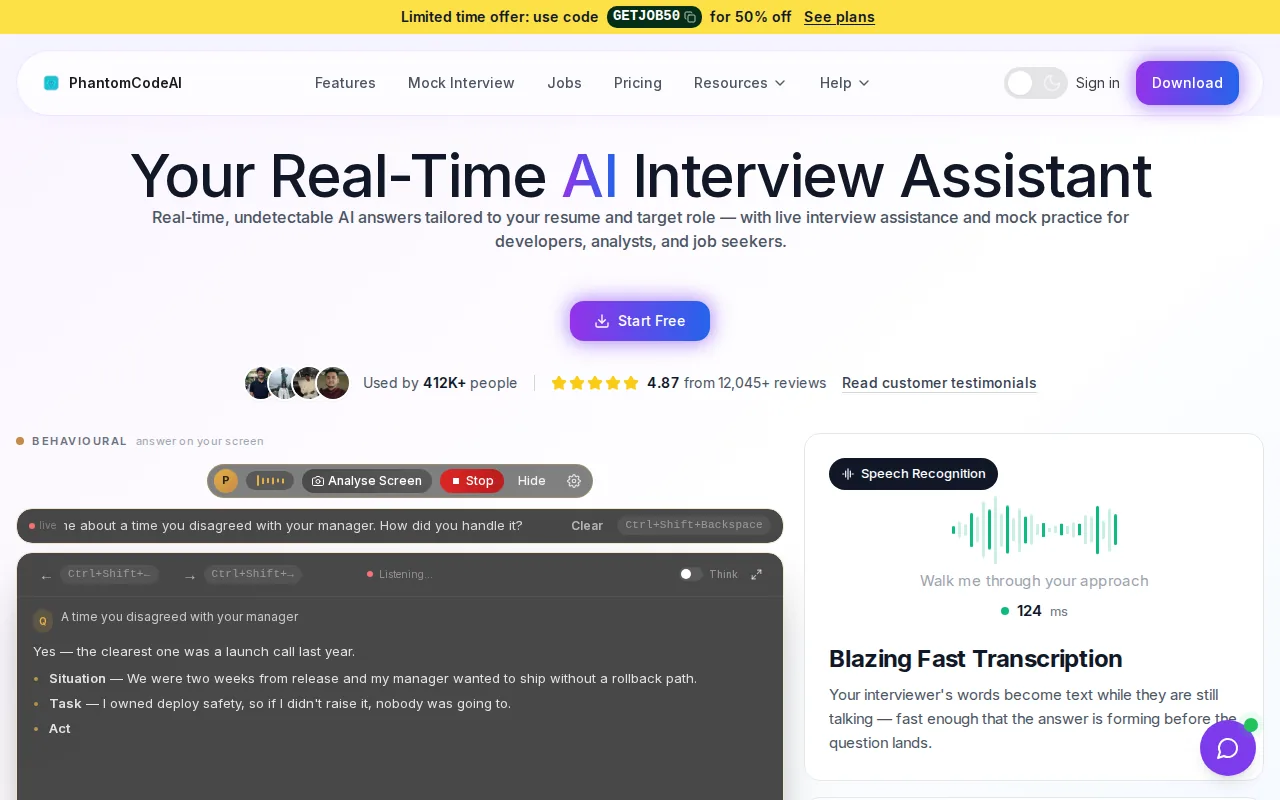
For low-bandwidth practice, its main strength is the feedback loop itself. You can use live guidance while you explain a graph traversal, reason about a cache, or shape a STAR answer. The product context also covers mock and live technical interviews, so you can rehearse in a setting that feels closer to the actual round.
Phantom Code AI offers free signup credits to try the assistant. That trial does not establish how it will perform on a slow connection. That matters if your connection drops often. A live assistant still depends on a working network path, so test it on the same connection you plan to use during practice.
The product is a good fit when you want fast help without switching between separate tools. Its AI for Job Interviews with live answers in 50+ languages is also relevant for candidates who practice in more than one spoken language. For a focused DSA session, pair it with a study plan such as Graph Algorithms for Coding Interviews: BFS, DFS, Dijkstra & More.
2. ParakeetAI, Free access for lightweight practice trials
ParakeetAI is a useful option for candidates who want to test live feedback before paying. Its product information lists real-time feedback and a free tier, which makes it easier to run a short trial on a weak or shared connection.
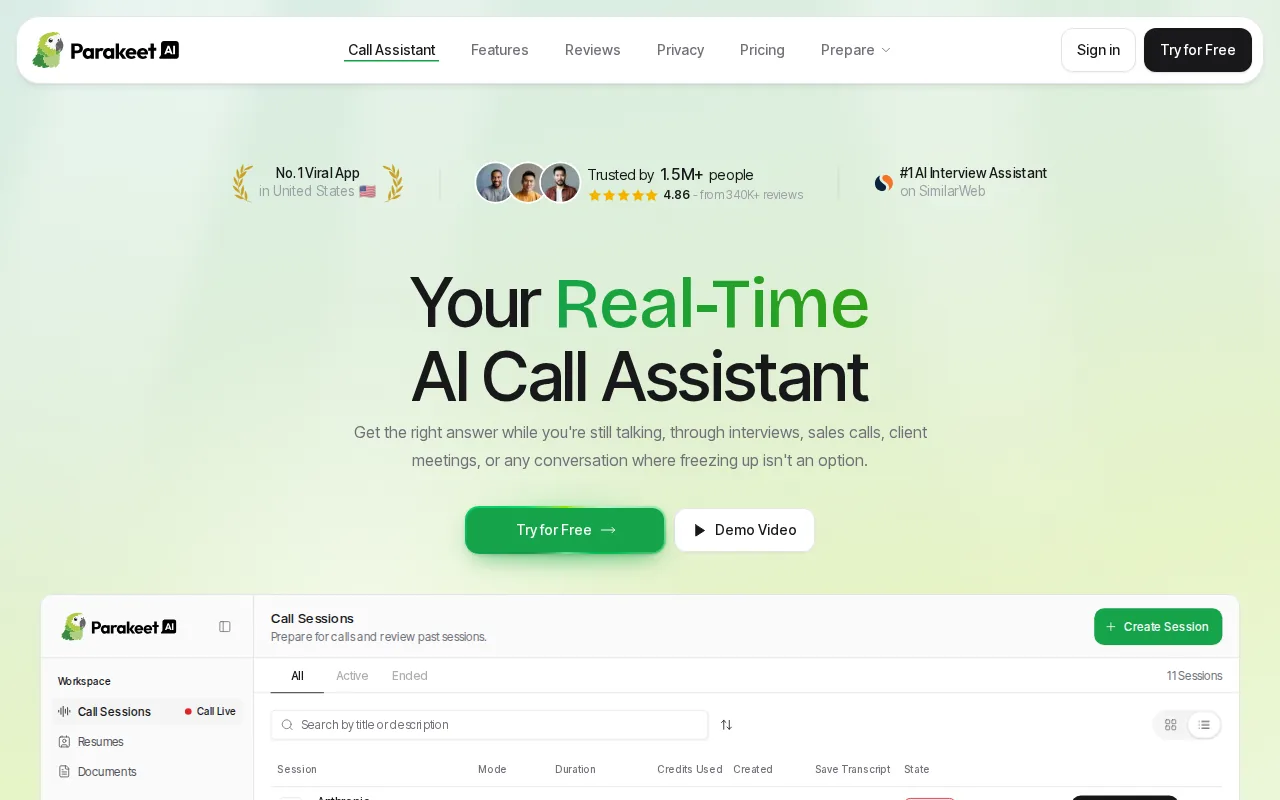
That free access is the main reason it belongs on a low-bandwidth shortlist. You can check whether speech capture keeps up while you explain a two-pointer solution. You can also see how much delay appears when you ask a follow-up question or switch from code reasoning to system design.
Still, free access does not mean offline access. ParakeetAI does not publish an offline mode, a minimum connection speed, or a local processing claim in the available product details. If your network is unstable, use a short test with the camera off and fewer open apps. That will not fix a weak connection, but it can help you isolate the source of lag.
Use ParakeetAI as a trial choice rather than assuming it solves the low-bandwidth problem. Candidates who want a closer look at its feature set can compare the tradeoffs in this Parakeet AI review and feature checklist. Keep your test simple: one prompt, one answer, and one feedback pass.
Its free tier lowers the cost of testing. The missing network details remain the main caveat.
3. Linkjob AI Interview Assistant, Real-time feedback to test under constrained connections
Linkjob AI Interview Assistant focuses on real-time feedback, so it is worth testing when you want to measure delay under a constrained connection. It may suit engineers who want to see how quickly an assistant reacts during coding talk or a system design explanation.
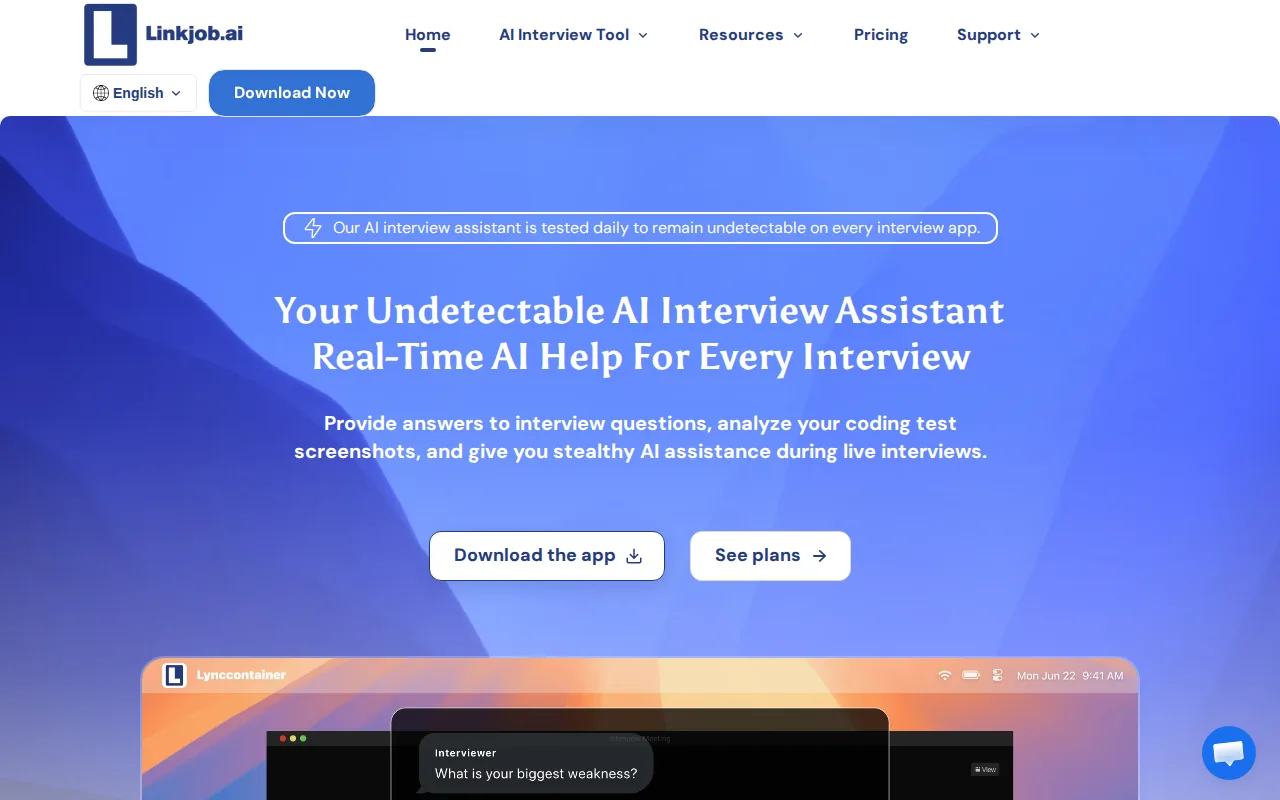
The key test is not whether the tool says “real time.” Ask how it behaves when your upload speed changes. Read a short prompt aloud, pause for a follow-up, then explain why you chose a queue over a stack. Watch for gaps in the transcript and delayed guidance.
Linkjob AI lists real-time feedback. The available product details also mention a 20-minute free trial. That gives you a defined window for a connection test, though it is too short for a full preparation plan. Use the first few minutes for speech capture, then spend the rest on one coding problem.
AI-assisted interviews also test your judgment. A prompt may suggest a poor pattern, or generated code may miss a concurrency issue. The useful practice is to explain what you would change and why. Candidates still need to steer the tool and show their own reasoning. Treat feedback as a prompt for review, not as proof that an answer is correct.
Linkjob AI is best for a short, measured trial. If the connection fails during that trial, the problem is not solved by real-time feedback alone.
4. LockedIn AI™, Free-tier testing for interview feedback workflows
LockedIn AI™ combines real-time feedback with a free tier, making it another low-cost way to test an interview workflow. It may fit candidates who want to compare live coaching before choosing a paid tool.
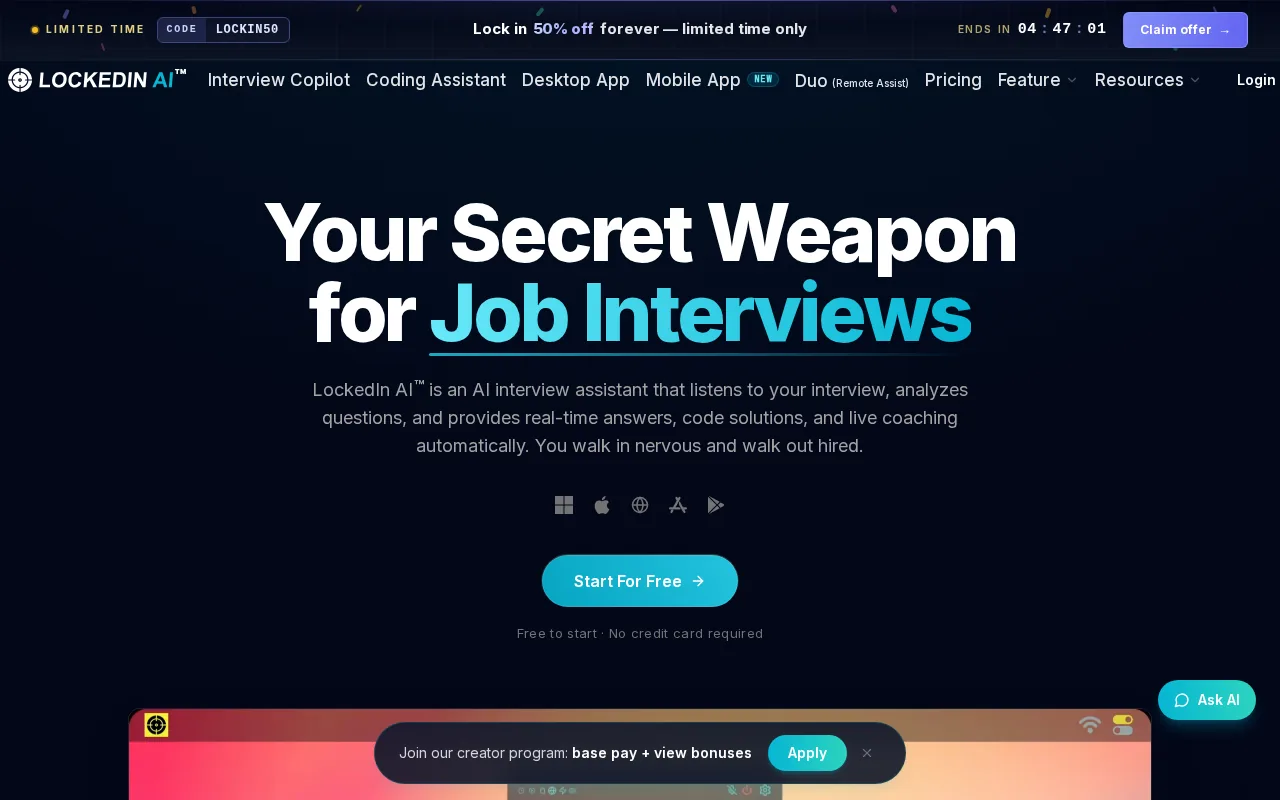
Start with a small practice round. Ask yourself to design a URL shortener, then explain the data model and the read path. A live tool should give feedback while you speak, but the useful measure is whether that feedback arrives soon enough to shape your next answer.
LockedIn AI™ does not list an offline mode, a bandwidth requirement, or local processing in the available details. Its free tier helps with access, not resilience. If you practice from a rural area, a crowded home network, or a shared mobile hotspot, record the time and type of each failure. A simple log is more useful than a vague feeling that the tool was slow.
Free access can also hide a workflow problem. A short trial may not show what happens after several rounds, when you review notes or repeat the same topic. Test one coding session and one behavioral answer. For broader software-engineer tool comparisons, the software engineer interview assistant comparison gives you another way to frame those tests.
Pick LockedIn AI™ when free access is your first filter. Do not treat that filter as evidence of offline support.
5. Interview Sidekick, Free access for comparing basic practice needs
Interview Sidekick is a free-tier option for basic mock interview practice. It belongs on this list because free access lets engineers compare the feel of an assistant before they commit to a paid workflow.
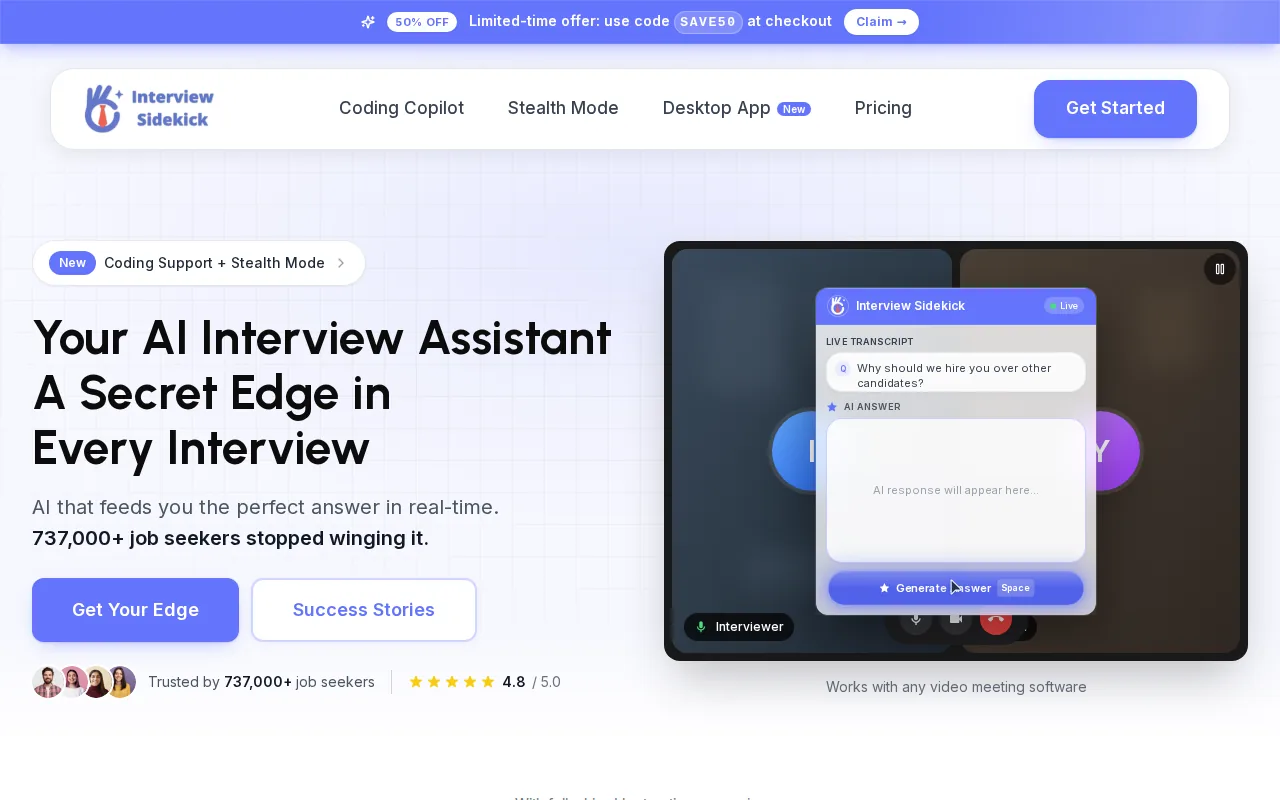
Use it for a narrow test. Pick one behavioral question, such as a time you handled a production incident. Then try one short technical explanation. This shows whether the tool fits both spoken answers and engineering detail without making you spend a full session on setup.
The available product details list a free tier, but they do not list offline use, local processing, or a bandwidth target. That leaves an important gap for people working with poor connectivity. If the tool depends on a live connection, even a good free workflow may stop when audio drops or transcription falls behind.
Interview Sidekick works best as a comparison point for basic needs. Check whether the free plan gives enough time for repeated practice, and note if the feedback arrives in a form you can act on. A score is less useful than a clear note such as “state the constraint before naming the data structure.”
For a candidate who needs live coaching, Phantom Code AI offers a way to test the workflow with free signup credits. Compare the current trial limits before choosing a tool.
Comparison table: Which mock interview features matter most on limited bandwidth?
The top mock interview features for low-bandwidth environments are less about flashy feedback and more about failure control. Real-time feedback appears across the named tools, but none of the available product details list offline mode, a bandwidth requirement, or local processing. A practical way to compare formats and connection demands is to review coding interview formats such as live IDE, whiteboard, CoderPad, and take-home interviews and use this feature checklist for a low-latency live interview assistant to assess transcription, coaching, privacy, and response speed.
| Tool | Live feedback | Free access listed | Offline or local mode listed | Best test |
|---|---|---|---|---|
| Phantom Code AI | Yes | Free signup credits | — | Full coding, system design, or behavioral round |
| ParakeetAI | Yes | Yes | — | Short trial on the target connection |
| Linkjob AI Interview Assistant | Yes | 20-minute trial listed | — | Measure delay during spoken coding |
| LockedIn AI™ | Yes | Yes | — | Compare feedback timing across two topics |
| Interview Sidekick | — | Yes | — | Check free practice depth and review notes |
Bandwidth is the amount of data a connection can carry over time, while latency is the delay before data moves between points. Those are different problems. A high-bandwidth link can still feel slow when latency spikes.
Before choosing, run the same test on each tool. Speak for two minutes, pause for a question, and explain one design tradeoff. Then check whether the transcript stays complete and whether feedback arrives soon enough to help your next sentence.
FAQ
What are the best mock interview features for low-bandwidth environments?
The best features are quick feedback, clear transcription, graceful handling of dropped audio, and a way to keep prompts or notes local. The tools above list real-time feedback, but none list an offline mode or local processing. Test delay and transcript gaps on your actual connection before you trust any assistant.
Do any mock interview tools work offline?
No offline mode is listed for the tools compared here. That means engineers in low-bandwidth environments should treat every live assistant as connection-dependent unless the vendor states otherwise. Keep a local question set ready, then use the online tool for feedback when the connection is stable.
Is real-time feedback useful with a slow connection?
Real-time feedback can still help with a slow connection, but delay may reduce its value. A late hint can interrupt your reasoning or arrive after you have moved on. Test a short coding explanation first. If the transcript drops words or feedback arrives late, use the tool for review instead of live coaching.
Which free mock interview tool should I test first?
Start with ParakeetAI, LockedIn AI™, or Interview Sidekick if free access is your main filter. Linkjob AI also lists a 20-minute free trial. Phantom Code AI also offers free signup credits for testing technical and behavioral rounds.
How can software engineers practice when their internet keeps dropping?
Keep prompts, code editors, and a score sheet available offline, then use a live assistant only during stable windows. Practice your explanation without help first. Afterward, reconnect for feedback on one issue, such as a missed edge case or weak system design tradeoff.
Conclusion
Choose Phantom Code AI first if you need live support across coding, system design, and behavioral practice. Before a long session, run one timed mock on the same network you will use later, then keep your prompts and notes local as a backup. That test will tell you more about low-bandwidth fit than a feature list alone.