Feature Checklist for a Low-Latency Interview Assistant
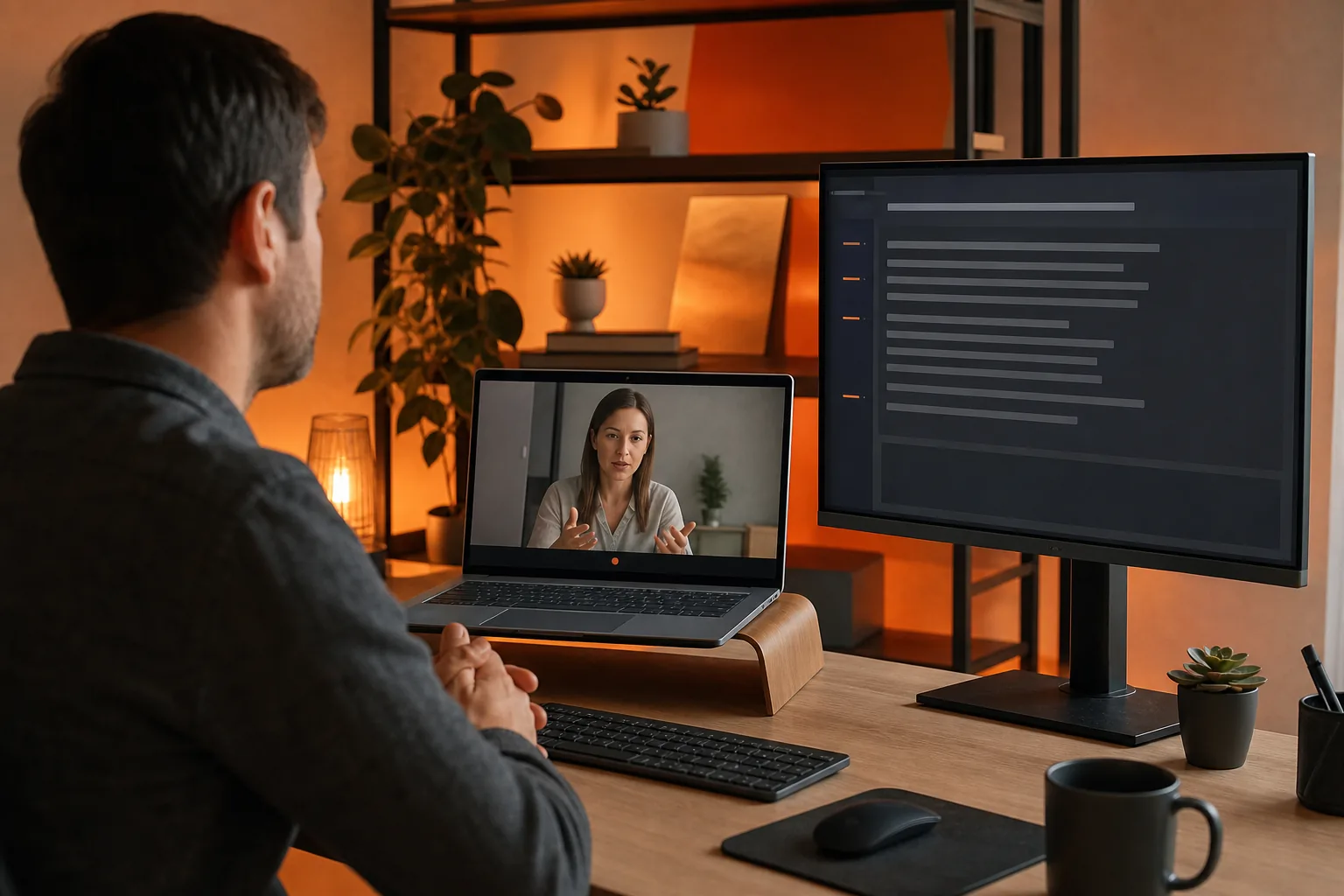
Use this feature checklist for a low-latency live interview assistant to assess speed, transcription, coaching, privacy, integrations, and reports.
TL;DR
- Measure the whole path from spoken question to visible guidance, including audio capture and transcription.
- Test coaching separately for coding, system design, and behavioral rounds, using your actual call setup.
- Review customization, data retention, deletion controls, and session reports before relying on an assistant.
A live interview assistant can help in the split second after a question lands, but only if it hears the question fast enough and gives useful guidance without getting in your way. This feature checklist for a low-latency live interview assistant covers response speed, transcription, video calls, coaching, privacy, and post-interview reports.
For software engineers, Phantom Code AI is the clearest fit when the session may include coding, system design, or behavioral questions. The goal isn't a flashy overlay. It's a tool that stays quiet, catches the right context, and gives you something you can use.
Table of Contents
- Real-Time Response and Latency Checklist
- Live Transcription and Video-Conference Integration Checklist
- Interview Coaching for Coding, System Design, and Behavioral Rounds
- Customization, Accuracy, and Candidate-Control Features
- Privacy, Session Reports, and Deployment Requirements
- FAQ
- Conclusion
Real-Time Response and Latency Checklist
Low latency is the first test for any live interview assistant. If a prompt arrives after you've already started answering, the advice has little value.
Ask how the tool measures the full path from spoken question to visible guidance. A model may respond quickly after it receives text, yet the audio capture or transcription stage can add delay. Look for a clear explanation of the whole flow rather than a vague claim about fast AI.
Phantom Code AI is built around an invisible desktop assistant that listens, transcribes, recognizes problem types, and gives guidance during the session. Its real-time interview copilot is designed for live use instead of feedback that arrives after the call.
| Feature to check | How to test it | Pass signal | Risk if missing |
|---|---|---|---|
| Speech-to-text delay | Ask a short question with a technical term. | The transcript starts while the speaker is still talking. | The answer prompt arrives too late. |
| Answer display speed | Use a follow-up question with little pause. | Useful guidance appears before you need to speak. | You must wait or guess. |
| Question recognition | Mix a question with filler speech. | The assistant focuses on the actual question. | Prompts become noisy or off topic. |
| Technical vocabulary | Say terms such as BFS, Dijkstra, API gateway, or O(n log n). | The transcript keeps the key terms intact. | The model solves the wrong problem. |
| Manual input | Type a question instead of speaking it. | You can guide the assistant when audio is unclear. | One missed phrase breaks the flow. |
| Screen-share behavior | Share the interview window while the assistant runs. | The guidance stays out of the shared view. | The setup creates a visual distraction. |
Published comparisons often show a transparency gap. LockedIn AI was described as lagging during transcription, while Sensei AI was described as occasionally slower than desired. Those notes are useful warnings, but they aren't a substitute for a repeatable test.
Run the same five prompts through a trial session. Test a short behavioral question, a coding problem, a system design prompt, a follow-up, and a question with an unfamiliar term. Record whether the tool responds before your answer window closes.
Live Transcription and Video-Conference Integration Checklist
A low-latency live interview assistant needs clean audio from the call and a transcript you can trust. It also needs to let you watch the interviewer, read reactions, and keep your own screen under control.
Check how the assistant captures sound. Some tools rely on a browser tab or overlay. Others use a desktop path that can work across the call window. Phantom Code AI lists support for Mac, Windows, Zoom, and Google Meet, which fits engineers who move between different interview setups.
The AI interview assistant that hears, helps, and disappears should be judged by the same workflow you will use on the call. Start a test meeting. Ask someone to speak at a normal pace. Then add a quick follow-up before the first answer finishes.
Watch for four signs during the test:
- The transcript follows the speaker without long gaps.
- Technical words remain readable after transcription.
- The assistant doesn't force you to switch away from the interview view.
- Screen sharing doesn't reveal the guidance panel.
Integration claims need detail. Ask if the tool captures system audio, microphone audio, or both. Find out whether it needs a browser extension, a separate tab, or a desktop app. A setup that works in a mock call may fail when the interview platform changes its permissions.
One review found that some assistants made users switch between the interview screen and the assistant window. That can hurt eye contact and make it harder to read a reaction. A desktop workflow can reduce that friction, but you still need to test permissions before the real session.
Audio-only calls need a separate check. A tool that works well for a phone screen may not be suited to a camera interview. Sensei AI was noted for audio-only use, while other assistants focus on browser overlays or coding sessions. Match the capture method to the interview format.
For coding rounds, the transcript should preserve the shape of the problem. “Find the shortest path with weighted edges” is very different from “find connected components.” If the assistant drops the key constraint, fast output still leads you in the wrong direction.
Interview Coaching for Coding, System Design, and Behavioral Rounds
Interview coaching is useful when it helps you think in the right order. A good feature checklist for a low-latency live interview assistant should test coaching by round, not treat every question as a generic chat prompt.
For coding, look for problem-type recognition. The assistant should help you identify patterns such as a sliding window, graph search, dynamic programming, or binary search. It should also remind you to state the approach before writing code. An AI coding interview assistant for technical rounds is aimed at this kind of technical round. The AI coding interview assistant for technical rounds is aimed at this kind of technical round.
Test it with a graph question that has a hidden constraint. For example, ask how to find the shortest route when every edge has the same weight. Then change the prompt so edge weights differ. The coaching should shift from breadth-first search toward a weighted shortest-path approach. If it gives the same hint both times, its problem recognition is weak.
System design needs a different response style. The assistant should help you clarify traffic, storage, failure modes, and tradeoffs. It shouldn't dump a full architecture before you define the problem. Check whether you can ask for a hint about one part, such as cache invalidation, without getting an unrelated essay.
Behavioral rounds need structure and evidence. A useful coach can prompt you toward a clear situation, task, action, and result. It should also help you tie an example to the role instead of producing a polished answer that doesn't sound like you.
- Coding: test pattern recognition, constraints, complexity, and code hints.
- System design: test clarification prompts and tradeoff questions.
- Behavioral: test STAR structure and follow-up prompts.
Customization matters here. Let the assistant use your resume and job description as context, but check whether it keeps those facts separate from guesses. A wrong claim about a project can make an answer sound smooth while making you look careless.
Use the AI interview assistant by interview type to compare the needs of coding, system design, SQL, and other rounds before you test a tool. The right coach should change its prompts when the round changes.
Customization, Accuracy, and Candidate-Control Features
Customization should make the assistant more accurate, not give you a long settings page to manage during a call. The strongest setup happens before the interview.
Start with the job description. Add the role, company context, interview type, and the parts of your resume you want the assistant to use. Then set the answer style. A behavioral round may need concise STAR prompts, while a system design round may need questions that expose tradeoffs.
Useful controls include:
- Industry or role focus.
- Response length and tone.
- Persona, such as a supportive coach or strict interviewer.
- Manual mode for typed questions.
- Auto-scroll controls for long answers.
- Language and localization settings.
- A way to pause, hide, or resize guidance.
Manual mode deserves special attention. Auto-detection is helpful when the call is clear, but it may treat a comment as a question. Manual input gives you control when the interviewer speaks over a colleague or the audio breaks up.
Accuracy also means staying within the facts you provide. If you upload a resume, check whether the assistant can distinguish your work from the job description. Ask it to draft an answer about a project you actually did. Then ask a question about a tool that appears only in the job description. The output should not claim that you used it.
Candidate control includes the ability to reject a suggestion. A live assistant should support your answer, not force you to read a script. You need enough time to think, explain your choice, and ask the interviewer a question.
For preparation, the coding interview patterns and live copilot resource can help you separate study work from live guidance. That distinction matters because a tool can support a practice round without replacing your own grasp of the topic.
Be careful with claims about advanced reasoning or deep-think modes. Treat them as test features. Compare a normal response with a deeper mode on the same system design prompt, then check whether the extra detail arrives soon enough to help.
Privacy, Session Reports, and Deployment Requirements
Privacy belongs on the feature checklist from the first test. A live assistant may process interview audio, transcript text, resume details, and job information in one session.
Before use, find out what the tool records, where data is processed, how long it stays available, and how you delete it. Also check whether the session can run without saving a transcript. If you use an employer device, review its software rules before installing a desktop assistant.
Phantom Code AI describes a post-interview transcript for each round. That can help you review missed details, repeated phrases, and weak explanations after the call. The real-time AI interview assistant page is also a useful place to check the product's stated approach to streaming transcription and live support.
A report should give you something to act on. Look for:
- The questions asked during the session.
- The transcript with enough timing context to review your answer.
- Topics where you hesitated or gave an incomplete response.
- Suggestions for another practice round.
Don't assume a transcript is a score. A report can show what happened, but it may not judge your answer fairly without role context. Use it beside your own notes. Mark where you failed to state complexity, skipped a tradeoff, or gave an example without a result.
Deployment checks are less exciting, but they prevent last-minute failure. Test microphone permissions, system audio, network stability, battery life, and screen sharing. Run the same setup on the computer you will use for the interview. A tool that works on one machine may behave differently after an operating system update.
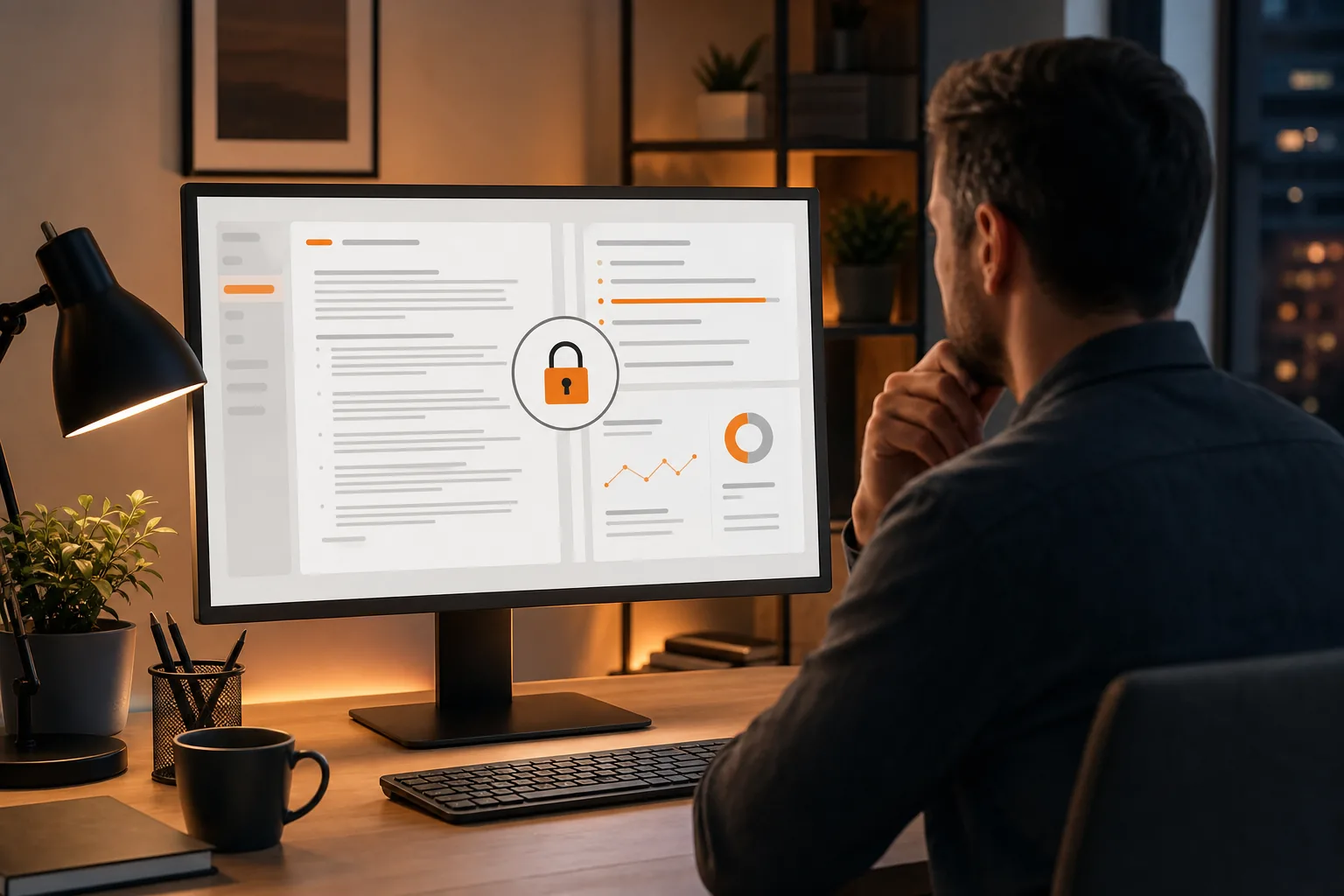
Teams should add access controls to the checklist. If several people share an account, ask who can view transcripts and session history. For personal use, a simple delete control may be enough. For a training program, you may need separate workspaces and clear retention rules.
Finally, check the rules of the interview itself. Some companies may prohibit outside assistance during an assessment. Use live support only when the interview terms allow it. For many engineers, the safest use is a mock interview or a permitted coaching session.
Continue this preparation with developer mock-platform features, then use mock practice on limited bandwidth to extend your practice.
FAQ
What is the most important feature in a low-latency interview assistant?
The most important feature is fast, accurate question capture followed by usable guidance. A tool can claim real-time support, but the full path matters. Test the audio capture, transcript delay, question recognition, and answer display together. If the prompt arrives after you have answered, a fast model does not solve the real problem.
How fast should a live interview assistant respond?
A live interview assistant should respond before you need to start your answer, but a single target number can't fit every call. Delay depends on speech, network quality, question length, and model work. Test short prompts and follow-ups under the same conditions as your interview. Prefer vendors that explain how they measure end-to-end response time.
Can an AI interview assistant help with coding and system design?
Yes, an AI interview assistant can support coding and system design when it recognizes the round and its constraints. Coding needs pattern hints, complexity checks, and code guidance. System design needs clarification prompts and tradeoff questions. Test both types because a tool that handles coding may give shallow help on architecture.
What should I check for live transcription?
Check whether live transcription keeps technical terms intact and follows the speaker without long gaps. Say terms such as BFS, API gateway, or Dijkstra during a test. Also confirm whether the tool captures system audio from your meeting app. A transcript that changes the key constraint can lead the assistant toward the wrong answer.
Are invisible interview assistants private?
An invisible interface does not automatically make an interview assistant private. Check whether audio, transcripts, resumes, and reports are stored or sent for processing. Review deletion controls and account access. You should also confirm that using outside assistance is allowed in the interview. For mock sessions, record only what you need for review.
What should a post-interview report include?
A useful post-interview report should include the transcript, the questions asked, and clear points to review. It may also show where you lost structure or missed a technical detail. Treat the report as a study aid rather than a final score. Compare it with your own notes and turn each weak point into a focused practice question.
Conclusion
Choose an assistant that proves its speed in your own call setup, keeps technical words intact, and gives you control over the guidance. Phantom Code AI is a sensible first test for engineers preparing across coding, system design, and behavioral rounds. Run five sample questions before your next interview, then review the transcript and report for gaps you can fix.