Best AI Interview Copilot Tools for 2026

Compare AI interview copilot tools for coding, system design, and behavioral rounds. See how each handles live help, practice, privacy, and cost.
An AI interview copilot can turn a spoken question into a prompt or answer while you think. But tools differ in what they support: some focus on live coding, while others also help with practice or broader interview rounds. Here are nine named options, starting with Phantom Code AI, and the details engineers should check before choosing.
We analyzed 34 YouTube comments about AI interview copilot and found that 29% mentioned setup difficulties.
Table of Contents
- Phantom Code AI
- ExtraBrain: a free, local-first desktop copilot
- Final Round AI: support across the interview process
- LockedIn AI: real-time help with editor and career tools
- Linkjob AI: live screenshot analysis for interview context
- Beyz AI: communication support and interview cheat sheets
- ParakeetAI: real-time assistance for conversations
- Interview Sidekick: live answers plus mock interviews
- ULTRACODE AI: step-by-step explanations across coding and verbal questions
- FAQ
- Conclusion
1. Phantom Code AI
Phantom Code AI is a desktop assistant for technical interviews. It listens, transcribes, recognizes problem types, and gives real-time guidance during mock or live interviews. It runs on macOS and Windows.
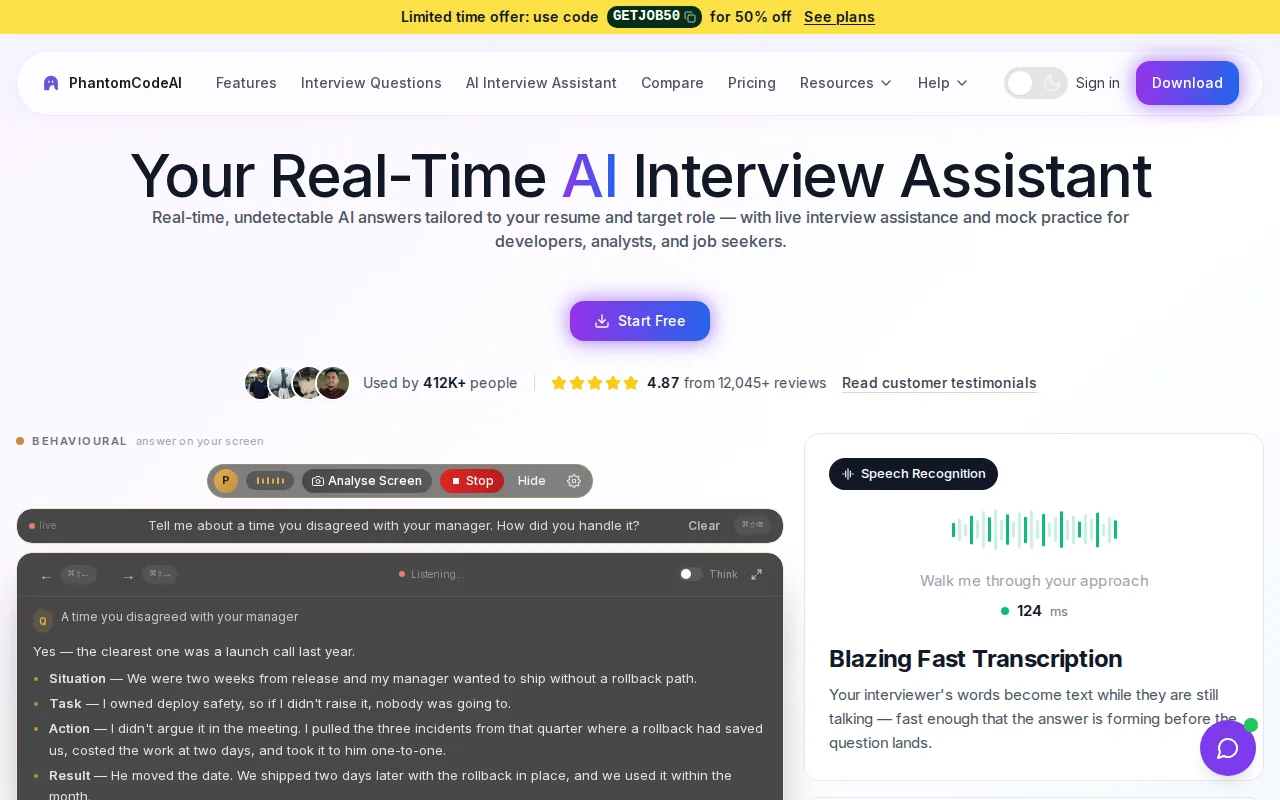
For a coding round, that means you can focus on the interviewer’s prompt instead of switching away to type it into a separate chat. It’s aimed at software engineers preparing for DSA, system design, and behavioral interviews. The product information says new accounts get free credits at signup, with no card required. Paid plans start at $19.
If your rounds include both coding and behavioral questions, check the real-time interview copilot details to see how its live workflow fits. A desktop assistant and an IDE plug-in are different approaches. The broader market has few stated IDE integrations, so test the exact setup you’ll use before interview day.
2. ExtraBrain: a free, local-first desktop copilot
ExtraBrain is a free, local-first desktop AI interview and meeting copilot for Mac and Windows. Its setup lets you choose local transcription and on-device AI, or connect a provider such as OpenAI or Anthropic.
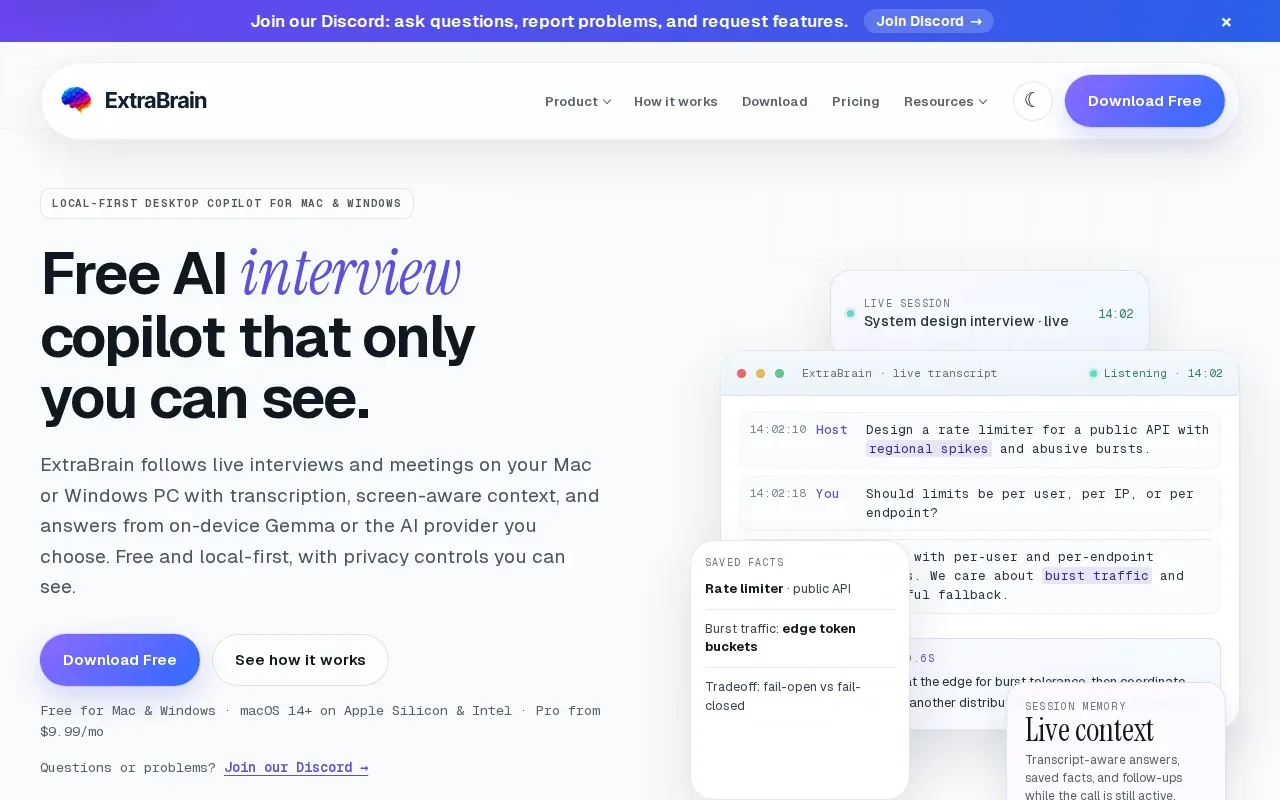
That choice matters when you’re handling interview audio or screen context. With local Gemma AI and local Parakeet transcription, content can stay on your computer; if you choose an external provider, selected content may leave the device. ExtraBrain describes itself as a desktop app, not a meeting bot that joins the call.
It’s suited to engineers who want control over the model and transcription path. The product also supports coding, system design, and behavioral prompts, and can help organize follow-up points after a session. Before a real call, install the app and rehearse once with the microphone and provider settings you plan to use.
3. Final Round AI: support across the interview process
Final Round AI positions itself as an interview assistant for preparation, live interviews, and review. Its Interview Copilot provides real-time answers during live interviews, and the product supports macOS and Windows.
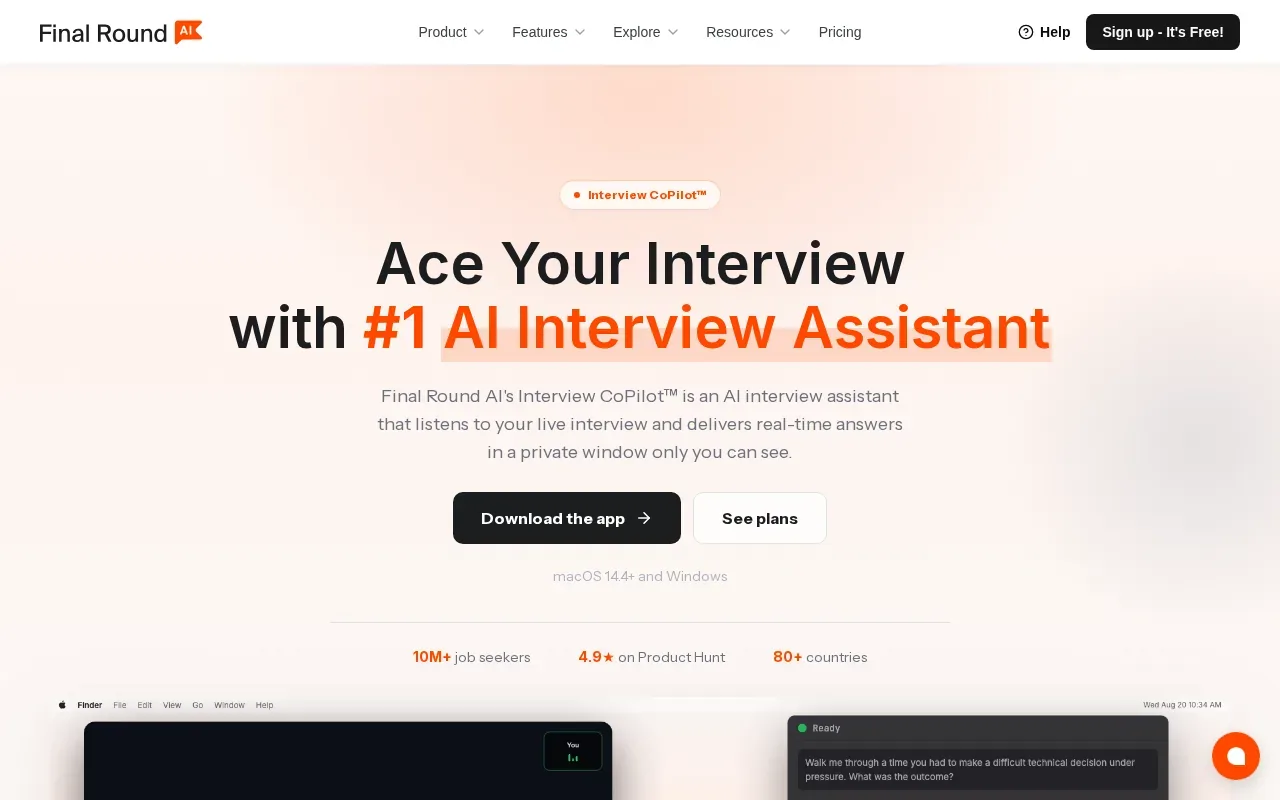
This broad scope may suit candidates moving through several rounds, especially when behavioral and technical interviews are both on the calendar. Final Round AI covers the full interview process with mock interviews and live support.
Phantom Code AI’s comparison page lists Final Round AI at $148 per month. Treat that as a point-in-time comparison, then verify the current plan before paying. If you’re comparing tools, weigh the full prep-and-review workflow against what you need during a live technical round.
4. LockedIn AI: real-time help with editor and career tools
LockedIn AI focuses on real-time answers, coding support, editor integrations, remote assistance, reports, and other career tools. It’s described as free to start.
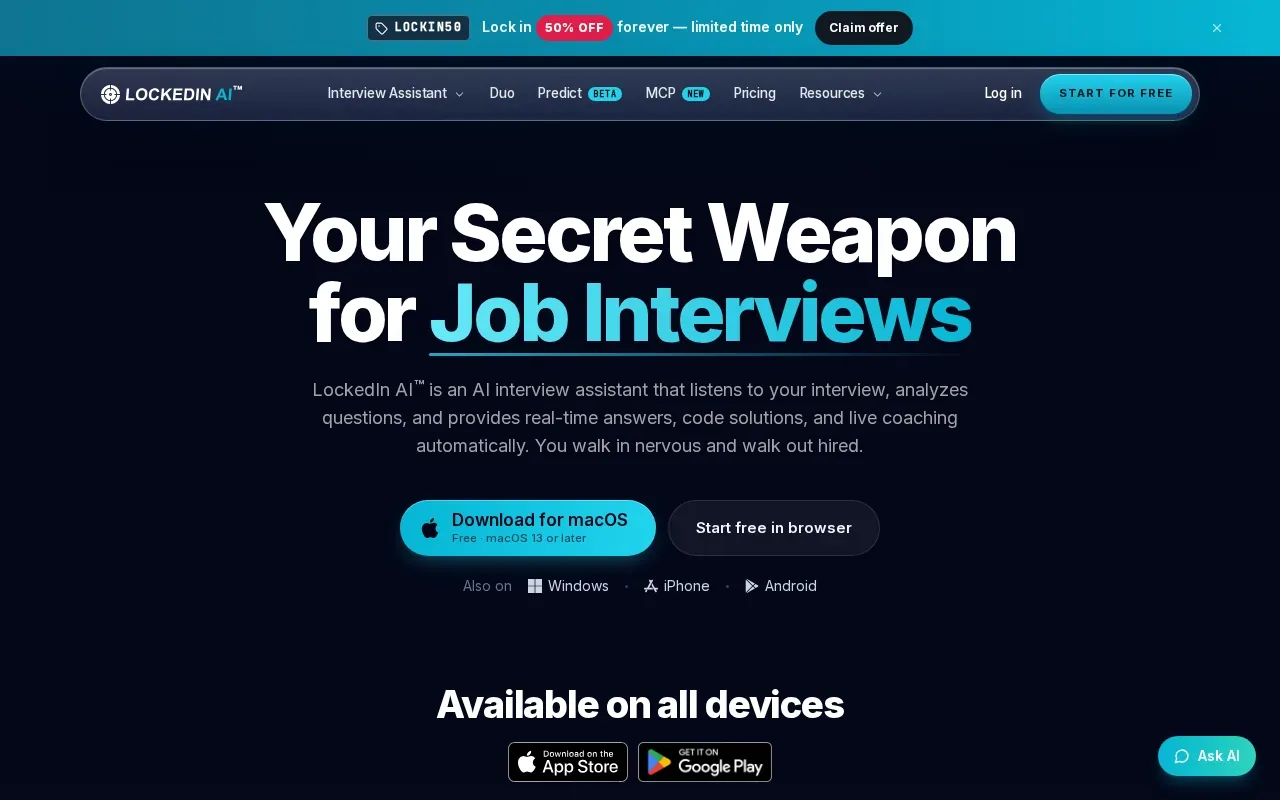
Its coding support is a fit to examine if your main concern is working through a technical prompt. The iOS listing also describes mock interviews with feedback, resume-aware answers, coding solutions with syntax highlighting, and session history. That gives candidates a way to practice aloud and then review a past session.
LockedIn AI is a wider career-tool bundle rather than a coding-only description. Check the current app and plan details for the specific platform you’ll use, then test how its editor workflow fits your interview environment.
5. Linkjob AI: live screenshot analysis for interview context
Linkjob AI is a real-time interview assistant with live answers, screenshot analysis, and coding interview support. It has a free tier.
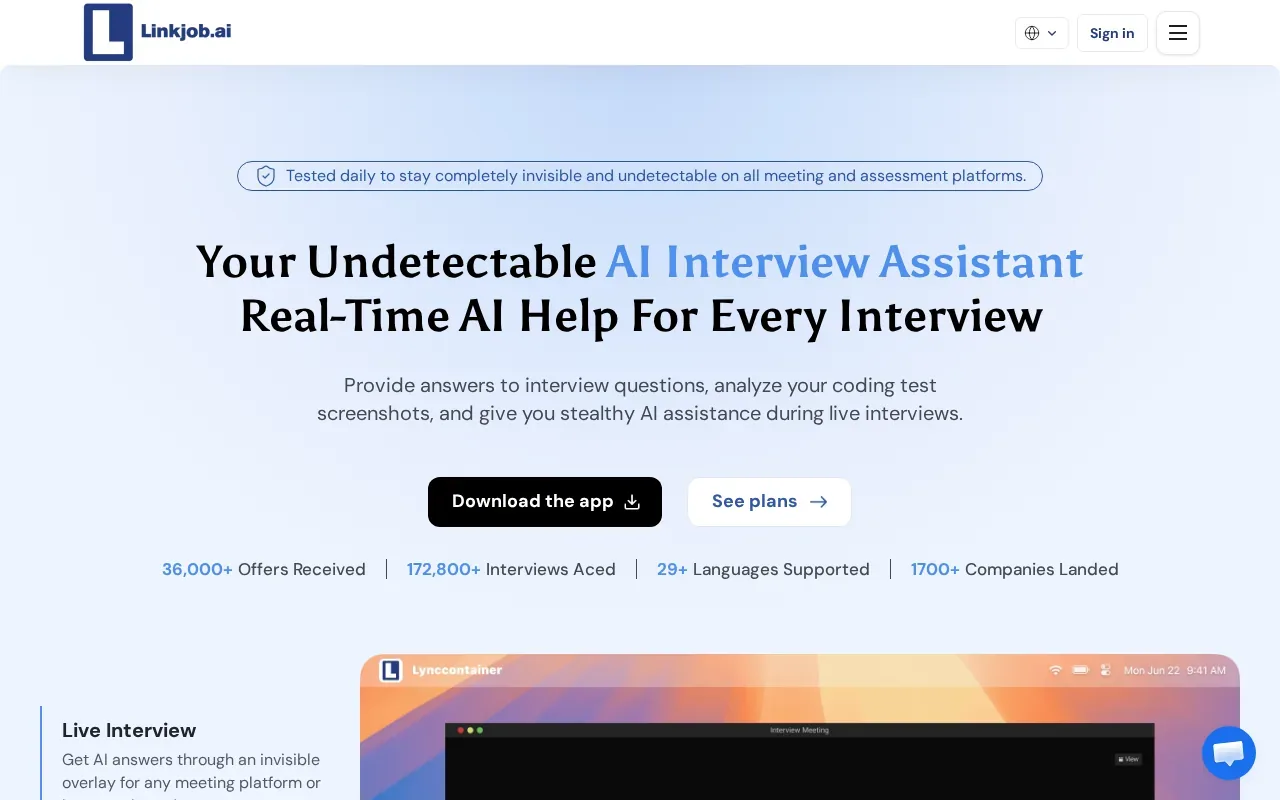
Screenshot analysis can help when the prompt is visible on screen rather than spoken aloud. For example, an engineer might need help organizing a problem statement shown in a coding test. That’s a different input path from a copilot that relies on audio transcription, so consider how often your interview uses shared prompts or visual material.
Linkjob AI’s strengths center on live assistance and screen context. If you’re considering it for a technical round, check how you’ll provide context and whether that method fits the rules of the interview or assessment.
6. Beyz AI: communication support and interview cheat sheets
Beyz AI describes itself as an interview assistant with real-time suggestions, communication support, LeetCode assistance, and cheat-sheet-style coaching.
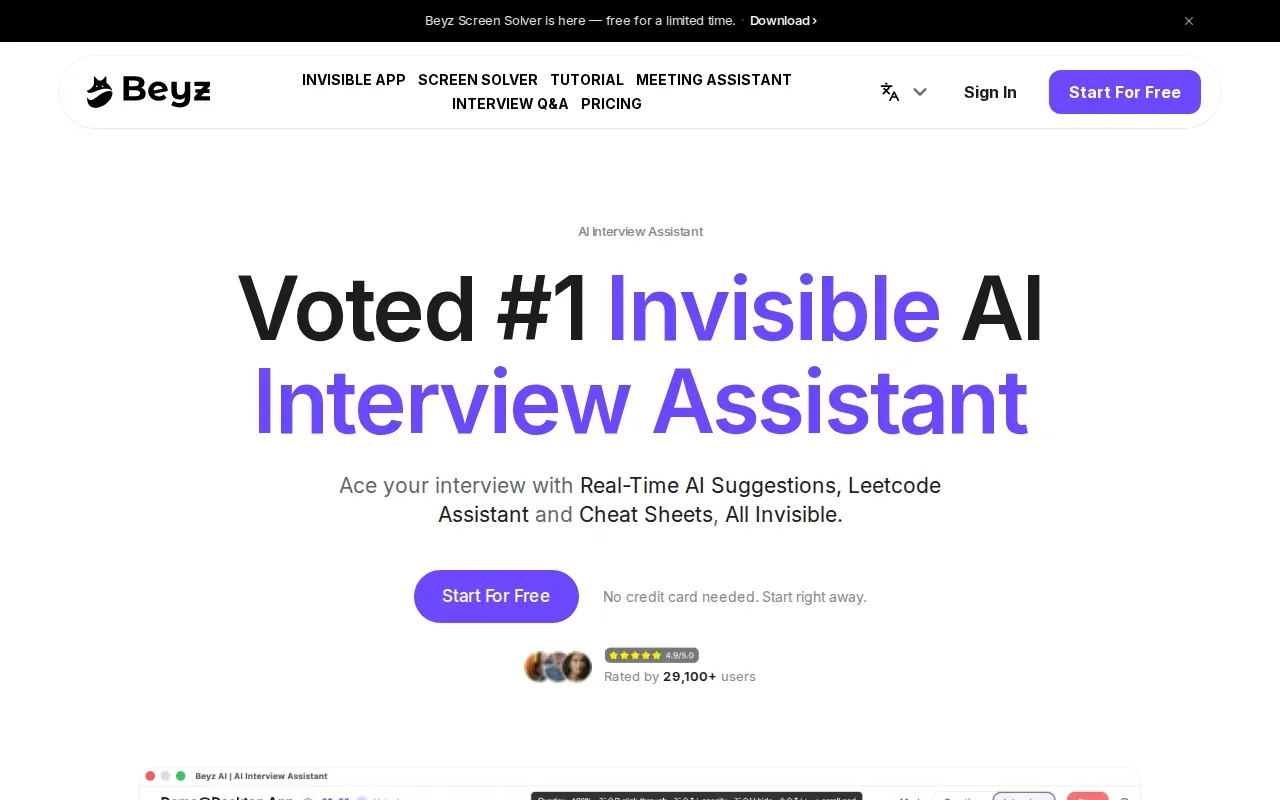
That mix may appeal to candidates who want a compact prompt or reminder while talking through a question. For a coding interview, LeetCode assistance points to technical use. For a behavioral round, communication support and cheat-sheet coaching are the details to assess in a practice session.
Try a mock question in your own words. The useful test is whether the prompts help you explain your actual reasoning, rather than giving you an answer you can’t defend in a follow-up.
7. ParakeetAI: real-time assistance for conversations
ParakeetAI is a real-time assistant for interviews, sales calls, client meetings, and other conversations. Its focus is help while you’re still speaking.
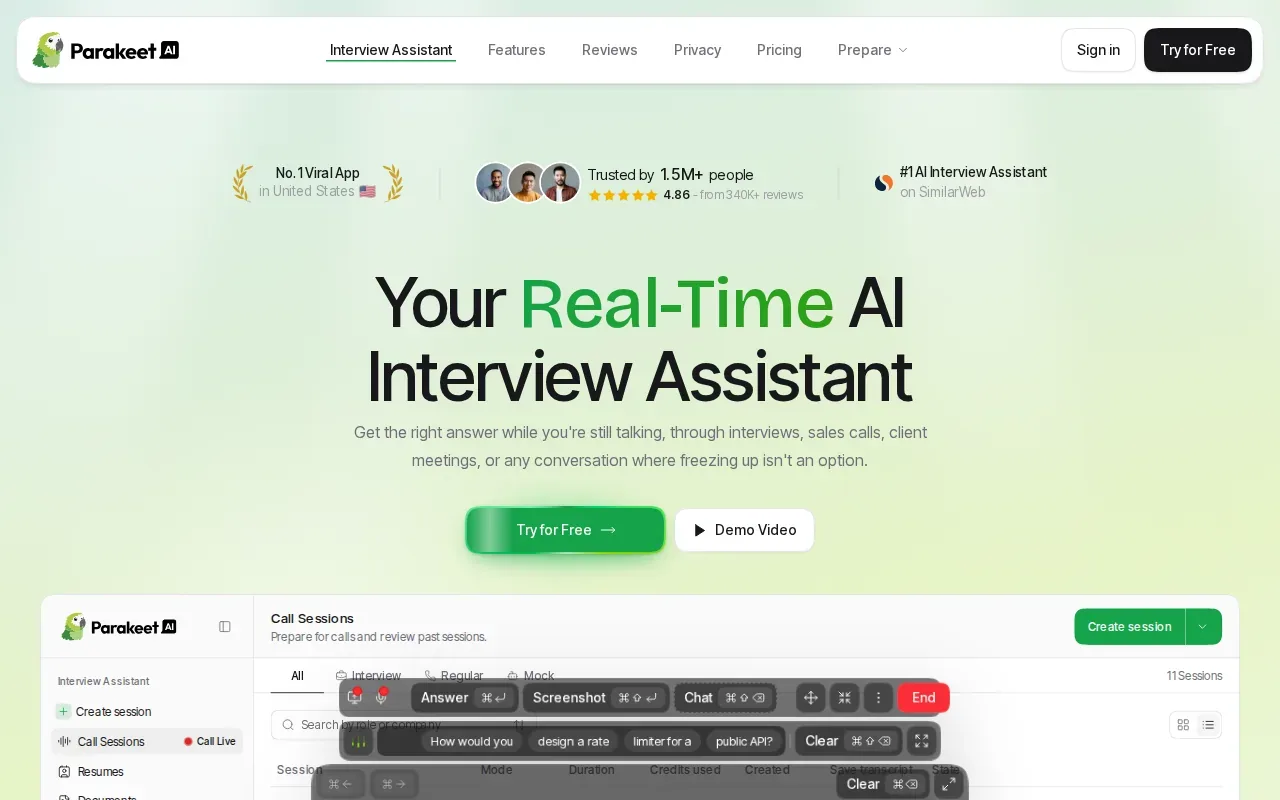
That wider conversation use may suit people who want support beyond a coding-only workflow. For an engineering interview, think about the round itself: a live coding prompt calls for different help than a behavioral question about a project setback. Check that the tool’s guidance fits the format you need.
As with any live assistant, use it only where the interviewer or assessment rules allow it. A generated suggestion should be something you understand and can explain in your own words.
8. Interview Sidekick: live answers plus mock interviews
Interview Sidekick is an AI interview assistant for real-time answers during coding, behavioral, and technical interviews. It also includes mock interviews.
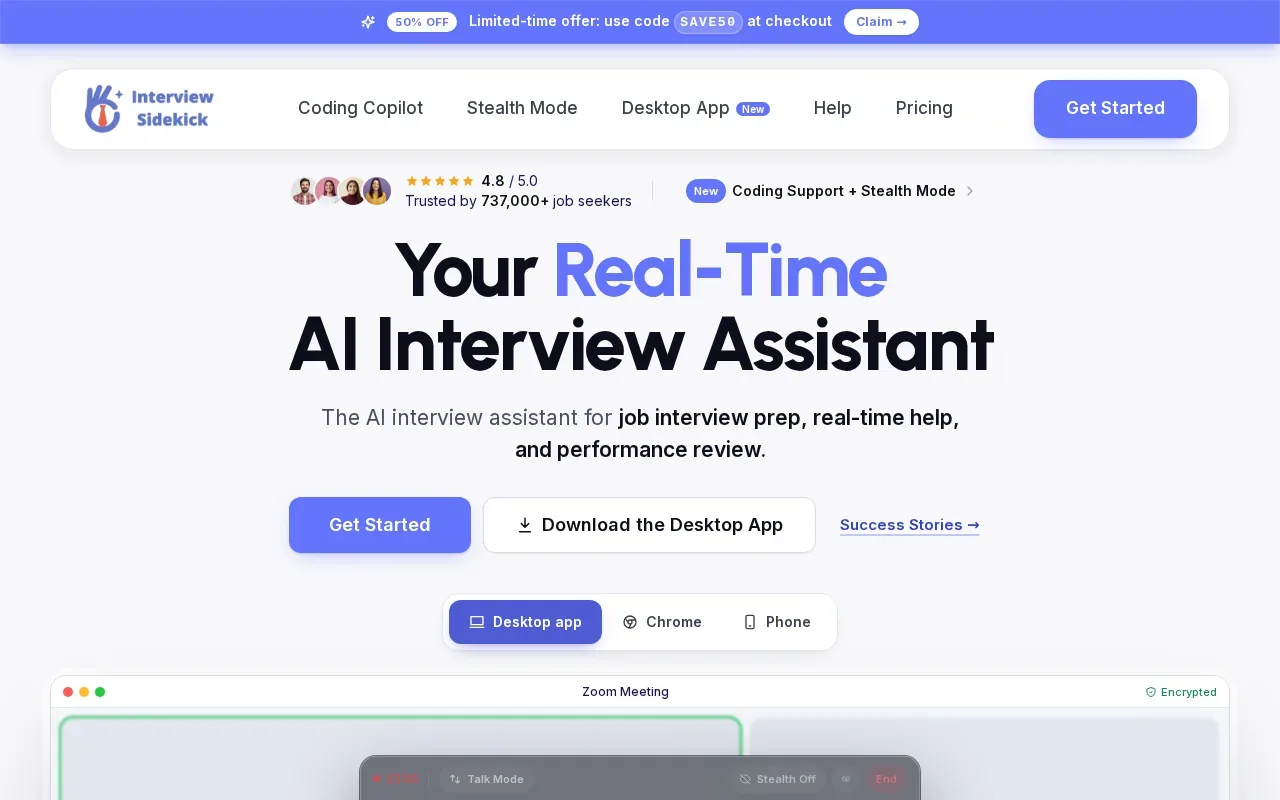
The mix of live help and practice may suit candidates who want to rehearse before a round and have assistance available during one. A mock can help you check whether you can explain a solution clearly, while live support focuses on the interview conversation itself.
Use mock practice to build your own answer, not to memorize a script. In an interview, questions and responses can shape what comes next. That’s why a rigid answer can fall apart when an interviewer asks a follow-up.
9. ULTRACODE AI: step-by-step explanations across coding and verbal questions
ULTRACODE AI is an interview copilot for developers that supports coding and verbal questions. Its strength is a range of fine-tuned models that explain each step.
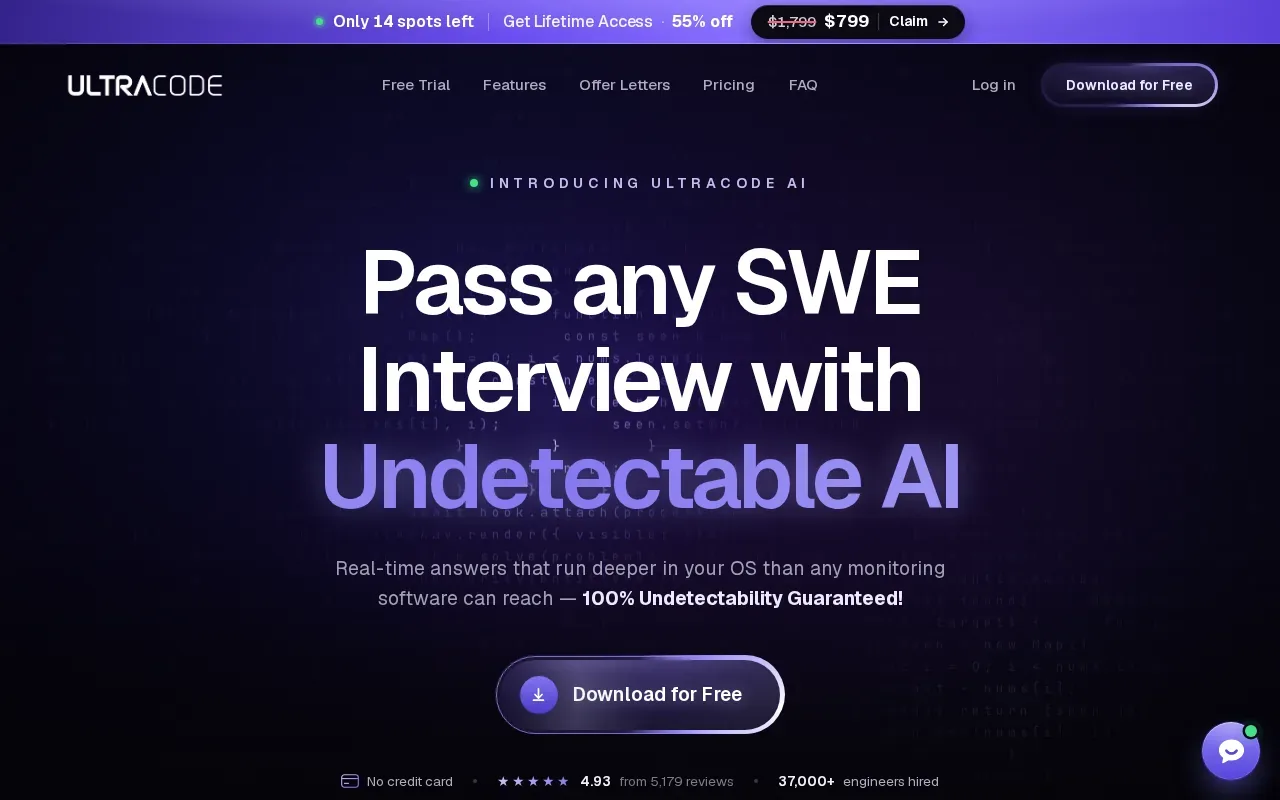
Step-by-step explanations can be useful when you’re practicing a data structure or algorithm and need to understand why an approach works. For example, while working on a problem that asks for the kth largest value, compare the proposed approach with the input constraints and explain its time and space costs yourself. Use the same standard in verbal rounds: don’t rely on wording you can’t support.
| Prompt type | Stated fit | What to check in practice |
|---|---|---|
| Coding | Developer-focused coding support | Can you explain the approach and its trade-offs? |
| Verbal | Support for verbal questions | Does the suggested explanation match your experience and reasoning? |
Choose ULTRACODE AI if step-by-step explanations across both coding and verbal prompts match the way you prepare.
FAQ
What does an AI interview copilot do?
An AI interview copilot can help prepare for an interview or provide suggestions during a live conversation, depending on the tool. Some focus on coding prompts, while others include behavioral support, mock practice, or session review. Check the exact workflow, the data it uses, and whether live assistance is allowed in your interview.
Can AI interview copilots help with system design?
Some tools in this shortlist are positioned for broader technical interviews, while others emphasize coding or verbal questions. For system design, check whether the tool can help you structure requirements, components, data flow, and trade-offs. Then practice explaining those choices aloud, since an interviewer may ask you to defend each one.
Are AI interview copilots allowed during job interviews?
It depends on the employer, interviewer, assessment, and platform rules. Ask before using live assistance, transcription, or screenshots if the policy isn’t clear. When live help isn’t allowed, keep AI use to preparation and post-interview review. Don’t present generated answers as skills or experience you don’t have.
How should I check a copilot before an interview?
Run a mock session using the device, microphone, and interview format you expect to use. Confirm what gets transcribed or sent to a model provider. Try one coding prompt and one behavioral question, then check whether you can explain every suggestion without reading it word for word.
Do these tools replace interview preparation?
No. A copilot can offer prompts or structure, but you still need to know the code, design choices, and examples you discuss. Use mock interviews to find gaps, review suggestions critically, and practice answering follow-ups. If you can’t explain an answer without the tool, keep preparing before relying on it.
Conclusion
For software engineers who want live desktop guidance across coding and other interview formats, Phantom Code AI is a strong fit in this shortlist. Start with the free signup credits and rehearse one mock round on the device you’ll use. Before any live interview, confirm that AI assistance is permitted.