Best AI Interview Assistant Tools for 2026

Discover the best AI interview assistant tools for coding, system design, and behavioral prep. Real-time guidance, pricing, and honest pros/cons compared.
TL;DR
- Choose an interview assistant around the rounds you need to prepare for: coding-only support differs from a full technical and behavioral workflow.
- Separate live guidance, mock practice, language support, and pre-interview story building when comparing the eleven options.
- Check current pricing and session limits, and test the workflow before depending on it for an interview.
Most AI interview assistants pick one thing and stop there. A coding helper. A behavioral coach. A mock practice tool. What software engineers actually need is something that covers the whole loop: the DSA round, the system design deep-dive, and the behavioral STAR questions, all in one session. Here are the 11 best AI interview assistants right now, ranked by what they actually do.
Table of Contents
- 1. Phantom Code AI: Invisible Real-Time Coding Interview Copilot
- 2. Final Round AI: Multi-Stage Interview Support for Mid to Senior Engineers
- 3. Interview Coder: Stealth Coding Help for Intensive Technical Rounds
- 4. Cluely: Live Answer Generation Across Any Interview Format
- 5. LockedIn AI: Versatile Support for Engineers and Product Managers
- 6. Sensei AI: Structured Live Answers With a Coaching Overlay
- 7. Beyz AI: Tone Coaching and Live Translation for Second-Language Candidates
- 8. Hedy: Conversation Coaching With Configurable AI Processing
- 9. ShadeCoder: Stealth Coding Guidance for Beginners to Experienced Devs
- 10. Linkjob AI: Unlimited Usage With Balanced Live Support
- 11. Orion: Pre-Interview Narrative Builder for Structured Story Prep
- Side-by-Side Comparison: Features, Pricing, and Best-Fit Use Cases
- How to Choose the Right AI Interview Assistant for Your Situation
- Frequently Asked Questions
- Conclusion
1. Phantom Code AI: Invisible Real-Time Coding Interview Copilot
Phantom Code AI is the only tool in this comparison that listens to your interview audio, transcribes it in real time, detects the problem type, and then fires guidance for coding, system design, or behavioral questions without you lifting a finger to classify the round yourself. That breadth is rare. Most tools in this space handle coding or behavioral, not both.
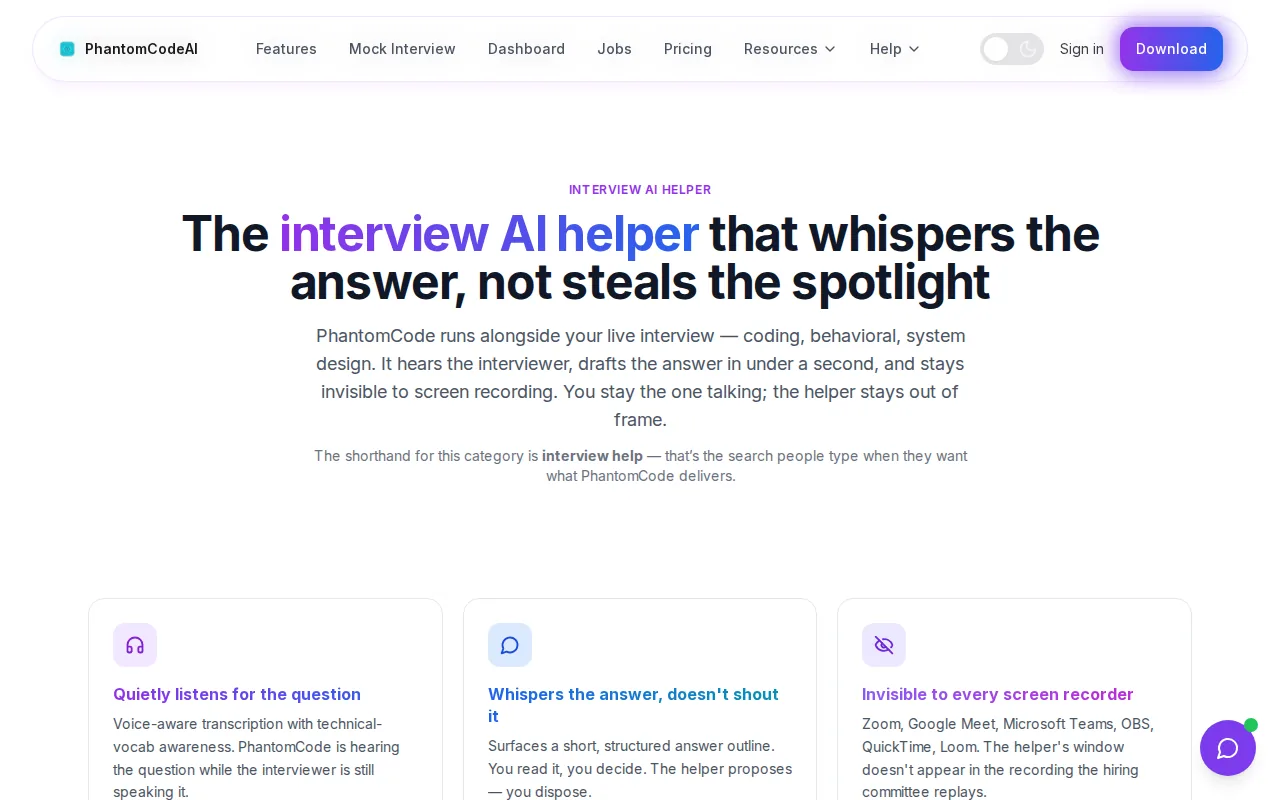
The desktop app runs invisibly. It does not appear during screen shares, does not show up in Zoom or Google Meet capture, and leaves no visible icon during a live session. That matters practically: the interviewer at FAANG companies sees your code editor, not a floating overlay eating half your screen.
What makes it a strong fit for engineers specifically is the problem-type recognition. Let's say your interview pivots from a graph traversal question to a system design question about rate limiting. Phantom Code AI detects that shift and adjusts its guidance automatically. You do not switch modes or click anything. That's the operational advantage over tools that require you to pre-select your interview type before the session starts.
It works across HackerRank, LeetCode-style online assessments, and any video conferencing platform. Behavioral guidance follows STAR structure. Coding solutions come with complexity analysis. System design responses include component trade-offs.
The honest limitation: because it does real-time audio processing, a slow or unstable internet connection can introduce latency. On-device transcription (no cloud upload) would solve that, though the current architecture prioritizes response quality. If data privacy during the session is your top concern, factor that in.
Key Takeaway: Phantom Code AI spans coding, system design, and behavioral rounds from a single desktop app with real-time audio transcription and invisible screen presence.
2. Final Round AI: Multi-Stage Interview Support for Mid to Senior Engineers
Final Round AI is a full interview platform that covers mock practice, live copilot support, resume building, and post-interview analytics in one subscription. It is built for candidates going through complete interview loops, particularly at companies where behavioral and technical rounds alternate.
The mock interview mode is genuinely strong. You upload your resume and a target job description, and the platform generates role-specific questions, then gives structured STAR-framework feedback on your answers. Candidates preparing for FAANG product or senior engineering roles consistently report that the mock questions feel realistic, not generic. The live transcription accuracy is also technically solid, handling accents and variable audio environments better than most competitors.
The live Interview Copilot runs quietly during Zoom, Meet, or Teams sessions and supports multiple languages, making it one of the broader multilingual options in the field. Stealth Mode, however, is locked behind the Pro and God Mode tiers.
Pricing is the real friction. The monthly plan caps the number of copilot sessions, which bites fast if you are actively interviewing across multiple companies. The annual plan drops the per-month rate significantly, but requires an upfront commitment. User reviews note billing complaints as a recurring theme alongside otherwise positive feedback on mock interview quality.
It fits mid-level to senior candidates who want one tool for prep and live support, and who interview infrequently enough that the session cap is not a problem. If you need deep algorithmic coding assistance, a more specialized tool will serve you better in that specific round.
3. Interview Coder: Stealth Coding Help for Intensive Technical Rounds
Interview Coder provides real-time interview assistance through a desktop overlay. Its current product page advertises coding, system design, behavioral and other interview formats. Those are advertised capabilities; compare their depth in a practice session before choosing a plan.
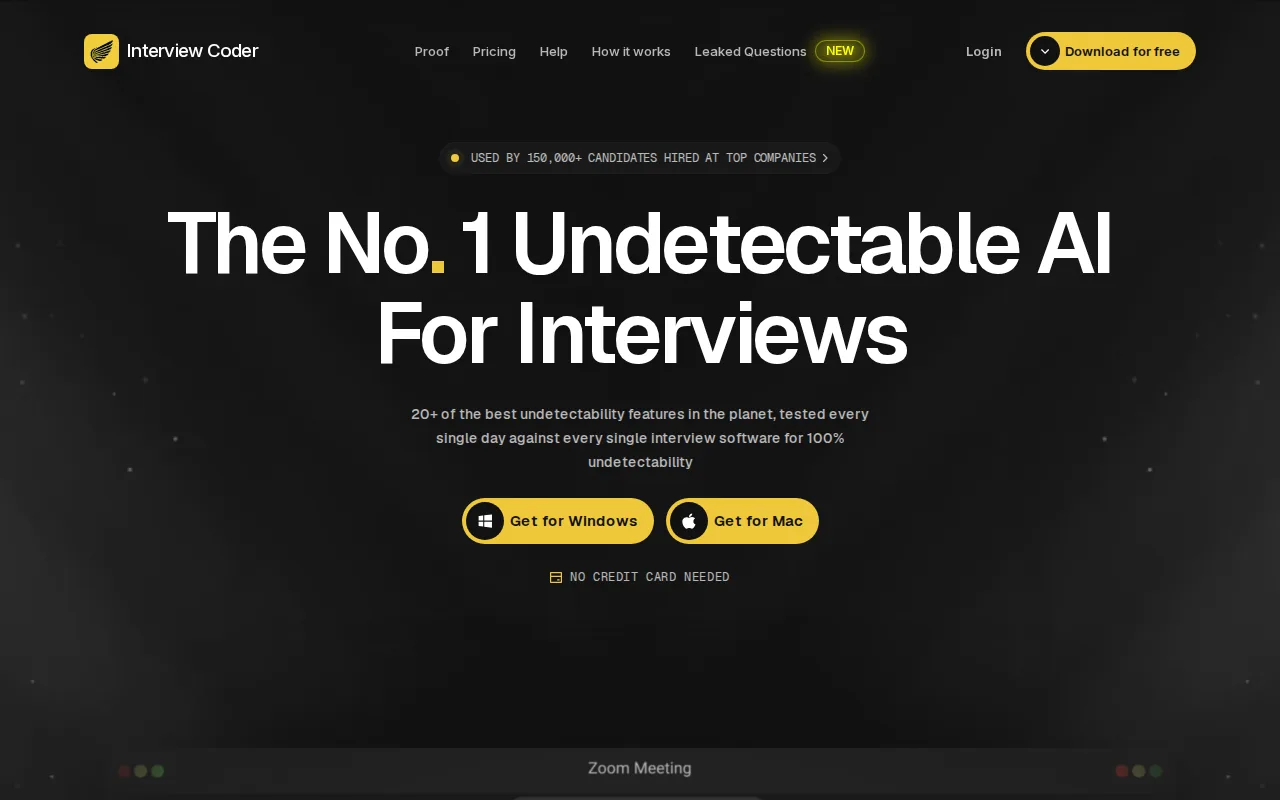
The overlay captures screenshots of the coding problem, processes them alongside audio context, and returns solutions with explanations. It works across LeetCode-style problems on HackerRank, CoderPad, and similar platforms. The stealth mechanism uses low-level rendering so the overlay does not appear in the shared screen frame.
The price is steep. Pro runs $299/month, and the lifetime plan sits at $799. That positions it as a tool for candidates with a specific, urgent need and the budget to match.
Two things to weigh honestly. First, independent reviews report that the "100% undetectable" claim does not hold against newer macOS and Zoom permission models. Second, behavioral detection systems work on candidate response patterns, not screen pixels. A candidate who pauses identically before answering "what's your name?" and "explain database sharding" raises a flag regardless of what's on screen. Interview Coder targets live interview assistance and advertises coverage beyond coding. Test the rounds you need before subscribing.
4. Cluely: Live Answer Generation Across Any Interview Format
Cluely started as a general meeting assistant and expanded into interview support. It runs a native desktop overlay that listens to audio and watches your screen during any video call, then feeds structured answers through an invisible window. The overlay genuinely does not appear in Zoom, Google Meet, or Teams screen shares, which is its core technical pitch.
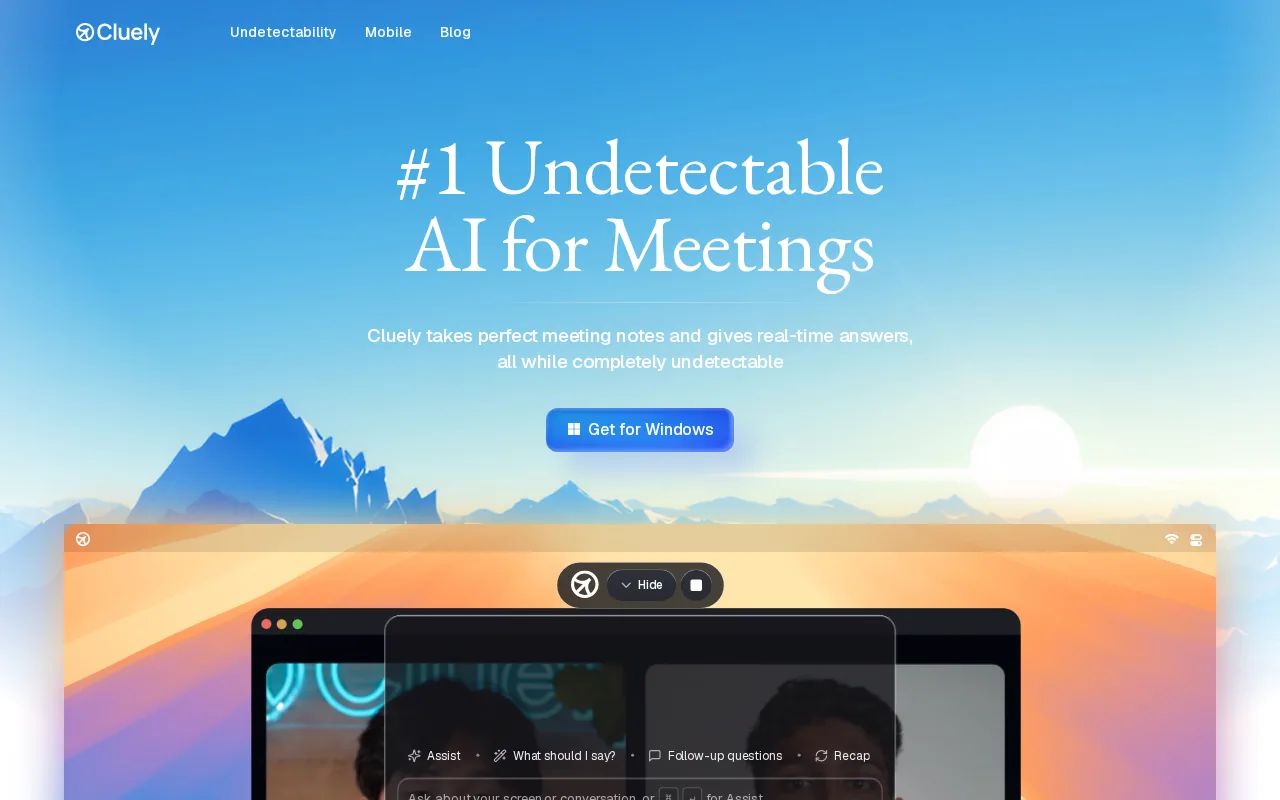
The free Starter tier gives you basic access. Paid tiers scale up to unlimited responses and screen-share invisibility features, with pricing available on the Cluely site. That pricing structure is revealing: invisibility is the premium upsell, not the default.
Review Cluely’s privacy policy and current data controls before using it with confidential interview material. Check what is captured, how long it is retained, which providers process it, and how to delete it. Cloud processing alone does not establish that a data breach occurred.
Cluely also has a brand recognition problem from a detection standpoint. Its "cheat on everything" launch marketing made it the named target for behavioral detection vendors. Behavioral detection systems score multiple signals per interview and have specifically flagged tools like Cluely in their documentation. The overlay may stay invisible in the video stream, but the candidate's response latency pattern is still legible to those systems.
Best for candidates who want live answer generation across any interview format and have weighed the privacy and detection risks clearly.
5. LockedIn AI: Versatile Support for Engineers and Product Managers
LockedIn AI covers a wider range of interview formats than most stealth tools. It handles technical questions, behavioral discussions, system design, and project management scenarios. The desktop app captures system audio so it works across Zoom, Teams, Meet, and Webex without requiring any browser extension. It also integrates directly inside VSCode and Cursor, which means engineers can get coding help without switching windows during a live technical assessment.
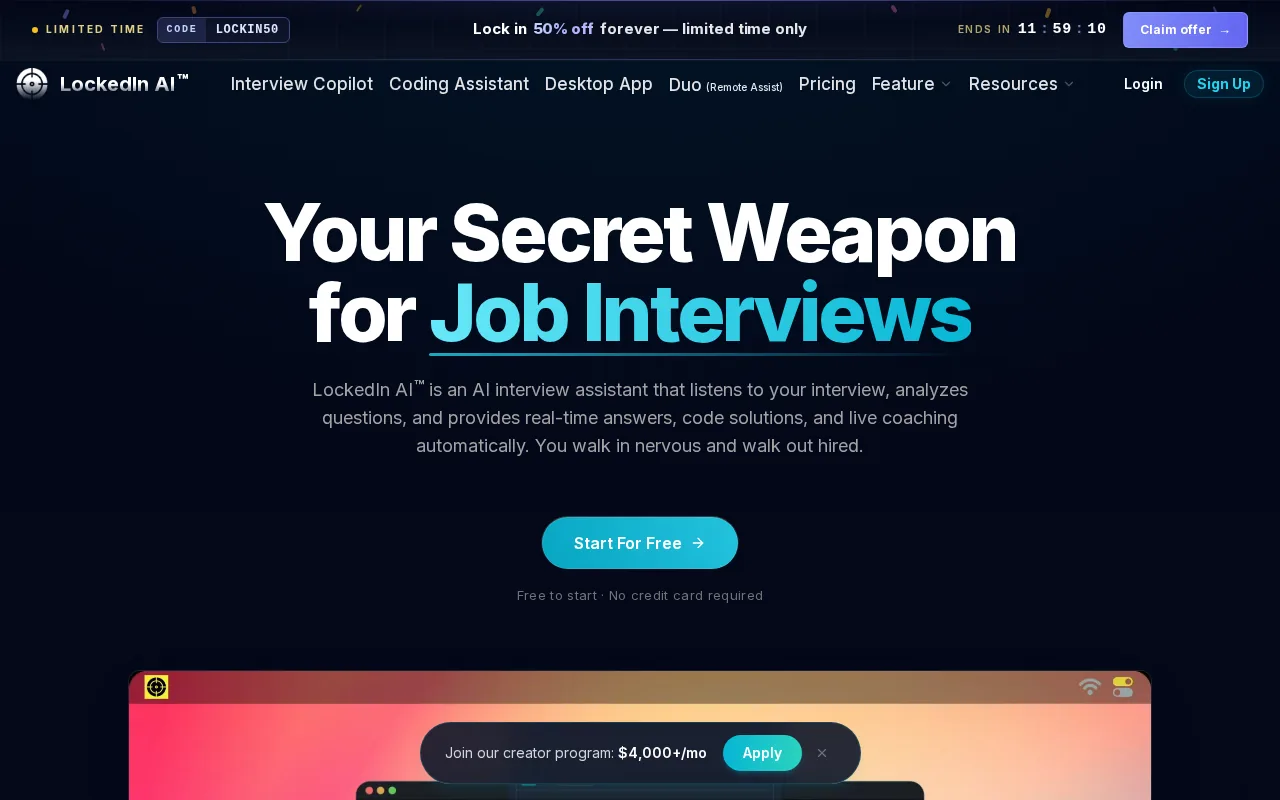
The LockedIn Duo feature is a standout. You can invite a trusted friend to join your private session as a remote helper. They see your screen, hear the interview audio, and send you text guidance in real time. They never appear on the call. That is a genuinely different model from standard AI-only copilots.
Pricing varies by tier; a free plan exists with limited access to core features. The stealth mode situation has a nuance worth knowing: the browser-based version can be visible to interviewers, while the desktop app version stays hidden. You get full stealth only on the desktop app with the higher tier.
Best for mid-level professionals who move between engineering and PM interviews, or anyone who wants the Duo remote-assist feature as a backup option.
6. Sensei AI: Structured Live Answers With a Coaching Overlay
Sensei AI sits closer to the coaching end of the spectrum than pure stealth tools. It generates structured answers live, formatted automatically using frameworks like STAR, and analyzes the interviewer's question for tone, context, and keyword signals before the answer appears. The hands-free mode lets you stay focused on the interviewer without clicking anything.
The product markets sub-1-second latency and claims "fully undetectable" operation. As with several tools in this list, independent reviewers note that the undetectability claim needs more scrutiny against newer platform permission models. Use it with that caveat in mind.
You can try Sensei free with 15-minute sessions. The Pro plan runs $89/month, or drops to $24/month when billed annually. That annual plan is a meaningful discount, and the unlimited sessions structure avoids the per-session cap problem that makes Final Round AI frustrating for active job seekers. Sensei supports 30+ languages and integrates with Zoom, Teams, and Google Meet.
It fits candidates who want coaching-style structured answers rather than raw code solutions, particularly for behavioral and mixed-format rounds.
7. Beyz AI: Tone Coaching and Live Translation for Second-Language Candidates
Beyz AI is built around communication quality, not just answer content. It tracks tone, pacing, filler words, and STAR structure in real time during sessions. For candidates interviewing in a second language, its live translation layer reduces the listening-load problem: you hear the question more accurately, which frees mental bandwidth for the actual answer.
The IQB Interview Question Bank contains a library of validated questions organized by role, company, and difficulty. Unlike a static list, the bank connects to the live coaching engine, so feedback on your answer references the specific question you just attempted. It covers both LeetCode-style technical problems and behavioral modules, which is rarer than it sounds at this price point.
Beyz integrates with Zoom, Meet, and Teams. Pricing runs around $49.99/month, dropping to roughly $24.99/month on a semi-annual plan. A 15-minute free trial is available for new users.
The visibility limitation to note: Beyz does not guarantee full screen-share invisibility the way dedicated stealth tools do. If staying hidden during a monitored session is your top concern, that matters. But if you want communication coaching and language support more than pure stealth, Beyz is the most purpose-built option in this list for that specific need. For engineers putting together their overall job application package, resources like strong software engineer cover letter examples pair well with interview coaching tools like this one.
8. Hedy: Conversation Coaching With Configurable AI Processing
Hedy’s documentation distinguishes local speech recognition from AI analysis. Speech is transcribed on the device, but Cloud AI can receive the transcript for analysis. Local AI is an option, and cloud synchronization is separately configurable. Review all three settings when deciding what may leave your device.
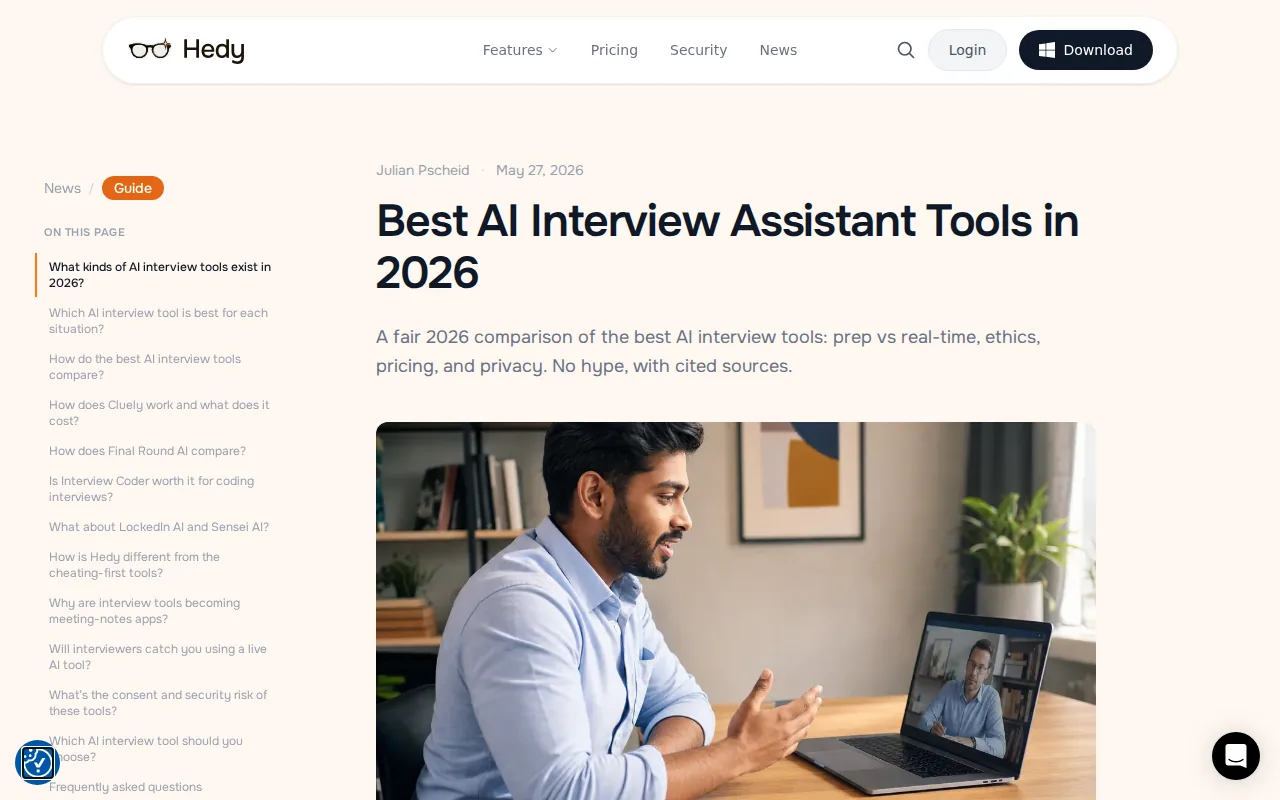
Hedy offers conversational coaching and suggestions. The result depends on the session mode and processing settings. Evaluate whether its guidance suits your practice format rather than assuming local transcription makes every part of the workflow local.
Hedy’s free tier includes five hours per month, with AI features limited to the first 30 minutes of each free session. Check current usage limits and privacy settings on the vendor’s site.
Hedy may suit candidates who want conversation-focused coaching and control over processing settings. Verify the chosen mode and storage configuration before using confidential material.
9. ShadeCoder: Stealth Coding Guidance for Beginners to Experienced Devs
ShadeCoder is a native desktop app focused on coding interview rounds. It reads screenshots of coding problems, including diagrams and visual prompts, reasons through them, and returns structured solutions with follow-up explanations. The multimodal reasoning means it handles more than text-only problems, which matters for roles that include architecture diagrams or data model questions.
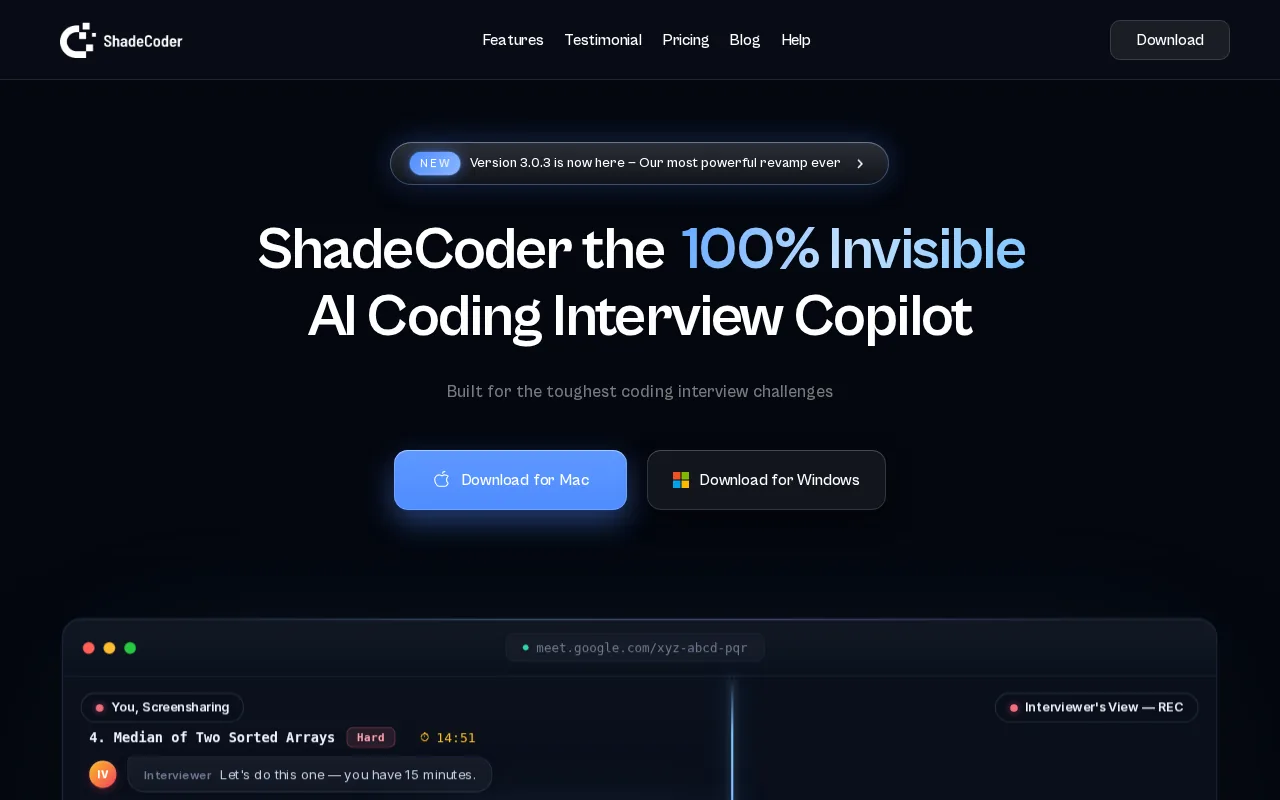
The stealth mechanism uses global hotkeys and a screen-share-proof overlay. It stays invisible on Zoom, Google Meet, and CoderPad. Operation is keyboard-driven so there are no visible mouse movements that might tip off an observant interviewer.
Pricing: the free plan gives you 5 credits/month, which is functionally minimal. Pro Weekly runs $39, Pro Monthly is $69, and a lifetime plan is available at a one-time cost listed on their site. ShadeCoder's free tier is near-useless for real preparation, though the monthly plan is competitive with other coding-focused tools.
It works for beginners who need structured solution explanations as much as for experienced engineers who want to cross-check edge cases under pressure. The structured output format, with explanations attached, makes it more useful for learning than raw code-paste tools. For behavioral or system design preparation, verify the specific features included in the current plan.
10. Linkjob AI: Unlimited Usage With Balanced Live Support
Linkjob AI offers real-time assistance across coding, behavioral, and system design rounds with no strict session caps on its standard plans. That unlimited structure is its clearest differentiator. Tools like Final Round AI meter sessions aggressively. Linkjob lets you run practice and live sessions without watching a counter tick down.
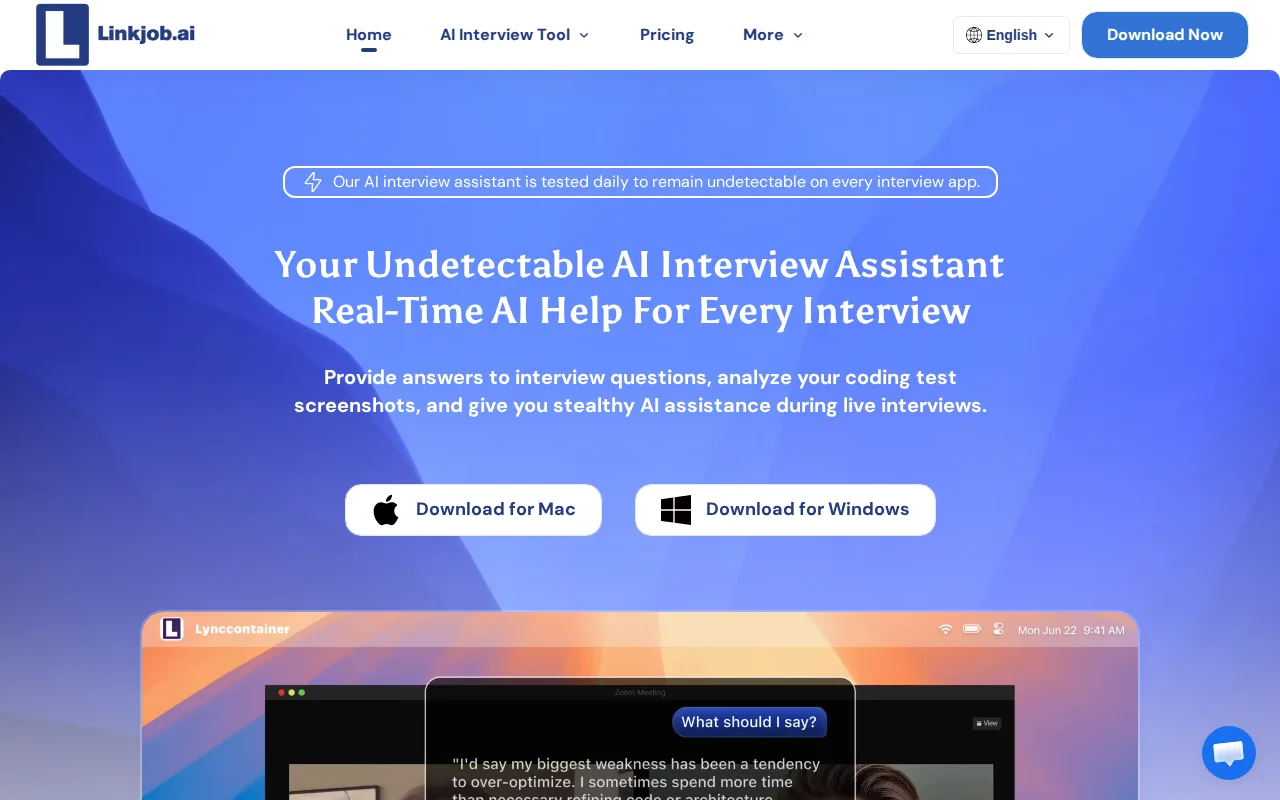
The desktop app runs as a translucent floating window. It does daily testing across platforms to confirm stealth status. It supports multiple languages and claims no visible interface elements during screen-sharing sessions. The response system personalizes answers from your uploaded resume and job description, so replies reference your specific background rather than generic talking points.
The behavioral coaching depth is lighter than tools built specifically around STAR frameworks. And as a newer entrant, its track record is shorter than Final Round AI or LockedIn AI. The upfront cost on monthly billing is also on the higher side relative to what you get in behavioral prep specifically.
Best for beginners to experienced candidates who want unlimited session access and care more about breadth than deep behavioral coaching depth.
11. Orion: Pre-Interview Narrative Builder for Structured Story Prep
Orion takes a different approach from every other tool on this list. It is a pre-interview narrative builder. You work with its AI Copilot before the interview to construct and refine your stories, structure your behavioral answers, and build the specific examples you will draw from. It does not provide real-time assistance during a live interview at all.
That is a real limitation if you are looking for live help. But it is a feature if you believe, as many coaches do, that the best interview performance comes from knowing your material cold before you walk in. Orion's workflow forces you to actually build the narrative, not just receive an answer to read.
It fits candidates who want structured preparation for behavioral loops, particularly those targeting companies with rigorous STAR-format interviews. It pairs well with a live tool like Phantom Code AI for the technical rounds, where Orion handles your story prep and Phantom Code AI handles real-time guidance during the coding and system design segments.
If you need live help during the interview itself, look elsewhere. Orion is a prep tool, not a copilot.
Side-by-Side Comparison: Features, Pricing, and Best-Fit Use Cases
Use this table to quickly match your situation to the right tool. Pricing shown is the most common paid entry point based on vendor pages verified in 2026, not promotional rates. Always check the vendor's current pricing before committing.
| Tool | Real-Time Live Support | Interview Types Covered | Free Tier | Entry Pricing | Best For |
|---|---|---|---|---|---|
| Phantom Code AI | Yes | Coding, System Design, Behavioral | Yes | See site | Engineers who need full interview loop coverage |
| Final Round AI | Yes | Behavioral, Technical, System Design | Yes (limited) | ~$25/mo (annual) | Mid-senior candidates wanting prep + live copilot |
| Interview Coder | Yes | Coding, System Design, Behavioral (advertised) | Download only | $299/mo | Intensive coding rounds, high-budget candidates |
| Cluely | Yes | Any format | Yes (Starter) | See site | Live answer generation across formats |
| LockedIn AI | Yes | Technical, Behavioral, System Design, PM | Yes | See site | Engineers and PMs needing flexible coverage |
| Sensei AI | Yes | Behavioral, Technical | Yes (15 min) | $89/mo or $24/mo annual | Coaching-focused candidates, unlimited sessions |
| Beyz AI | Yes | Behavioral, Technical, Coding | Yes (15 min) | ~$49.99/mo | Second-language candidates, tone coaching |
| Hedy | Coaching (no auto-answer) | Any format (coaching only) | Yes (5 hrs/mo) | Paid plans available | Privacy-first, ethical prep seekers |
| ShadeCoder | Yes | Coding only | Yes (5 credits) | $69/mo | Beginners to experienced devs in coding rounds |
| Linkjob AI | Yes | Coding, Behavioral, System Design | See website | See site | Unlimited usage, balanced live support |
| Orion | No | Behavioral (prep only) | See website | See site | Narrative and story prep before the interview |
Free access varies by product. A free download, a limited credit allowance and a recurring free plan are different offers. Check which AI features and usage limits apply before planning a practice session.
How to Choose the Right AI Interview Assistant for Your Situation
The single most important question is: what rounds are you preparing for? Compare support for coding, system design and behavioral rounds separately. Interview Coder now advertises all three; product positioning alone does not establish the depth of its answers. Phantom Code AI is currently the only option that auto-detects the round type and adjusts guidance accordingly, which removes the need to juggle multiple apps.
If you are interviewing in a second language or your communication pacing is a known weak spot, Beyz AI addresses that directly. Other tools generate answer text but do not actively coach delivery. That is a meaningful difference in an interview where filler words and response structure are evaluated alongside content.
Privacy is a real decision point. Compare audio capture, transcription, AI analysis, storage and synchronization separately. For Hedy, local speech recognition does not automatically mean local AI analysis. For every service, review retention and deletion controls and obtain any required permission before sharing confidential interview content.
Use this checklist to narrow down your options:
- Do you need live coding help, behavioral coaching, or both? Pick a tool that covers your specific weak round.
- How many interviews do you have per month? Session-capped tools like Final Round AI are painful for active job seekers with 10+ interviews scheduled.
- Does your interview platform use aggressive proctoring? Some environments (HackerRank Desktop App Mode, certain heavily proctored enterprise configurations) operate at a level that makes stealth tools genuinely risky to use.
- Is data privacy critical for your role or company? On-device processing is the only architecture that keeps your audio off someone else's servers.
- What is your budget? The range here runs from free (Hedy's tier) to premium tiers (Interview Coder). Most engineers land somewhere in the $25–70/month range for a tool that covers their full loop.
One usable note: you can try Phantom Code AI's full-loop AI interview assistant to see how automatic problem-type detection changes the preparation experience compared to tools where you have to classify the round yourself before starting.
Pro Tip: Before your first live interview with any tool, run a full mock session with a friend on a video call and ask them to screen-record their side. Confirm the overlay is invisible in the recording before you rely on it in a real interview.
Continue this preparation with developer interview overlay features, then use low-latency coding-assistance options to extend your practice.
Frequently Asked Questions
Can an AI interview assistant actually help with system design rounds, or just coding?
Most tools are coding-focused only, which is a real gap. Phantom Code AI covers system design natively alongside coding and behavioral rounds. Final Round AI also handles system design in its mock and live modes. If you have a system design round coming up, check specifically whether the tool you are considering supports it before assuming it does.
Will the interviewer be able to see the AI overlay on my screen?
Native desktop apps that use GPU-level rendering (Phantom Code AI, ShadeCoder, Cluely, LockedIn AI desktop) generally do not appear in screen-share captures. Browser-based tools and extensions are more exposed. That said, invisibility on screen is only one part of detection. Behavioral detection systems watch response latency, eye movement, and pacing patterns regardless of what appears on screen.
Is using an AI interview assistant considered cheating?
It depends on what the tool does and how you use it. Preparing with an AI coach before the interview is broadly accepted, similar to using a prep book or a human coach. Using a tool to read generated answers during a live interview while the interviewer believes you are answering independently is the line most employers treat as a policy violation. Some companies, including Meta and Shopify, explicitly allow AI tool use during coding interviews. Check the specific company's interview policy before relying on live assistance.
What is the most private AI interview assistant available?
There is no single privacy ranking established by this comparison. Hedy supports local speech recognition, an optional Local AI mode and separate cloud-sync controls. Check the configuration and each provider’s current privacy documentation; local transcription alone does not eliminate transcript exposure.
Do any of these tools work for behavioral interviews, not just coding?
Yes. Phantom Code AI, Final Round AI, Interview Coder, LockedIn AI, Sensei AI, Beyz AI and Orion address behavioral questions in different ways. Orion focuses on preparation; several others advertise live guidance. Compare the specific workflow and test question quality rather than assuming a product’s coding focus excludes other interview types.
How do I practice with these tools before a real interview?
Most tools with a free tier let you run mock sessions. Open a video call with a friend or use the tool's built-in mock mode, load a real job description, and run through a complete round. Focus the mock on the specific round type you are weakest in. After the session, review the generated answers and decide which parts you would actually say versus which parts need editing to sound like you. Tools that personalize from your resume produce answers that need less editing.
Conclusion
If you have one interview loop coming up and need coverage across coding, system design, and behavioral rounds without juggling separate tools, start with Phantom Code AI. It is the only assistant in this comparison that auto-detects the round type and adjusts in real time. Try a mock session with your actual resume and a real job description loaded in, then run a screen-share test to confirm the overlay stays invisible before you rely on it in a live setting.