
A slow answer can break your train of thought during a live coding round. Phantom Code AI reports an average response time of 124 milliseconds, while other interview tools range from a claimed 116 milliseconds to several seconds.
Here are eight options to compare by stated speed, coding support, and interview focus. Use AI assistance only when the interview rules allow it, and test any tool during practice first.
Table of Contents
- Phantom Code AI
- Linkjob AI: Pixel-based IDE reading for coding tasks
- Parakeet AI: A real-time copilot with screen capture
- Interview Sidekick: Interview preparation plus live assistance
- Final Round AI: A broader interview-preparation suite
- LockedIn AI: A notably fast vendor-reported response time
- Interview Coder: Focused on technical and LeetCode-style rounds
- AceRound AI: A programming mode for real-time interview help
- FAQ
- Conclusion
1. Phantom Code AI
Phantom Code AI is an interview-focused desktop assistant for coding, system design, and behavioral interview practice. It’s the strongest fit here for engineers who want low-latency guidance tied to interview questions.
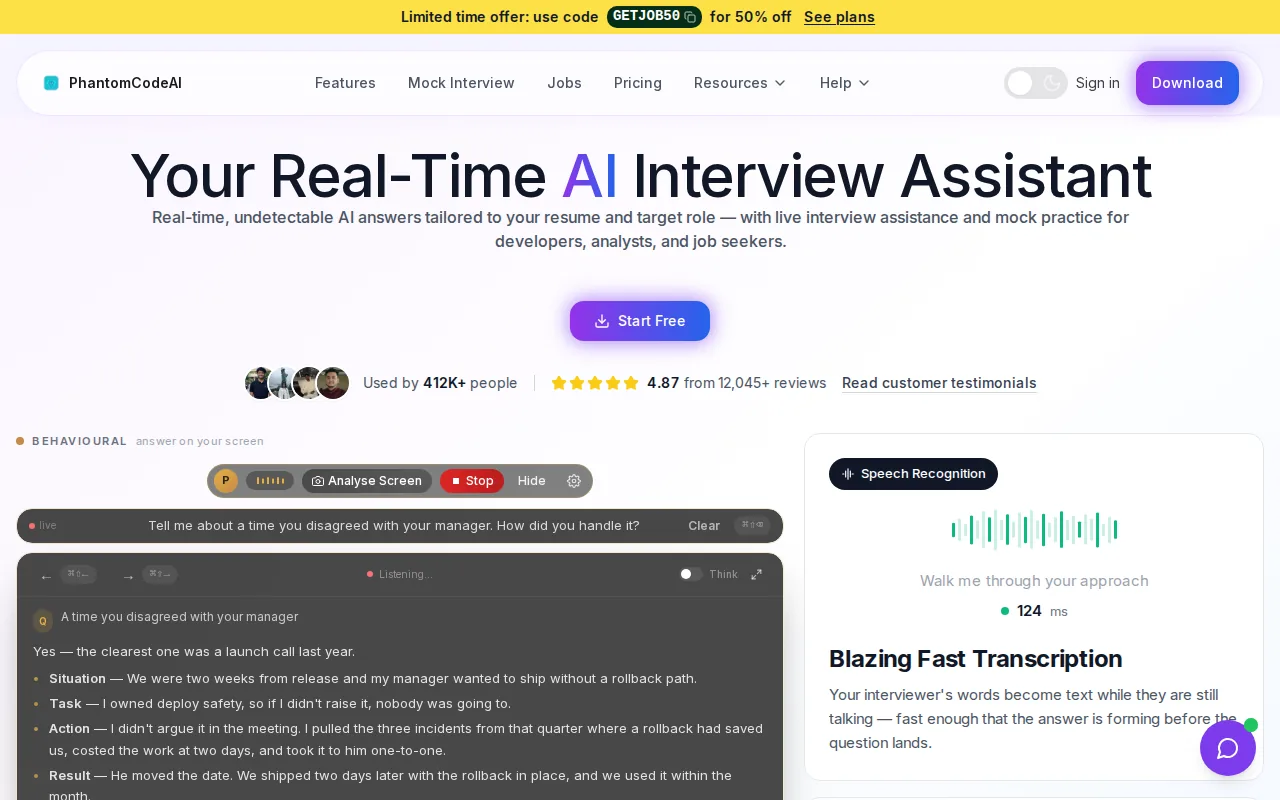
The product listens to the question, transcribes speech, recognizes the problem type, and provides real-time guidance. That can help during a mock DSA round: hear the prompt, identify the likely pattern, then focus on explaining an approach before writing code. Its reported average response latency is 124 milliseconds. Phantom Code AI’s official site describes the product.
For a binary search practice session, say the key steps aloud before coding: define the search range, choose a midpoint, then update the range based on the comparison. The related binary search interview patterns and variants can help you prepare the underlying method.
Latency is only one part of the experience. The assistant’s transcription and problem-type recognition are useful when a prompt arrives as speech rather than pasted text. Network quality and the task itself can affect what you experience.
For a useful test, run a timed mock interview and check whether the guidance helps you keep talking through your reasoning. Don’t treat a generated answer as proof that you understand the solution.
2. Linkjob AI: Pixel-based IDE reading for coding tasks
Linkjob AI is aimed at software engineers who want coding help based on what appears in an IDE. Its stated average response latency is about 1.2 seconds.
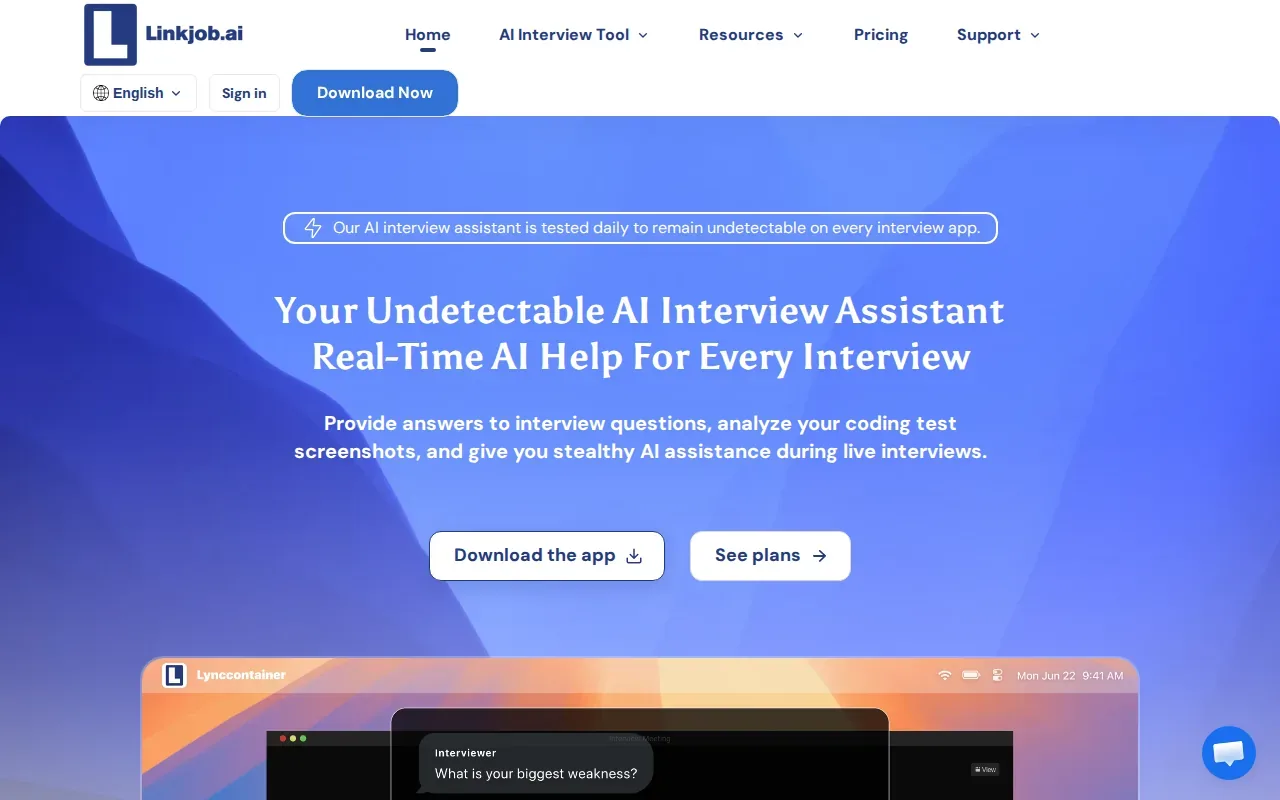
Its key distinction is an Automated IDE Pixel Reader. That approach is relevant when the coding problem and current code are on screen, but it differs from an assistant that starts with spoken interview audio.
Consider a mock exercise where you’re asked to fix a bug in a partially written function. A visual reader can make the code on screen part of the input, rather than relying only on a spoken description. The usable question is whether its output matches the task and the syntax you’re using. A generated patch still needs review for edge cases and complexity.
Engineers preparing for a specific role can pair tool practice with a role-focused plan, such as this Shopify software engineer interview guide, which covers live coding alongside other interview themes.
The trade-off is clear: the listed latency is slower than the millisecond figures reported for Phantom Code AI and LockedIn AI, though it remains a stated coding-task response time. Its public materials don’t mention support for spoken transcription or broader behavioral coaching, so don’t assume those features are included.
Choose Linkjob AI when screen-based coding input is central to your practice. Check how it handles your own editor and task before relying on it in a timed session.
3. Parakeet AI: A real-time copilot with screen capture
Parakeet AI is a real-time interview copilot with support for coding interviews. It may suit software engineers who want an interview-focused assistant and the ability to choose between different AI models.
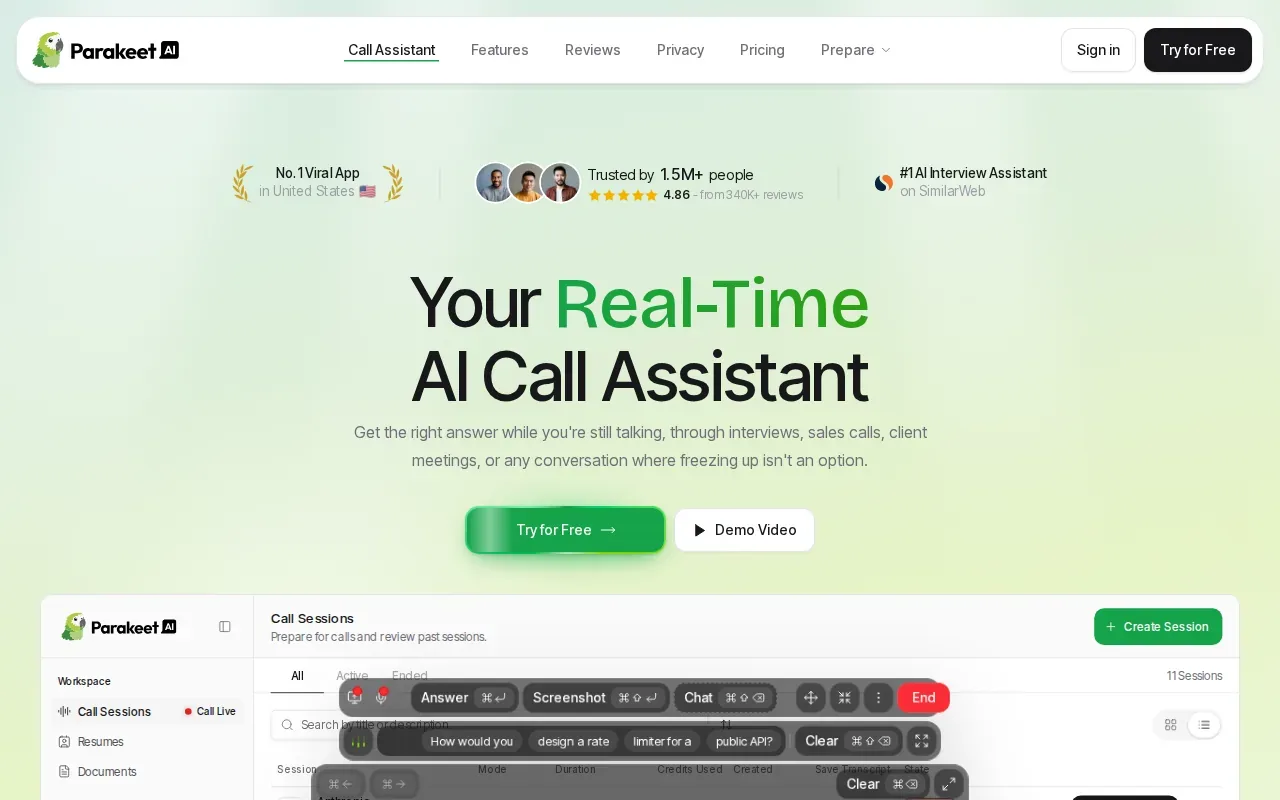
Its listed features include screen capture and model choice. Those details can matter during a coding assessment: a spoken prompt may explain the goal, while a captured screen can show the code or problem statement.
Parakeet AI also has a stated focus on software engineering interviews and decent algorithm assistance. That makes it a relevant option for practicing algorithm questions, where you need to explain why a solution works rather than simply produce code. Try it against familiar problems first, then check whether its suggestions help you reason through the answer.
Engineers preparing for data-heavy roles may also find this interview assistant overview for data engineers useful when planning for a mix of technical questions and role-specific topics.
There’s one important limit to the comparison: Parakeet AI does not publish its average response latency. If speed is your main filter, time it in a practice call rather than inferring performance from the phrase “real-time.”
Its model choice and screen capture make it worth considering when those parts of your workflow matter more than a published speed figure.
4. Interview Sidekick: Interview preparation plus live assistance
Interview Sidekick combines preparation tools with live interview support. It’s best suited to job seekers who want help before an interview, during a permitted live session, and in post-interview review.
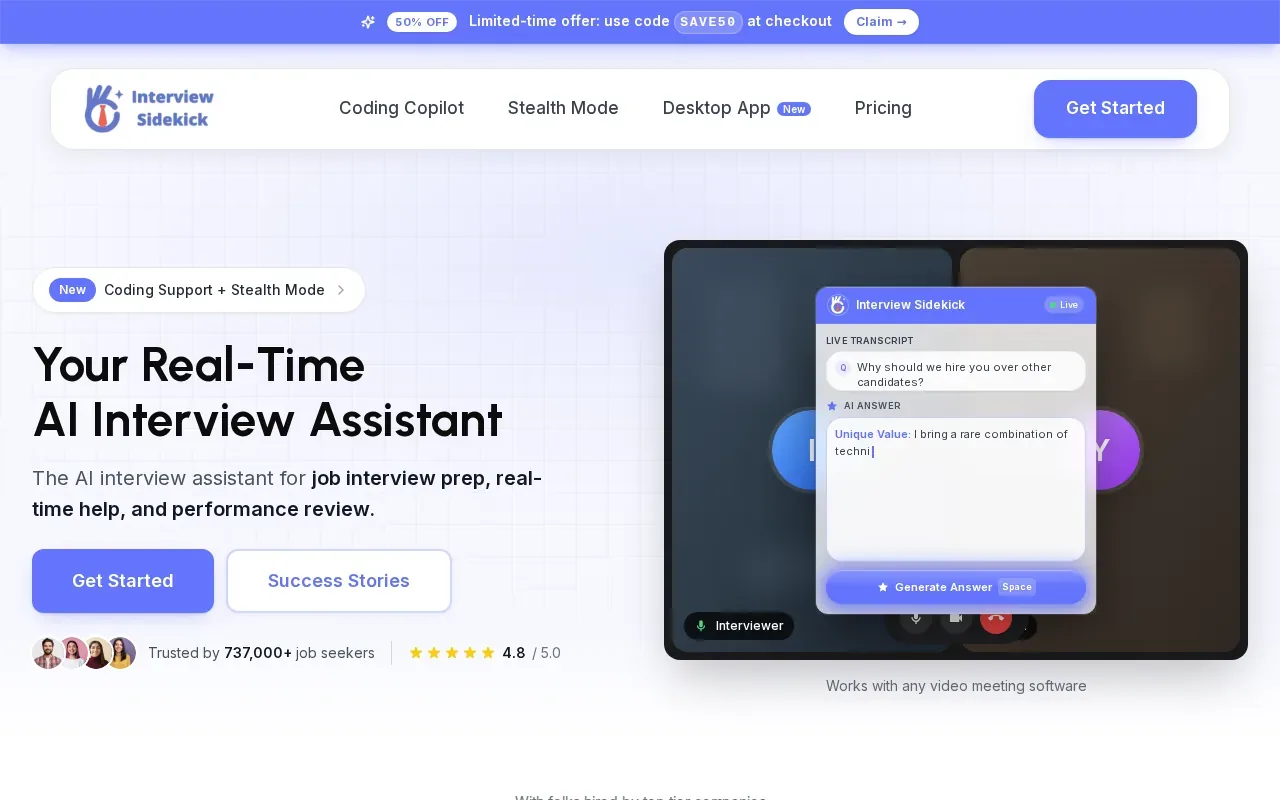
The listed live features include conversation transcription and answer suggestions. Its average response latency is reported as under two seconds. That gives you a useful benchmark, but it doesn’t show how quickly every suggestion appears or how the tool performs on a demanding coding problem.
For coding practice, a simple test is to ask a mock interviewer to describe a problem aloud. Check whether the transcript captures key constraints, such as input size or duplicate values. Then review whether the suggestion addresses those constraints. For a behavioral round, focus on whether the prompt and suggested talking points help you form your own clear answer.
Behavioral preparation can also mean practicing on camera without live assistance. The one-way video interview preparation guide covers a different format, where you record an answer rather than respond to a live interviewer.
Interview Sidekick’s under-two-second figure is a stated average, not a guarantee for every exchange. It also does not advertise a dedicated IDE reader or a programming mode. If your main need is code-level input, test that exact workflow before choosing it.
This option makes the most sense when you value interview preparation and review as much as live suggestions.
5. Final Round AI: A broader interview-preparation suite
Final Round AI is a broader interview-preparation suite for people who want more than coding support. It may suit candidates who are preparing across several interview formats and value a wider set of preparation tools.
Response time is a key consideration for live coding: after hearing a question, you may need to keep talking while a suggestion is being generated. Treat reported averages as benchmarks, not fixed results for every prompt.
A broader suite may be useful when your prep plan includes role research and general interview practice, not only algorithm questions. For example, an engineer moving into a project leadership role may want to rehearse communication alongside technical topics. This interview assistant overview for project managers offers a related angle on preparation beyond coding exercises.
Read current plan terms and test the tool before committing. Check renewal rules and cancellation steps yourself before paying.
For a live coding round where quick feedback is the top need, the reported eight-second average makes Final Round AI a less direct fit than options with much lower stated latency. Its wider preparation focus may still matter more if you’re looking for a single suite across interview types.
6. LockedIn AI: A notably fast vendor-reported response time
LockedIn AI reports an average response time of 116 milliseconds, the fastest figure among the named options here. It’s a fit for users who put response speed first and want a remote-assist feature.
The listed features include a real-time AI copilot and remote assist. The latter may matter to someone who wants a friend or mentor to help remotely during interview practice. Keep the setting clear: use any assistance only in a session where it’s allowed, and don’t mistake a low response-time claim for proof that an answer is correct.
Here’s a useful practice check. Ask a mentor to pose a short coding prompt while you explain your plan aloud. Note the time between the end of the prompt and the first useful suggestion. Then test whether the suggestion helps with the same task when the prompt includes a constraint or edge case.
The 116-millisecond number is vendor-reported. It is not a head-to-head benchmark measured under the same conditions as Phantom Code AI’s 124-millisecond average. Small differences between figures may not predict the feel of your own setup.
Compare the tools in your own practice environment, with the same prompt and network, before treating one number as decisive. For broader job-search preparation, this interview-preparation resource is another resource to consider alongside live coding practice.
LockedIn AI’s speed claim makes it a close comparison point for Phantom Code AI. The usable choice depends on which workflow you need, not only the stated average.
7. Interview Coder: Focused on technical and LeetCode-style rounds
Interview Coder is designed for technical and coding rounds, including LeetCode-style problems. It’s best suited to candidates whose immediate goal is a coding-only interview round.
The listed capability is solving LeetCode-style problems in real time. That means it’s possible to assess its stated coding focus, but not to place it in a fair speed ranking from the available numbers.
Use a known problem to judge whether the tool helps you explain the approach, not just reach an answer. For example, after drafting a solution, try to state the time and space costs in your own words. If the tool’s help makes it harder to explain those choices, it may not be serving your practice goal.
When your target role includes both coding and business-facing questions, this interview assistant overview for business analysts may help you think beyond a coding-only session.
If response speed or behavioral support is central to your decision, confirm those points directly before you choose it.
Pick Interview Coder when technical-round focus matters most, then test it against problems you already understand so you can judge the help on its merits.
8. AceRound AI: A programming mode for real-time interview help
AceRound AI is a real-time interview copilot with a programming mode. It’s aimed at people preparing for mixed behavioral and technical interviews.
The stated workflow is to hear interview questions and suggest answers, with programming mode for coding. That mix may fit a day of interviews that shifts between behavioral prompts and a technical exercise.
Use the table as a fit check, not as a claim that all tools were tested under the same conditions. A missing latency figure means it cannot be ranked by speed.
| Option | Stated speed | Best workflow fit | What to verify |
|---|---|---|---|
| Phantom Code AI | 124 ms average | Interview-focused guidance with speech transcription and problem recognition | How it performs on your practice prompts |
| Linkjob AI | About 1.2 seconds | Coding tasks read from an IDE screen | How the visual reader handles your editor |
| Parakeet AI | — | Software engineering interviews, screen capture, model choice | Response time in a mock round |
| Interview Sidekick | Under two seconds | Preparation plus live transcription and answer suggestions | Fit for code-level input |
| Final Round AI | About 8 seconds | Broader interview preparation | Current plan terms and live-task timing |
| LockedIn AI | 116 ms average, vendor-reported | Speed-first use with remote assist | Performance on your network and prompts |
| Interview Coder | — | Technical and LeetCode-style rounds | Response time and any needed non-coding support |
| AceRound AI | — | Mixed behavioral and technical interviews | Response time in both modes |
AceRound AI is worth considering when one interview plan must cover both coding and spoken answers. If latency decides the purchase, first get a response-time figure or run a timed trial.
FAQ
Which low-latency tool is best for live coding assistance?
Phantom Code AI is a strong fit to test if you want interview-focused coding help with a reported 124-millisecond average response time. LockedIn AI reports 116 milliseconds, but that figure is vendor-reported. Compare tools in the same practice setup, and check that any live assistance is allowed by the interview rules.
Which live coding assistant has the fastest reported response time?
LockedIn AI reports an average response time of 116 milliseconds, while Phantom Code AI reports 124 milliseconds. Those figures come from separate product claims, not a shared test. Your network, prompt, and workflow can affect perceived speed, so use the same mock question to compare before you decide.
Can these tools read code on my screen?
Linkjob AI is described as using an Automated IDE Pixel Reader for coding tasks. Parakeet AI lists a screen capture feature, while the other options list different features. Don’t assume every tool can read your editor automatically. Test it with the editor and task you plan to use.
What should I check besides response time?
Check whether the assistant can take input in the form you need, such as spoken questions or visible code. Then see whether its suggestions help you explain the solution and account for edge cases. Compare the full workflow in a mock interview, and confirm the employer’s rules before using assistance in a live interview.
Which option fits mixed behavioral and coding interviews?
AceRound AI is described as supporting both behavioral and technical interviews, with a programming mode for coding. Interview Sidekick combines interview preparation with live support. AceRound AI does not publish an average latency figure, so test speed directly if timing is a deciding factor.
Conclusion
Start with Phantom Code AI if you want low-latency, interview-focused guidance for coding practice. Run a timed mock round with a prompt like one you expect, then judge both response speed and whether you can explain the solution yourself.