Fast transcription can matter more than a high accuracy claim when you're following a live interview question. Phantom Code AI reports 124 ms streaming latency, while some tools with high stated accuracy don't publish latency figures.
Here are five named options, with the trade-offs that matter for live interview use. Treat vendor accuracy figures as claims to test on your own audio, not as scores from one shared benchmark.
Table of Contents
- Phantom Code AI
- Deepgram Nova-3 - Streaming transcription
- AssemblyAI Universal-3.5 Pro Realtime - Live audio transcription
- Otter.ai - Meeting-ready transcription with speaker identification
- Rev AI - API-based option for real-time business audio
- Compare the five options for live interview transcription
- FAQ
- Conclusion
1. Phantom Code AI
Phantom Code AI is a desktop assistant for coding interview practice that listens to interview audio, transcribes it, recognizes problem types, and provides real-time guidance. It's the strongest fit here for software engineers rehearsing DSA, system design, or behavioral rounds.
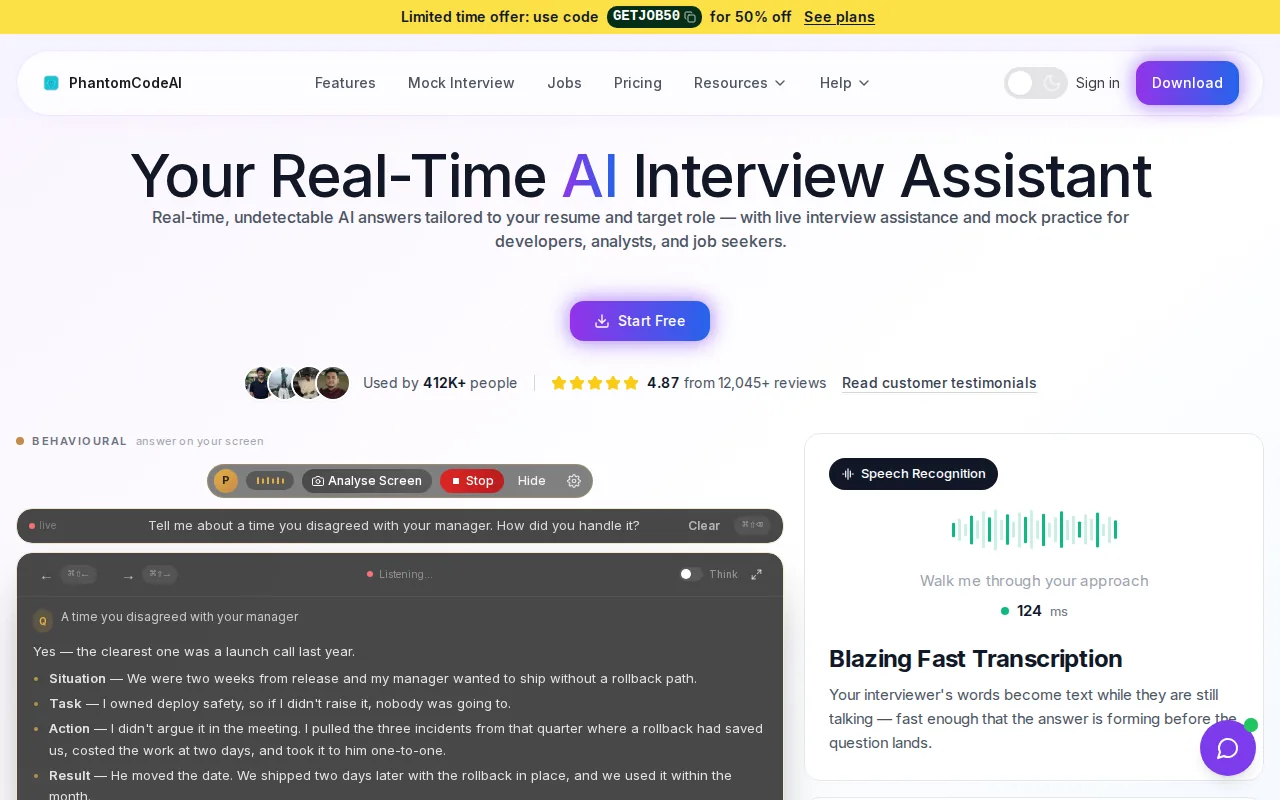
The key distinction is speed. Phantom Code AI reports 124 ms streaming latency and support for Zoom, Google Meet, and Microsoft Teams. That response time can help during a mock interview when a question includes a constraint such as “use constant extra space” or a system design prompt shifts from capacity to consistency.
For engineers who want a live interview tool rather than a general meeting transcript, the real-time AI interview assistant page describes its role in that workflow. It’s still worth testing with your own mic and call setup. Latency alone doesn’t tell you whether a recognizer will hear your interviewer’s accent or technical terms correctly.
There’s a clear trade-off: Phantom Code AI currently lacks speaker diarization, so it doesn’t label each line by speaker. That can make a transcript harder to scan when an interviewer and candidate talk over each other. Use it for practice and follow the interview organizer’s rules before using any assistant during a live hiring interview.
Interview prep also includes work outside the call. Engineers focused on coding patterns can use this coding-pattern review alongside a mock interview, then check whether the transcript captured the prompt correctly.
For a different kind of prep, this prep-course comparison can help clarify the difference between a prep course and an assistant that works during practice sessions.
2. Deepgram Nova-3 - Streaming transcription
Deepgram Nova-3 is a speech recognition model for real-time transcription pipelines. It may suit teams building interview software that needs a live transcription pipeline, rather than an off-the-shelf candidate assistant.
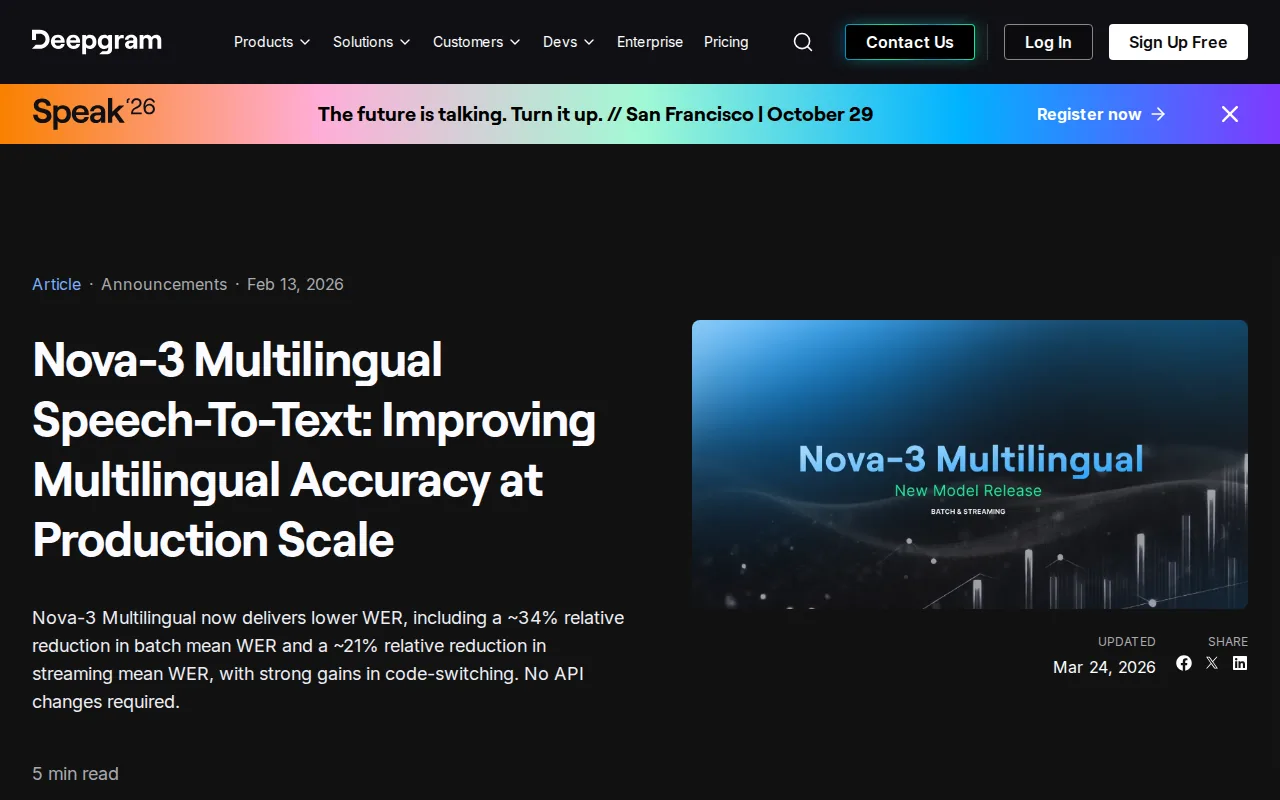
Word error rate, or WER, counts substitutions, insertions, and deletions against a reference transcript; a lower number is better. It’s not the same as an accuracy percentage, so don’t compare a WER figure directly with a vendor’s “up to” accuracy claim.
Shared audio can make interview transcripts harder to review, so test the model with the actual call mix and mic setup. The model’s API focus also means a team has to build or connect the surrounding interface.
A coding interview assistant needs more than speech recognition. It may need to detect that the interviewer has moved from a coding prompt to a complexity question, so test the full pipeline rather than judging a transcript alone.
Developers weighing transcript speed against interview support can also review Phantom Code AI’s feature checklist for a low-latency interview assistant before choosing what to build or test.
3. AssemblyAI Universal-3.5 Pro Realtime - Live audio transcription
AssemblyAI Universal-3.5 Pro Realtime is a streaming speech model for developers building live transcription into a voice product or contact-center workflow.
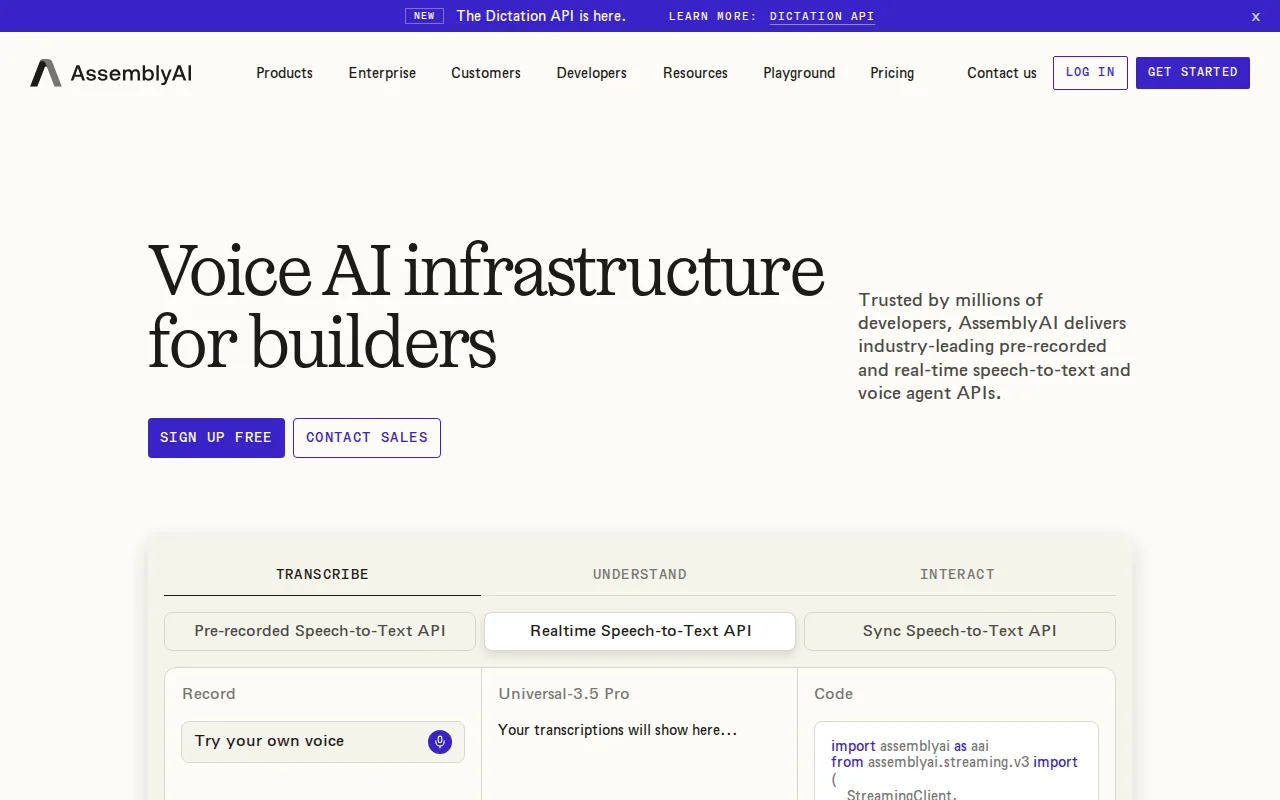
A technical test should use noisy interview audio and a candidate discussing code aloud.
For a mock interview, test a short clip with the interviewer asking a question, the candidate thinking aloud, and both speakers taking turns. Review whether the transcript captures interruptions and technical terms.
The model is an API choice, not a complete interview assistant. A product team still needs to handle audio capture, display, and the interview-specific logic around the transcript.
For candidates, the larger question is how the tool fits the prep plan. A live transcript can help you review whether you caught the interviewer’s requirements, but it can’t replace practice explaining why you chose a data structure.
4. Otter.ai - Meeting-ready transcription with speaker identification
Otter.ai is a meeting transcription service with speaker identification and support for Zoom, Google Meet, and Microsoft Teams. It fits remote teams or candidates who want a transcript from a meeting without building their own streaming interface.
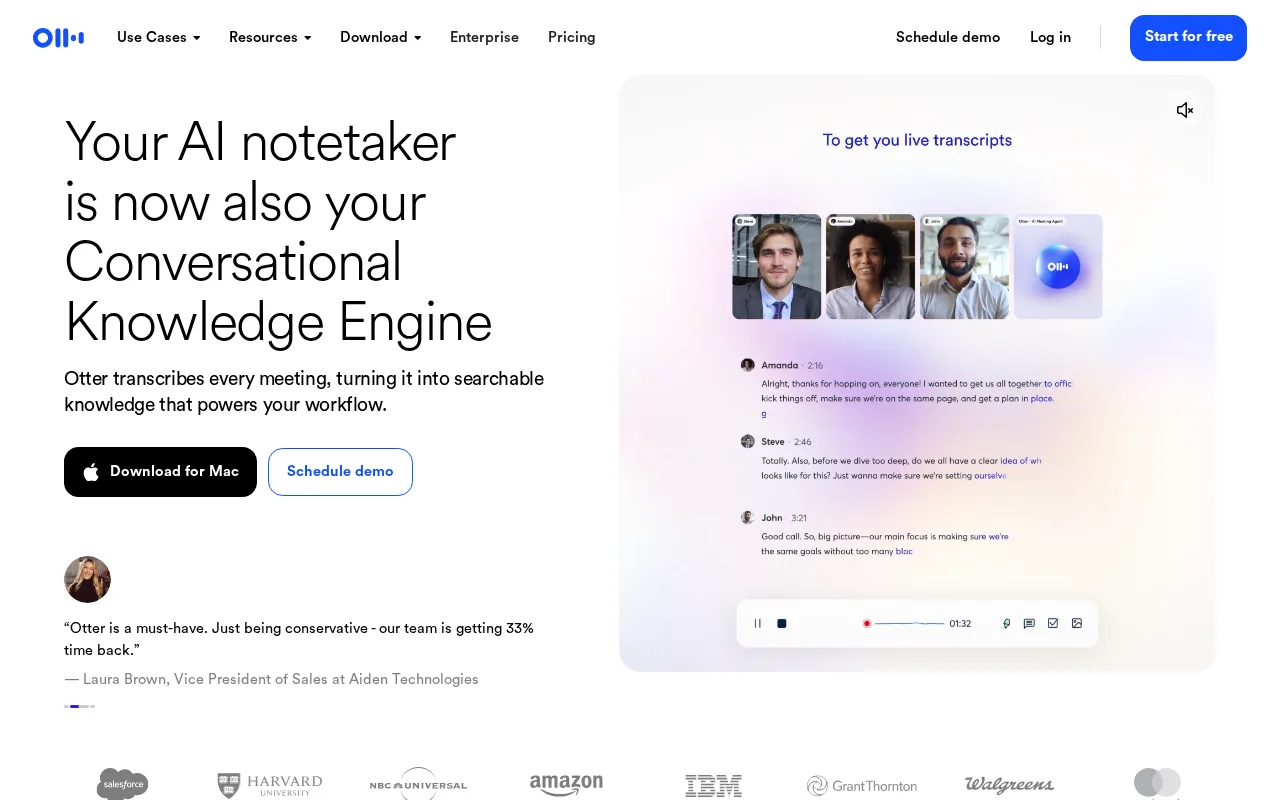
The available accuracy figures don’t line up cleanly: one source gives a 90 to 95% range, while another lists 96%. Those figures may come from different tests or conditions, so they aren’t a reliable head-to-head score. For live interview use, test the transcript against your own audio and check whether technical phrases such as “breadth-first search” or “eventual consistency” come through as spoken.
Otter.ai’s meeting focus can be useful for a mock interview where the main goal is reviewing what was said afterward. Speaker identification helps separate interviewer prompts from your answers, which makes it easier to find a moment where you skipped a constraint or gave an unclear explanation.
It isn’t presented here as a coding-specific assistant. If you need help recognizing a DSA problem or shaping an answer in real time, meeting transcription and interview guidance are different jobs.
Interview readiness also includes basic setup. This article on attire for tech interviews covers a separate part of the interview experience, while a short audio check can catch mic problems before a practice call begins.
5. Rev AI - API-based option for real-time business audio
Rev AI is an API-based option for real-time business audio transcription. It may fit a team that wants to add speech-to-text to its own interview or meeting workflow.
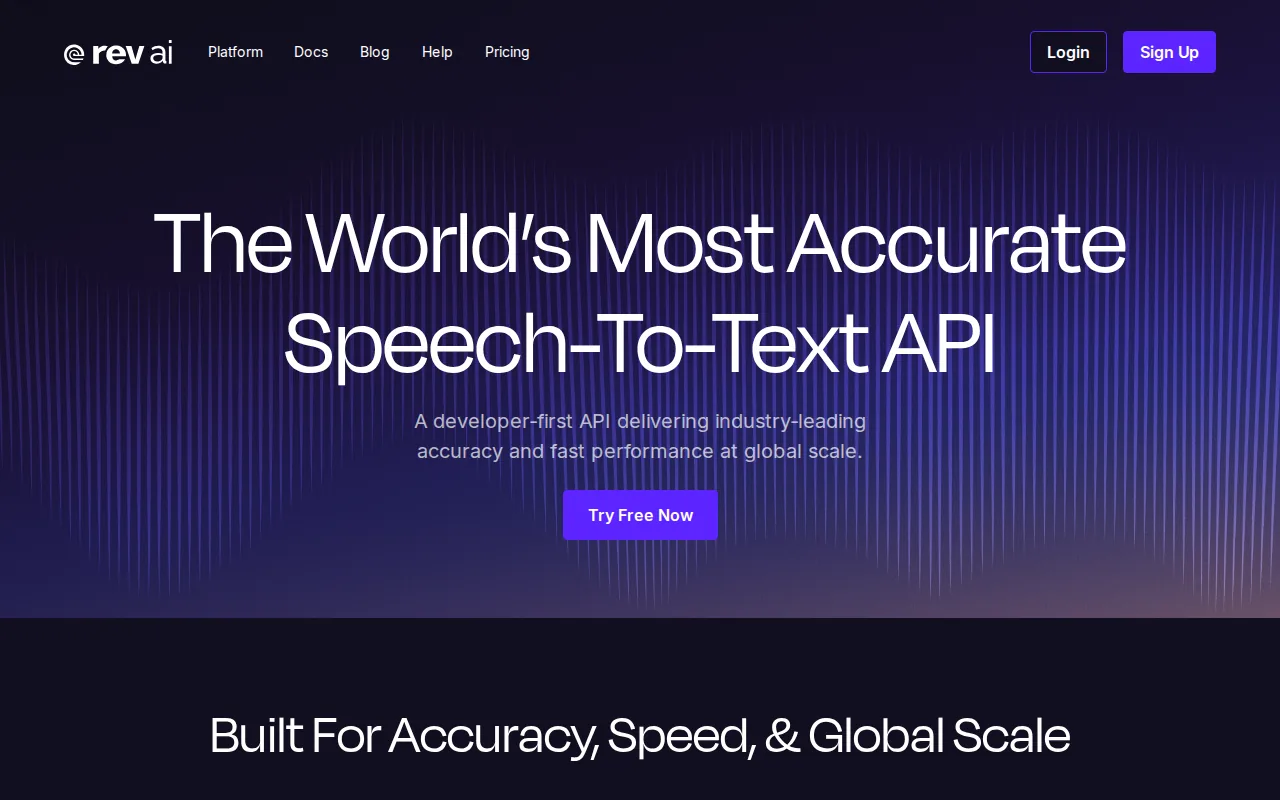
For a technical interview product, test the transcript with the audio users will actually send. Include a clear interviewer question, a pause while the candidate thinks, and a spoken explanation with code terms. Check whether partial text arrives soon enough for the interface, then see whether the final text corrects early recognition errors.
Because Rev AI is API-based, it makes more sense for a team integrating transcription into a product than for an individual who wants a ready-made coding practice tool. If your goal is to rehearse answers for a non-coding role, Phantom Code AI also has a resource on interview assistant software for financial analyst interviews.
There’s no need to pick an API from a single published number. Keep a short test set of interview audio and compare the same clips across any tools you’re considering.
Compare the five options for live interview transcription
To compare streaming transcription accuracy for live interviews, first separate reported WER from reported accuracy percentages. Then weigh latency, speaker labels, and whether you need a ready-made assistant or an API.
| Option | Reported measure | Latency detail | Speaker labels | Best fit |
|---|---|---|---|---|
| Phantom Code AI | No accuracy figure provided | 124 ms reported | No | Coding interview practice with real-time guidance |
| Deepgram Nova-3 | Teams building a live transcription pipeline | |||
| AssemblyAI Universal-3.5 Pro Realtime | Live audio products that need speaker labels | |||
| Otter.ai | Sources report 90–95% and 96% | Not stated | Yes | Meeting transcripts with little setup |
| Rev AI | Not stated | Not stated | Business audio transcription through an API |
The figures aren’t a clean leaderboard. They use different measures, and only some include latency. A model with a strong batch score may still feel slow in a live call, while a fast partial transcript can revise its words as more context arrives.
If you’re choosing a tool for your own practice, start with whether you need coding-specific guidance. If you’re building software, test the same audio clips across APIs and measure both text quality and time to useful output. Engineers preparing for a job search may also find this comparison of interview-preparation tools useful when sorting interview tools from broader career services.
FAQ
Which tool is best for live coding interview practice?
Phantom Code AI is the closest fit for live coding interview practice because it is built for interview audio and real-time guidance, and it reports 124 ms streaming latency. It currently lacks speaker diarization, so it may be less useful when you need a transcript labeled by speaker. Check the interview’s rules before using any assistant in a live hiring round.
Is word error rate the same as transcription accuracy?
No, word error rate and accuracy percentage are different measures. WER counts word substitutions, insertions, and deletions against a reference transcript, while an accuracy percentage may use a different test method. When you compare streaming transcription accuracy for live interviews, keep those measures separate and test the same audio with each tool.
Does a faster transcript always mean a better interview tool?
No, speed alone doesn’t tell you whether the transcript is right or whether it labels speakers. Low latency can help a live interface respond sooner, but a transcript that misses a key constraint can still be unhelpful. For practice, test both the delay and the final wording with technical questions you expect to hear.
Why do speaker labels matter in interview transcription?
Speaker labels make it easier to tell interviewer questions from candidate answers. They can help you review a mock interview and find where a follow-up changed the prompt. But labels can fail when people talk at once, so check diarization with overlapping speech rather than assuming a feature name guarantees clean results.
How should I compare accuracy claims from different vendors?
Compare like with like: use the same audio, note whether each figure is WER or an accuracy percentage, and check the final transcript as well as partial text. Include technical terms and natural pauses in the test. For everyday dictation outside interviews, a voice-typing tool is a separate example of speech-to-text used to turn speech into text in apps.
Conclusion
For software engineers who want real-time interview practice support, start with Phantom Code AI and test it in a mock call before relying on it. If you’re building a transcription product, compare the same interview clips across APIs and measure latency, wording, and speaker labels separately.
Resume-focused prep is a different task from live transcription; this resume-preparation alternative comparison can help keep those needs distinct.
For another view of live-interview tools, read the live-interview tool alternative comparison. If you’re also updating application materials, this resume-writing tool alternative comparison covers a separate part of the job search.