Best Live Interview Overlays for Developers

Compare features of live interview overlays for developers, including transcription, coding support, privacy, integrations, and interview-round coverage.
TL;DR
- Compare overlays on transcription, problem recognition, programming-language coverage, and support for your interview rounds.
- A coding-only workflow may not cover a loop that also includes system design and behavioral questions.
- Check the actual desktop or browser setup and privacy behavior before relying on a side panel during practice.
Live interview overlays can look similar at first glance. Their differences show up in the details: real-time transcription, problem recognition, screen privacy, language coverage, and support beyond coding rounds. Engineers comparing AI interviewing software for live interviews should evaluate those capabilities against the full hiring loop. Here are five named options and the type of developer each one fits best.
Table of Contents
- Phantom Code AI
- ExtraBrain: Local-first transcription with a free core app
- OphyAI Coding Interview: Picture-in-picture support across coding languages
- Interview Coder: Stealth assistance focused on coding rounds
- InterviewSidekick: Fast answers across browser-based coding platforms
- Feature comparison: Which live interview overlay fits your preparation?
- FAQ
- Conclusion
1. Phantom Code AI
Phantom Code AI is an invisible desktop assistant for live technical interview support. It listens to the conversation, transcribes speech in real time, recognizes the problem type, and gives guidance during coding, system design, or behavioral rounds.
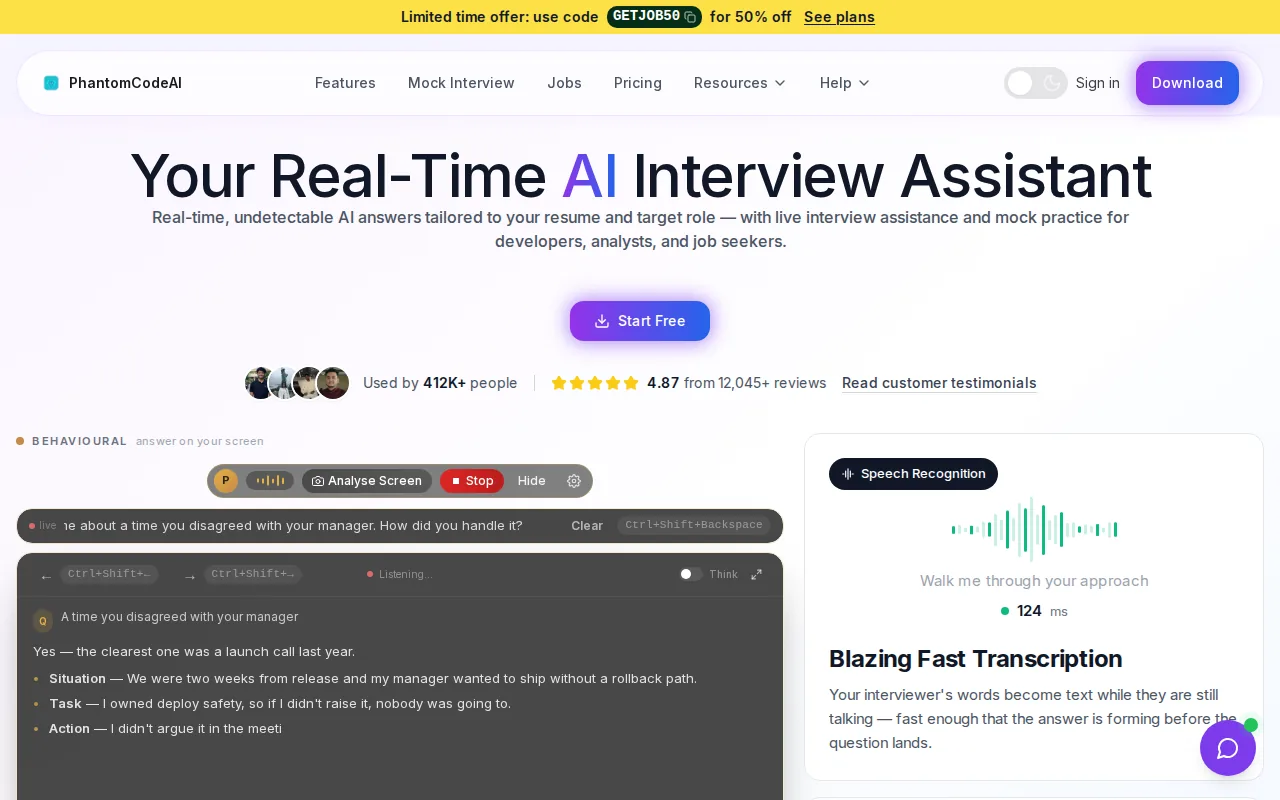
It is the strongest fit for software engineers who want one overlay across a full interview loop. A coding question might trigger DSA guidance. A system design prompt can be treated as a design discussion. A behavioral question can stay in the same workflow instead of forcing you to switch tools. For panel formats and multi-interviewer discussions, review panel interview preparation for software engineers so the tool supports a clear technical conversation rather than replacing your explanation.
The key difference is the combination of features. Phantom Code AI lists support for 11 programming languages. Its advertised 91 languages and accents refer to speech. It also pairs live transcription with automatic problem-type recognition. That means the assistant can distinguish the kind of question in front of you instead of treating every prompt as a code-generation task.
The invisible overlay matters during screen sharing. A visible browser tab or floating window adds clutter and can expose the tool during a shared session. A desktop overlay that stays out of the shared view gives you a cleaner workspace, though you still need to follow the interviewer's rules about outside assistance.
Phantom Code AI also makes sense for preparation. You can use the same broad workflow while practicing DSA patterns, system design answers, and behavioral stories. For example, a candidate working on sliding-window questions can pair live assistance with two pointers and sliding window interview practice before a mock round.
There is one important caveat. An overlay should support your thinking, not replace it. You still need to explain tradeoffs, test edge cases, and speak clearly. If you need help with policy questions around permitted assistance, Phantom Code AI also covers responsible use of live interview AI.
2. ExtraBrain: Local-first transcription with a free core app
ExtraBrain is a local-first desktop copilot with live transcription and a free core app. It suits candidates who want to test an interview overlay without starting with a paid plan.
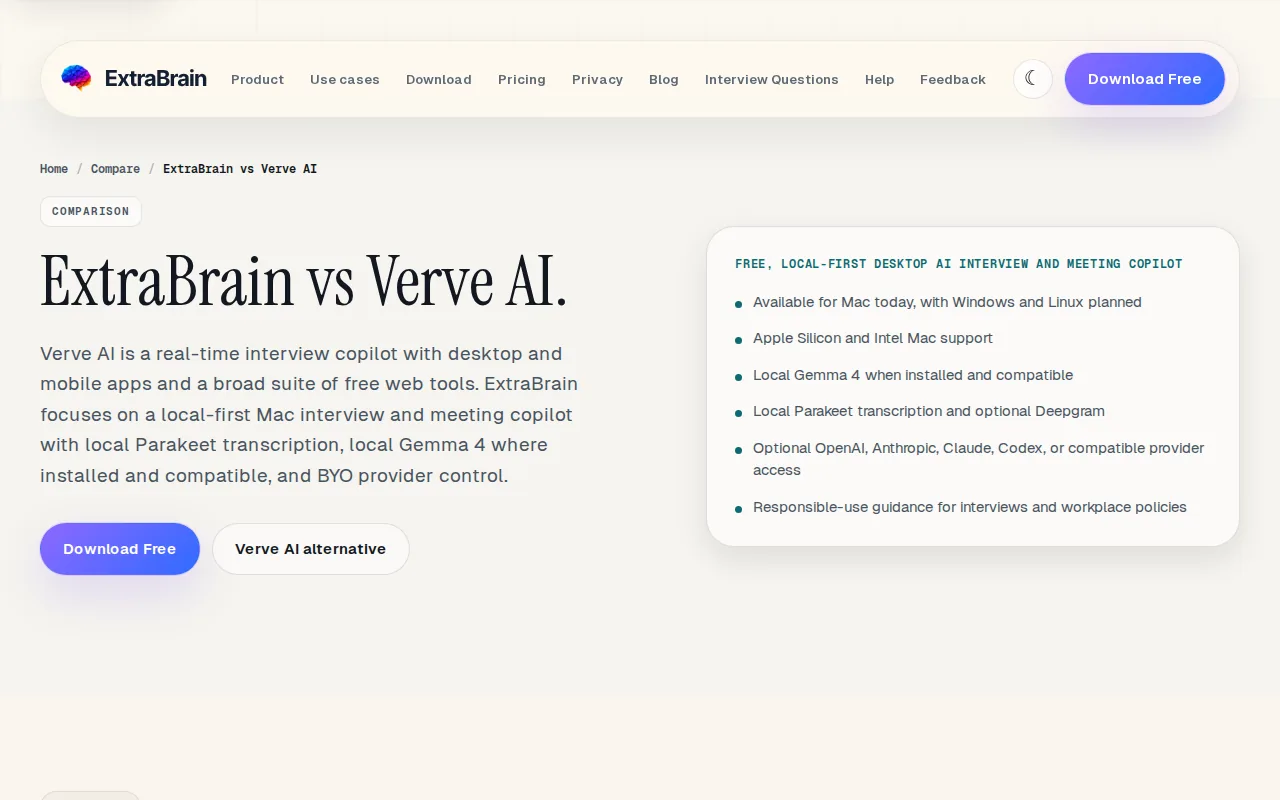
The local-first angle is useful when privacy is high on your list. Speech recognition turns spoken audio into text, which an assistant can then use as context. The basic idea is familiar from speech recognition systems, but the way each product handles storage, processing, and access still needs careful review.
ExtraBrain also stands out for problem-type recognition. That puts it closer to a full interview copilot than a simple code answer window. A tool that can identify coding, system design, or behavioral context may give more relevant help than one that only reads a code editor.
The main limitation is platform access. ExtraBrain is Mac-only today, with Windows and Linux support planned. That rules it out for developers who work on another operating system or cannot install a local desktop app on their interview machine.
ExtraBrain is a sensible pick for Mac users who value a free starting point and local processing. Still, check the supported operating system before comparing its free access with browser-based tools. A free core app has little value if it cannot run on your setup.
3. OphyAI Coding Interview: Picture-in-picture support across coding languages
OphyAI Coding Interview uses a picture-in-picture overlay designed to sit outside the shared coding view. It fits developers who want a private side panel during coding rounds and need support across many programming languages.
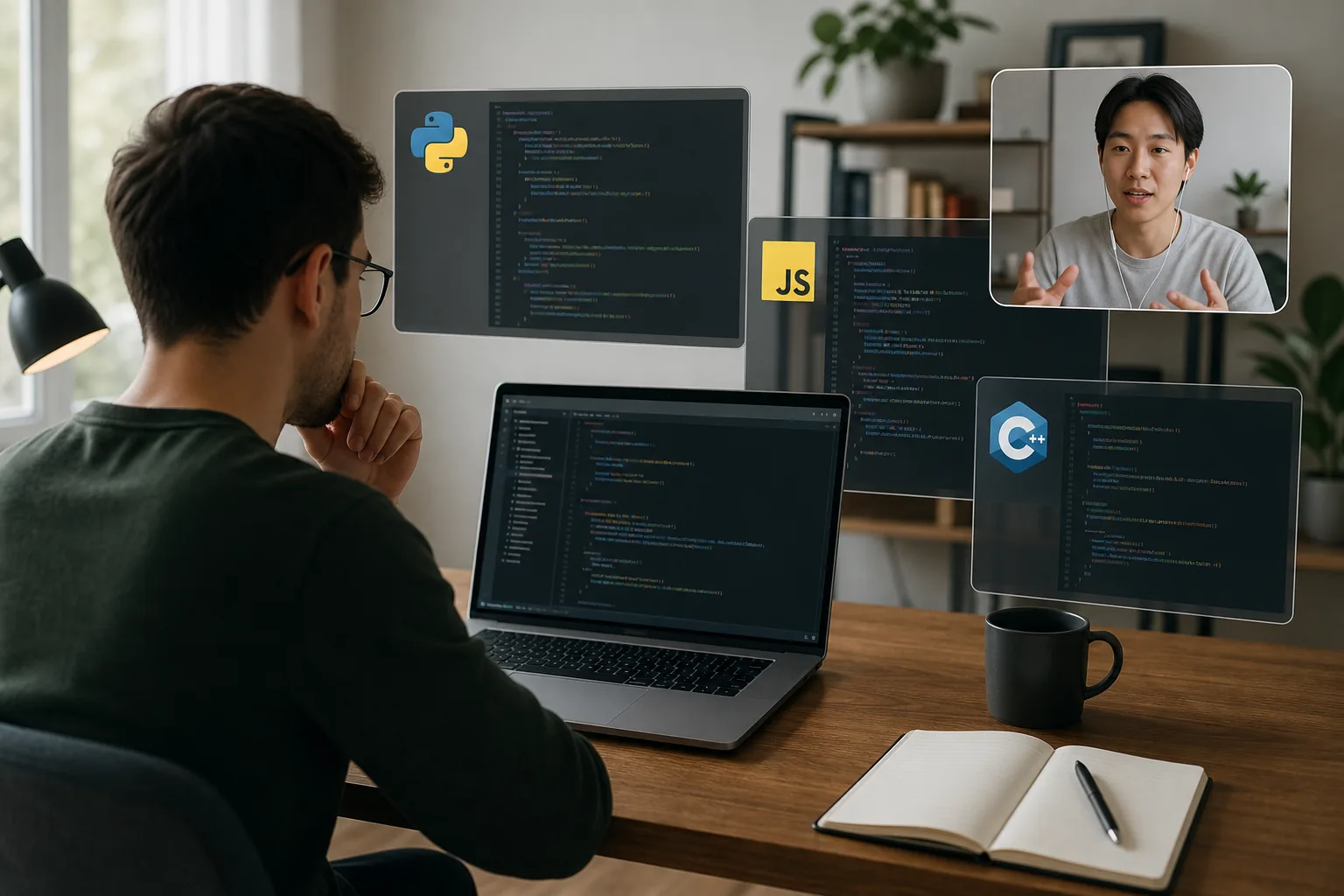
The coding version lists support for 35 languages. Its Picture-in-Picture design aims to keep the assistant separate from the coding environment that an interviewer sees. That layout can feel less disruptive than switching between a browser tab and the coding screen.
OphyAI's wider interview copilot also describes live transcription and a private side panel. Its workflow includes separate areas for interview questions, code discussion, and visual review. That gives candidates more room to handle a diagram or explain a code change instead of asking one panel to do everything.
The service also describes Auto-Detect, which recognizes when the interviewer starts speaking and prepares a response. This can reduce the need to trigger every response by hand. It does not remove the need to check the answer, especially when a coding prompt has hidden constraints.
Free access begins at $0 with a five-credit grant, and the first session is free for 15 minutes. Paid access uses credits, so a candidate should check how many credits a real practice session consumes before treating the free tier as a long-term plan.
OphyAI is better suited to candidates who care about picture-in-picture privacy and a wider career toolkit. If your main need is one invisible desktop assistant across DSA, system design, and behavioral rounds, Phantom Code AI has the broader stated scope.
Treat vendor comparisons as product information, not as an independent benchmark.
4. Interview Coder: Stealth assistance focused on coding rounds
Interview Coder is a stealth overlay built around coding rounds. It is best for a developer who wants a narrow workflow focused on reading a coding problem and receiving help inside that round.
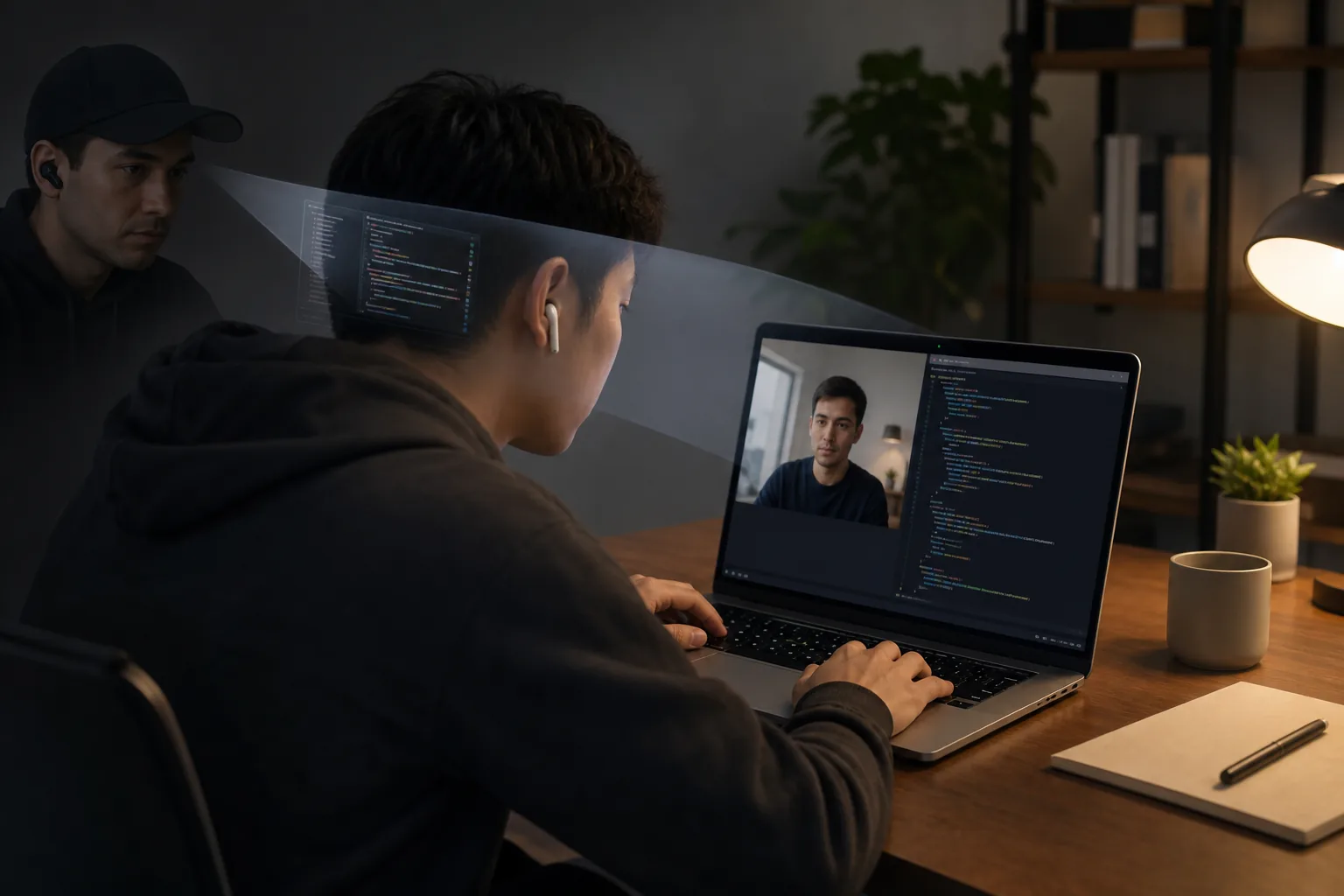
The product reads the coding environment through screen capture. Screen capture means recording or copying the visible contents of a display, as described in Wikipedia's reference definition. That approach can let the tool work without an IDE plugin, but it also makes permissions and detection worth checking before use.
Its scope is the main selling point and the main weakness. Interview Coder does not cover behavioral interviews, leadership questions, system design, or resume tools. If your hiring loop has several round types, you would need another preparation method for everything outside coding.
The workflow is easy to understand. The assistant reads the problem on screen, then shows a solution on a hidden overlay. That can help when you are stuck on a familiar pattern, such as a graph traversal or a two-pointer problem. It cannot replace the explanation an interviewer expects while you reason through complexity and edge cases.
There is also a trust concern with any stealth tool. Some coding platforms and interview teams may prohibit outside assistance. The right move is to confirm the rules before an interview, then use the overlay in mock sessions when live assistance is not allowed.
Pick Interview Coder only if coding-round coverage is enough. Engineers preparing for a mixed loop will usually get more value from a tool that understands more than one interview type.
5. InterviewSidekick: Fast answers across browser-based coding platforms
InterviewSidekick is a browser-focused assistant that turns spoken questions into written answers quickly. It is aimed at candidates who work inside platforms such as LeetCode, HackerRank, CoderPad, or CodeSignal.
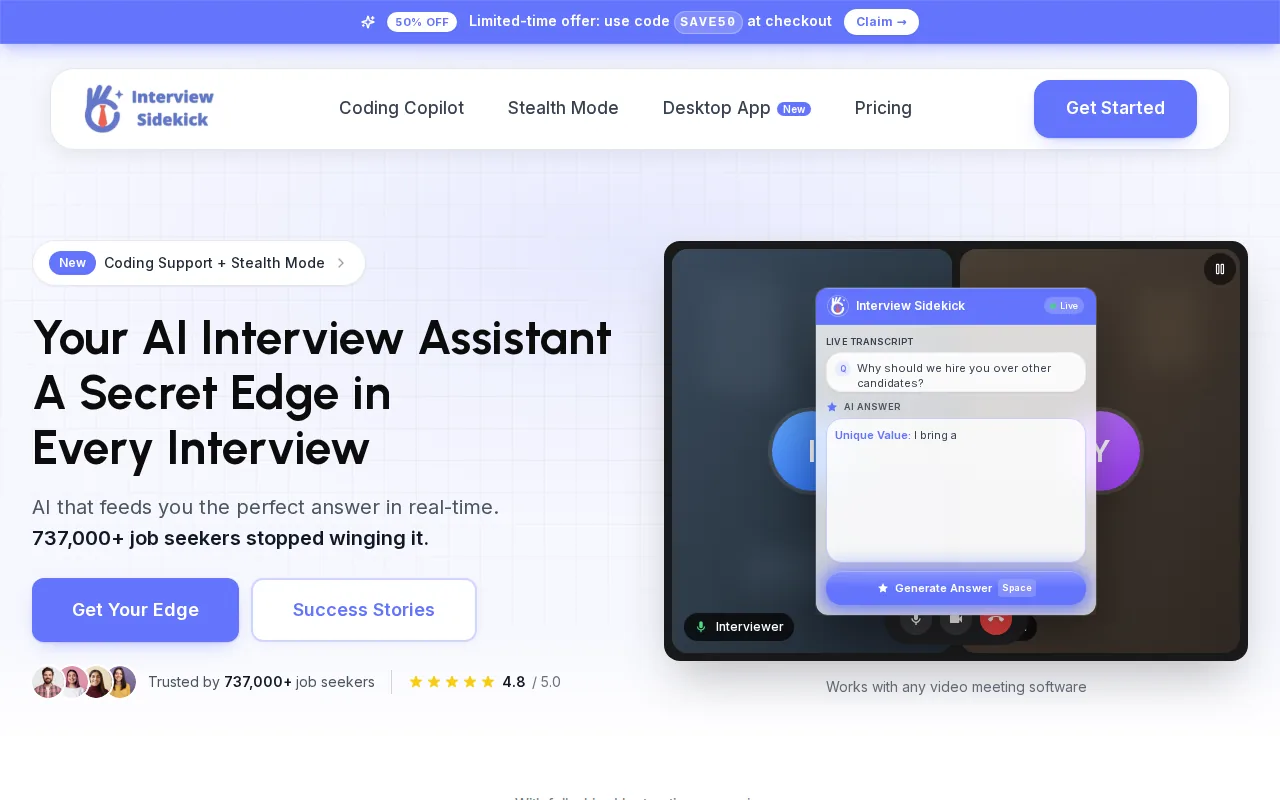
The product describes a response time of under two seconds for turning a spoken question into a written answer. It also uses a floating overlay that lets you click or type without leaving the interview tab. That is a useful design for people who dislike switching between windows while solving a problem.
Platform coverage is its clearest strength. A developer may practice on one coding site and interview on another, so support across several browser tools reduces setup changes. The overlay stays separate from the page, which can make the workflow easier to learn.
The tradeoff is that browser-first convenience does not automatically mean broad interview coverage. Before choosing it, check how well it handles system design prompts, behavioral questions, and spoken follow-ups. A fast answer to a coding prompt does not cover the full hiring loop.
InterviewSidekick can make sense for a candidate who wants a quick browser workflow. Phantom Code AI is the better first comparison when the goal is one desktop assistant with transcription, problem recognition, and coverage across several interview types.
Use a tool like this during approved practice sessions first. That gives you a chance to see whether the answer arrives in time, whether the code matches the prompt, and whether you can still explain the result in your own words.
Feature comparison: Which live interview overlay fits your preparation?
When you compare features of live interview overlays for developers, start with the round you need to prepare for. A coding-only overlay may be fine for a single DSA screen. It is a poor fit for a loop that also includes system design and behavioral interviews. For a broader shortlist, compare these products with the best AI interview tools for developers, especially when pricing and practice features matter as much as the overlay itself.
| Tool | Best fit | Transcription | Problem recognition | Overlay style | Main limitation |
|---|---|---|---|---|---|
| Phantom Code AI | Full technical interview coverage | Real time | Yes | Invisible desktop overlay | Rules for outside assistance still apply |
| ExtraBrain | Mac users seeking a free core app | Live | Yes | Local-first desktop copilot | Mac-only today |
| OphyAI Coding Interview | Picture-in-picture coding help | Live | Not stated for the coding product | Picture-in-picture | Free access uses credits |
| Interview Coder | Dedicated coding rounds | Not stated | Not stated | Stealth screen-reading overlay | No behavioral or system design coverage |
| InterviewSidekick | Browser-based coding platforms | Spoken question to written answer | Not stated | Floating window | Check coverage outside coding |
Compare programming languages separately from spoken languages. Phantom Code AI lists 11 programming languages. Check each provider’s current language list for the syntax and libraries you expect to use.
Privacy needs its own check. Ask whether the tool runs locally, reads the screen, uses a side panel, or stays outside screen sharing. You should also ask what the interview rules permit. A hidden overlay may reduce visual clutter, but it does not make prohibited assistance acceptable. For a closer look at how interview helpers differ in visibility and workflow, compare the Interview AI Helper options before choosing a setup.
For preparation beyond overlays, an engineer may need a question bank and a way to explain unfamiliar prompts. A focused resource such as guidance for handling an unseen interview problem can fill that gap before the live session.
Continue this preparation with low-latency coding-assistance options, then use streaming transcription comparisons to extend your practice.
FAQ
What is the best live interview overlay for developers?
Phantom Code AI is a strong fit for developers who need one assistant across coding, system design, and behavioral rounds. It combines real-time transcription with problem-type recognition and lists support for 11 programming languages. Candidates focused only on coding may prefer a narrower overlay, but mixed interview loops need broader coverage.
Do live interview overlays transcribe spoken questions?
Some live interview overlays transcribe spoken questions, but the wording varies by tool. Phantom Code AI and InterviewCopilot describe real-time transcription, while other products use terms such as live transcription. Check whether transcription runs continuously, whether it detects the interviewer automatically, and how the tool handles accents or technical terms.
Which interview overlay supports the most programming languages?
Phantom Code AI lists 11 programming languages. Its 91-language figure covers spoken languages and accents. Confirm that your interview’s programming language and common libraries work before relying on any overlay.
Are invisible interview overlays allowed?
Invisible interview overlays are allowed only when the interviewer's rules permit outside assistance. Many technical interviews expect unaided work, so a hidden interface does not change that policy. Ask for written guidance before the session, and use the tool for mock interviews when live assistance is restricted.
What should developers compare before choosing an overlay?
Developers should compare transcription, problem recognition, round coverage, operating system support, privacy behavior, and response speed. Also check free-tier limits and whether the tool works with your coding platform. The right choice depends on your full interview loop, not the visual style of the overlay alone.
Conclusion
For most software engineers, Phantom Code AI is the strongest starting point because it combines invisible desktop assistance with real-time transcription, problem recognition, and support beyond coding rounds. Test it during a permitted mock interview on your own machine, then verify the employer's assistance policy before any live session.