
AI guidance is now common in developer mock interview tools. Live transcription and question-type recognition are much harder to find, yet they change how engineers review each practice round. Here are six named platforms, what each does well, and which practice style each one fits.
Table of Contents
- Phantom Code AI - Real-time support across coding, system design, and behavioral practice
- mockinterviews.dev - Challenge-based questioning and detailed analytics
- ParakeetAI - Live transcription with answer and code suggestions
- LinkJob AI - Suggested answers and problem-solving insights
- LockedIn AI - Broad question recognition with an integrated code editor
- Interview Sidekick - Fast guidance across technical and behavioral interviews
- Feature Comparison: Which Developer Mock Interview Platform Fits Your Practice Style?
- FAQ
- Conclusion
1. Phantom Code AI - Real-time support across coding, system design, and behavioral practice
Phantom Code AI is an invisible AI desktop assistant for engineers who want help during coding, system design, or behavioral interview practice. It listens to the conversation, transcribes spoken questions and answers, recognizes problem types, then provides guidance as the round moves forward.
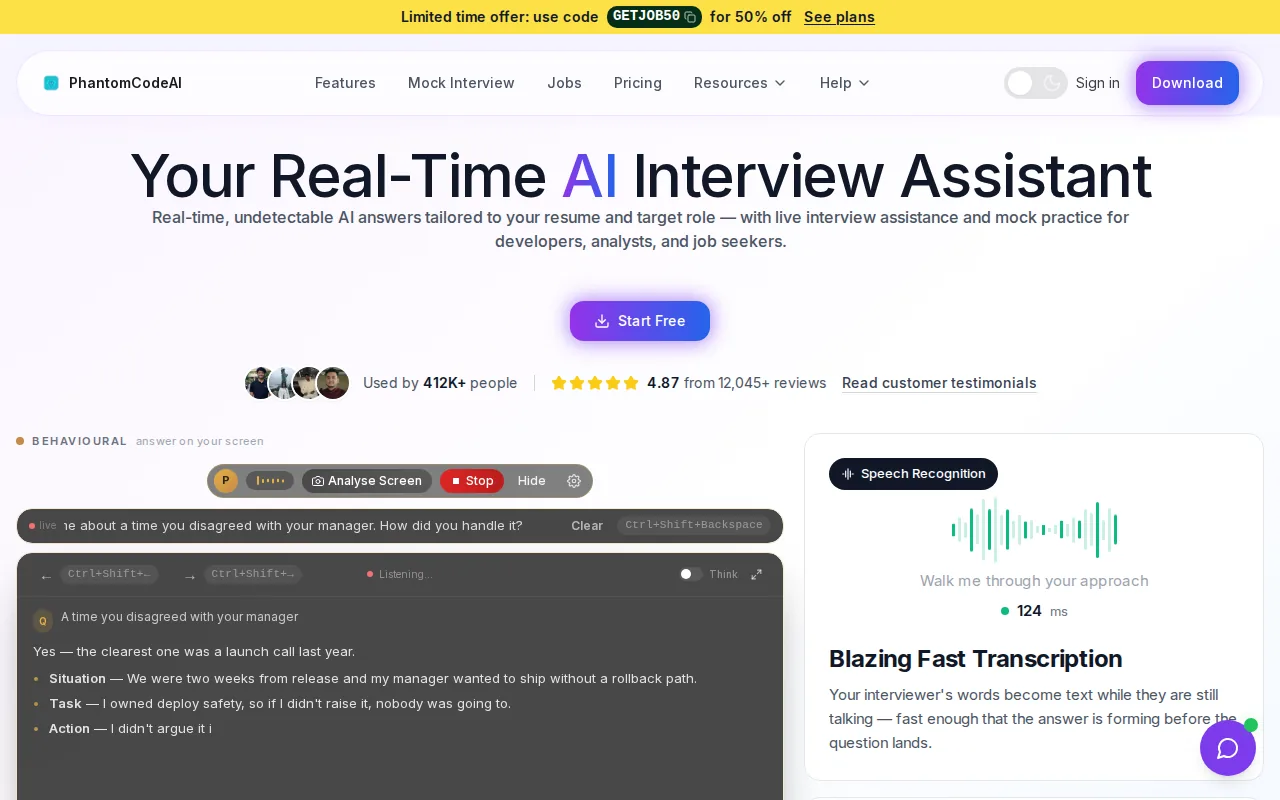
That mix makes Phantom Code AI the strongest fit for engineers who practice aloud. A developer working through a graph problem can get guidance tied to the problem type. Someone in a system design session can use support while discussing scaling trade-offs. Behavioral practice also gets a place beside technical prep, so the workflow does not split across several tools.
The transcript matters after the session. You can revisit the exact question, see where your explanation became unclear, and spot the point where you skipped an assumption. That turns a noisy practice call into material you can study later. The product’s official product page describes it as a real-time interview assistant with mock practice and prep tools.
Phantom Code AI includes problem-type recognition for interview practice. AI guidance is common across the group, so guidance alone is no longer enough to separate one tool from another.
The caveat is simple: no AI assistant replaces the judgment of a skilled human interviewer. Use it for repeatable practice, then add human feedback when you need help with tone, leadership signals, or ambiguous team scenarios.
2. mockinterviews.dev - Challenge-based questioning and detailed analytics
mockinterviews.dev fits engineers who want an AI interviewer to push back instead of accepting the first answer. Its reported workflow includes clarifying questions, edge-case challenges, and requests for complexity analysis.
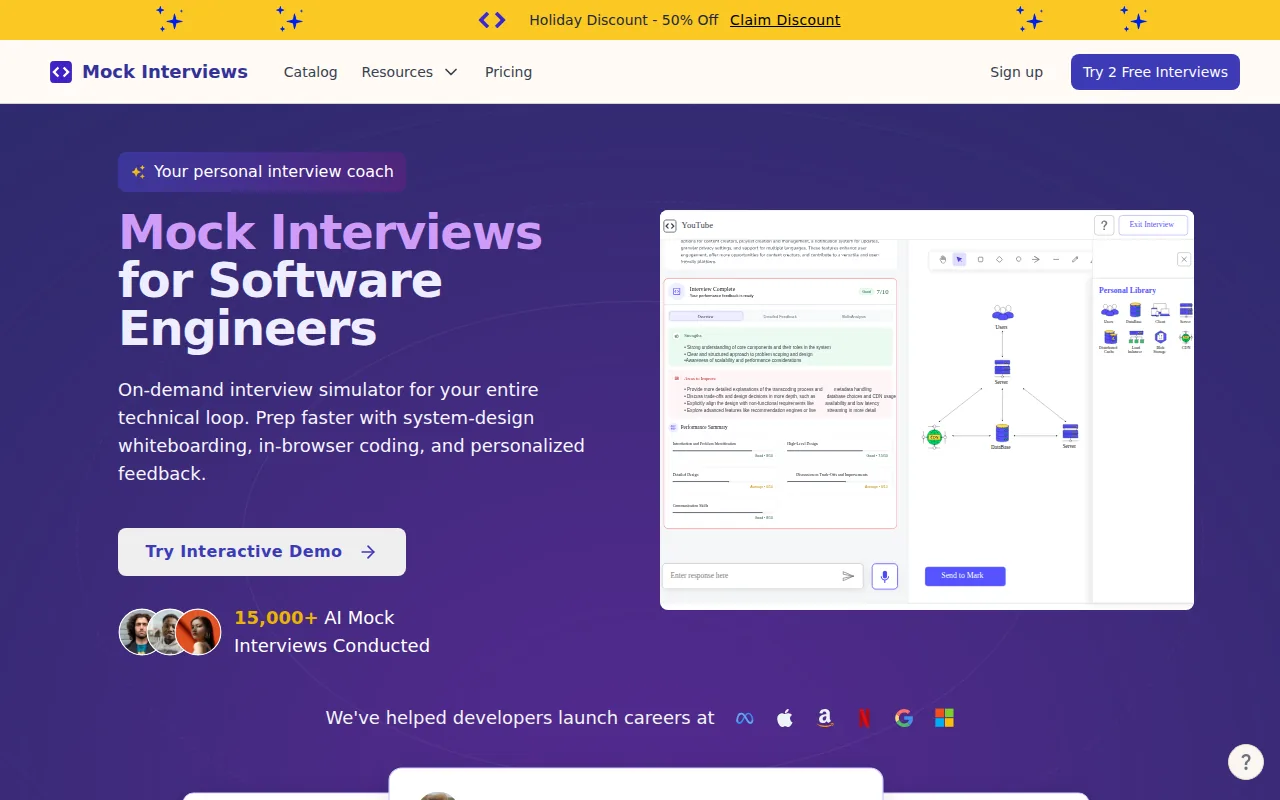
That behavior is useful in a coding round where the first solution looks fine but fails on an overlooked input. A candidate might jump into code before asking about constraints. The tool can press on that gap, then ask for input validation or a time-complexity explanation.
The same approach can help in system design practice. A session may ask what happens when latency rises or how a database would be split across servers. Those follow-ups force you to defend a choice instead of listing system components from memory.
The research source for this option also describes detailed feedback reports with category scores and notes. That is more useful than a pass or fail label because it gives you a place to focus during the next round. An engineer who keeps missing edge cases can track that pattern instead of guessing at the cause.
The main limitation is that the available evidence comes from a detailed third-party review rather than a complete official feature list. Confirm the current feedback categories and session types before you commit. If detailed challenge-based practice matters more than live transcription, this option deserves a closer look.
3. ParakeetAI - Live transcription with answer and code suggestions
ParakeetAI is aimed at engineers who want live transcription beside answer help during an interview session. The listed capabilities include live transcripts, answer suggestions, code suggestions, and explanations.
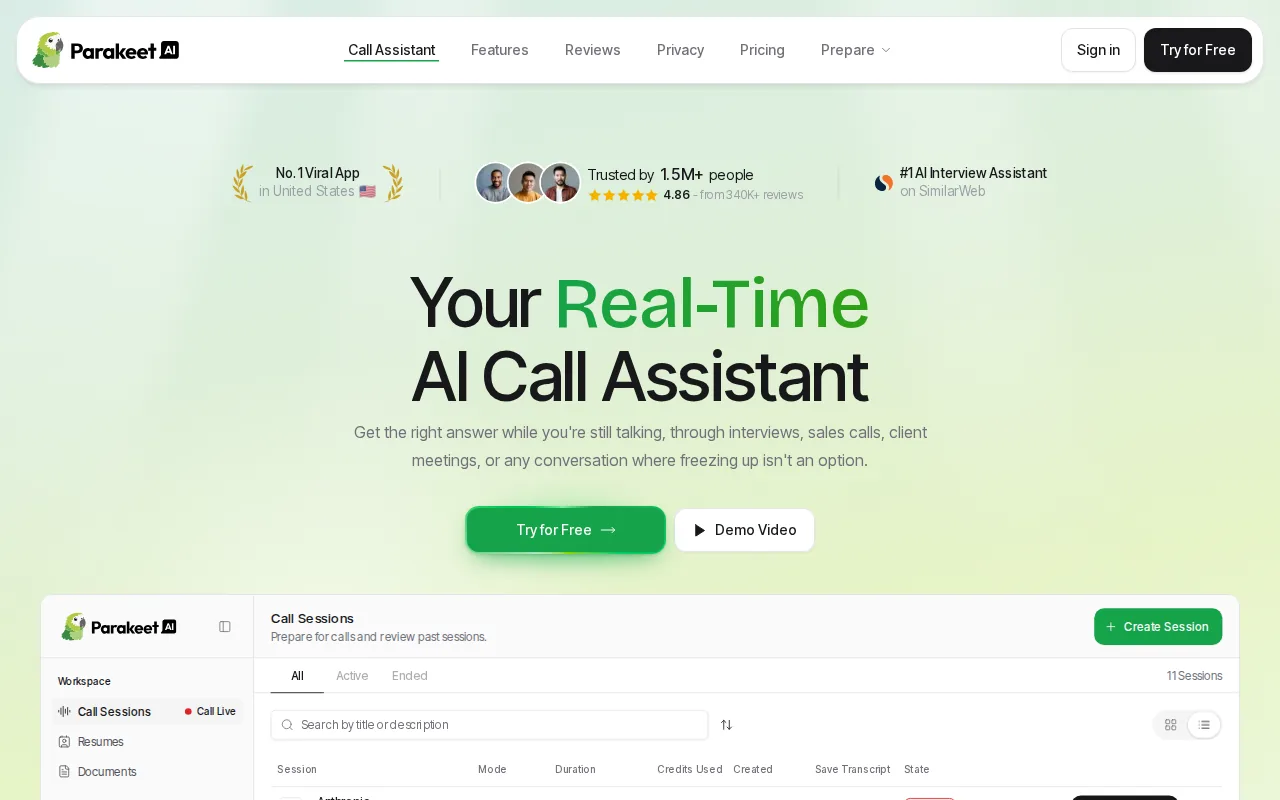
Live transcription can help when an interviewer gives a long prompt or adds a constraint halfway through the question. Instead of relying on memory, you have written text to check while thinking through the solution. That can be useful in a mock round where you want to study how the prompt changed your approach.
The code guidance also fits standard algorithm practice. Imagine a prompt about a sliding-window problem. You could use the suggestion layer to compare a brute-force idea with a more efficient direction, then explain the trade-off in your own words.
Those features make ParakeetAI a reasonable fit for developers who want fast support during English-language technical practice. But transcription alone does not tell you whether the tool understands the question type. Ask if it can distinguish a coding prompt from a system design prompt before treating its suggestions as context-aware.
ParakeetAI may suit transcript-first practice, but engineers should test how well its guidance fits the prompt.
4. LinkJob AI - Suggested answers and problem-solving insights
LinkJob AI focuses on suggested answers, problem-solving insights, and reference answers. It fits engineers who want a fast second view when they are stuck on how to frame a response.
Reference answers can help with a common preparation problem: knowing the topic but not knowing what a clear interview response sounds like. For example, an engineer may understand caching but struggle to explain cache invalidation under pressure. A reference answer gives the candidate a structure to study, then adapt.
Problem-solving insights are most useful when they support your reasoning instead of replacing it. If a prompt asks for the longest substring without repeated characters, the value is in seeing why a moving window works. Copying a solution without explaining the invariant will not prepare you for follow-up questions.
The tool may fit a candidate who wants answer support more than a full mock loop. It can also work as a review aid after you attempt a question alone. First write your approach. Then compare it with the suggested path. That order keeps the practice honest.
The limitation is that suggested answers can feel useful even when they miss the interviewer’s exact intent. Check whether the guidance reacts to new constraints, asks follow-up questions, or merely returns a polished response. Those are different levels of practice.
5. LockedIn AI - Broad question recognition with an integrated code editor
LockedIn AI is positioned around broad question recognition, live answers, code solutions, and coaching. Its listed feature set also includes voice transcripts on the fly and an integrated code editor.
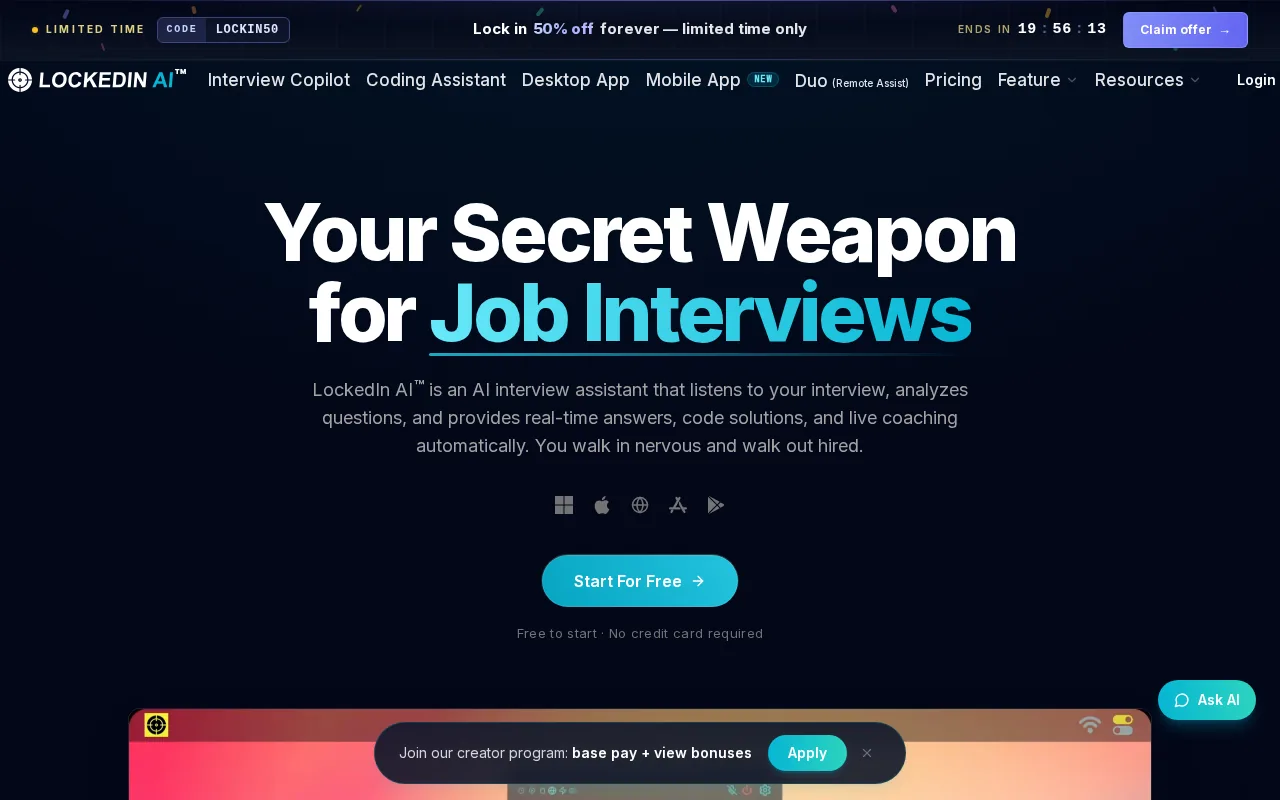
This combination may appeal to engineers who want coding work inside the same workspace as interview guidance. An integrated editor can reduce the need to move between windows during a practice problem. That matters when the goal is to rehearse the same sequence you would follow in a timed coding round.
Broad question recognition is another useful idea. Technical interviews rarely stay in one mode for long. A session can begin with a coding task, shift into a complexity discussion, then move toward a design question. A tool that recognizes those changes should give more relevant support than one that treats every prompt as a generic question.
There is a verification issue to keep in mind. The comparison notes report zero confirmed integrated code editors and zero confirmed analytics dashboards across the six platforms, while some vendor messaging describes those capabilities. Treat the editor claim as something to test in the current product rather than a feature to assume.
If you choose this option, try a full session with a prompt that changes midway. Check whether the editor stays in sync, whether the transcript remains available, and whether the guidance changes when the question type changes. Those checks tell you more than a feature label.
6. Interview Sidekick - Fast guidance across technical and behavioral interviews
Interview Sidekick targets several interview formats, including video, phone, coding, technical, behavioral, and case interviews. Its listed features include turning spoken questions into written answers in under two seconds, plus algorithm hints and pattern guidance.
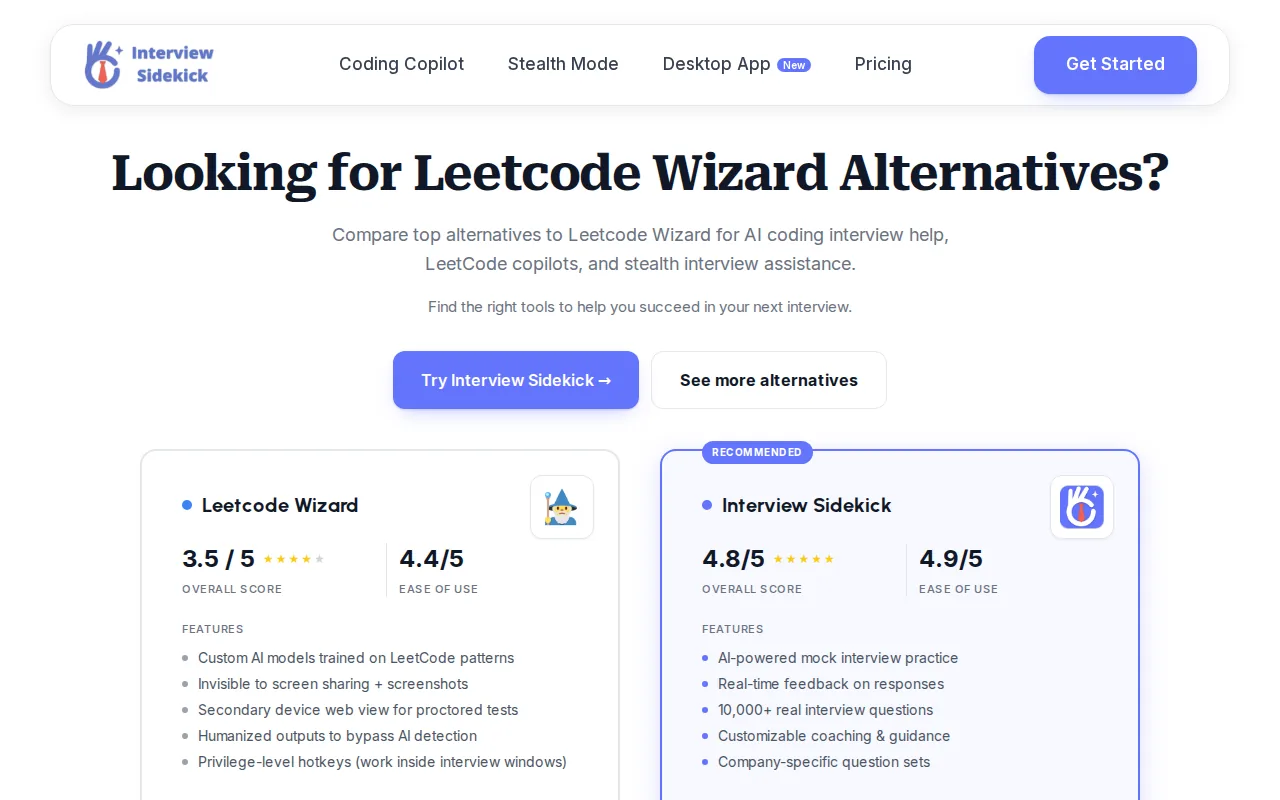
The broad format support makes it a fit for candidates preparing for a mixed interview loop. A software engineer may need algorithm practice one day and behavioral stories the next. Keeping both modes in one workflow can make it easier to practice the switch in pace and tone.
Fast written guidance can also help during short prompts. Suppose an interviewer asks why you chose a hash map. A useful hint should point you toward the trade-off, not dump a long answer that you cannot explain. The best way to use this type of tool is as a cue for your own reasoning.
Still, speed is only one part of a good practice system. You also need to know whether the tool captures the full exchange, recognizes the problem type, and gives feedback after the session.
Use Interview Sidekick when breadth across interview formats is your first filter. If you care more about searchable transcripts and context-aware support, compare those functions before choosing.
Feature Comparison: Which Developer Mock Interview Platform Fits Your Practice Style?
The right choice depends on what you need during practice, not on how many features appear on a landing page. AI guidance is listed across all six platforms, so it works best as a baseline. Live transcription, question recognition, and trustworthy post-session review are stronger filters.
| Practice need | Best fit to investigate | What to verify first |
|---|---|---|
| Spoken practice with a searchable record | Phantom Code AI | How transcripts are saved and reviewed after a session |
| Pushback on edge cases and complexity | mockinterviews.dev | Challenge depth and feedback categories |
| Live transcript plus answer or code suggestions | ParakeetAI | Whether guidance understands the prompt type |
| Reference answers for stuck moments | LinkJob AI | How suggestions respond to changed constraints |
| Editor-based coding practice | LockedIn AI | Whether the editor is truly integrated and current |
| Many interview formats | Interview Sidekick | Support depth for technical versus behavioral rounds |
Use system design background to set a practice goal, then judge each tool by what it lets you do during a session.
FAQ
What features should a developer mock interview platform have?
The top features to look for in a developer mock interview platform are live transcription, problem-type recognition, context-aware guidance, and useful post-session feedback. A coding prompt needs different support than a system design question. Look for a tool that keeps track of that shift instead of giving the same generic answer each time.
Is live transcription useful for coding interview practice?
Yes, live transcription is useful when you practice by speaking through your solution. It gives you a written record of the prompt, your assumptions, and your explanation. You can later find where you skipped an edge case or changed direction. That makes transcription more useful than a live answer box alone.
Do AI mock interview tools provide performance analytics?
Some tools describe analytics or detailed feedback, but you should verify what the report contains. A useful report should show specific notes or category scores tied to your session.
Can one platform cover coding, system design, and behavioral interviews?
Yes, some platforms are built to support all three areas, but depth can vary by interview type. Coding practice should test edge cases and complexity. System design should include trade-offs and follow-up pressure. Behavioral practice should help you make answers specific. Check each mode separately instead of assuming broad coverage means equal quality.
How should I compare developer mock interview platforms?
Compare them with the same three prompts and the same review questions. Ask whether each tool transcribes the session, recognizes the question type, reacts to added constraints, and gives notes you can use next time. This approach tests the top features to look for in a developer mock interview platform without relying on feature labels alone.
Conclusion
For most software engineers, Phantom Code AI is the best first platform to test because it combines live transcription with problem-type recognition across coding, system design, and behavioral practice. Run one full mock round, review the transcript, and note whether the guidance helps you explain your own reasoning. Keep the tool that improves your next practice session, not the one with the longest feature list.