Best Mock Interview Software for Technical Interviews

Compare mock interview software for coding, system design, and behavioral practice, with details on live guidance, AI feedback, and delivery coaching.
A coding interview tests more than whether your code works. You also need to explain your choices while the clock is running. The best mock interview software for technical roles depends on whether you need live guidance, a realistic spoken practice round, or feedback after you answer.
We analyzed 45 YouTube comments about Mock interview software and found that 22% mentioned nervousness during a simulation.
Here are six options for different prep needs, starting with Phantom Code AI for engineers who want contextual help during a mock or live interview.
Table of Contents
- Phantom Code AI
- OfferGoose: Personalized AI mock interviews and debriefs
- Tough Tongue AI: Practice that follows a real interview format
- Huru: Broad interview practice with AI feedback
- Big Interview: Recorded video answers and presentation feedback
- Yoodli: AI role-play for clearer spoken answers
- Mock Interview Software Compared: Best Fit by Practice Need
- FAQ
- Conclusion
1. Phantom Code AI
Phantom Code AI is a desktop assistant for coding interviews. It listens, transcribes, recognizes problem types, and provides real-time guidance during mock or live technical interviews. It’s built for software engineers preparing for DSA, system design, and behavioral rounds.
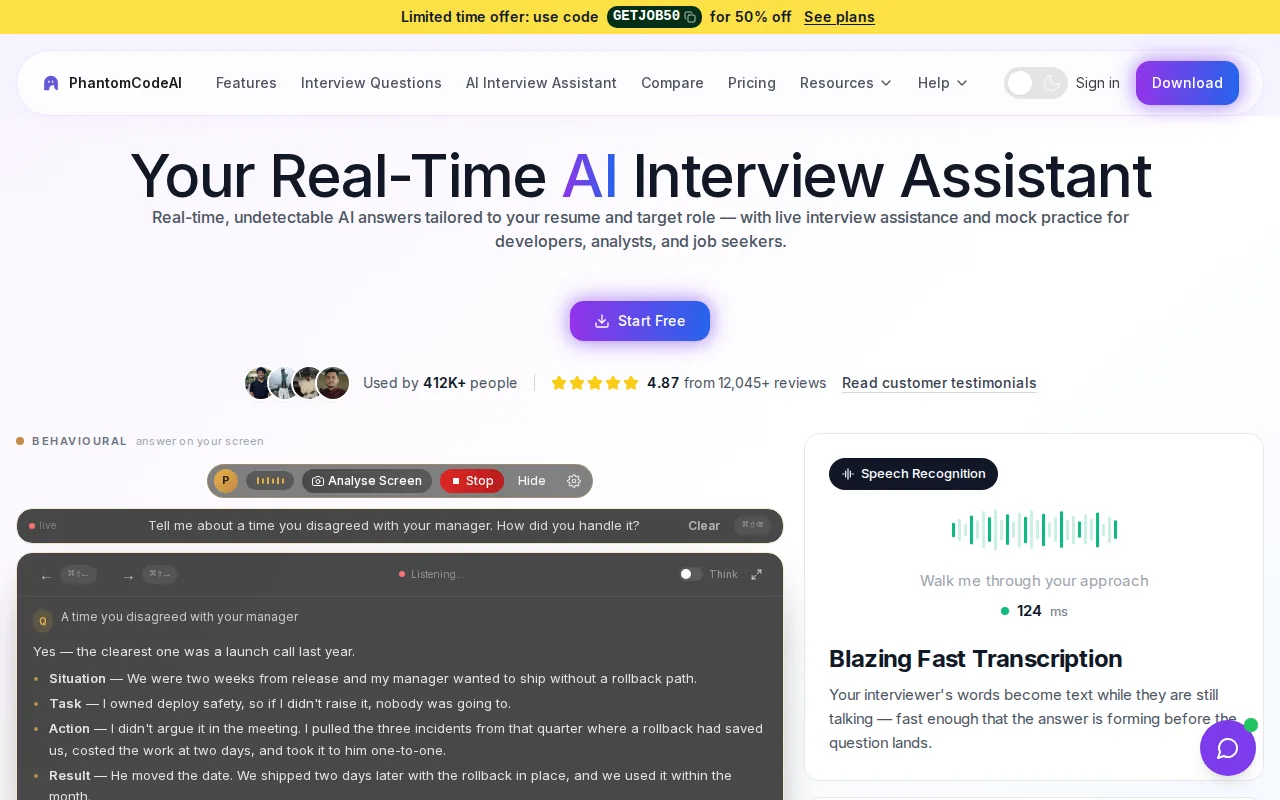
That live support sets it apart from practice tools centered on a score or report after the session. Phantom Code AI focuses on guidance while the conversation is happening.
It runs on macOS and Windows. New accounts get free credits at signup without a card, and its paid plans start at $19.
For a coding round, that can mean hearing the interviewer’s prompt, following the problem discussion, and getting contextual guidance as you work. Use live assistance only when the interview rules allow it. If you want a separate practice format based on language support and coding needs, see mock interview platforms by language support.
It’s the clearest fit here when you want support during the interview itself, rather than feedback only after you finish.
2. OfferGoose: Personalized AI mock interviews and debriefs
OfferGoose combines AI mock interviews with personalized follow-up questions and a structured debrief. It supports behavioral, technical, and system design practice. Its question generation uses a resume and job description to shape follow-ups around the candidate’s background and target role.
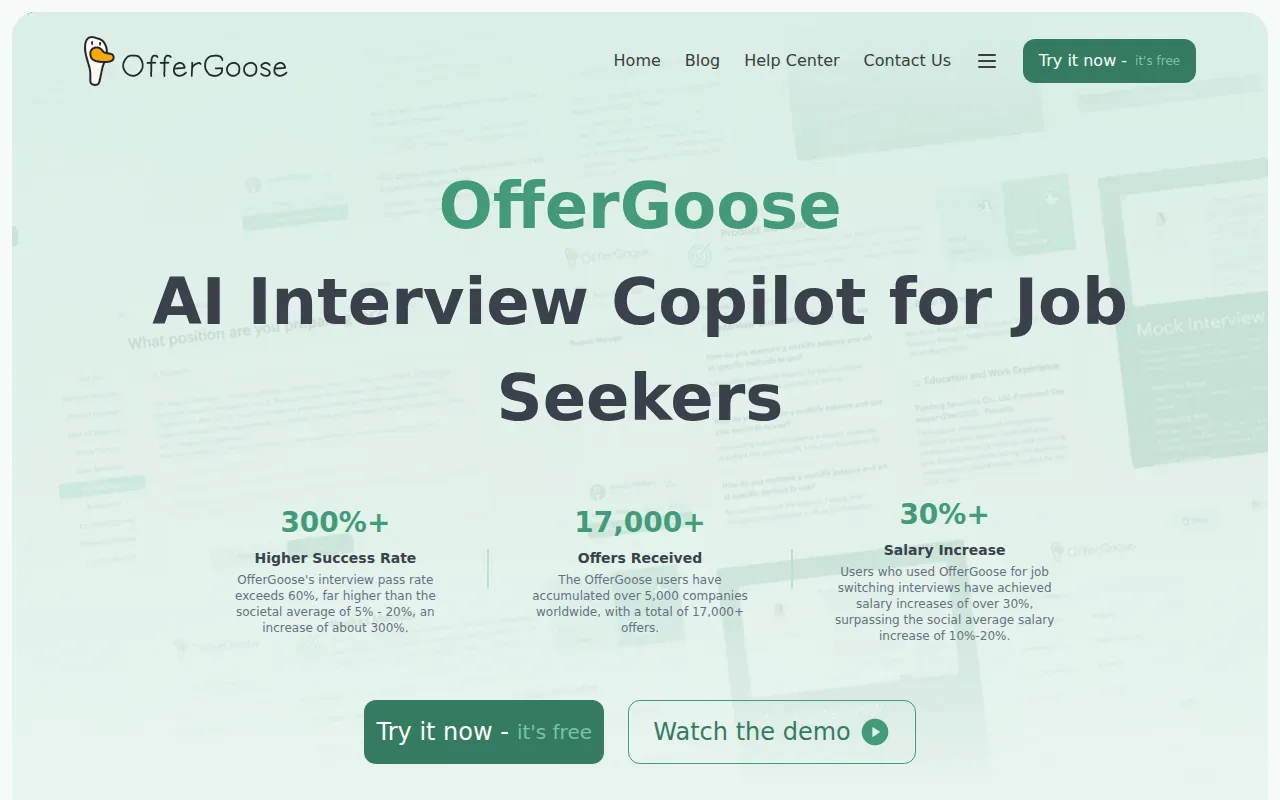
Tailored follow-ups are useful when generic questions miss the details an interviewer might ask about a project. Say your resume describes a service migration. A tailored round can prompt you to explain the trade-offs and then ask follow-ups based on your answer, rather than stopping at a broad opening question.
OfferGoose also provides an in-depth performance analysis and real-time interview assistance. That gives it two distinct uses: rehearsing answers before an interview and getting assistance during an interview. Keep practice and live use separate in your plan, and check the rules for any live interview before using assistance.
Choose it when your prep needs to connect your work history to the role, especially for behavioral answers and system design discussion.
3. Tough Tongue AI: Practice that follows a real interview format
Tough Tongue AI runs voice-led practice rounds that change their tools to match the interview type. Its supported formats include coding, system design, product management, data science, TPM, consulting case, tech business strategy, and MBA admissions. It can also run practice through Google Meet or Zoom.
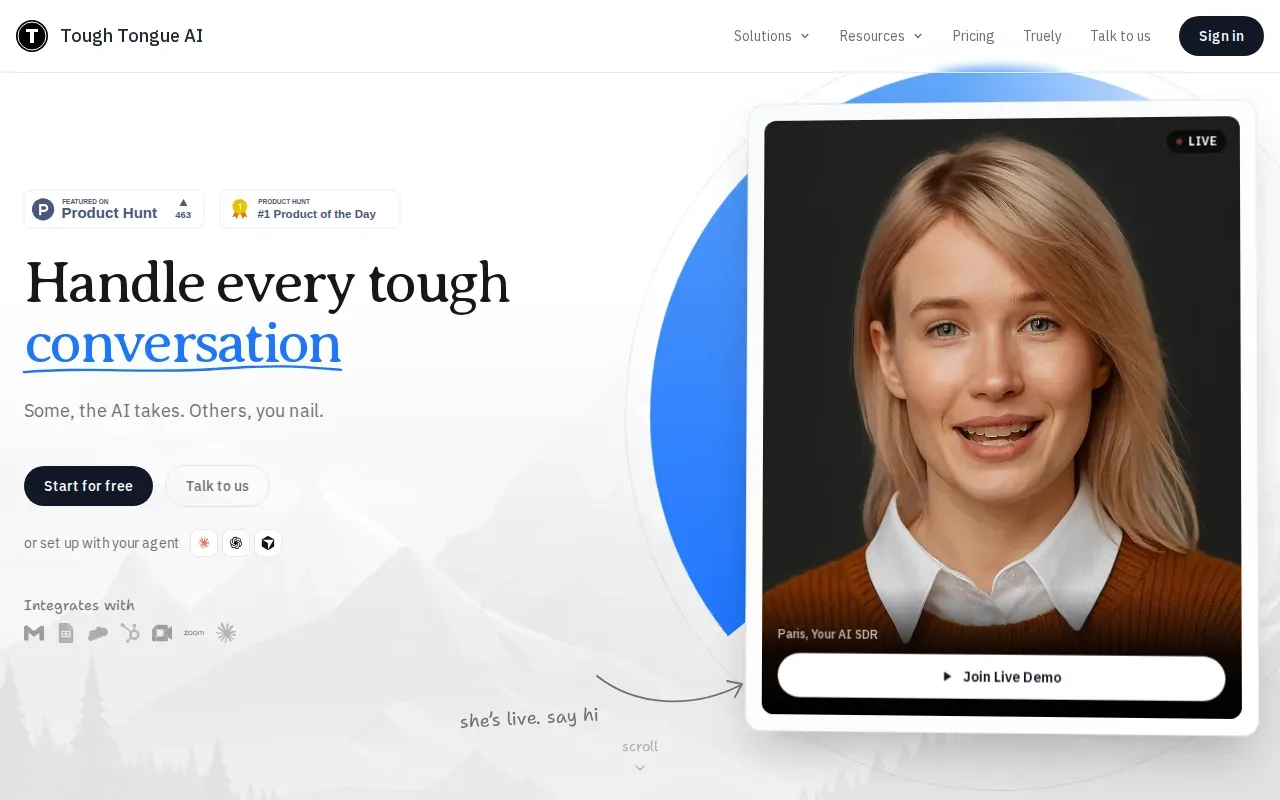
That change of workspace matters for engineers. A coding prompt can use a code editor, while a system design discussion can use a whiteboard. The interviewer asks follow-up questions and adapts to what you say, so you rehearse explaining a choice under pressure instead of silently working through a prompt.
For example, while designing a URL shortener, you can talk through the data model and trade-offs as you sketch the system. In a coding round, you can explain why you chose a hash map before discussing complexity. Tough Tongue AI also gives feedback after each attempt, including notes on delivery and answer structure.
Its broad set of interview formats suits people who have several types of rounds ahead. If you mainly want coding and system design reps in an interview-like setting, start with one of those tracks.
4. Huru: Broad interview practice with AI feedback
Huru is a broad interview practice tool with a live AI interviewer and a full AI feedback report. It is free to use and covers 242+ career roles. It supports audio and video practice.
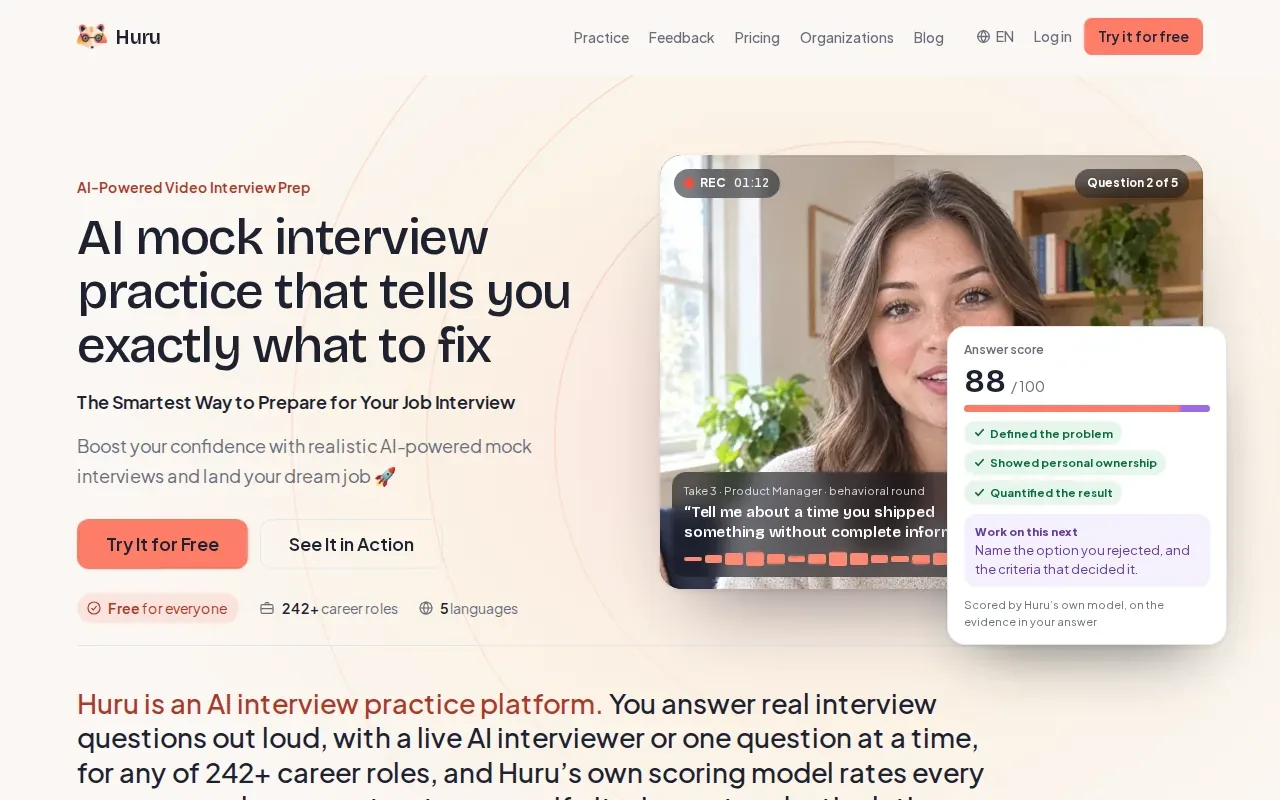
Its live interviewer asks questions and can follow up based on an answer. That helps with the part many candidates skip when practicing alone: giving a clear response, then staying on track when asked to explain a claim or add a detail.
Huru can fit a software engineer’s behavioral prep. Practice a story about a production issue, for instance, and review whether you explained the context, your own actions, and the outcome. You can also rehearse how you’d describe a technical choice to someone outside your immediate team.
Huru’s formats are audio and video. Choose it when spoken practice and feedback are your main needs, then pair it with coding practice that matches your upcoming technical round.
5. Big Interview: Recorded video answers and presentation feedback
Big Interview’s VideoAI analyzes recorded video answers for body language, eye contact, pace, and filler words. It also offers audio question generation and scoring.
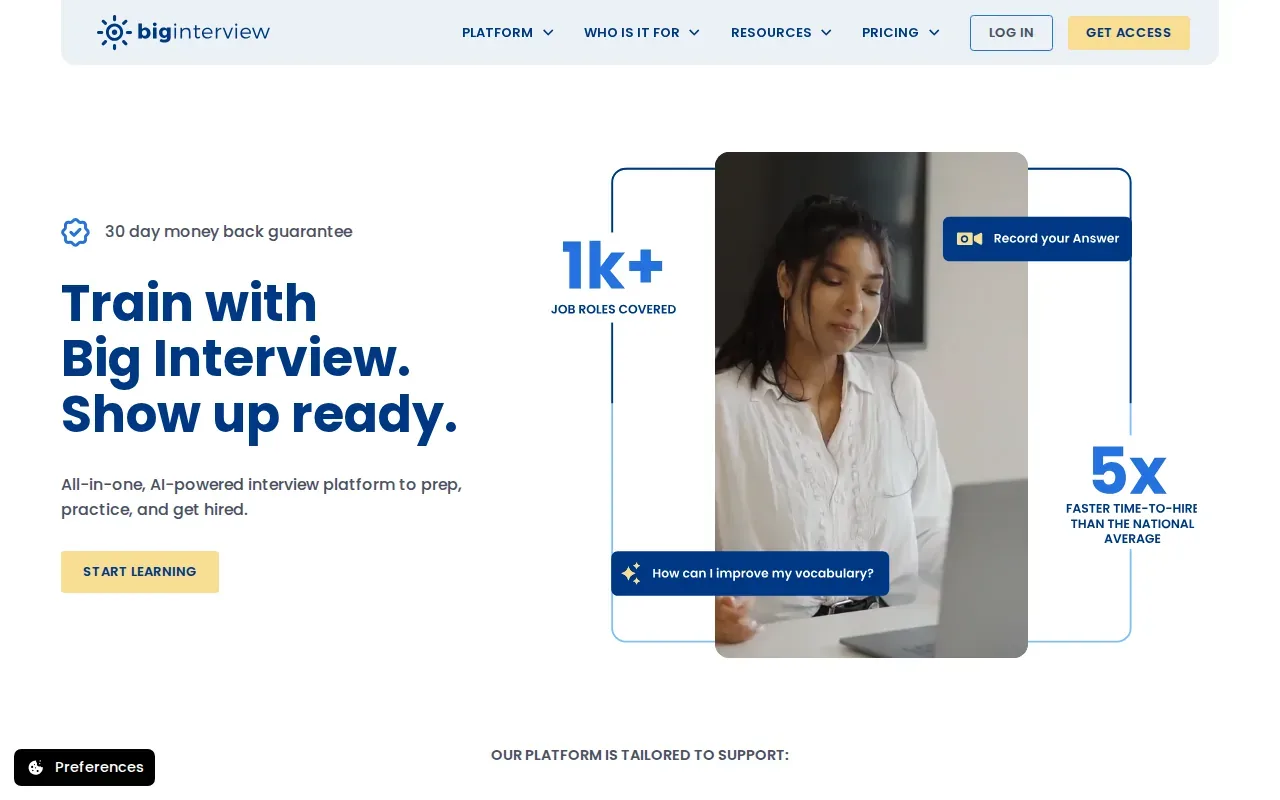
This makes it useful when your answer is solid on paper but harder to deliver out loud. Record a response to “Tell me about a system you improved,” then review whether you rushed through the problem or kept looking away from the camera. A focused replay can reveal habits that are easy to miss while you’re speaking.
For technical interviews, delivery still matters. You might know why a solution is O(n log n), yet lose the thread while explaining it. Practicing on video can help you notice when your explanation gets too fast or your key point arrives too late.
Big Interview fits candidates who want to review their recorded presence and spoken answers. For live coding guidance, look at tools designed around the interview as it happens.
6. Yoodli: AI role-play for clearer spoken answers
Yoodli uses AI role-play to help people practice spoken answers. Its interview prep covers behavioral questions, with feedback on pace and clarity. The product is also built for company training, including sales role-play, so interview practice is one use of its broader speaking-coach focus.
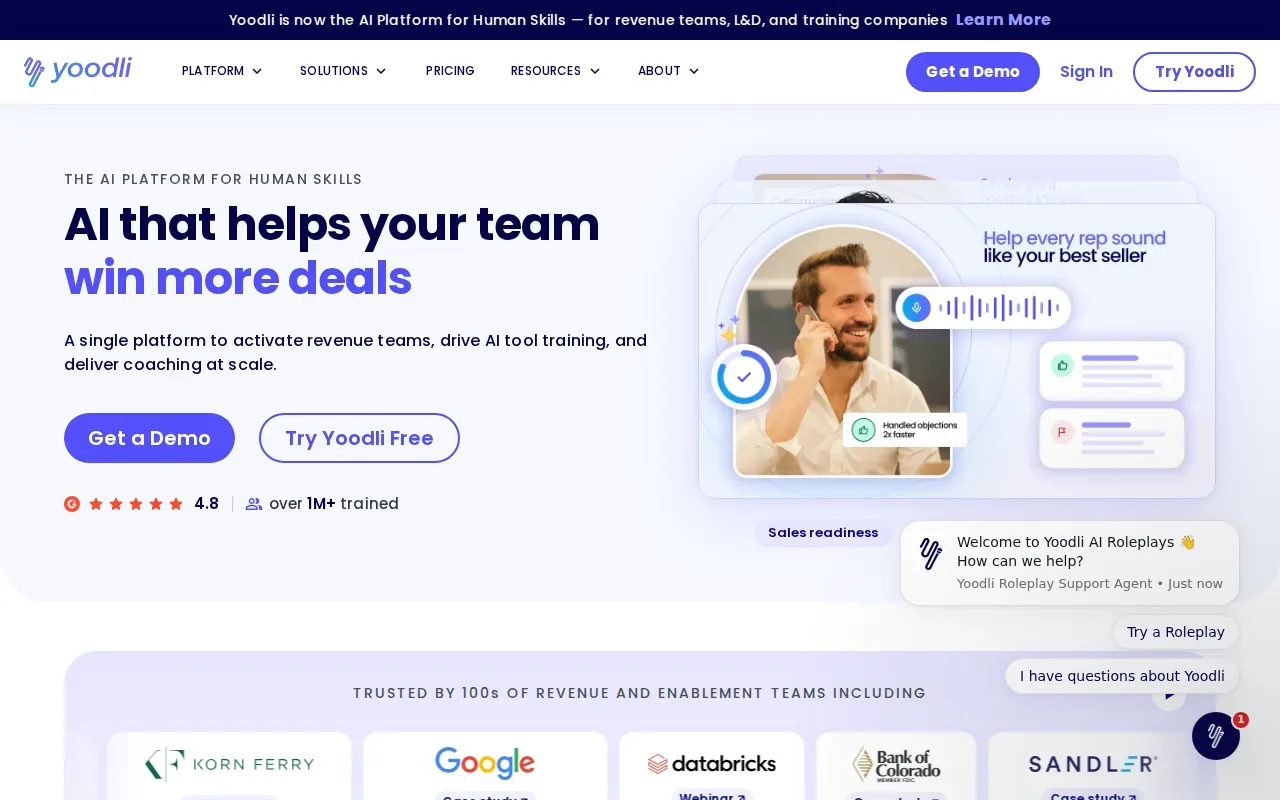
Use it when you know your answer but want to make it easier to follow. A behavioral question about a disagreement with a teammate is a good drill: explain what happened, what you did, and how the issue ended. Then review whether your answer was clear and paced well.
Yoodli’s integrations include Zoom, Google Meet, and Microsoft Teams. That can suit people who want role-play practice in familiar meeting tools. Its feedback centers on speaking, so treat it as a complement to coding or system design practice rather than a code review tool.
If your weak point is how you explain your work, this is a more direct fit than another set of algorithm questions.
Mock Interview Software Compared: Best Fit by Practice Need
These tools solve different problems. Compare them by what happens during practice and what you need to improve, not by a single overall score.
| Option | Best fit | Practice focus | Feedback or support |
|---|---|---|---|
| Phantom Code AI | Engineers who want live interview guidance | DSA, system design, behavioral | Contextual help during the call |
| OfferGoose | Role-specific, resume-based follow-ups | Behavioral, technical, system design | Performance analysis and real-time assistance |
| Tough Tongue AI | Practice that changes with the interview format | Coding, system design, and other listed tracks | Voice follow-ups and post-round feedback |
| Huru | Spoken practice across many roles | Audio and video interviews | Live AI interviewer and feedback report |
| Big Interview | Reviewing recorded answers | Audio and video practice | Analysis of pace, eye contact, and body language |
| Yoodli | Clearer spoken answers | Behavioral practice and role-play | Feedback on pace and clarity |
For a timed coding round, make the practice feel like the actual call. Test your editor and microphone first. Set aside an uninterrupted block of time, keep only brief notes nearby, and dress as you would for the interview if that helps you treat the session seriously.
During the prompt, repeat the problem in your own words and ask about constraints before coding. Talk through a simple first approach, then explain what you’d change to improve it. Once you have code, test an edge case and state the time and space costs clearly.
For behavioral practice, answer aloud rather than polishing notes in silence. After each session, review whether your example answered the question, whether your actions were clear, and whether you gave a result. Phantom Code AI offers weekly, monthly, and yearly subscriptions, plus one-time credit packs starting at $19.
FAQ
What is the best mock interview software for coding interviews?
The best fit depends on whether you need coding practice or help during a live interview. Phantom Code AI is designed to provide contextual guidance during mock or live technical interviews. Tough Tongue AI offers voice-led coding practice with an interview-style workspace. Use a tool that matches the round you’re preparing for, then review how clearly you explain your choices.
Can AI help during a live technical interview?
Some products offer real-time assistance, including Phantom Code AI and OfferGoose. But a company’s interview rules may restrict outside help, so check them before using any assistant in a live interview. For unrestricted practice, run a mock round first and use the feedback to identify a skill to work on.
How should I practice for a technical interview?
Practice aloud under a time limit, using the same kind of editor or whiteboard you expect in the round. Restate the prompt, ask clarifying questions, and explain your approach before writing code. Afterward, check correctness and edge cases, then review whether your explanation was easy to follow.
Should I practice behavioral questions too?
Yes. Technical interviews can include questions about past work, decisions, and teamwork alongside coding or system design. Prepare a few specific stories, then practice answering aloud without turning them into scripts. Review whether you explained the situation briefly, described your own actions, and made the outcome clear.
What should I look for in a mock interview tool?
Match the tool to the part of the interview you need to rehearse. For coding, look for a format that lets you work while explaining your reasoning. For spoken answers, check whether it gives feedback on delivery or follows up on what you say. Recorded practice can help you review your on-camera presence.
Conclusion
If you’re a software engineer who wants contextual help during technical interview practice, start with Phantom Code AI. Pick one upcoming round, run a timed mock, and note the single part of your reasoning or delivery you’ll improve next.