Best Low-Latency Live Interview Tools for Recruiters
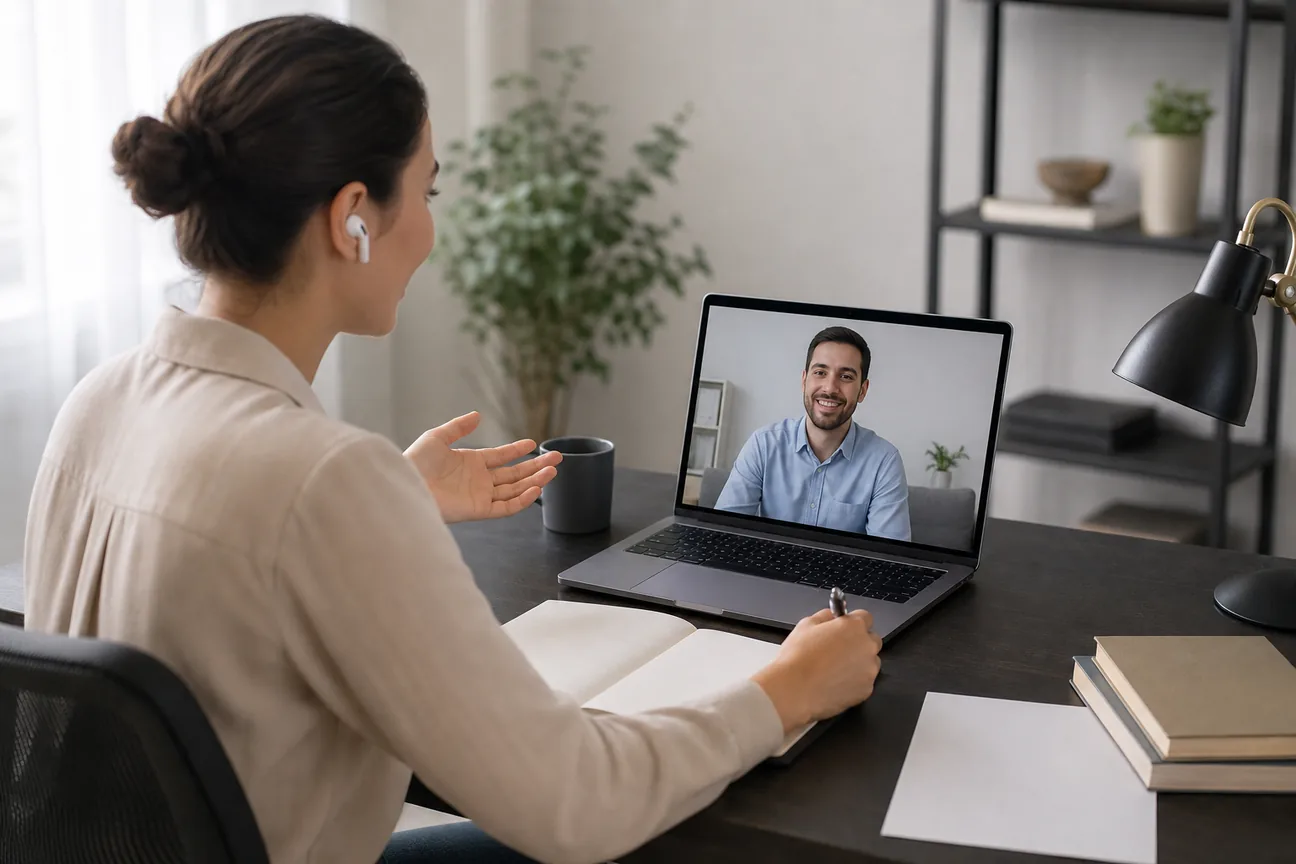
Compare live interview tools for recruiters by real-time features, integrations, candidate fit, and trial options. Learn where to start and what to test.
Live interview tools can record a call, help a candidate respond in the moment, or help a hiring team review answers afterward. Those are different jobs. If you're asking where recruiters can buy low-latency live interview tools, start with the workflow you need, then test response time and candidate experience before a wider rollout.
Here are 10 options, including tools for candidates and interviewers. Phantom Code AI is first for software engineers who want live help during coding interviews, while the other picks cover recording, notes, and interview support.
Table of Contents
- Phantom Code AI
- Jobma: Browser-based interview capture for recruiting teams
- Cleanfeed: Browser-based remote interview recording
- Otter.ai: Searchable transcripts and playback
- Promap: Live transcription with suggested follow-up questions
- LinkJob AI: A focus on fast AI voice responses
- LockedIn AI: Check its fit for professional interview workflows
- Interview Sidekick: Mock interviews and live assistance
- BrightHire: Structured interviewer workflows and Greenhouse integration
- Metaview: Structured notes organized by question or competency
- What to verify before you buy
- FAQ
- Conclusion
1. Phantom Code AI
Phantom Code AI is a desktop assistant for software engineers preparing for coding, system design, and behavioral interviews. It listens to interview audio, transcribes it, recognizes problem types, and gives real-time guidance during mock or live technical interviews.
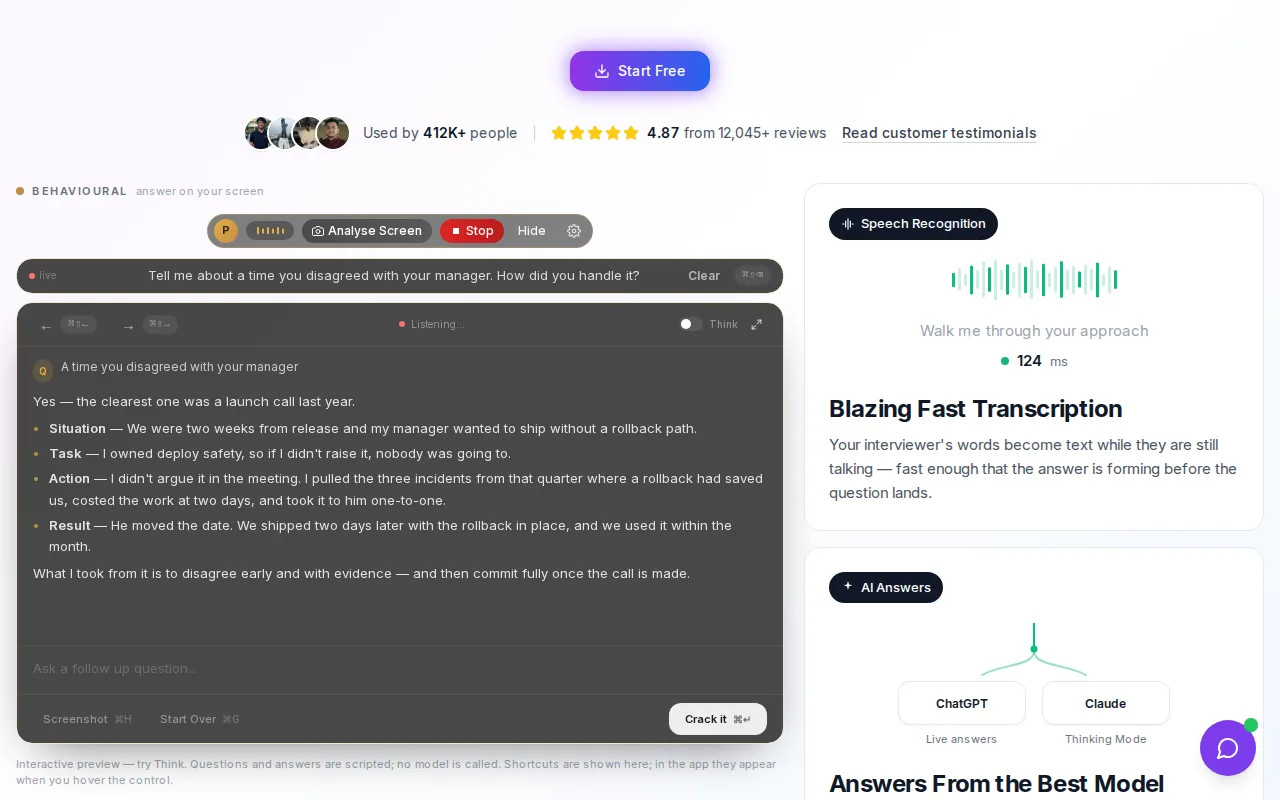
It’s a candidate-side tool, not an ATS or recruiter interview-recording system. That distinction matters: it may fit an engineer preparing for a technical screen, but it won’t manage a recruiter’s hiring workflow. New accounts get free credits without a card. Paid plans start at $19, with subscriptions and one-time credit packs available.
For a coding interview, a candidate can use it to work through a data structures and algorithms prompt or prepare for a system design discussion. A recruiter evaluating it should be clear about the use case and any rules candidates must follow.
For recruiters comparing candidate-prep tools, Phantom Code AI is relevant when technical interview practice is part of the need. Teams looking at coding-focused live assistance can also review low-latency tools for live coding interviews.
2. Jobma: Browser-based interview capture for recruiting teams
Jobma records interviews in a browser, capturing conversation audio and screen activity. It suits recruiting teams that want interviewers to start without setting up desktop capture, then let several interviewers review the recording.
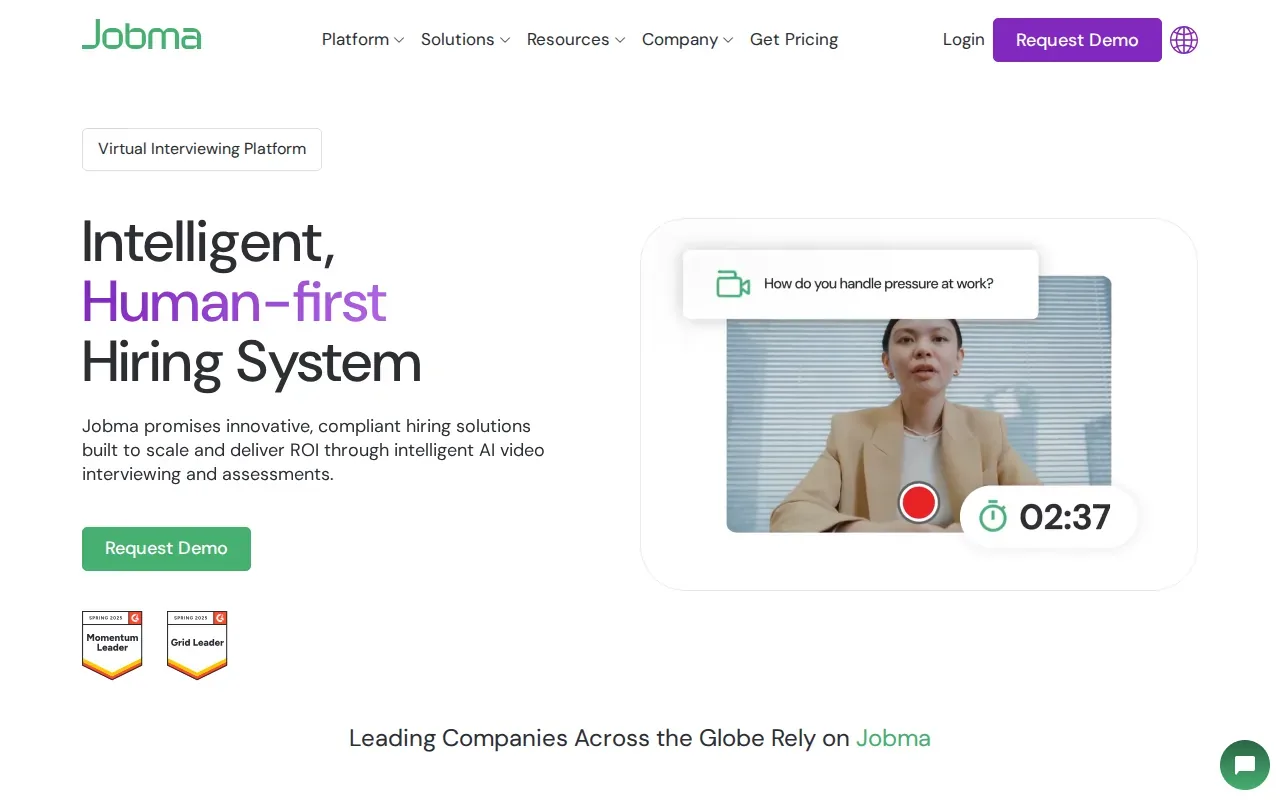
Jobma integrates with existing ATS, HRMS, and background-check tools. That can help keep interview records near the systems a recruiting team already uses. One tradeoff is that capture depends on the interviewer’s browser environment. Firewall rules or strict browser settings can interrupt a session, so test the actual work setup before using it for a live hiring round.
For a pilot, check whether the recording captures both the conversation and screen activity as expected. Ask each interviewer to join from the same browser and network they’ll use for candidate calls.
3. Cleanfeed: Browser-based remote interview recording
Cleanfeed is a browser-based call and remote recording tool. It fits teams that want a predictable recording session and plan to review the conversation after the interview rather than rely on live coaching prompts.
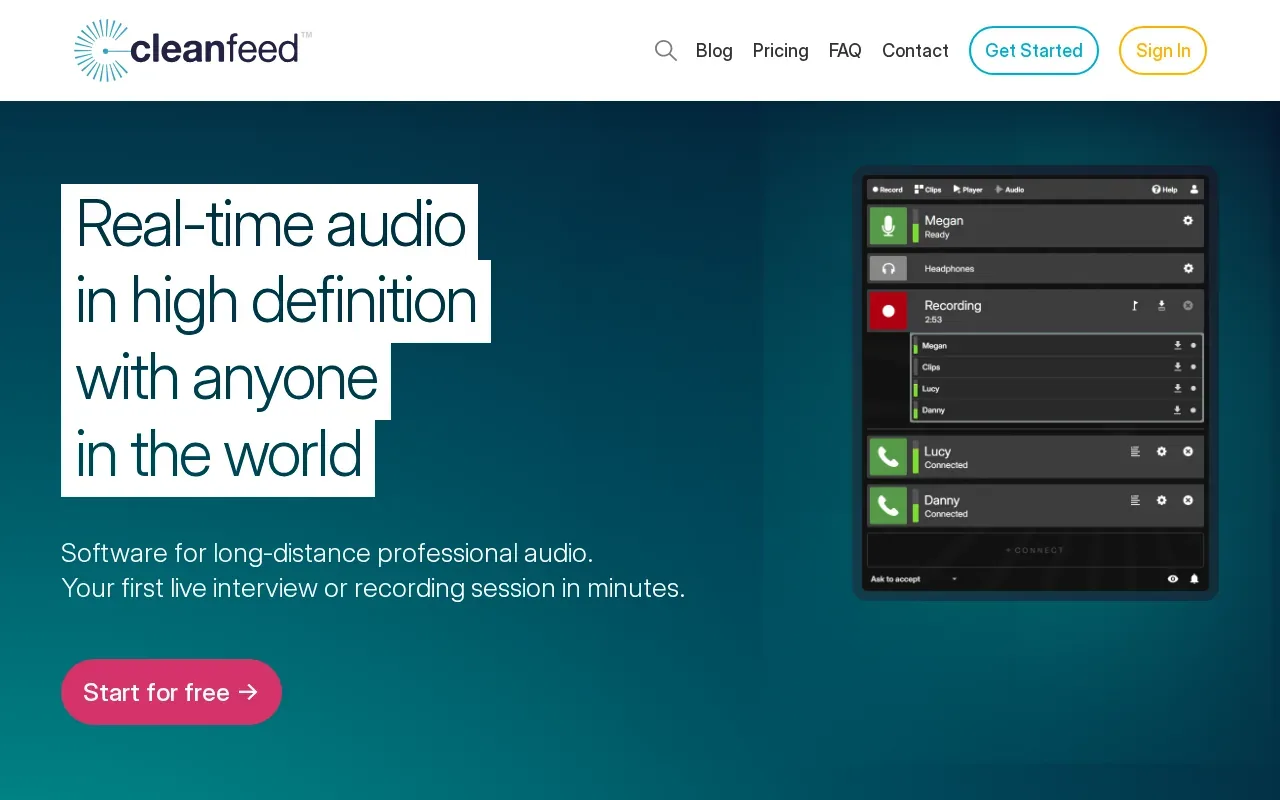
Cleanfeed Lite is free to get started and includes commercial use. That gives a team a way to try the recording workflow before deciding whether it fits a broader process. During a test, focus on what happens when the interviewer and candidate join, how the audio sounds, and whether the recording is easy to review afterward.
Cleanfeed is best understood here as a recording choice. If the hiring team needs AI-generated suggestions during a live conversation, compare that need with the tools below rather than assuming recording alone will supply it.
4. Otter.ai: Searchable transcripts and playback
Otter.ai ties automatic transcription and searchable playback to what was said in an interview. It can suit interviewers who need to revisit a quote or find a section of a conversation across remote formats. Its integrations include Zoom, Teams, and Meet.
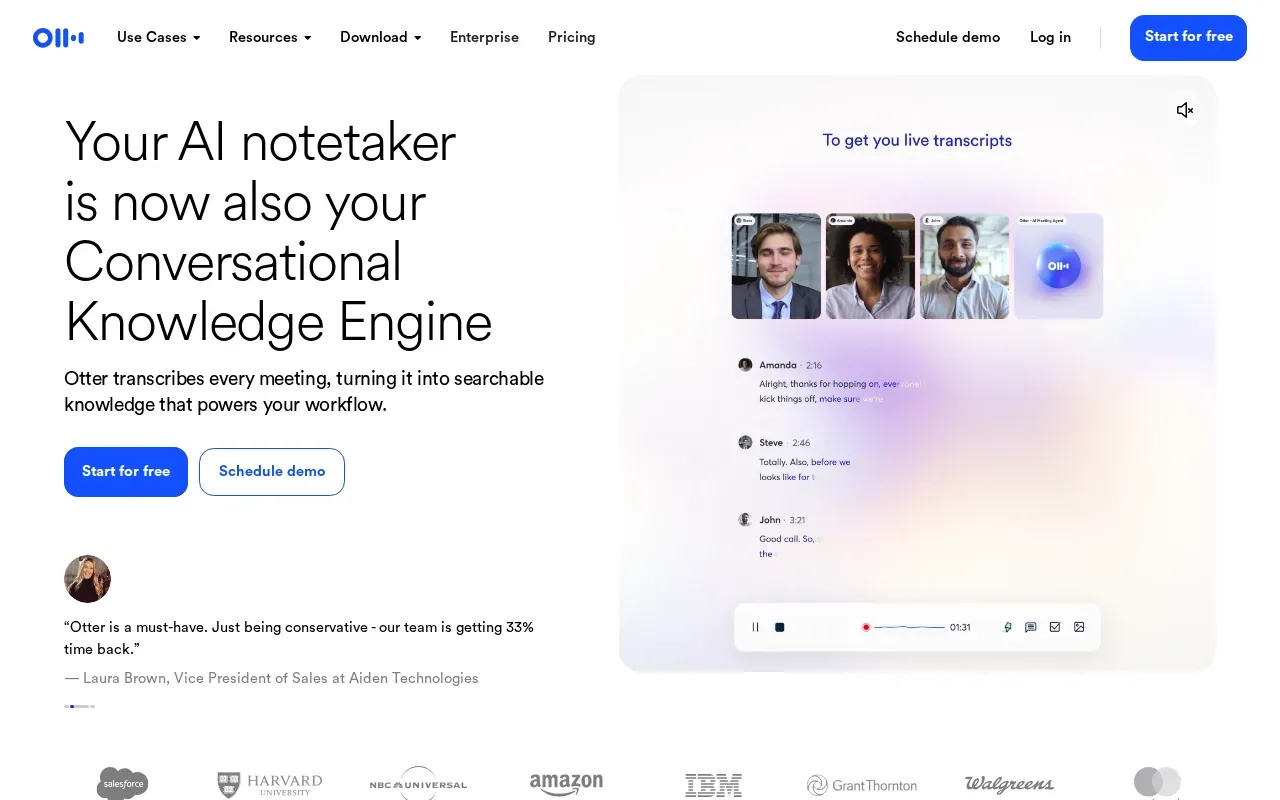
One known limitation is speaker diarization: it can degrade when people talk over one another. That matters in panel interviews, where a transcript may label the wrong speaker or make a fast exchange harder to follow. Test with the kind of call your team runs, not only a quiet one-on-one.
Use transcript playback as a review aid, not a substitute for checking the recording when a speaker label or quote is important. A hiring team can compare notes against the audio before using a transcript to support a decision.
5. Promap: Live transcription with suggested follow-up questions
Promap provides live transcription during interviews and suggests follow-up questions. Its assistance also includes inconsistency detection and prompts, which may help an interviewer decide what to ask next during a structured conversation.
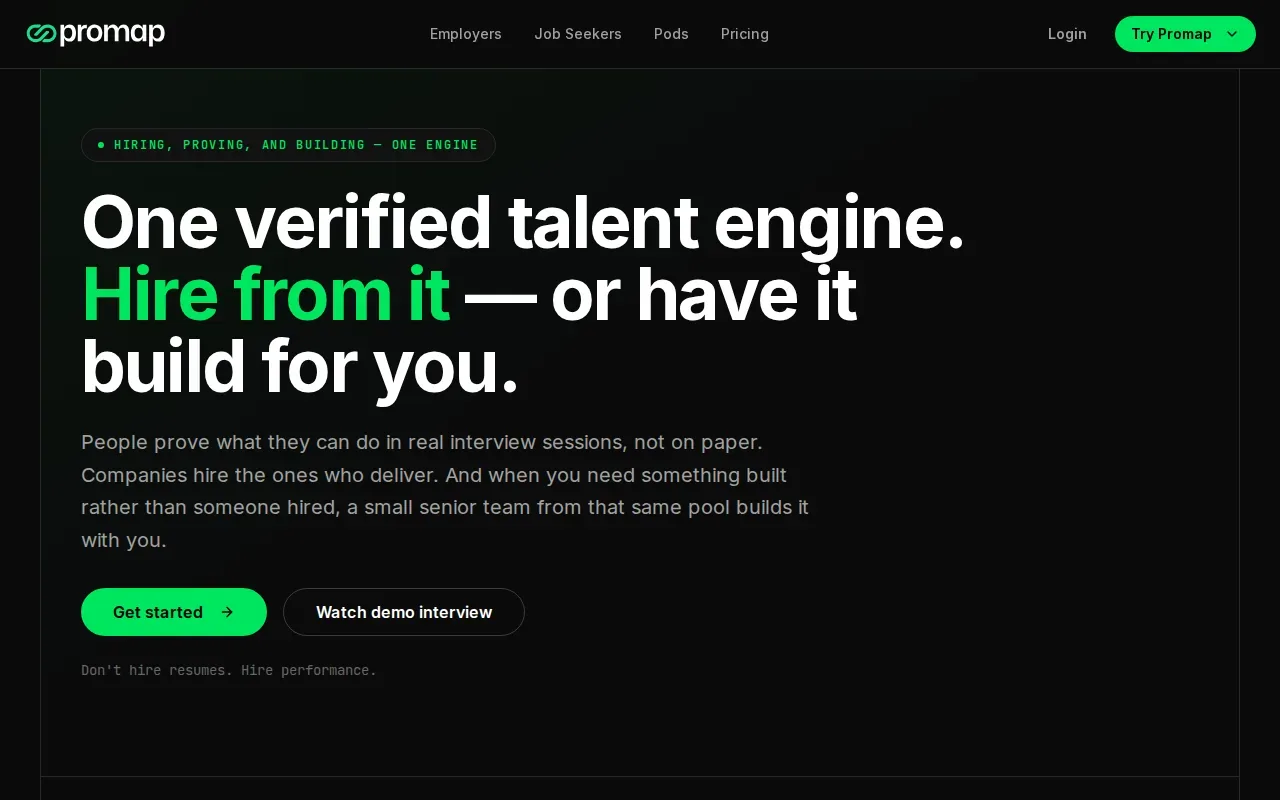
Promap is positioned for live interview assistance at startups and small to midsize businesses. In a pilot, compare its suggested follow-ups with the role’s actual requirements. A prompt is useful only if it helps the interviewer gather job-related evidence, rather than pulling the conversation off track.
Recruiters should also decide who reviews the transcript and how it informs a scorecard. Keep the human interviewer responsible for the assessment.
6. LinkJob AI: A focus on fast AI voice responses
LinkJob AI markets its voice interview assistant on ultra-low latency, promising AI-generated answers in under a second. It also offers real-time question analysis, suggested answers based on a resume, and customizable requirements.
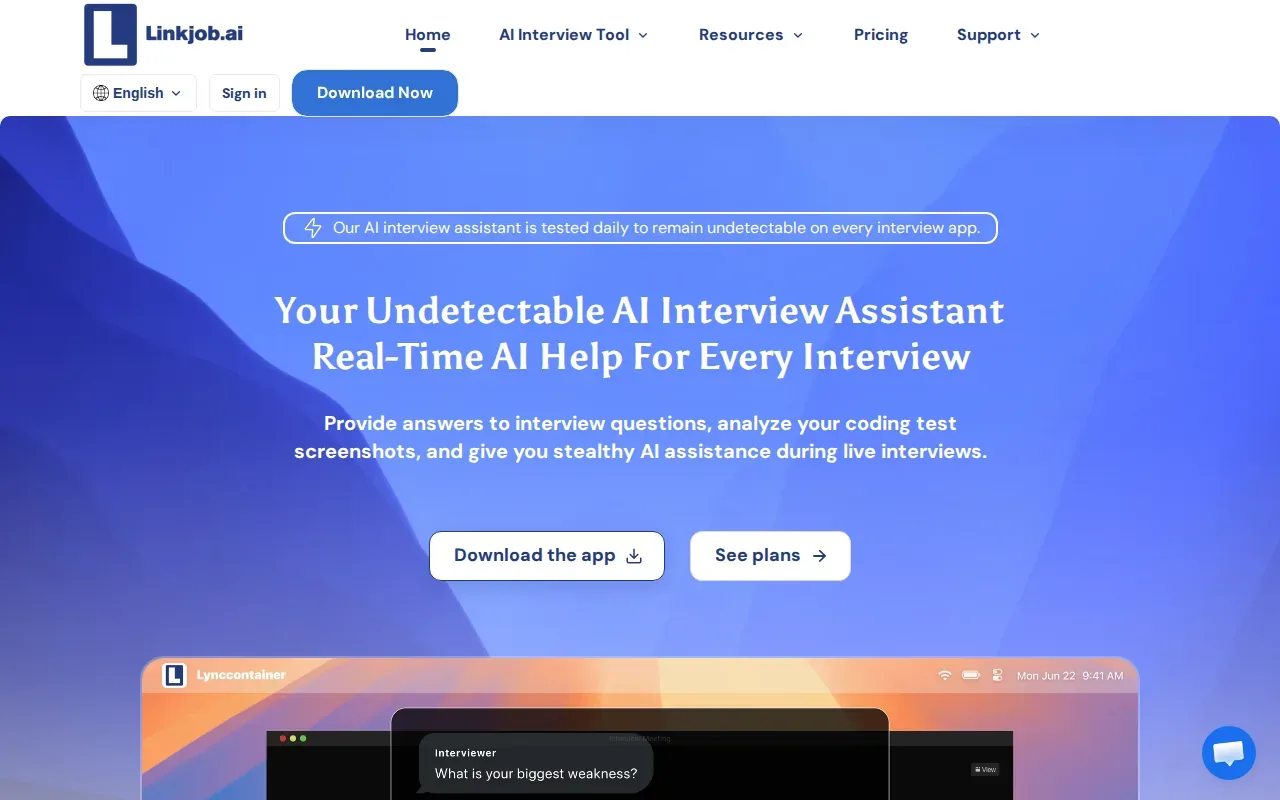
That focus is aimed at live assistance for interview candidates, not recruiter-side recording or ATS workflow. Treat the under-a-second figure as a vendor claim to test in the intended setup. Try spoken questions with realistic network conditions and note how long it takes for a useful response to appear.
For technical recruiting, the key question is whether a candidate-side assistant fits the interview rules and the role being assessed. Don’t treat a fast response claim as proof of fit for a hiring team’s operations.
7. LockedIn AI: Check its fit for professional interview workflows
LockedIn AI provides real-time assistance for job interviews and professional meetings. It supports Zoom, Google Meet, Microsoft Teams, and Skype. It’s free to start, with no credit card required.
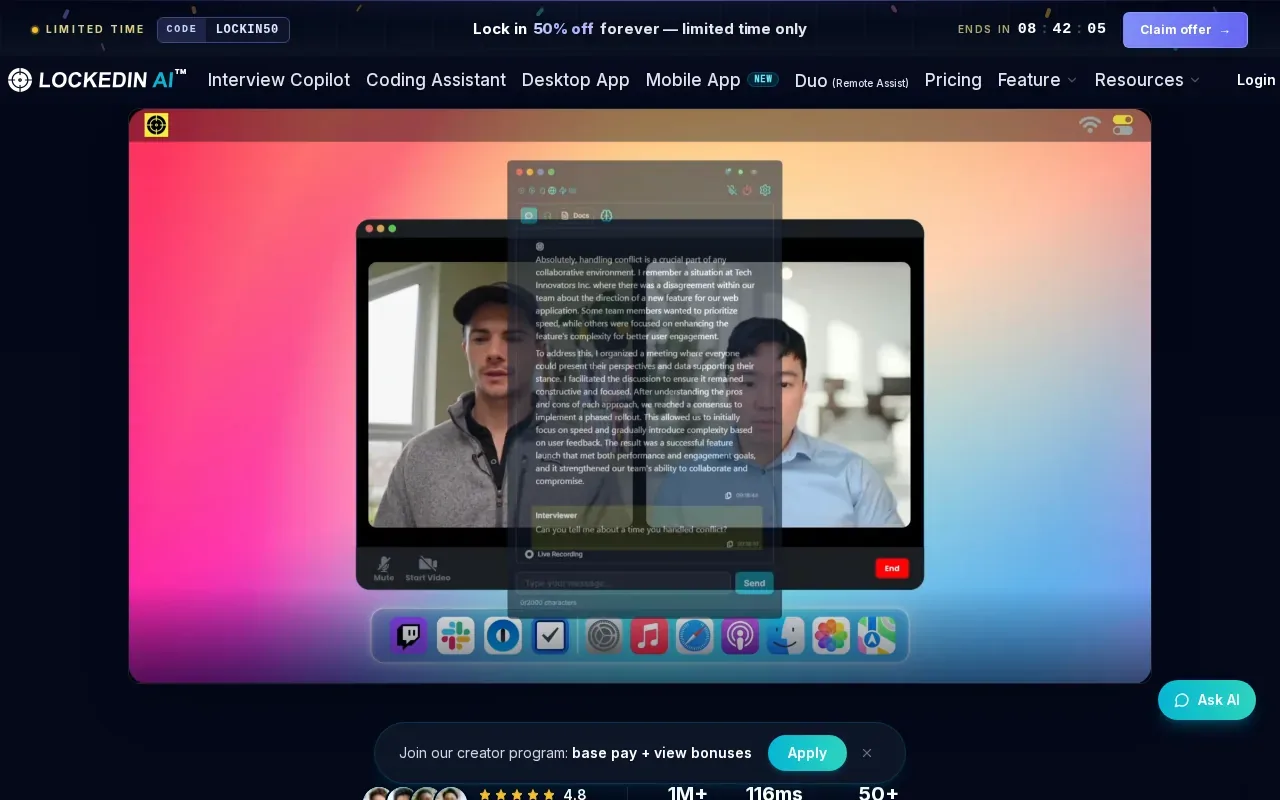
Those meeting integrations may make it relevant to candidates who already interview on those services. For recruiters, it isn’t a replacement for structured interview capture or hiring records. Review the intended use with candidates and check that any live assistance is allowed under your interview policy.
When assessing live response speed, test a full question-and-answer exchange. A tool that opens during a meeting may still feel delayed if the response arrives after the conversation has moved on.
8. Interview Sidekick: Mock interviews and live assistance
Interview Sidekick provides real-time answer assistance for coding, behavioral, and technical job interviews. It also includes mock interviews, so candidates can practice before a live conversation.
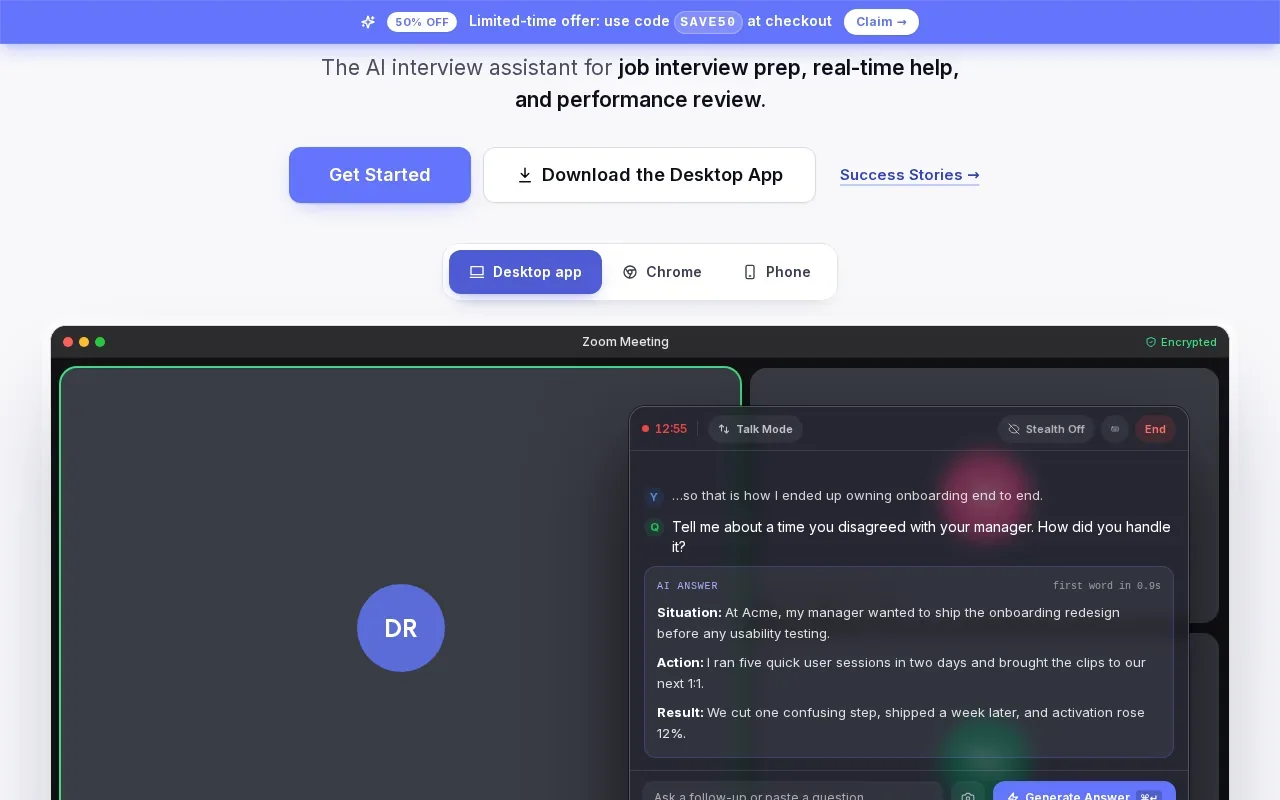
That mix makes it a candidate-preparation option rather than an interview recording system for a recruiting team. A candidate can use mock practice to rehearse an answer, then review how clearly they explain their reasoning. Recruiters should keep evaluation criteria focused on the role and make interview expectations clear.
For a technical screen, a useful practice run might ask the candidate to explain a data structure choice aloud, then review whether the explanation was clear and complete.
9. BrightHire: Structured interviewer workflows and Greenhouse integration
BrightHire is interview intelligence software for interviewers running structured hiring conversations. It integrates with Greenhouse, Lever, and Workday, and its features include AI-generated interview notes, scorecard integration, and clip sharing.
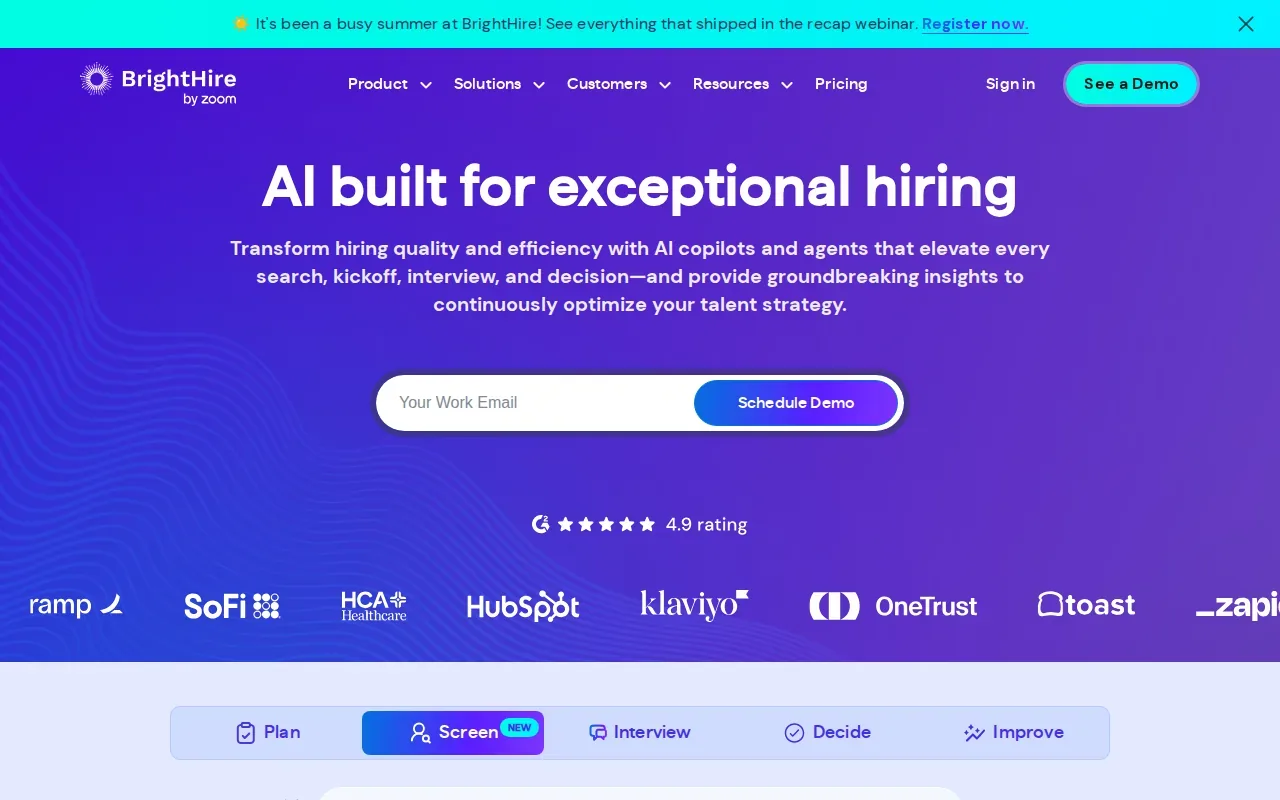
That combination suits teams that want interview notes tied to a structured process. For example, an interviewer can use a scorecard to assess the same job-related criteria across candidates, then share a clip for review. BrightHire is less clearly a candidate-side live answer assistant than some picks above.
For a recruiter, the useful test is whether notes and scorecards fit the team’s existing handoff. Check where interview feedback lands and who can review shared clips.
10. Metaview: Structured notes organized by question or competency
Metaview organizes post-interview notes by question or competency. Its features include keyword and skill search plus competency tagging.
It fits teams that need to find interview evidence later, rather than generate answers for a candidate during the call. A recruiter could review notes by competency when comparing feedback from separate interviewers. That structure is useful only if the team agrees on the competencies before interviews begin.
| Decision point | What to check | Best match in this list |
|---|---|---|
| Live candidate assistance | Response timing and permitted use | Phantom Code AI, LinkJob AI, LockedIn AI, Interview Sidekick |
| Browser-based recording | Audio capture and session stability | Jobma, Cleanfeed |
| Transcript review | Search, playback, and speaker labels | Otter.ai |
| Structured interviewer workflow | Notes, scorecards, and hiring-system fit | BrightHire, Metaview |
| Live interviewer prompts | Transcript quality and follow-up relevance | Promap |
What to verify before you buy
Start by naming the job the tool must do: live candidate assistance, call recording, interviewer prompts, or post-call notes. Then run a test with the same meeting setup recruiters use. Test the full session yourself.
Check the microphone and camera before judging a platform. Use a quiet room, face a light source, and keep the camera near eye level. Clear audio helps everyone follow answers. On a test call, ask a colleague to speak over you briefly, then confirm how the recording or transcript handles the overlap.
Ask who can view recordings and notes, how long they’re kept, and how candidates are told about them. If your process involves people in the European Union, review GDPR requirements with your privacy or legal team. The right controls depend on where you hire and what data you collect.
AI interview scoring can affect how candidates are assessed. A video interview system may evaluate communication, professionalism, or attitude, so recruiters should understand what the tool measures and how a person can review the outcome. Give candidates a clear way to ask about the process. For candidate-facing practice, recording an answer and reviewing pace, framing, and clarity can reveal issues before an interview.
To decide where to buy, start at the vendor’s official site and check its current trial or plan terms. Confirm seat needs and system fit before buying for a whole team. Phantom Code AI may suit candidates preparing for technical interviews, while recruiter teams should match the remaining options to recording, notes, or structured hiring needs.
FAQ
What does low latency mean in a live interview tool?
Low latency means the tool responds quickly enough to keep up with the live conversation. For a candidate assistant, time the gap between a spoken question and a useful response. For recording or transcription, check whether audio and text stay in sync. Run the test on the same network and meeting setup your team plans to use.
Which tool in this list connects with an ATS?
Jobma integrates with ATS, HRMS, and background-check tools. BrightHire integrates with Greenhouse, Lever, and Workday. Confirm which systems and workflows your team needs, then test the handoff with a sample interview before rolling the tool out to recruiters.
Are these tools all made for recruiters?
No. Some options focus on the candidate’s live interview or practice experience, including Phantom Code AI, LinkJob AI, LockedIn AI, and Interview Sidekick. Others focus on recording, transcripts, interviewer prompts, or structured notes. Match the product to the person using it and the task they need to complete.
How should recruiters test a live interview platform?
Use a real meeting setup and a short test interview. Check audio quality, camera framing, response delay, and transcript playback. Have an interviewer try the notes or scorecard workflow, too. If the tool handles candidate data, review access and retention rules before inviting candidates to use it.
Conclusion
For recruiter workflows, choose the shortlist item that fits the task: Jobma for browser capture, BrightHire for structured interviewer workflows, or Metaview for competency-based notes. For candidate-side technical interview preparation, consider Phantom Code AI. Start with a small test using your real interview setup before choosing a plan or expanding access.