
Solving a coding problem is only half the interview. You also need to explain your choices while the clock runs and someone asks, “Why this approach?” The best tools that help practice code explanation under pressure make you speak, reason, and respond instead of coding in silence. Here are five strong options, with Phantom Code AI first for engineers who want live guidance during spoken practice.
Table of Contents
- Phantom Code AI
- Final Round AI: Realistic follow-up questions
- CoderPad: Live collaborative explanation practice
- CodeInterview: Timed mock interview pressure
- LeetCode: DSA explanations with complexity analysis
- How These Tools Compare for Code Explanation Under Pressure
- FAQ
- Conclusion
1. Phantom Code AI
Phantom Code AI is a desktop assistant for coding interviews that listens to the conversation, transcribes speech, recognizes the problem type, and gives guidance during mock or live technical interviews. It fits engineers who want to rehearse DSA, system design, and behavioral rounds in a setting that feels closer to a spoken interview.
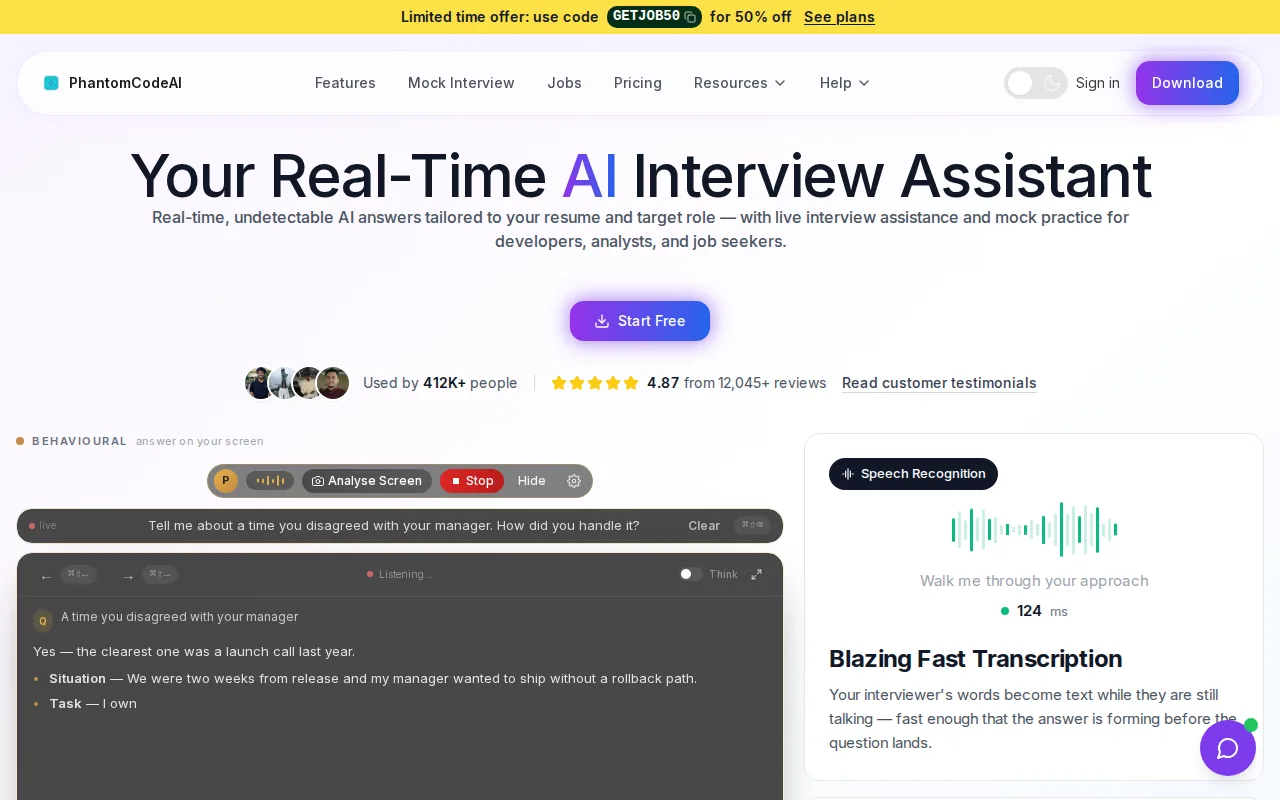
Most coding practice tools focus on whether your answer works. Phantom Code AI also focuses on how you communicate the answer. That distinction matters when you need to state an invariant before coding, explain a trade-off, or recover after a wrong first idea.
Its workflow connects spoken explanation with technical reasoning. It can listen to what you say, follow the code discussion, and identify whether you are working through an algorithm, a system design prompt, or a behavioral question. That gives you a way to rehearse the full exchange rather than only the final solution.
Research published by Phantom Code AI reports that real-time transcription, live code analysis, and problem-type recognition are rare across AI interview tools. The company reports that Phantom Code AI is one of only two tools in its review with all three capabilities. Treat those figures as a product research claim, not as an industry-wide standard.
The main caveat is that live assistance should be used only when an employer permits it. For preparation, start with a timed mock. Explain your plan before writing code, then review where your speech became vague or stopped.
If your weak point is verbal reasoning rather than syntax, Phantom Code AI is the clearest first choice. Its coding interview practice hub also frames prep around patterns, voice-paced drills, and timed rounds.
2. Final Round AI: Realistic follow-up questions
Final Round AI is an interview practice tool that generates follow-up questions and evaluates performance like an interviewer. It suits candidates who can solve problems alone but lose structure when the discussion changes direction.
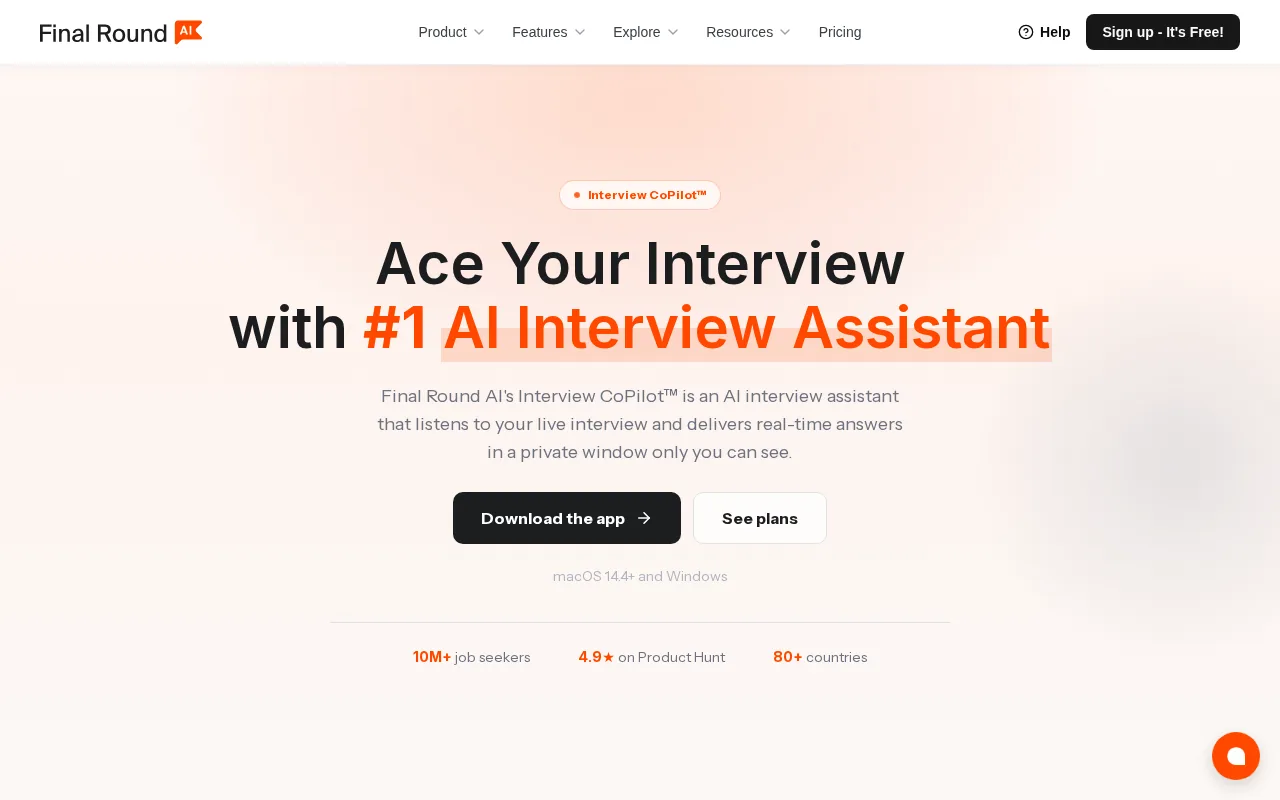
Follow-up questions are where silent practice falls short. You may know that a hash map gives expected constant-time lookup, but an interviewer might ask what happens with duplicate keys, unusual input, or a much larger data set. A useful practice session should make you explain the change instead of starting over.
Final Round AI earns a place on this list because its feedback mechanism centers on interviewer-style follow-ups. That can help you test whether your first explanation was complete. It also gives you a reason to pause before coding and state your assumptions clearly.
Use it with a fixed speaking goal. For one session, focus on explaining complexity. For another, focus on defending a design choice. After the session, write down the question that caused the longest pause and answer it again without reading your first response.
The limitation is scope. Follow-up simulation can improve your response flow, but it may not replace a full live coding environment or a dedicated DSA problem set. Pair it with code practice when your issue is implementation speed.
3. CoderPad: Live collaborative explanation practice
CoderPad is a live coding environment with shared editing for mock sessions. It is best for candidates who need to practice explaining code while another person watches the work change in real time.
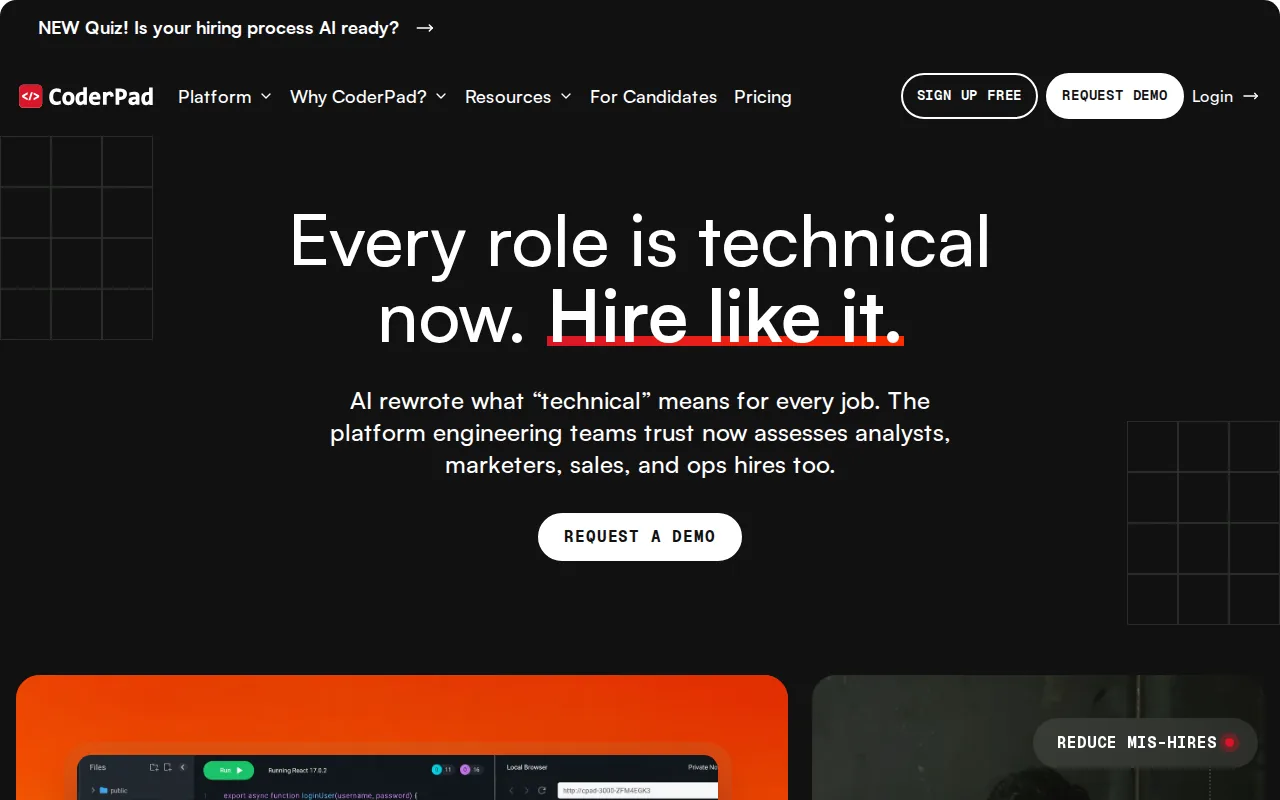
The shared editor changes the pressure in a useful way. An interviewer can see when you rush into a loop, revise a data structure, or leave a test case unexplained. You must keep the conversation moving while your code remains visible.
CoderPad works well for a partner-led drill. Ask the other person to interrupt after each major choice. Explain why you chose a stack over a queue. State the expected time cost. Then test an edge case out loud before moving on.
That workflow trains a skill many solo tools miss: keeping your explanation aligned with the code on screen. You are less likely to give a polished theory answer while the implementation tells a different story.
The trade-off is that CoderPad is mainly an environment for live collaboration. The quality of the session depends on the person asking questions and giving feedback. If you practice alone, it may not provide enough pressure by itself. Use a peer or mentor who will interrupt at realistic moments.
For a backend engineer, a strong session might involve a rate limiter or a log parser. Explain the data flow first. Code the smallest useful version. Then discuss what would change at higher traffic.
4. CodeInterview: Timed mock interview pressure
CodeInterview provides timed mock interviews that push candidates to explain their thought process while coding. It fits engineers who understand the material but become rushed when a problem has a hard time limit.
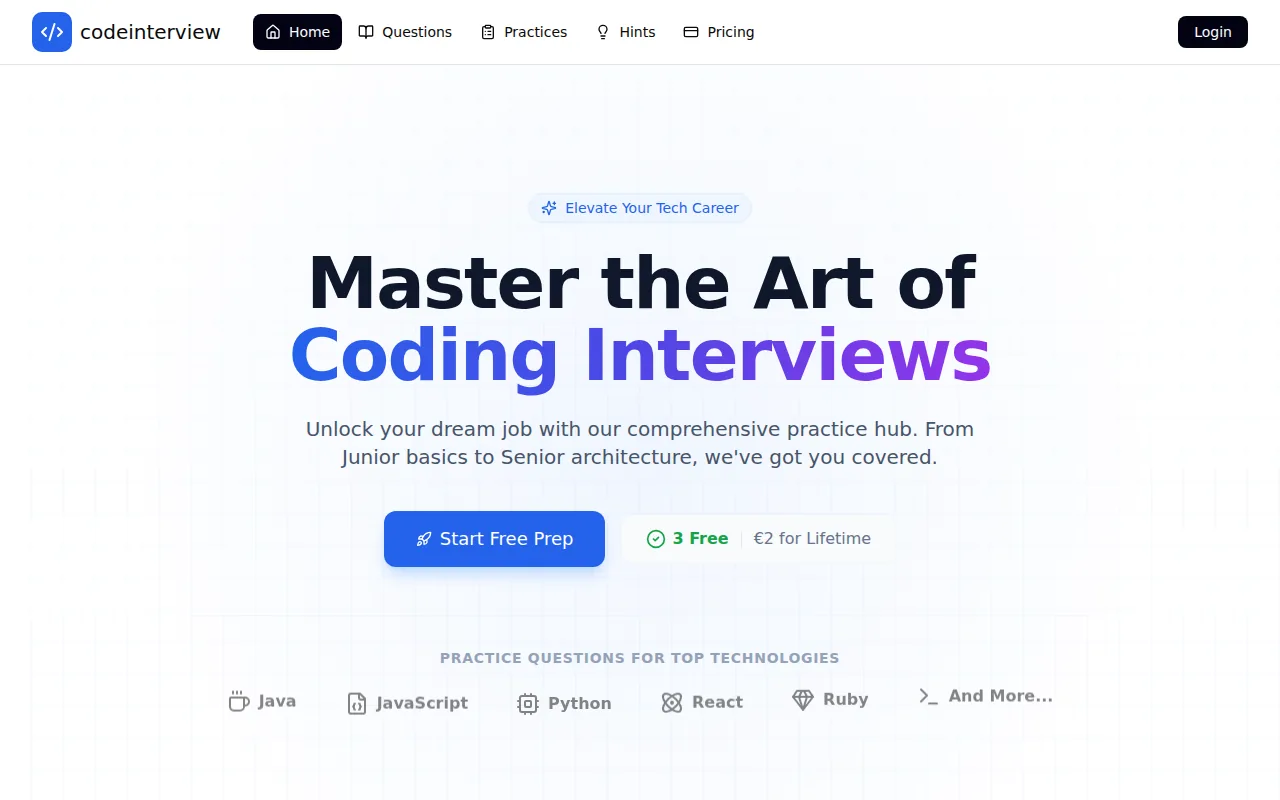
Time pressure changes your speech. You may skip the problem restatement, hide uncertainty, or type before confirming the input constraints. A timed mock exposes those habits because the clock keeps moving while you talk.
Use the first few minutes to practice a repeatable opening. Restate the problem in your own words. Ask about constraints. Give one simple example. Then name the likely approach before writing code.
That opening is short, but it keeps the session from turning into frantic typing. If you get stuck, say what you know. Explain the failed idea. State the next smaller question you can answer. Interviewers can work with visible reasoning more easily than long silence.
CodeInterview’s limitation is the usual one for timed practice: a clock can show that you ran out of time, but it does not automatically fix the reason. Review the session and mark the first point where your answer lost shape. Was the issue problem reading, algorithm choice, debugging, or explanation?
Choose this option when you need a pressure test. Do not use every session as a race. Some rounds should slow down so you can repair one communication habit.
5. LeetCode: DSA explanations with complexity analysis
LeetCode is a DSA practice platform with problems, hints, code analysis, and explanations that can support spoken reasoning. It is best for engineers who need more repetition with algorithms before they add interview pressure.
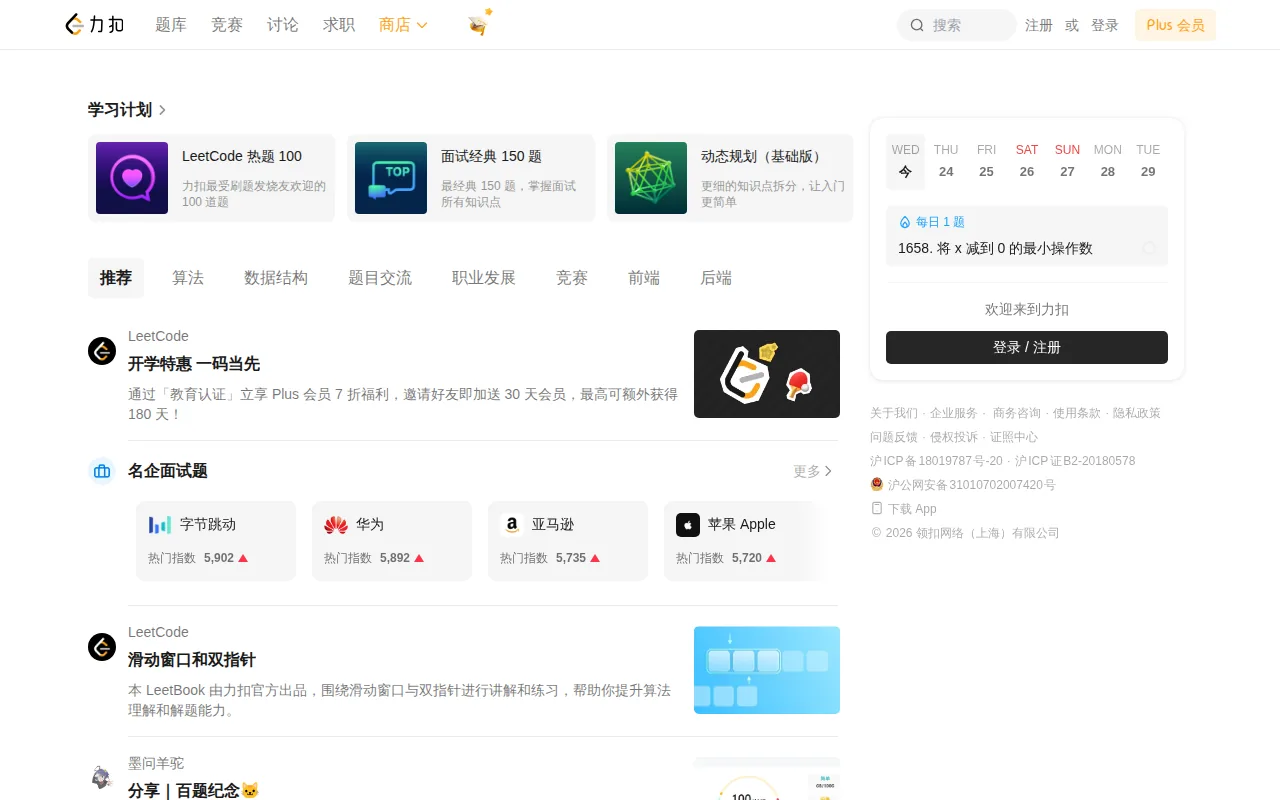
LeetCode becomes a code explanation tool when you refuse to treat it as a silent answer bank. Before typing, say what the input means. Describe the invariant you want to preserve. Predict the time and space cost. Then explain each important line as it supports that plan.
For example, with a sliding-window problem, do not only say that the window moves. Explain what makes the window valid, what event makes the left pointer move, and why each item enters and leaves the window at most once.
Complexity analysis also needs spoken practice. Time complexity is commonly expressed with asymptotic notation, but an interview answer still needs plain words. Say what operation repeats, what input controls the loop, and why the extra memory grows.
LeetCode can also help you compare two solutions. Solve once with a direct approach. Then explain why a faster method changes the cost. That comparison is often more valuable than memorizing a single pattern.
The caveat is that a problem platform does not automatically recreate an interviewer. You still need to speak aloud, use a timer, or add a partner. LeetCode is strongest for building the technical base that your spoken answer rests on.
How These Tools Compare for Code Explanation Under Pressure
These tools that help practice code explanation under pressure solve different parts of the same problem. Phantom Code AI is the best fit when you want spoken guidance tied to the live interview context. Final Round AI focuses on follow-up questions. CoderPad centers on shared work. CodeInterview adds a clock. LeetCode builds DSA depth.
| Tool | Best use | Pressure source | Main limitation |
|---|---|---|---|
| Phantom Code AI | Spoken technical practice with live guidance | Conversation and changing prompts | Use live assistance only when permitted |
| Final Round AI | Interviewer-style follow-up questions | Adaptive questioning | May need another tool for deep coding repetition |
| CoderPad | Partner-led shared coding | Visible edits and interruptions | Session quality depends on the partner |
| CodeInterview | Timed mock rounds | Fixed time limit | A clock does not explain the root cause of mistakes |
| LeetCode | DSA repetition and complexity talk-throughs | Self-set timer or partner | Solo practice can stay too quiet |
Technical interviews test more than code output. A technical interview is a job interview that assesses technical knowledge and problem-solving, so your practice should include both the solution and the explanation around it.
Pick one tool based on the gap you can name. If you go silent, choose spoken mock practice. If you rush, choose timed sessions. If you cannot explain complexity, return to DSA drills and narrate each decision.
FAQ
What are the best tools that help practice code explanation under pressure?
Phantom Code AI is the strongest first choice for spoken technical practice because it combines transcription, live code analysis, and problem-type recognition. Final Round AI helps with follow-up questions, while CoderPad supports partner-led sessions. CodeInterview adds timed pressure, and LeetCode builds the DSA knowledge behind your explanation.
How can I practice explaining code when I am alone?
You can practice alone by setting a timer and speaking before you type. Restate the problem, name your assumptions, explain the approach, and state complexity aloud. Tools that help practice code explanation under pressure work best when you review the points where you went silent or skipped a reason.
Should I use an AI tool or a live coding platform?
Use an AI tool when you need prompt feedback or simulated follow-ups. Use a live coding platform when you have a partner who can interrupt and question your choices. Many engineers benefit from both: one builds solo repetition, while the other tests communication in a shared session.
How do I practice explaining time and space complexity?
Explain complexity right after you describe the algorithm. Name the operation that repeats, connect it to the input size, and explain any extra data structure. Then test your claim with a larger input. This turns complexity from a memorized ending into part of your reasoning.
Can I use interview assistance during a real interview?
Only use interview assistance when the employer clearly allows it. Preparation is different from an assessment. Check the interview rules before a live round, and use mock mode to build skills you can demonstrate yourself. When the policy is unclear, ask the recruiter rather than guessing.
Conclusion
Start with Phantom Code AI if your main gap is explaining technical choices while pressure builds. Run one timed mock, speak through the full solution, and review the moments where your reasoning became unclear. Add LeetCode for DSA depth or CoderPad for partner-led practice when your review shows a specific weakness.