Best Free AI Interview Assistant: 5 Tools Compared

Compare five AI interview assistants for free access, mock practice, live coding help, and responsible use before your next interview.
A free AI interview assistant can mean a few minutes of live help, mock practice, or signup credits. The best free AI interview assistant for you depends on what you need to rehearse and what the free access covers.
We analyzed 51 comments and questions from YouTube and Quora about AI interview assistants and found that 24% mentioned setup and connection problems.
Here are five options for software engineers, with a close look at practice, live support, and limits.
Table of Contents
- Phantom Code AI
- Interview Pilot: a free plan with limited sessions
- Huru: free mock interview practice
- LockedIn AI: live and mock interview modes
- Linkjob AI: an invisible assistant for live interviews
- Compare the free access and interview uses
- FAQs About Free AI Interview Assistants
- Conclusion
1. Phantom Code AI
Phantom Code AI is a desktop assistant for software engineers preparing for coding, system design, and behavioral interviews. It listens to interview audio, transcribes it, recognizes the question type, and gives real-time guidance during mock or live interviews. New accounts get free credits at signup without a credit card, and it runs on macOS and Windows.
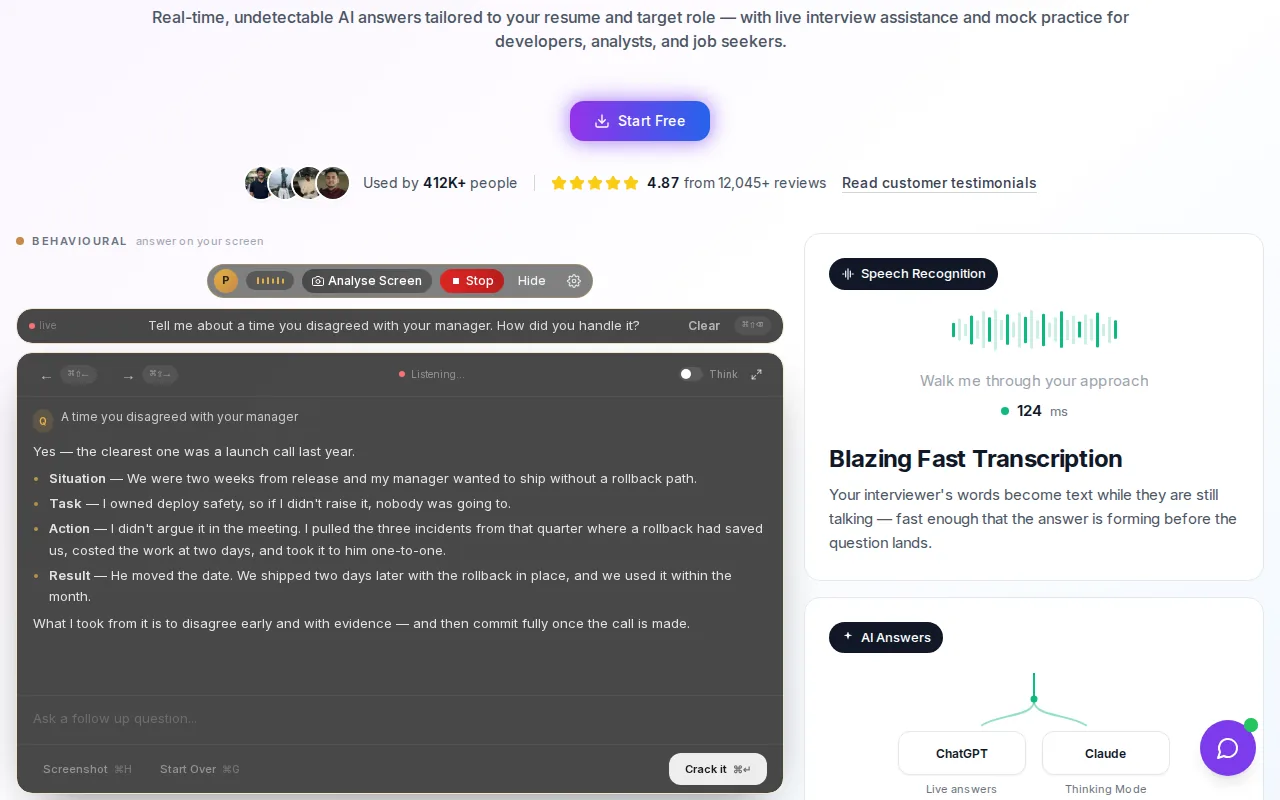
That workflow is useful when you want to keep your attention on the interviewer instead of switching to a separate chat window. In a data structures round, for example, you can focus on explaining your approach while the assistant helps you work through the problem. For system design, the question-type recognition is relevant when the discussion shifts from a component choice to a trade-off or scaling question.
Phantom Code AI is a strong fit to consider if live technical guidance is your main need. The signup credits let you try the workflow before paying. Check how far those credits go for the amount of practice you have planned, and test the setup before an interview day.
2. Interview Pilot: a free plan with limited sessions
Interview Pilot has a free plan with three sessions and ten copilot uses per week. Its apps work on Windows, macOS, iOS, and Android, so you can try it on desktop or mobile. That makes it worth considering if you want a recurring free allowance rather than a single signup credit.
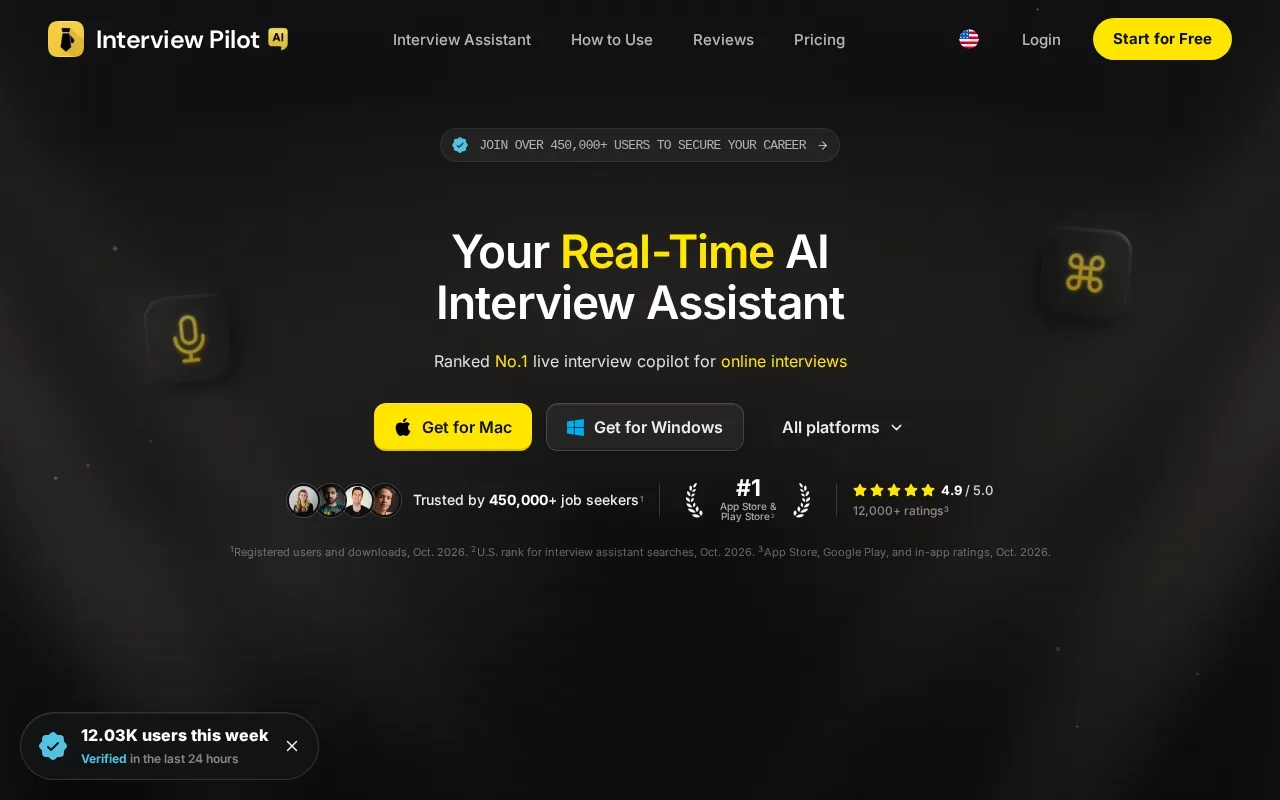
Three sessions and ten uses are separate limits. Plan around the task you want to test: a mock interview uses a session, while a copilot use can help you check how live assistance fits your interview workflow. Keep a note of how often you practice, so you don’t assume the weekly allowance will cover every round in a busy interview cycle.
For technical prep, use each practice session to work on one skill. You might explain a hash map solution aloud, then review where your reasoning got hard to follow. In a behavioral mock, test whether your example clearly states the problem, your action, and the result. That kind of focused practice makes a small allowance easier to plan.
Compare the stated limits with the task you need to do before signing up. Our comparison of free AI interview assistant tools also explains why credits, sessions, and ongoing free plans aren’t the same thing.
3. Huru: free mock interview practice
Huru is an AI interview prep app for rehearsing phone screens and video interviews. It supports mock interviews for more than 242 roles, scores each answer, and gives feedback on what to fix next. That makes it a good fit when you want to practice speaking before a real interview rather than get live prompts during one.
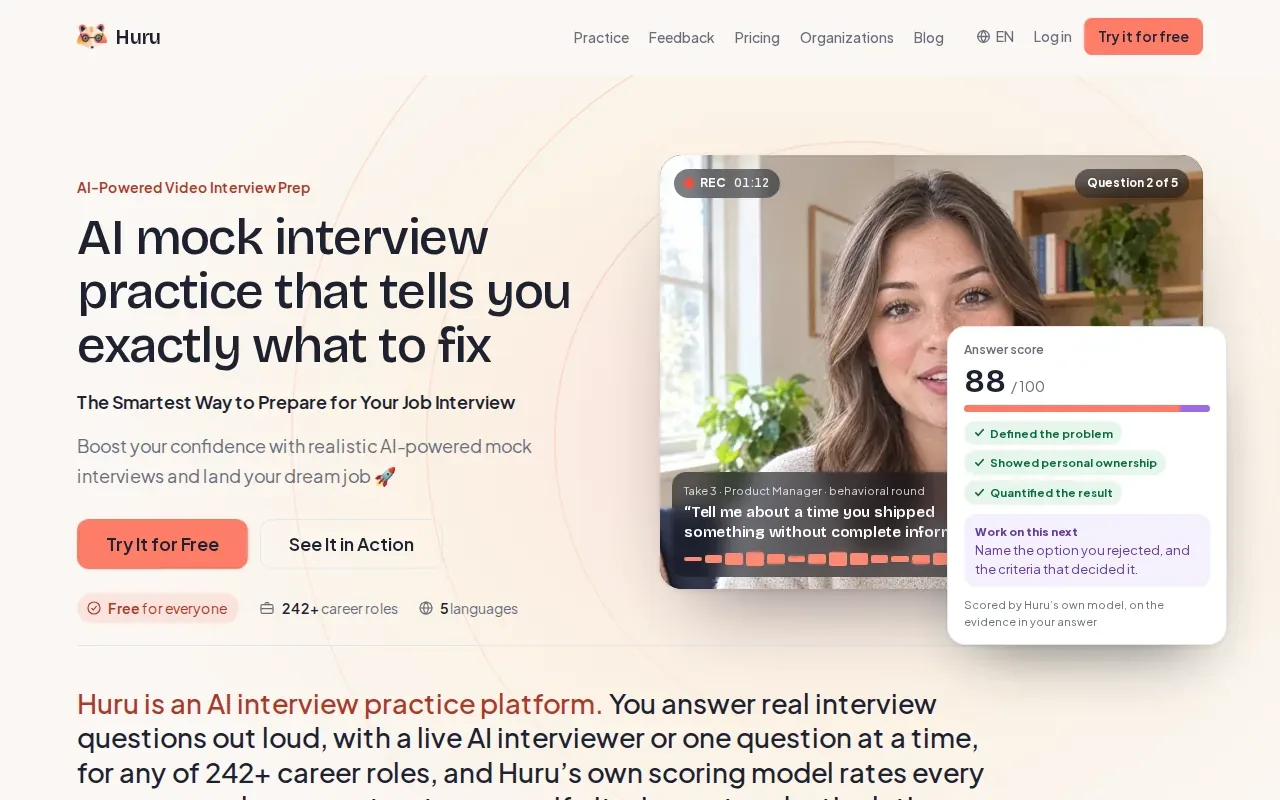
Huru can build practice around a role or a job description. Its mock interview can run as a conversation, where the AI asks follow-up questions, or as one question at a time. For a software engineering role, a follow-up might press you to explain how you tested a change or why you chose one design over another.
Answer scores and next-step feedback give you a repeatable way to spot weak answers. If an answer sounds broad, revise it with a specific decision or result, then try again. Huru’s focus is rehearsal and feedback; choose it when that is more useful to you than a live coding copilot.
For an engineer preparing for a technical screen, use mock practice to explain the solution out loud. It won’t replace time spent solving problems, but it can help you notice when your explanation skips a key step.
4. LockedIn AI: live and mock interview modes
LockedIn AI has live interview and mock-interview modes, coding assistance, and a coaching layer. Its free plan gives unlimited 5-minute sessions, up to 60 minutes a day. That’s enough to test a short exchange and see how the live and coaching features fit your workflow, but each session is short.
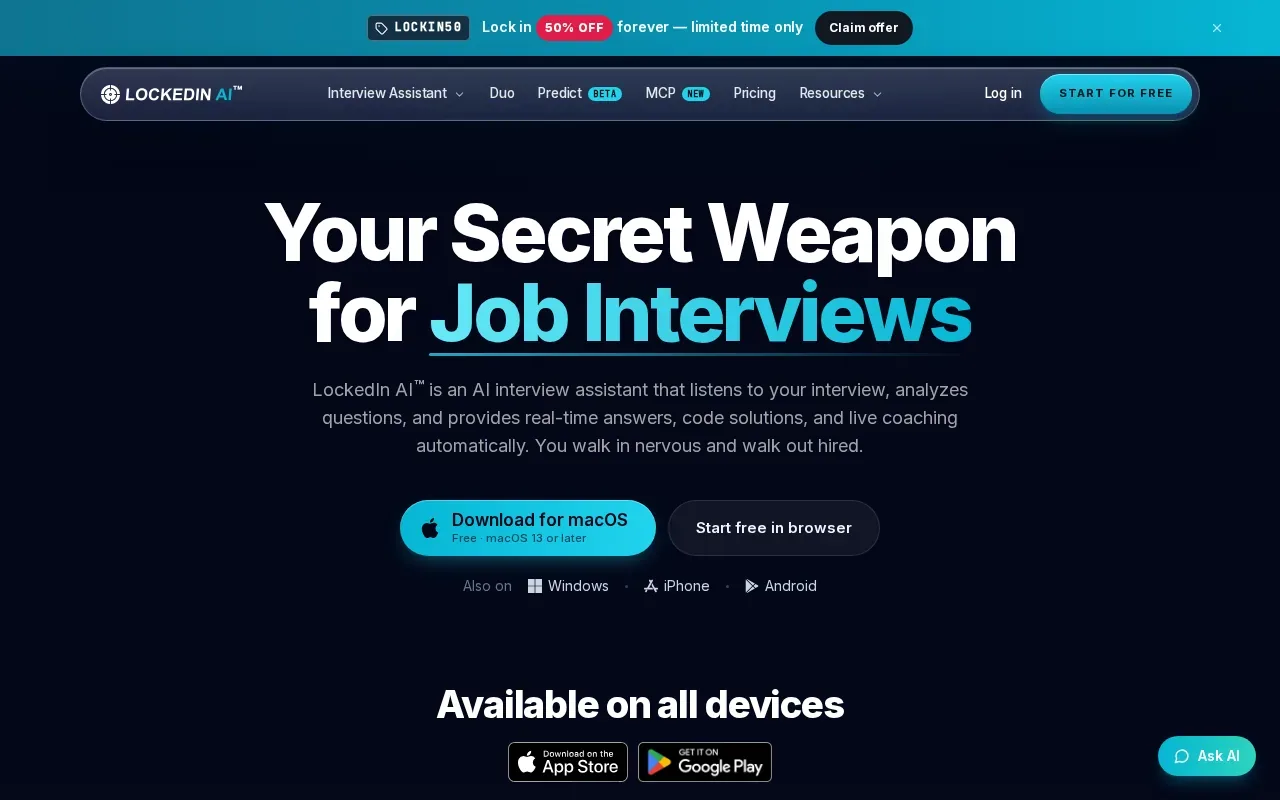
The combination of a copilot and coaching layer can suit candidates who want support with both the prompt and their spoken response. In a coding round, that might mean working through a question while keeping your explanation in view. In a behavioral round, the coaching layer can help you think about how clearly you made your point.
Use the free minutes to test the core task first. Check how quickly the assistant responds, whether its suggestions are easy to scan, and whether the session fits your interview setup. A tool that feels awkward on your device during practice may be harder to use under time pressure.
Keep the session length in mind. If you need full-length mock rounds, 5-minute sessions won’t cover a whole interview. It works better as a brief trial of the live and mock modes than as a full practice plan.
5. Linkjob AI: an invisible assistant for live interviews
Linkjob AI describes itself as a tool for real-time help during job interviews and coding tests. It offers stealthy, live help for job and technical interviews.
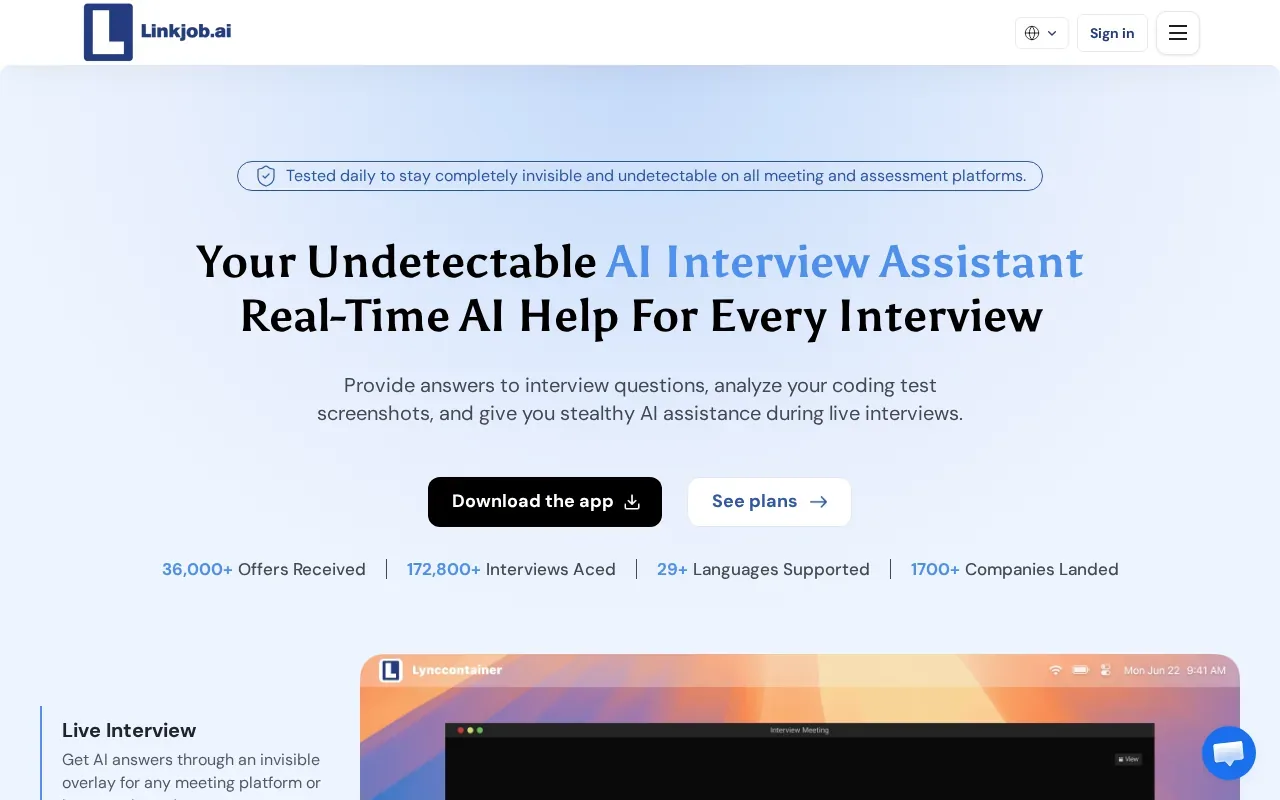
For engineers, live assistance is different from practicing a coding problem or preparing to explain a design decision. Consider the interview rules before deciding whether to use a tool during an assessment; you can also use practice sessions to prepare without relying on live help.
Linkjob AI markets its assistance as invisible during screen sharing. Treat that as a vendor claim, not a guarantee that an employer or assessment platform won’t detect or prohibit outside help. Check the interview rules before using any live assistant. If AI assistance isn’t allowed, use the tool for preparation rather than during the assessment.
Check the current access terms and test any setup during practice.
Compare the free access and interview uses
Free access can mean signup credits, a weekly pool of sessions, a short time limit, or practice access. Those limits are hard to compare by name alone. Phantom Code AI’s pricing page says paid plans start at $19, while new accounts get free credits at signup without a card. See the Phantom Code AI pricing page for the current plan terms.
| Tool | Free access described | Best fit | Check before relying on it |
|---|---|---|---|
| Phantom Code AI | Free signup credits, no card required | Live technical interview guidance | How the credits fit your planned practice |
| Interview Pilot | Three sessions and ten copilot uses per week | Recurring practice plus limited copilot use | Which limit applies to the task you need |
| Huru | Free mock interview practice | Spoken rehearsal and answer feedback | Whether mock practice meets your goal |
| LockedIn AI | Unlimited 5-minute sessions, up to 60 minutes a day | Testing live and mock modes | Whether a short trial is enough to assess the workflow |
| Linkjob AI | See website | Live interview and coding-test assistance | Current free access and interview rules |
Before choosing, test the things that affect use under pressure. Is the answer prompt enough for you to read? Does it respond quickly to a follow-up? If you’ll use a language other than English, try a sample in that language. And check whether the tool works on the device and meeting setup you plan to use.
Don’t treat stealth claims as a substitute for permission. An AI assistant may be useful for a mock interview, but live use depends on the employer’s rules. If you’re unsure, ask before the interview or keep AI use to practice.
FAQs About Free AI Interview Assistants
Are free AI interview assistants really free?
Some provide free credits or limited sessions, while others focus on free mock practice. The limits aren’t interchangeable: Interview Pilot describes three sessions and ten copilot uses each week, while LockedIn AI offers unlimited 5-minute sessions, up to 60 minutes a day. Check what each allowance covers before you plan a full practice cycle.
Can I use an AI assistant during a live job interview?
Only use one if the employer or assessment rules allow it. A tool’s technical ability to provide live suggestions doesn’t mean the interview permits them. If the rules are unclear, ask the recruiter. You can still use an assistant for mock interviews and preparation without relying on it during a restricted assessment.
Can a free AI interview assistant help with coding interviews?
Yes, some tools in this list describe coding support, while others focus on mock practice. Phantom Code AI is built for technical interviews, and LockedIn AI describes coding assistance. Huru is aimed at mock interview rehearsal. Choose based on whether you need live help or want to practice explaining your solution.
Are AI interview assistants invisible during screen sharing?
Some vendors make stealth or screen-sharing claims, but don’t treat them as proof that a tool can’t be seen or detected. Setup and meeting software can affect what appears on screen. More important, check whether the employer permits AI assistance. If it doesn’t, keep the tool out of the live interview.
What should I check before sharing my resume with an interview assistant?
Read the tool’s current privacy terms before uploading a resume or job details. Check what information it collects and how the company says it handles that data. Share only what you’re comfortable providing, and avoid adding private details that aren’t needed for interview practice.
Conclusion
If you’re a software engineer who wants live help across technical interview formats, start with Phantom Code AI’s free signup credits and test the setup in a mock round. If your main goal is speaking practice, try Huru’s mock interview workflow instead. Use any live assistant only when the interview rules allow it.