Best Free AI Interview Assistant Tools

Compare free AI interview assistant tools for coding, system design, and behavioral rounds. Check real-time help, free access, platform fit, and privacy.
A free AI interview assistant can help you stay on track when a coding question or behavioral prompt catches you off guard. The key difference is whether it listens and reacts during the call, or only helps you prepare beforehand. Here are five options, led by Phantom Code AI, plus the details to check before you rely on any free access.
We analyzed 66 comments from YouTube and Reddit about free AI interview assistants and found that 24% mentioned cheating concerns.
Table of Contents
- Phantom Code AI
- ParakeetAI: Real-time prompts for live conversations
- Final Round AI: Structured support across interview formats
- Linkjob AI: A stealth-focused option for technical interviews
- Interview Sidekick: Coding, behavioral, and mock-interview support
- Free AI Interview Assistants Compared: Features to Verify
- Frequently Asked Questions
- Conclusion
1. Phantom Code AI
Phantom Code AI is a desktop assistant for technical interviews that listens to interview audio, transcribes it, recognizes problem types, and gives real-time guidance. It runs on macOS and Windows. It’s built for software engineers working on DSA, system design, and behavioral interviews.
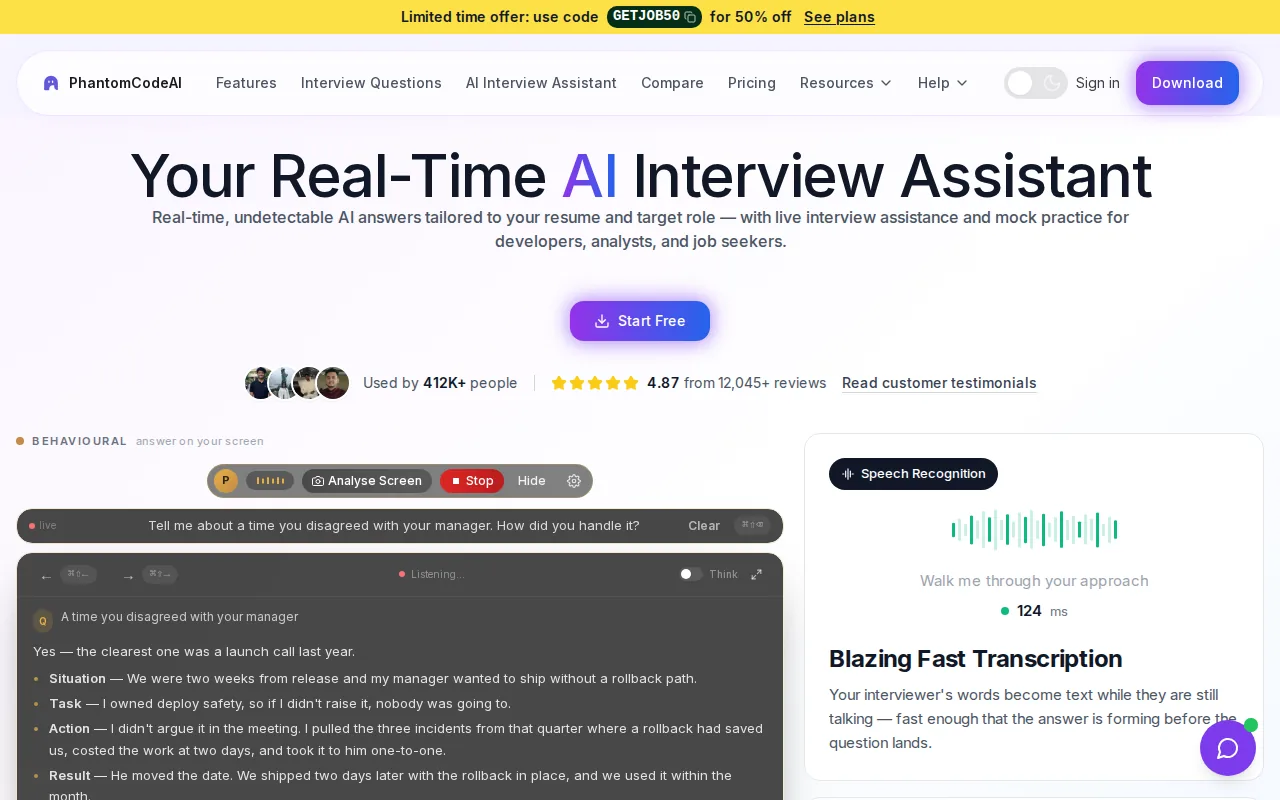
Its main difference is the combination of live transcription and automatic problem-type detection. In a coding round, that can help distinguish a graph problem from a dynamic programming prompt before you plan an approach. For system design, identifying the type of question can help you organize the next discussion around requirements, trade-offs, or scaling.
New accounts get free credits at signup, with no card required. That’s useful for testing how the assistant fits your setup before paying. Phantom Code AI’s site lists paid plans starting at $19, with credit packs and subscriptions available. Check the current plan terms before you build a practice routine around those credits.
Phantom Code AI is a strong first option if your main need is technical help that listens while you speak. For a broader overview of the workflow, see how an AI interview assistant works.
Real-time assistance is different from getting a polished answer after the question has passed. Practice explaining the reasoning yourself, then use the transcript and guidance to spot where your explanation lost focus.
2. ParakeetAI: Real-time prompts for live conversations
ParakeetAI is an assistant that gives answers while a conversation is still happening. Its use cases include job interviews, sales calls, client meetings, and other live conversations. That broader focus may suit candidates who want one tool for more than interview prep.
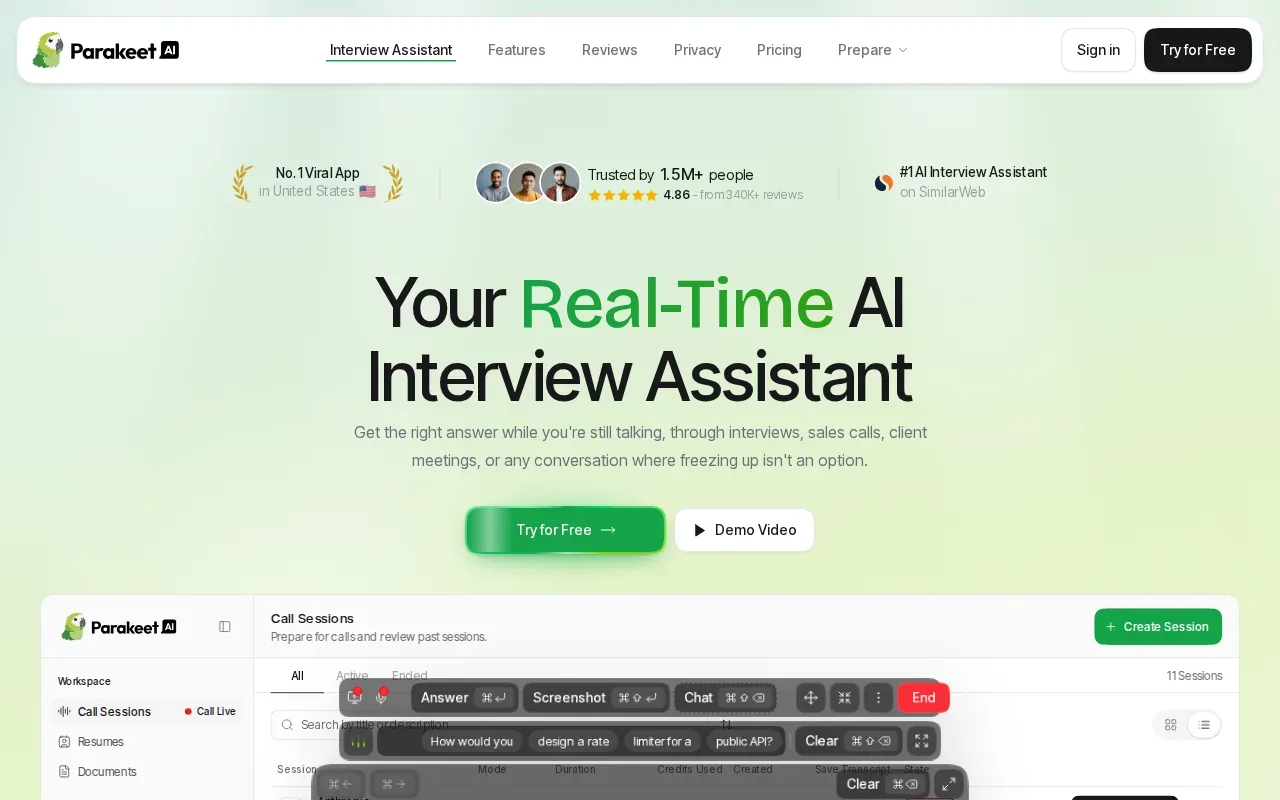
For an engineer, the key question is how well its live prompts fit the round ahead. A behavioral question such as “Tell me about a hard deadline” needs a different response than “How would you find a cycle in a linked list?” Before choosing it, check whether its current free access lets you try the kinds of questions you expect.
Getting help during the conversation makes response timing worth testing: note whether the prompt arrives early enough to help you think, and whether it gives you a useful starting point instead of a script you’d have to read aloud.
Don’t assume that free access means unlimited practice or full live use. Look at the trial length, what happens when it ends, and whether the free option covers a complete mock interview. Those terms can change how useful a free AI interview assistant is during an active job search.
Choose ParakeetAI for consideration when you want live conversational prompts across different settings. Then test it with a question that calls for your own experience, not only a short factual answer.
3. Final Round AI: Structured support across interview formats
Final Round AI’s Interview CoPilot is a real-time assistant that suggests answers during live interviews. Its guidance follows a structured STAR-style approach, and it works across Zoom, Google Meet, and Teams. It’s available for macOS and Windows.
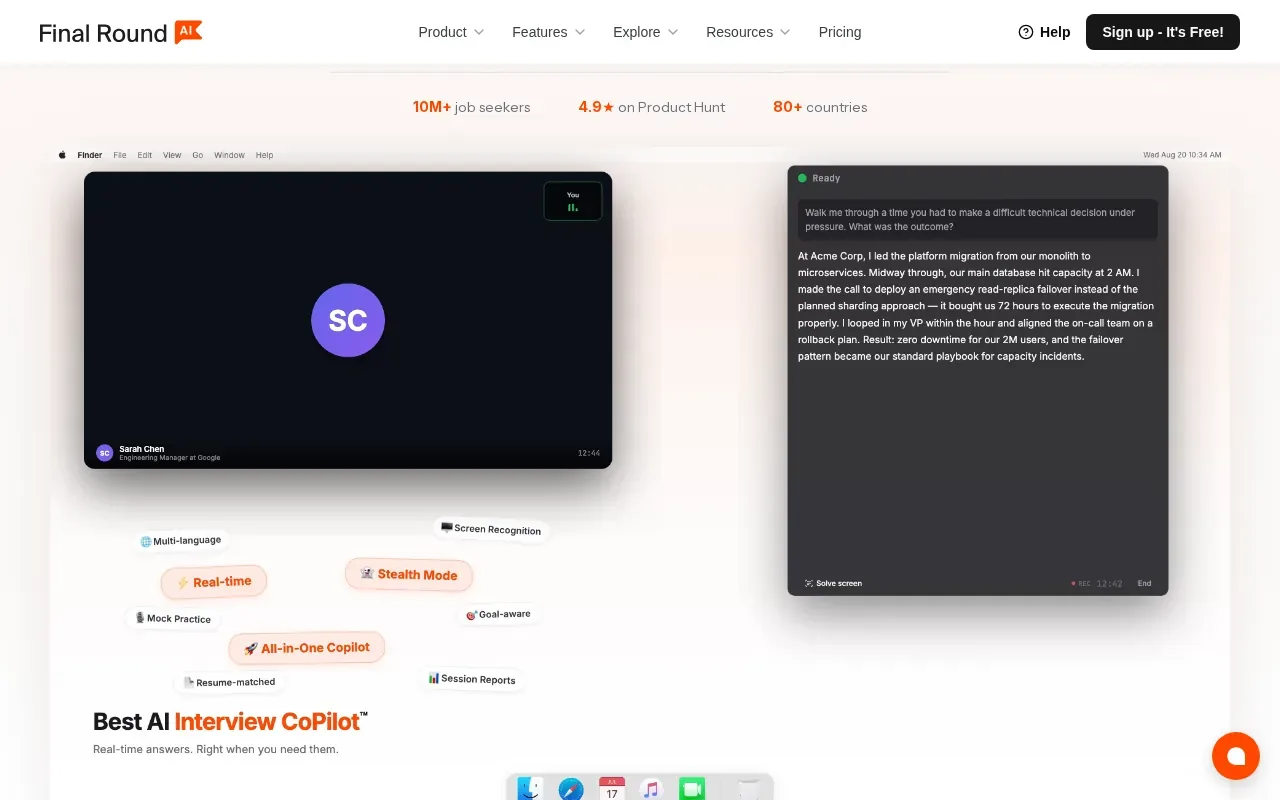
STAR means Situation, Task, Action, and Result. The structure can help with prompts such as “Tell me about a time you disagreed with a teammate.” A useful answer gives enough context, makes your role clear, then explains what changed because of your actions. The STAR method uses this four-part format.
This structure is most directly useful for behavioral rounds. For a technical interview, test how its suggested responses fit a question that needs code or a system design discussion. A concise STAR prompt and a technically sound explanation serve different needs, even when both arrive during a live call.
Before counting on a free tier, check which features are available without payment and whether live assistance is included. Also confirm that your meeting setup matches a supported platform. An app that works with a video meeting tool may still need a separate check on the computer you’ll use for the interview.
Final Round AI may suit candidates who want structured help with behavioral answers and live interview prompts. If you’re preparing for coding rounds too, test those questions separately rather than assuming every interview format gets the same kind of guidance.
4. Linkjob AI: A stealth-focused option for technical interviews
Linkjob AI supports engineers during technical interviews, not just practice before an interview.
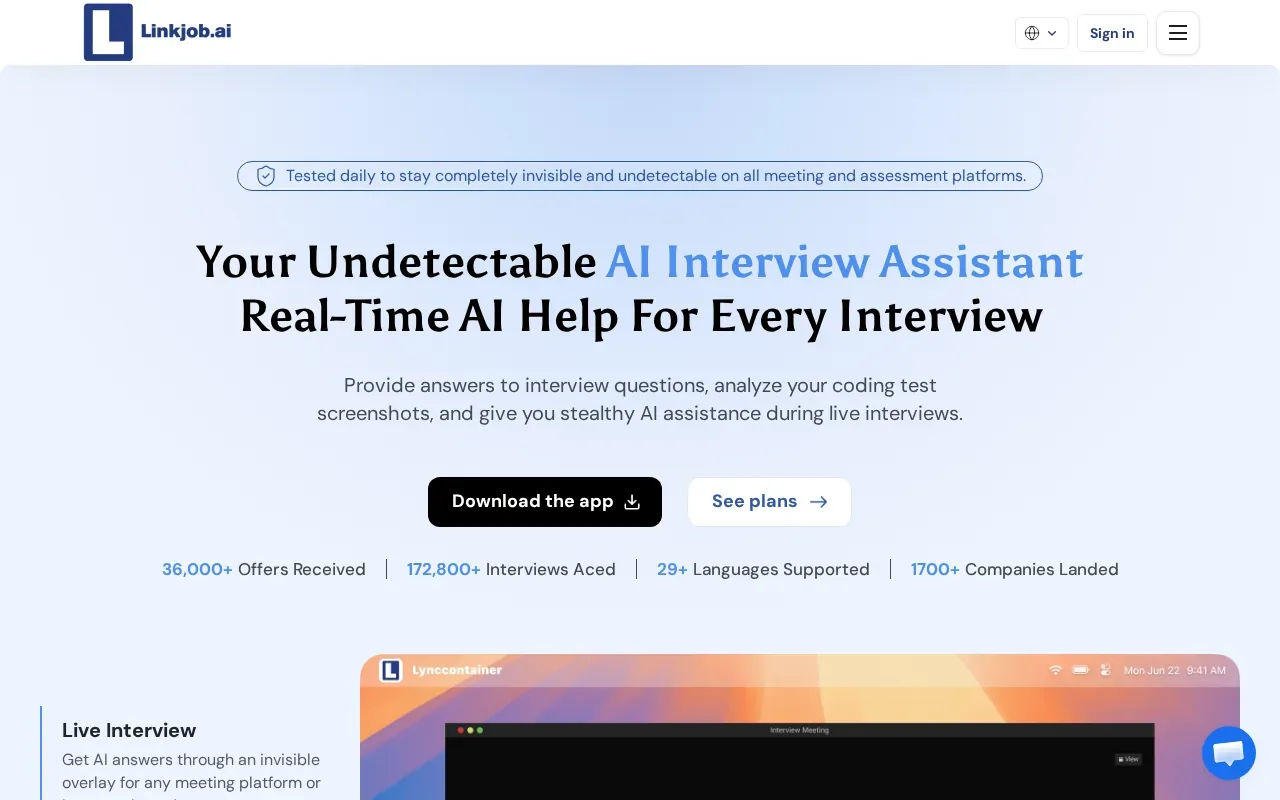
For a coding round, try a question that requires more than recalling syntax. For example, take a prompt about finding the shortest path in a graph. Check whether the guidance helps you work through the approach and explain the trade-offs, rather than merely giving you a block of code to repeat.
Stealth language is a product claim, not a guarantee that an employer or assessment system won’t notice AI use. Screen sharing, monitoring rules, and interview policies vary. Review the employer’s rules before using any assistant in a live assessment, and don’t treat the tool’s wording as permission.
Check the current free-access terms before planning a full session. Find out what the free option covers, how long you can use it, and whether the technical workflow you need is part of that access. If you’re testing it for system design, use a prompt that requires you to explain a design choice out loud.
Linkjob AI is worth evaluating if discretion and technical interview support are your main concerns. Judge it by whether the help fits your actual interview tasks, and by whether your use follows the rules you’ve been given.
5. Interview Sidekick: Coding, behavioral, and mock-interview support
Interview Sidekick describes its assistant as giving real-time answers for coding, behavioral, and technical job interviews. It also includes mock interviews. That mix may appeal to candidates who want to practise before a round and consider live assistance for the interview itself.
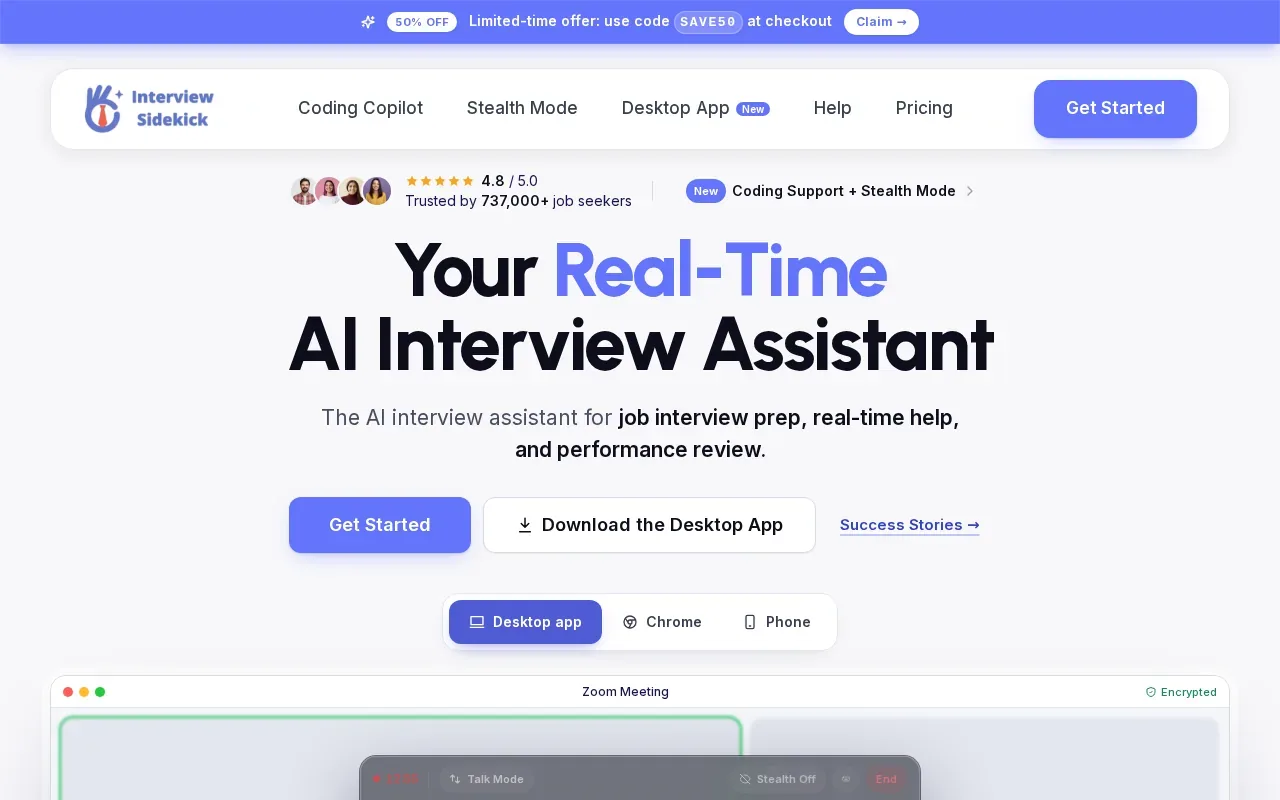
Mock interviews are useful when you treat them as rehearsal, not as proof that you’re ready. Try a behavioral prompt first. Then practise a technical question and explain each choice as you work. Notice whether the mock format gives you a chance to build your own answer, or mainly presents suggestions to review.
For a live coding question, compare the suggested guidance with your own solution. Can you explain the time and space costs? Can you name an edge case? If not, pause and work through those points before moving on. An answer that sounds smooth can still be wrong or incomplete.
Check how the free access works before you plan repeated mock sessions. Confirm what kind of session you can try, whether live help is part of it, and what the limit is. A free trial, a few practice sessions, and ongoing free access are different things.
Interview Sidekick is a candidate to test if you want both mock-interview practice and live answer support. Keep your own reasoning in the lead, especially for coding questions where you may need to defend the approach.
Free AI Interview Assistants Compared: Features to Verify
“Free” can mean signup credits, a trial, a limited number of practice sessions, or ongoing access. Those aren’t interchangeable. Compare each tool’s features with what you need for your own use.
| Tool | Stated focus | Free access detail | What to verify |
|---|---|---|---|
| Phantom Code AI | Live transcription, problem-type detection, and interview guidance | Free credits at signup; no card required | How far the credits go for your planned practice |
| ParakeetAI | Real-time prompts during conversations | Check the current offer | Trial length and access to live prompts |
| Final Round AI | Real-time suggested answers with STAR-style guidance | Check the current offer | Whether free access includes live sessions |
| Linkjob AI | Discreet real-time help for interviews and coding tests | Check the current offer | Session limits and technical interview coverage |
| Interview Sidekick | Live interview answers and mock interviews | Check the current offer | Which mock and live features work without payment |
Platform fit deserves its own test. Final Round AI’s stated support includes Zoom, Google Meet, and Teams. Confirm current meeting compatibility with the app and exact setup you expect to use. A desktop app, browser session, and meeting integration can work differently.
Resume and job-description tailoring also need a hands-on check. Try a practice question tied to a project you’ve actually built. See whether the answer reflects your role and experience, rather than giving a generic response. Don’t upload private information until you’ve read the tool’s data and privacy terms.
Privacy claims deserve care. A tool may describe itself as invisible or discreet, but that wording can’t promise what an interviewer, screen-share setup, or monitoring system will detect. Check the rules for the interview first. Use AI suggestions as a learning aid, not a substitute for developing interview skills.
For engineers, the most useful comparison is often live listening versus static suggestions. Phantom Code AI’s combination of transcription and problem-type detection is particularly relevant when you need help understanding a question as it’s asked. Other stated strengths include STAR-style structure or mock interview support. Choose based on the round you need to practise, then verify the free terms and platform fit before the session.
Frequently Asked Questions
Are AI interview assistants really free?
Some provide free credits or a limited trial, but “free” doesn’t always mean ongoing access. Phantom Code AI gives new accounts free credits at signup without requiring a card. For the other tools, check the current offer and confirm whether it includes live assistance or only practice. Look at session limits before planning a full mock interview.
Which free AI interview assistant works for coding interviews?
Phantom Code AI is the clearest fit in this shortlist for engineers seeking live transcription and problem-type detection during technical interviews. Linkjob AI and Interview Sidekick also describe support for coding interviews or tests. Try a question in your target area, such as graph traversal, and judge whether you can explain the answer yourself.
Do these tools work with Zoom, Google Meet, or Teams?
Final Round AI’s provided details say it works across Zoom, Google Meet, and Teams. The information here doesn’t confirm the same integrations for every other option. Before an interview, check the tool against your meeting app and computer. A quick test in a permitted practice session can help you avoid setup surprises.
Can an interviewer see an AI interview assistant?
There’s no safe way to promise that an assistant will stay hidden in every interview setup. Visibility can depend on screen sharing, the app, and employer monitoring rules. Treat claims about stealth or invisibility as product descriptions, not guarantees. Check whether AI help is allowed before using any tool during a live interview.
Can AI answers replace interview practice?
No. AI suggestions can give you a starting point, but you still need to understand and explain your answer. For coding, check the logic and edge cases. For behavioral questions, make sure the story reflects your own work. Use mock interviews to practise speaking clearly, then review where your explanation needs more depth.
Conclusion
If you’re an engineer who needs live help with coding or system design questions, start by testing Phantom Code AI’s signup credits with a practice round. Check the current terms and your employer’s AI policy before using any assistant in a live interview.