How to Configure Code Snippets for Mock Sessions
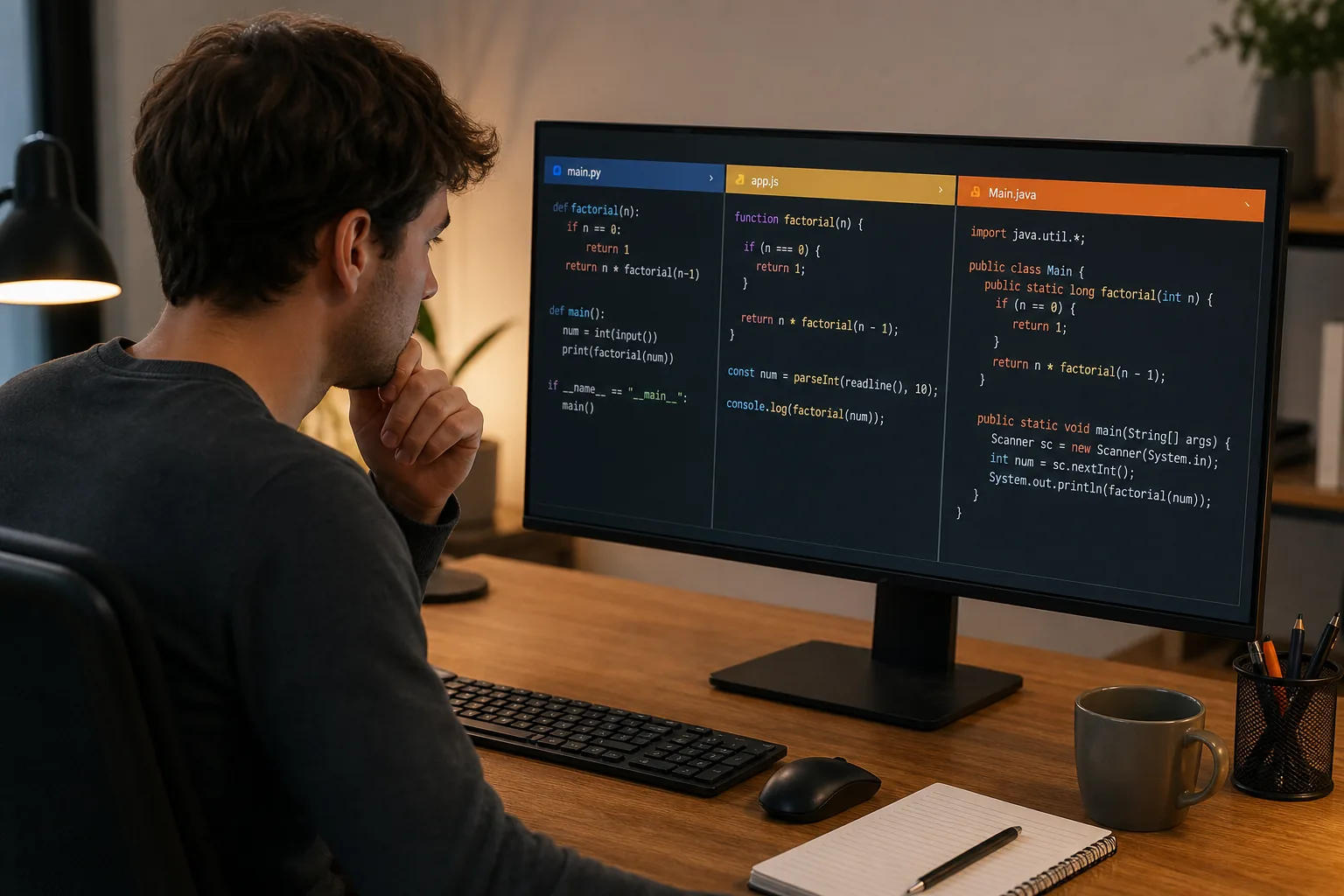
Learn how to configure language-specific code snippets during mock sessions with profiles, templates, tests, and fixes for common setup issues.
TL;DR
- Create separate snippet profiles for each programming language and mock-interview format.
- Use small templates with clear prefixes and tab stops rather than pasting finished solutions blindly.
- Test insertion, language switching, and cursor placement before a mock; wrong scopes and stale templates cause avoidable distraction.
A snippet that saves time in Python can slow you down in Java if the scope is wrong. The fix is to treat each language and interview type as its own setup. Use the steps below to configure language-specific code snippets during mock sessions, test them before practice, and keep suggestions from getting in your way.
Table of Contents
- Step 1: Define the Languages, Interview Types, and Snippet Rules
- Step 2: Create a Separate Snippet Profile for Each Language
- Step 3: Build Reusable Templates for DSA, System Design, and Behavioral Rounds
- Step 4: Test Snippet Insertion and Context Switching Before the Mock
- Step 5: Troubleshoot Incorrect Languages, Stale Templates, and Distracting Suggestions
- FAQ: Language-Specific Code Snippets During Mock Sessions
- Conclusion
Step 1: Define the Languages, Interview Types, and Snippet Rules
Start by deciding which languages and mock formats your snippets must support. This gives your setup a clear boundary before you write any code.
Write down the languages you may use in an interview. A typical set might include Python, JavaScript, Java, C++, or Go. Don't copy every language into every profile. A Python snippet may use list comprehensions, while a Java snippet needs type declarations and class structure.
Next, split your snippets by interview type:
- DSA: arrays, graphs, binary search, heaps, trees, and common input helpers.
- System design: class shells, interface sketches, request models, and small API stubs.
- Behavioral: short answer frames, such as situation, action, and result notes.
Set rules for what a snippet may do. Keep it short enough to understand during a live problem. Use tab stops for values you must change. Avoid large blocks that hide the logic you need to explain.
Also decide which snippets are local and which should be shared. Local snippets fit your own habits. Shared snippets belong in a workspace file that your study group can review. VS Code supports both user snippets and project-level snippet files, while language scopes control where a snippet appears.
For syntax-sensitive work, record the exact language identifier used by your editor. “JavaScript” and “Java” are different scopes. A similar name does not make them interchangeable.
Commands can be mapped to custom keys. That matters when you want one action to insert a known template during a mock.
Step 2: Create a Separate Snippet Profile for Each Language
Separate profiles make language-specific code snippets predictable during mock sessions. Each profile should contain only syntax that belongs to one language.
In VS Code, open the Command Palette and choose the command for configuring user snippets. Select the language you want to edit. The editor will open a JSON-based snippet file for that language.
Give each snippet a clear prefix and description. For example, a Python graph traversal might use a prefix such aspybfs. A Java version could usejavabfs. The prefix tells you what will appear in the suggestion list, so a language marker prevents mix-ups.
A basic snippet has four useful parts:
prefixshows the trigger text.bodyholds the inserted lines.descriptionexplains the use case.scopecan limit where the snippet appears.
Use numbered tab stops for fields you will edit. Use$1for the first stop and$0for the final cursor position. You can also add variables for items such as the current file name when your editor supports them.
Keep naming consistent across profiles. If a Python heap template is calledpyheap, usejavaheapfor Java andjsheapfor JavaScript. This makes recall easier when the interviewer changes the language or the mock tool switches context.
Phantom Code AI can fit into this workflow as the assistant layer during a mock. Keep the editor profile responsible for syntax. Let the assistant focus on the problem type and the next useful prompt. That split reduces the risk of accepting a suggestion written for the wrong language.
Save one small test snippet in each profile. Type its prefix inside a matching file and confirm that the suggestion appears. Then open a file with a different language and confirm that the snippet stays hidden. That second test catches broad scopes early.
If your team shares snippets, store project-level files in version control. A reviewer can then see when a template changed, and you can restore an older version if a new edit causes trouble.
Step 3: Build Reusable Templates for DSA, System Design, and Behavioral Rounds
Reusable templates give each mock session a starting shape without forcing you into a fixed answer. Build them around the work you must explain, not around code you can paste blindly.
For DSA, start with small patterns. A binary search template should leave stops for the collection, target, low bound, and high bound. A graph traversal template should leave a stop for the starting node and a clear place for the visited set. Keep the control flow visible. Interviewers need to follow your choices.
For system design, use a shell that captures names and relationships. You might include an interface, a request object, or a service class. Don't fill in every method. A blank method body gives you room to explain tradeoffs before you write details.
For behavioral rounds, a snippet can insert a note frame rather than executable code. Use prompts such as “context,” “action,” and “result.” These cues can help you stay on point while you answer. They should remain private notes, not text you read word for word.
| Mock need | Good snippet shape | Use tab stops for | Main risk |
|---|---|---|---|
| DSA problem | Small algorithm skeleton | Input, bounds, target, result | Hiding logic inside a large block |
| System design | Class or interface shell | Service names, data fields, method names | Writing code before clarifying requirements |
| Behavioral answer | Private answer notes | Situation, action, outcome | Sounding scripted |
Use placeholders that prompt thought. A stop namedtargetis more useful than one namedvalue1. Good names reduce the pause between insertion and explanation.
Keep separate templates for language-specific details. A Python DSA shell may use a function with no type annotations. A Java version may need a method signature and a class wrapper. A JavaScript version may use an array method that does not exist in the same form elsewhere.
Many editor configuration files use structured data. If a snippet file stops working after an edit, check quotes, commas, braces, and escaped characters before you inspect the interview tool.
Commit shared snippet files with a short message that says what changed. Git commits provide saved points in a repository's history, which makes them useful when a study team needs to review or undo a template edit.
One good rule is simple: if you cannot explain every inserted line, the template is too large for a mock.
pygraphbfstells you more thantemplate1when the clock is running.Step 4: Test Snippet Insertion and Context Switching Before the Mock
Testing shows whether your language-specific setup works under pressure, not just in a quiet editor. Run the same checks you will face during a mock session.
First, open a clean file in the target language. Type the prefix and insert the snippet. Confirm that the first tab stop is active. Enter a value, press Tab, and check that the next stop behaves as expected. Finish with the cursor at the intended location.
Then test a wrong-language file. If a Python snippet appears in a Java file, inspect its scope and the language mode shown by the editor. Don't fix the symptom by renaming the prefix. Fix the scope.
Next, simulate a context switch. Start with a DSA file, move to a system design file, and then open a behavioral note. Check whether suggestions change with the file type and language. A mock can move quickly, so test the path rather than one isolated insertion.
Use the Outline view or file search to find the definition of a broken snippet. This is faster than scrolling through a long configuration file. Keep each profile short enough that you can locate a bad entry in a few seconds.
Test with suggestions turned off when you need to reason without help. Then turn them back on and check whether the profile still shows the intended commands. Phantom Code AI works best when its guidance does not compete with basic editor controls. Set a clear rule for when you will accept a suggestion and when you will pause to solve the next step yourself.
If you practice a company-specific format, pair the snippet test with that format. For example, when preparing for an Atlassian interview, use Atlassian Technical Interview: A Deep Dive with Practice Problems to choose a practice problem, then test the matching language profile while solving it.
By the end of this step, each profile should pass three checks: it appears in the right file, inserts the right syntax, and stays out of unrelated contexts.
Step 5: Troubleshoot Incorrect Languages, Stale Templates, and Distracting Suggestions
Troubleshooting language-specific code snippets during mock sessions starts with the editor context. Most errors come from a wrong language mode, a broad scope, or an outdated file.
When the wrong language appears
Check the active language mode first. A file may have the right extension but the wrong mode because of a workspace setting. Look at the language indicator in the editor, then compare it with the profile name and scope.
Check for duplicate prefixes next. A user snippet and an extension snippet may share the same trigger. Rename your custom prefix so its purpose is clear. You can also disable an extension for one test session to see whether it is adding the unwanted result.
When an old template keeps loading
Search every snippet location used by your editor. A workspace file can override the copy you edited in your personal profile. If your team keeps files in Git, compare the current branch with the last known good commit.
Reload the editor after a major configuration change. Then run the clean-file test again. Don't keep changing several settings at once. One change per test makes the cause easier to find.
When suggestions distract you
Reduce the number of active snippets. Delete templates you haven't used in recent practice. Rename broad prefixes that trigger during normal typing. A short list is easier to scan than a large library.
Phantom Code AI can help you keep the mock focused when you set its language preference before the session. Still, treat every suggestion as a prompt to assess. You remain responsible for checking syntax, edge cases, and the reasoning behind the answer.
Continue this preparation with mock-platform language support, then use bilingual interview practice tools to extend your practice.
FAQ: Language-Specific Code Snippets During Mock Sessions
How do I set a snippet for one programming language?
Set the snippet inside that language's profile and confirm its scope. In VS Code, choose the language-specific user snippet file, add the prefix and body, then test it in a matching file. To configure language-specific code snippets during mock sessions, also test a different language file and make sure the suggestion stays hidden there.
Should I use one snippet file for every language?
No, separate profiles are usually easier to manage. Each profile can use the syntax and naming style of its language. A shared file may work for truly generic text, but it can also produce noisy suggestions. During mock practice, keep DSA and system design templates separate when their code shapes differ.
How can I stop the wrong code suggestions during a mock?
Check the active language mode, then inspect duplicate prefixes and broad scopes. Disable one extension for a test if its snippets may be competing with yours. Keep only the templates you use often. A smaller profile makes it easier to spot the right suggestion while the interviewer is waiting.
Can I share custom snippets with a study group?
Yes, store project-level snippet files in the same repository as your practice setup. Review changes before sharing them, and use version control so you can restore a known good copy. Remove personal notes from shared files. Each person should still test the profile in their own editor before a group mock.
Conclusion
Build one small profile per language, keep templates tied to the interview task, and test context switching before the mock starts. Use Phantom Code AI as a support layer, not a replacement for checking your code. Your next step is to make one DSA snippet today, test it in two language modes, and remove it if it creates noise.