
Most tools for system design practice give you a shared canvas. Fewer help you test the tradeoffs behind your design. Here are five options, starting with Phantom Code AI, for engineers who want guided rehearsal, a quick sketch space, or a live peer mock.
Table of Contents
- Phantom Code AI
- Excalidraw: a free shared canvas for live architecture sketches
- Thita.ai: AI-led practice with interactive diagrams
- Pramp: free reciprocal system design mock interviews
- Cnvs.app: a quick-start shared surface for design conversations
- Compare the tools: best fit for each practice style
- FAQ: Practicing System Design Tradeoffs Interactively
- Conclusion
1. Phantom Code AI
Phantom Code AI is an invisible AI desktop assistant for coding interviews. It listens, transcribes, recognizes problem types, and provides real-time guidance during mock or live technical interviews. It’s the best fit here when you want support with your spoken reasoning, not only a place to draw.
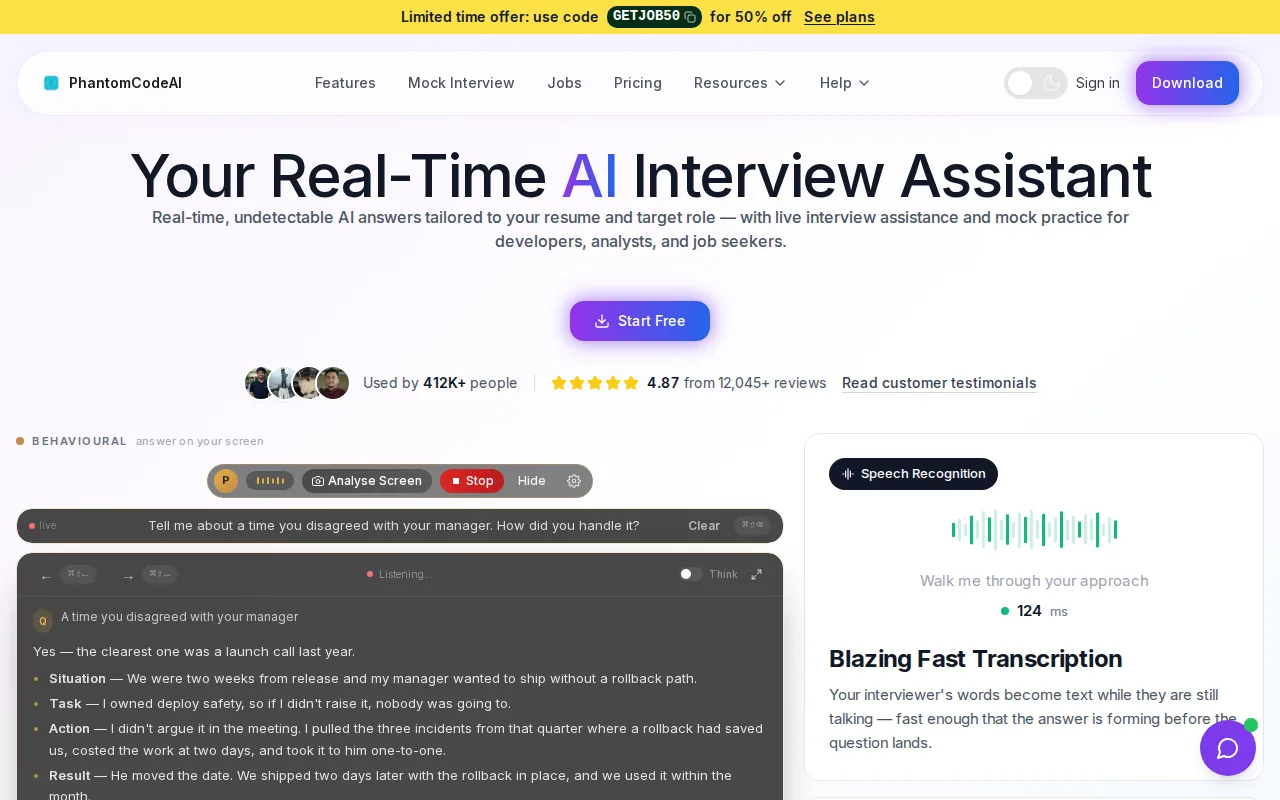
For a system design rehearsal, the useful distinction is between the diagram and the discussion around it. A canvas can show an API gateway, a cache, and a database. You still need to explain why the cache belongs there, what happens when it’s stale, and which cost or latency tradeoff you’re accepting. Phantom Code AI is built for interview support while you work through that conversation.
Try a familiar prompt, such as designing a URL shortener. Say your assumptions out loud, sketch the request path, then explain where you’d store the mapping. When you reach a design choice, state what you gain and what you give up. That makes guidance more useful than simply staring at a finished diagram.
Engineers practicing across interview types can also use Phantom Code AI while preparing for system design, behavioral, or coding rounds. Its comparison of system design practice tools with guided prompts is relevant if you want to see how prompt-based support fits alongside visual practice.
The caveat is simple: this isn’t a shared whiteboard for a peer to draw on with you. Use it to rehearse your thinking and narration. In a real interview, follow the employer’s rules about outside assistance.
2. Excalidraw: a free shared canvas for live architecture sketches
Excalidraw is a free, open-source whiteboard for engineers who want to sketch an architecture while talking through it. It suits solo drills and peer practice when you need a canvas, but don’t need built-in critique.
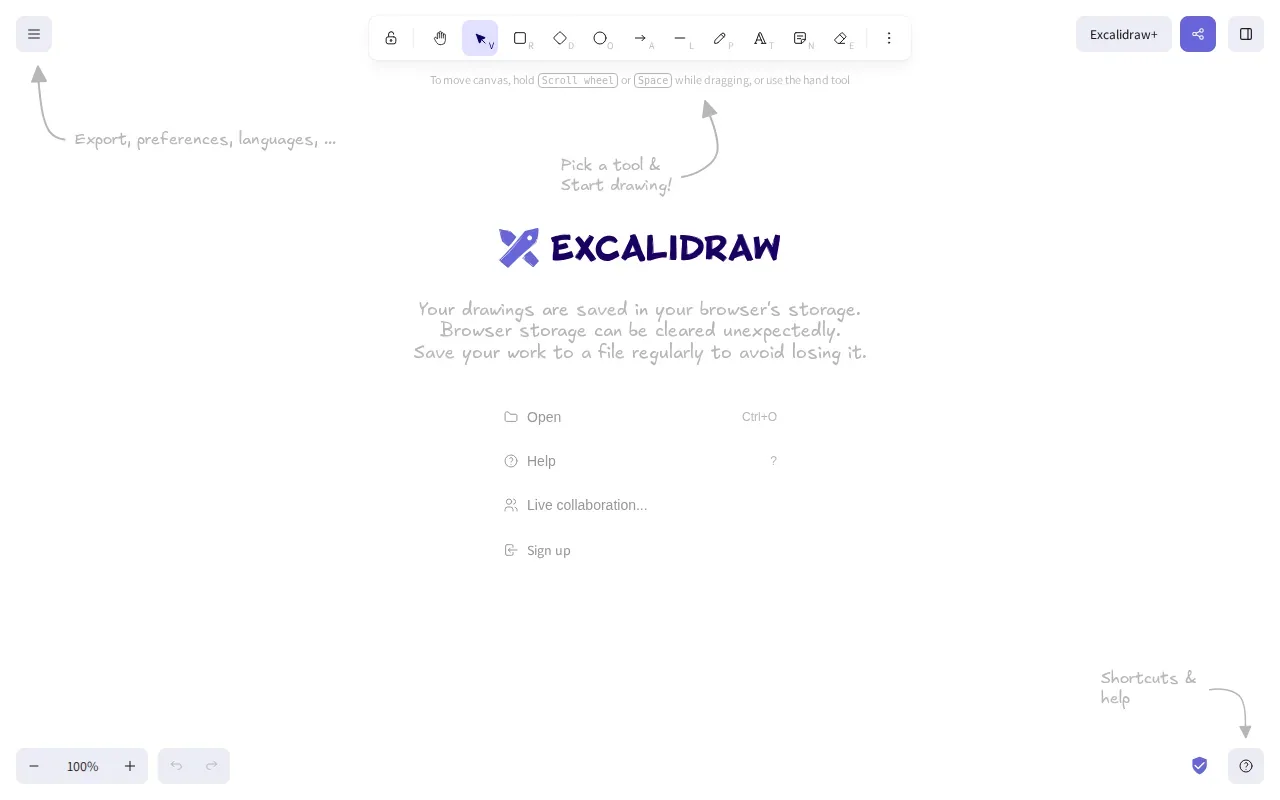
Its hand-drawn style keeps the focus on the idea rather than polished layout. Draw a client, an API service, and a storage layer. Then trace a request through them as you explain how the design meets the prompt. If a mock partner asks what changes when traffic grows, revise the sketch in view of the conversation.
That’s a useful way to practice tradeoffs, but the canvas doesn’t make the choice for you. It won’t tell you whether a relational database fits the stated workload or whether a queue adds needless delay. Your partner needs to ask those questions, or you need to pause and challenge your own proposal.
For example, compare a single database with a replicated setup. The options depend on the system’s needs, including how it handles consistency and availability. Use consistency and availability to frame a design discussion, not as a substitute for stating your assumptions.
Excalidraw works best when your goal is to build fluency with diagrams and verbal explanations. It’s less suited to solo practice if you expect automated feedback, interview prompts, or notes from a session. Pair it with a human who will question your assumptions, and keep the drawing rough enough to change as you reason.
3. Thita.ai: AI-led practice with interactive diagrams
Thita.ai is an AI interviewer with a natural conversation style, interactive diagrams, and automatic session notes. It’s a fit for engineers who want solo interview practice that includes both a spoken exchange and a visual design surface.
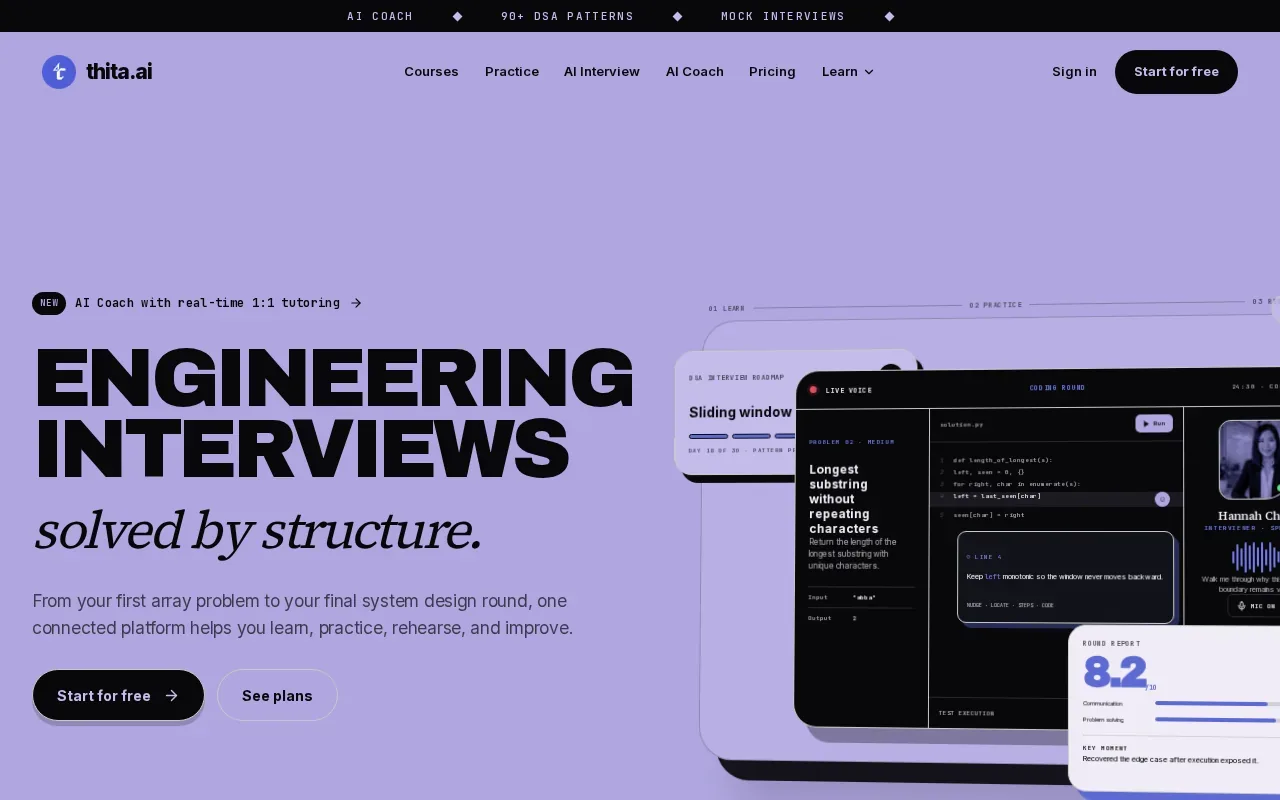
The interaction combines two things a static whiteboard leaves separate: discussing a prompt and building a diagram. You can use that format to explain a high-level design, then respond as the conversation develops. After the session, automatic notes can help you review what you said and identify a decision you didn’t explain clearly.
Thita.ai states that its scenario library has more than 600 scenarios across data structures and algorithms, system design, and behavioral interviews. That breadth may help if your prep schedule includes several interview types. For this article’s focus, keep sessions centered on system design and use the diagram to show what changes when you choose one architecture over another.
Imagine designing a notification service. You might need to weigh immediate delivery against batching, or discuss how the system should handle a downstream service that is unavailable. Say what constraint drives your choice. Then make the tradeoff explicit, rather than treating the diagram as a complete answer.
Thita.ai is subscription-based, so check its current terms before choosing it. An AI interviewer can keep a solo drill moving, but it won’t replace every kind of peer feedback. If your main need is a free canvas, this tool may be more than you need; if you want guided practice with notes, its format is closer to that job.
4. Pramp: free reciprocal system design mock interviews
Pramp is a free peer mock platform. You select System Design, get matched with another candidate, and practice reciprocally. It’s best for engineers who want a person on the other side of the interview rather than a solo prompt or an unshared canvas.
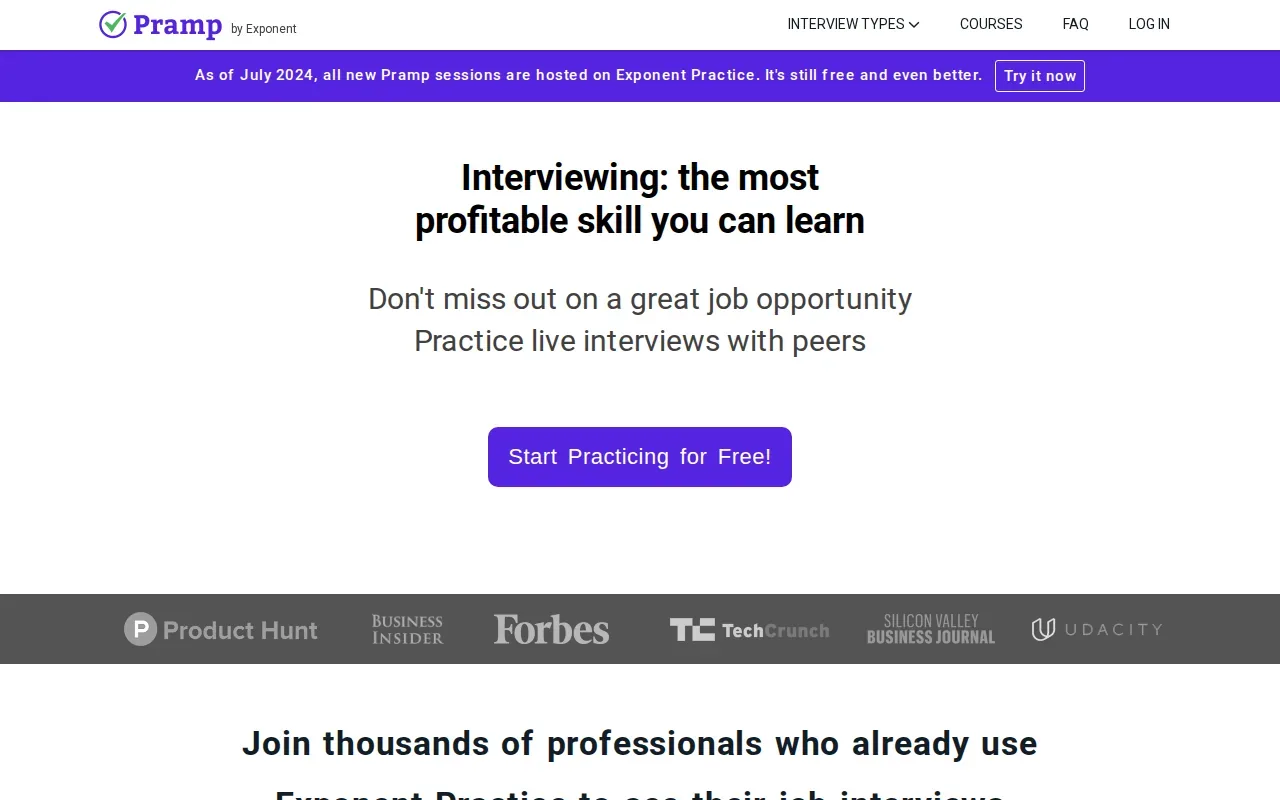
The reciprocal setup asks you to play both roles. When you’re the candidate, practice clarifying the prompt before drawing. When you’re the interviewer, listen for assumptions and ask what happens when a key component fails. Switching roles makes it easier to see where a design explanation leaves gaps.
For a useful tradeoff drill, have the interviewer ask one follow-up whenever the candidate adds a component. If the candidate proposes a cache, ask what data can be stale. If they add a queue, ask what the user sees when processing falls behind. Keep the questions tied to the design instead of turning the mock into a list of disconnected facts.
Engineers preparing for adjacent interviews may also find Phantom Code AI’s Data Scientist Interview Questions covering SQL and ML system design useful for exploring system design questions in a data-focused role. The topic is different from a general mock, but it can help you practice explaining design decisions in that interview context.
Pramp is free, but a peer match is not the same as expert review. The quality of the session depends on both people’s preparation and willingness to give specific feedback. Agree on the prompt and time split before you begin, then end with one design choice the candidate should explain better next time.
5. Cnvs.app: a quick-start shared surface for design conversations
Cnvs.app is a free, no-signup collaborative whiteboard with live drawing and real-time sync. It suits a mock interview where both people need to open a shared canvas fast, without asking the other person to set up an account.
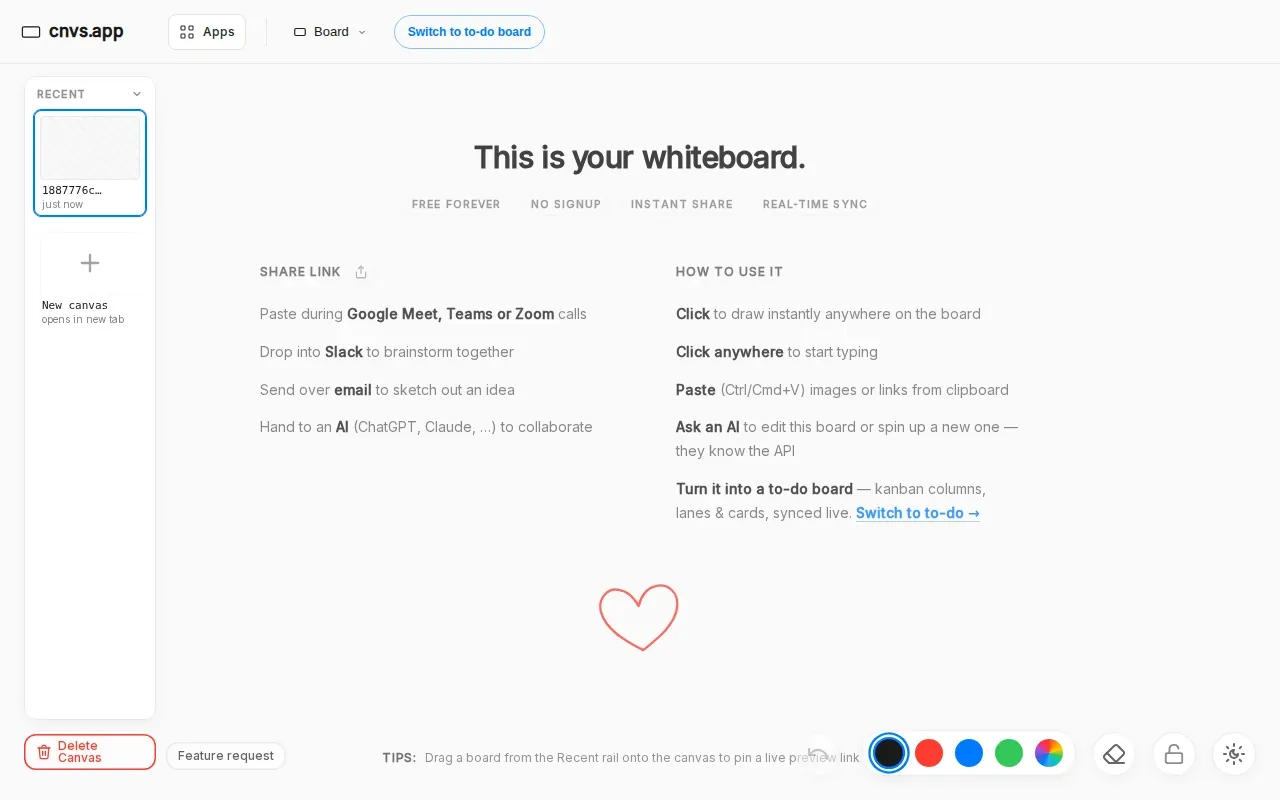
An instantly generated link gives both participants the same place to draw and write. That helps when a practice partner is ready to start but doesn’t have a tool set up. You can sketch an architecture together, then edit the drawing as the interviewer adds a new constraint.
Cnvs.app also supports Markdown and Mermaid diagrams, so you can put structured notes beside freehand sketches. For example, keep a short list of system requirements next to a diagram of the main request path. That makes it easier to check whether each part of the design answers a stated need.
Design practice often gets more useful when you connect a component choice to the system it supports. For a scenario involving a customer support agent, a support application can provide context for discussing the needs of a support workflow without treating the canvas as the answer.
The limitation is that Cnvs.app is a shared surface, not an interview coach. Its description doesn’t list a question bank, scoring, or session notes. Choose it when low-friction collaboration matters most, then bring your own prompt and a partner who will challenge the design.
Compare the tools: best fit for each practice style
The best tool for interactive system design practice depends on what you want feedback on. A shared canvas lets you explain a diagram. A peer mock adds a human follow-up. An AI interviewer or interview assistant can support solo rehearsal, but the exact interaction differs.
| Tool | Practice style | Tradeoff feedback | Best fit | Cost |
|---|---|---|---|---|
| Phantom Code AI | AI desktop interview support | Real-time guidance during interview practice | Rehearsing spoken reasoning across technical interview types | Not listed |
| Excalidraw | Shared drawing canvas | Partner-led or self-led, not built-in critique | Quick architecture sketches | Free |
| Thita.ai | AI interviewer with interactive diagrams | Conversational practice | Solo practice with diagrams and session notes | Subscription-based |
| Pramp | Reciprocal peer mock | Feedback from the matched peer | Live practice with another candidate | Free |
| Cnvs.app | Shared live drawing | Partner-led, no built-in critique listed | Starting a collaborative sketch without account setup | Free |
Whiteboards are good at making a design visible, but they don’t necessarily test whether your reasoning holds up. The research context for this topic points to a split between visual tools and AI interview simulators that describe explicit tradeoff features. So, before you pick a tool, decide whether you need a canvas, a challenger, or help keeping your verbal explanation on track.
For example, if you’re practicing alone, an AI-led session may give you more structure than an empty board. If you have a peer who can ask sharp follow-ups, a free canvas may be enough. And if you mostly lose your train of thought while explaining a design, an interview assistant may fit better than adding more diagram features.
Engineers comparing AI support across interview types can also read the overview of AI tools for system design, SQL, and HR interviews. It’s useful when your practice plan covers more than one round and you want to think about how each format fits into your prep.
FAQ: Practicing System Design Tradeoffs Interactively
What is the best tool for practicing system design tradeoffs interactively?
The best tool depends on whether you need guidance, a diagram, or a live partner. Phantom Code AI suits interview rehearsal with real-time guidance. Excalidraw and Cnvs.app give you a shared canvas. Thita.ai combines an AI interviewer with diagrams, while Pramp matches you with another candidate for reciprocal practice.
Can I practice system design tradeoffs without a partner?
Yes, you can practice alone with an AI interviewer or by narrating your decisions while sketching. Thita.ai has interactive diagrams and automatic notes, while Phantom Code AI supports interview practice with real-time guidance. With a plain canvas, make the follow-up questions yourself: ask what constraint matters and what your design gives up.
Are free whiteboards enough for system design interview practice?
Free whiteboards can be enough if you already have a prompt and someone who can challenge your choices. Excalidraw and Cnvs.app provide a place to draw together, but a canvas alone doesn’t tell you whether your tradeoff is well reasoned. For solo practice, look for a format that also supports conversation or feedback.
How do I practice tradeoffs during a system design mock?
State the constraint before you defend a design choice. For example, say whether your priority is low read latency or simpler data consistency, then explain what the chosen architecture gains and loses. Draw the affected components and ask your partner to change one requirement. Revise the design and explain why your first choice may no longer fit.
Conclusion
Start with Phantom Code AI if you want guided interview rehearsal, or choose a shared canvas if you already have a partner to challenge your reasoning. Pick one system design prompt, run a timed practice session, and finish by naming the tradeoff you found hardest to defend.