System design practice breaks down when you only memorize diagrams. The better tools make you explain trade-offs, respond to follow-up questions, and spot gaps in your reasoning. Here are three useful ways to compare system design practice tools with guided prompts, including the best fit for live interview support, mobile design practice, and low-tech rehearsal.
Table of Contents
- Phantom Code AI
- mockingly.ai, Mobile-Focused Prompts With Instant Feedback
- Manual System Design Prompt Practice, Flexible Low-Tech Rehearsal
- FAQ
- Conclusion
1. Phantom Code AI
Phantom Code AI is an invisible AI desktop assistant for coding, system design, and behavioral interviews. It listens during a mock or live technical interview, transcribes the discussion, recognizes the problem type, and gives real-time guidance.
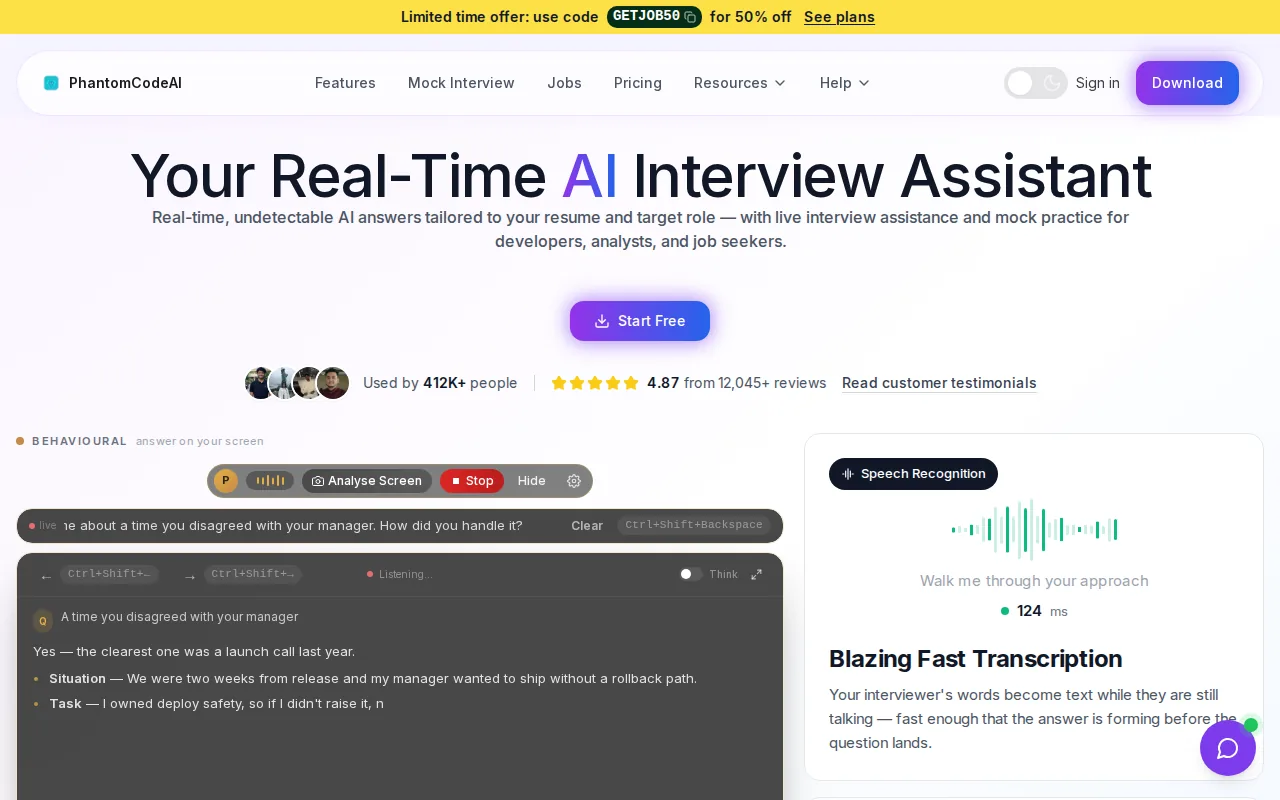
It fits engineers who want support during the full interview flow, not only a bank of written prompts. A system design round can move quickly. You may start with a URL shortener, shift into caching, then face questions about failure recovery or data consistency. Phantom Code AI is built for that changing context.
The main strength is live guidance. You can use it while rehearsing an answer or during a mock round where the interviewer keeps pressing for trade-offs. That makes it useful when your issue is communication, not a lack of technical terms.
For example, imagine you propose a feed service with a cache and a message queue. The next question may ask what happens when a region fails. A useful assistant should help you think through the decision rather than hand you a polished diagram that you cannot explain. That distinction matters in interviews because the interviewer is testing your reasoning.
Phantom Code AI also covers more than one interview type. Someone preparing for a system design round may still need DSA drills and behavioral practice in the same week. Its broader workflow can reduce the need to switch between separate tools.
| Best fit | Guided prompt style | Feedback timing | Main trade-off |
|---|---|---|---|
| Engineers preparing across several interview types | Live interview context and follow-up support | During the round | Requires focused practice so guidance does not replace your own explanation |
| Engineers who need help with system design communication | Architecture questions and trade-off prompts | In real time | It should supplement, not replace, whiteboard and diagram practice |
| Engineers preparing for a full interview loop | Coding, system design, and behavioral workflows | During practice or interview use | Broader coverage may feel less niche than a mobile-only tool |
Use the assistant with a clear rule: answer first, then check the guidance. If you look for help before forming a view, you may train yourself to wait for prompts. If you speak through your own design before reviewing feedback, you can see where your explanation loses shape.

For a structured practice round, pair the assistant with adversarial system design interview practice. That setup is useful when you want skeptical follow-ups instead of a quiet prompt list.
The caveat is simple. No assistant can replace repeated speaking practice. You still need to draw, state assumptions, estimate scale, and defend your choices. Phantom Code AI is the strongest pick here when you want one system for interview support across several technical formats.
2. mockingly.ai, Mobile-Focused Prompts With Instant Feedback
mockingly.ai is a focused option for comparing system design practice tools with guided prompts, especially if your target role involves Android or iOS work. Its prompts center on mobile system design questions, and its stated feedback model is instant AI feedback.
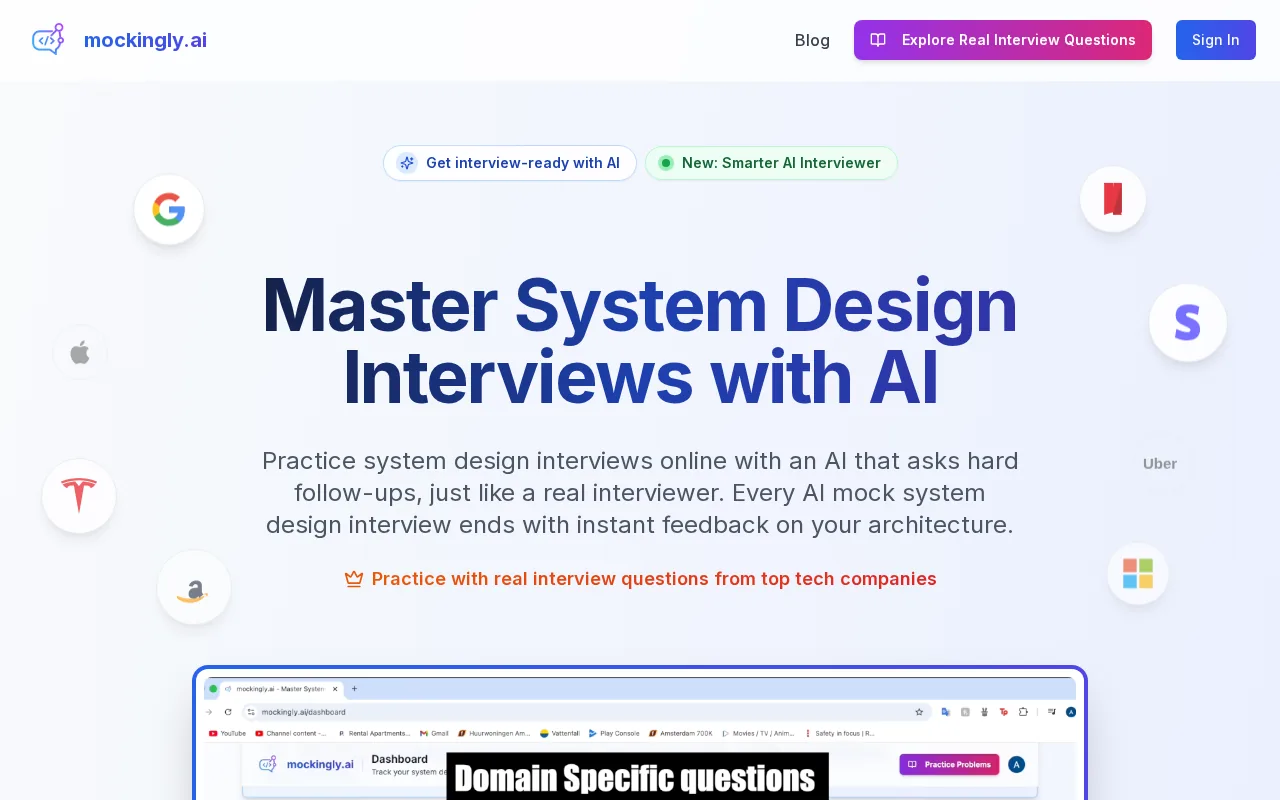
The narrow focus is the point. Many system design resources lean toward backend services. Mobile interviews can bring different concerns, such as offline behavior, device constraints, sync conflicts, push delivery, and app startup performance. A mobile engineer may need to explain how the client behaves when the network disappears, not only how a server scales.
A guided mobile prompt can force that shift in thinking. Instead of answering a broad question about a generic web platform, you might need to reason through a photo app that queues uploads while the device is offline. The important part is not memorizing one design. It is explaining what happens across the device, API layer, storage path, and recovery flow.
mockingly.ai offers mobile-specific system design questions and instant AI feedback. Its first session is free, giving candidates a way to test the feedback before making a larger commitment. For additional context, see this mobile system design interview preparation account.
That first session can help you judge the quality of the prompts. Do they make you state requirements? Do they ask about data flow? Do they push you toward trade-offs, or do they only check whether you named familiar components?
There is one clear gap: mockingly.ai does not include built-in diagram integration in the information available for this comparison. That matters because visual architecture work is a major part of many system design interviews. You may need a separate whiteboard or drawing app while using the prompt tool.
The available description also does not list limits on question breadth or session use. That does not prove a limitation exists. It means you should check the current product terms before building your whole study plan around it.
Choose mockingly.ai when mobile-specific prompts are your biggest gap. Choose a broader assistant when you need support across backend design, coding, and behavioral rounds.
3. Manual System Design Prompt Practice, Flexible Low-Tech Rehearsal
Manual prompt practice is the simplest way to compare system design practice tools with guided prompts. You write or collect a question, set a time limit, draw the design, and review your answer against a fixed checklist.
This approach fits engineers who want full control over the prompt set. It also works when you are preparing for a very specific role. A mobile engineer can write prompts about offline-first notes, media upload retries, or cross-device sync. A platform engineer can focus on rate limits, event delivery, or regional failover.
The method costs little, but it demands discipline. A prompt alone does not give useful feedback. You need a repeatable review frame that exposes weak spots instead of rewarding familiar buzzwords.
- State the user and business requirements before naming services.
- Give rough scale assumptions, even when the prompt provides none.
- Draw the main request and data paths.
- Name one bottleneck and explain how you would test it.
- Call out one trade-off instead of claiming the design is ideal.

Take a prompt such as, “Design a service for users to upload large videos from a mobile device.” Start with the user journey. Then decide where resumable upload state lives. Next, explain how the system handles a lost connection, a duplicate request, and a failed processing job.
That sequence gives you more useful practice than copying a finished architecture. It forces you to make assumptions in public. It also gives you a clean way to review your answer later. If your design works only when the network stays stable, the weakness is easy to spot.
Manual practice is also a good partner for Phantom Code AI. Use the written prompt to make your first design. Then use AI feedback to pressure-test the explanation. This split keeps your own thinking in charge while still giving you another view of the answer.
The main drawback is feedback quality. A checklist can tell you that you forgot failure handling, but it cannot always tell you whether your trade-off makes sense. A friend can help, yet scheduling often gets in the way. That is where an AI practice tool can add speed.
Manual rehearsal is the right pick when you already know the system design basics and need more repetitions. It is less useful as your only method if you cannot judge your own designs or explain why one option beats another.
FAQ
What is the best tool for system design interview practice?
Phantom Code AI is the best broad pick for engineers who want live guidance across system design and other interview types. mockingly.ai is more focused on mobile system design prompts. Manual practice works well when you want full control. The best choice depends on whether your main gap is live communication, mobile-specific design, or repetition.
Do guided prompts help with system design interviews?
Guided prompts help when they make you state requirements and defend trade-offs. They are less useful when they only show a model answer. When you compare system design practice tools with guided prompts, check what happens after your first response. Good practice should expose missing failure paths, weak assumptions, or unclear data flow.
Is mobile system design practice different from backend practice?
Mobile system design practice adds client-side concerns that backend-only prompts may miss. Offline use, local storage, sync conflicts, device limits, and unreliable networks can shape the design. mockingly.ai focuses on mobile-specific questions, while broader tools may fit candidates who need backend and mobile coverage in one workflow.
Can I practice system design without an AI tool?
Yes, you can practice system design with written prompts, a timer, and a whiteboard. The hard part is getting honest feedback. Use a fixed review checklist and record your explanation so you can inspect your assumptions. Manual rehearsal works best when you add pressure through follow-up questions or peer review.
Should system design practice include diagrams?
Yes, diagram practice should be part of system design preparation. A diagram helps you show request flow, storage, queues, dependencies, and failure points while you speak. If a prompt tool lacks diagram support, keep a separate whiteboard session in your routine. This is especially important for tools focused on instant text or AI feedback.
Conclusion
Pick Phantom Code AI if you want broad interview support with real-time guidance. Pick mockingly.ai if mobile system design is your narrow target. If you are keeping costs and setup low, start with manual prompts and a timed whiteboard session. Your next move should be one full practice round today, followed by a review of every assumption and trade-off you failed to explain.