Best AI Interview Assistants: 5 Tools Reviewed

This AI interview assistant review compares five tools for live coding help, mock practice, platform fit, pricing, and responsible use.
A live coding round can turn a familiar problem into a scramble when you lose your train of thought. This AI interview assistant review looks at five tools for software engineers, with a focus on what each says it can do and where it may fit.
Phantom Code AI is first, followed by four alternatives. Before using any assistant in an assessed interview, check the employer’s rules. A tool that helps you prepare may not be allowed during the interview itself.
Table of Contents
- Phantom Code AI
- ParakeetAI: Real-time help across conversations
- Linkjob AI: Invisible assistance for live interviews
- LockedIn AI: Real-time coaching and code help
- Interview Sidekick: Live answers plus mock interviews
- Quick comparison: Features, fit, and what to verify
- Frequently asked questions
- Conclusion
1. Phantom Code AI
Phantom Code AI is a desktop assistant for software engineers preparing for technical interviews. It listens, transcribes, recognizes problem types, and provides real-time guidance during mock or live interviews. Its stated coverage includes data structures and algorithms, system design, and behavioral questions.
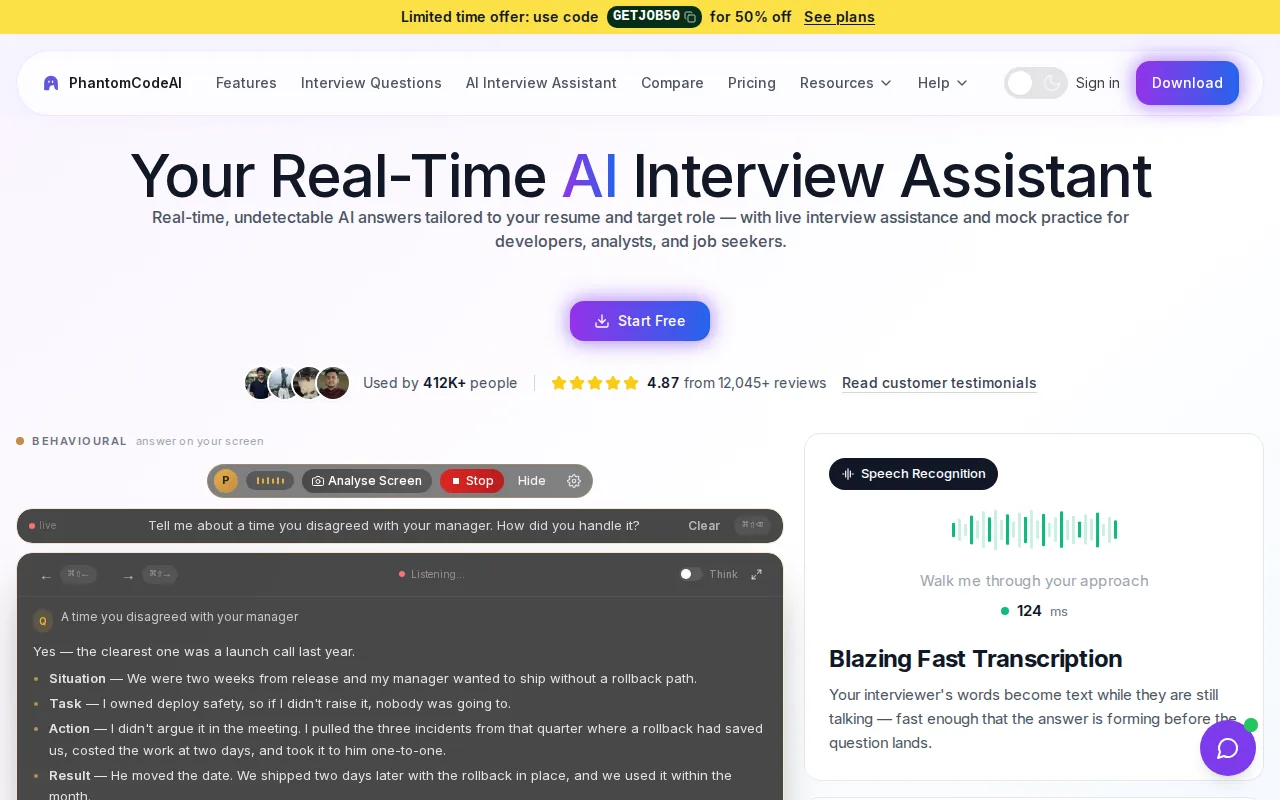
That combination suits candidates who want one tool for different rounds. Say an interviewer asks you to design a rate limiter. The tool’s stated problem recognition covers system design; for a coding question, it can identify the problem type and offer guidance. Behavioral preparation is also within its scope.
Phantom Code AI runs on macOS and Windows. New accounts get free credits at signup with no card required, and paid plans start at $19. Its pricing page lists weekly, monthly, and yearly subscriptions, plus one-time credit packs. The Phantom Code AI pricing page gives the current plan prices: $29 weekly, $49 monthly, and $199 yearly. Credit packs start at $19.
For a candidate who wants to understand the listening and response flow before choosing a tool, the site's overview of how an AI interview assistant works explains the basic workflow. In use, treat live suggestions as prompts to reason from, not answers to read aloud. You still need to explain your approach and check any code yourself.
2. ParakeetAI: Real-time help across conversations
ParakeetAI is a real-time assistant for interviews, sales calls, client meetings, and other conversations. It may suit candidates who want support during spoken exchanges, especially behavioral or HR questions.
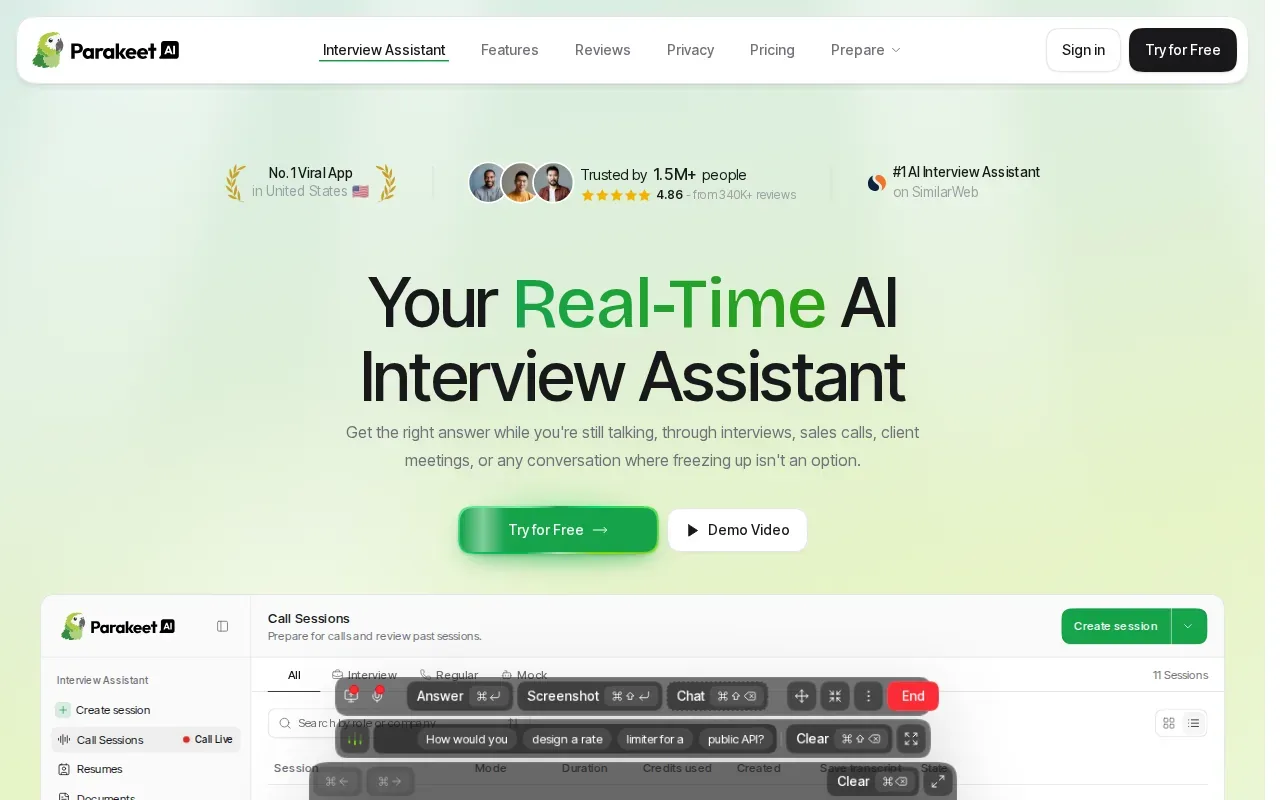
Phantom Code AI’s published comparison says ParakeetAI focuses on transcription and behavioral or HR question-and-answer help, rather than code generation. That distinction matters in a software interview. If the round moves from “Tell me about a conflict” to implementing a graph traversal, check that the tool you choose can support the second task too.
The same comparison notes that ParakeetAI runs in a browser tab and may be visible when that tab is shared on a video call. That makes screen-sharing setup a key thing to test before an interview. Don’t assume an assistant is hidden simply because it works alongside a call.
ParakeetAI offers help during conversations. If rehearsing is part of your goal, confirm that specific workflow before you choose it. Also review how its credit-based use fits your expected session length; the comparison page says a 30-minute interview consumes credits.
Choose it when spoken conversation support is the main need. For a coding-heavy round, compare its scope with the problem you expect to face.
3. Linkjob AI: Invisible assistance for live interviews
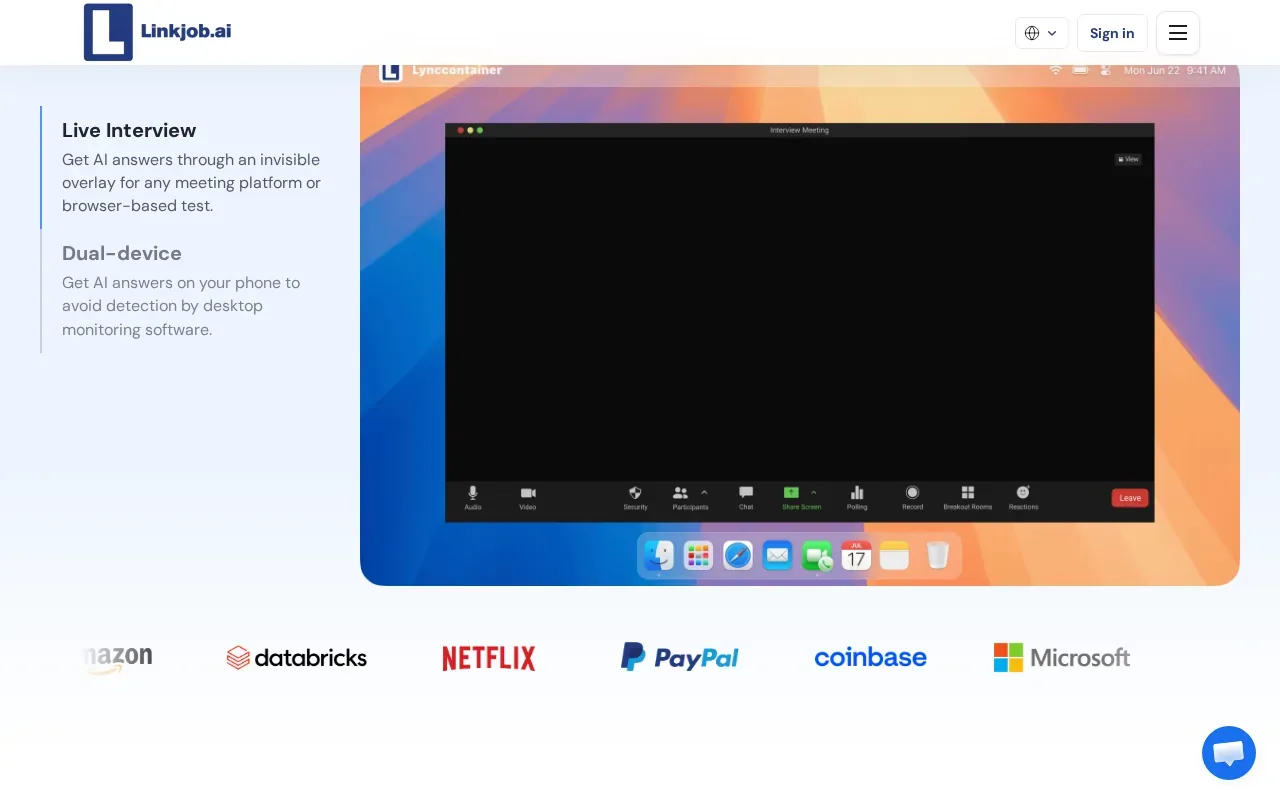
Linkjob AI is a desktop assistant for real-time interviews and coding tests, with stealthy live help. It may fit a candidate who wants support during a live technical interview rather than a tool framed mainly around mock practice.
Available product information describes real-time transcription and contextual answer suggestions for behavioral questions, technical discussions, coding problems, and system design. It also says users can add a resume and job description to tailor suggestions to their experience and the role. That can help keep an answer tied to the work you’ve actually done, but you should check that every suggested claim is accurate before using it.
The described workflow can use conversation context for follow-up questions. It can also analyze screenshots of on-screen questions or coding problems. Multiple AI models and automatic or manual response modes are included in the available feature description. The assistant is described as working alongside Zoom, Google Meet, and other video-conferencing tools.
One useful test is to rehearse a coding prompt with a follow-up constraint, such as reducing extra memory use. See whether the suggestions stay aligned with the new constraint, then solve the problem yourself without relying on a prompt.
Linkjob AI’s positioning emphasizes invisible assistance. Still, don’t treat any visibility claim as permission to use it. Interview rules come first, and an employer may prohibit outside help even if a tool is not shown on screen.
4. LockedIn AI: Real-time coaching and code help
LockedIn AI describes itself as an interview assistant with real-time answers, live coaching, and code help. It may suit engineers who want on-the-spot support during a technical interview. The product also says it’s free to start.
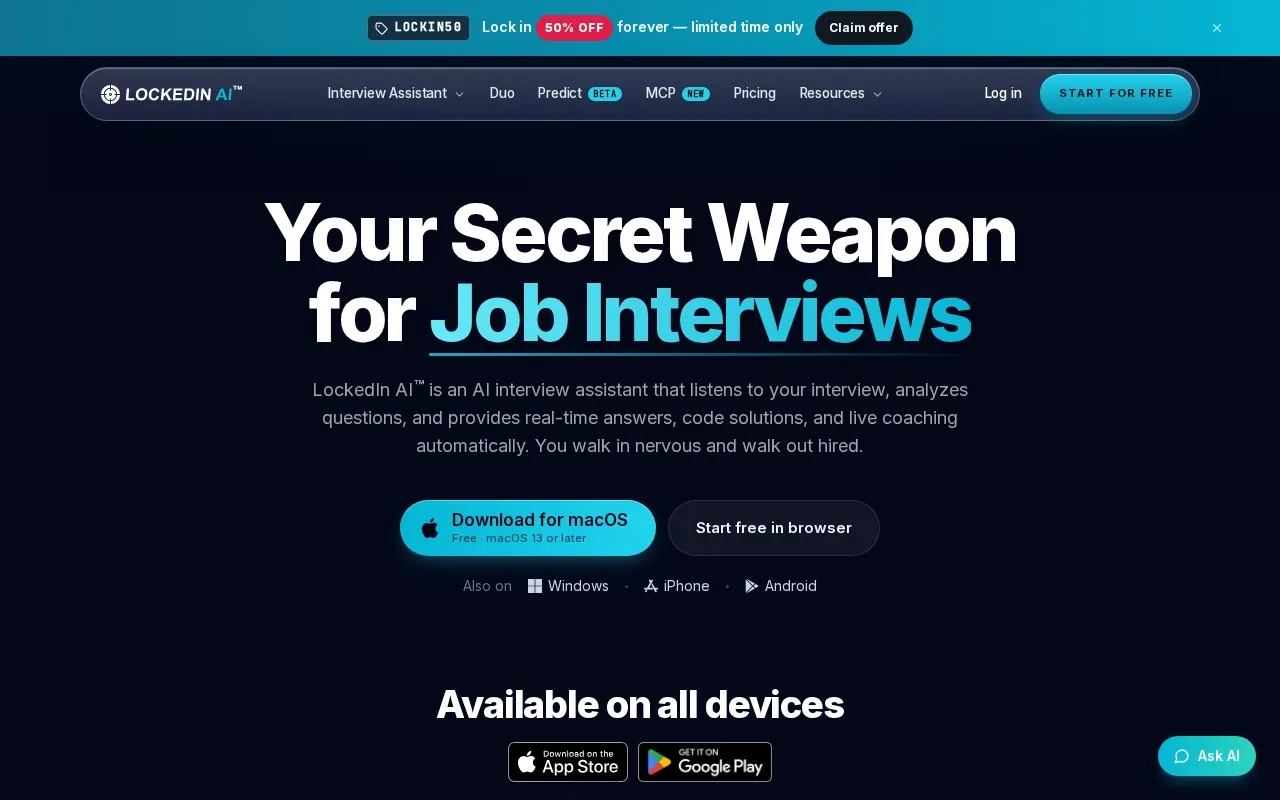
Its scope gives candidates a reason to consider it for coding rounds. Before choosing it for system design or behavioral practice, verify that the current workflow covers the question types you expect. A broad claim of interview help doesn’t tell you how the tool responds to a specific prompt, such as designing a queue with retry handling.
Use a mock question to judge whether coaching helps you form an explanation or tempts you to repeat an answer you don’t understand. For a coding problem, check whether you can explain the time and space costs in your own words after seeing a suggestion. That is a better test of interview readiness than simply receiving a plausible response.
LockedIn AI’s free-to-start claim is a useful entry point, but it doesn’t describe all plan costs or the limits of free access. Check the current terms before budgeting for regular use. Also confirm which operating systems and interview setups work for your own workflow.
It’s a candidate-facing option based on its stated live coaching. For a full prep plan, confirm whether the practice features you want are part of the service.
5. Interview Sidekick: Live answers plus mock interviews
Interview Sidekick is an assistant that gives real-time answers during job interviews. Its stated question types include coding, behavioral, and technical interviews. It also includes mock interviews, which makes it a fit to consider if you want both rehearsal and live support.
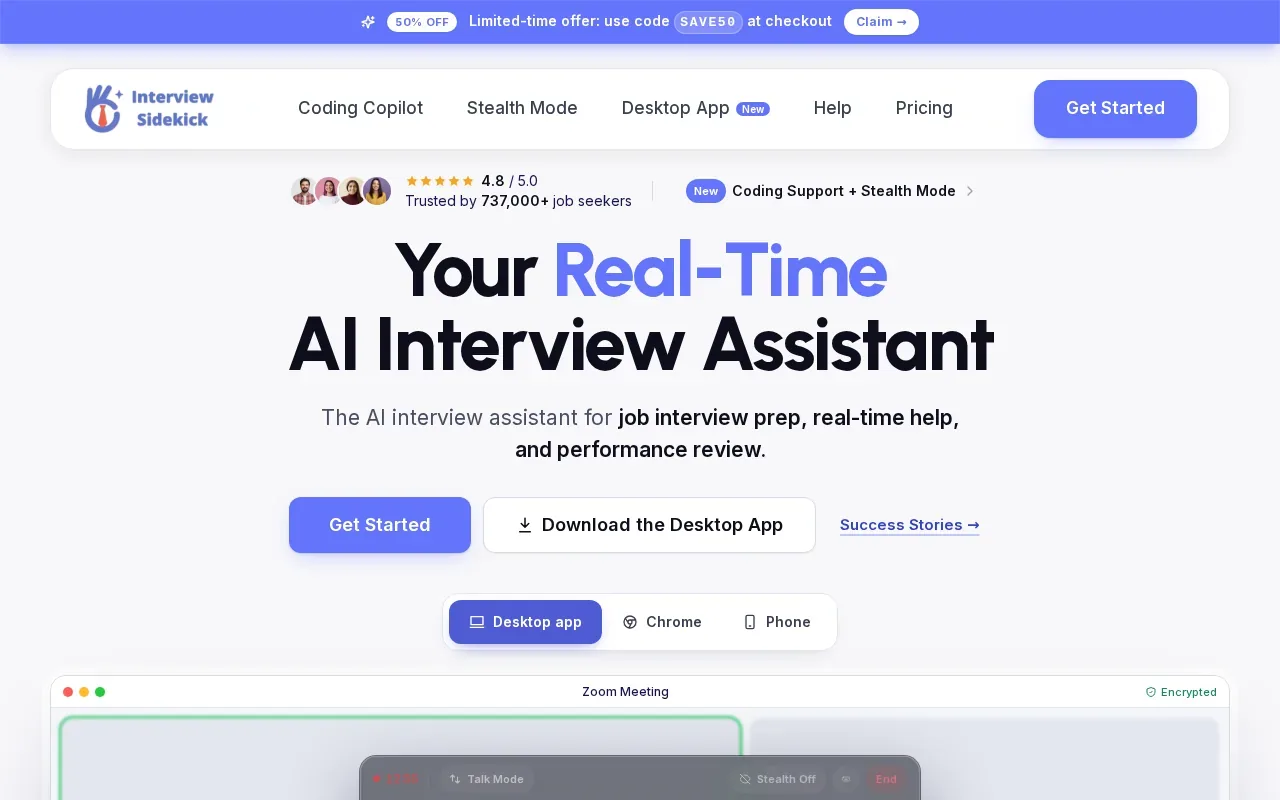
That live-plus-practice split can matter when you’re still learning how to talk through a solution. In a mock session, focus on stating the brute-force approach first. Then explain what you’d improve and why. During a live interview, an answer prompt is only useful if it helps you communicate your own reasoning.
Check Interview Sidekick’s current platform support and pricing before you commit. For a mock interview, look for clear feedback that helps you spot where your explanation lost structure. For live use, check whether the tool covers the interview format you’ll face, rather than assuming every technical question gets the same kind of support.
Mock practice can also help you test an assistant without using it in a real assessment. Keep the goal simple: build a habit of explaining trade-offs, edge cases, and test plans aloud. An AI-generated answer can be wrong, incomplete, or out of step with the interviewer’s intent.
Quick comparison: Features, fit, and what to verify
The right choice depends on whether you need live help, rehearsal, or both. The table sticks to stated capabilities.
| Tool | Stated fit | Live interview support | Practice or mock support | Check before choosing |
|---|---|---|---|---|
| Phantom Code AI | Coding, system design, behavioral | Real-time guidance and transcription | Mock or live interviews | Choose a plan that matches your prep period |
| ParakeetAI | Conversation support, including behavioral and HR Q&A | Real-time conversation help | — | Credit use and screen-sharing visibility |
| Linkjob AI | Behavioral, technical, coding, system design | Transcription and contextual suggestions | — | Practice mode and interview rules |
| LockedIn AI | Interview coaching and code help | Real-time answers and coaching | — | Plan terms and platform fit |
| Interview Sidekick | Coding, behavioral, and technical | Real-time answers | Mock interviews | Pricing and supported setup |
For engineers who need live assistance across coding, system design, and behavioral questions, Phantom Code AI has the broadest clearly stated match in this shortlist. The other descriptions point to more specific strengths, such as conversation support or mock interviews. Features alone don’t settle whether live AI use is allowed, so check the interview policy first.
Privacy deserves the same care as feature fit. Read the current privacy terms before sharing sensitive material. When you practice, use sample code and avoid adding confidential work details to a resume or prompt unless you’re comfortable with the tool’s data terms.
Ready to prepare for coding, system design, and behavioral rounds?
Frequently asked questions
What does an AI interview assistant do?
An AI interview assistant can support interview preparation or provide help during a live conversation, depending on the tool. Some products describe mock interviews; others describe real-time transcription, coaching, or answer suggestions. Check the specific tool’s features, then test it with the type of question you expect. It shouldn’t replace your own reasoning or your employer’s interview rules.
Can AI interview assistants help with coding interviews?
Some assistants state that they support coding interviews, but their scope differs. Phantom Code AI describes live guidance for coding, system design, and behavioral questions. Linkjob AI describes coding and technical support, while LockedIn AI says it provides code help. Try a sample problem and verify the answer before relying on any suggestion.
Which AI interview assistant includes mock interviews?
Phantom Code AI describes support during mock or live technical interviews, and Interview Sidekick explicitly includes mock interviews. The other verified descriptions here focus on live help or real-time coaching. If practice is important, confirm how a mock session works and what feedback it gives before you pay for a plan.
Is it okay to use AI during a job interview?
Only use an AI assistant during an assessed interview if the employer or interviewer allows it. A tool’s ability to work alongside a video call doesn’t mean its use is permitted. Check the rules before the interview, and ask directly if they’re unclear. For preparation, mock interviews can help you practice without bringing AI into the assessment.
What should I check before paying for an interview assistant?
Check that the tool covers your interview type and works with your computer and call setup. Review the current plan terms, including any credits or free-use limits. Read the privacy terms before sharing audio, screenshots, or resume details. If you plan to use it live, confirm the interview rules first and test the workflow in a permitted practice session.
Conclusion
For software engineers seeking live support across coding, system design, and behavioral rounds, Phantom Code AI is a strong fit among these five descriptions. Start with the free signup credits, test it on a practice question, and check the interview rules before using any assistant live.