Best AI Coding Interview Prep Tools for Engineers

Compare AI coding interview prep tools for algorithm drills, mock interviews, live coding guidance, and behavioral practice to find a fit for your goals.
AI can help you rehearse a coding interview, spot gaps in your reasoning, or get guidance during a live round. The right choice depends on whether you need practice or live support. Here are five tools, starting with Phantom Code AI, and the role each can play in your prep.
Table of Contents
- Phantom Code AI
- Hello Interview: structured practice for technical interviews
- Interview Sidekick: mock interviews and live interview assistance
- Final Round AI: interview coaching across technical and behavioral rounds
- LockedIn AI: real-time interview support and coding help
- Compare the AI coding interview prep tools at a glance
- FAQ
- Conclusion
1. Phantom Code AI
Phantom Code AI is a desktop assistant for technical interview practice and live coding rounds. It listens to interview audio, transcribes it, recognizes problem types, and gives real-time guidance. It’s aimed at software engineers working on data structures and algorithms, system design, or behavioral questions.
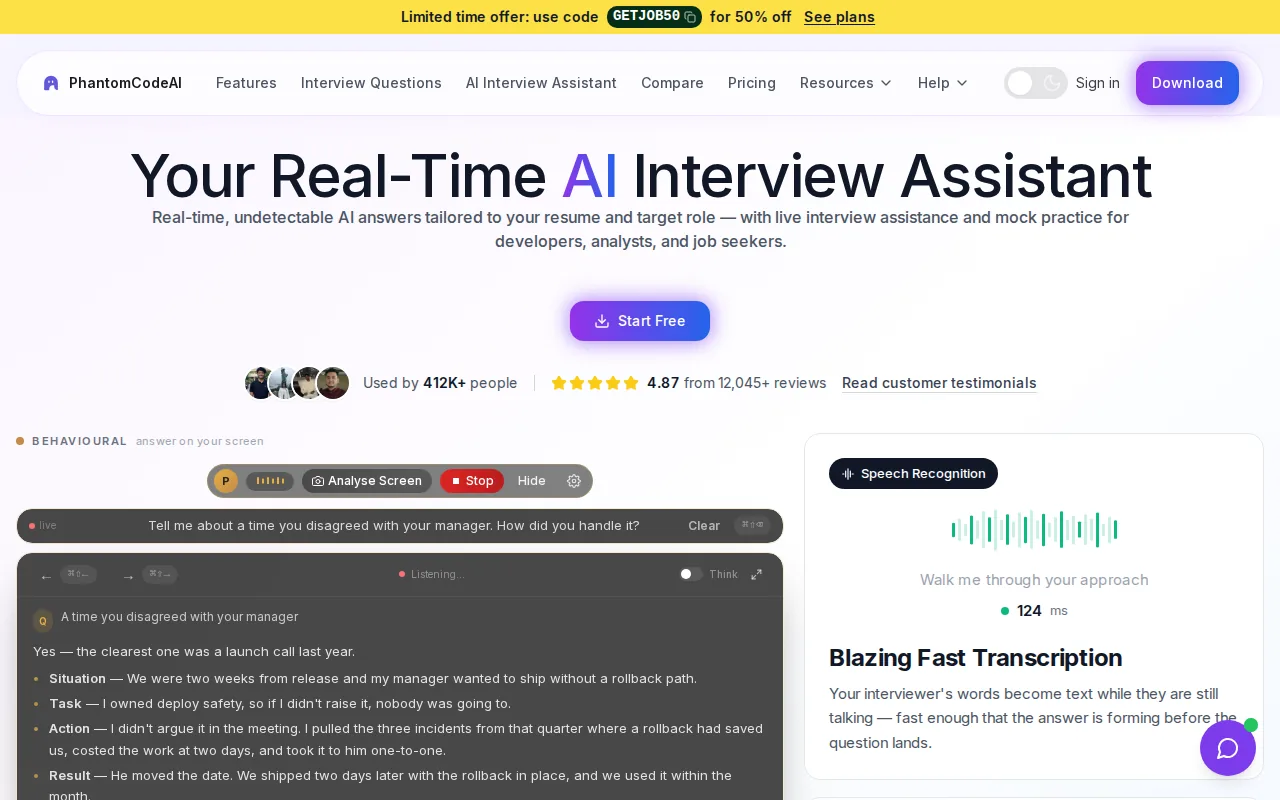
That workflow can help when you need a prompt to organize your thinking. For example, while practicing a graph problem, you can focus on explaining why breadth-first search fits before getting pulled into code details. During a mock, use its guidance to notice where your explanation loses structure. Then solve the problem again without help.
Phantom Code AI runs on macOS and Windows. New accounts get free credits at signup without a card, and paid plans start at $19. For a closer look at mock sessions and coding tools, see the site’s comparison of AI coding interview practice tools.
One important limit: an assistant being available during a live interview doesn’t mean the interviewer allows it. Check the employer’s rules first. If AI help isn’t allowed, keep the tool for practice and turn it off during the assessment.
2. Hello Interview: structured practice for technical interviews
Hello Interview is a guided practice platform for engineers who want more than a bank of coding questions. Its practice tracks cover system design, low-level design, AI-enabled coding, and behavioral interviews. The format asks you to work through a problem step by step, then gives AI feedback.
That structure is useful for a system design round, where a good answer needs more than a finished diagram. You can work through requirements, entities, APIs, and a high-level design before turning to deeper choices. The platform’s listed system design problems take about 35 minutes each, giving you a defined window to practice explaining trade-offs.
Its AI coding track has a different focus: build a feature with an AI pair, with grading based on your prompts, review, and final code. This can help you prepare for a round where the interviewer expects you to work alongside AI rather than solve a problem alone. Hello Interview also describes guided, in-browser coding problems that ask you to read a codebase, fix bugs, or build features against test suites.
For a stronger practice loop, say your reasoning aloud as you work. After feedback, choose one specific gap to address, such as unclear API boundaries or a weak test plan. That turns a mock session into a focused study task rather than a score to glance at and forget.
3. Interview Sidekick: mock interviews and live interview assistance
Interview Sidekick combines mock interviews with real-time assistance for coding, behavioral, and technical job interviews. It may suit engineers who want one tool for rehearsal and live support, rather than a practice-only platform.
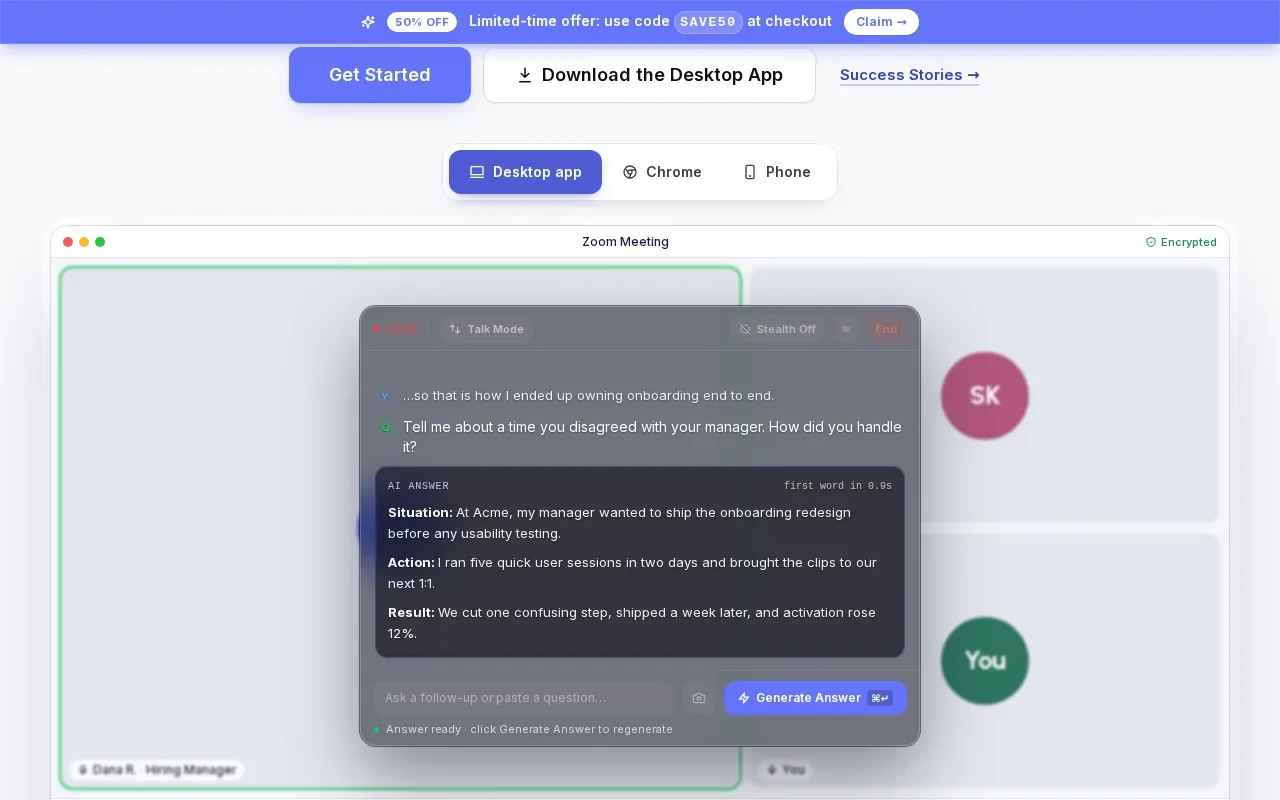
Use a mock interview to rehearse how you handle a prompt before reaching for a hint. For example, when a question asks you to find a pair of values in a sorted array, first explain the two-pointer approach and its time cost. Then compare your explanation with any feedback the practice session gives you. That habit keeps the mock focused on clear problem-solving, not just arriving at working code.
Its live-answer feature is a separate use case. Before relying on any assistant in an actual interview, check the employer’s instructions and ask whether AI tools are allowed. If the rules prohibit outside help, use mock sessions to prepare instead. An unapproved answer can leave you unable to explain your own code when an interviewer asks a follow-up.
The key distinction is practice versus assistance during assessment. For interview preparation, mock sessions let you try a response, review it, and try again. Live guidance should stay within the rules set by the hiring team.
4. Final Round AI: interview coaching across technical and behavioral rounds
Final Round AI is a broad interview coaching tool that can fit candidates preparing for both technical and behavioral rounds. Phantom Code AI’s comparison page describes its generalist approach as covering behavioral and HR interviews broadly, while also noting that Final Round AI runs in a browser tab.
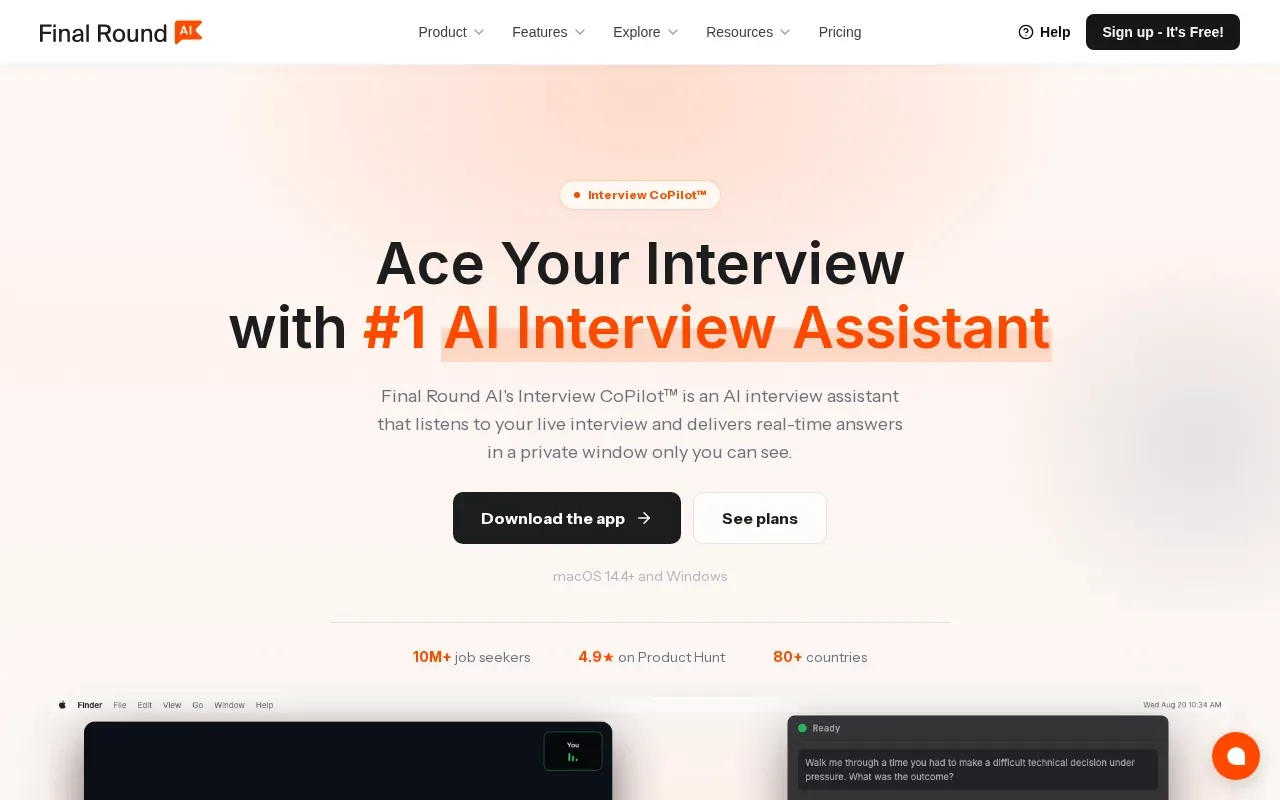
That browser-based setup matters if you’re considering live support while sharing your screen. A browser window may be visible to others during a screen share, so don’t assume an assistant is private or permitted. Read the interview rules and use live features only when the hiring team allows them.
For prep, treat coaching suggestions as prompts to improve your own response. If you’re asked about a tough project decision, make sure you can explain the context, your choice, and what you learned without reading a generated script. For a coding round, write the solution yourself and be ready to discuss its time and space costs.
Final Round AI is priced at $148 per month, according to Phantom Code AI’s comparison page. That makes cost worth weighing against how often you expect to use its broader coaching scope. A single focused round may call for a different kind of practice than an extended job search.
5. LockedIn AI: real-time interview support and coding help
LockedIn AI is an interview assistant that provides real-time answers, live coaching, and coding help during interviews. It may suit engineers who want live support for technical questions and also expect to face behavioral prompts.
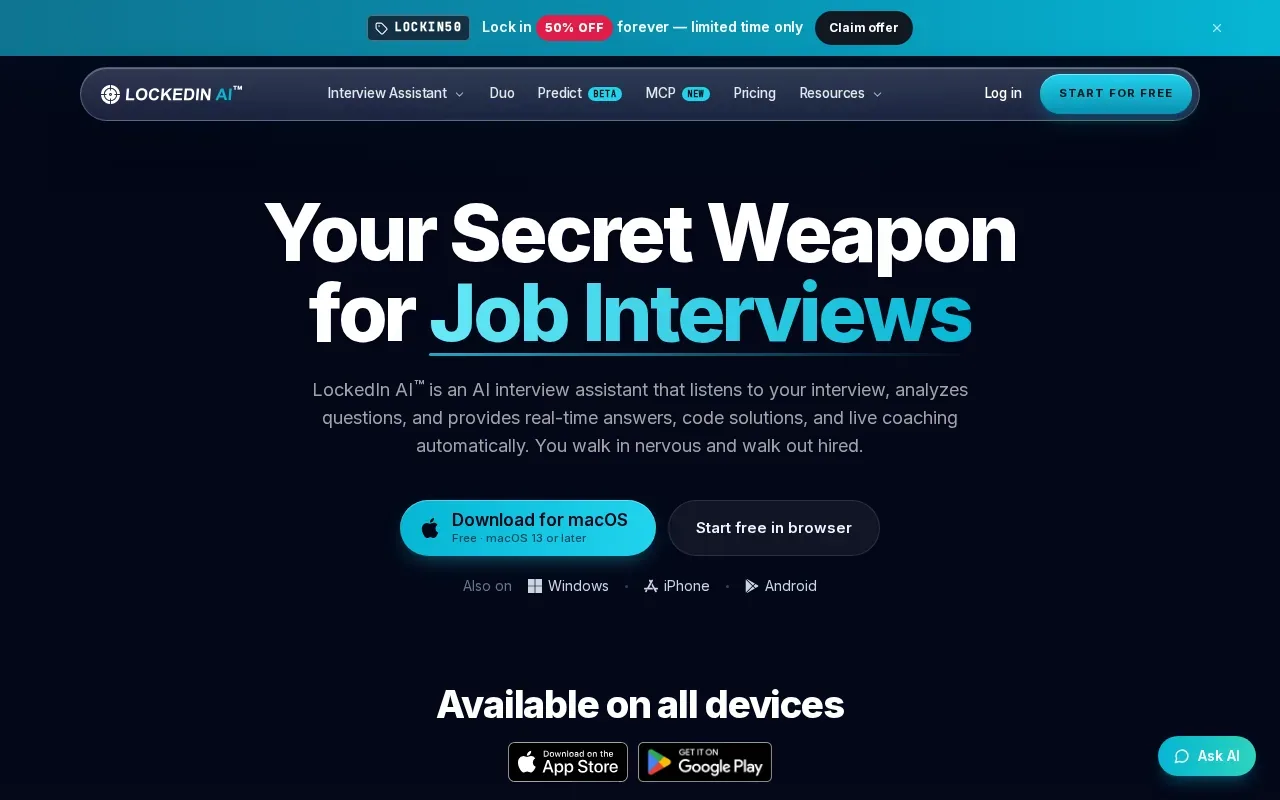
Its coding help is relevant when you’re stuck turning an idea into a working solution. But a generated answer won’t prove that you understand the code. During practice, ask yourself why a data structure fits the problem, what edge cases could break the solution, and how you’d test it. If you can’t answer those questions without the assistant, keep practicing before the interview.
LockedIn AI is free to start. Check its current terms before you decide what fits your budget.
As with any live interview assistant, check the assessment rules before using it in a hiring round. Keep the tool for mock sessions if outside assistance isn’t allowed. That way, you can still use coaching to find gaps without risking a rules violation.
Compare the AI coding interview prep tools at a glance
These tools serve different parts of interview prep. Use this table to narrow the shortlist by the kind of work you need to do, not by a single overall score.
| Tool | Best fit | Practice and feedback | Live assistance | Cost |
|---|---|---|---|---|
| Phantom Code AI | Engineers seeking coding, system design, or behavioral guidance | Guidance during mock interviews; the assistant listens, transcribes, and recognizes problem types | Real-time guidance during mock or live technical interviews | Free signup credits; paid plans start at $19 |
| Hello Interview | Engineers who want guided technical and behavioral practice | Step-by-step practice with AI feedback; includes system design and AI-enabled coding work | — | Free to start; premium access is available |
| Interview Sidekick | Candidates who want mock interviews plus job interview assistance | Mock interviews | Real-time answers for coding, behavioral, and technical interviews | — |
| Final Round AI | Candidates seeking coaching across technical and behavioral rounds | General interview coaching | Browser-based assistance | $148 per month, as stated in Phantom Code AI’s comparison |
| LockedIn AI | Engineers looking for live coding help and interview coaching | Live AI coaching | Real-time answers and code help | Free to start |
For structured practice, Hello Interview offers AI feedback and guided tracks. For live coding guidance, Phantom Code AI is a strong fit to assess, especially if you want to rehearse technical and behavioral questions with one desktop assistant. Interview Sidekick and LockedIn AI also describe live support, while Final Round AI covers a broader coaching scope.
FAQ
Can AI help me prepare for a coding interview?
Yes, AI can help you rehearse problems and review how you explain your thinking. Use it to get feedback on a mock answer or to spot a weak part of your approach, then solve the problem again without help. That final attempt shows whether you’ve learned the method or only followed a prompt.
Are AI interview assistants allowed during live coding interviews?
It depends on the employer and the rules for that interview. Check the assessment instructions before using any outside assistant, and ask the hiring team if the policy isn’t clear. If AI help isn’t allowed, keep the tool for mock practice. Don’t assume that a tool’s technical design makes live use acceptable.
What’s the difference between mock interview tools and live interview assistants?
Mock interview tools help you rehearse before an assessment, often with feedback after you answer. Live assistants provide guidance during an interview. Some products describe both uses, but they aren’t interchangeable: live use depends on the hiring team’s rules. For skill-building, a mock lets you practice with support and then repeat the task on your own.
Which tool is best for system design interview practice?
Hello Interview is the clearest fit in this shortlist for structured system design practice. Its guided work covers requirements, entities, APIs, high-level design, and deeper design questions, with feedback on each step. That format can help you see whether your design reasoning is clear before you try another prompt.
How should I use AI feedback without becoming dependent on it?
Use feedback to pick one gap, then repeat the task without assistance. For example, if a mock reveals that you skipped edge cases, solve a similar problem and name those cases before coding. Keep the parts you can explain on your own. If you still need hints for each step, spend more time on practice before the interview.
Conclusion
For engineers who want live coding guidance plus support for system design and behavioral prep, start by assessing Phantom Code AI. Use its free signup credits to test whether the workflow fits your practice, and check interview rules before any live use.