Best AI LeetCode Solvers for Coding Interviews

Compare AI LeetCode solver tools for practice, hints, and interview coaching. See which option fits your coding prep and learning style.
An AI LeetCode solver can help you get unstuck, review a solution, or practice under interview conditions. The right pick depends on how you learn: some tools sit beside the problem, while others give live coding support or help with more than one interview round.
We analyzed 26 comments and questions from Reddit, YouTube and Quora about AI leetcode solvers and found that 23% mentioned the accuracy of AI-generated solutions.
Here are six options, starting with Phantom Code AI, and the kind of prep each one fits.
Table of Contents
- Phantom Code AI: Real-time support for technical interview practice
- LeetCopilot: Hints and study notes within the problem page
- LeetBuddy: Hints, chat, and whiteboard assistance
- Interview Coder: A coding-round-focused copilot
- Final Round AI: Coding, behavioral, and system design support
- LockedIn AI: Live coaching and algorithm assistance
- Frequently Asked Questions
- Conclusion
1. Phantom Code AI: Real-time support for technical interview practice
Phantom Code AI is a desktop assistant for coding interviews that listens, transcribes, recognizes problem types, and gives real-time guidance during mock or live technical interviews. It’s the broadest fit here for an engineer who wants to practice more than LeetCode problems alone.
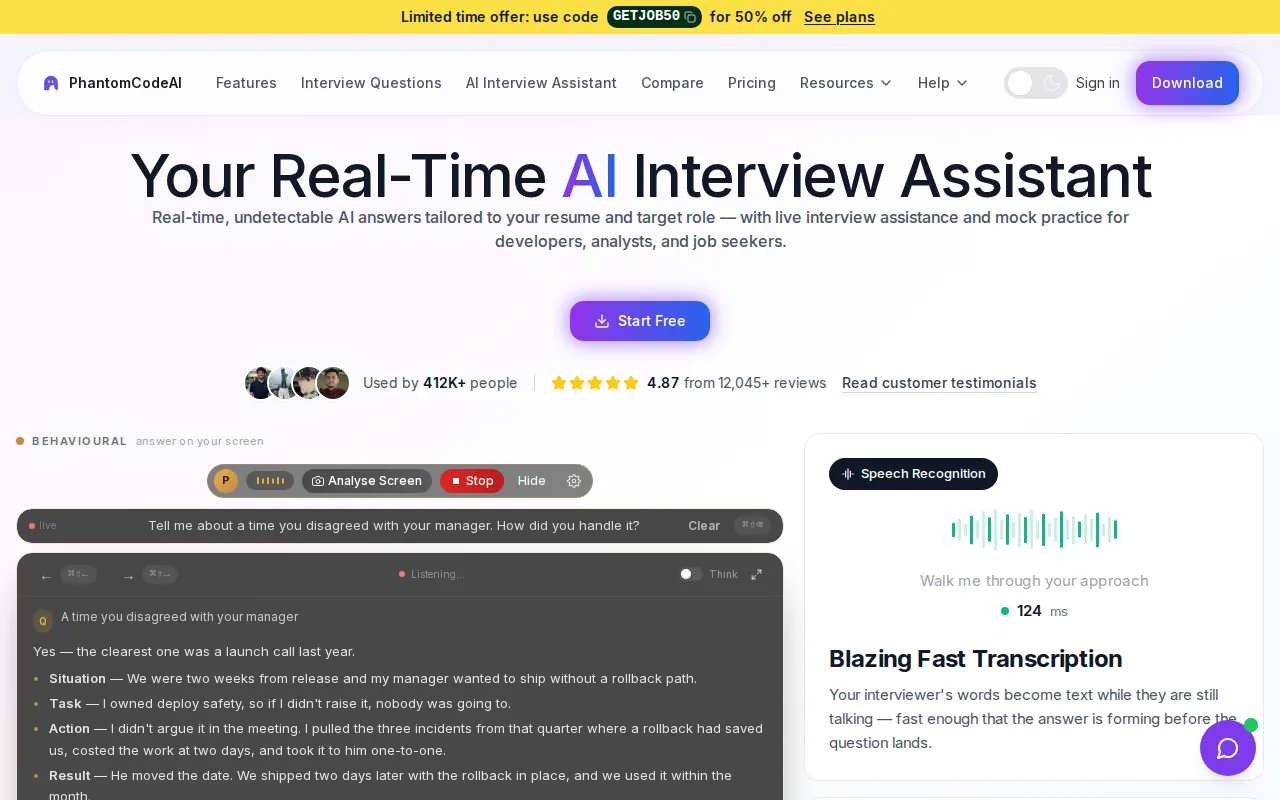
Its interview coverage includes coding, system design, and behavioral prep. That matters when a candidate is preparing for a full interview loop, rather than only working through problem statements in a browser. Phantom Code AI runs on macOS and Windows, and new accounts get free credits at signup with no card required.
For a focused LeetCode session, you can work through a prompt, ask for help with the approach, then return to explaining your reasoning in your own words. The AI LeetCode interview helper describes screenshot-based problem support, multiple approaches, and test case generation. Use those outputs to check your thinking, not as a substitute for learning why an algorithm works.
Phantom Code AI also transcribes and answers live interviewer audio in 55 spoken languages. That can help candidates who prefer to discuss a problem in a language other than English. The main choice is whether you want live interview guidance and broader round coverage, or a browser tool built only around LeetCode practice.
Best fit: candidates who want coding practice tied to system design or behavioral prep, and who want a no-card way to try the service through signup credits.
2. LeetCopilot: Hints and study notes within the problem page
LeetCopilot is a Chrome extension for getting AI-powered hints, debugging help, mock interviews, and study notes directly on a LeetCode problem page. It suits candidates who prefer to keep their work close to the prompt instead of moving between the problem and a separate chat window.

Hints can be useful when you know the goal but haven’t found a path yet. For example, if a prompt involves a sorted array, ask yourself whether two pointers could help before requesting a full answer. A hint-first workflow gives you a chance to name the pattern and test your idea, then use debugging support if your code fails.
Study notes give you a way to capture what you learned from a problem. Keep the note specific: the clue that pointed to the pattern, the edge case that broke your first attempt, and why the final approach works. That makes review more useful than saving code without the reasoning behind it.
Mock interviews add a practice mode to the problem-page tools. They may suit someone who wants to explain an approach aloud, rather than only submit code. Still, the strongest check is whether you can solve a similar problem later without looking at the saved answer.
Best fit: LeetCode users who want hints and notes close to the active problem, with mock interview practice as part of the same prep workflow.
3. LeetBuddy: Hints, chat, and whiteboard assistance
LeetBuddy is a Chrome extension with hints, chat, and whiteboard assistance for LeetCode problems. It’s aimed at people who want help understanding a problem while they work through it, rather than a tool focused only on live interview answers.
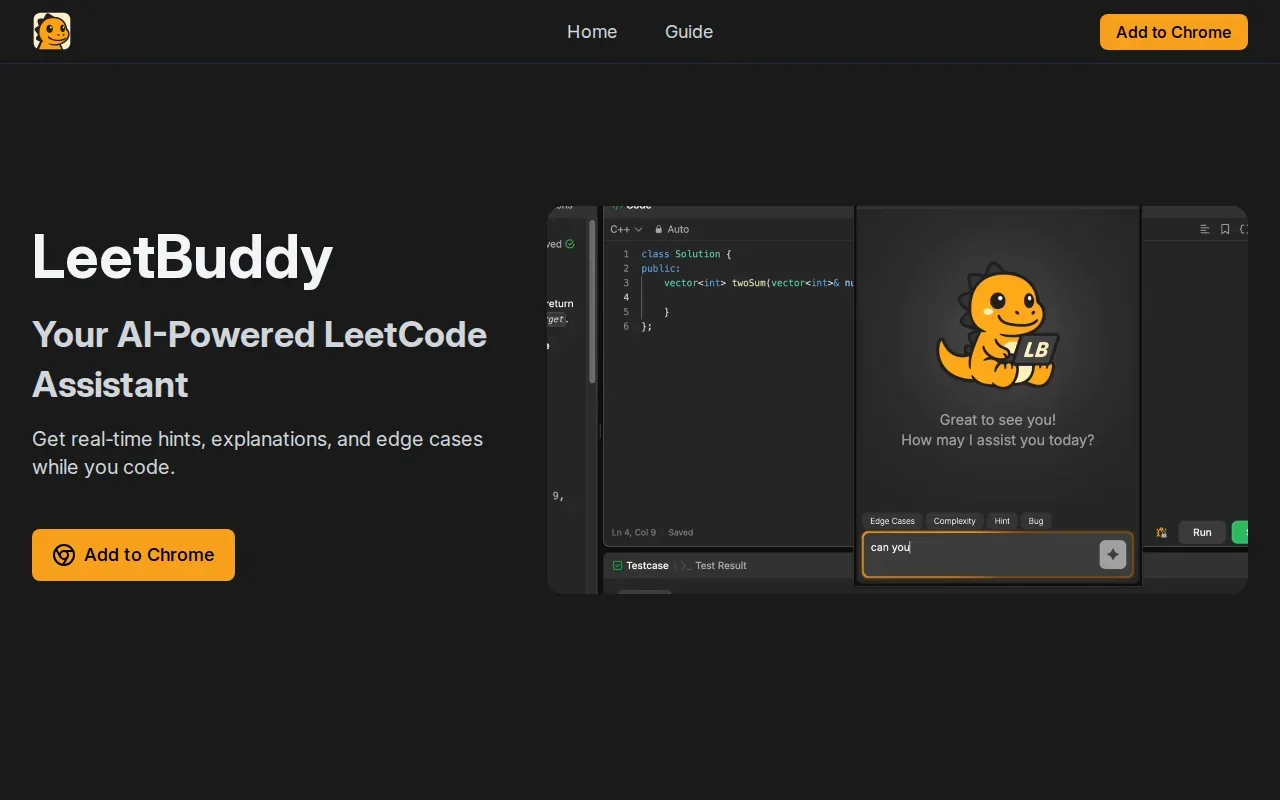
Its problem-aware chat can use the prompt and your current code as context. That can make a follow-up question more useful. Instead of asking, “What’s the answer?”, try asking, “Which edge case would make this loop stop too soon?” Then test the suggestion yourself.
The whiteboard feature gives you a place to sketch how you interpret a problem. That’s helpful for a graph question where you want to draw nodes and edges, or a tree problem where you need to track which branch you visit next. LeetBuddy’s whiteboard and chat can update with the problem context, so you can move between a sketch and a code question without losing the thread.
For learning, hints are usually a better first move than asking for a finished solution. Try to write down the input, output, and one small example before you ask for help. Afterward, close the explanation and see if you can rebuild the key idea from memory.
Best fit: learners who want contextual hints and a visual way to lay out their reasoning alongside the problem.
4. Interview Coder: A coding-round-focused copilot
Interview Coder is built for the coding round. Its product is optimized to read a coding environment, capture a LeetCode problem, and suggest a solution in real time through a desktop overlay.
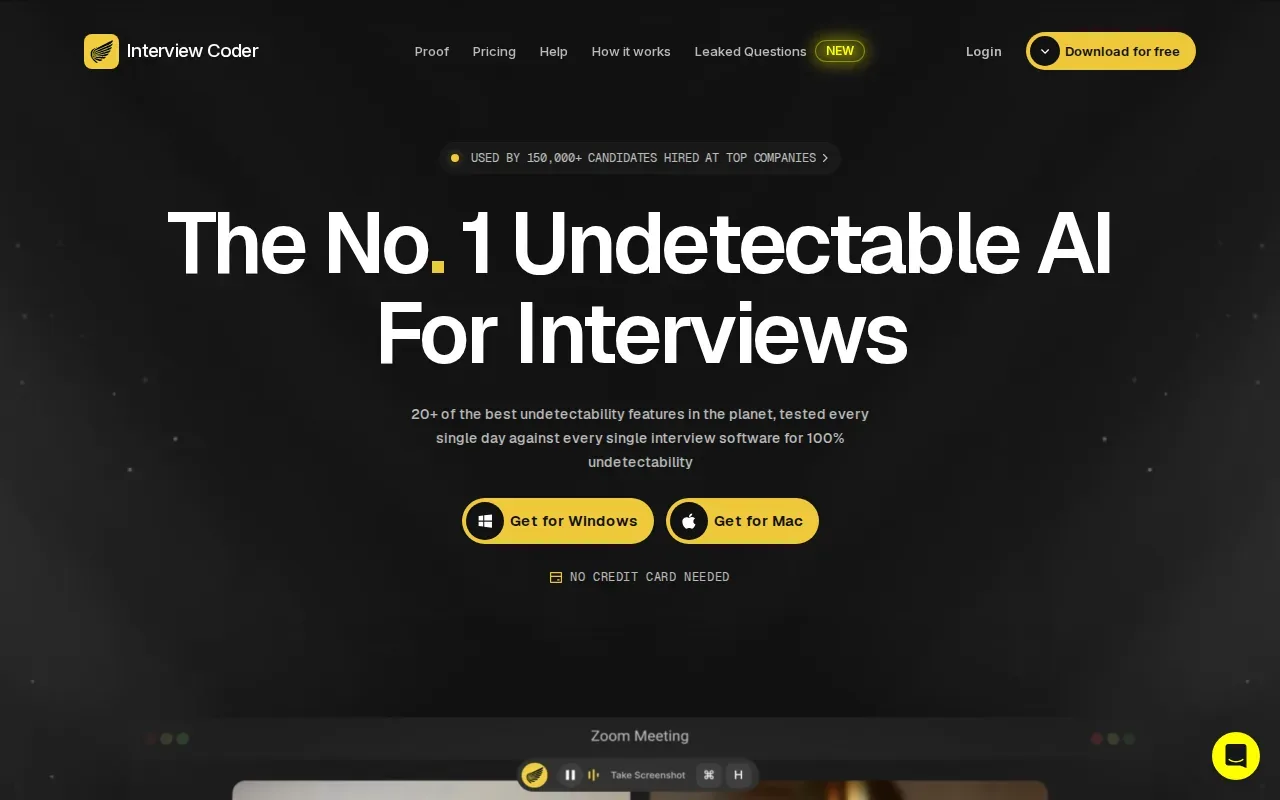
That focus may suit candidates who want coding-round assistance without a tool centered on other interview stages. If your prep plan is mainly about reading a prompt, forming an algorithm, and checking a code solution, a coding-specific copilot keeps the scope narrow.
Screen-based tools also bring a useful lesson for ordinary practice: a prompt is more than its title. Constraints can rule out a slow approach, while examples can expose an edge case. Before relying on any generated suggestion, check those details yourself. For a graph problem, for instance, ask whether the graph can be disconnected before deciding how to track visited nodes.
Interview Coder’s real-time support runs as a stealth overlay. Use any live interview assistant only in settings where the rules allow it. For self-study or mock practice, focus on explaining the suggested approach and writing a fresh version without copying line by line.
Best fit: candidates who want help focused on the coding portion of interview preparation.
5. Final Round AI: Coding, behavioral, and system design support
Final Round AI pairs a Coding Copilot with behavioral interview help and system design support. It’s a fit for candidates who want one service to cover several parts of interview prep instead of focusing only on LeetCode-style questions.
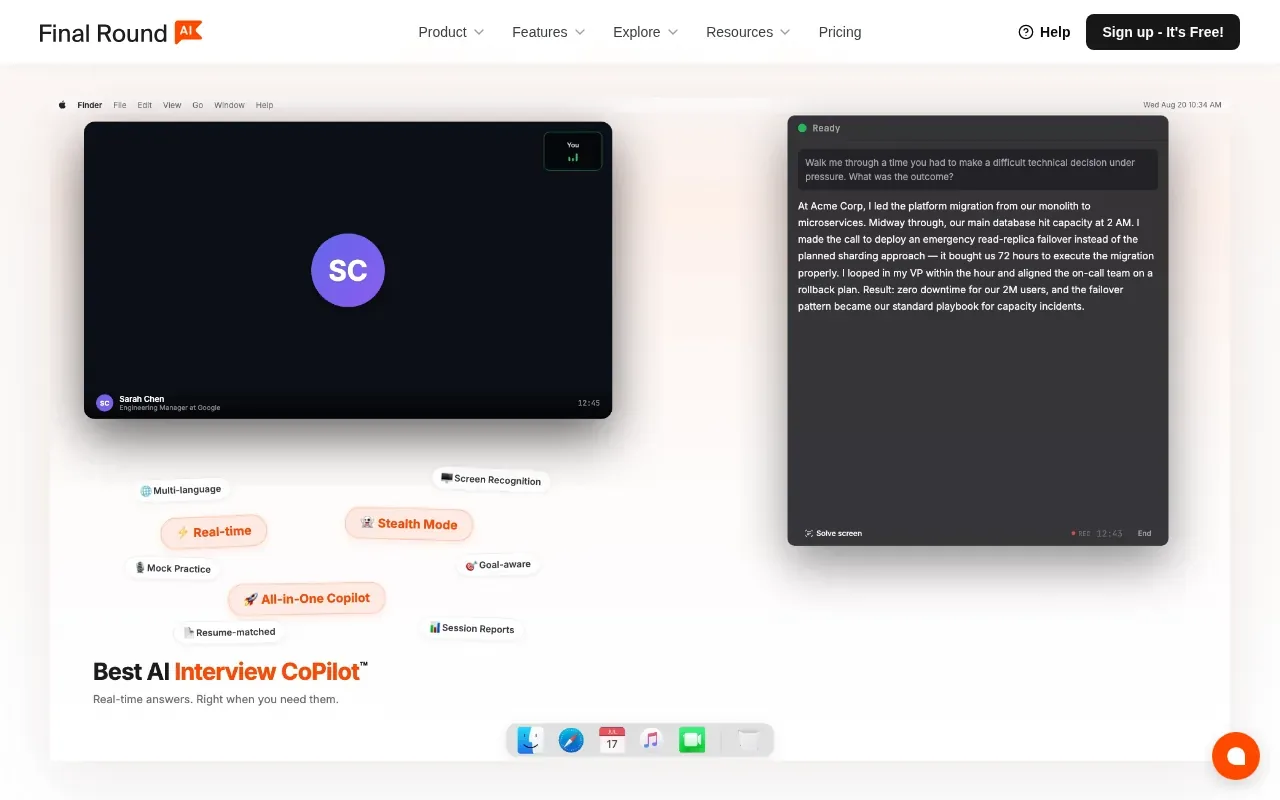
For coding practice, its desktop stealth app provides real-time hints. For a broader prep session, you can shift from a coding problem to a behavioral question or a system design prompt. That scope can be useful when an interview is coming up and you’re rotating between different round types.
Keep those practice modes distinct. In a coding drill, explain why your approach fits the constraints. In a behavioral session, work on a clear account of your own experience. In system design, practice stating assumptions before you sketch a solution. An assistant can prompt or guide you, but your explanations still need to reflect your own understanding.
Final Round AI has a wider interview focus than a LeetCode-only extension. If you want nothing beyond problem-page hints, that broader focus may not be necessary for your routine. If your prep calendar includes coding, behavioral, and system design sessions, the combined scope is more relevant.
Best fit: candidates preparing for a full interview loop, including system design and behavioral rounds.
6. LockedIn AI: Live coaching and algorithm assistance
LockedIn AI provides real-time answers, code solutions, and live coaching during interviews. Its use cases span tech, product, data, sales, and customer success interviews, along with internships and first jobs.
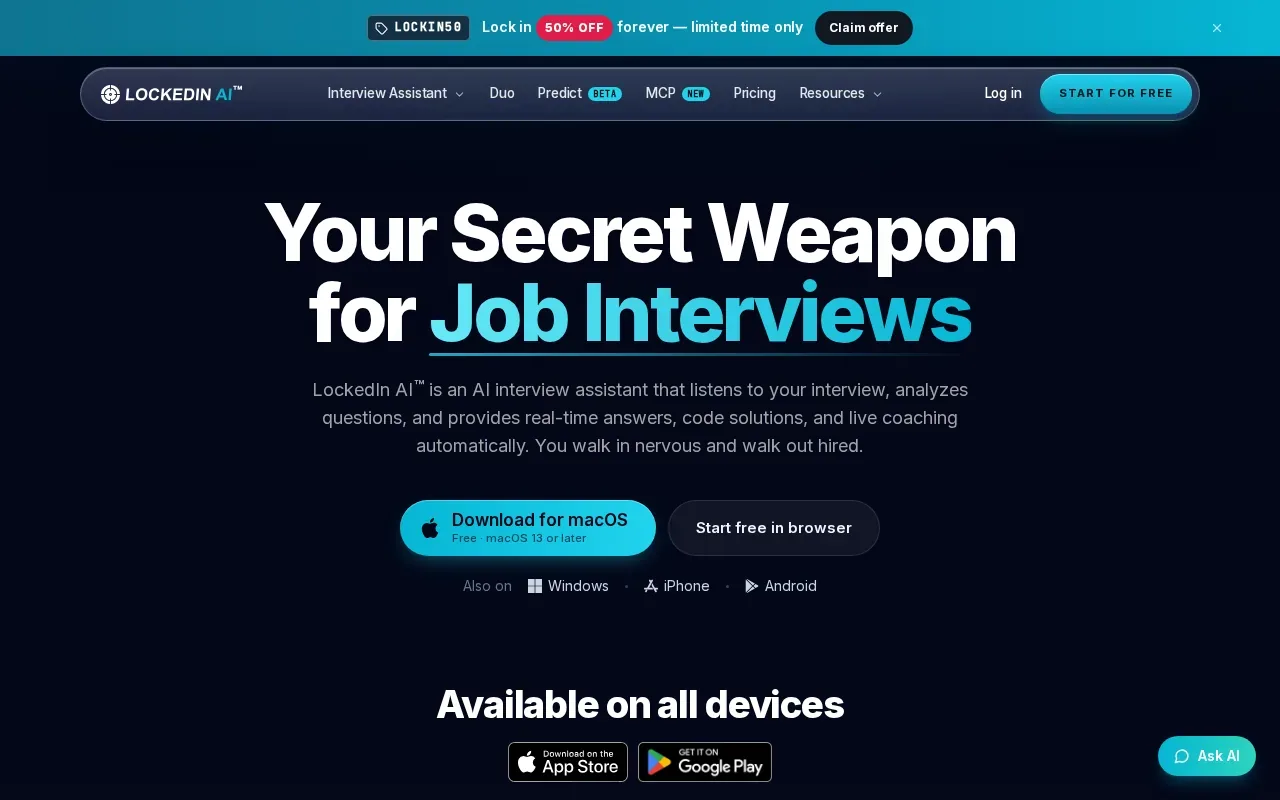
For a candidate focused on algorithms, the key distinction is the live format: answers and code solutions stream through a text overlay. That may suit someone who wants support during a live session. For personal practice, use the coaching to spot gaps, then solve another problem without assistance so you can see what stuck.
Consider the kind of help you need before choosing. A person who wants hints inside a LeetCode page may prefer a problem-focused extension. Someone preparing for different interview roles may value LockedIn AI’s wider interview coverage. Either way, check the employer’s rules before using AI during an assessment or interview.
| Practice need | How LockedIn AI fits | Good check for your prep |
|---|---|---|
| Live coding support | Real-time answers and code solutions in a text overlay | Can you explain the algorithm behind the suggestion? |
| Algorithm practice | Live coaching and algorithm problem assistance | Can you solve a related prompt without help? |
| More than coding | Listed for several interview fields, plus internships and first jobs | Does your prep include those interview types? |
Best fit: candidates who want live coaching across more than software engineering interviews, or who are preparing for an internship or first job.
Frequently Asked Questions
Can AI solve LeetCode problems?
Yes, AI tools can suggest approaches or code for LeetCode problems. Treat the result as a draft to inspect, not proof that you understand the solution. Check the constraints, test edge cases, and explain why the algorithm works. If the code passes, try a similar problem without help to see whether you learned the pattern.
Which AI LeetCode solver is best for learning?
The best fit depends on how you learn. LeetCopilot centers hints and study notes on the problem page, while LeetBuddy adds contextual chat and a whiteboard. Phantom Code AI fits candidates who also want support for other interview rounds. Start with hints before asking for a complete solution.
Is it okay to use AI during a coding interview?
Only use an AI assistant in an interview or assessment if the rules allow it. Policies vary by employer and test, so check them before the session. For practice, AI can help you review a hint or debug an attempt. You should still be able to explain the approach and write the key parts yourself.
How should I use an AI solver to prepare for coding interviews?
First, try to restate the problem and identify a simple test case on your own. Then ask for a hint if you’re stuck, and compare the suggested approach with the constraints. After you understand the solution, close the tool and recreate the idea from memory. Review the problem again later.
Conclusion
For prep that spans coding, system design, and behavioral rounds, start with Phantom Code AI and use its signup credits to test the workflow. If you want help only beside a LeetCode problem, compare the hint-focused extensions instead. Pick one hard problem this week, solve it unaided first, then use your chosen tool to review the gaps.