Best AI Coding Interview Practice Tools

Compare AI coding interview practice tools for coding, system design, and behavioral rounds. Find a fit for your prep and feedback needs.
AI coding interview practice can help you rehearse under time pressure, but the tools differ in how they ask questions and give feedback. Phantom Code AI is our recommendation for engineers who want help across coding, system design, and behavioral rounds. Here are five other options, with the kind of practice each one supports.
We analyzed 49 YouTube comments about AI coding interview practice and found that 37% mentioned uncertainty about interview difficulty and required preparation.
Table of Contents
- Phantom Code AI
- DevInterview.AI: Voice-led practice with a real coding editor
- Sensei AI: A coding copilot for real-time interview support
- interviewing.io: Free AI interviewer for technical practice
- Final Round AI: Practice across coding, system design, and behavioral rounds
- GirGit AI: On-screen problem recognition for coding rounds
- FAQ
- Conclusion
1. Phantom Code AI
Phantom Code AI is a desktop assistant for engineers preparing for technical interviews. It listens to the interview, transcribes the conversation, recognizes the problem type, and provides real-time guidance during mock or live technical interviews.
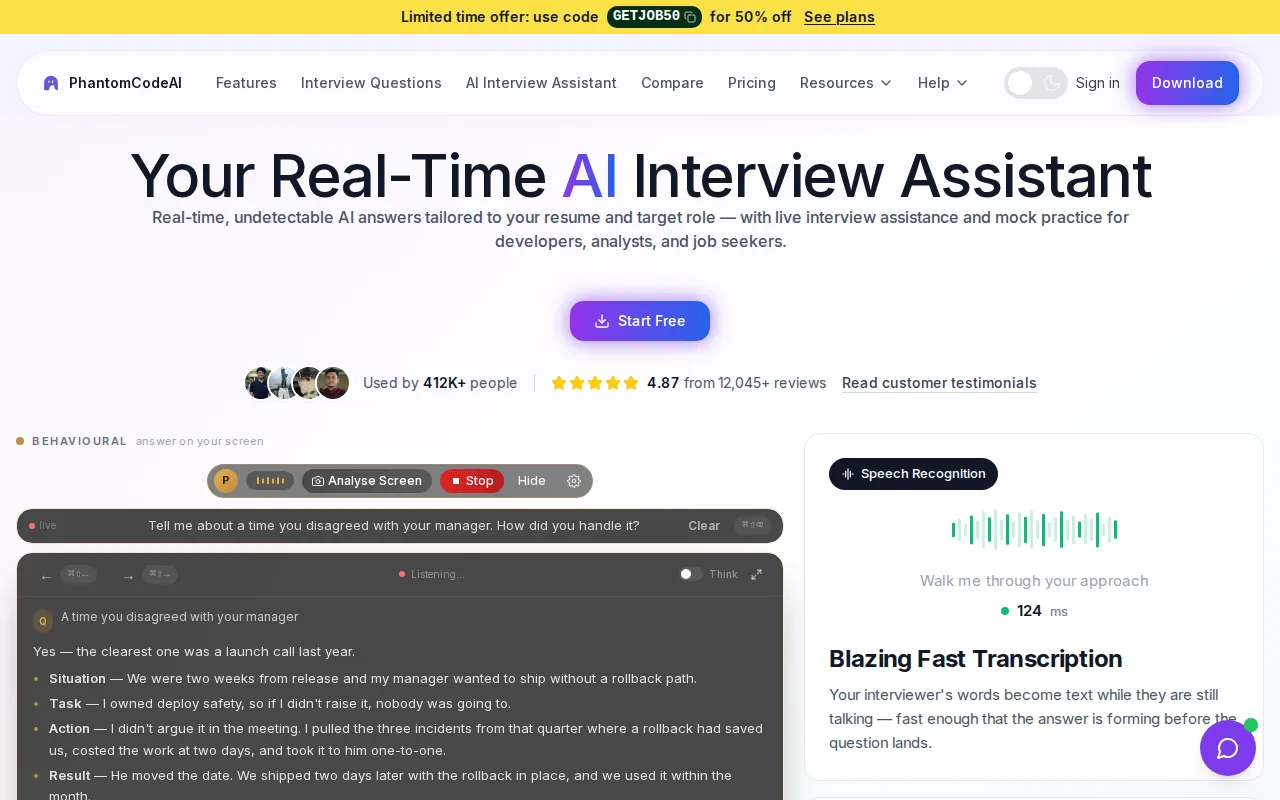
It fits candidates who want one assistant for DSA, system design, and behavioral preparation. The app runs on macOS and Windows. New accounts get free credits at signup without a card, and paid plans start at $19.
For a coding mock, say your reasoning aloud as you work through a problem. Use the assistant's guidance to check your next move, then finish the solution yourself. In a system design session, explain a choice such as caching or database sharding and listen for the part of your answer that needs more detail.
Phantom Code AI can also help you rehearse a behavioral answer. That matters if your loop includes more than coding. If you want to compare mock formats before you choose, see our overview of mock coding interview platforms.
Use any live interview assistance only when the employer permits it. For practice, keep the goal clear: build your own reasoning, then use guidance to spot gaps. A free-credit start makes it possible to test the workflow before buying a plan.
2. DevInterview.AI: Voice-led practice with a real coding editor
DevInterview.AI pairs a live voice AI interviewer with a coding editor that can run your code. It suits engineers who want to practice speaking through a solution while they write and test it, instead of answering a set of written prompts.
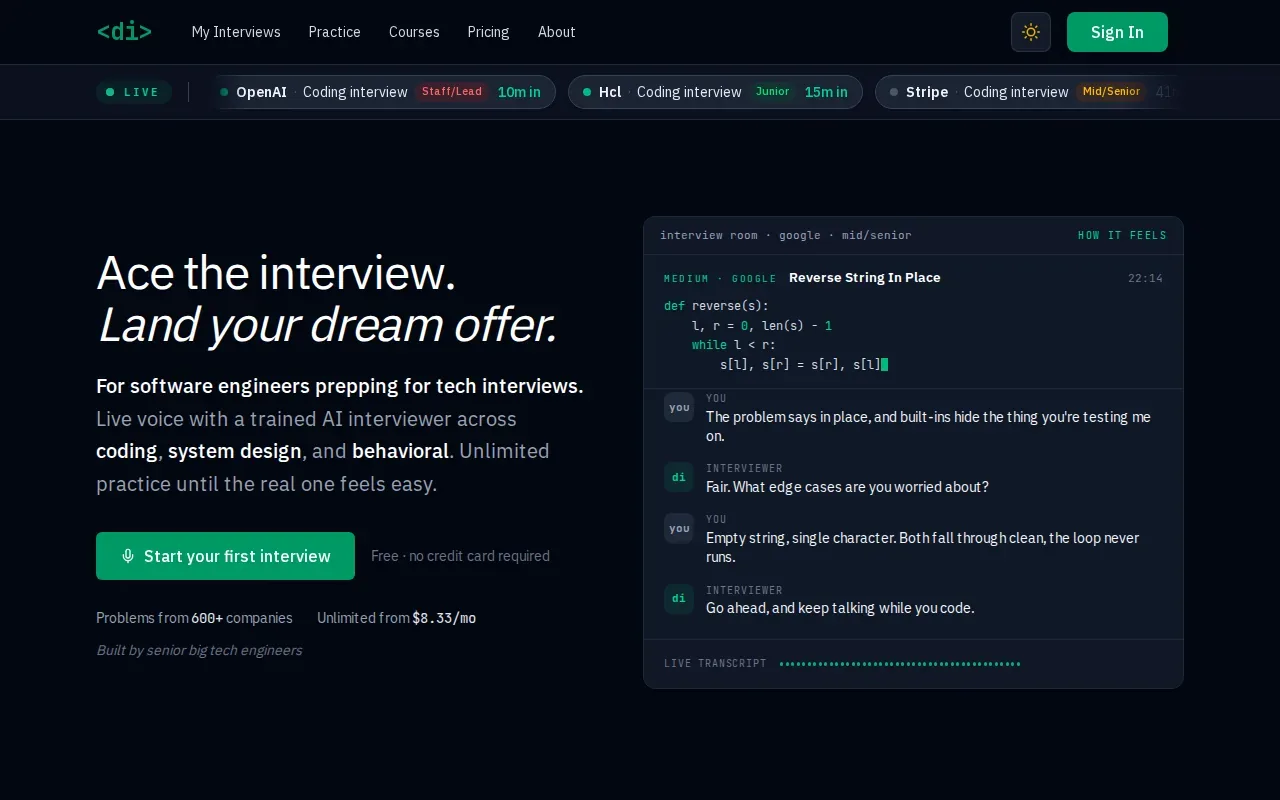
The interviewer can ask follow-up questions and push back on an answer. Problems can be tagged by company, which gives candidates a way to focus practice around a target interview. The tool also ends sessions with an evaluation, so you can review more than whether the code ran.
Its learning material connects problem patterns with exercises. For example, a two-pointer lesson can lead into problems that use the same idea. That makes it easier to see whether you can spot a pattern in a fresh prompt, not just repeat a memorized answer.
When reviewing a coding explanation, check whether you can state the time and space cost in plain terms. Big O notation describes how an algorithm's resource use grows as its input grows. A strong mock answer should connect that idea to the actual steps in your solution.
DevInterview.AI is a good fit if voice interaction and code execution are central to your practice. It is built for software engineers and runs a full interview rather than a quiz. Keep a note of where the interviewer had to prompt you, then retry a related problem without help.
3. Sensei AI: A coding copilot for real-time interview support
Sensei AI is a real-time interview assistant with a dedicated Coding Copilot. It is aimed at candidates who want help during technical rounds, especially when they need support while responding to a question on screen.
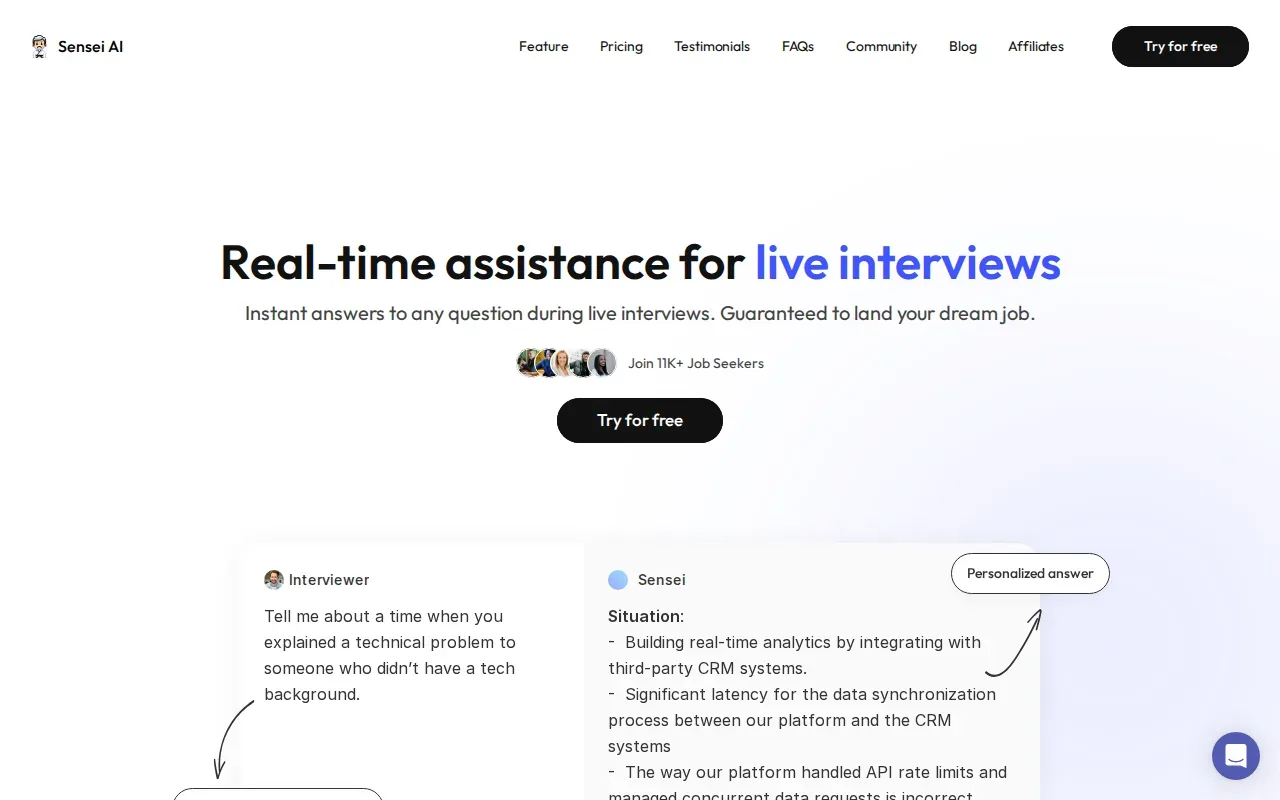
The key distinction is its live-assistance focus. A candidate can use it to think through a technical prompt as it comes up, rather than relying only on a separate practice library. That can be useful when the hard part is interpreting a question quickly or deciding what to discuss first.
Sensei AI has a free plan with short copilot sessions, while the Coding Copilot is part of its paid Pro plan. That makes the choice fairly simple: consider it when you expect to use a dedicated coding copilot enough to justify a paid plan. If you are still deciding what kind of help you need, start with independent mock practice and note where you get stuck.
For example, record whether you lose time clarifying the prompt, choosing an approach, or explaining complexity. A coding copilot may be most useful when the gap is tied to technical problem solving. It will not replace the need to understand the solution well enough to explain it yourself.
As with any live interview assistant, check the employer's rules before using it in an actual interview. For preparation, treat suggestions as prompts to test your understanding, not as answers to repeat word for word.
4. interviewing.io: Free AI interviewer for technical practice
interviewing.io has a free AI interviewer for technical practice. It is a useful place to start if you want to rehearse before committing to paid sessions or build a regular habit of answering interview prompts aloud.
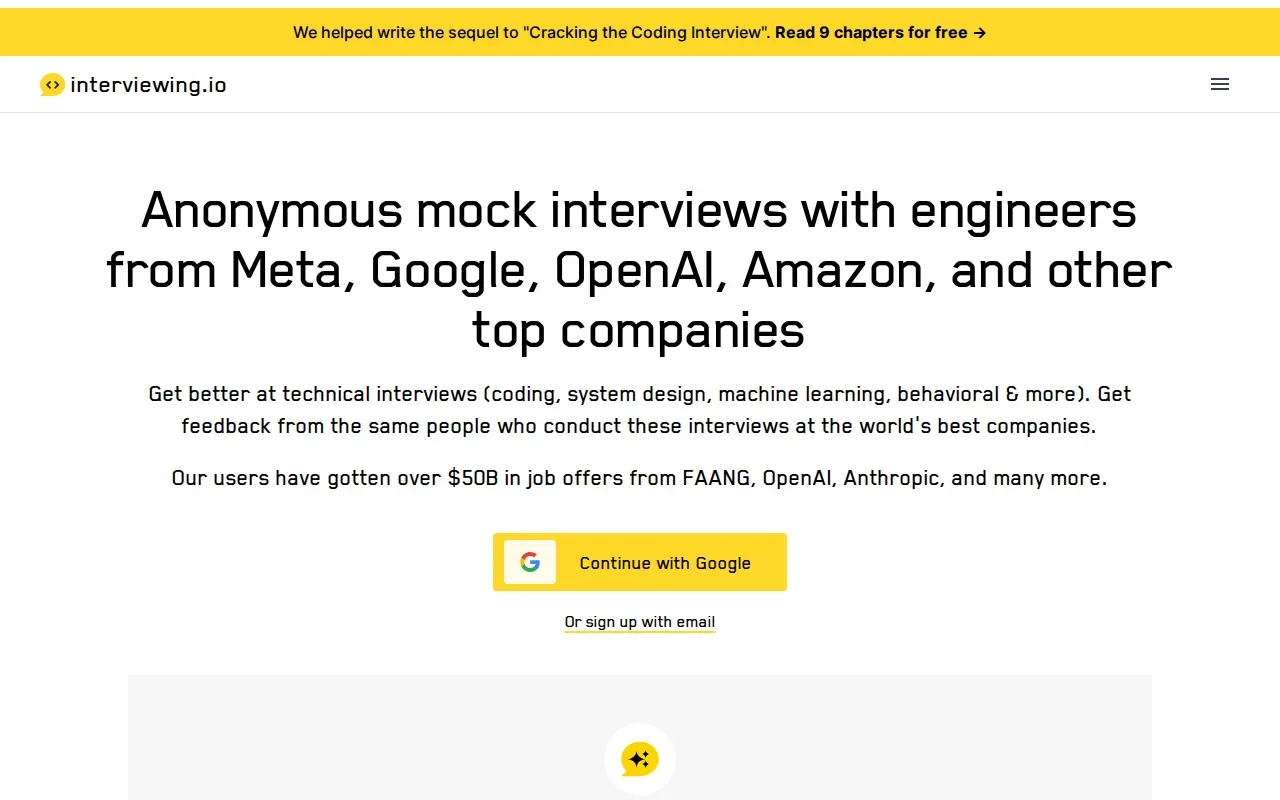
The service focuses on technical interviews, including coding and system design. Its broader interview offering also includes machine learning and behavioral practice. Sessions end with detailed feedback, so the point is to leave with something specific to work on rather than a simple pass-or-fail result.
Use a session to test how clearly you explain an algorithm. Afterward, write down one issue to fix, such as skipping edge cases or jumping into code before stating an approach. Then repeat the topic with a new problem and see whether you make the change without a reminder.
interviewing.io also connects candidates with people who conduct technical interviews. That can add a human perspective when you want feedback on how your answers come across. AI practice is useful for repetition; a human interviewer can react to your choices in the moment and ask a follow-up based on what you said.
If you are mainly looking for free AI-led technical practice, this is the clearest match in the shortlist. Use the session to find a weak spot, then work on that skill before booking any higher-stakes practice.
5. Final Round AI: Practice across coding, system design, and behavioral rounds
Final Round AI covers several interview formats, including coding, system design, behavioral, product case, data and machine learning, salary negotiation, and recruiter screens. It suits candidates who want to keep practice and job materials organized around each application.
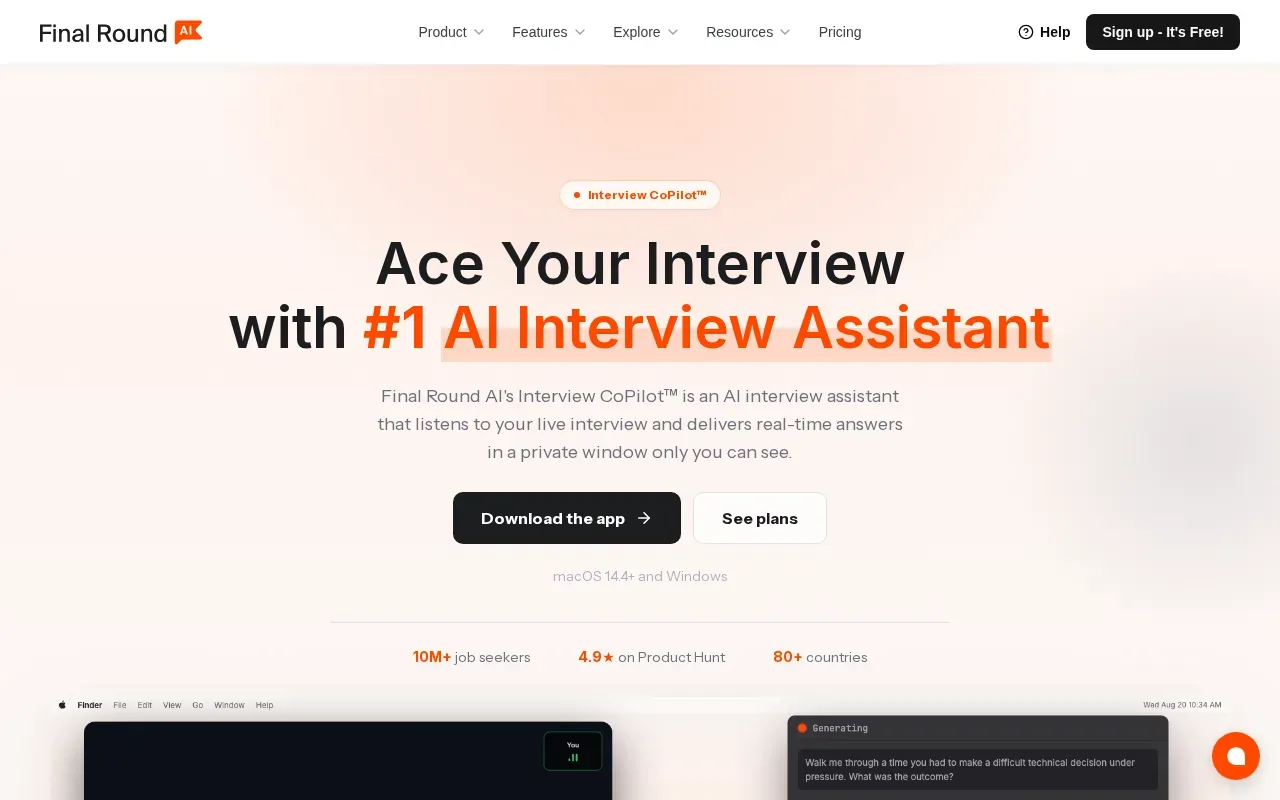
Its free plan covers goal setup, job description parsing, and a prep checklist. Practice interviews require a paid Pro subscription, so the free plan is more of a setup point than a way to run live sessions without paying.
That application-based setup can help when you are preparing for several roles with different needs. You can keep the target role and job description in view, then choose practice that fits the round ahead. For a system design interview, that might mean rehearsing a clear explanation of the service's key parts and the trade-offs behind them.
System design is about arranging parts of a system to meet its needs. In an interview, your answer still needs to explain why a particular design choice fits the constraints in the prompt.
Consider Final Round AI if you value having preparation and application materials in one workflow and are ready to pay for live practice. If you only need free sessions, compare its basic plan with a tool that includes a free AI interviewer.
6. GirGit AI: On-screen problem recognition for coding rounds
GirGit AI reads a coding problem from your screen in real time and surfaces solution suggestions, including complexity analysis. It is aimed at active job seekers who want on-screen support during coding rounds and need a predictable way to plan for repeated use.
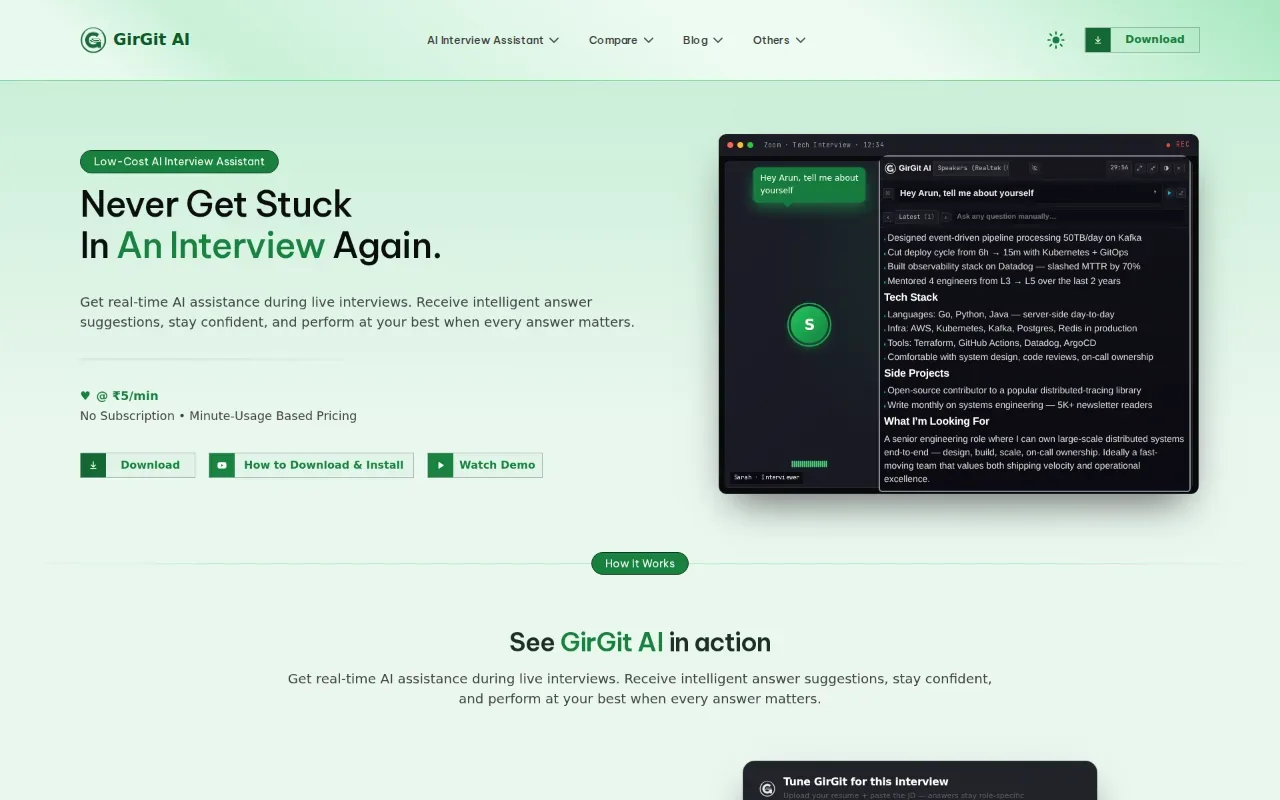
This screen-based workflow can help when a candidate wants guidance tied to the prompt already in front of them. For instance, after reading a problem about repeated values, you could use a suggestion to check whether your chosen data structure fits the required lookup time. Then test the reasoning with your own example.
Its fit depends on how often you expect to use real-time support, since the product is positioned for job seekers running multiple interviews. Before choosing it, decide whether you want screen-based suggestions or a full voice-led mock with an interviewer.
| Practice need | What GirGit AI does | Useful decision check |
|---|---|---|
| Read a coding prompt | Reads the problem from your screen in real time | Do you want suggestions tied to the prompt on screen? |
| Think through a solution | Surfaces solution suggestions | Can you still explain and verify each step yourself? |
| Review efficiency | Includes complexity analysis in its suggestions | Can you explain why that complexity fits the problem? |
| Plan repeated use | Positioned for active job seekers with multiple interviews | Does the expected use fit your budget? |
The table's main test is fit, not a score. If you want a guided interview with spoken follow-ups, look at a voice-led option instead. If you want on-screen problem recognition, GirGit AI matches that specific workflow.
FAQ
Which AI tool is best for coding interview practice?
Phantom Code AI is our recommendation for engineers who want support across coding, system design, and behavioral preparation. It listens, transcribes, recognizes problem types, and gives real-time guidance. DevInterview.AI is another fit if you want a voice-led mock with a code editor and execution.
Can AI tools give feedback on coding interview answers?
Yes, some tools provide feedback or an evaluation after practice. DevInterview.AI ends sessions with an evaluation, while interviewing.io's AI interviewer gives detailed feedback at the end. Review any feedback against your own code and explanation. The goal is to find a skill to work on, not to treat one score as a hiring prediction.
Are there free AI coding interview practice tools?
Yes. interviewing.io has a free AI interviewer. Phantom Code AI gives new accounts free credits at signup without a card. Final Round AI has a free plan for goal setup and job description parsing, while its practice interviews need a paid Pro subscription.
Can I use an AI assistant during a real interview?
Only use live assistance if the employer's rules allow it. Interview processes can set different rules about outside help, so check before the session rather than guessing. If you are unsure, use the tool for mock practice and keep the actual interview independent.
How should I use AI for interview preparation?
Use it to rehearse one specific skill at a time. Try a coding problem, explain your approach aloud, and note where you needed a hint. Then solve a related problem on your own. For system design or behavioral rounds, practice a full spoken answer and review the parts that need clearer reasoning.
Conclusion
Start with Phantom Code AI if you want one assistant for coding, system design, and behavioral preparation. Use its free signup credits to test a mock session, then choose the next practice tool based on the gap you found.