Best Live Coding Interview Tools for 2026

Compare live coding interview tools for candidate practice and technical hiring, with notes on collaboration, AI help, transcription, integrations, and fit.
A live coding interview tool can change how a round feels, whether you’re preparing for one or running one. Some tools help candidates practice, while others give hiring teams a shared coding space or skills tests. Here are ten options, with a clear look at what each one is for.
Table of Contents
- Phantom Code AI — Real-Time Support for Interview Practice
- CoderPad: Collaborative Coding Interviews with Transcription
- HackerRank Interview: Customizable Interview Scorecards
- Coderbyte: Flexible Skills Testing for Hiring Teams
- PlayCode: Browser-Based Coding for Web Projects
- TestTrick: Assessments Across Technical and Other Skills
- CodeSubmit: Live Interviews and Repository-Based Projects
- ParakeetAI: Real-Time Interview Assistance
- Linkjob AI: An Invisible Assistant for Live Interviews
- LockedIn AI: Interview Coaching with Code Help
- Live Coding Interview Tools Compared
- What to Check Before Using a Live Coding Interview Tool
- Frequently Asked Questions
- Conclusion
1. Phantom Code AI — Real-Time Support for Interview Practice
Phantom Code AI is an invisible desktop assistant for engineers preparing for coding, system design, and behavioral interviews. It listens to interview audio, transcribes speech, recognizes problem types, and gives real-time guidance during mock or live interviews.
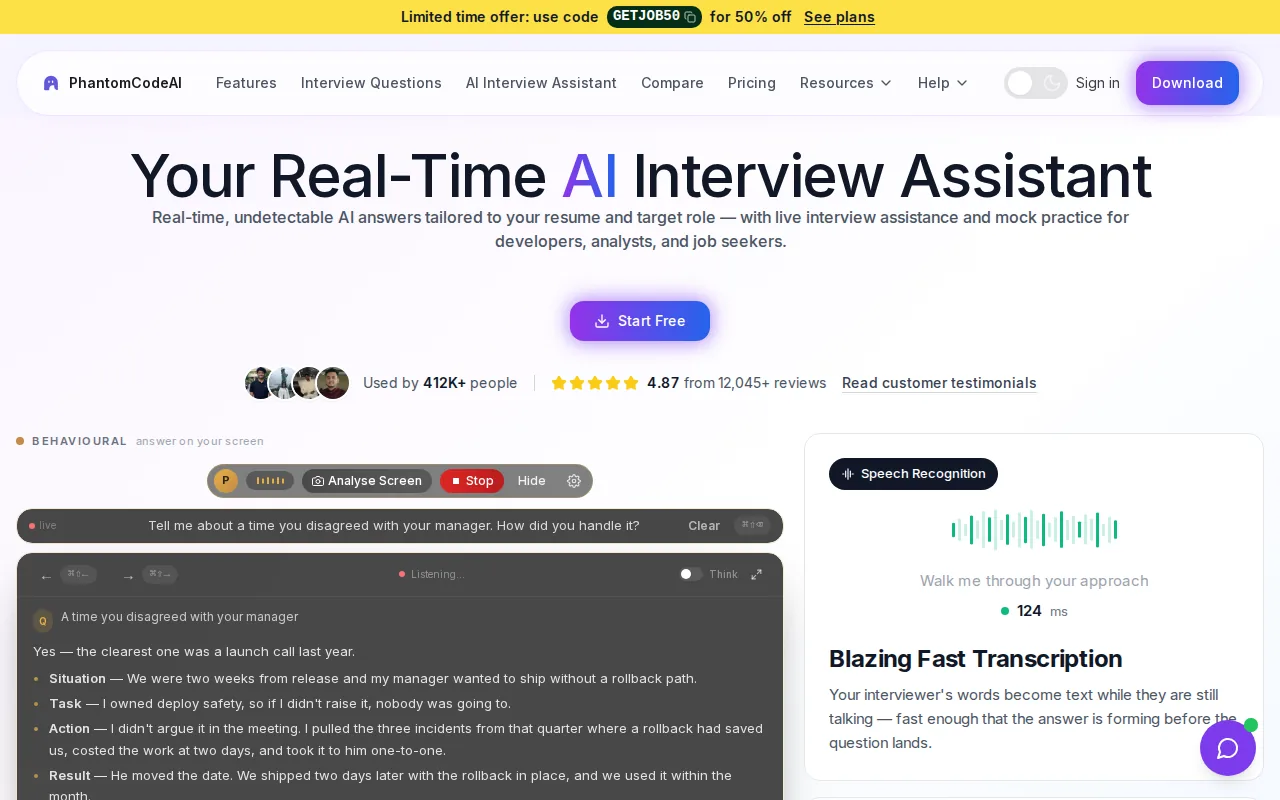
That makes it a candidate-prep option, not a shared editor for hiring teams. For a DSA prompt, the assistant can help you follow the spoken question and think through the problem while you work. Use it only when the interview rules allow outside help, transcription, or notes.
New accounts get free credits at signup, with no card required. Paid plans start at $19. For a closer look at response speed and workflow fit, see tools for low-latency live coding help.
2. CoderPad: Collaborative Coding Interviews with Transcription
CoderPad is built for collaborative coding interviews. It suits teams that want the candidate and interviewer to work in a shared coding environment, with real-time transcription as part of the interview experience.
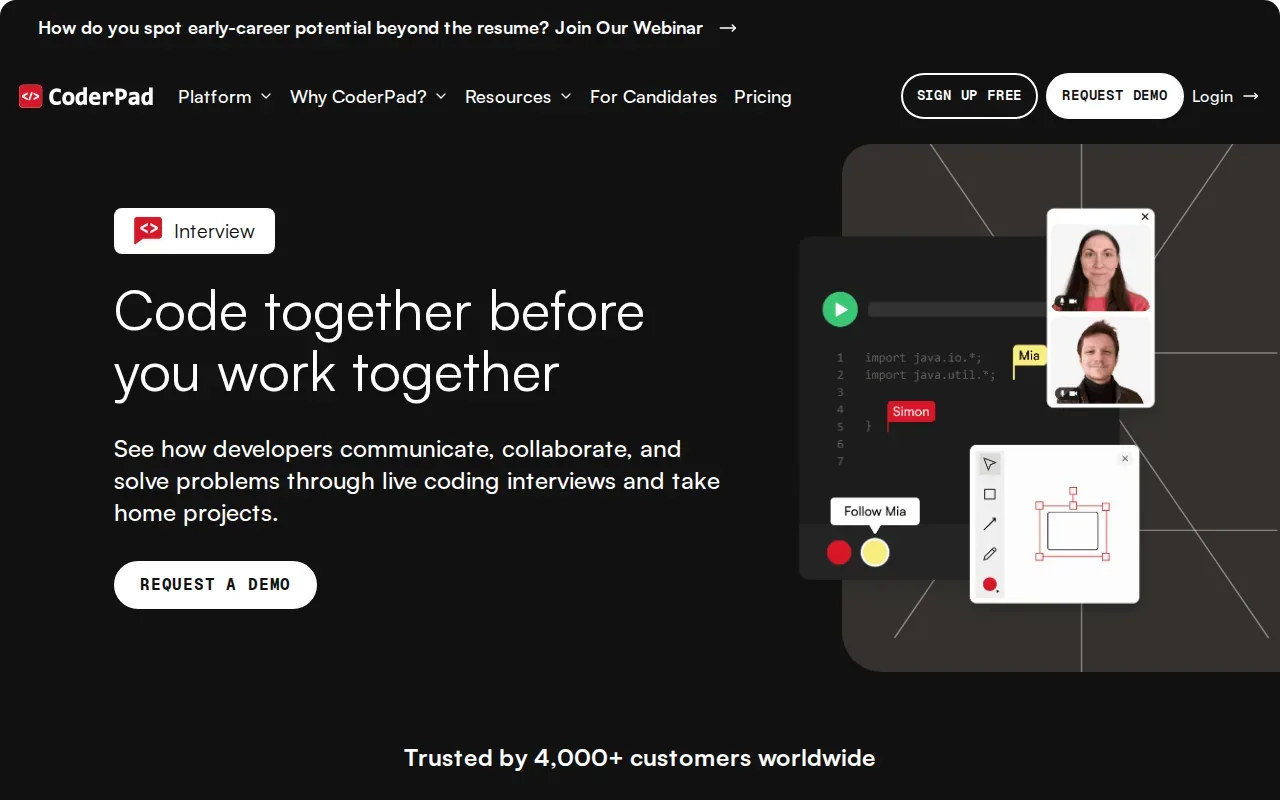
Its ChatGPT integration provides code suggestions within the IDE. That gives interviewers a way to discuss how a candidate uses AI while working through a task, rather than treating every AI suggestion as a separate browser search. The transcription can also help teams revisit what was said during the session.
Pick CoderPad when the live pair-programming session is the main event. It is a different kind of choice from a candidate-side assistant or a broad skills testing service.
3. HackerRank Interview: Customizable Interview Scorecards
HackerRank Interview is aimed at teams that want customizable scorecards for pair-programming interviews. It can suit a hiring process where interviewers need a consistent way to record how candidates approach a coding task.
The interview IDE uses AI to give contextual coding suggestions and check errors in real time. This can help teams assess how a candidate reasons about generated suggestions, rather than only looking at the final code. HackerRank Interview also integrates with major applicant tracking systems.
That mix is useful for hiring teams that need interview feedback to fit into an existing recruiting workflow. The focus here is structured evaluation, not personal interview prep.
4. Coderbyte: Flexible Skills Testing for Hiring Teams
Coderbyte is a skills evaluation option for hiring teams that want to assess candidates across different skill areas. Its stated offer includes unlimited candidates, admins, and AI.
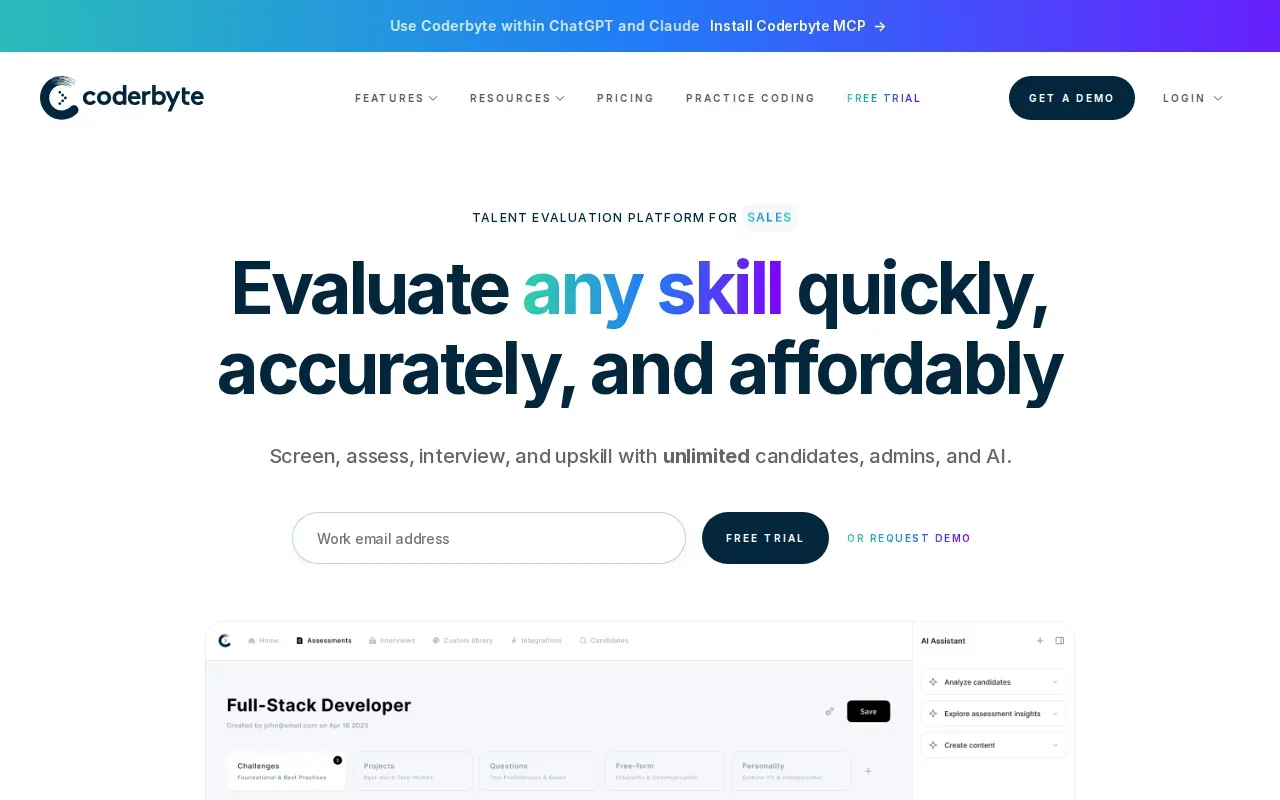
That makes the scale of candidate and admin access a key point to check when you compare it with tools focused on a live interviewer-led session. Ask how the assessment fits the stage you need: an early screen, a coding round, or another skill check.
Coderbyte may fit a team that wants to evaluate skills quickly across a broad pool.
5. PlayCode: Browser-Based Coding for Web Projects
PlayCode is a browser-based environment for building websites, apps, and AI-powered products. It combines AI help with cloud-based code execution and access to people who can help when you get stuck.
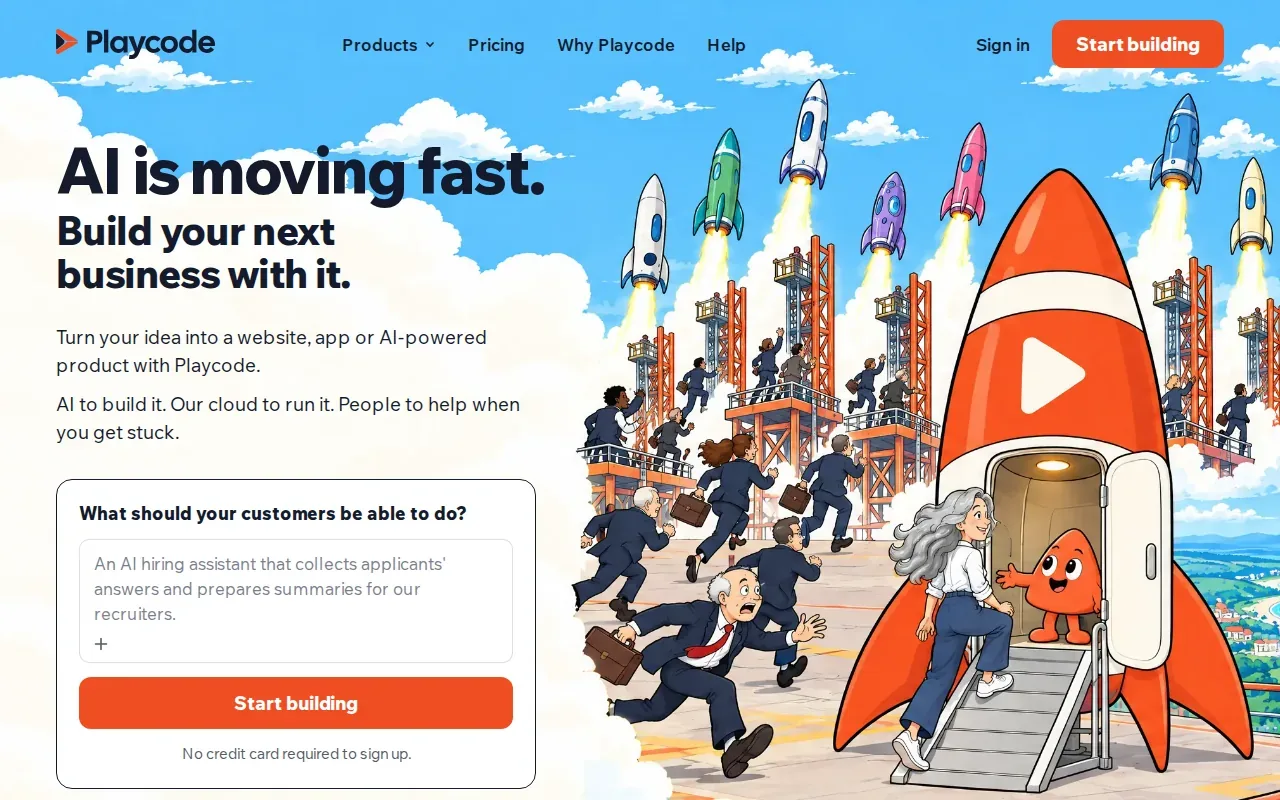
That can make it useful when an interview task involves a web project or when you want to practice coding in a browser. It’s a different fit from a platform described specifically for hiring interviews, so check whether its workflow matches the format of your upcoming round.
For example, if you need to explain a small web feature as you build it, a browser coding environment may feel closer to the task than a plain whiteboard.
6. TestTrick: Assessments Across Technical and Other Skills
TestTrick is a talent assessment platform for hiring teams. It has more than 500 skills tests, coding challenges, psychometrics, and AI video interviews, with built-in proctoring.
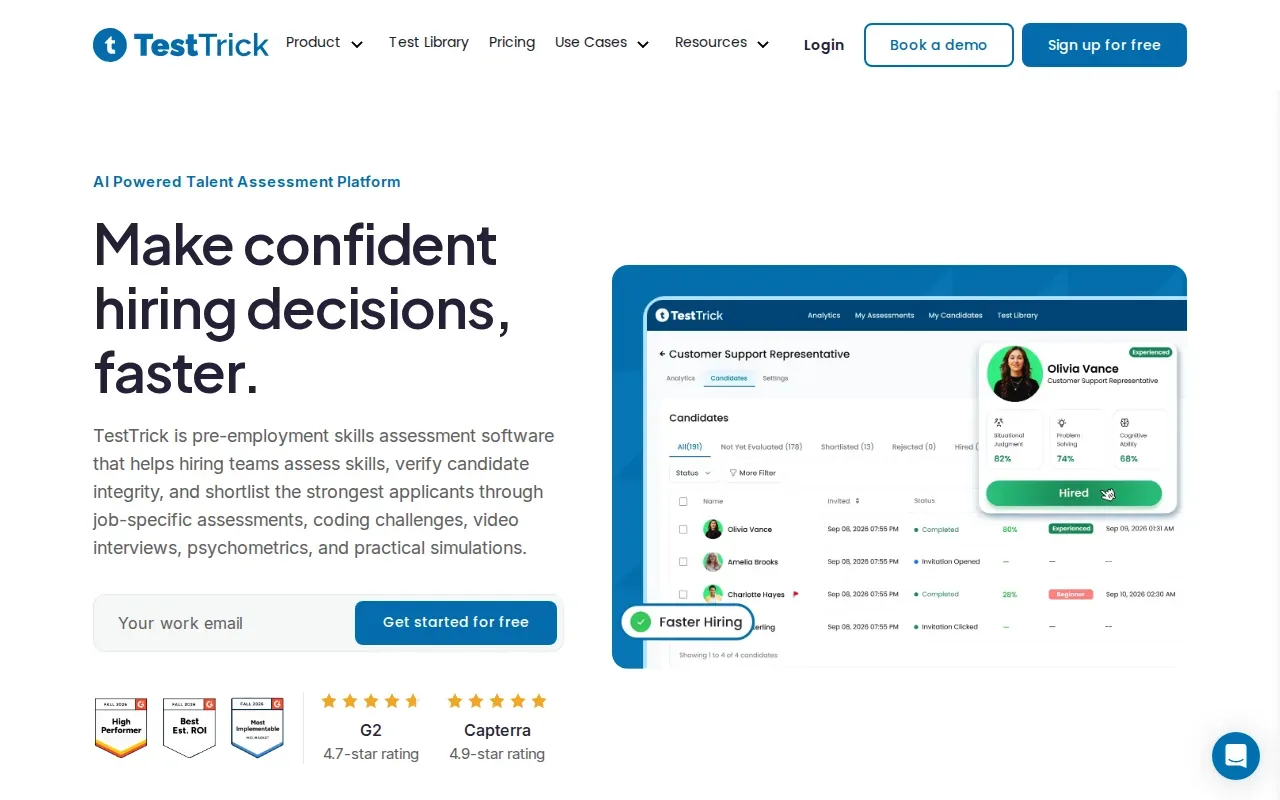
That range can help a team assess more than coding alone. A hiring process could use a coding challenge for technical screening, then another assessment type for a separate role requirement. Built-in proctoring is relevant when the team wants monitoring as part of its assessment workflow.
TestTrick is broader than a live shared editor. Choose it when your need is a set of hiring assessments, rather than only a collaborative coding interview.
7. CodeSubmit: Live Interviews and Repository-Based Projects
CodeSubmit supports live interview assessments and repository-based take-home projects. Its workflow also brings Claude Code, Codex CLI, and other coding agents into live interviews and take-home workspaces.
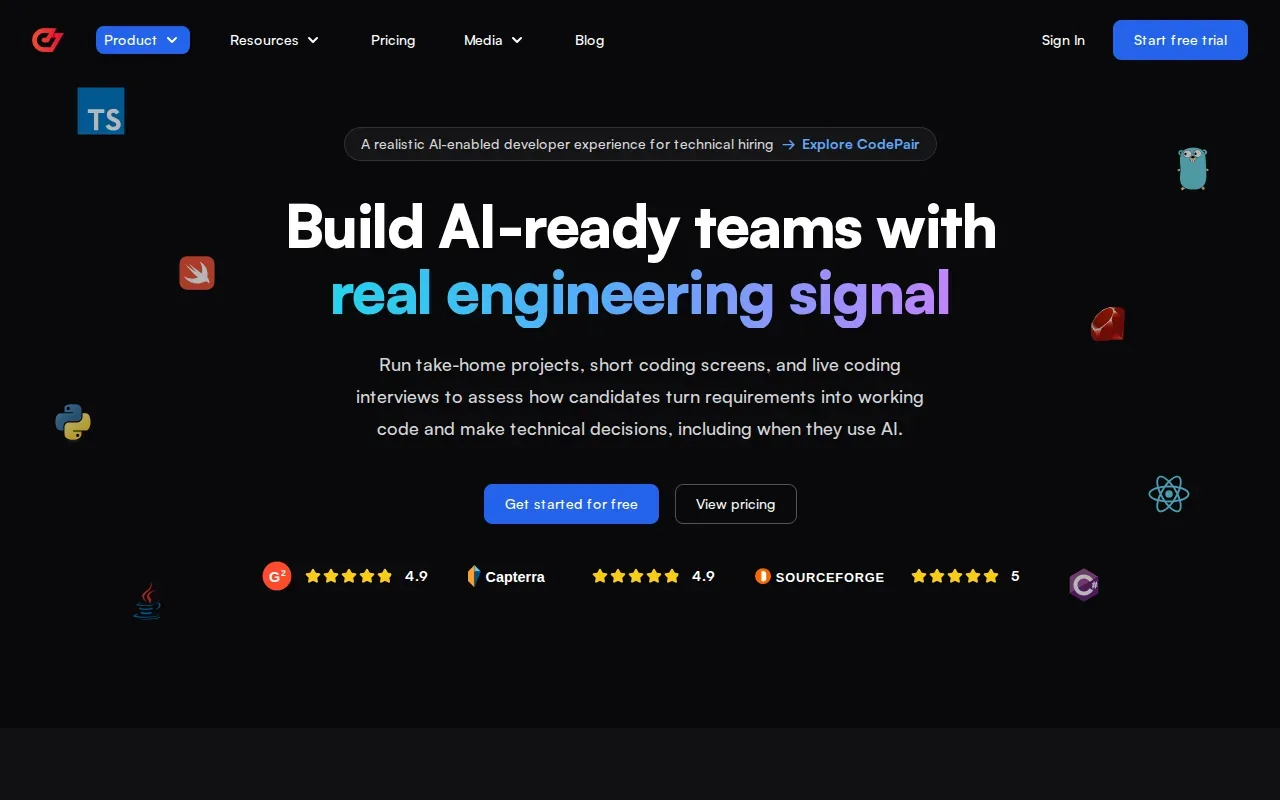
This makes it a fit for teams that want to discuss coding agents as part of an assessment, or use a take-home project alongside a live round. The integrations include Greenhouse, Lever, Personio, Zapier, and Ashby.
CodeSubmit has a limited free trial that doesn’t require a credit card. When comparing it with a live-only interview setup, decide whether repository-based work belongs in your hiring process too.
8. ParakeetAI: Real-Time Interview Assistance
ParakeetAI is an assistant for real-time help during interviews, sales calls, client meetings, and other conversations. Its broad use case may suit someone looking for support during spoken exchanges, not only coding interviews.
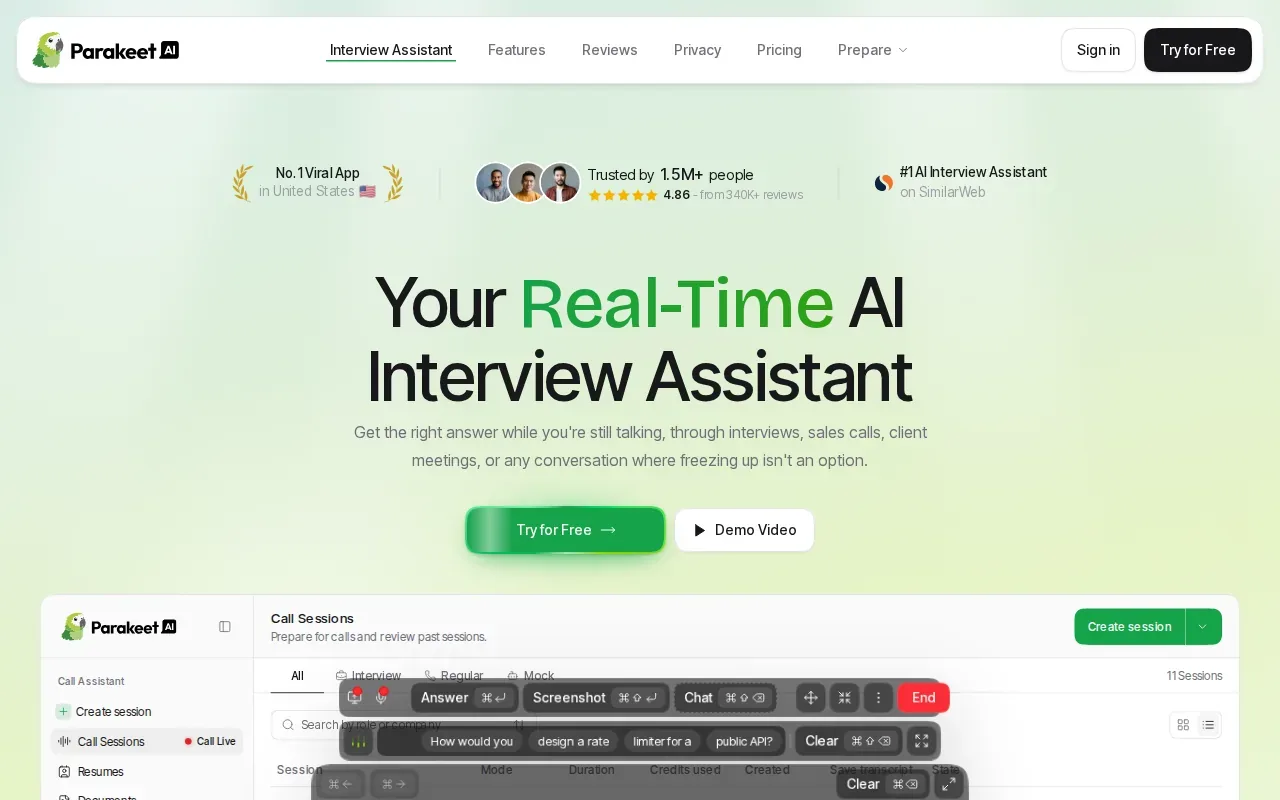
For a technical round, think about the moments where spoken context matters: hearing a constraint, keeping track of a follow-up, or collecting notes for review.
Also check the rules for any interview before using an assistant. A tool’s intended use doesn’t decide whether an employer or interview platform permits it.
9. Linkjob AI: An Invisible Assistant for Live Interviews
Linkjob AI describes itself as an invisible assistant for real-time interviews and coding tests. Its stated use is stealthy live help for job and technical interviews.
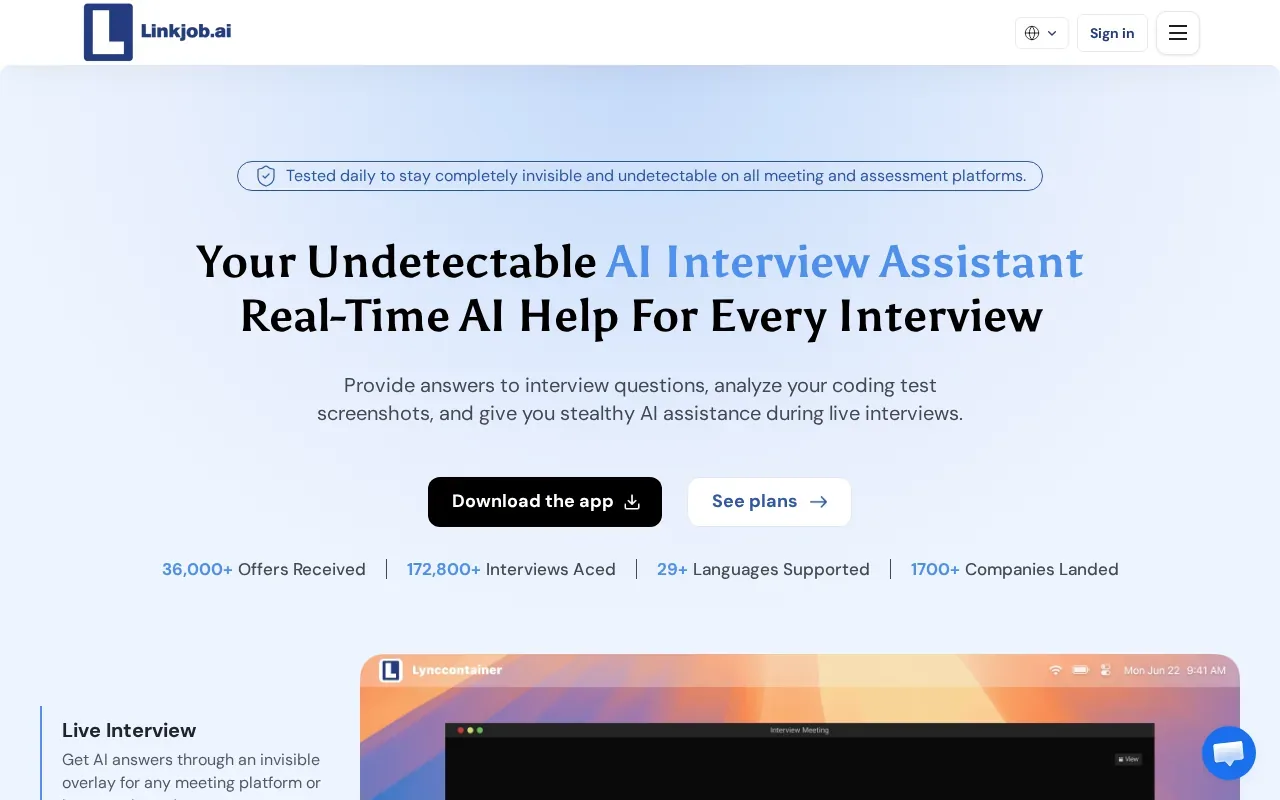
That positioning is different from a hiring platform used by interviewers to assess candidates. If you’re preparing for a technical round, confirm what the tool does for the particular coding format you expect, then check whether its use is allowed.
Don’t treat invisibility as permission. If an employer bans outside assistance, using an assistant despite that rule can undermine the interview and your candidacy.
10. LockedIn AI: Interview Coaching with Code Help
LockedIn AI is an interview assistant with real-time answers, live interview coaching, and code help. It’s free to start, according to the details provided.
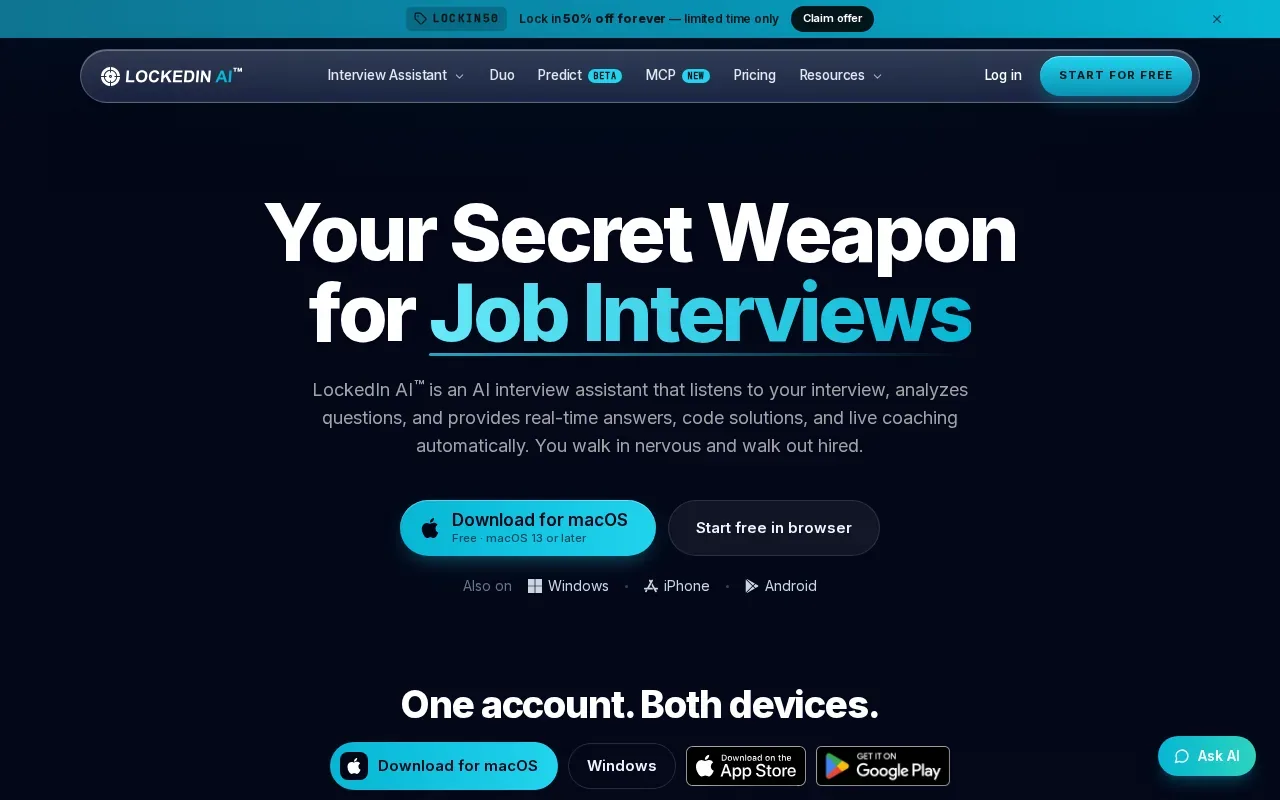
It may suit someone who wants interview support that includes both spoken answers and coding help. That differs from hiring tools such as scorecard-based interview platforms, which are built around how an employer runs an assessment.
Before using live help, check the interview’s rules. For preparation, test the tool during a mock session and make sure you can explain each coding choice yourself.
Live Coding Interview Tools Compared
The options above don’t all solve the same problem. Some help candidates prepare or get support during an allowed session. Others help hiring teams run interviews or assess skills. Use this table to narrow the shortlist by workflow, not by a feature count.
| Option | Best fit | Key detail | Workflow type |
|---|---|---|---|
| Phantom Code AI | Engineer interview preparation | Transcription and real-time guidance | Candidate assistant |
| CoderPad | Collaborative live coding | Transcription and ChatGPT code suggestions | Interview platform |
| HackerRank Interview | Structured pair programming | Custom scorecards and ATS integrations | Interview platform |
| Coderbyte | Skills evaluation at scale | Unlimited candidates, admins, and AI | Assessment tool |
| PlayCode | Browser-based web projects | AI help and cloud execution | Coding environment |
| TestTrick | Multi-skill hiring assessments | Coding challenges and built-in proctoring | Assessment platform |
| CodeSubmit | Live interviews and take-home projects | Repository work and coding agents | Interview and project assessment |
| ParakeetAI | Real-time support in conversations | Interview and meeting assistance | Candidate assistant |
| Linkjob AI | Live interview and coding-test help | Describes its assistant as invisible | Candidate assistant |
| LockedIn AI | Interview coaching with code help | Real-time answers and coaching | Candidate assistant |
For engineers, Phantom Code AI is the closest match when the goal is preparation across coding, system design, or behavioral rounds. For hiring teams, start with the interview or assessment workflow you need to run, then check whether collaboration, scorecards, integrations, or proctoring are part of that workflow.
What to Check Before Using a Live Coding Interview Tool
First, name the job the tool needs to do. A take-home project gives a candidate time to work independently. A live coding round lets an interviewer watch the candidate reason, ask questions, and adjust the prompt. A traditional whiteboard round has a different feel again, with less emphasis on running code.
For a live interview platform, check whether the coding space supports the language and type of task you plan to use. Ask if the candidate and interviewer can edit together, and whether the environment matches the way you want to evaluate code. Don’t assume every browser editor includes a full IDE or hiring controls.
Check the recruiting handoff too. Scorecards help make feedback consistent. ATS integrations can connect interview results to a hiring pipeline. Proctoring and tab monitoring may matter for some assessment settings, but the listed product facts here don’t establish that every option has those features.
For candidate-side assistants, check the interview rules before you use AI or transcription. Use a mock session to test your setup. Practice saying what you’re thinking as you clarify the prompt, choose an approach, write the code, and test an edge case. A useful assistant should support your reasoning, not replace your ability to explain it.
AI is also changing what teams may choose to assess. If a role expects engineers to work with coding agents, an interview can ask candidates to review a suggestion, test it, and explain what they changed. The key signal is still the candidate’s judgment. A generated answer by itself doesn’t show whether the candidate understands the code.
Use live assistance only when the interview rules allow it.
Frequently Asked Questions
What is a live coding interview tool?
A live coding interview tool helps a candidate and interviewer work through code in real time, or supports a candidate preparing for that kind of round. Hiring platforms may include a shared editor or scorecards. Candidate assistants may help with transcription or guidance. Check which role the product serves before comparing features.
What is the difference between a live coding interview and a take-home test?
A live coding interview happens with an interviewer present, so they can ask follow-up questions and hear how the candidate reasons. A take-home test gives the candidate time to work independently before submitting a result. Teams may use both, but they reveal different parts of a candidate’s approach.
Can I use AI during a coding interview?
You can use AI during an interview only when the employer or interview rules permit it. Some interviews may ask candidates to work with AI, while others may prohibit outside help. Check the rules before the session. If AI is allowed, be ready to explain its suggestions and test the code yourself.
Which tool is best for practicing technical interviews?
Phantom Code AI is designed for engineers preparing for coding, system design, and behavioral interviews. It listens to and transcribes interview audio, recognizes problem types, and provides real-time guidance. For practice, try a mock session first and focus on explaining your own reasoning, not just receiving suggestions.
What should a hiring team look for in an interview platform?
A hiring team should start with the format it needs to run. For live pair programming, check the shared coding workflow. For structured evaluation, look at scorecards. If the interview must connect to recruiting systems, confirm the relevant ATS integration. For broader screening, compare assessment tools with dedicated interview platforms.
Conclusion
If you’re an engineer preparing for technical rounds, Phantom Code AI is the most relevant option in this shortlist for interview-focused guidance. Start with a mock session, check your interview’s AI rules, and try the signup credits before deciding whether a paid plan fits your prep.