Best Interview Transcription Tools for 2026

Compare interview transcription tools for engineers, from live guidance to searchable practice transcripts. Find a fit for coding, system design, and behavioral rounds.
A transcript can show where a practice answer went off track, but a missed technical term can change its meaning. The right interview transcription tool depends on whether you need live help, a record to review, or both. Here are six options for software engineers preparing for technical interviews.
We analyzed 20 YouTube comments about interview transcription tools and found that 30% mentioned speaker diarization and multilingual transcription.
Table of Contents
- Phantom Code AI
- ParakeetAI: Live interview guidance and question detection
- Happy Scribe: Transcription for reviewing practice sessions
- Whisper by OpenAI: A transcription model for flexible workflows
- Otter.ai: Real-time transcripts and meeting summaries
- Descript: Transcript-based audio and video editing
- Interview transcription tools compared
- FAQ
- Conclusion
1. Phantom Code AI
Phantom Code AI is an invisible AI desktop assistant for coding interviews. It listens, transcribes, recognizes problem types, and provides guidance during mock or live interviews. It runs on macOS and Windows.
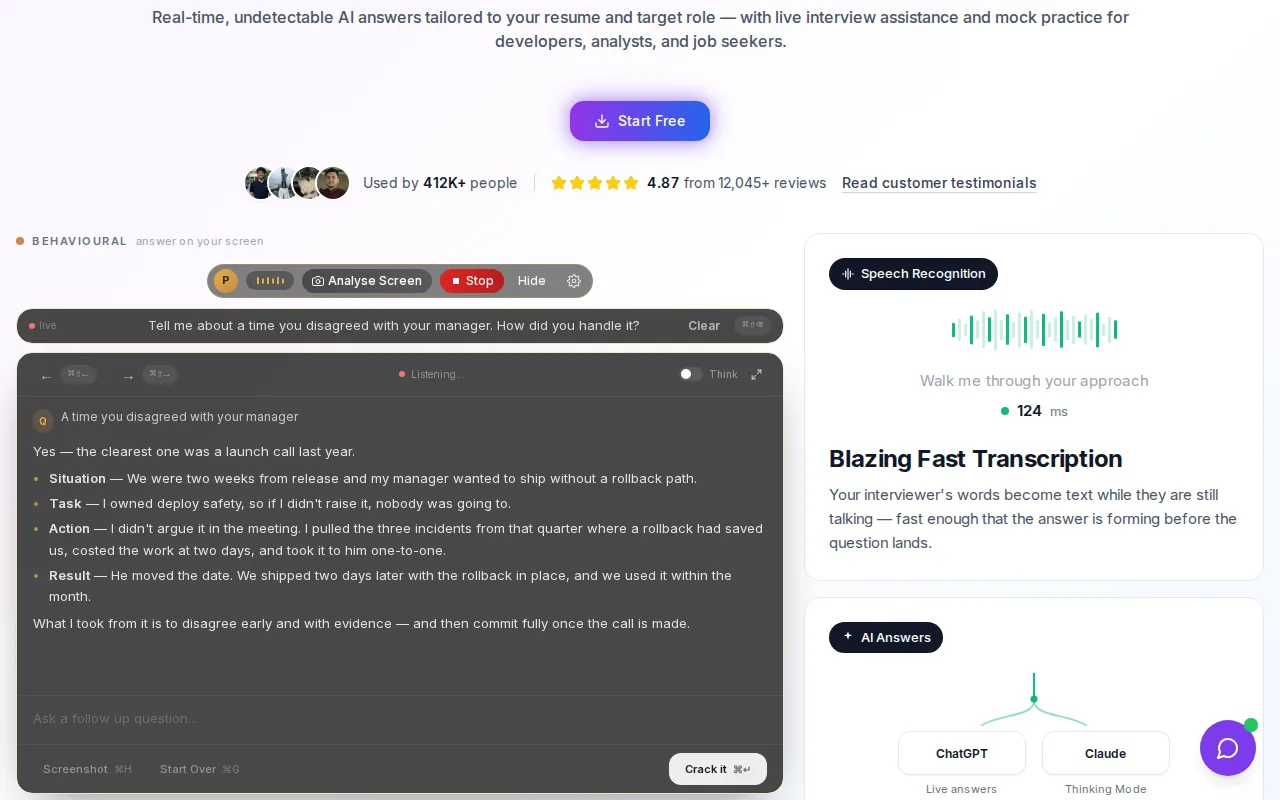
It’s the closest fit here if your transcript needs to support the interview itself, not only a review afterward. During a data structures and algorithms round, for example, recognizing a problem type can help you organize your approach before you explain it. For system design practice, the transcript can keep the interviewer’s requirements in view while you discuss trade-offs.
New accounts get free credits at signup without a card, and paid plans start at $19. That gives you a clear starting point before you commit. Engineers who want a closer look at transcript-focused products can compare interview transcription software for coding practice and review as part of their shortlist.
A live assistant isn’t a substitute for knowing your solution. Use the prompts to check your thinking, then explain the answer in your own words. And before using any AI during a real interview, check the employer’s rules.
2. ParakeetAI: Live interview guidance and question detection
ParakeetAI detects questions during a call and suggests answers in real time. It also supports mock interviews, with the first mock interview free.
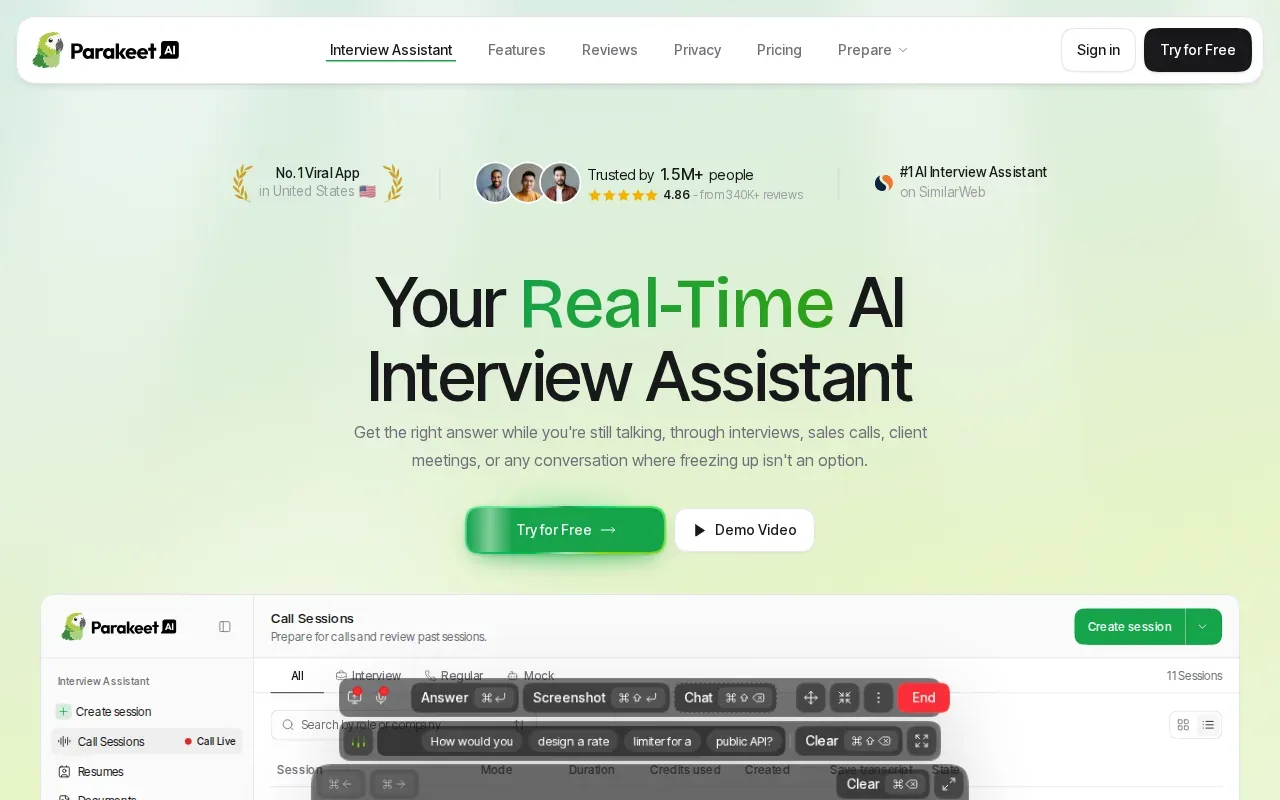
For technical practice, ParakeetAI says it can listen for coding questions and read code shared on screen. It can then talk through an approach while the call is happening. Its system design support can show a small flowchart beneath a written answer for some architecture questions, which may help you follow a design as you draw it.
ParakeetAI says it supports more than 50 languages, but it listens for one language at a time. If you switch languages mid-call, you need to update the session language. That matters for engineers who explain an algorithm in one language, then describe system requirements in another.
Its guidance is best treated as a prompt to think, not a finished coding answer. ParakeetAI says it’s built for conversations where AI assistance is permitted. Check the interview rules first, especially for a live hiring round.
3. Happy Scribe: Transcription for reviewing practice sessions
Happy Scribe transcribes in more than 150 languages and dialects, labels speakers, and exports DOCX, PDF, SRT, and VTT files. For engineers, a transcript can support review of a mock interview after the conversation, rather than serve as a live answer prompt. Compare the written record with the recording before drawing conclusions about how clearly you explained a design choice or behavioral example.
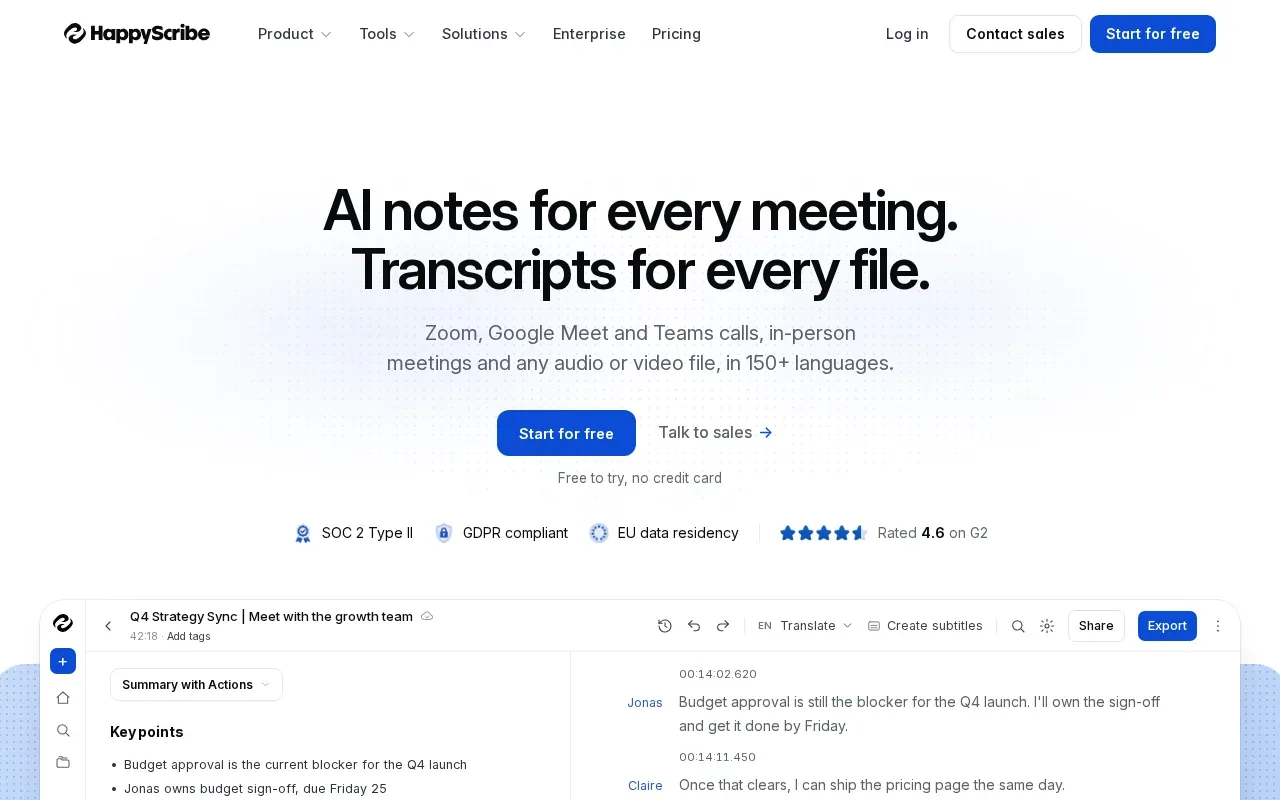
For a behavioral mock, note where your answer ends and the interviewer’s follow-up begins. Then review whether you stated the situation, your specific actions, and the outcome. For a system-design practice session, check whether the transcript preserves the names of components and the trade-offs you described; use the recording to verify anything unclear.
Transcription quality can vary with accents, room noise, overlapping speech, and uncommon library names. Test any transcription workflow with a short clip that includes terms you use in interviews, such as “idempotency,” a project name, or a database acronym. If a name is wrong, correct it before using the text to assess your answer. A transcript is a review aid, not a substitute for checking what was actually said.
4. Whisper by OpenAI: A transcription model for flexible workflows
Whisper by OpenAI is a general-purpose speech recognition model that can fit a custom transcription workflow. It may suit engineers who are comfortable setting up a tool or working with an API instead of using a meeting-focused assistant.
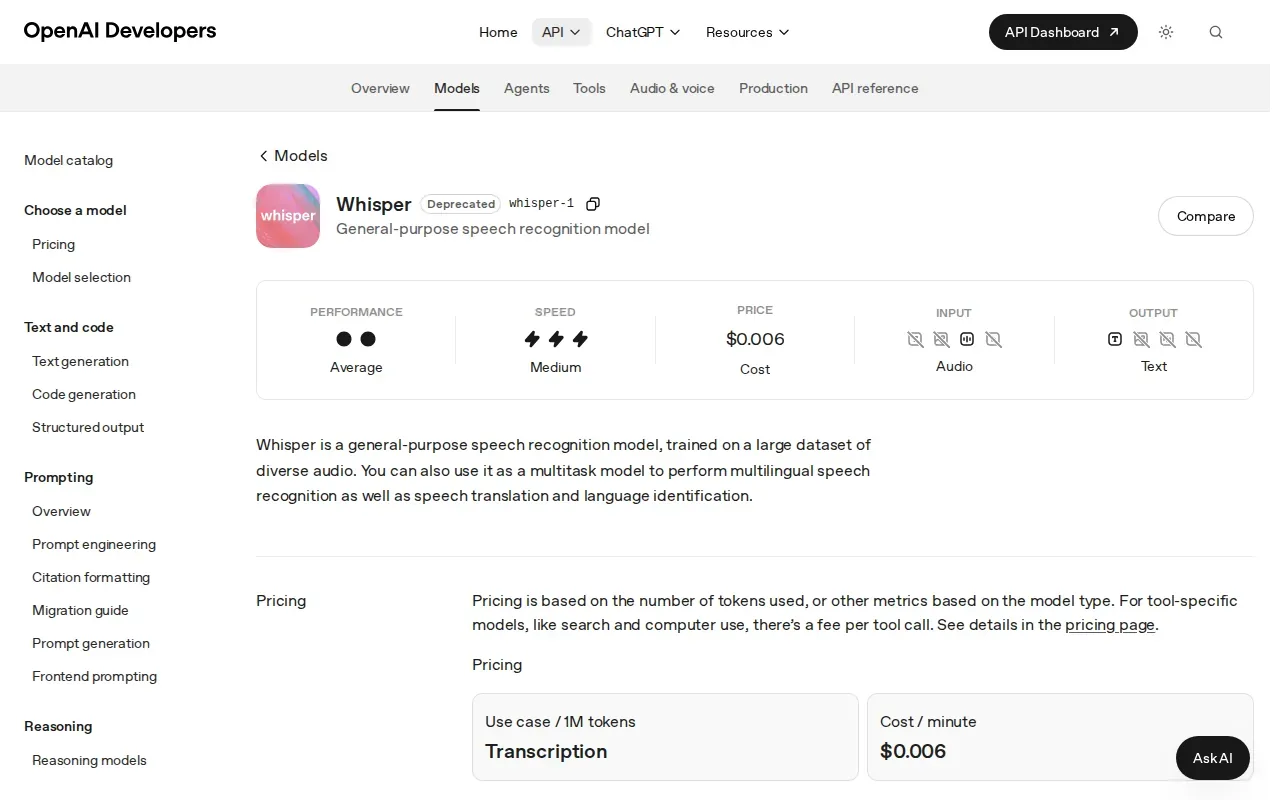
The open-source Whisper model can be run through a local setup or a hosted notebook workflow. The size choice affects the trade-off between speed and recognition quality, so test the result on your own audio before using it to assess an answer. A transcript that mishears “binary search” as another phrase can make a clear explanation look confused.
Before building a workflow around a transcription model, check the reference page and test the output on a short recording. A transcript sample can help you decide whether the workflow fits your practice sessions.
For long practice sessions or discussions of less common tools and algorithms, review a short section of the recording. Focus on speaker turns, technical terms, and the parts of an answer you plan to revisit. This gives you a practical way to spot transcription issues before relying on the transcript for interview preparation.
5. Otter.ai: Real-time transcripts and meeting summaries
Otter.ai is a meeting-focused transcription tool with live transcripts and automated summaries. Its AI Meeting Agent can also provide live chat, insights, and action items.
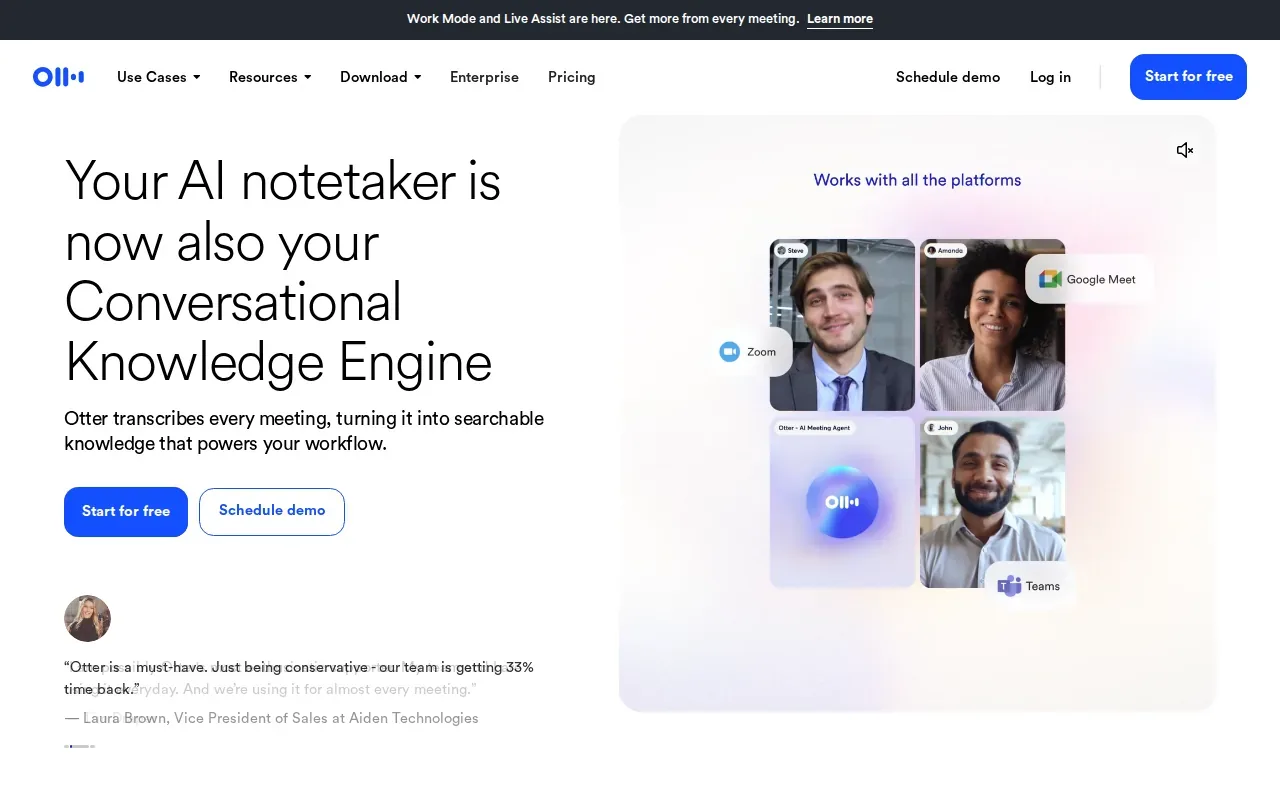
For interview practice, a searchable transcript can help you revisit a question without replaying an entire recording. A summary may point you back to a decision or next step, while speaker recognition helps distinguish the interviewer’s question from your response. Otter also supports audio and video uploads, so you can work with a saved practice file.
Otter describes live transcription in multiple languages and offers ways to record through a desktop, browser, or mobile device. It also lists connections with other work tools. That can suit a team that wants notes and transcripts to feed into an existing meeting workflow, rather than keeping each session as a separate audio file.
Otter’s strengths center on meetings and follow-up. If your main need is help with a coding problem as it’s asked, compare that workflow with a tool built for technical interview guidance. For transcript review, check whether the speaker labels and summary preserve the parts you need to assess.
6. Descript: Transcript-based audio and video editing
Descript is an audio and video editor that lets you edit media by editing its transcript. It’s a useful fit when you record mock interviews and want to shape the recording afterward.
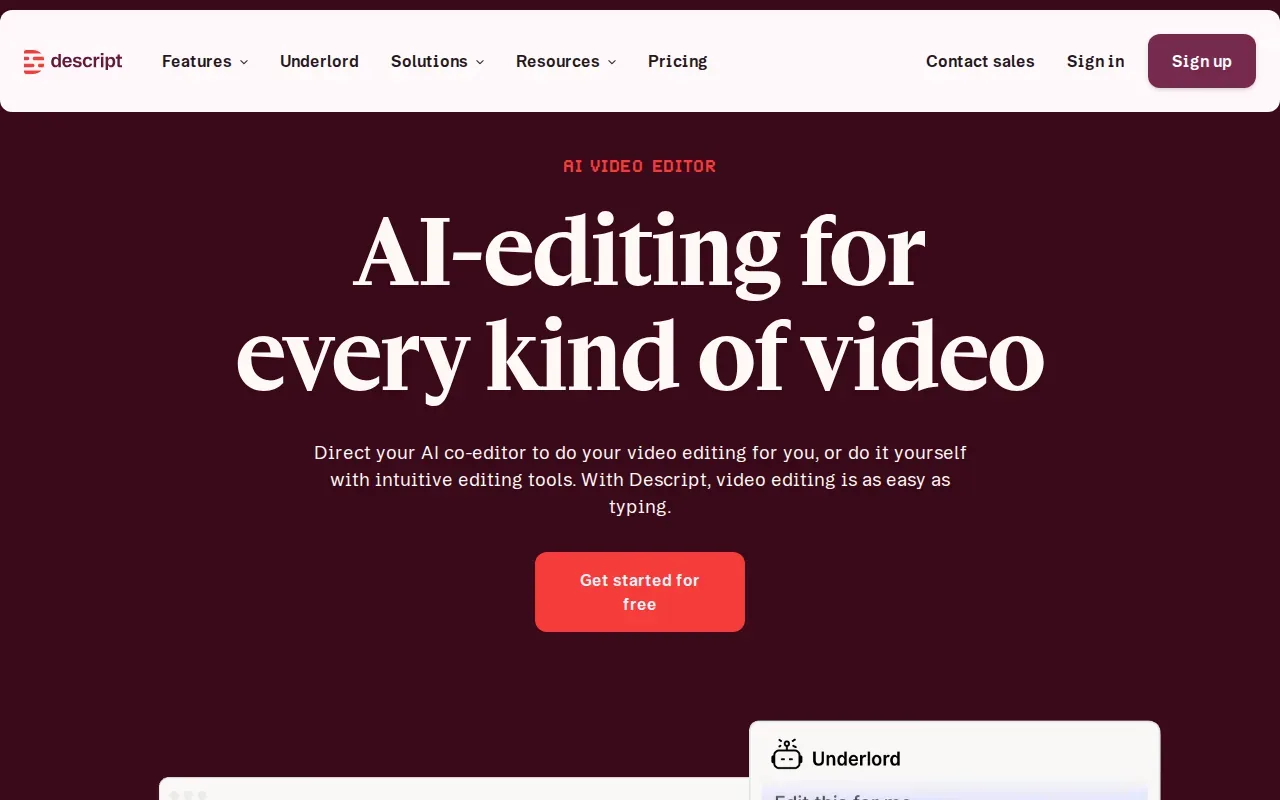
Its workflow combines recording, transcription, editing, and publishing. For example, you could use a transcript to find the point where you began explaining a solution, then edit the recording around that section. That can make a long practice video easier to review or share with a mentor.
This is different from a tool designed to suggest an answer while you speak. Descript’s value in this shortlist is the link between text and recorded audio or video. It can help you make a clean review clip, but transcript-based editing still depends on the words being captured well enough to find the right moment.
Before editing, check speaker labels and technical terms against the audio. If the transcript drops a phrase such as “time complexity,” an edit based on the text could remove a useful part of your explanation. Keep the original recording until you’ve checked the final cut.
Interview transcription tools compared
These options solve different parts of interview prep. Use the table to match the tool to the stage where you need help, then test the transcript with the kind of audio you’ll actually record.
| Tool | Best fit | Useful workflow detail | Check before choosing |
|---|---|---|---|
| Phantom Code AI | Live technical interview guidance | Listens, transcribes, recognizes problem types, and gives guidance | Confirm AI use is allowed for the session |
| ParakeetAI | Live question detection and mock practice | Can read shared code and talk through an approach | It listens for one language at a time |
| Happy Scribe | Multilingual transcript review | Speaker labels and DOCX, PDF, SRT, and VTT exports | Check names and technical terms against audio |
| Whisper by OpenAI | Flexible model-based workflows | Can be used in a custom or API workflow | Compare it with OpenAI's newer transcription models for API use |
| Otter.ai | Meeting transcripts and summaries | Live transcripts, chat, insights, and action items | Check if meeting-focused features fit technical practice |
| Descript | Editing recorded practice sessions | Edit audio or video through transcript text | Review transcript accuracy before cutting media |
For any option, test a short recording with two speakers, a technical term, and one spot where the speakers overlap. Listen to that same segment while reading the transcript. You’ll see whether speaker separation and wording are good enough for your review task.
FAQ
What’s the best interview transcription tool for coding practice?
For live technical interview guidance, Phantom Code AI is the most direct fit in this shortlist. It listens, transcribes, recognizes problem types, and provides guidance during mock or live interviews. If you mainly want a transcript to inspect after practice, a recording-focused option may fit better. First decide whether help during the session or review afterward is your priority.
How can I check if an interview transcript is accurate?
Compare a short section of the transcript with the recording, then check names, speaker turns, and technical terms. Include a segment with an accent or overlapping speech if those are likely in your interviews. Don’t judge accuracy by how polished the text looks. A transcript can read smoothly while still changing a key detail in your answer.
Can transcription tools handle interviews in more than one language?
Some can, but mixed-language support varies. Happy Scribe lists more than 150 languages, while ParakeetAI says it listens for one language at a time and requires a language change when you switch. Test a clip that includes the language mix you expect. Pay special attention to technical terms that people may pronounce differently across languages.
Should I use AI transcription during a real job interview?
Only if the employer’s rules allow it. A company may have limits on recording, transcription, or AI assistance, so ask or check its policy before the interview. You can still use transcripts for mock practice and self-review. For any recording, consider who can access the audio and transcript, and remove files you no longer need.
Conclusion
If you want live technical guidance, start by testing Phantom Code AI in a mock session; if your goal is post-session review, try a short recording in a transcript or editing tool. Check the transcript against the audio before using it to judge your interview performance.