Best Interview Transcription Software for 2026

Compare interview transcription software for coding practice, research, and media work. See six tools, their key strengths, and what to check before you choose.
A transcript can turn a fuzzy mock interview into a focused review. For software engineers, the best interview transcription software may also help identify whether a question calls for code, system design, or a behavioral answer.
Phantom Code AI is built for that interview-prep use. The other picks below suit different needs, including recurring technical terms, live meeting notes, media editing, and review-heavy records.
Table of Contents
- HappyScribe: Build a vocabulary for recurring technical terms
- Otter.ai: Capture live interview conversations and notes
- Descript: Edit interview audio and video from the transcript
- Rev: Consider it for review-heavy interview records
- Trint: Collaborate on multilingual media transcripts
- Sonix: Compare multilingual transcripts, speakers, and summaries
- What to check before choosing
- FAQ
- Conclusion
1. HappyScribe: Build a vocabulary for recurring technical terms
HappyScribe is an AI transcription and meeting-notes service with glossary support. It’s a strong fit for interviewers or researchers who keep hearing the same product names, people, companies, or technical terms.
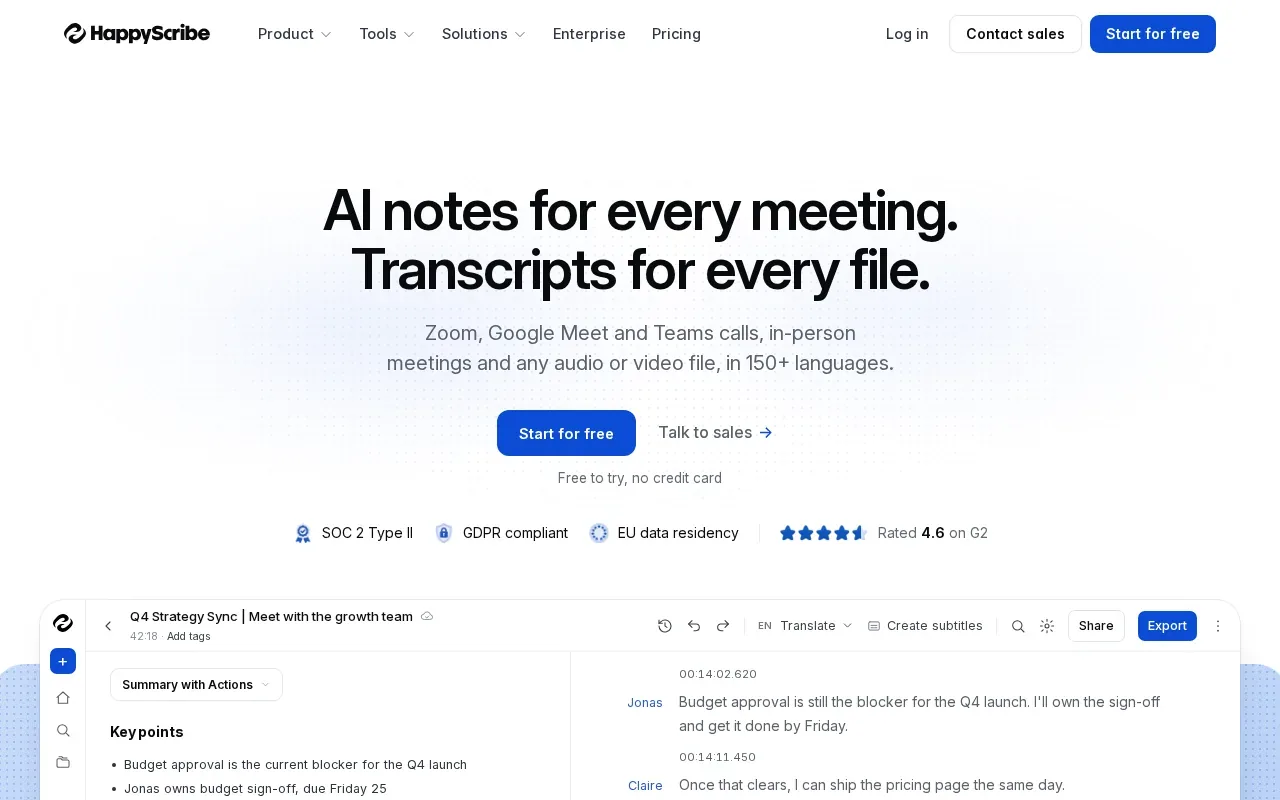
Teach it those terms once, then use the glossary for future interviews. That can reduce repeat edits when a team records several conversations about the same codebase or product. HappyScribe also lists speaker separation and language-aware processing, which can help when more than one person speaks or the interview shifts between languages.
It supports Zoom, Google Meet, Microsoft Teams, iPhone, and Android. The service is free to try without a credit card, with pay-as-you-go pricing per minute of audio. Its glossary is the key reason to consider it for repeated subject matter, rather than for interview coaching.
Glossaries are useful when a candidate keeps naming the same tools or methods, such as Redis, Kubernetes, or a specific internal service. You’ll still want to check the transcript for the correct spelling and meaning.
2. Otter.ai: Capture live interview conversations and notes
Otter.ai’s Meeting Agent supports real-time transcription, live chat, automated summaries, insights, and action items. It suits people who want a meeting-style record of a live conversation, then need to find key points afterward.
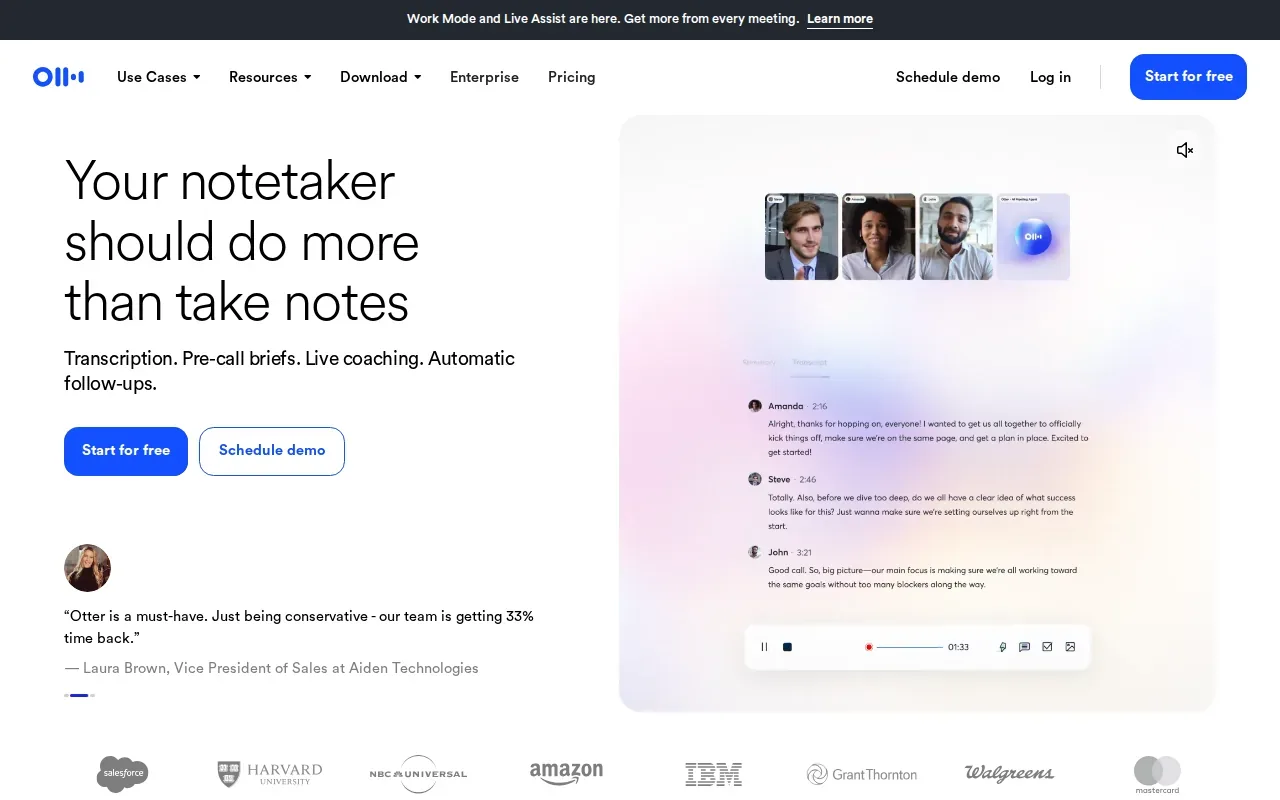
For a mock interview, the transcript can help you review how a prompt was phrased. A summary or action item can also make it easier to note what you want to practice next. But those meeting features are different from problem-type recognition for coding interviews, so consider what kind of follow-up you need.
Otter describes its transcripts as searchable. Searchable text can save time when you need to find a question without replaying the whole recording. The basic trade-off is purpose: it helps capture and organize conversations, while Phantom Code AI is aimed at technical interview guidance.
For any live recording, test the audio setup before a practice round. If the interviewer’s voice is faint or the speakers overlap, the transcript may need careful review.
3. Descript: Edit interview audio and video from the transcript
Descript is an AI audio and video editor that makes editing as easy as editing text. It brings recording, transcription, editing, and publishing into one tool, with a free trial.
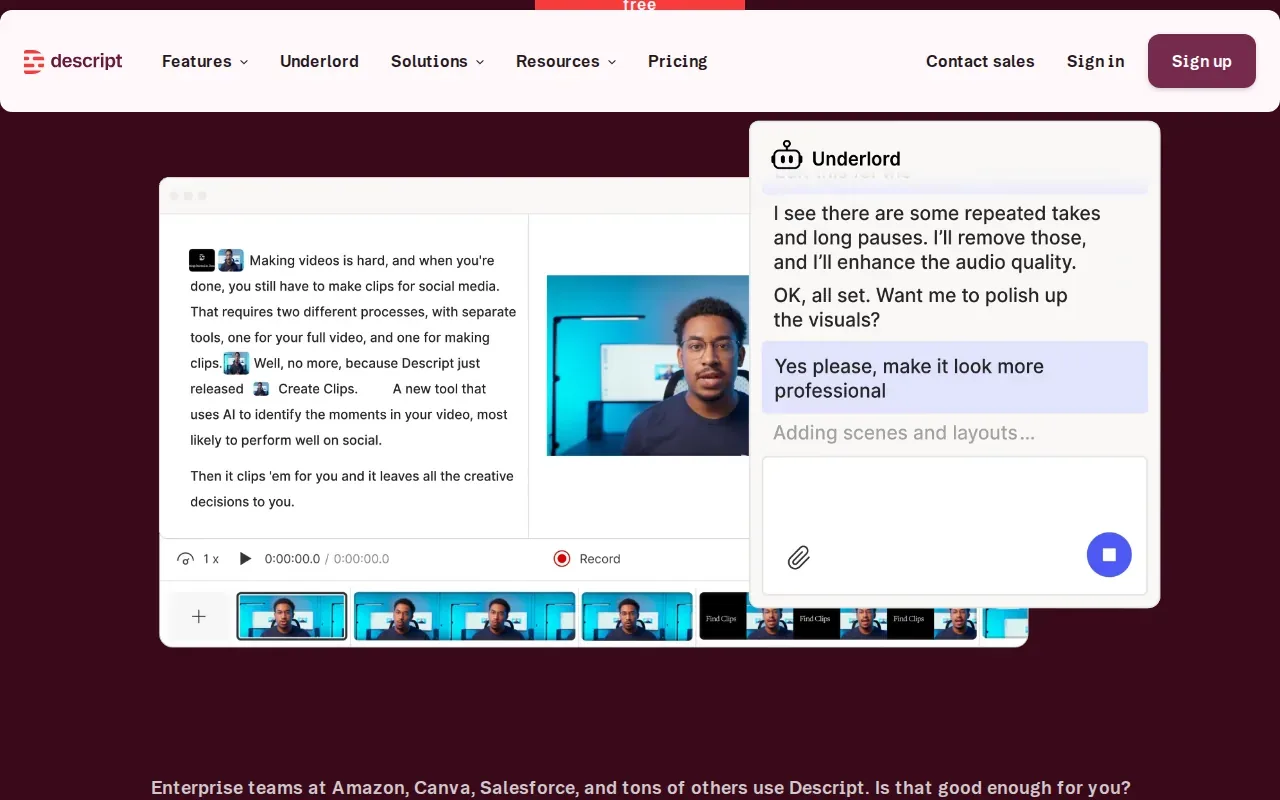
This fits a content workflow more than a live coaching workflow. For example, a team recording an engineer’s interview for a video can work with the transcript while preparing the finished media. Editing by text can be handy when the task is to shape a recording, not only capture what was said.
Keep the transcript tied to the job you need done. If you’re studying your answer to a system-design question, a media editor may be more than you need. If you’re making a clip from an interview, editing from text can fit the work better.
4. Rev: Consider it for review-heavy interview records
Rev’s legal AI platform turns digital evidence into verified, citable findings for case management. It’s a better fit for investigations or records that need close review than for everyday coding practice.
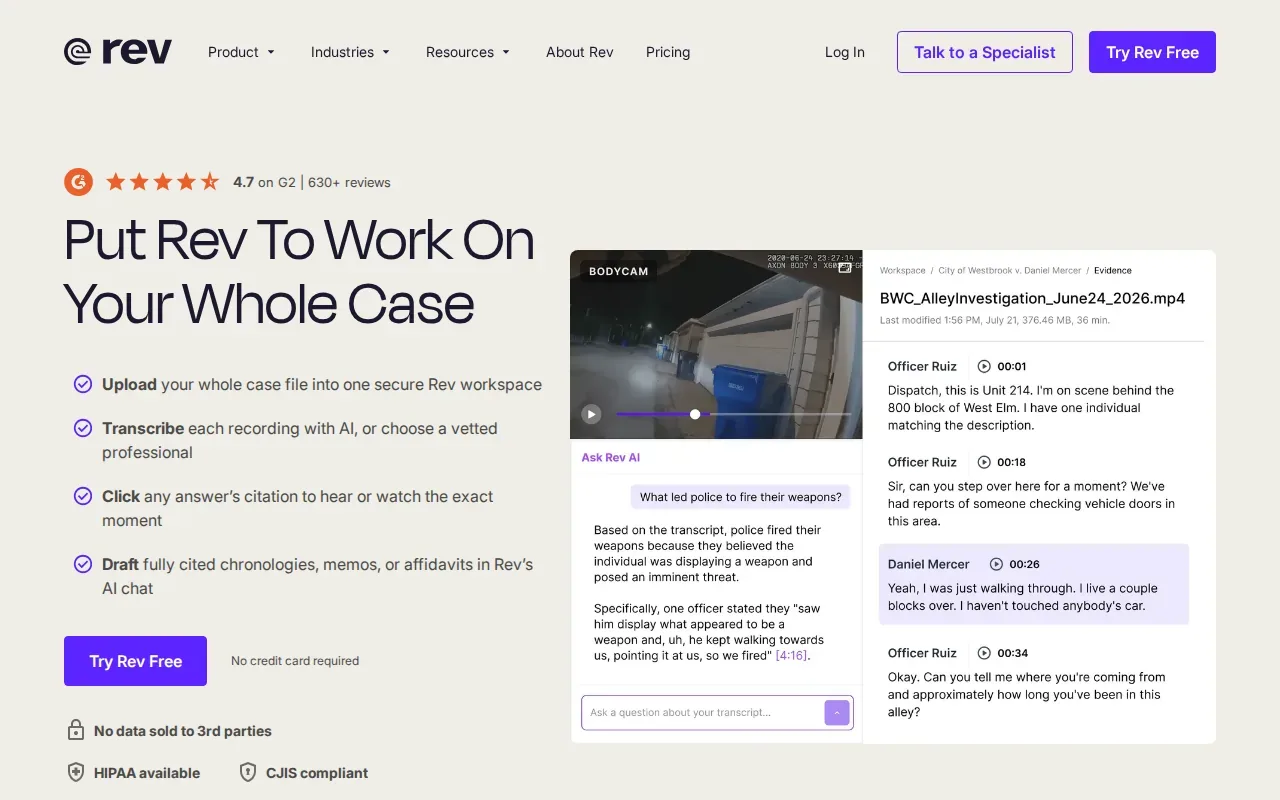
In a review-heavy workflow, the value lies in locating a moment and tying it back to the record. That’s different from simply producing notes after a mock interview. For a hiring or research team, think first about how the transcript will be checked and used, especially when an exact quote matters.
Rev’s focus is investigations built to hold up in court. That makes it relevant to users working with evidence, but it doesn’t make it an interview-prep assistant. Engineers looking for feedback on an algorithm answer should choose based on that need instead.
Transcription also involves choices about how much of a conversation to preserve. A naturalistic transcript keeps details such as pauses and false starts; a more selective transcript puts more weight on clear meaning. The right choice depends on how the record will be used. Transcription represents spoken language in written form.
5. Trint: Collaborate on multilingual media transcripts
Trint supports transcription, translation, and collaboration in more than 50 languages. It’s aimed at media teams that need to work together on interview transcripts or other audio and video.
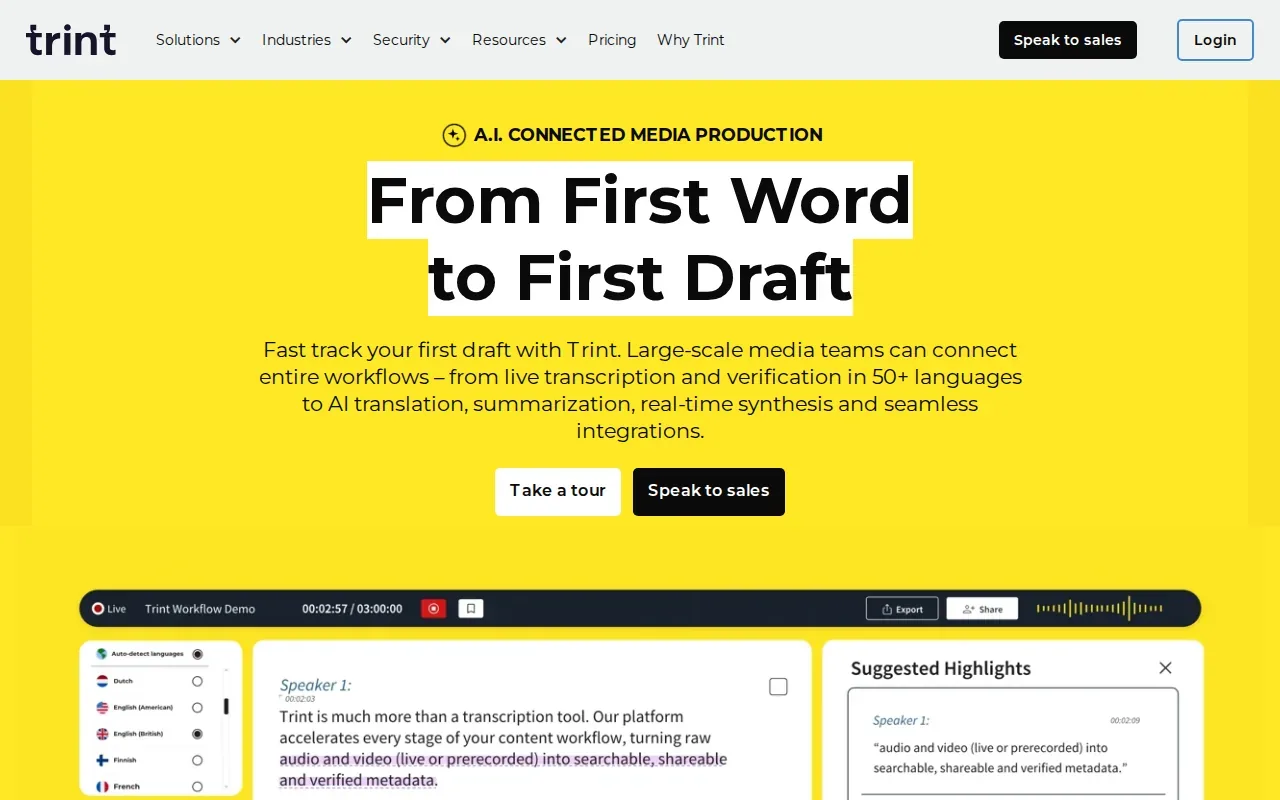
A newsroom working across languages may need to find a quote, share it with an editor, and keep the transcript connected to the story. Trint’s media workflow is built around those tasks. It also supports collaborative work on transcripts, which can help when one person checks a quote while another prepares the next edit.
Language support is a starting point, not a guarantee that every accent or mixed-language phrase will come through correctly. For an interview with specialized engineering terms, review names and code-related words before relying on a quote or using it in a final edit.
Trint makes more sense when several people are shaping media than when a developer only wants to review a personal practice session.
6. Sonix: Compare multilingual transcripts, speakers, and summaries
Sonix transcribes audio and video, with support for more than 54 languages, AI summaries, and speaker detection. It’s a fit for people who need a transcript plus a quick way to scan who spoke and what the conversation covered.
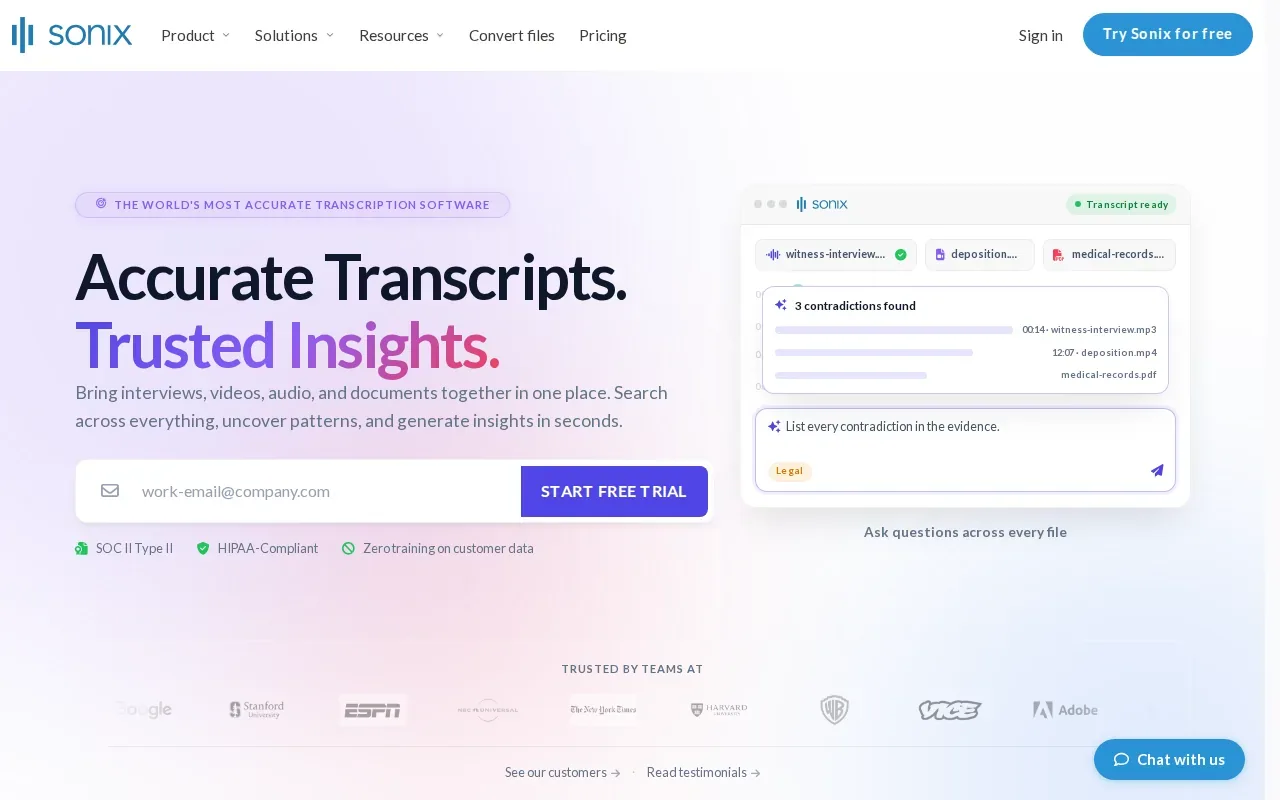
Sonix states 99% accuracy. Treat that as the vendor’s claim, not a promise for every recording. Audio quality, accents, cross-talk, and technical vocabulary can all affect the transcript, so check a short sample that resembles your own interviews.
The table shows how these tools differ by the job they’re built around. It’s a more useful comparison than treating every transcript as the same kind of output.
| Tool | Best fit | Distinctive detail |
|---|---|---|
| HappyScribe | Recurring technical vocabulary | Reusable glossaries |
| Otter.ai | Live meeting notes | Summaries, insights, and action items |
| Descript | Audio and video editing | Edit media from the transcript |
| Rev | Investigation records | Verified, citable findings |
| Trint | Media teams | Transcription, translation, and collaboration |
| Sonix | Multilingual audio and video | Speaker detection and summaries |
Speech recognition turns spoken words into text, but the transcript still needs a human check when a name or technical term changes the meaning.
What to check before choosing
Start with the work after transcription. A mock interview needs review of the question and your reasoning. A recorded interview for a video may need edits and captions. A research transcript may follow a clear style rule.
- Live or uploaded audio: Decide if you need words as the conversation happens or a transcript after the recording.
- Speaker labels and timestamps: Check whether the tool separates speakers and lets you locate a moment in the audio.
- Technical vocabulary: Test it with terms you use often, including acronyms and product names. Glossaries may help when the same vocabulary recurs.
- Editing and export: Look at how you’ll correct text, share it, or move it into your next step.
- Price and review needs: HappyScribe has a free trial and per-minute pricing. Descript has a free trial. Sonix also offers a free trial. Compare the terms for your expected use, and consider human review when a transcript needs close verification.
For engineers, the main question is whether a transcript alone is enough. If you want help classifying a coding or design prompt while practicing, Phantom Code AI is the most directly aligned option here. If you only need a meeting record, a meeting-focused tool may be the simpler fit.
FAQ
What is interview transcription software?
Interview transcription software turns spoken interview audio into written text. Some tools focus on live notes, while others help edit media or organize records for review. For software engineers, the useful distinction is whether the tool only captures the words or also supports the practice task, such as recognizing a coding problem type.
What features should I look for in a transcription tool?
Look for features that match how you’ll use the transcript. Speaker labels can help separate interviewer and candidate; timestamps can help you find a moment again. Editing tools and export options matter if the transcript moves into another workflow. For recurring technical terms, check whether a glossary is available.
Can transcription software handle accents and technical terms?
It can, but results vary by recording and tool. Accents, background noise, overlapping voices, and uncommon technical terms can lead to errors. Test a short recording with the same speakers and vocabulary you expect to hear. Then check names, acronyms, and code terms before you use the text as a study record.
Is free interview transcription software good enough?
A free trial can be enough to test a tool on a short practice recording. HappyScribe and Descript offer free trials, and Sonix offers a free trial as well. Check what the trial lets you do, then compare it with your expected session length and need for editing, speaker labels, or ongoing access.
Should I use AI or a human-reviewed transcript?
AI can produce a draft quickly, while human review can help when the record needs close checking. The right choice depends on the cost of an error and how the transcript will be used. A mock-session recap may need a light review; a legal or research record may call for a stricter process.
Conclusion
For software engineers who want more than a meeting transcript, start with Phantom Code AI and test it in a mock coding or system-design round. Then review the transcript and guidance against the prompt, and choose another tool only if your workflow calls for media editing, team notes, or formal records. Compare live interview transcription tools if capture speed is your next decision point.