Best Interview Transcription App: 5 Options for Engineers

Compare five interview transcription apps for software engineers, including live support, transcript editing, interview insights, and pricing details.
A good interview transcript can help you review a tough answer or spot a missed detail. But tools differ: some capture live speech, while others work with recordings. Here are five options for engineers, including what each one does best and where it fits in your prep.
We analyzed 25 comments from YouTube and Reddit about interview transcription apps and found that 32% mentioned structured interview scorecards.
Table of Contents
- Phantom Code AI
- Otter.ai: live transcription for interview conversations
- Intervool: interview transcription with conversation insights
- Rev: automated or human transcripts for interview recordings
- Sonix: searchable, editable transcripts with multilingual support
- Compare the five interview transcription apps
- FAQ: Interview Transcription Apps
- Conclusion
1. Phantom Code AI
Phantom Code AI is a desktop assistant for coding interviews. It listens to interview audio, transcribes speech in real time, recognizes problem types, and gives guidance during mock or live technical interviews. It’s built for engineers preparing for data structures and algorithms, system design, or behavioral rounds.
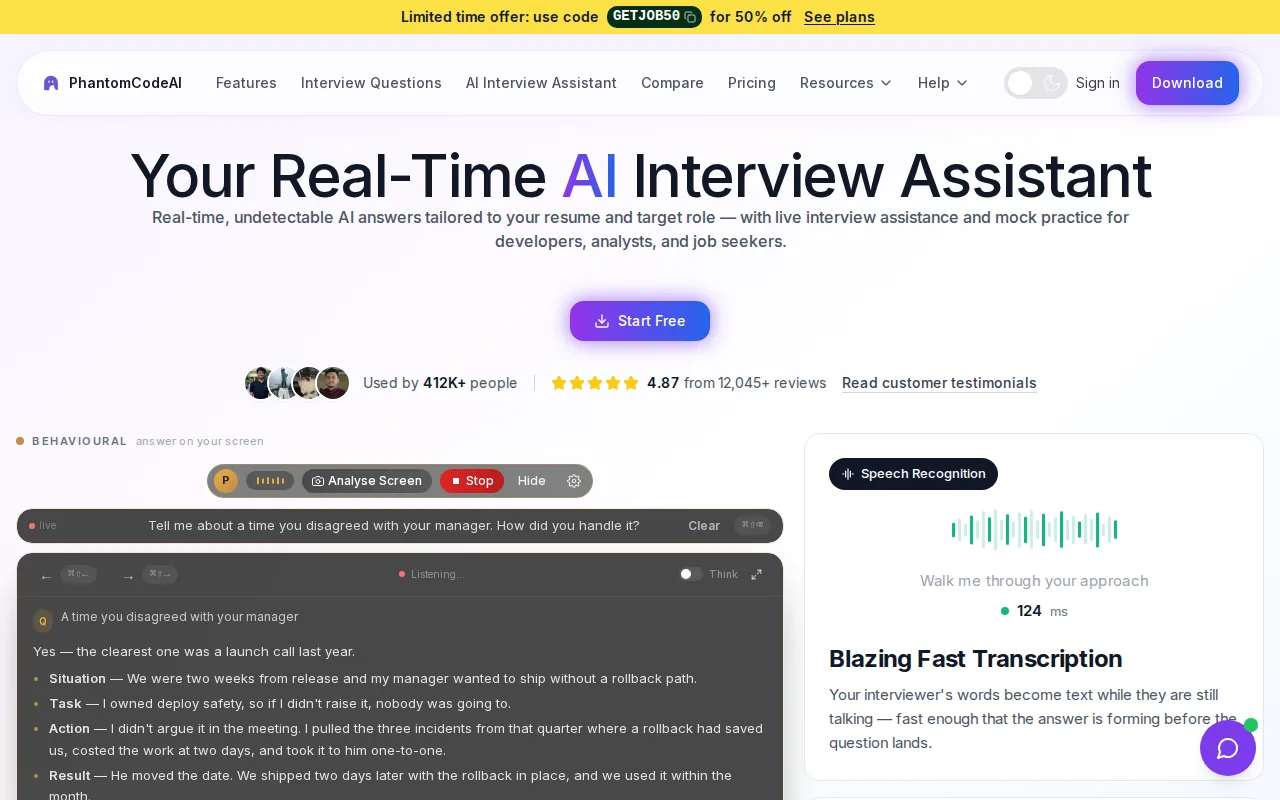
The main distinction is that transcription is part of a live interview workflow, rather than only a record to review afterward. If an interviewer describes a graph problem, for example, the assistant can recognize the problem type and provide real-time guidance. That can help during practice when you want to work through a prompt while keeping the conversation in view.
Phantom Code AI runs on macOS and Windows. New accounts get free credits at signup with no card required, and paid plans start at $19. Before relying on any live assistant in an actual hiring process, check the employer’s rules on AI use. Use mock interviews to practice applying suggestions in your own words.
Live capture also depends on clear audio. Engineers troubleshooting missed terms can use this guide to transcribe interviewer audio more accurately in live rounds.
2. Otter.ai: live transcription for interview conversations
Otter.ai focuses on live conversations. It creates real-time transcripts, labels speakers, and can generate AI summaries. That makes it a fit for engineers who want a searchable record of a practice interview or a meeting where they need to capture what each person said.
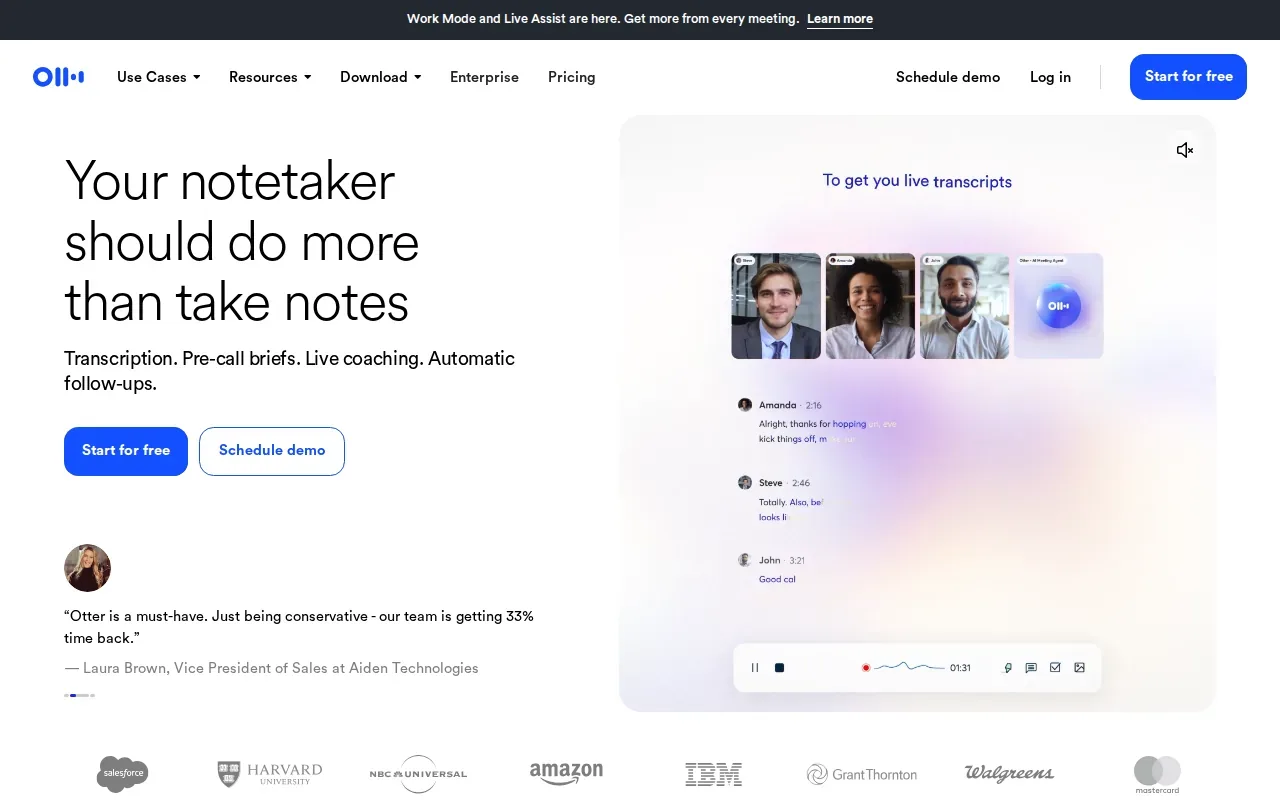
Speaker labels help when you return to a mock interview and want to separate your answer from the interviewer’s prompt. A summary can also help you find the main points before reviewing the full transcript. For example, you might use the transcript to check whether you clarified input limits before explaining an algorithm.
Otter.ai is also relevant beyond job prep. The same live-capture approach can support team meetings, research conversations, or sales calls when the goal is to save a record and review it later. For an engineer, that can mean reviewing a technical discussion without trying to write every detail by hand.
There’s a trade-off: a transcript and summary help you recall what happened, but they’re different from feedback on how you solved a coding problem. If your main need is a written record of a live conversation, Otter.ai fits. If you want interview-specific guidance, compare that need with the first option.
3. Intervool: interview transcription with conversation insights
Intervool transcribes interviews with speaker labels. It can work with calls it joins, in-app recordings, or files you upload. Its focus is conversation research: it extracts pain points and feature requests, then groups themes into personas and roadmap ideas.
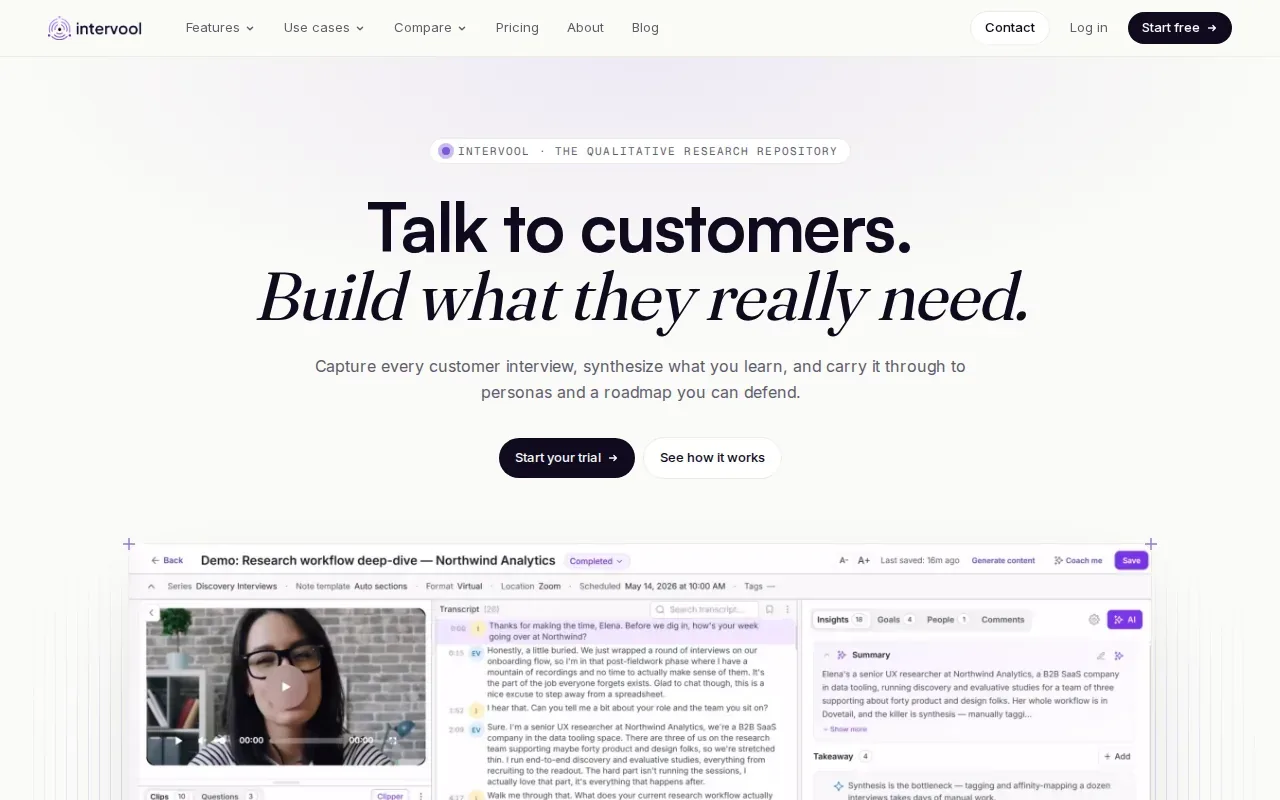
That focus makes it more useful for engineers conducting customer discovery than for candidates who need live coding help. Imagine a product engineer reviewing interviews about a developer tool. Intervool can help pull recurring requests and pain points out of the conversations, then connect themes to the people who raised them.
The transcript can keep speaker turns clear, while the analysis helps organize what people said. That’s a different job from preparing for a technical hiring round. It’s useful when the interview itself is research input and the next task is deciding what the product team should investigate or build.
For teams, its value depends on whether they need interview findings to feed into product decisions. For solo interview practice, the research workflow may be more than you need.
4. Rev: automated or human transcripts for interview recordings
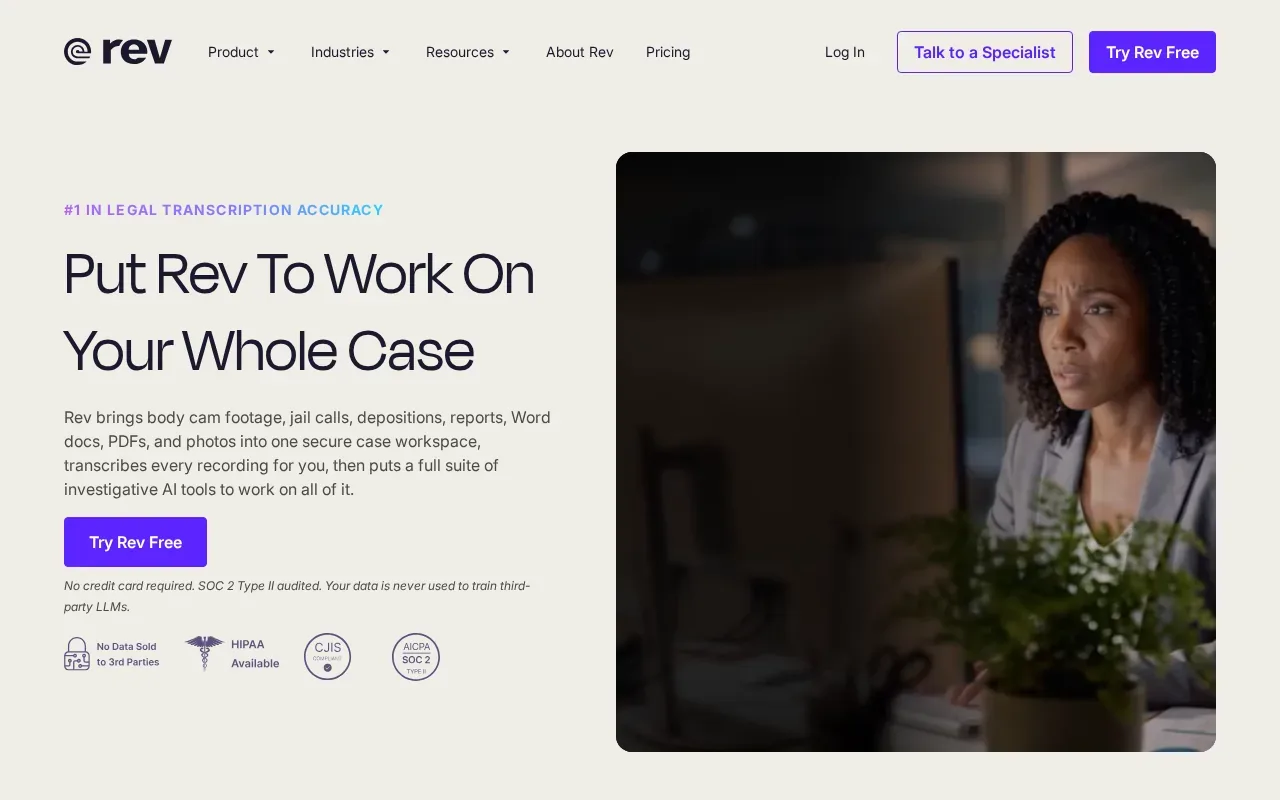
Rev offers automated transcription and human transcription for recorded audio or video. It’s a strong fit when you need a transcript after an interview, especially if the text will be edited for publication or shared as a polished record.
Its human option can be valuable for publication transcripts.
For an engineer reviewing a mock interview, automated transcription may be enough to revisit a response or locate a question. For an interview that will appear in a report or article, a human transcript may be worth considering. Neither option is aimed at giving live guidance during a technical round.
Rev also offers file-level and workspace permissions, encryption in transit and at rest, and compliance controls for its service. If you’re recording a hiring conversation or research interview, first confirm that you have permission to record and store it. The transcript can contain personal or confidential details.
5. Sonix: searchable, editable transcripts with multilingual support
Sonix creates automated transcripts that you can edit in a browser, search, and use to make subtitles. It supports multilingual transcription, so it can suit teams that review recorded interviews in more than one language.
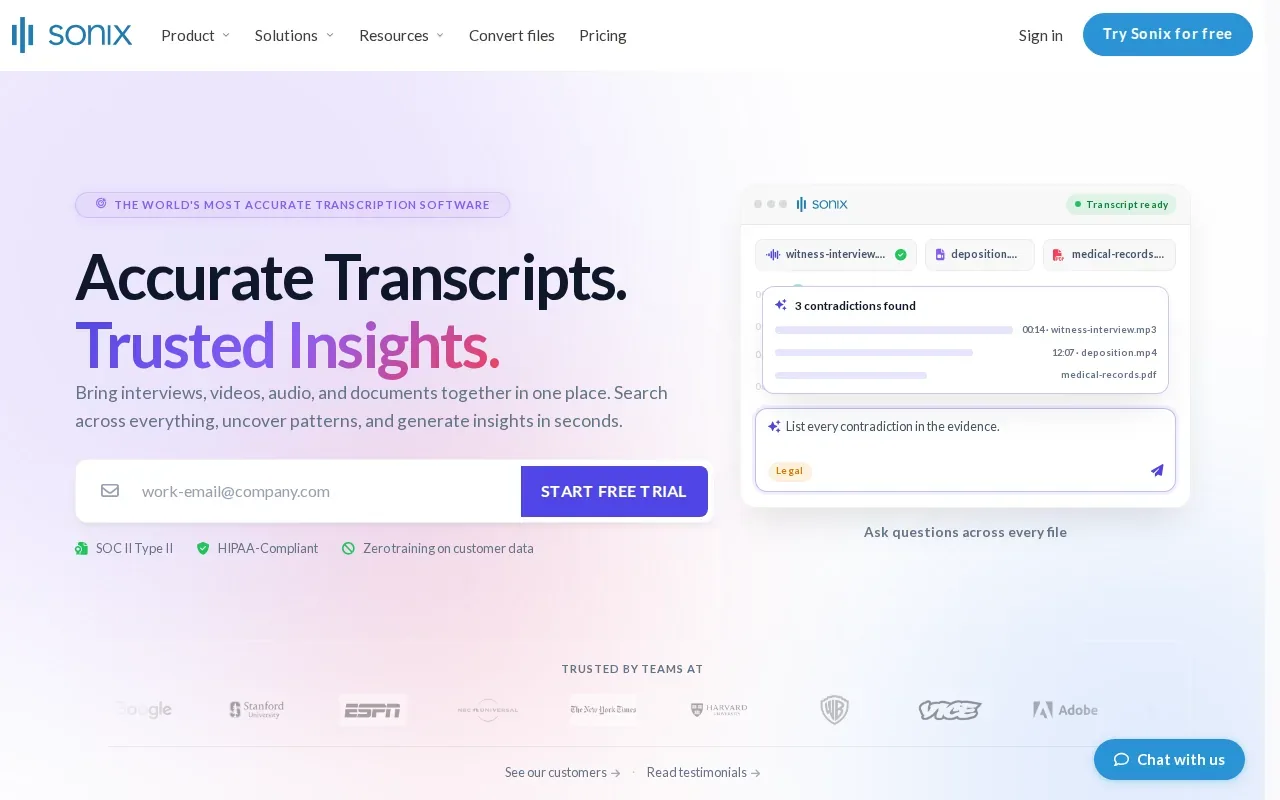
Editing in the browser is useful when a transcript needs cleanup before it goes to a teammate. You can correct a technical term, search for a key phrase, then use the transcript as text rather than replaying the whole recording.
For software engineers, that can help with recorded user interviews, team discussions, or other audio that needs review. It isn’t a live interview assistant: Sonix is built around recorded content.
Check how the transcript handles names, code terms, and speaker turns before you share it. Technical interviews often include language that a general transcript may render incorrectly. A quick review matters if a phrase such as a function name or system component changes the meaning of an answer.
Compare the five interview transcription apps
The main choice is when you need help: during the conversation, or after it ends. Use the table to match the tool to the job. Then check recording consent, transcript handling, and any rules that apply to your interview.
| Option | Live transcription | Best fit | Pricing detail |
|---|---|---|---|
| Phantom Code AI | Yes | Live technical interview guidance and practice | Paid plans start at $19; new accounts get free credits |
| Otter.ai | Yes | Live conversation notes and summaries | See website |
| Intervool | From calls or recordings | Customer interview themes and product research | See website |
| Rev | Recordings | Automated or human transcripts of recordings | Automated and human options |
| Sonix | Recordings | Searchable, editable multilingual transcripts | See website |
Accuracy is hard to judge from a feature list alone. Test a short clip with the same conditions you expect in use. Include a speaker change and a technical term, then check whether the transcript preserves who said what. Also see whether you can edit the text and find a phrase quickly.
Privacy deserves the same care. Some workflows use cloud services, while others may process audio on a device. Confirm where recordings go, who can access them, how long they’re kept, and whether recording is allowed. A transcript is still sensitive data if it contains interview answers or customer details.
FAQ: Interview Transcription Apps
What is an interview transcription app?
An interview transcription app turns spoken conversation into written text. Some tools capture speech live, while others transcribe an uploaded recording. Depending on the tool, you may also get speaker labels, summaries, editing, or search. For engineers, the best fit depends on whether you need live help, a review record, or analysis of research interviews.
Which app can transcribe a technical interview live?
Phantom Code AI and Otter.ai support live transcription. Phantom Code AI is built for technical interview guidance during mock or live rounds, while Otter.ai focuses on live conversations, speaker labels, and AI summaries. Check the interview’s rules before using any assistant during an actual hiring process.
Can I use an interview transcription app for a recording?
Yes. Rev and Sonix work with recorded content, and Intervool can transcribe uploaded interview files. Otter.ai can also transcribe uploaded audio or video. For a recording, check whether you can edit the transcript and search it, then review technical terms and speaker labels before sharing the text.
Are interview transcripts safe to store online?
Safety depends on the service and how you use it. Review its data handling, access controls, retention terms, and security details before uploading a recording. Get consent where required, especially for hiring or customer interviews. If a transcript contains private code, customer data, or personal details, limit access to people who need it.
How should engineers choose a transcription tool?
Start with the job. Choose live transcription if you need to follow a conversation as it happens. Choose an upload-based tool if you mainly review recordings or need to edit and search transcripts later. Test the transcript with technical terms and multiple speakers, then check price, privacy, and any rules on recording or AI assistance.
Conclusion
For engineers who want real-time support during technical interview practice, start with Phantom Code AI. If you mainly need notes or analysis after a conversation, choose a tool built for that workflow instead. Try one practice session, review the transcript for errors, and make sure the tool fits your interview rules.