Best Interview Simulator Tools for Coding Practice

Compare interview simulator tools for coding, system design, behavioral practice, and feedback. Find the right fit for your interview prep.
An interview simulator lets you rehearse interview questions before the real call. The key difference between tools is what they help you practice: coding, system design, spoken answers, or delivery. Here are four options plus Phantom Code AI, with a clear look at who each one suits.
Table of Contents
- Phantom Code AI
- Interview Sidekick: Practice across coding and behavioral interviews
- interviewing.io: Anonymous practice with experienced engineers
- Big Interview: Video lessons and AI mock interviews
- Yoodli: Focused coaching on speaking and delivery
- Interview Simulator Comparison: Match a Tool to Your Prep Goals
- FAQ
- Conclusion
1. Phantom Code AI
Phantom Code AI is a desktop assistant for technical interview practice. It listens to interview audio, transcribes it, recognizes problem types, and provides real-time guidance during mock or live technical interviews. It runs on macOS and Windows, and new accounts get free credits at signup with no card required.
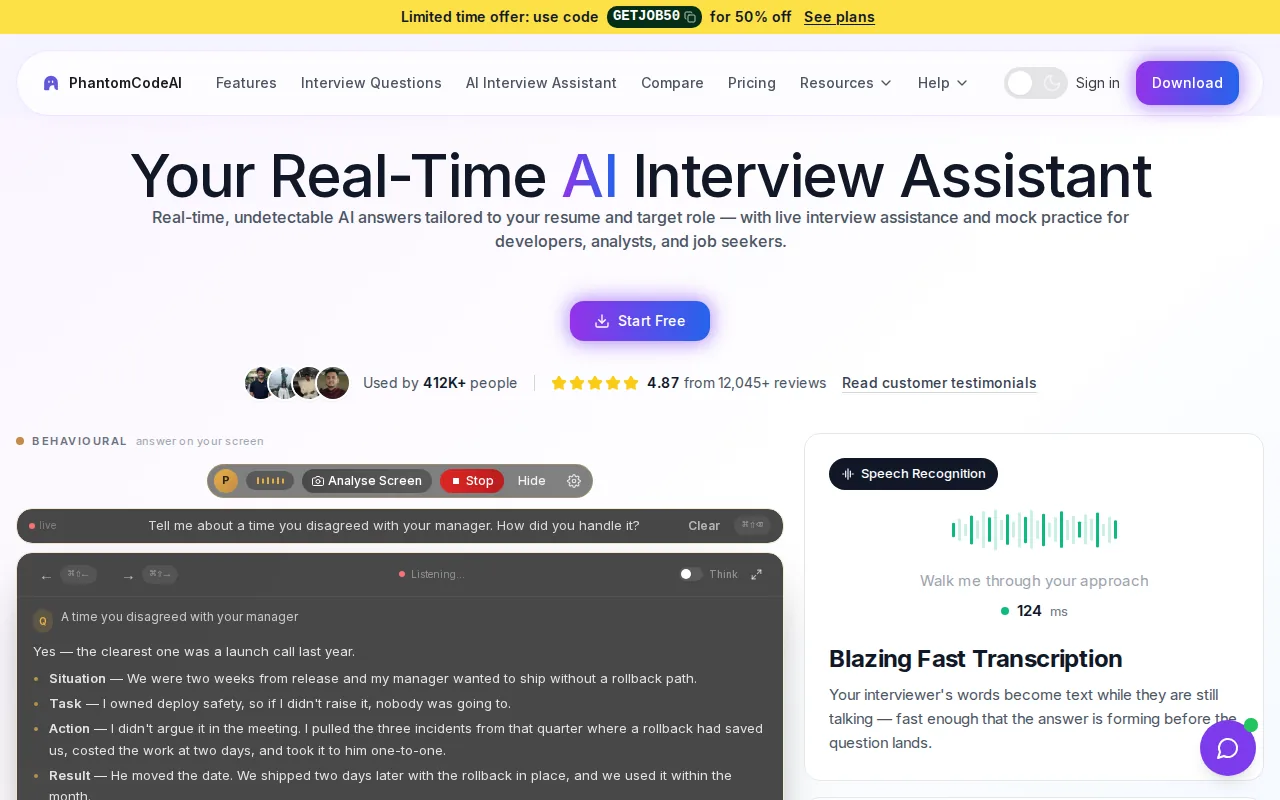
It’s a fit for software engineers who want support while working through DSA, system design, or behavioral questions. Say an interviewer gives you an array problem. Phantom Code AI can help identify the problem type while you work through your own approach. The goal is to keep your attention on the prompt and your explanation, not on searching for a hint mid-session.
Real-time help is a distinct feature in this category. The broader research found that real-time feedback during a mock interview was rare, and Phantom Code AI was the only tool in that set reported to provide it. None of the platforms in that research listed IDE integration, so developers should check how a tool fits alongside their usual editor before choosing.
If you want to compare live interview support with broader coding copilots, see this comparison of coding interview copilot tools. Phantom Code AI is a strong fit here when immediate guidance is your main need. Use any live assistance in a way that follows the interview’s rules.
2. Interview Sidekick: Practice across coding and behavioral interviews
Interview Sidekick is an AI interview assistant for coding, behavioral, and technical interviews, with mock interviews as well. It suits candidates who want to practice more than one interview type in the same tool.
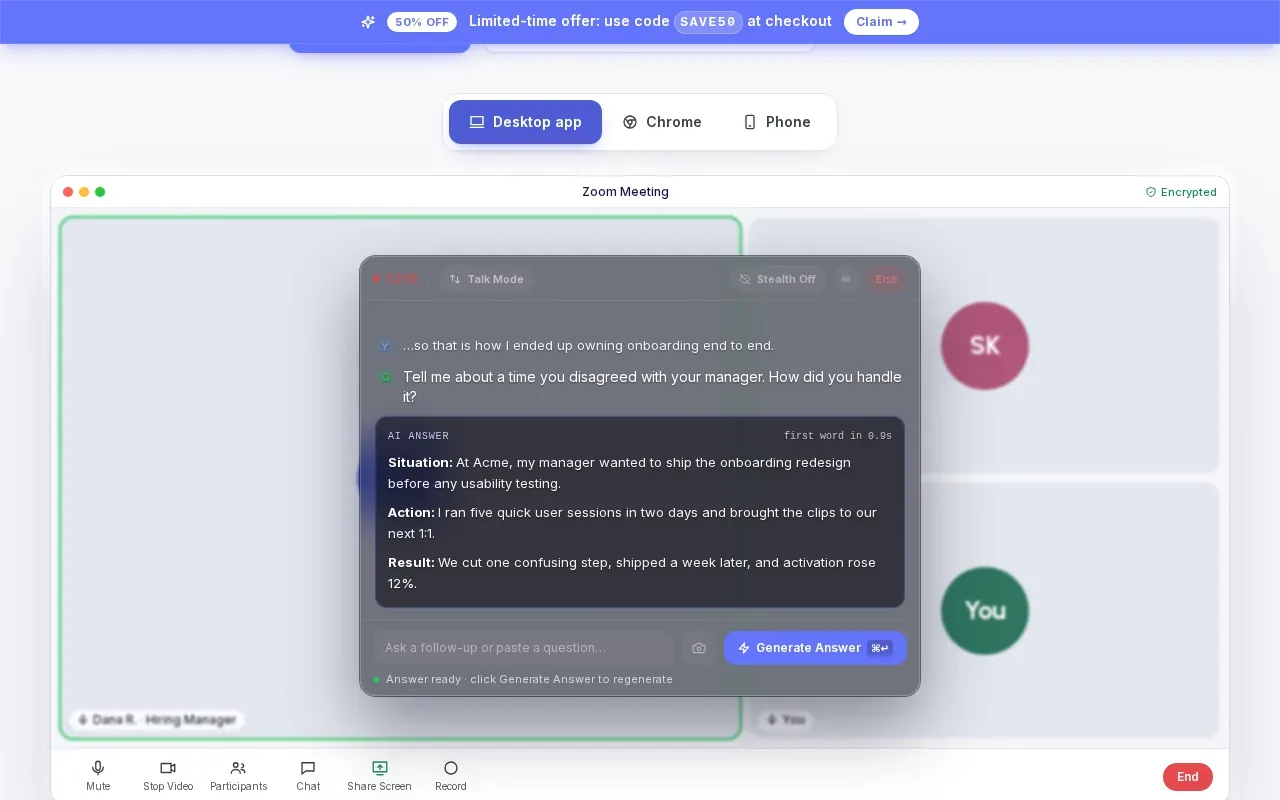
That range can help when your interview loop includes a coding round and a behavioral round. For example, you might rehearse how you’d explain a data structure choice, then work on a concise answer about resolving a project conflict. Keep the practice focused on the role: a general answer is less useful than one tied to the job description and your own work.
For behavioral questions, prepare a few stories that can flex across prompts about ownership, teamwork, or deadlines. Structure each one with the STAR method: situation, task, action, and result. The result matters, so say what changed after your action rather than ending with what you did.
One useful drill is to answer the same story in two ways: first in a longer version, then in a tighter version that keeps the result. That shows whether you can cut background details without losing the point. Interview Sidekick is worth considering if you want both mock interviews and coverage across technical and behavioral topics.
3. interviewing.io: Anonymous practice with experienced engineers
interviewing.io provides anonymous mock interviews with experienced engineers, plus a free AI interviewer for coding and system design. It’s best suited to engineers who want technical practice and value feedback from a person as part of their prep.
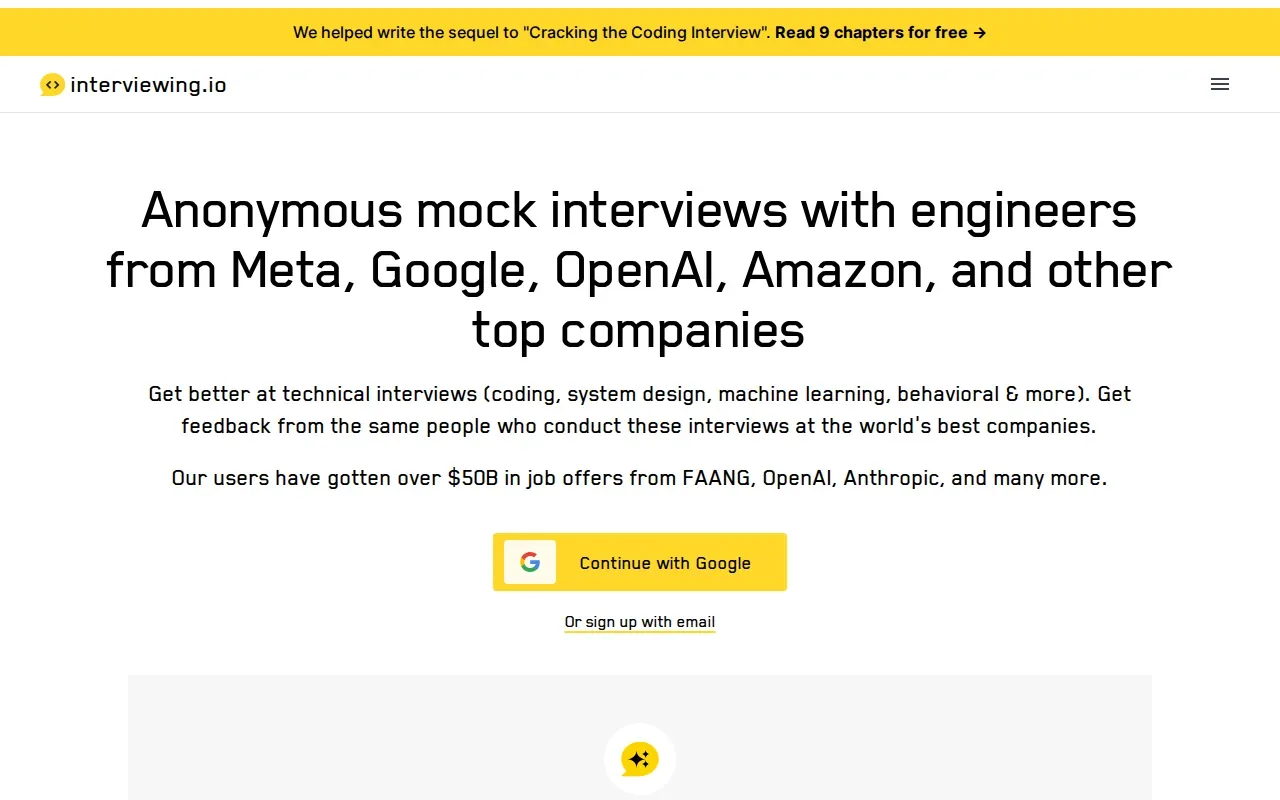
Use a coding mock to practice explaining your plan before you start typing. For a system design round, rehearse how you clarify requirements and explain tradeoffs as the design changes. Those are different skills from recalling a solution on your own, so a timed mock can reveal where your explanation gets hard to follow.
The platform’s anonymous format can make it easier to focus on the interview itself rather than on who is watching. The AI interviewer gives you another way to practice coding and system design. Human feedback and AI practice fill different roles: one gives you another person’s response to your performance, while the other gives you a practice format you can return to.
Prepare questions for interviewers, such as how the team measures success in the role or what challenges the person in the job may face.
4. Big Interview: Video lessons and AI mock interviews
Big Interview combines video lessons with AI-powered mock interviews. It’s a strong match for students who can access it free through their school’s career center, and for candidates whose main prep need is behavioral, situational, or industry-specific questions.
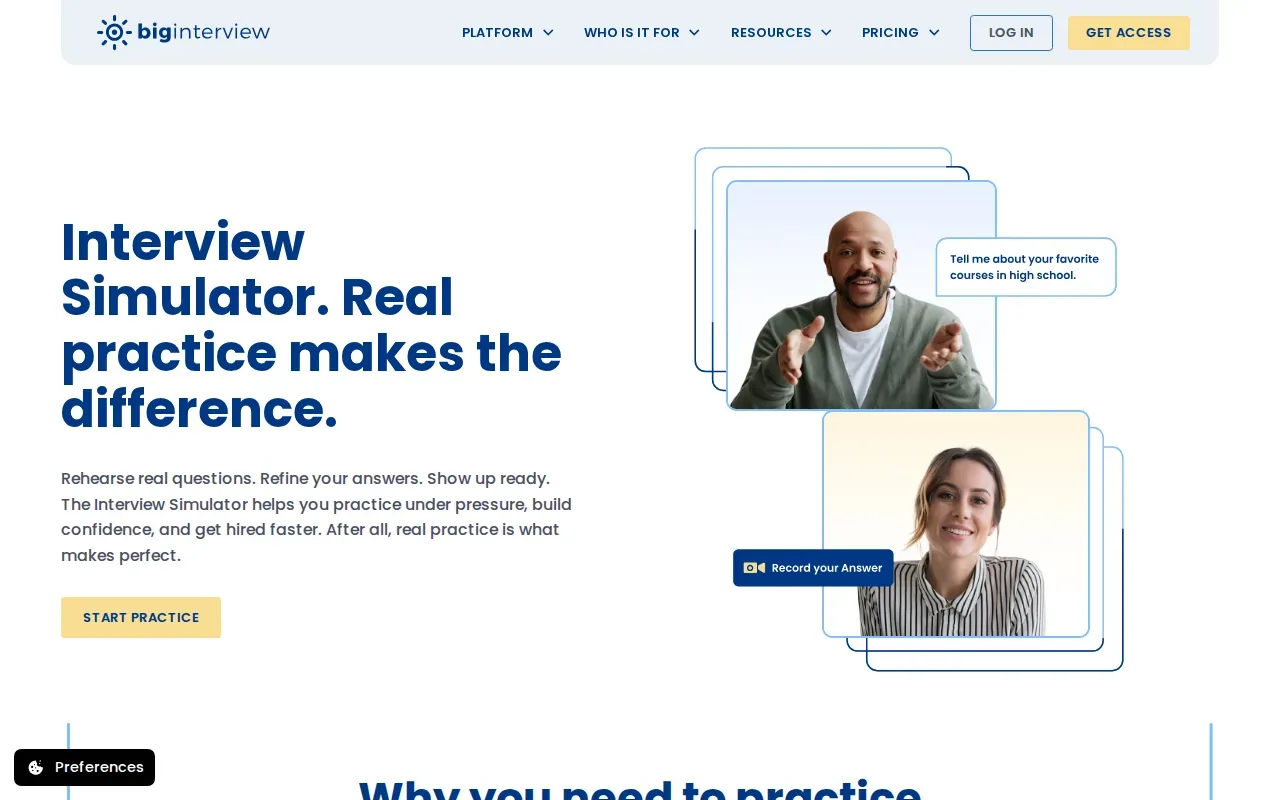
Video lessons give you a way to review interview skills before you record or rehearse an answer. Then use a mock interview to practice aloud, rather than only reading notes. If you’re preparing for a software role, tailor your examples to the job: a story about a production issue can show how you handled pressure, while a project example can show how you worked through a technical decision.
Big Interview’s focus is broader than coding practice. That can be useful if you’re preparing for a behavioral round, but it may not be the best fit when your main goal is live technical guidance or repeated system design drills. Check whether your school’s career center gives you access before you build it into your prep routine.
Try recording an answer to “Tell me about yourself,” then watch it once without stopping. Note whether you connect your past work to the role, and whether your answer ends with a clear reason you’re interested.
5. Yoodli: Focused coaching on speaking and delivery
Yoodli focuses on how you speak. It tracks filler words and supports behavioral interview delivery practice. Its free Starter tier is limited to five sessions for the lifetime of the account, and feedback comes after the session rather than in real time.
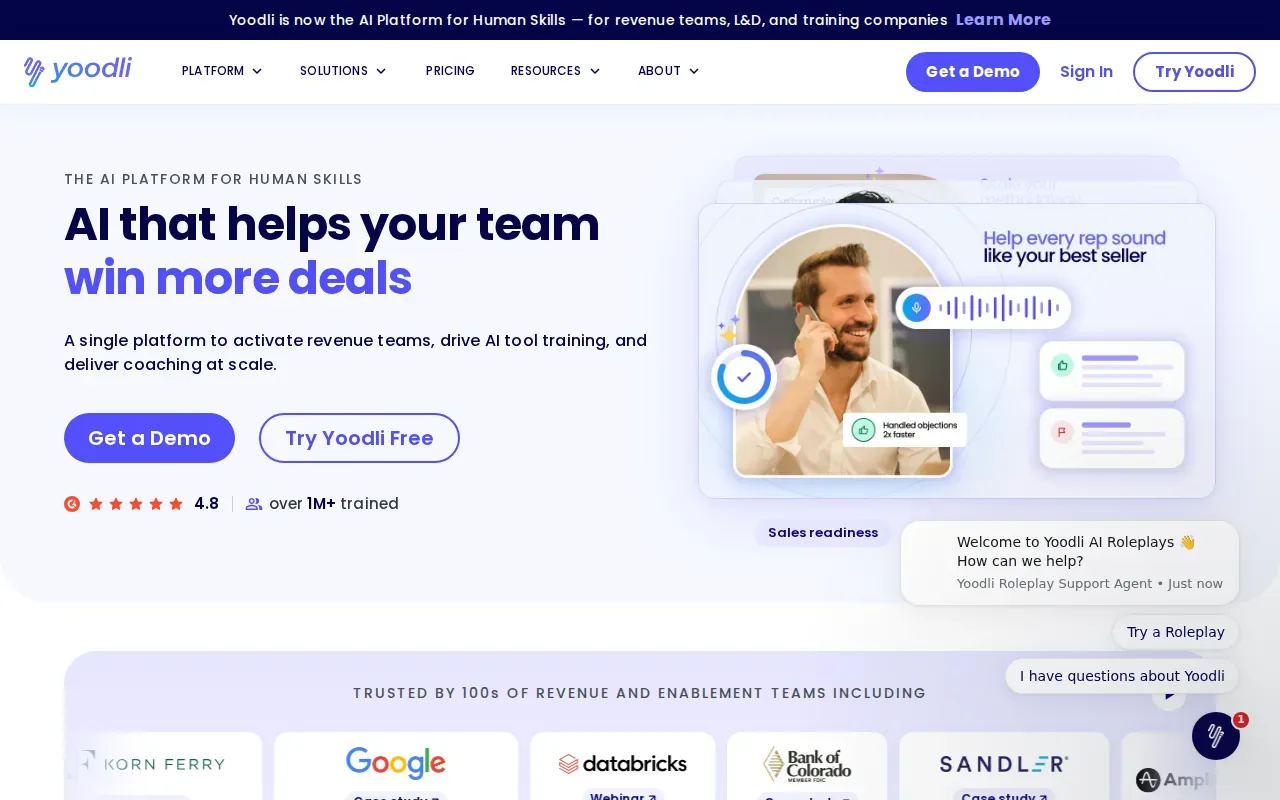
That focus helps when your answers are sound but hard to follow. You can rehearse a behavioral response, then review how clearly and concisely you spoke.
For an engineer, this can be useful when explaining a complex project to a non-specialist interviewer. If you keep saying “um” while moving between the problem and your action, review the recording and mark the point where your answer loses shape. Then repeat the answer with one clear point for each part of the story.
Yoodli is a delivery coach, not a substitute for solving coding problems or defending a system design. Pick it when spoken clarity is the gap you want to work on. If your biggest challenge is the technical content itself, pair delivery practice with a tool focused on coding or design rounds.
Interview Simulator Comparison: Match a Tool to Your Prep Goals
Start with the skill you need to improve, not the longest feature list. These tools cover different parts of interview prep, so the right fit depends on the round you’re facing and the kind of feedback you’ll use.
| Tool | Best fit | Feedback or practice angle |
|---|---|---|
| Phantom Code AI | Technical interviews needing live guidance | Real-time guidance during mock or live interviews |
| Interview Sidekick | Coding, behavioral, and technical prep | Mock interview practice across interview types |
| interviewing.io | Coding and system design | Anonymous engineer mocks plus a free AI interviewer |
| Big Interview | Behavioral and situational prep | Video lessons and AI mock interviews |
| Yoodli | Spoken answer delivery | Post-session review of speaking habits |
A useful practice session should feel close to the round you’ll face. Set up the same kind of workspace, keep your notes brief, and answer aloud. After each question, check whether your answer was clear, whether you covered the key points, and whether you sounded confident without rushing. Pause and replay a recorded answer when you need to hear where it wanders.
For custom practice, write a prompt based on the job description and ask a question generator to produce variations. For a backend role, that might mean asking how you’d handle a service that slows down under load, then changing the constraint to test a different tradeoff. Keep a small set of questions for each target role instead of drilling generic prompts alone.
FAQ
What is an interview simulator?
An interview simulator is a tool or practice setup that recreates parts of a job interview. It may ask questions, record your answers, or give feedback on how you respond. For software engineers, a useful simulator should match the round you’re preparing for, such as coding, system design, or behavioral practice.
How do I practice for a coding interview with a simulator?
Practice under a time limit and explain your thinking as you solve the problem. Restate the prompt, ask any needed questions, outline an approach, then test edge cases. Afterward, review whether you explained the tradeoffs and kept your answer clear. Repeating the same problem without reviewing your process can leave the same gaps in place.
Can an AI interview simulator help with behavioral questions?
Yes, some tools support behavioral practice, and others focus on spoken delivery. Prepare a few work stories that fit common themes like conflict, initiative, or a deadline. Use STAR to keep each answer in order, then review whether you explained the outcome. Adjust the story to the question instead of reciting a memorized script.
How should I review a recorded mock interview?
Review one answer at a time. Check if you addressed the question, gave enough context, and explained your own actions. Then listen for long pauses, filler words, or details that bury the main point. Write down one change to make and record the answer again. For video practice, also check whether your posture and eye line feel natural.
Conclusion
Choose the tool that matches your next interview round: Phantom Code AI for real-time technical guidance, interviewing.io for engineer-led practice, or a speech-focused option when delivery needs work. Pick one upcoming question and run a timed practice session today, then review what you’d change before the real interview.