Best Coding Interview Copilot Tools for Engineers

Compare coding interview copilot tools for live coding, system design, and behavioral practice. See what each tool does and where it fits.
A coding interview copilot can help you think through a problem while the clock is running. But tools differ in what they hear, what they recognize, and how much of an interview they cover. Here are six options, plus Phantom Code AI, with the details that matter for technical rounds.
We analyzed 62 comments and questions from YouTube, Quora and Reddit about coding interview Copilot and found that 23% mentioned platform compatibility and reliability issues.
Table of Contents
- Phantom Code AI
- Interview Coder: Coding and system-design problem recognition
- ParakeetAI: Multilingual, low-latency transcription
- Natively: Local processing for privacy-conscious practice
- Interview Solver: A coding-round-focused option
- Craqly: Support across multi-stage interview loops
- Interview Sidekick: Live transcription in 31 languages
- FAQ
- Conclusion
1. Phantom Code AI
Phantom Code AI is a desktop assistant for live technical interviews and mock practice. It listens to interview audio, transcribes questions, recognizes problem types, and gives real-time guidance. It’s a strong fit if you want coding help alongside support for system design and behavioral questions.
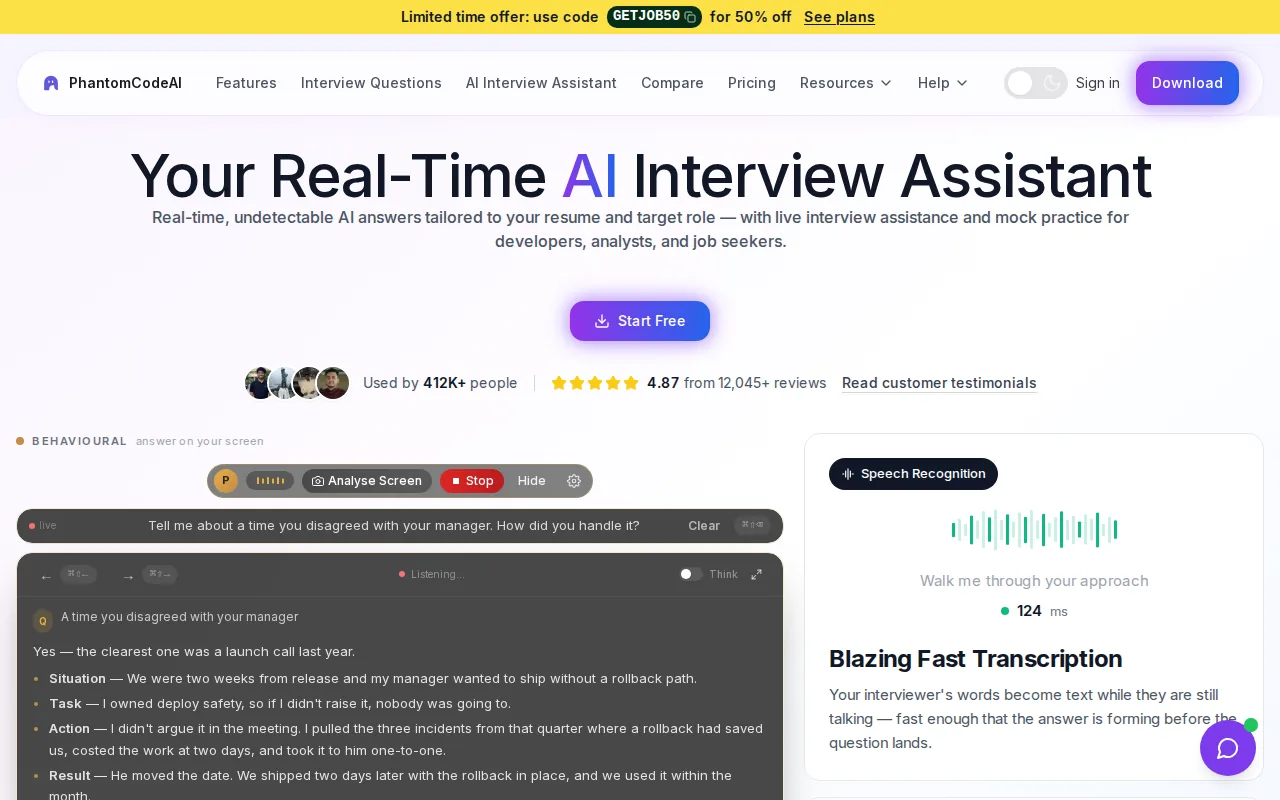
For a DSA prompt, the assistant can help frame an approach and explain time and space complexity. For a design question, it can support discussion of high-level or low-level design. The key distinction is automatic problem recognition: you can focus on clarifying the question instead of first sorting the round into a tool mode.
The desktop app runs on macOS and Windows. New accounts get free credits without a card, and the Starter Credit Pack costs $19. That gives you a way to try the workflow before choosing a subscription or another credit pack.
Phantom Code AI is designed to stay out of screen recordings and screen shares. That feature should never be treated as permission to use AI in a real interview. Check the employer’s rules first, and use mock sessions when the policy requires unaided answers.
If you want more detail on how live coding support fits with common coding platforms, see the Phantom Code AI coding copilot for live coding rounds. Use a mock problem to check that the audio and guidance suit your setup before an interview.
2. Interview Coder: Coding and system-design problem recognition
Interview Coder focuses on LeetCode-style algorithm screens and system design questions. It’s a fit for engineers whose interviews center on technical problem solving and who want fast suggestions while working through a prompt.
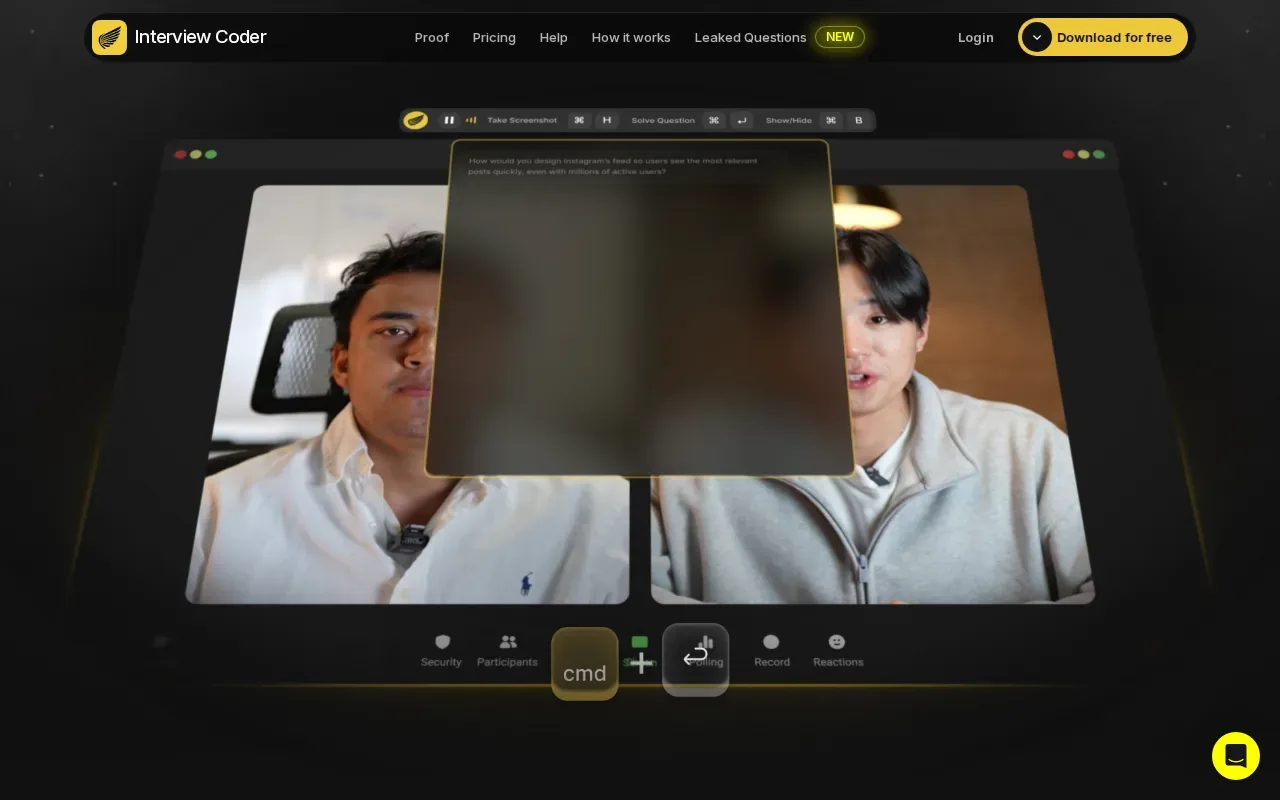
When reviewing a suggested solution, check whether the algorithm matches the input limits, then test boundary cases and explain the trade-offs yourself.
Detection and screen-sharing behavior can vary by platform and setup, so don’t infer that a tool will be hidden in every interview environment.
There’s also a difference between recognition and understanding. If a prompt looks like a familiar pattern, verify the assumptions before accepting a suggested solution. For example, a sliding-window approach may fail if the problem allows negative values. Ask why the pattern applies, then test the edge cases that could break it.
Use this option when your prep is mainly algorithm screens and system design. If your interview loop also includes behavioral rounds, plan to practice those separately.
3. ParakeetAI: Multilingual, low-latency transcription
ParakeetAI puts live transcription at the center of its workflow. It may suit candidates who need language support during a call, especially when the interview isn’t conducted in their first language.
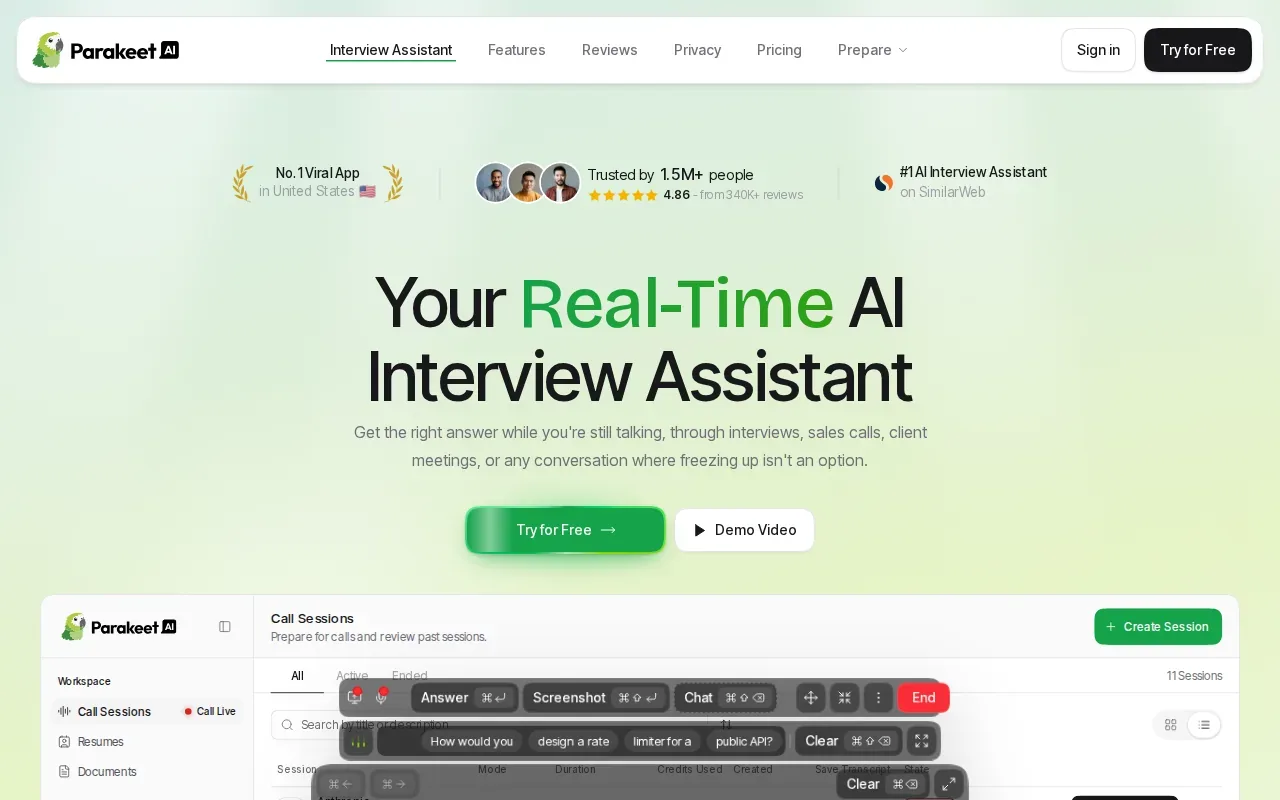
ParakeetAI supports transcription in 50+ languages. It’s still worth checking that the transcript captured technical terms, variable names, and constraints correctly.
Language coverage and transcription quality solve a different problem from screen-share behavior. Neither one removes the need to follow the interview’s rules.
For a spoken coding prompt, listen for details that can change the solution, such as whether the input is sorted or whether duplicates are allowed. If the transcript misses one of those facts, a polished answer can still be wrong. Confirm the prompt in your own words before you rely on any suggested approach.
Choose ParakeetAI when multilingual transcription is the main need. For problem recognition across several interview types, compare its focus with tools that explicitly identify coding or design questions.
4. Natively: Local processing for privacy-conscious practice
Natively is an interview assistant that processes audio transcription, screen OCR, and language-model inference on the device. It’s a strong fit for engineers who care about local processing and want coding help based on both spoken questions and visible screen content.
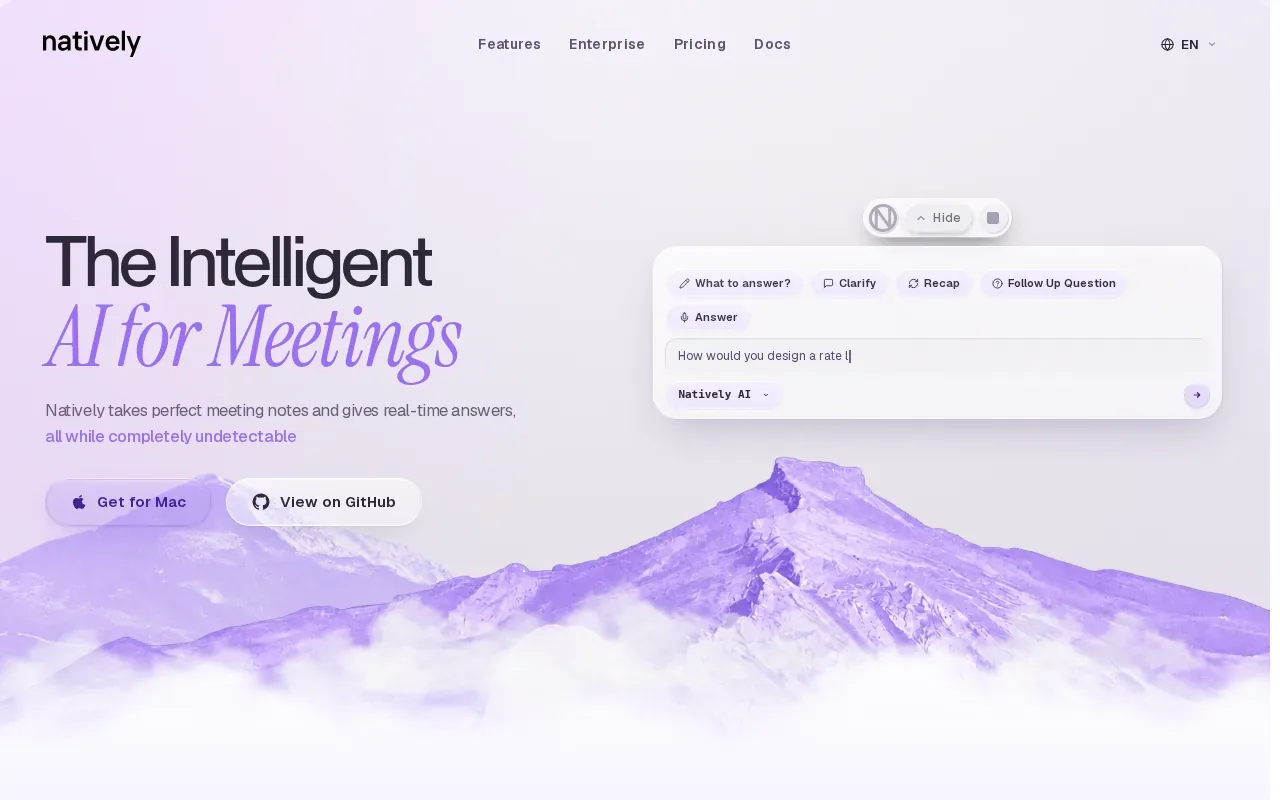
That screen context can matter when an interviewer shares a problem statement or code. Natively can use OCR to read what’s shown, then combine it with the transcribed question. For a graph problem, for example, the screen may contain the exact constraints while the interviewer explains the task aloud.
It can run free with Ollama or with your own API key. Local processing with Ollama avoids sending session content to a remote model for inference. With a cloud API key, the inference path differs, so check the provider and settings that apply to your setup.
Natively may be useful for checking an algorithm idea or asking for a concise explanation. Treat the output as a draft: test the code, reason through time and space costs, and make sure you can explain each choice without reading a script.
This option is best when on-device processing is a priority. Confirm that the specific operating system and model setup you plan to use match your needs before relying on it in a session.
5. Interview Solver: A coding-round-focused option
Interview Solver is aimed at coding-round support. It’s a reasonable fit for engineers preparing for algorithm-heavy interviews who want a tool centered on coding rather than a broad interview workflow.
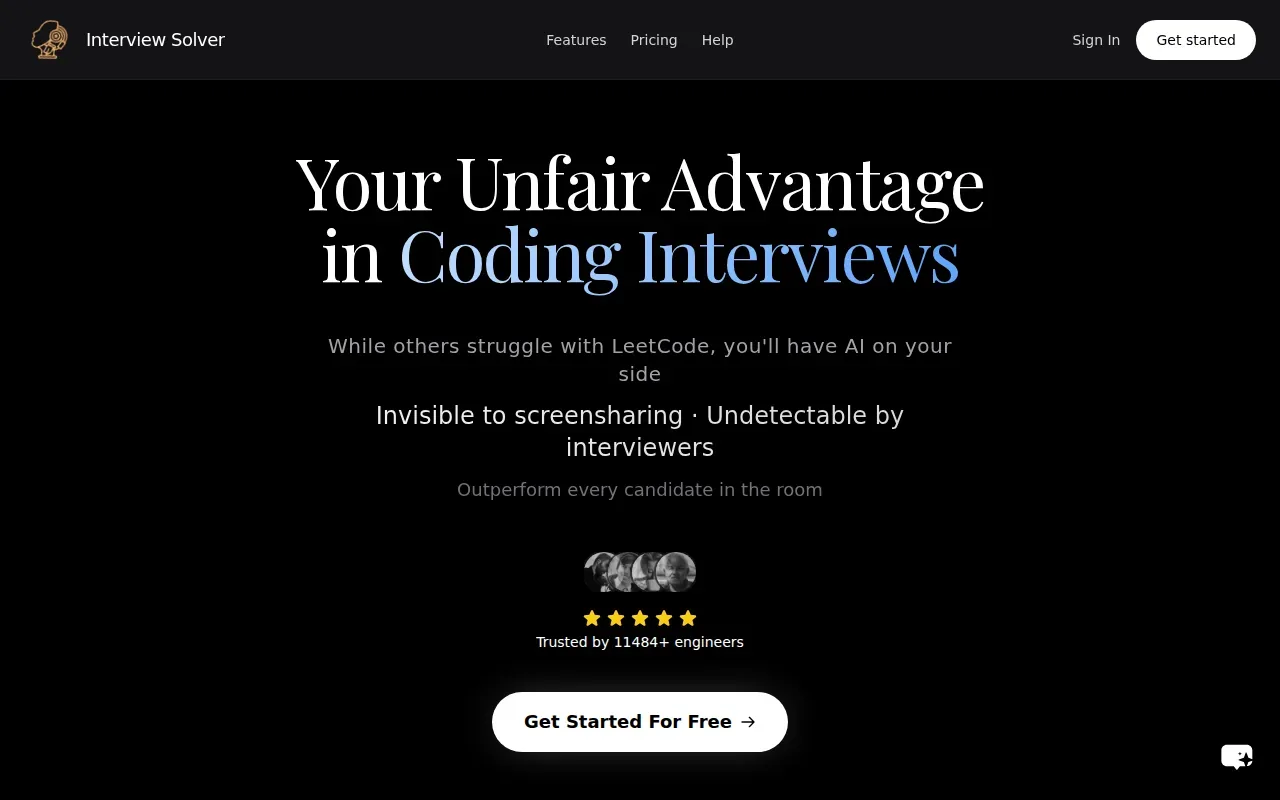
Interview Solver recognizes coding problems, but its coverage is limited to coding rounds. That narrower scope can make the choice clear if your next screen is a coding exercise. It won’t cover a full loop by itself if you also need to prepare for behavioral questions.
For a coding prompt, don’t stop at whether the answer looks familiar. Walk through a small example by hand, then test edge cases such as an empty input or repeated values when the prompt allows them. Compare the result with the stated constraints and make sure you can explain why the chosen data structure fits.
That review matters for every copilot. Code that passes a sample case may still have the wrong complexity or miss an assumption. Use suggestions as a way to check your reasoning, not as a replacement for being able to defend the solution in your own words.
Interview Solver is worth considering when pure coding performance is your priority. If the interview includes design or behavioral rounds, pair it with separate practice for those parts.
6. Craqly: Support across multi-stage interview loops
Craqly supports coding, behavioral, and system-design questions with real-time assistance. It suits candidates who want one tool to cover several stages of an interview loop rather than focusing only on algorithms.
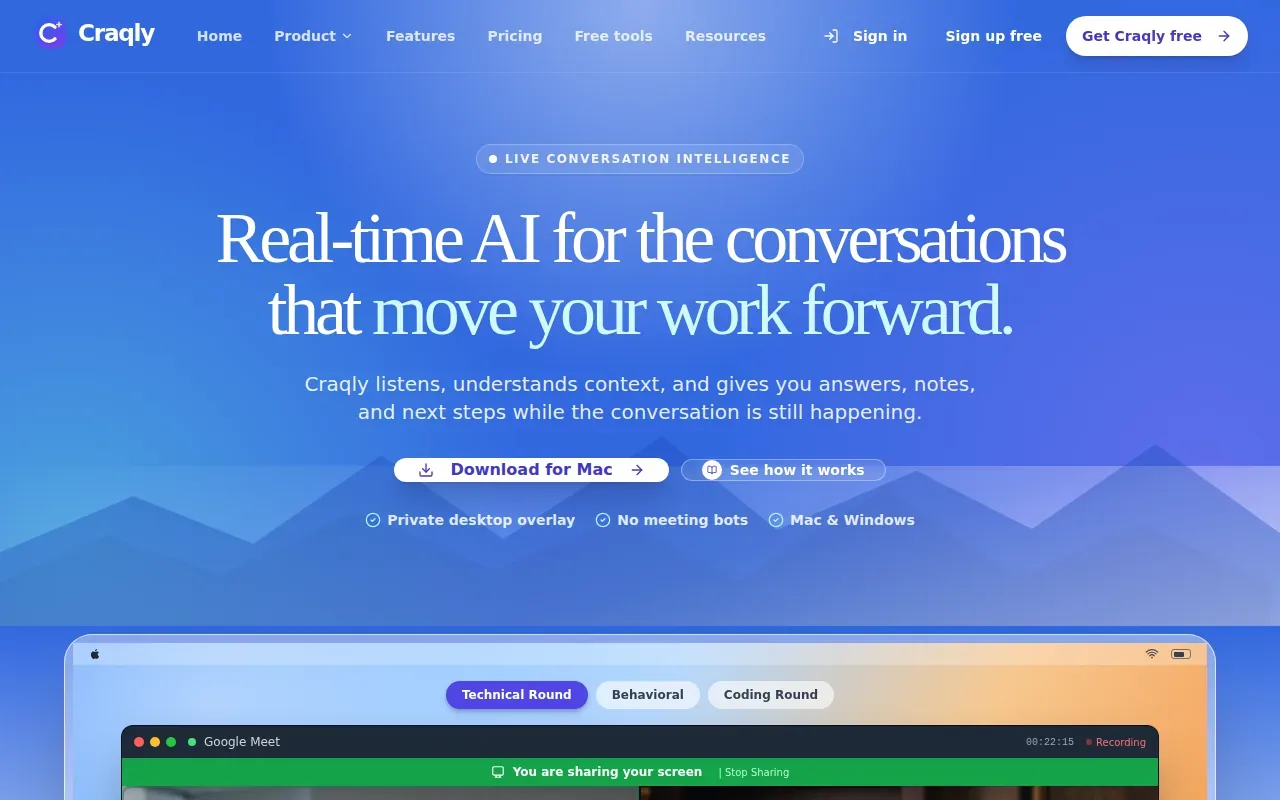
For coding tasks, Craqly can read the problem on screen and provide hints, an approach, or a full solution with complexity analysis. Its guidance also includes tricky edge cases. You can start with a hint, try the problem yourself, and ask for a fuller approach only if you get stuck.
Craqly’s behavioral support uses a STAR structure. The tool also supports system design, so it can cover more of a software engineering loop. For live calls, it captures meeting audio from platforms such as Zoom, Teams, and Google Meet.
If the screen capture misreads a constraint, correct the context before using the answer. A wrong input can lead to a plausible but unsuitable solution.
Craqly fits best when the loop moves between coding and non-coding rounds. In practice mode, use its feedback to rehearse your explanation, not just to see whether the final answer is correct.
7. Interview Sidekick: Live transcription in 31 languages
Interview Sidekick supports live transcription and AI answers in 31 languages. It may suit candidates who want language choice for a live session and help across coding and other interview formats.
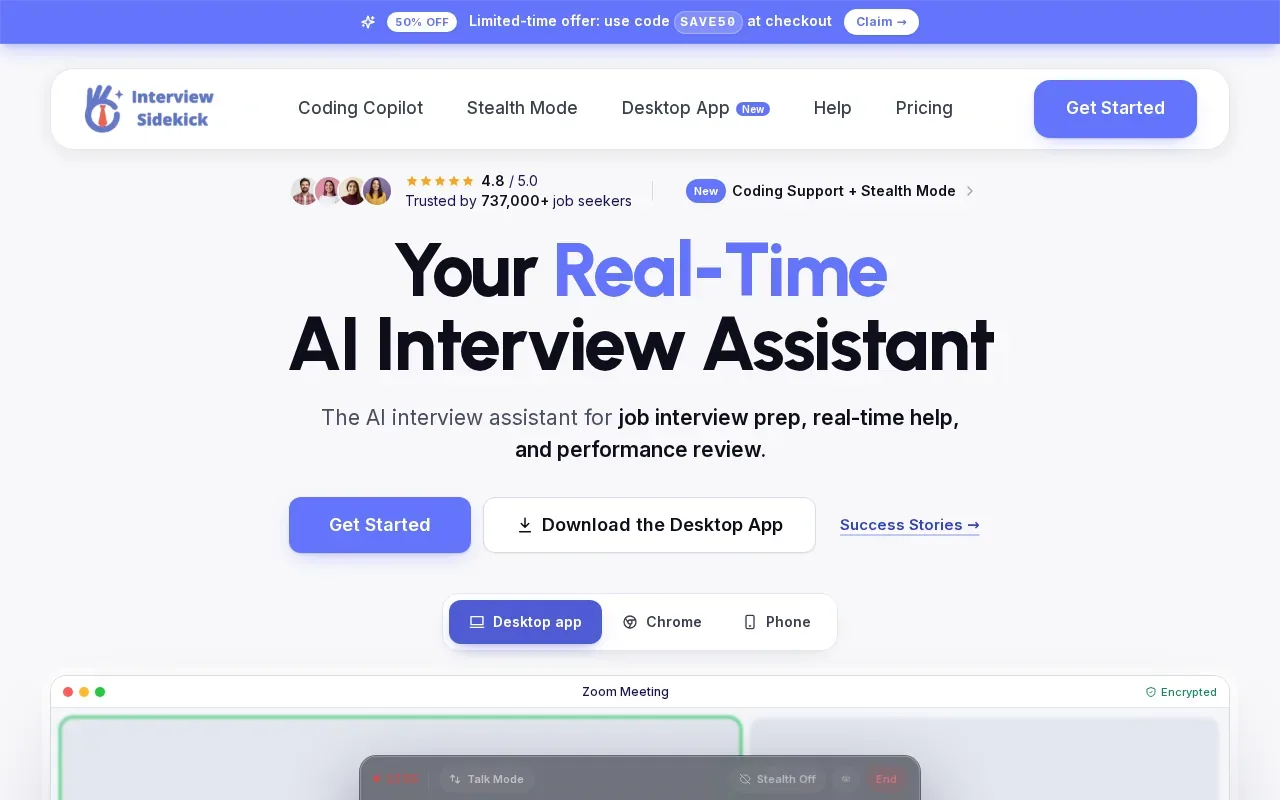
Its question types include coding, technical, behavioral, case, video, and phone interviews. For coding, the tool provides help with algorithms and live coding. Its transcription can give the assistant more of the conversation’s context, which helps when a follow-up depends on what the interviewer asked earlier.
Test the exact meeting setup in a permitted mock session rather than assuming every platform behaves the same way.
Use the quick table below to match the tool’s known strengths to the situation you’re preparing for. It doesn’t replace checking employer rules or testing the audio path.
| Interview need | What Interview Sidekick supports | What to check in practice |
|---|---|---|
| Multilingual conversation | Live transcription in 31 languages | Set the session language to match the interview. |
| Algorithm screen | Help with algorithms and live coding | Test a prompt with constraints and edge cases. |
| Mixed interview loop | Coding, technical, behavioral, case, video, and phone formats | Choose a permitted practice session for each format. |
| Screen sharing | See website | Check the meeting platform’s screen-share behavior first. |
Pick Interview Sidekick if language support and broad interview coverage are central to your prep. For a coding-only screen, compare those strengths with the depth of coding guidance you need.
FAQ
What does a coding interview copilot do?
A coding interview copilot can listen to a prompt or use screen content to suggest help during a coding interview. Depending on the tool, that may include a transcription, an algorithm idea, code, or a complexity explanation. It can support practice too. Always check whether AI assistance is allowed before using it in a live interview.
Can these tools help with system design interviews?
Yes, some tools in this shortlist include system-design support. Phantom Code AI and Interview Coder recognize system-design questions, while Craqly supports system design along with coding and behavioral rounds. Check a tool’s scope, then rehearse explaining components and trade-offs in your own words.
Are coding interview copilots invisible during screen sharing?
Screen-sharing behavior can vary by platform. Test only in a permitted mock session, and don’t treat concealment as a substitute for following interview rules.
How should I check a copilot’s coding answer?
Start by comparing the suggested approach with the prompt’s constraints. Then trace a small example and test edge cases, such as empty input or duplicates when those are allowed. Review time and space complexity too. If you can’t explain why the code works without reading the suggestion, keep practicing before the interview.
Conclusion
Choose Phantom Code AI if you want one desktop assistant for coding plus system-design and behavioral support, with free signup credits to test the workflow. Before using any copilot in a live interview, check the employer’s policy and run a mock session that matches your setup.