A shared editor can test whether you write code. It can't fully recreate a pair programming interview, where you must talk, listen, ask questions, and respond to hints. To simulate that setting, place an AI overlay beside your video call, give each person a role, and run the session under a clock.
These five steps show how to simulate pair programming interviews with an overlay without turning the practice into a hidden answer machine. The goal is to rehearse your thinking out loud, not to skip it.
We read the 6 highest-ranking guides on pair programming interview practice: codesubmit.io, resumly.ai, offerzen.com, spacecomplexity.ai, codexinterview.com, and extrabrain.app. Only 2 of the 6 broke practice time into phases rather than one flat timer, and only 2 named driver and navigator roles for the rehearsal itself. None of the 6 gave guidance on consent or privacy before recording a mock session, and none set a rule for pausing before acting on an AI-generated hint. Most of the mechanics behind a timed, role-based, ethical overlay rehearsal sit outside what these 6 pages cover.
Table of Contents
- Step 1: Recreate the Pair Programming Interview Setup
- Step 2: Prepare a Problem, Role, and Interview Timer
- Step 3: Configure the Overlay for Ethical Mock-Interview Practice
- Step 4: Run the Interview Without Taking Over the Code
- Step 5: Review the Session and Repeat With Harder Scenarios
- FAQ
- Conclusion
Step 1: Recreate the Pair Programming Interview Setup
The goal is to make your practice room feel like the interview room before you solve a single problem.
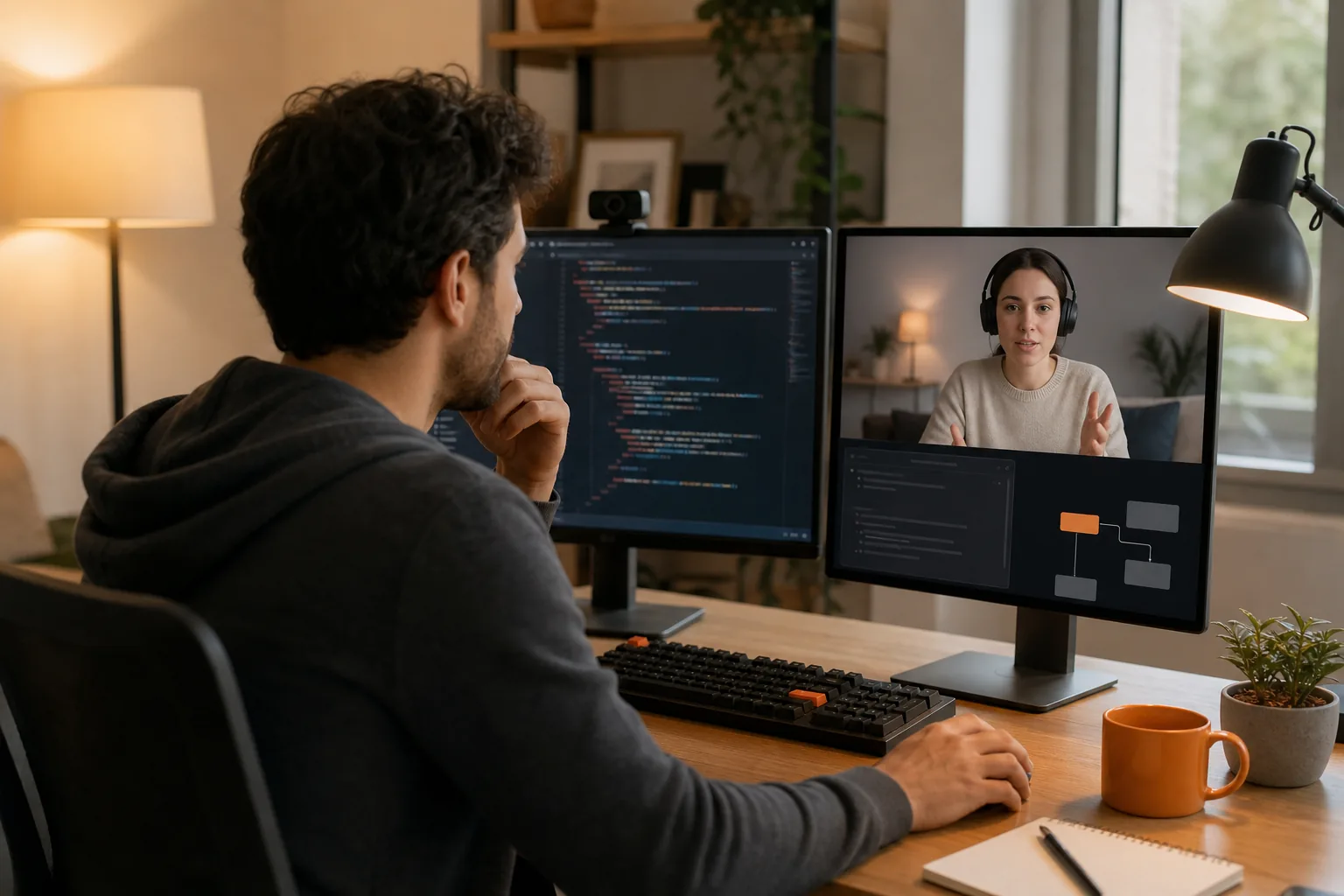
Set up two devices or two clearly separate windows. Use one screen for the video call and your coding workspace. Keep the overlay in a small position that you can see without covering the code. Ask a friend, mentor, or practice partner to join the call from another account if you can. A second person changes the session in a useful way. You must explain choices instead of silently typing toward a private answer.
Use the same call app you expect in the real interview. Phantom Code AI can sit alongside Zoom, Google Meet, Microsoft Teams, or another desktop workflow. Its purpose in this drill is to listen to the conversation, transcribe the prompt, recognize the problem type, and surface guidance while you keep control of the keyboard.
Keep screen sharing on during the test. Then check the view from the other participant's side. Your code should be readable. The overlay should stay out of the shared frame. If you can't confirm that, move the overlay or turn it off for that session.
Pair programming means two developers work on the same task while they discuss the work. Use a simple division of roles in the rehearsal: driver and navigator.
- Driver: types and runs the code.
- Navigator: watches the goal, asks questions, and checks the plan.
- Interviewer: gives the prompt and adds follow-up constraints.
For a two-person mock, let one person act as interviewer and navigator. Switch roles in the next session. The person who types should drive most of the work. The other person can ask, “What are you checking now?” or “What case could break this?” They shouldn't grab the keyboard every time the code slows down.
Before you start, remove unrelated tabs, turn off message alerts, and test your mic. A messy setup creates noise that has nothing to do with coding skill.
Step 2: Prepare a Problem, Role, and Interview Timer
The goal is to remove guesswork so the session tests your response to pressure, not your ability to invent the practice rules.
Pick one task that fits your level. A good first problem has a clear input, a clear output, and room for follow-up questions. For example, ask the candidate to return the first repeated value in an integer stream. Start with a simple approach. Then discuss memory limits, input size, and what changes when values arrive one at a time.
Write the prompt in a private note before the call. Add three follow-ups:
- What is the simplest correct approach?
- What is the time and space cost?
- How would you test the edge cases?
Set a 45-minute timer for an algorithm problem. Use a shorter 25-minute block if you're new to this format. Split the session into phases:
- Spend the first five minutes restating the task and asking questions.
- Use the next 25 minutes for a plan, code, and small tests.
- Reserve the last 15 minutes for review and follow-ups.
Pair interviews are two-way conversations. The interviewer learns how you work, while you learn how the team works with candidates. Candidates should ask questions instead of treating the session like a silent coding exam.
Prepare a role card for each person. The interviewer should know when to give a hint and when to wait. The candidate should know that asking for clarification is part of the task. If you use Phantom Code AI during the rehearsal, set its role before the timer begins. Use it as a prompt and context aid, not as a replacement for your explanation.
For DSA practice, choose one pattern at a time for a few sessions. You might use sliding windows for one week, then mix it with hash maps and two-pointer problems. A pattern practice plan can help you pick problems before you add interview pressure.
Write down the success test before starting. It might be, “I will explain the brute-force idea before moving to an optimized solution.” That gives feedback a clear target. “I want to do better” is too vague to grade.
By now you should have a task, a role card, a timer, and one behavior to watch. Start the clock only after the candidate has read the prompt.
Step 3: Configure the Overlay for Ethical Mock-Interview Practice
The goal is to make the overlay support recall and communication without writing the solution for you.
Start with the least help. Ask the overlay to capture the question and identify the broad problem type. For an array question, that might mean “hash map,” “two pointers,” or “sliding window.” Don't ask for full code at the start. You want to notice whether you can connect the prompt to a known method.
Set three rules before the session:
- Read the prompt yourself before looking at guidance.
- Explain your plan before opening a hint.
- Test every suggested idea in your own words.
Phantom Code AI is suited to this kind of rehearsal because it combines listening, transcription, problem-type recognition, and live guidance in a desktop overlay. That differs from a shared coding window. A shared coding window can help you practice the editor experience, but it doesn't recreate the extra layer of spoken guidance over a video call.
Other tools take different paths. Visual Studio Live Share shares a local IDE with cursor control and permission settings. That can help when your main problem is collaboration inside the editor. A general overlay such as Cluely is described as working across applications, while other interview tools focus on a specific coding or call workflow. Pick based on the failure you need to fix.
If you lose your train of thought, ask for a small nudge. Good prompts include:
- “Which data structure fits this constraint?”
- “Which edge case should be tested next?”
- “What complexity should I verify?”
Avoid prompts such as “solve this” until the review phase. A full answer may make the screen look smooth while hiding the exact gap you need to fix. The practice loses value if the overlay becomes the driver.
Set a pause rule, too. When the overlay gives a hint, stop typing for ten seconds. Say what you think the hint means. Then choose whether to use it. This small delay turns passive help into active recall.
Privacy matters. Don't load confidential company code, private interview material, or another person's personal data into a practice tool. Use a public problem or a task you wrote yourself. If you're simulating a live interview, get the other participant's consent before recording or transcribing the call.
Now run a short calibration. Read a sample prompt aloud. Check whether the transcription catches the key constraint. If it misses “values arrive in sorted order,” fix the audio or restate the prompt. A weak transcript can lead to weak guidance.
Step 4: Run the Interview Without Taking Over the Code
The goal is to keep the candidate responsible for the reasoning while the partner supplies pressure and useful questions.
Start with a plain restatement. Say what the input is, what the output should be, and what you still need to clarify. Ask about limits before choosing a data structure. Then describe the simple approach first. An interviewer can learn more from that path than from a candidate who jumps straight to a polished trick.
Use the overlay as a quiet side channel. If it suggests a pattern, explain why that pattern might fit. If it identifies a possible complexity issue, check the loop yourself. Never paste a generated function into the editor without reading each line aloud. That habit catches errors and shows whether you understand the code.
The interviewer should avoid rescuing the candidate too soon. Ask, “What does the error tell you?” before saying what to change. Ask, “Can you make a small test for that?” before naming the missing case. These prompts keep the candidate in the driver's seat.
When you are the candidate, don't fill every pause with typing. Think on the record. Say, “I see two options. The first uses extra memory but is easy to verify. The second saves memory but needs a sorted input.” That sentence gives your partner something useful to respond to.
Keep a simple event log during the session. Mark the time when the candidate:
- asks a useful clarification question;
- states an assumption;
- runs a test;
- changes direction after an error;
- uses an overlay hint.
This is better than judging the session by whether the final code passes. Pair work also tests how you react when a plan fails. During your mock, use short prompts, quick tests, and repeated checks with your partner. The lesson is simple: fast feedback helps only when the person still makes the decisions.
Don't let the overlay answer every follow-up. After the main solution works, turn it off and ask the candidate to explain the complexity from memory. Then give a new constraint. For example, change a batch input into a stream, or ask how the design behaves when the data no longer fits in memory.
For system design, use the same pattern. Ask the candidate to sketch the request path first. Let the overlay help capture requirements or surface a missing concern, but make the candidate choose the storage model, failure behavior, and scaling plan. For behavioral practice, use it to track the question and time, then answer in your own words.
The session is working when the candidate can recover from a hint and continue without waiting for the next instruction. If the overlay becomes the main speaker, reduce its access or turn it off.
Step 5: Review the Session and Repeat With Harder Scenarios
The goal is to turn one mock interview into a short training plan for the next one.
Review the recording or notes soon after the call. Don't rely on your memory. Mark three points: where you made progress, where you stalled, and where the overlay helped. Then mark one moment when it gave too much help. That last point matters. If you always receive a complete path, you won't know whether you can find the path alone.
Score the session with a small rubric:
- Clarity: Did you restate the task and confirm assumptions?
- Collaboration: Did you invite the partner into the plan?
- Code control: Could you explain each change you made?
- Testing: Did you test a normal case and an edge case?
- Recovery: Did you use errors to change your next step?
Use notes, not a vague score. Write, “I spent six minutes coding before checking the empty input,” rather than “testing was weak.” That note tells you what to change next time.
Repeat the same problem once with less overlay help. Then switch the surface. Move from a local editor to a browser-based coding room, or from an algorithm task to a system design prompt. Platform coverage can be uneven across interview tools, so test the exact app you expect to use. Phantom Code AI's value in this drill is the overlay across the call and desktop context, but your audio, screen-share permissions, and code editor still need their own checks.
Raise difficulty one notch at a time. Add a constraint before adding a harder problem. For example, keep the same duplicate-detection task but change the memory limit. Later, ask for a streaming version. This isolates the skill that changed.
End each review with one action for the next session. It might be, “Ask a clarifying question before naming a data structure.” Keep that action visible beside the timer. After four or five sessions, compare the notes and look for repeated stalls.
FAQ
What does an overlay do in a pair programming interview simulation?
An overlay gives private prompts while the interview runs in a video call or coding workspace. In a mock session, it can transcribe the question, suggest a problem type, or remind you to check complexity. It should support your thinking rather than type the answer. Keep it off during part of the session so you can measure unaided recall.
Can I simulate a pair programming interview on Zoom?
Yes, you can simulate one on Zoom by sharing the coding workspace while keeping the practice overlay outside the shared view. Test the setup from the participant side before starting. Phantom Code AI is designed to work alongside common video-call workflows, including Zoom. Get consent before recording or transcribing another person.
How long should a pair programming mock interview last?
A 45-minute session works well for a full coding rehearsal. Use five minutes for questions, about 25 minutes for planning and coding, and the remaining time for tests and follow-ups. New candidates can start with 25 minutes. Keep the same timer for several sessions so changes in performance mean something.
Should I use AI hints during coding interview practice?
Use AI hints after you state your own plan. Ask for a small nudge about a pattern, test case, or complexity issue. Don't request a full solution at the start. During review, compare what you found alone with what the overlay supplied. That shows whether the tool is helping recall or covering a gap.
How to review a simulated pair programming interview?
Review the recording or notes and mark moments of clear communication, long stalls, missed tests, and overlay use. Check whether you asked questions before coding and explained each major change. Pick one behavior for the next session. A focused action gives you better feedback than a broad score such as “good” or “bad.”
Conclusion
The best rehearsal is a timed conversation where you still own the code. Set up the call, use a small overlay for prompts, and review the moments when you needed help. Start your next mock with one problem and one behavior to improve, then use Phantom Code AI when you want guidance that stays beside the interview instead of replacing your work.