Best Coding Interview Assistant Tools in 2026

Compare coding interview assistant tools for live coding, mock practice, behavioral prep, platform fit, and real-time guidance.
A coding interview can split your attention between the interviewer’s question and the code on your screen. A coding interview assistant can help keep those details in view, but the tools differ in what they support. Here are five named options, starting with Phantom Code AI, and the workflows each one suits.
We analyzed 59 comments and questions from YouTube and Quora about AI coding interview assistants and found that 27% mentioned cheating concerns and fairness worries.
Table of Contents
- Phantom Code AI
- Linkjob AI: Mac workflow with free-core and local-first options
- LockedIn AI: A broad interview-assistant option to evaluate
- Interview Sidekick: Coding, behavioral, and mock interview support
- Hello Interview: Structured coding practice with a limited free tier
- FAQ
- Conclusion
1. Phantom Code AI
Phantom Code AI is a desktop assistant for software engineers preparing for DSA, system design, and behavioral interviews. It listens to the interviewer, transcribes speech in real time, recognizes problem types, and provides guidance during mock or live technical interviews.
That combination is useful when a spoken prompt needs a quick translation into a coding pattern. For example, an interviewer may describe a graph problem without naming BFS. Live transcription and problem-type recognition can help you focus on the constraints and explain why a traversal fits.
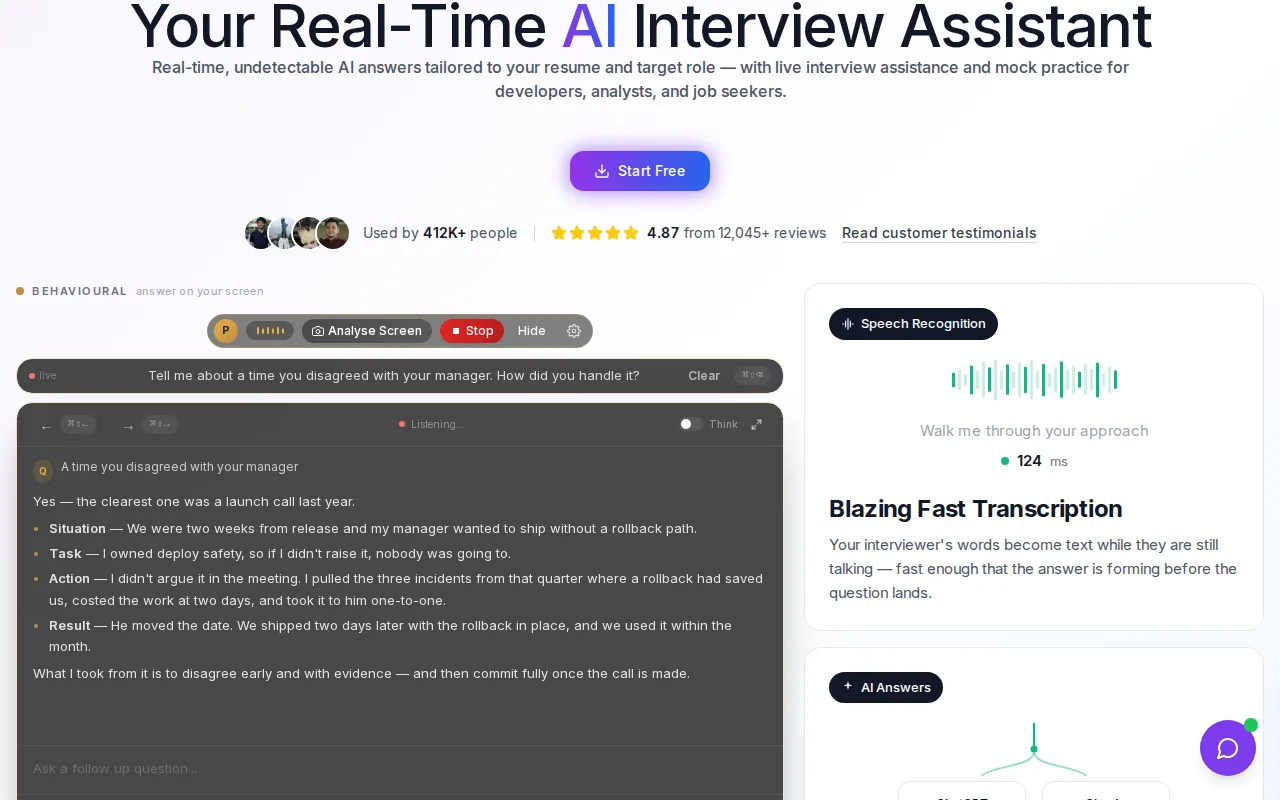
Phantom Code AI runs on macOS and Windows. The company says new accounts get free credits at signup without a card, and paid plans start at $19. Its site describes the desktop assistant as invisible during screen sharing. Check the rules for your interview first, since technical access doesn’t mean a company allows AI assistance.
For preparation, use the tool in a mock session to practice explaining the answer yourself. You can also review coding interview copilot tools for engineers if you’re comparing different live-coding workflows.
Remote interviews can split the prompt, call, and code across separate apps. A desktop tool can fit that workflow, but check your device permissions and test audio before a practice round.
Use Phantom Code AI when live audio and problem recognition are central to your practice or permitted interview workflow.
2. Linkjob AI: Mac workflow with free-core and local-first options
Linkjob AI is a real-time assistant for job interviews and coding tests, with a focus on Mac workflows and local-first options. Its supplied product description calls it an invisible tool for live help during job and technical interviews.
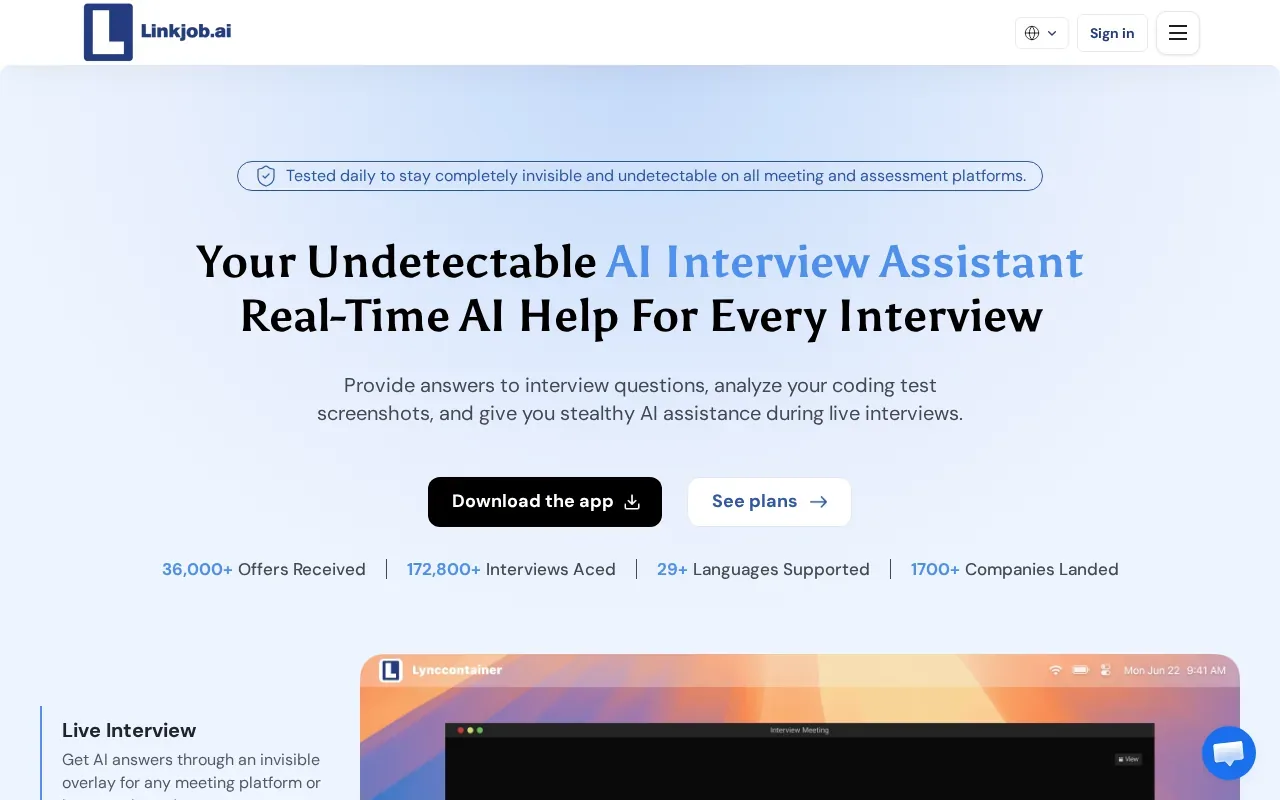
That makes it an option to investigate if you want support alongside a live call or coding assessment. Before choosing it, test the exact kind of prompt you expect. A DSA round may need code reasoning, while a system design round may call for help organizing trade-offs and follow-up questions.
Linkjob AI offers a free-core workflow.
Keep platform fit separate from permission. A tool may work alongside a coding test, but the employer or assessment rules may still forbid outside help. Use practice sessions to see whether its guidance helps you explain a solution, rather than just copy an answer.
Linkjob AI may suit someone who wants to explore a Mac-centered workflow. Compare its actual setup and limits against the kind of interview you’ll face before relying on it.
3. LockedIn AI: A broad interview-assistant option to evaluate
LockedIn AI is an interview assistant that offers real-time answers, coaching, and code help. It is free to start. Its mix of interview and coding support may be useful if you are preparing for more than one kind of interview.
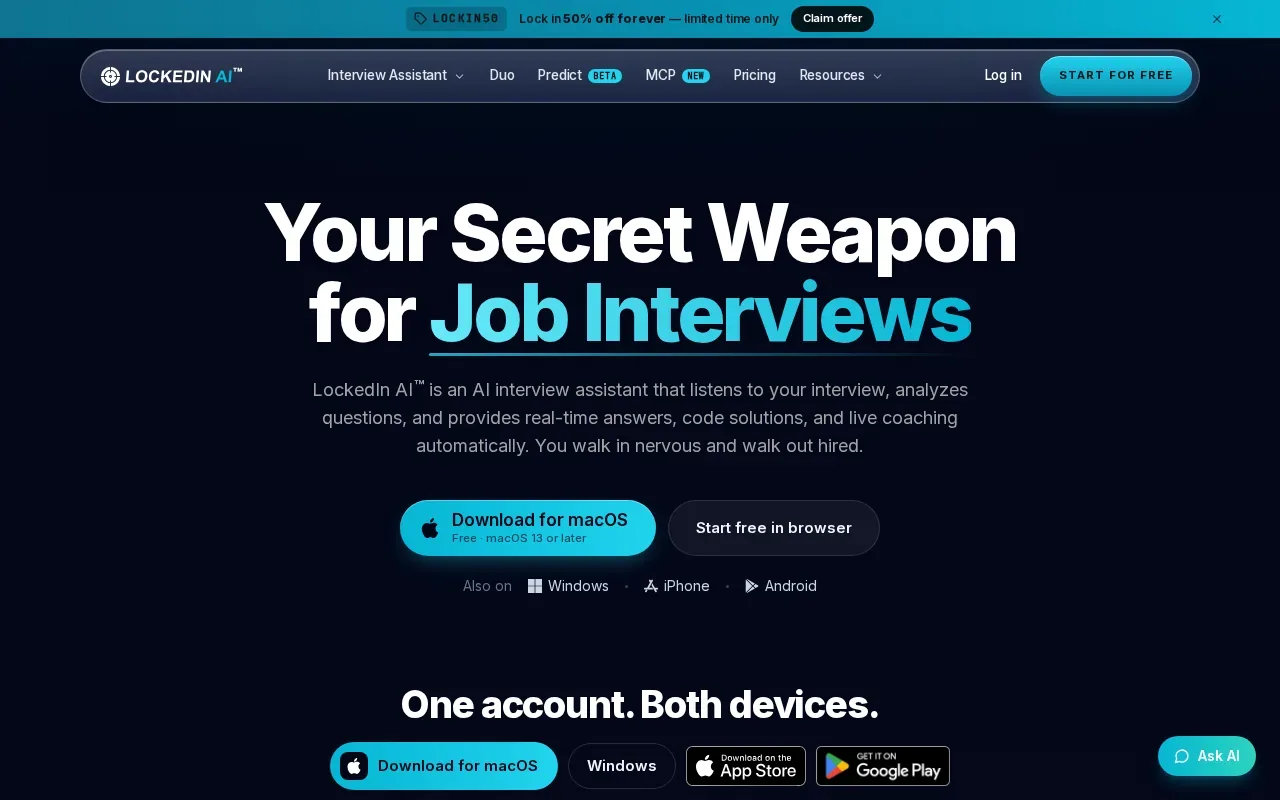
In a coding round, use practice questions to check whether an approach handles edge cases and whether you can explain its time and space costs. For example, test empty and duplicate inputs, compare the approach with a straightforward baseline, and describe its complexity before optimizing.
Try a mock question that includes a follow-up. Check whether the answer is clear enough to discuss in your own words, and whether you can explain the reasoning behind each step. If a response skips a tradeoff or assumption, make a note to practice explaining it.
Before using any assistant during an actual assessment, check the interview rules. If a company asks candidates not to use AI, keep the tool to mock practice or personal study.
LockedIn AI is worth evaluating if you want broad interview support rather than coding help alone. Try a mock question that includes a follow-up, then judge whether the answer is clear enough to discuss in your own words.
4. Interview Sidekick: Coding, behavioral, and mock interview support
Interview Sidekick is an AI interview assistant for coding, behavioral, and technical interviews, with mock interviews as well. That mix may suit engineers who want one tool to support more than a coding round.
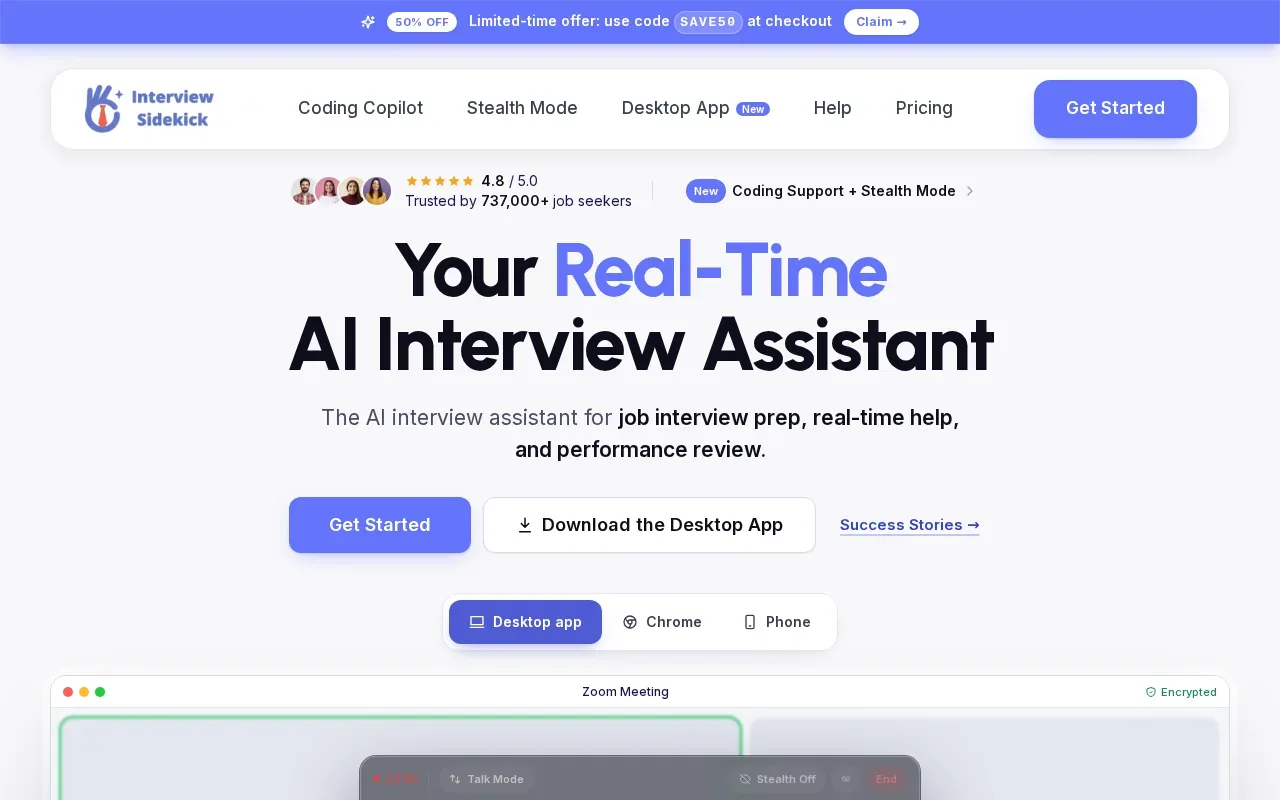
For a technical question, use a practice session to check how the assistant frames the problem and any follow-up. For a behavioral prompt, the useful test is different: does the guidance help you build a specific answer from your own work, rather than hand you a polished but generic script?
Prepare for common questions without memorizing canned answers. Use mock interviews to practice a clear story, then adjust it to the role and the question you actually hear.
The product description says Interview Sidekick provides real-time answers during interviews and supports mock practice. It doesn’t give us enough detail to compare its coding guidance or meeting-platform setup with the other tools in this list, so test those parts directly if they matter to your workflow.
Choose it for evaluation if you want both mock practice and support across technical and behavioral rounds. A good rehearsal should leave you better able to explain your choices without reading an answer word for word.
5. Hello Interview: Structured coding practice with a limited free tier
Hello Interview focuses on structured coding practice. Its guided practice can walk a learner through code comprehension, debugging, implementation, and optimization. It also uses a CoderPad environment, which gives the practice a coding-editor setting rather than a general chat-only flow.
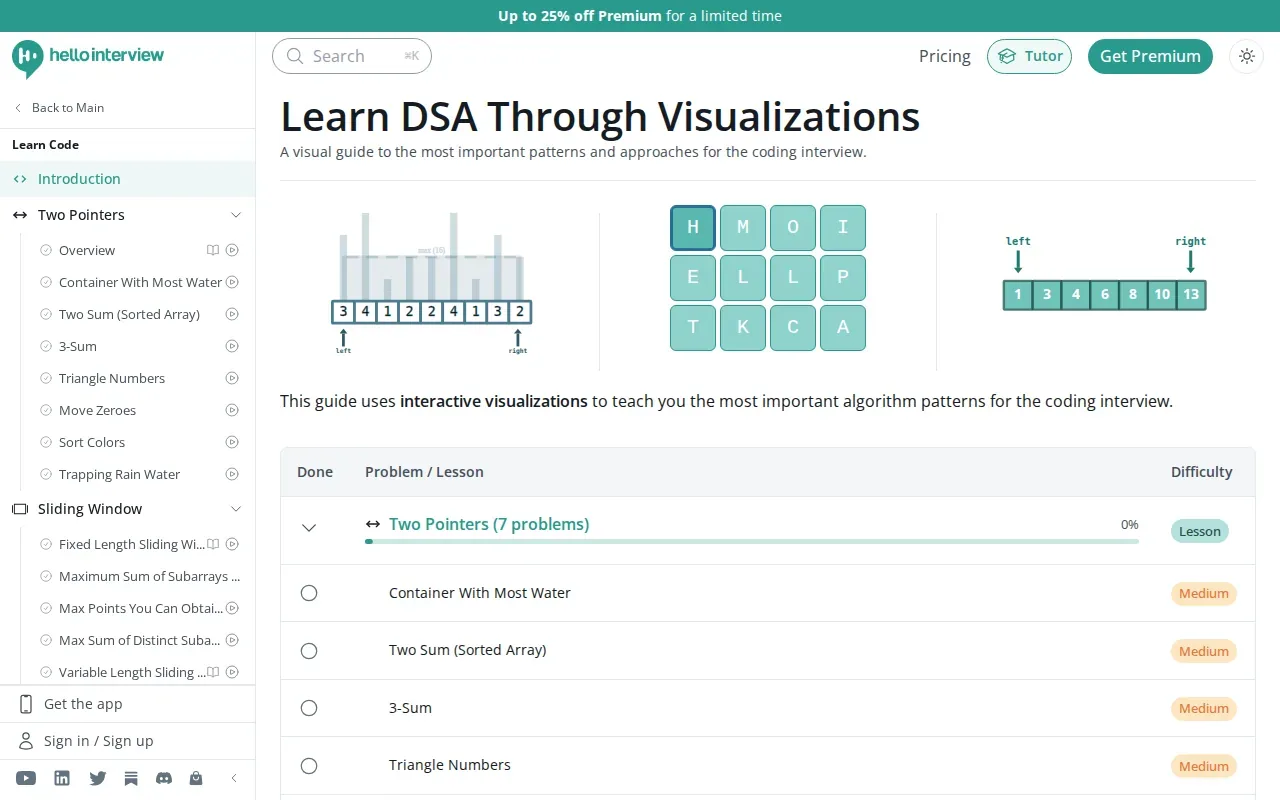
This setup fits engineers who want to work through a task in stages. For example, you might first read an existing codebase, then find a bug with tests, implement a change, and improve performance. That gives you a way to rehearse more than writing a solution from scratch.
The free tier includes one interview. The product’s guidance says premium membership is required to do more than one. That makes the free session useful for checking the format before deciding whether to continue with the paid offering.
Hello Interview is a practice-focused choice, not the clearest fit if your main need is live transcription during a real-time interview. Hello Interview offers one free interview and integrates with CoderPad.
| What you need | How Hello Interview fits | What to test |
|---|---|---|
| Guided coding practice | Step-by-step help with comprehension, debugging, implementation, and optimization | Try a task with existing code before starting a new solution |
| Editor-based practice | Uses a CoderPad environment | Check that the practice flow feels close to your expected round |
| First session at no cost | One free interview | Decide whether the format suits your preparation needs |
If your goal is to learn a repeatable debugging process, the guided format may be a better fit than an assistant centered on live answers.
FAQ
What does a coding interview assistant do?
A coding interview assistant can help with tasks such as understanding a prompt, forming an approach, or practicing a response. Features vary by tool. Some focus on live interview guidance, while others focus on mock sessions or step-by-step coding practice. Check what a tool actually supports, then follow the rules set by the employer or assessment provider.
Can I use an AI assistant during a live coding interview?
You can use one only if the interview rules allow it. Some employers or assessment platforms may restrict outside assistance, even if a tool can technically run during a call. Check the policy before the interview. If AI use isn’t allowed, use mock practice instead to rehearse coding and explaining your reasoning.
Which option includes a free interview?
Hello Interview includes one free interview. Its guidance says a premium membership is needed for more than one. Phantom Code AI says new accounts receive free credits at signup without a card, but those credits aren’t described as a free interview. Check each tool’s current terms before you sign up.
What should I test before choosing an interview assistant?
Test the tool on the kind of question you expect, such as a graph problem or a debugging task. Check whether its guidance is clear enough to explain aloud. Also confirm device fit, audio permissions, and any relevant privacy settings. Most importantly, make sure the interview rules permit the tool’s use.
Conclusion
For engineers who need live transcription and problem-type recognition, start by testing Phantom Code AI in a mock session. Pick a representative question, check whether the guidance helps you explain your reasoning, and use live assistance only when the interview rules allow it.