Best Desktop Overlay Interview Assistants With Monthly Plans

Compare monthly desktop overlay interview assistants, including Phantom Code AI, with plan costs, platform fit, and key limits before you subscribe.
A desktop interview assistant can give you live support during a coding round, but a monthly plan is only useful if it fits your interview setup and rules. Here are five named options, starting with Phantom Code AI, plus the key price and fit differences to check before paying.
Table of Contents
- Phantom Code AI
- Final Round AI: Desktop assistance across major video-call apps
- LockedIn AI: All-in-one coaching across the interview cycle
- Cluely: A desktop plan with a mobile tier
- Preptail: A Windows overlay with usage-based monthly pricing
- Compare the monthly plans and interview-assistant fit
- FAQ
- Conclusion
1. Phantom Code AI
Phantom Code AI is a desktop assistant for software engineers preparing for live technical interviews. It listens to interview audio, transcribes it, recognizes problem types, and gives real-time guidance during mock or live rounds.
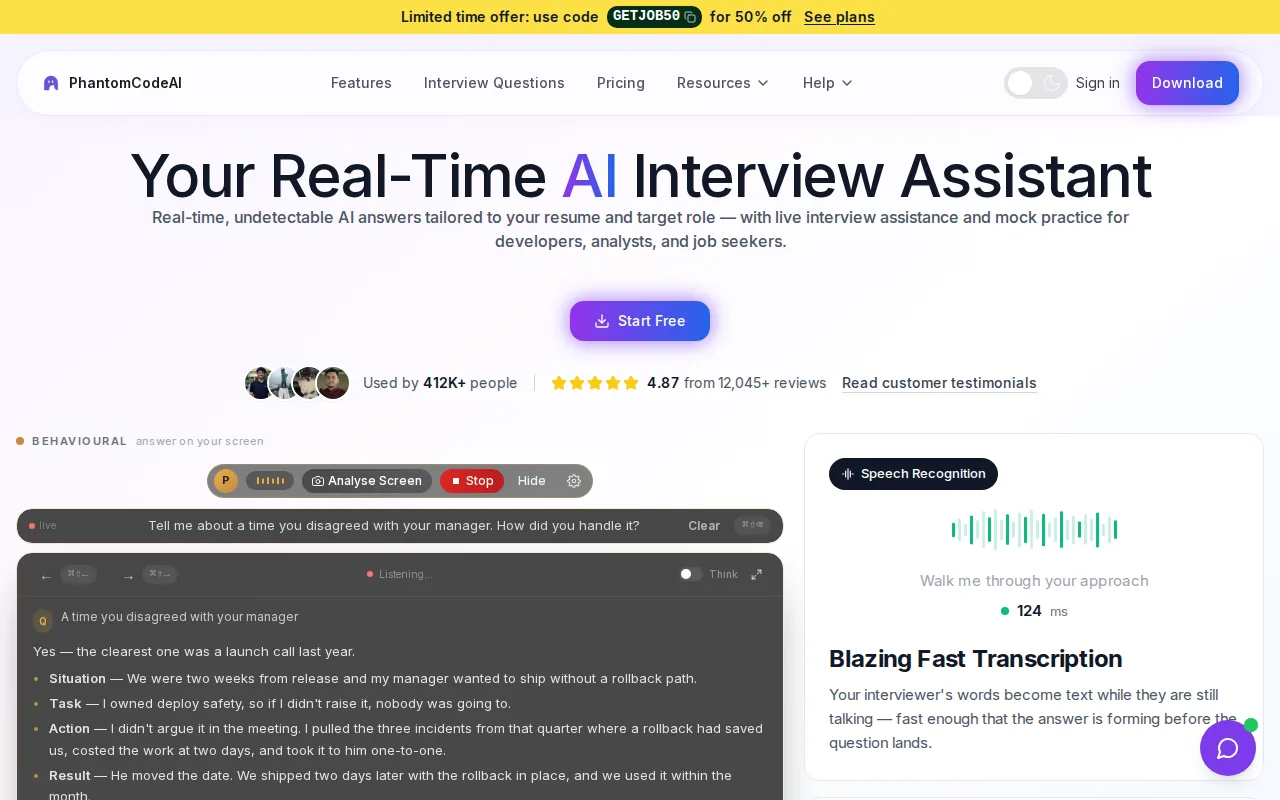
It’s the first option to consider if you need support with coding questions, system design, or behavioral prompts. It runs as an invisible desktop overlay for macOS and Windows, with support for Zoom, Google Meet, and Microsoft Teams. That combination can fit an engineer who moves between meeting apps during a job search.
Pricing needs a close read. Phantom Code AI costs $49 a month, with a $29 weekly plan and a $19 one-time Starter credit pack. The Starter pack is not a monthly subscription, so compare the recurring plan against how many interviews you expect to take. If your search may last only a few weeks, check whether a one-time pack fits better.
Before using any assistant in a live interview, check the employer’s rules. A hidden overlay doesn’t mean AI help is allowed. And don’t treat a screen-share claim as proof that a tool complies with a hiring team’s policy.
Engineers weighing transcription, live coding help, privacy, and meeting-app support can also read this comparison of live interview overlays for developers.
2. Final Round AI: Desktop assistance across major video-call apps
Final Round AI is a desktop interview assistant that runs alongside a live interview. Its listed monthly price is $150, which puts it in a much higher price range than the other monthly plans in this shortlist.
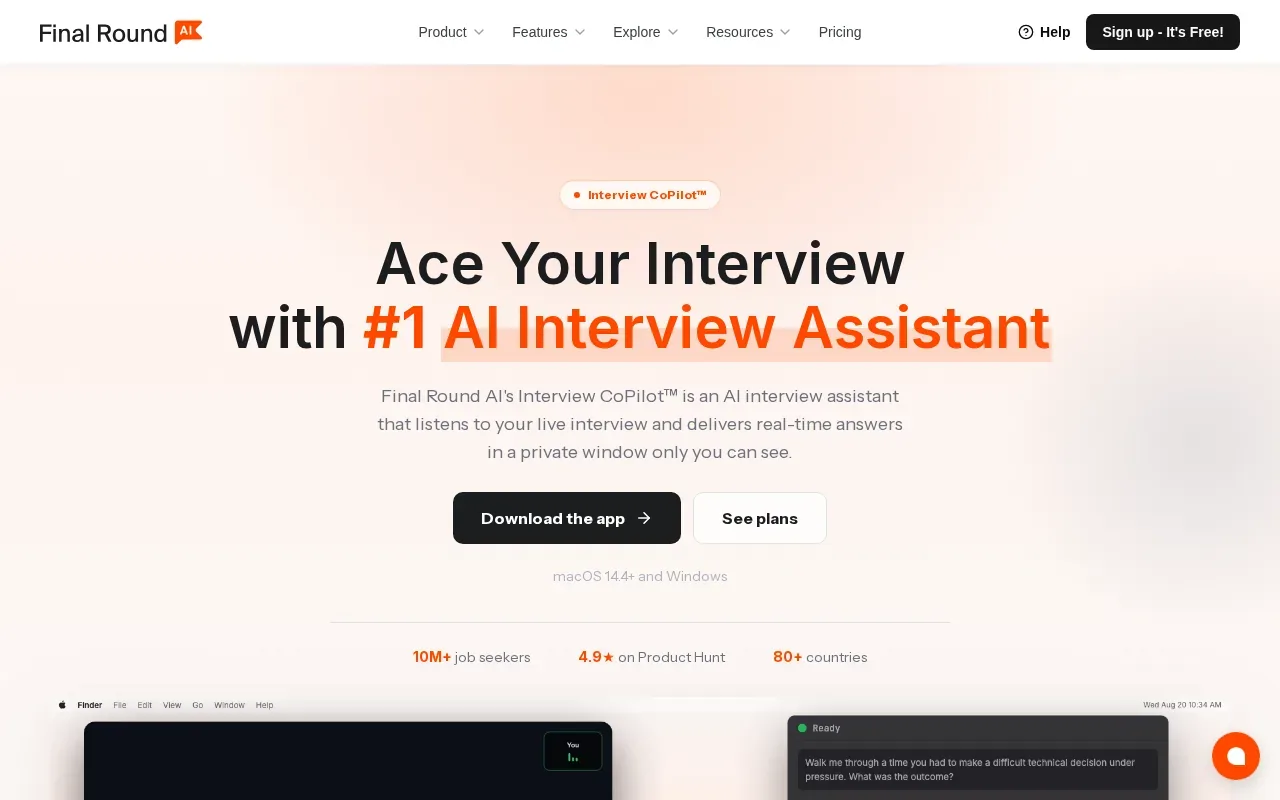
It’s suited to candidates who want an assistant for more than coding alone. The supported interview types include coding, behavioral, and system-design interviews. The app is described as working with Zoom, Google Meet, and Microsoft Teams, so candidates can use it across those meeting tools rather than relying on one platform.
A private overlay window that suggests answers in real time is its stated differentiator. That may be relevant during a system-design prompt, where you need to keep track of a broad question while you explain trade-offs. For a coding round, the same live-answer idea needs careful use: an answer suggestion won’t replace your ability to reason through the code and explain why it works.
The main trade-off is the fee. At $150 per month, check the billing terms and whether you can stop the plan when your interview cycle ends. Don’t assume a free trial, refund, or cancellation rule unless the current checkout terms spell it out.
Platform support also isn’t the same as policy approval. Confirm with the interviewer or employer before relying on any live assistant.
3. LockedIn AI: All-in-one coaching across the interview cycle
LockedIn AI is a real-time interview coaching platform that supports candidates across the interview cycle. Its monthly price is around $29, making it a lower-cost monthly option than Final Round AI.
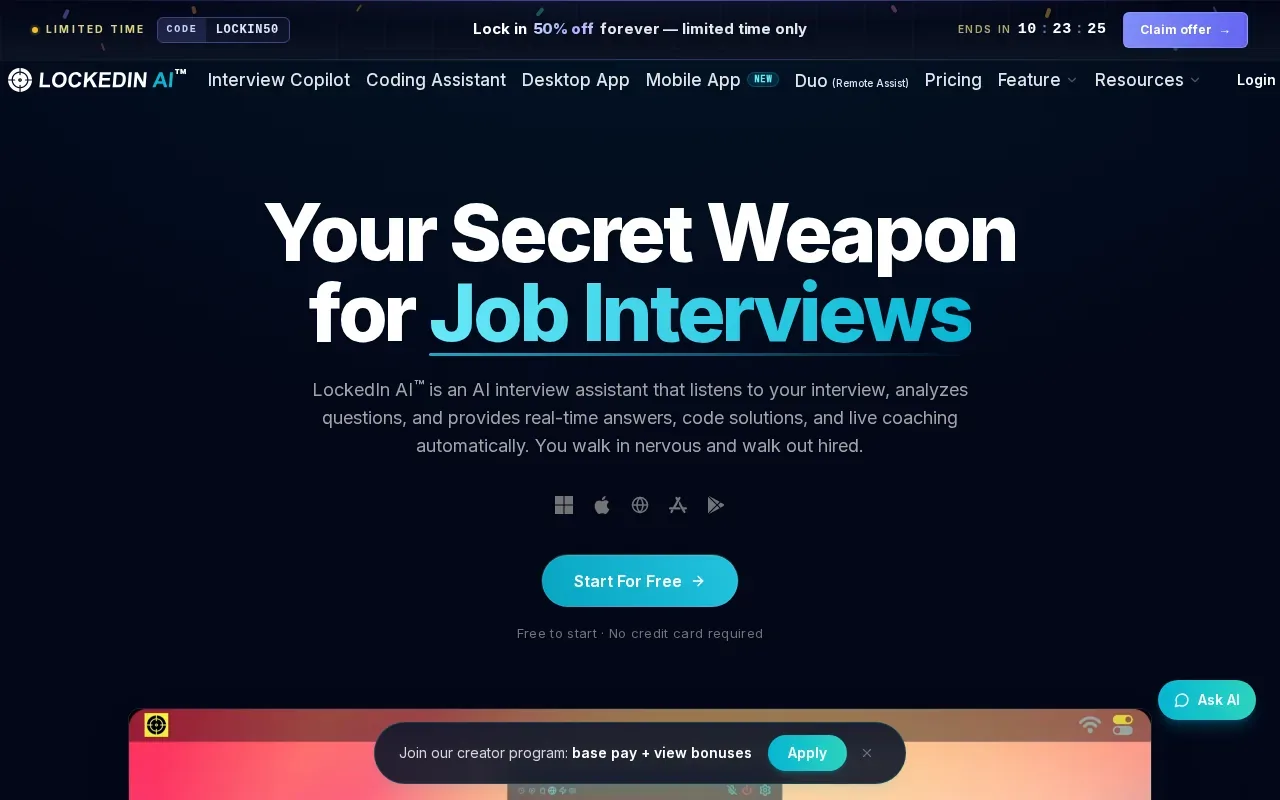
It may fit candidates who want coaching across several interview formats rather than a tool focused only on coding. The listed formats include coding, video, phone, and behavioral interviews. That mix could be useful if your process starts with a recruiter phone screen, then moves to a technical call and a behavioral round.
The broad format coverage is its key distinction in this shortlist. For example, a candidate moving from a phone screen to a live coding session may prefer one service for both stages. Still, check the exact desktop overlay behavior, operating-system support, and screen-sharing handling. Ask for those specifics if a desktop app is a must-have.
At around $29 per month, the recurring cost may be easier to test than a premium plan. But check what the subscription includes, how much use is allowed, and whether it renews automatically. The listed price alone doesn’t answer those billing questions.
Use it only in ways the hiring team permits. A tool that supports several interview types can help with preparation, but that does not establish that live assistance is allowed in each round.
4. Cluely: A desktop plan with a mobile tier
Cluely has a free Desktop Starter plan and a Pro plan listed at $19.99 per month when billed monthly. The lower $11.99 monthly figure applies to annual billing, so it isn’t the same as paying month by month.
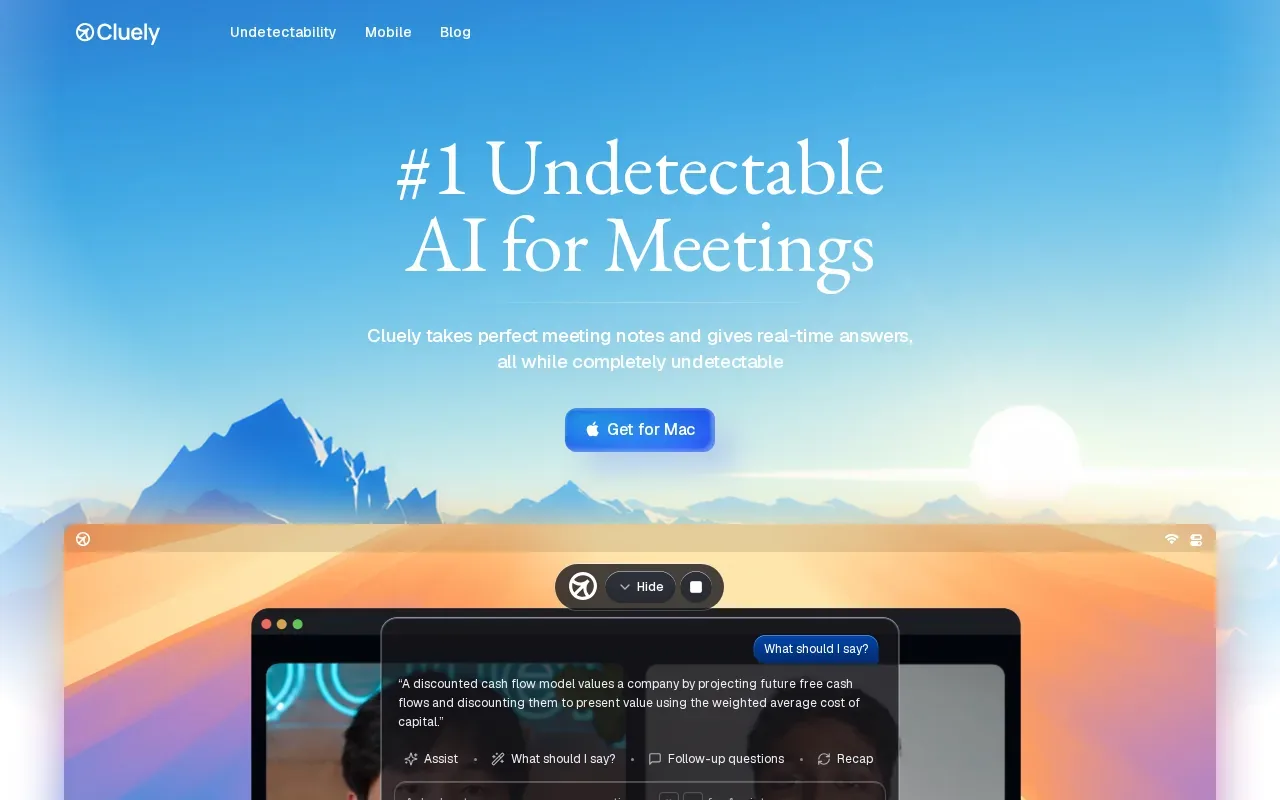
Cluely may suit candidates who value a well-known name or want to compare a free desktop tier with a paid option. Its mobile tier is the listed point of difference here. That could matter if you want to explore a phone-based workflow, but check how that tier works during a live desktop interview.
Before choosing a tier, check what the free plan includes and what changes with Pro. The listed pricing does not establish usage limits, trial length, refund terms, or which interview types are supported. Confirm those details on the current purchase screen rather than assuming the free and paid tiers share the same tools.
Also check your employer’s rules before using any AI assistance during an interview. The fact that a tool has a mobile tier or a desktop plan does not make its use acceptable under a hiring policy.
If you’re choosing Cluely for its monthly plan, compare the actual monthly charge with annual billing only if you’re comfortable committing to the longer term.
5. Preptail: A Windows overlay with usage-based monthly pricing
Preptail is a Windows desktop overlay with usage-based monthly pricing listed from $2.95 per hour. It’s a fit to examine if you use Windows and prefer to pay for hours of use instead of a flat monthly fee.
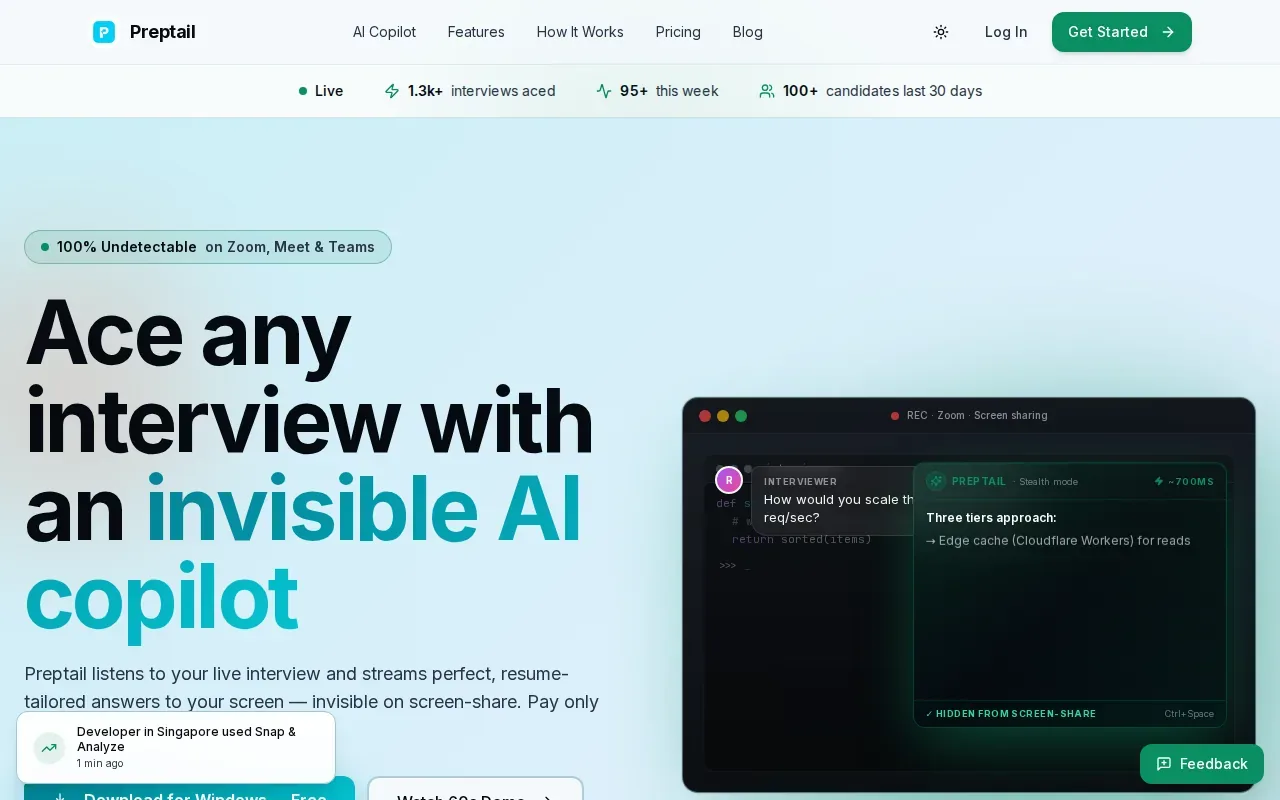
The stated supported interview types include behavioral, coding, and system-design interviews. Preptail’s listed differentiators are an overlay described as hidden from screen sharing and answers in under a second. Those are product claims, not a guarantee about what a specific employer, meeting app, or monitoring setup can detect.
The hourly model changes how you should compare cost. Estimate the number of interview hours you expect, then check how the provider counts and sells that usage. The listed rate starts at $2.95 per hour; it doesn’t tell you whether hours expire, whether packs are available, or how a partial hour is billed.
Its Windows focus is another clear constraint. If you use macOS or need the same setup across different computers, ask about compatibility before buying.
Preptail can be a lower-cost fit for limited use, but check the hourly terms and interview policy first. A low starting rate is only useful if the billing unit matches your schedule.
Compare the monthly plans and interview-assistant fit
Price alone won’t tell you which assistant fits. Use this table to spot the main trade-off, then confirm plan details and platform support before subscribing.
| Option | Listed price model | Best fit | Check before paying |
|---|---|---|---|
| Phantom Code AI | $49/month; $19 one-time Starter pack | Live technical interview guidance across coding, system design, and behavioral rounds | Monthly use versus one-time credits; data handling and current plan terms |
| Final Round AI | $150/month | Live help across coding, behavioral, and system-design interviews | Renewal, cancellation, trial, and refund terms |
| LockedIn AI | Around $29/month | Coaching across video, phone, coding, and behavioral interviews | Desktop overlay details, operating systems, and usage limits |
| Cluely | Free Desktop Starter; $19.99/month Pro | Candidates comparing a free desktop tier with a paid plan | Pro features, limits, and any differences between monthly and annual billing |
| Preptail | From $2.95/hour monthly | Windows users who prefer usage-based billing | How hours are counted, plus operating-system support |
For screen sharing, don’t rely on a product label alone. Browser-based screen sharing generally asks you to choose what to share; that doesn’t certify that any interview assistant stays hidden. Before a call, follow the interviewer’s sharing instructions and ask what AI use is permitted.
For any plan, check the same basics: supported operating system, billing frequency, cancellation terms, and data handling. If those details aren’t clear, get an answer before you install the app or share interview content.
FAQ
Can I buy a desktop overlay interview assistant subscription monthly?
Yes, several options in this shortlist list monthly billing. Phantom Code AI is listed at $49 per month, Final Round AI at $150 per month, LockedIn AI around $29 per month, and Cluely Pro at $19.99 per month. Preptail lists usage-based monthly pricing from $2.95 per hour, so compare its billing unit with a flat monthly plan.
Which desktop interview assistant has the lowest monthly cost?
Preptail lists the lowest starting rate at $2.95 per hour, but it charges by use rather than stating a flat monthly fee. Cluely Pro is listed at $19.99 per month on monthly billing. Compare expected hours, included usage, and renewal terms before deciding which will cost less for your interview schedule.
Does a screen-share-hidden overlay mean I can use it in an interview?
No. A screen-share claim doesn’t show that an employer permits AI help or that every screen-sharing setup behaves the same way. Read the interview instructions and ask the hiring contact when the rules aren’t clear. Use a tool only when it’s allowed, and don’t treat concealment as a substitute for consent.
Do these tools work on macOS, Windows, and Linux?
Not every tool here publishes support for all three operating systems. Preptail is described as a Windows overlay, while Phantom Code AI’s product information lists macOS and Windows. For the other options, check the current official plan or installation details before paying, especially if you need to switch between computers.
Do monthly plans include a free trial or refund?
Check each vendor’s trial and refund policy before you start a monthly subscription. Check the checkout page and terms for trial length, automatic renewal, cancellation timing, and refund eligibility before purchase. Don’t assume a free tier is a trial of paid features; it may have different limits or tools.
Conclusion
For software engineers who need live support across technical interview rounds, Phantom Code AI is a strong fit to assess, with a $49 monthly plan and a separate $19 one-time Starter pack listed. Check the current plan terms and confirm that AI assistance is allowed before starting a subscription.