Best System Design Interview Prep: 5 Top Resources

Compare system design interview prep resources by format, depth, practice style, and fit, then choose a shortlist that matches how you learn.
A blank whiteboard can make even a skilled engineer lose their train of thought. The best system design interview prep resources help you build a clear answer, then practice saying it out loud. Here are five options for different study styles, plus a way to decide what to use first. Phantom Code AI can also add live interview guidance alongside your prep.
Table of Contents
- Grokking the System Design Interview — Structured case-study practice
- Exponent — Mock interviews and spoken design practice
- ByteByteGo — Visual explanations for architecture concepts
- Educative — Interactive text-based system design learning
- Codemia.io — AI-assisted system design practice
- Quick comparison: Which system design prep resource fits your style?
- Frequently asked questions
- Conclusion
1. Grokking the System Design Interview — Structured case-study practice
Grokking the System Design Interview is an online course for candidates who want to learn through system design cases. It suits engineers who understand basic architecture terms but need a repeatable way to shape an answer to an open-ended prompt.
Use a case study to rehearse the order of a design discussion: ask about users and core needs, set the scope, sketch the main components, then explain the choices that affect scale or reliability. The point is to connect each component to a requirement. For a URL shortener, for example, first define how links are created and read. Then discuss how storage and traffic patterns might change as usage grows.
That structure helps keep a broad prompt from turning into a list of technologies. Before you move on, say why each part belongs in your design. If you add a cache, name the read pattern it helps. If you add a queue, describe which work can happen later.
System design is about shaping a system around needs and constraints, not drawing boxes for their own sake.
Best fit: You want a course-led path through case-style questions. Pair the lessons with timed practice so you also learn to explain a design without pausing to reread notes.
2. Exponent — Mock interviews and spoken design practice
Exponent is an online course resource with mock interviews. It fits candidates who know the main design concepts and now need to explain choices in a conversation, especially when a follow-up changes the original requirements.

Exponent offers mock interview practice, coverage of 2,300 topics, and a starting price of $79 per month. A large topic count can help you find areas to review, but it won’t tell you how well you can defend a design under questions. Use the mock format to practice making your assumptions clear and revising an answer when the interviewer adds a constraint.
Try a familiar prompt, such as a chat system. State the core needs first. Then describe how messages move through the system and what you’d do if one service slows down. If a mock partner asks about ordering or delivery, answer the new question directly instead of restarting your full design.
Exponent costs more than the low-cost course option in this shortlist, so weigh the price against your need for spoken practice. If you’re still learning what a cache or partition does, study those ideas first. A mock is most useful when you can focus on the conversation, not on recalling every basic term.
Best fit: You can sketch a design but want to get better at talking through it with another person.
3. ByteByteGo — Visual explanations for architecture concepts
ByteByteGo is a community-listed resource recommended for visual learners. It may suit engineers who understand a term after seeing how requests, services, and data relate, rather than after reading a long block of text.
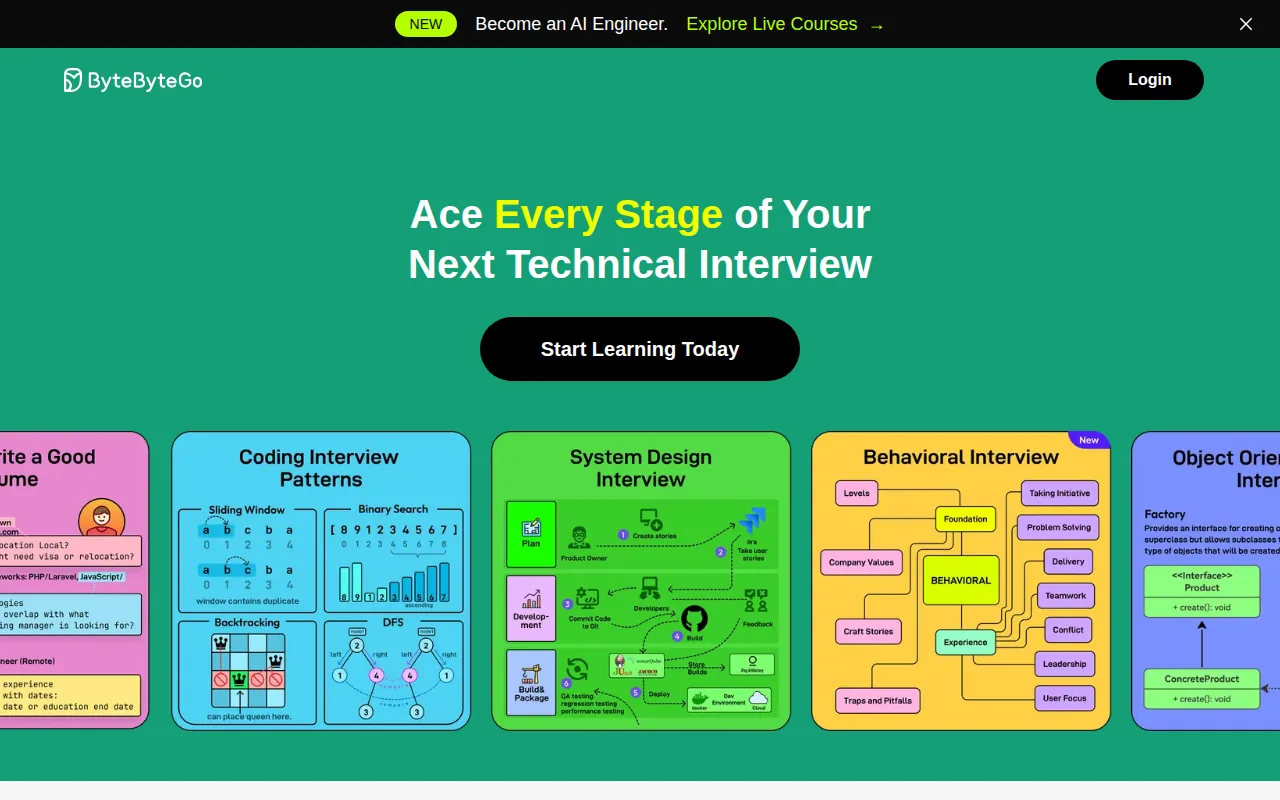
Use diagrams to make an abstract idea easier to discuss. In a news feed design, for example, sketch the path from a user action to stored data and then to a feed read. Mark where caching or a queue might fit. The diagram is a thinking aid, not a finished answer; explain the reason for each connection as you draw it.
Visual study has one common trap: recognizing a diagram can feel like knowing how to build the system. Close the lesson and redraw the main flow from memory. Then describe one trade-off, such as what changes when a feed is built at write time instead of read time. If you can’t explain the choice, revisit the underlying concept.
Keep your drawings simple enough to talk through in an interview. A few clearly named components and arrows often tell a better story than a crowded page full of boxes.
Best fit: You learn faster from architecture pictures and want to build a mental map before doing timed design practice.
4. Educative — Interactive text-based system design learning
Educative is a community-listed option for readers who prefer interactive text. Its learning features include coding exercises and quizzes, while its course material is described as AI-powered. That format can suit someone who wants to pause, answer, and check understanding while studying.
Use the exercises to test whether a concept is clear, then turn the lesson into a short spoken answer. For instance, after studying database choices, explain what kind of read or write pattern would shape your decision. A quiz can check recall, but an interview answer also needs a reason that connects the choice to the prompt.
Text-based study is easy to fit around work, but it can keep you in a reader’s role. Set a stopping point after each lesson. Draw the design without looking at the material, then explain where you’d expect a bottleneck as traffic rises. That extra step turns reading into rehearsal.
If you’re comparing study formats, this comparison of system design interview courses can help you assess course-led options alongside other learning styles.
Best fit: You like learning through written lessons and want short checks for understanding as you go.
5. Codemia.io — AI-assisted system design practice
Codemia.io is an interactive platform listed for learners seeking AI assistance and feedback. It has a free tier, and its starting price is reported as $69 per month. A review of the platform describes a problem-based format with prompts such as a URL shortener and chat system.
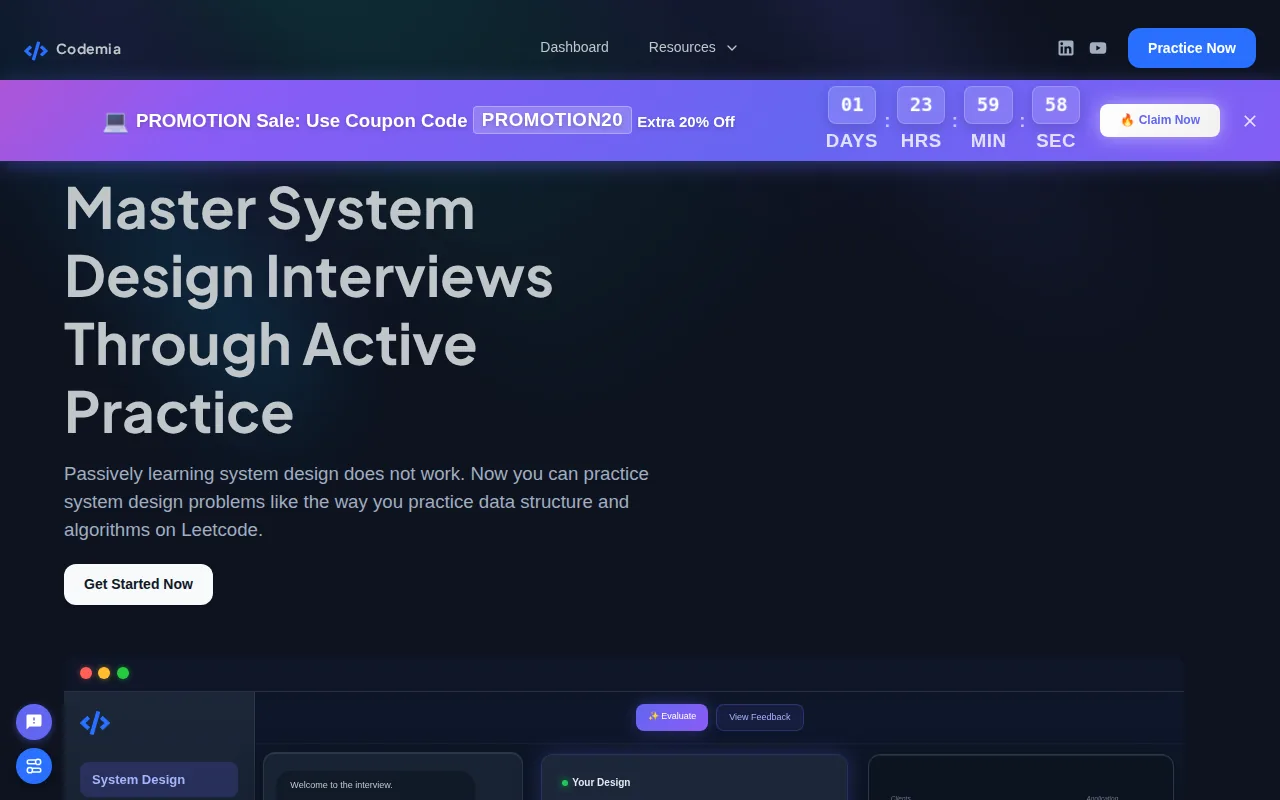
Problem practice can expose gaps that a course lesson won’t. Try to state functional needs first, then note the service qualities that matter for the prompt. Next, sketch the main flow and pick one component to explain in more detail. Afterward, review whether your choices fit the load, reliability needs, and scope you set.
For a URL shortener, that might mean explaining how a short link maps to its destination, then asking what happens during a burst of reads. Don’t add a distributed cache or data partition just to sound advanced. Explain the bottleneck you expect and why your proposed change addresses it.
AI feedback can be a useful prompt for review, but treat it as input rather than a verdict. Check whether the feedback points to a missed requirement or an unexplained trade-off. Then revise your answer in your own words.
Best fit: You want to work through design prompts and get feedback while studying. Keep a separate timed session for spoken practice so written answers don’t become your only way to rehearse.
For engineers who also want support during interview practice, Phantom Code AI is a separate option: it listens, transcribes, recognizes problem types, and provides real-time guidance. It runs on macOS and Windows, and new accounts get free credits at signup with no card required. It’s best treated as an added practice aid, not a replacement for learning the design concepts yourself.
Quick comparison: Which system design prep resource fits your style?
Choose based on the skill you need to work on next. A course may help when you lack a framework. A visual resource can clarify component relationships. A mock or interactive problem can show whether you can apply those ideas under pressure.
| Resource | Learning format | Best fit | What to add to your prep |
|---|---|---|---|
| Grokking the System Design Interview | Online course | Case-led study | Timed, spoken answers |
| Exponent | Course with mock interviews | Spoken design practice | Review of core concepts |
| ByteByteGo | Community-listed visual resource | Visual learners | Redraw diagrams from memory |
| Educative | Interactive text, exercises, quizzes | Readers who want checks as they study | Explain decisions aloud |
| Codemia.io | Interactive problem practice with AI assistance | Prompt-based practice | Timed mock conversations |
For a quick study plan, pick one resource for concepts and one for practice. Start with a prompt you know, then rehearse the full flow: clarify needs, set scope, sketch the architecture, examine a component, and discuss trade-offs. Reviewing load balancing can help ground the term when you’re considering traffic distribution.
And remember that a design answer is a conversation, not a demand to name every tool. State the user need, explain the choice, and connect the trade-off to a clear constraint.
Frequently asked questions
What should I look for in system design interview prep?
Choose a resource that matches the skill you need to build next. If concepts feel new, start with a course or written lessons. If you can explain the basics but struggle to speak clearly, choose mock practice. If you know the ideas but need more application, work through design prompts and review your trade-offs.
Can I prepare for a system design interview for free?
Yes, you can begin with free material and free practice access. Codemia.io is listed with a free tier, and community repositories can also help you find study material. Use free access to test whether the format suits you, then add a paid resource only if it fills a clear gap in your prep.
Do I need to know every technology for a system design interview?
No. You need to explain a reasonable design for the prompt, not recite every technology in the field. Start with the requirements and describe the simplest parts that meet them. If you propose a cache or queue, explain what problem it solves and what trade-off it brings.
Does my system design answer need to be production-ready?
No, an interview design doesn’t need every production detail. It should show that you can set scope and reason through the main architecture. Name the risks that matter for the prompt, such as a hot partition or a slow dependency, then explain how you’d investigate or address them.
How do I explain a design to a non-technical interviewer?
Start with the user problem and the path through your system in plain language. Then connect technical choices to outcomes: a cache can reduce repeat reads, while a queue can let slower work happen later. Define terms when you use them, and check that your explanation answers the question being asked.
Conclusion
Pick one resource for learning and one for active practice, then rehearse a single prompt aloud this week. Phantom Code AI provides listening, transcription, problem-type recognition, and real-time guidance during interview practice.