Best Timed Coding Practice Tools With Live Hints

Compare the best settings to practice timed coding rounds with live hints, including mock interviews, DSA drills, and interview-safe AI support.
TL;DR
- Choose timed coding settings around the weakness you want to expose: algorithm speed, spoken explanation, or performance in a live session.
- A DSA platform supplies focused repetition; a human mock adds communication pressure; live guidance supports practice while the clock runs.
- Rehearse in an environment close to the interview so editor and call setup do not become extra obstacles.
Timed coding practice breaks down when the clock starts and you lose your train of thought. The best tools add live hints without taking away the pressure to explain your choices. Here are five strong options, with Phantom Code AI first for engineers who want timed mock rounds across coding, system design, and behavioral interviews.
Table of Contents
- Phantom Code AI: Real-time guidance for structured mock rounds
- LeetCode: A focused baseline for timed DSA practice
- AceRound: Live articulation support across meeting platforms
- Pramp: Human-style practice for the live interview format
- Interview Sidekick: Broad coverage for realistic technical interview environments
- Comparison table: Which timed coding practice setting fits your goal?
- FAQ
- Conclusion
1. Phantom Code AI: Real-time guidance for structured mock rounds
Phantom Code AI is an invisible desktop assistant that listens, transcribes, recognizes problem types, and gives real-time guidance during mock or live technical interviews. It fits engineers who want one practice setting for DSA, system design, and behavioral rounds.

For a timed coding round, the useful part is the link between the prompt and the conversation. You can work through a graph problem while keeping your explanation moving. If you get stuck, guidance can point you toward the next line of thought instead of handing you a full answer at once.
Phantom Code AI also lists native support for Zoom, Google Meet, and Microsoft Teams. That matters when you want to rehearse the same setup used in a hiring call. You don't need to split your attention between a coding editor, a video call, and a separate hint window.
A good drill looks like this: set an external countdown, read the prompt aloud, state your assumptions, then code in short passes. Ask for help only after you explain what you tried. This keeps the hint from becoming a shortcut.
The main caveat is timer control. Phantom Code AI does not disclose built-in timer customization, so you'll need a separate countdown for a 20-minute DSA drill or a longer system design block. Its focus is live guidance, not timekeeping.
2. LeetCode: A focused baseline for timed DSA practice
LeetCode is a strong fit for engineers who need a clean baseline for timed data structures and algorithms practice. Its built-in AI hint system can help when a problem stalls, while the free tier gives candidates a low-cost way to build a repeatable DSA routine.
Use LeetCode when the goal is narrow: solve a problem, watch the clock, and review the result. A useful session starts with a short plan. Write down the input shape, name the likely data structure, and estimate the time cost before you touch the editor.
For example, on a sliding-window problem, don't ask for a hint at the first failed test. First say what the window tracks. Then mark the condition that expands or shrinks it. If the code still fails, use the hint to check your model rather than copy a solution.
This setup is less like a live interview than a video-call assistant. You won't get the same pressure from explaining a tradeoff to another person. That makes LeetCode useful early in a practice cycle, but less complete when you need to train your spoken delivery.
It also won't replace a full mock round. Add a second phase after the timed solve. Record yourself explaining the approach in two minutes, then explain the worst edge case. That extra step exposes gaps that a green submission result won't show.
Pick LeetCode when your main weakness is pattern recall or implementation speed. Move to a live mock setting once your code works but your explanation still feels slow.
The difference between a practice solve and an interview answer is easy to miss. A correct result proves only part of the skill. A hiring round also tests how you frame the problem before coding.
3. AceRound: Live articulation support across meeting platforms
AceRound gives real-time answer suggestions across Zoom, Google Meet, and Teams. It suits candidates who can solve the problem but need help keeping their explanation clear, especially when speaking in a second language.
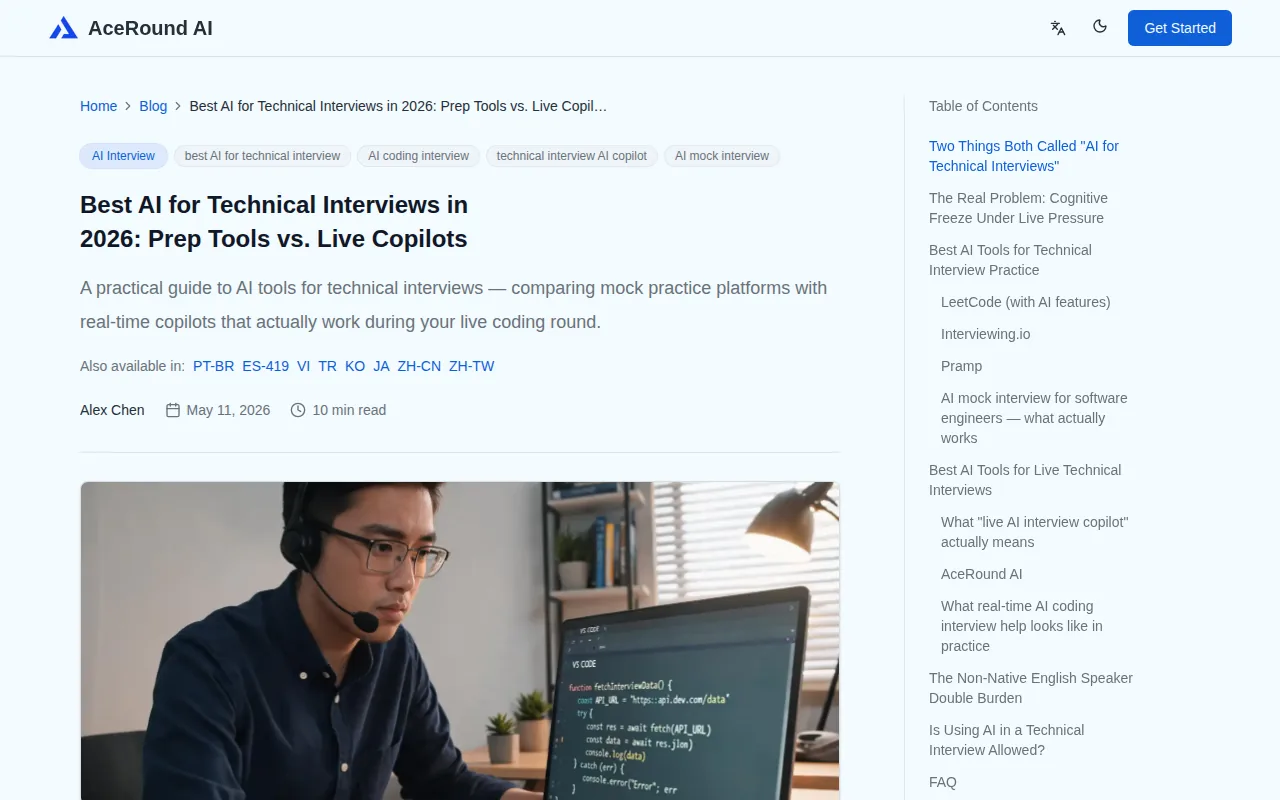
That makes the setting different from a pure DSA site. You can rehearse the full exchange: clarify the prompt, talk through a brute-force idea, explain the better approach, and respond to a follow-up. The live suggestion layer helps when your words stop matching your technical thought.
Try a timed session with strict rules. Spend the first five minutes on questions and examples. Use the next 15 minutes for the core solution. Reserve the last five minutes for complexity and tests. If you need help, ask for wording support only after you state the technical point yourself.
AceRound lists a free trial for live assistance, which can help you test whether suggestions fit your speaking style before you build a routine around them. Still, a suggestion tool can make you sound less natural if you read every line. Keep your own vocabulary and use hints as prompts.
Its best use is spoken practice. If your main gap is knowing when to choose a heap over a sorted list, start with focused DSA drills instead. If your solution is sound but your delivery wanders, AceRound is the closer match.
Clear speech is a technical skill in its own right. Candidates who want extra work on verbal delivery can also compare online public speaking classes for live practice and feedback, though those classes won't replace coding drills.
4. Pramp: Human-style practice for the live interview format
Pramp is built for candidates who want to practice the live interview format with real engineers. It is a strong choice when the hard part isn't only the algorithm. You also need to think aloud while another person watches your work.

Use Pramp for rounds where communication carries as much weight as code. Start by restating the prompt. Ask what inputs can look like. Then state a simple approach before you improve it. A partner can interrupt, ask for a test case, or challenge a complexity claim in a way a static platform can't.
Pramp also lists some AI feedback features, but its main value is the human format. You get a chance to notice small habits: typing before confirming the problem, going silent during a bug hunt, or saying “this is obvious” instead of explaining the choice.
The tradeoff is control. You may not get the exact problem type or time block you want each time. Scheduling another person also adds friction. For a daily solo routine, a coding platform is easier. For a weekly pressure test, Pramp can expose gaps that solo practice hides.
Keep the round strict. Set the timer before the call. Ask your partner to hold back unless you request a nudge. Afterward, write down one issue with your reasoning and one issue with your communication. Fix only those two points in the next session.
Choose Pramp when you need social pressure and candid feedback. It is less suited to a quick lunch-hour drill where you want instant hints without coordinating with another engineer.
5. Interview Sidekick: Broad coverage for realistic technical interview environments
Interview Sidekick supports live AI assistance across coding sites, interview editors, video calls, and recording tools. It fits senior engineering candidates who want to rehearse in the same kinds of environments used during technical screens.
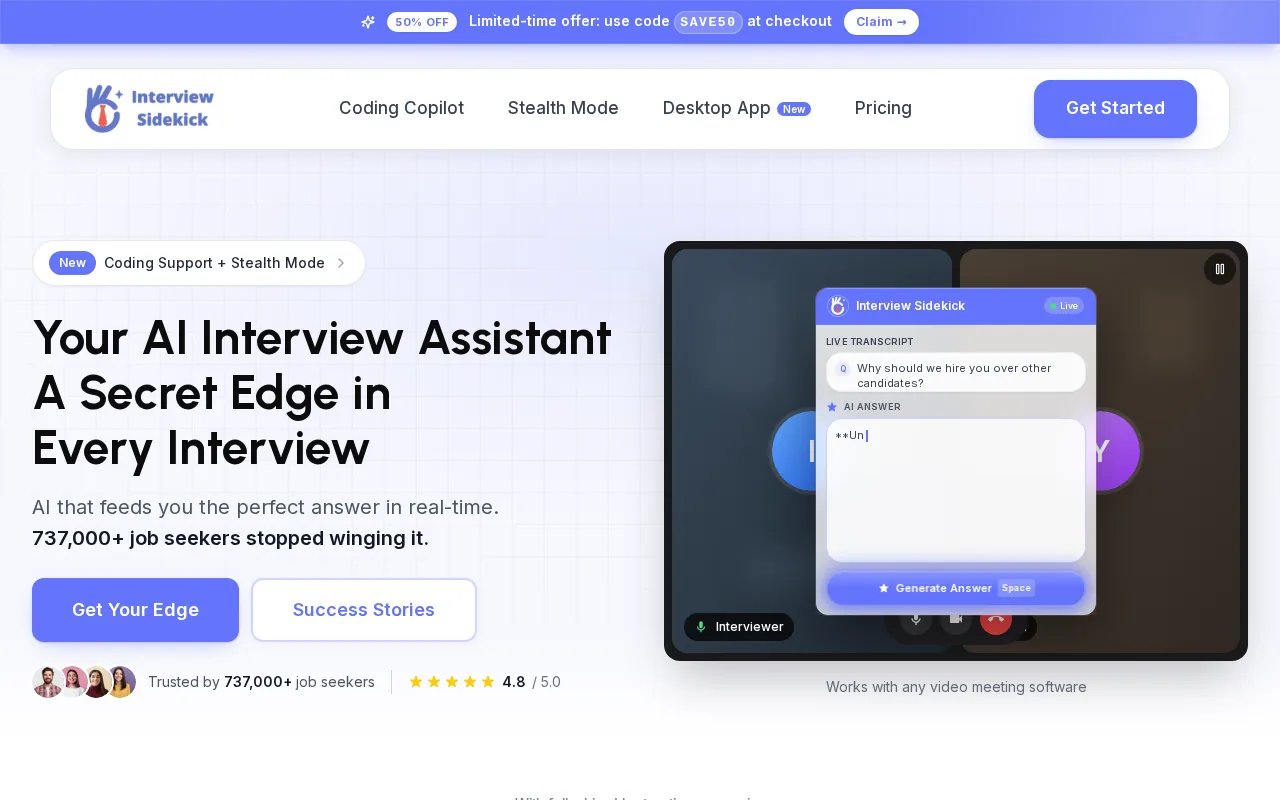
The broad integration list is its clearest distinction. It names LeetCode, HackerRank, CoderPad, CodeSignal, Zoom, Meet, Teams, Webex, OBS, and Loom. That gives you more room to match practice to the format of a target company, at least when the needed environment is supported.
For a timed drill, pick one environment and keep it fixed. A 30-minute CoderPad-style round should feel different from a short problem on a practice site. The editor changes how you test code, share output, and explain what you would do with more time.
Interview Sidekick starts without requiring a credit card, based on its listed product information. That can make it easier to test the workflow before committing. Still, broad coverage can add setup work. A tool with many integrations may take longer to configure than a simple DSA editor.
It also shares the timer gap found across this category. If you want a 45-minute mock round with a warning at five minutes, set those alerts outside the assistant. Use a browser timer, operating system timer, or another device. Keep the timer visible without placing it where it distracts from the prompt.
Choose Interview Sidekick when environment coverage is your top concern. Choose Phantom Code AI when you want a more direct match for engineers preparing across coding, system design, and behavioral interviews.
Comparison table: Which timed coding practice setting fits your goal?
The right setting depends on the failure you want to expose. A DSA site helps with speed. A human mock tests communication. An interview assistant helps when you need guidance while the clock and conversation keep moving.
| Option | Best fit | Live hint or feedback style | Call or editor coverage | Main limitation |
|---|---|---|---|---|
| Phantom Code AI | Engineers preparing across interview types | Real-time guidance | Zoom, Google Meet, Teams | Use an external timer |
| LeetCode | Baseline DSA preparation | Built-in AI hints | Practice editor | Less spoken interview pressure |
| AceRound | Live articulation support | Real-time answer suggestions | Zoom, Google Meet, Teams | Hints can affect natural speech |
| Pramp | Human-style interview practice | Partner feedback with some AI features | Live partner format | Requires another participant |
| Interview Sidekick | Broad technical interview coverage | Real-time AI assistance | Coding sites plus major meeting tools | More setup across many integrations |
None of these options lists built-in timer customization as a core feature. That is the main planning gap for timed coding rounds with live hints. Set the timer yourself, then judge each tool by what it does during the pressure window.
For a simple routine, use a short DSA drill during the week and a live mock on the weekend. Phantom Code AI fits the second part when you want guidance inside a video call. Its AI-graded mock coding interview practice can also help you check whether you discuss edge cases before coding.
Technical practice should still follow the rules of the interview you're preparing for. If a company bans outside assistance, use live hints only in private practice. The goal is to improve your reasoning, not to hide a gap during an assessment.
Continue this preparation with the Big O notation cheat sheet, then use coding-speed mock platforms to extend your practice.
FAQ
What is the best tool for timed coding rounds with live hints?
Phantom Code AI is the strongest fit when you want live guidance inside a timed interview-style session. It supports coding, system design, and behavioral preparation, with Zoom, Google Meet, and Teams listed for call use. Add an external countdown because timer customization isn't listed as a built-in feature.
Can I practice coding interviews with an AI hint system?
Yes, you can practice coding interviews with AI hints through tools such as Phantom Code AI and LeetCode. Use hints after stating your own approach first. That keeps the session focused on reasoning, edge cases, and communication instead of turning the exercise into answer copying.
How long should a timed coding practice round be?
A timed coding practice round should match the format you expect, rather than use one fixed length. Try a short 20-minute drill for speed, then use a longer block for explanation and testing. Keep the same timer visible throughout the session so you notice when your pace slips.
Do coding interview practice tools include timers?
Most tools in this shortlist don't disclose custom timer controls. Use an external countdown with warning marks at useful points, such as halfway through the problem and five minutes before the end. This also lets you copy the timing style of a specific hiring process.
Should I use live hints during a real coding interview?
Use live hints only when the interview rules allow them. For normal hiring assessments, outside assistance may be banned. The safest use is private practice, where you ask for a small prompt after explaining your own idea, then solve the next step without reading a full answer.
Conclusion
Start with Phantom Code AI if you want timed coding practice that feels close to a video interview and still gives live guidance when you stall. Set an external timer, run one 25-minute problem this week, and review where you lost time before adding more tools.