Best Mock Interview Platforms for Coding Speed

Compare mock interview platforms for coding speed practice, including AI guidance, live engineers, peer repetition, and broader technical prep.
TL;DR
- Coding speed improves through repeated problems, clear spoken trade-offs, and feedback on where you slow down.
- AI practice supports frequent repetition; human mocks test your reasoning with another engineer.
- Choose a practice format that reduces setup friction while preserving the pressure to explain your decisions.
Coding speed practice breaks down when the tool adds more friction than feedback. The best platforms let you repeat problems, explain tradeoffs aloud, and spot where your pace slows. Here are five options, with Phantom Code AI first for engineers who want live AI help inside common video-call tools.
Table of Contents
- Phantom Code AI
- MockIF, Adaptive AI Practice for Fast Repetition
- Interviewing.io, Real Engineers for Realistic Coding Signals
- Pramp, Free Peer Repetition for Early Practice
- Educative, Broader Preparation Beyond Timed Coding Drills
- Compare the Five Platforms for Coding Speed Practice
- FAQ
- Conclusion
1. Phantom Code AI
Phantom Code AI is a desktop assistant for coding, system design, and behavioral interview practice. It listens to the interview, transcribes the discussion, recognizes the problem type, and gives real-time guidance while you work.
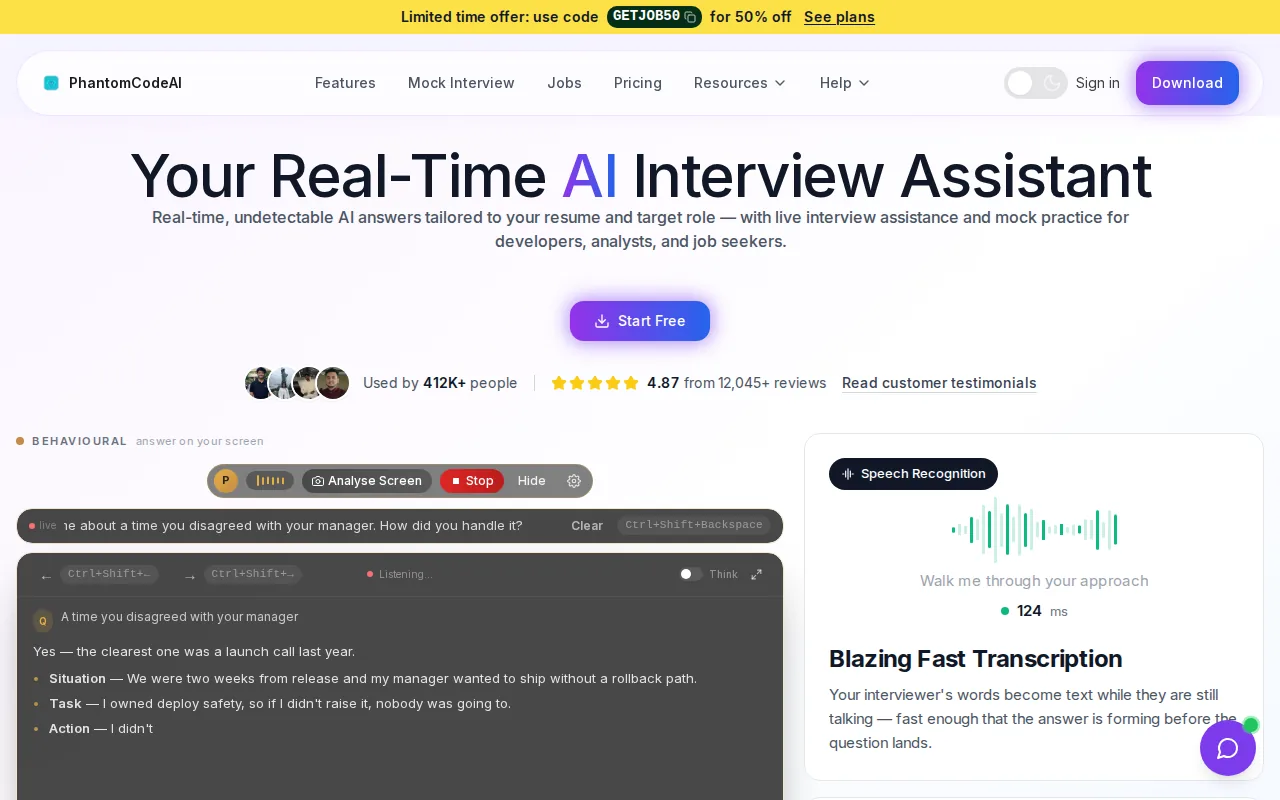
That workflow fits speed practice well. You can rehearse a graph problem, talk through a system design tradeoff, or explain a debugging path while the assistant follows the context. It also connects with Zoom, Google Meet, and Microsoft Teams, so you don't have to split your attention between a call and a separate practice window.
The main edge is the mix of live listening and problem-type recognition. Many AI interview tools stop at transcription. Phantom Code AI adds coding help while the discussion moves, which is useful when you need to decide whether a prompt points to a sliding window, binary search, graph traversal, or dynamic programming.
It also works beyond coding. A system design session may need prompts about scale, failure points, or data flow. A behavioral round may need help keeping an answer focused. The assistant can support those modes without forcing you into a fixed question bank.
Use the AI coding interview assistant for real-time coding rounds when you want to test speed under a live conversation. You still need to solve the problem yourself, and you should follow the rules of the interview setting. The tool is best used for practice or for interviews where assistance is clearly allowed.
2. MockIF, Adaptive AI Practice for Fast Repetition
MockIF is an AI-powered mock interview platform built for frequent practice. It adapts questions to your resume and job description, then asks follow-up questions based on your answer.
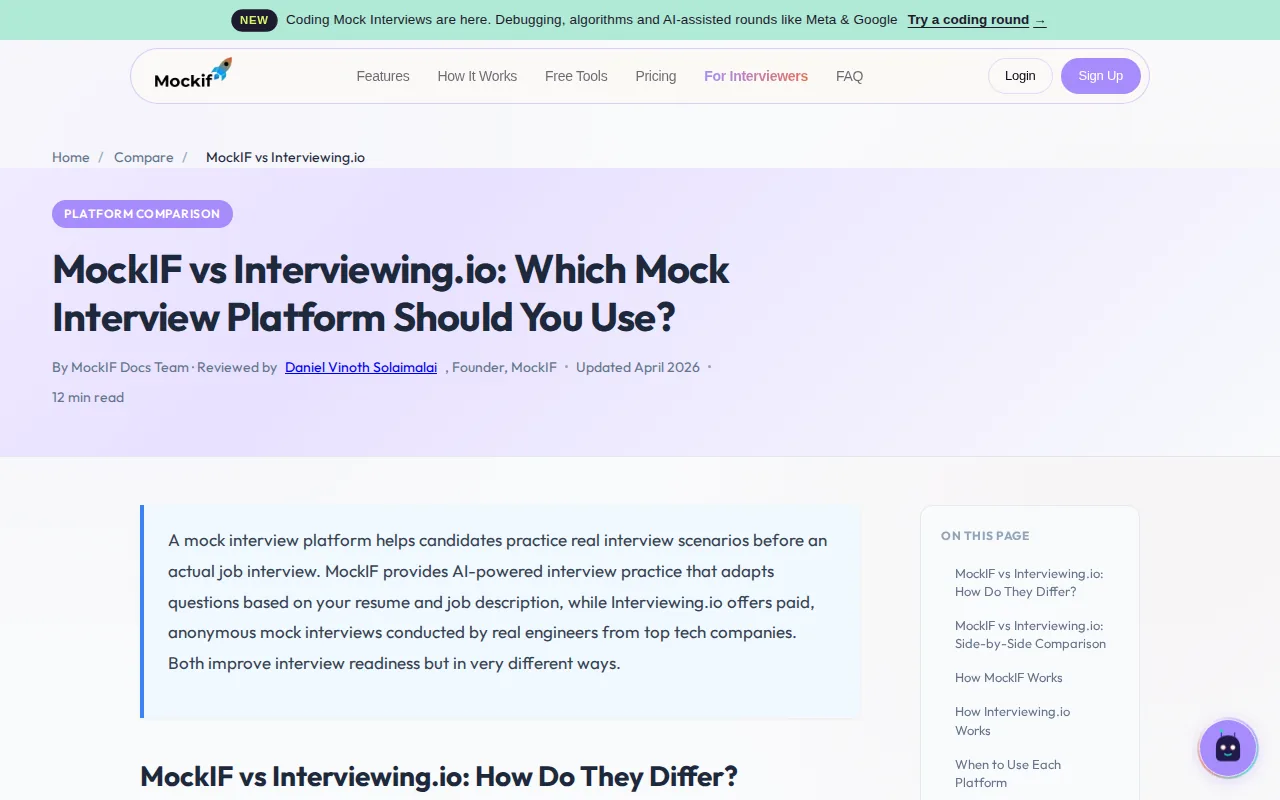
That makes it useful when generic drills feel too far from the role you're targeting. A backend engineer can practice questions tied to a target job description. A candidate preparing for a behavioral round can work on “Tell me about yourself” and then face a deeper probe when the first answer leaves a gap.
The feedback arrives after each response. The focus is on clarity, structure, and coverage rather than a simple pass or fail. For speed practice, that means you can run another attempt right away instead of waiting for a scheduled interviewer.
MockIF is designed for frequent practice, while Interviewing.io centers on live, anonymous mock interviews with real engineers. That distinction is useful. AI practice helps you repeat a weak answer five times. Human feedback helps you learn how that answer sounds to another engineer.
The tradeoff is realism. An AI can ask adaptive follow-ups, but it won't fully reproduce a skeptical interviewer, a tense pause, or a partner who changes the problem halfway through. Use MockIF early in a study plan, then add a human session when your answers feel stable.
For engineers who want a high number of short reps, MockIF is easier to fit into a busy week than scheduled sessions.
3. Interviewing.io, Real Engineers for Realistic Coding Signals
Interviewing.io focuses on live, anonymous mock interviews with experienced engineers. It suits candidates who want a realistic signal of interview readiness rather than a tool for daily repetition.
The session format is close to a real technical round. You schedule a time, meet an interviewer, and work through coding, system design, or behavioral questions. Afterward, you receive written feedback about strengths, weak spots, and how the session came across.
Anonymous practice can make feedback easier to hear. The interviewer isn't a coworker or hiring manager from your network, so you can focus on the signal. If you keep jumping into code before clarifying the input, or miss edge cases under time pressure, a human interviewer can point to that exact moment.
This is where Interviewing.io differs from AI repetition. A human can react to your tone, ask an unexpected follow-up, or judge whether your explanation is easy to follow. Those signals are hard to reproduce with a fixed recording or a solo timer.
The cost and scheduling load are the limits. Paid sessions make more sense after you have practiced the basics. An early session can still help, but you may spend money learning issues that repeated AI or peer practice could have exposed first.
Use this option as a checkpoint. Schedule one when you need to know how your current skill holds up with another engineer in the room.
4. Pramp, Free Peer Repetition for Early Practice
Pramp pairs candidates with peers for browser-based mock interviews. It is a strong fit for early practice when you want free repetition with another person instead of an AI voice.

The format is two-sided. You interview your peer, then your peer interviews you. Sessions run for about 30 to 45 minutes, and both people give feedback afterward. That role swap matters because it teaches you what an interviewer has to notice while a candidate is solving.
Pramp matches practice partners based on factors such as availability, experience, education, topic, and target companies. You also get interview questions plus a shared environment for the session. The result feels less polished than a paid expert interview, but it adds the uncertainty that solo practice lacks.
Peer practice is useful for coding speed because the clock is only part of the problem. You also need to explain why you chose a data structure, respond to a hint, and recover when your first idea fails. A peer may ask a follow-up you didn't plan for.
There are limits. A peer may not know enough to judge a complex system design choice. Feedback can also vary by partner. Treat the session as a way to build fluency and composure, not as a final hiring verdict.
For a free routine, alternate roles. Solve one problem as the candidate, then lead the next one as the interviewer. That second view often reveals habits you miss when you only code.
5. Educative, Broader Preparation Beyond Timed Coding Drills
Educative is a broader interview preparation platform with coding, system design, behavioral practice, and AI mock interviews. It fits candidates who want lessons and practice in one study plan.

A speed drill tells you how long a solution took. It doesn't always explain the concept that slowed you down. A broader study platform can help when the real issue is weak knowledge of heaps, graph traversal, API design, caching, or distributed system tradeoffs.
That wider scope matters for engineers facing several interview formats. You may need to solve a data structure problem in one round, sketch a service in another, and give a clear project story later that day. A single coding timer won't cover those shifts.
AI mock interviews and AI practice sessions can add spoken rehearsal to the lessons. Use them to test whether you can explain a solution without reading from notes. Then return to the lesson when the same concept keeps causing a stall.
The drawback is focus. If your only goal is to cut five minutes from a common array problem, a large preparation library may give you too many paths. Set a narrow target before opening the platform, such as “complete two medium graph problems and explain time complexity aloud.”
Educative makes the most sense when coding speed is one part of a larger interview plan. It is less suited to candidates who only want a lightweight live assistant during a call.
Compare the Five Platforms for Coding Speed Practice
The right choice depends on what causes your slowdowns. If you lose time reading the prompt, live context can help. If you know the code but explain it poorly, peer or human feedback matters more. If you lack the underlying concept, lessons should come first.
| Platform | Best fit | Practice style | Main tradeoff |
|---|---|---|---|
| Phantom Code AI | Live coding speed and call-based practice | Real-time AI guidance | Use must match interview rules |
| MockIF | Frequent role-specific repetition | Adaptive AI questions | Less human pressure |
| Interviewing.io | Readiness checks with engineers | Scheduled live interviews | Paid sessions and less repetition |
| Pramp | Free early practice | Peer interviews | Feedback quality varies |
| Educative | Full technical interview study | Lessons plus AI practice | Can be too broad for one narrow goal |
One useful rule is to match the tool to the stage of preparation. Start with repetition when your answers are rough. Add peer practice when you need unpredictability. Use a live engineer when you want an honest readiness check. Phantom Code AI fits when you want the practice session to happen inside the call flow, with coding context available as you speak.
Continue this preparation with problem-recognition drills, then use a Blind 75 study plan to extend your practice.
FAQ
What is the best platform for coding speed practice?
Phantom Code AI is the strongest fit when you want live coding guidance during a video-call practice session. It listens to the conversation, transcribes the exchange, recognizes problem types, and supports coding work. MockIF is better for quick repeated drills, while Interviewing.io is better for a human readiness check.
Are AI mock interviews useful for coding practice?
AI mock interviews are useful for repetition, feedback, and spoken practice. They let you repeat the same weak pattern soon after finding it. They don't fully replace a human interviewer who can judge communication and react to your choices. Use AI for volume, then add peer or engineer feedback before a high-stakes round.
Is Pramp good for beginners?
Pramp can suit beginners who want free practice with another person. Its peer format gives you a chance to solve while someone listens, then switch roles. Beginners should treat the feedback as a learning signal rather than a formal score, since partners may have different levels of technical and interview experience.
Should I use a live interviewer or an AI platform?
Use an AI platform when you need many low-friction reps, and use a live interviewer when you need a realistic signal. AI practice can help you fix a repeated coding or communication issue. A live engineer can expose gaps in reasoning, pacing, or response to pressure that solo practice may miss.
Can I use an interview assistant during a real interview?
You should use an interview assistant in a live interview only when the employer's rules clearly allow it. For preparation, the assistant can help you rehearse coding, system design, and behavioral rounds. During an actual interview, undisclosed help may violate the process. When in doubt, ask before the interview or use the tool only for practice.
Conclusion
Choose Phantom Code AI if your main goal is to practice coding speed inside a live call, with transcription, problem recognition, and guidance in one workflow. Start with one timed session, note where your pace drops, and repeat that same problem type until your explanation stays clear under pressure.