Best Mock Interview Add-Ons for Recording & Analytics

Compare mock interview add-ons for replay, transcripts, scoring, and live coaching, with guidance for software engineers preparing for technical interviews.
Recording helps you hear what you said. Live guidance can help you work through a coding problem while you say it. These mock interview add-ons suit different practice needs, from replay and human feedback to real-time assistance.
For software engineers, the best fit depends on when you want feedback: during the mock or after it ends.
Table of Contents
- Phantom Code AI — Real-time guidance for technical interviews
- Interviewing.io — Human feedback with video replay
- Pramp — Free peer mocks with structured feedback
- Skillora — Playback, transcripts, and scoring
- Final Round AI — Rubric-aligned reports and transcripts
- Compare the five mock interview options by replay and feedback
- FAQ
- Conclusion
1. Phantom Code AI — Real-time guidance for technical interviews
Phantom Code AI is an AI desktop assistant for coding interviews. It listens, transcribes, recognizes problem types, and provides real-time guidance during mock or live technical interviews. It’s aimed at software engineers preparing for data structures and algorithms, system design, or behavioral rounds.
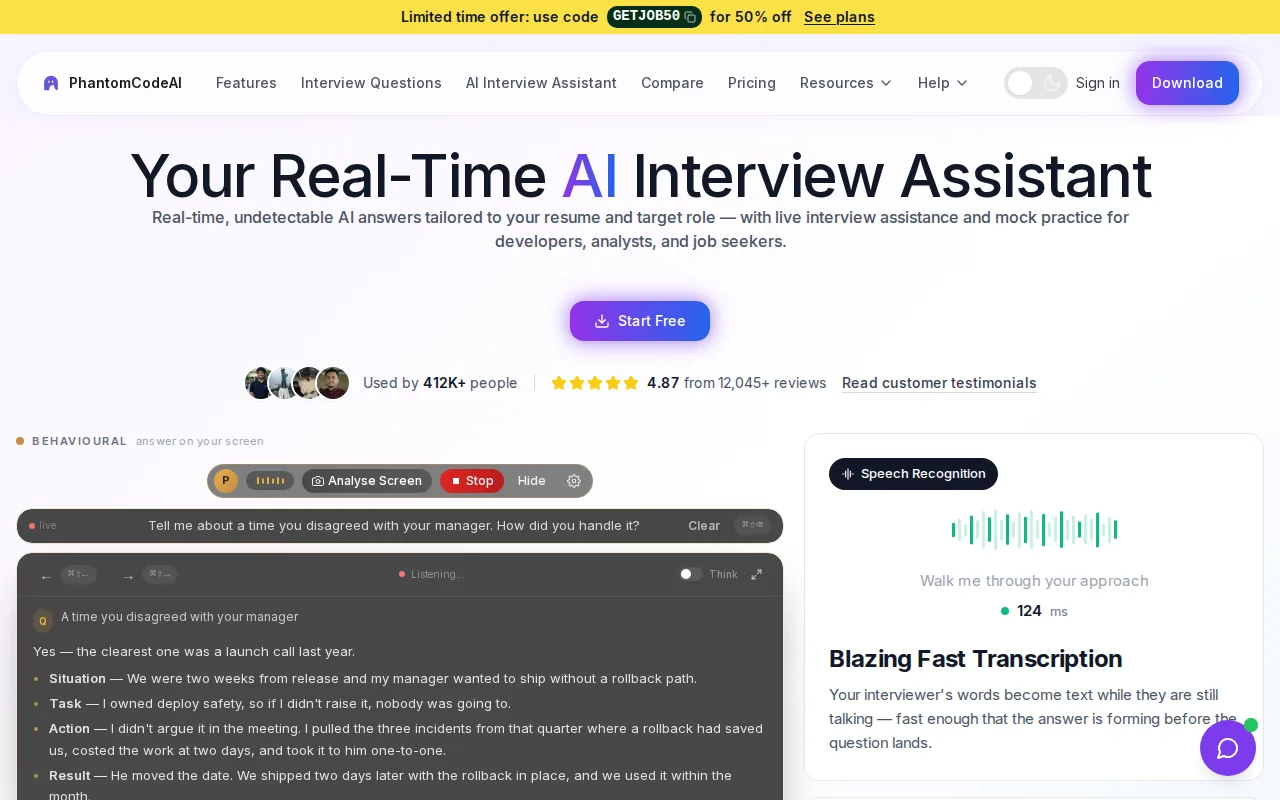
That makes it different from a standard recording add-on. A replay can help you review how you explained a hash map or handled a system-design trade-off. Phantom Code AI is built to provide assistance while the interview is happening. Its audio-based approach centers on the spoken interview rather than a video recording of your face.
The company says the tool works on macOS and Windows, and that new accounts get free credits at signup without a card. Its official site describes Phantom Code AI’s interview-assistant features. For a mock session, try using a coding prompt and note whether the guidance helps you explain your reasoning, not just reach an answer.
One fit detail matters: live assistance and post-session analytics solve different problems. Choose this option when you want support during a technical mock. If your main goal is reviewing video delivery afterward, look at the replay-focused picks below.
2. Interviewing.io — Human feedback with video replay
Interviewing.io supports live mock interviews with video replay and human feedback. It’s a fit for engineers who want to practice in a back-and-forth format, then review the recording with coaching in mind.
That replay gives you a chance to check details that are hard to track while solving a problem. Did you clarify the input before coding? Did you explain why you chose one data structure? Could the other person follow your steps when you found a bug? Human feedback can help you spot gaps between your intent and what came across in the session.
Keep the review focused. Pick one moment in the recording where your explanation got tangled. Write down what you meant to say, then try the same question again. If you review every pause or minor slip, it’s easy to lose sight of the skill you’re trying to improve.
Its strength is the human coaching loop, rather than a claim that a transcript score alone can judge a technical answer. It suits candidates who want a person to respond to their reasoning and communication.
3. Pramp — Free peer mocks with structured feedback
Pramp is a peer mock interview option with video sessions and structured feedback. Its free access and role-swapping format suit engineers who want to practice with another person rather than answer an AI prompt alone.
Role-swapping changes the task. You’ll need to explain your own solution in one turn, then listen closely and give feedback when your partner takes the candidate role. That second part can sharpen your eye for clear reasoning: note where a solution skips a key assumption or where a question needs a follow-up.
After the mock, use the feedback as a prompt for another attempt. For example, if your partner says you jumped into code too soon, practice restating the problem and checking constraints before choosing an approach. Structured notes help turn a general impression into one behavior you can work on.
Peer practice works best when both people stay engaged and give specific feedback. It’s a sensible pick for repeated practice with another candidate, especially when you want to alternate between interviewer and interviewee. A solo learner looking for automatic analysis may prefer a tool built around AI feedback instead.
4. Skillora — Playback, transcripts, and scoring
Skillora includes audio or video playback, transcripts, scoring, and example answers. It’s suited to candidates who want a recorded practice session they can review after answering, with a free AI interview session available on signup.
A transcript can make a vague feeling easier to inspect. Search for a point where your answer drifted from the question. Then compare the example answer with your response, not to copy its wording, but to see whether you gave enough detail to support your point.
For a behavioral prompt, check whether your answer explains the situation and your own actions. For a technical prompt, look for places where you named a choice but didn’t explain why it fit. Scoring can help direct your attention, but the useful next step is to connect the feedback to a specific change in your next attempt.
Skillora’s mix of replay and written feedback can help when you need to review both what you said and how you structured it. It’s a different workflow from live coaching: finish the response first, then use the record to find a pattern worth fixing.
5. Final Round AI — Rubric-aligned reports and transcripts
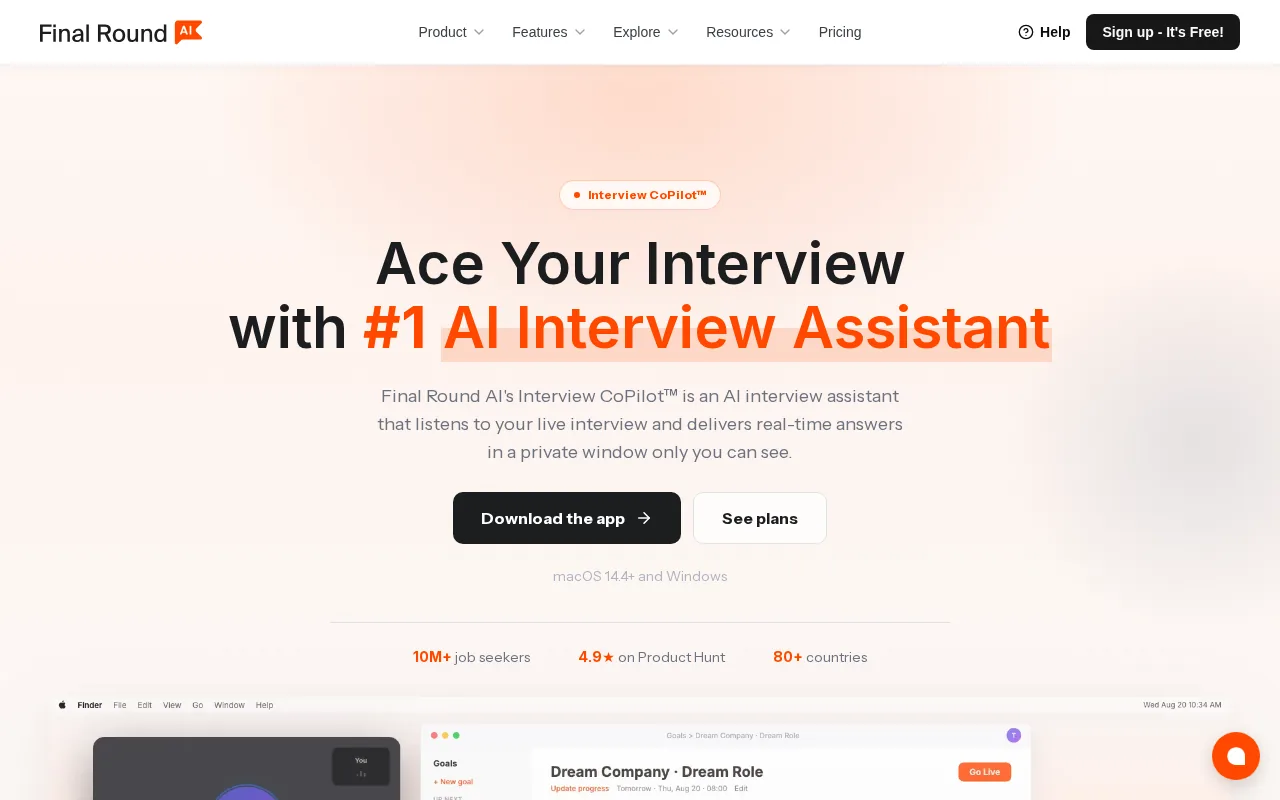
Final Round AI provides video practice, transcripts, AI feedback reports, and rubric-aligned evaluation. It can fit candidates or coaches who want repeated practice attempts assessed against a consistent set of criteria.
A rubric gives a review a defined frame. Instead of asking only whether an answer felt strong, check the feedback against the skill being tested. For a behavioral response, that might mean whether you explained your own role and the result. For a technical explanation, focus on whether the reasoning was clear and supported by the steps you described.
Reports and transcripts are most useful when you compare attempts. If you keep returning to the same question, mark a recurring issue, such as skipping a test case or giving too little context before describing a design choice. Use that pattern to set the focus of your next mock.
Final Round AI’s rubric-based format favors structured review after a response. It’s a reasonable match when you want feedback artifacts you can revisit. Phantom Code AI takes the other approach, supporting guidance during the interview instead of centering the workflow on a post-session report.
Compare the five mock interview options by replay and feedback
Choose based on the moment you need help. The table compares the practice loop each option supports, rather than treating every score or recording as the same kind of feedback.
| Option | Practice and review loop | Good fit when |
|---|---|---|
| Phantom Code AI | Audio transcription and real-time guidance | You want assistance during a coding or interview mock |
| Interviewing.io | Video replay with human feedback | You want a person to review your interview performance |
| Pramp | Video practice with peer feedback | You want to alternate interviewer and candidate roles |
| Skillora | Playback, transcripts, scoring, and example answers | You want to inspect a completed practice response |
| Final Round AI | Video, transcript, and rubric-aligned reports | You want feedback organized around set criteria |
Pricing models vary, so check the current plan details before subscribing. Phantom Code AI’s pricing page describes weekly, monthly, and yearly subscriptions, plus one-time credit packs. The page lists paid plans starting at $19 for a credit pack; subscription prices differ by term.
For team buying, the choice also depends on who reviews the practice and how feedback will be shared. Enterprise teams choosing mock interview solutions should match the tool to the role, test feedback in a pilot, and consider privacy and fit.
FAQ
What should a mock interview recording include?
A useful mock interview recording should let you review the answer and the way you delivered it. Video replay helps you revisit the session, while a transcript makes it easier to find a specific phrase or missed point. For coding practice, also note whether you explained the problem, your approach, and the trade-offs.
Are AI mock interview scores useful?
AI mock interview scores can help you focus your review, but treat them as feedback rather than a final verdict. Read the notes, find the exact part of your answer they refer to, and decide what to change next time. A score is less useful when you don’t connect it to a specific practice goal.
Which mock interview tool is best for software engineers?
The best choice depends on what you’re practicing. Phantom Code AI is built for software engineers seeking real-time interview guidance. Interviewing.io and Pramp support human or peer practice, while Skillora and Final Round AI emphasize recorded responses and post-session feedback.
Can transcripts help with behavioral interview practice?
Yes, transcripts can help you check whether a behavioral answer stays focused on the question. Review where you describe the challenge, your actions, and the outcome. If the story takes too long to reach what you did, revise it and practice again rather than memorizing a script word for word.
What should I check before paying for a mock interview subscription?
Check the practice format, how feedback arrives, and whether the plan suits the time you have to prepare. Look for the recording or transcript tools you’ll actually use. For a team, also decide who can review sessions and what privacy rules apply before sharing recordings or feedback.
Conclusion
If you want help while working through a technical mock, start with Phantom Code AI and use its signup credits to test the workflow. Choose one practice prompt, set a clear goal, and see whether live guidance fits the way you prepare.