Best AI Interview Response Generator Tools

Compare AI interview response tools for coding, system design, and behavioral rounds. Find a fit for your prep style and review each tool’s approach.
A live AI interview response generator can help you keep your place when a coding prompt or follow-up comes fast. The harder choice is finding a tool that fits your interview format and your preparation style. Here are five options, starting with Phantom Code AI, with a focus on what each one does.
We analyzed 56 comments from YouTube and Reddit about AI interview response generators and found that 30% mentioned the visibility of AI assistance during interviews.
Table of Contents
- Phantom Code AI
- Interview Copilot by Final Round AI: a desktop interview workflow
- LockedIn AI: live and mock interview modes
- Interview Pilot: role-aware interview support
- ULTRACODE AI: coding and verbal interview support
- Compare the AI interview response generators at a glance
- FAQ
- Conclusion
1. Phantom Code AI
Phantom Code AI is a desktop assistant for technical interview support. It’s aimed at software engineers preparing for coding, system design, and behavioral rounds who want live guidance without switching to a browser chat window.
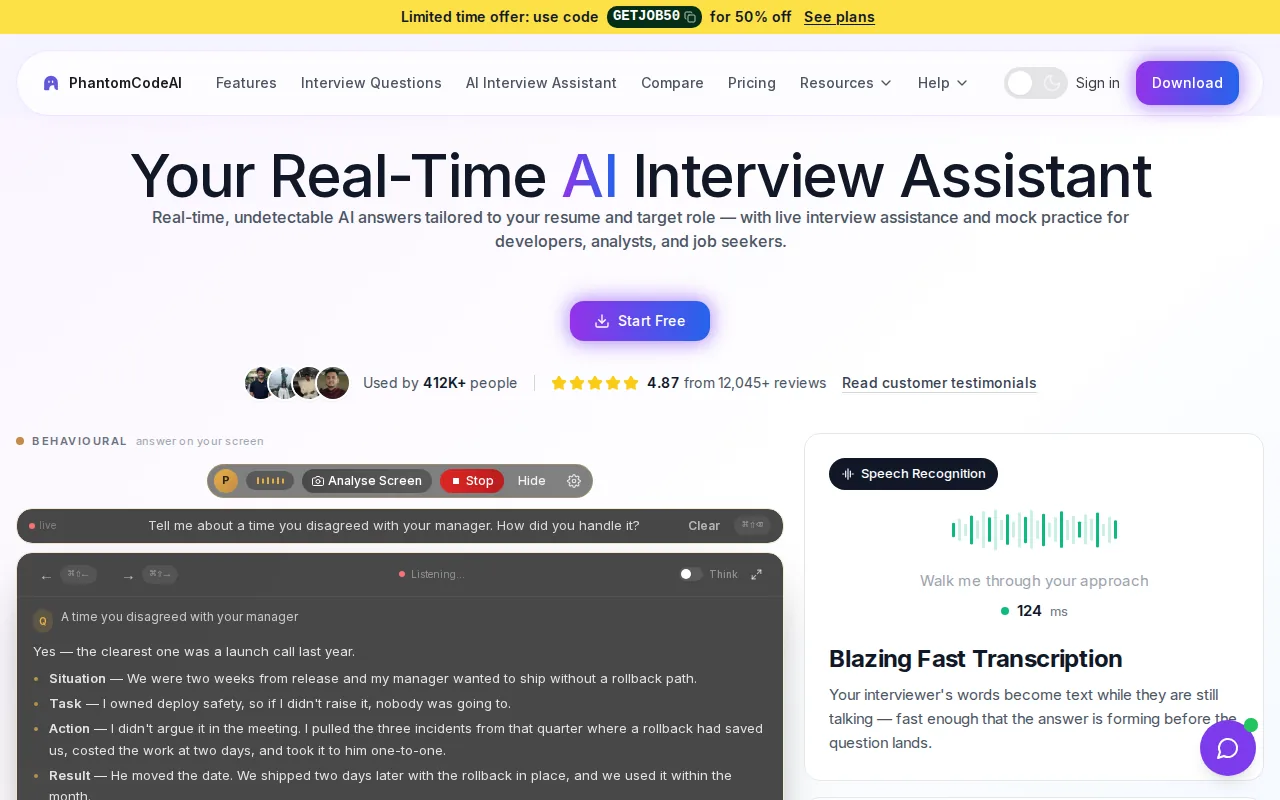
During an interview, it listens to audio, transcribes the conversation, recognizes problem types, and provides guidance. That can help when an interviewer says a coding prompt aloud, then adds a constraint before you’ve finished thinking through the first version. A transcript also gives you a record to review after practice, rather than relying on memory alone.
The workflow matters for engineers. A DSA prompt may call for a quick check of the input limits and edge cases. A system design question needs a clear way to discuss trade-offs. Behavioral questions call for a relevant example, not a generic answer. Phantom Code AI is built to support those different interview types in one assistant.
It runs on macOS and Windows. New accounts get free credits at signup, and paid plans start at $19. If you’re comparing how live answers work, the live AI interview answers generator page explains the product’s response workflow.
2. Interview Copilot by Final Round AI: a desktop interview workflow
Interview Copilot by Final Round AI is a desktop interview assistant for candidates who want to set up job context before a session. It can draw on a resume, job description, company notes, saved examples, and a role-related Goal to shape its live suggestions.
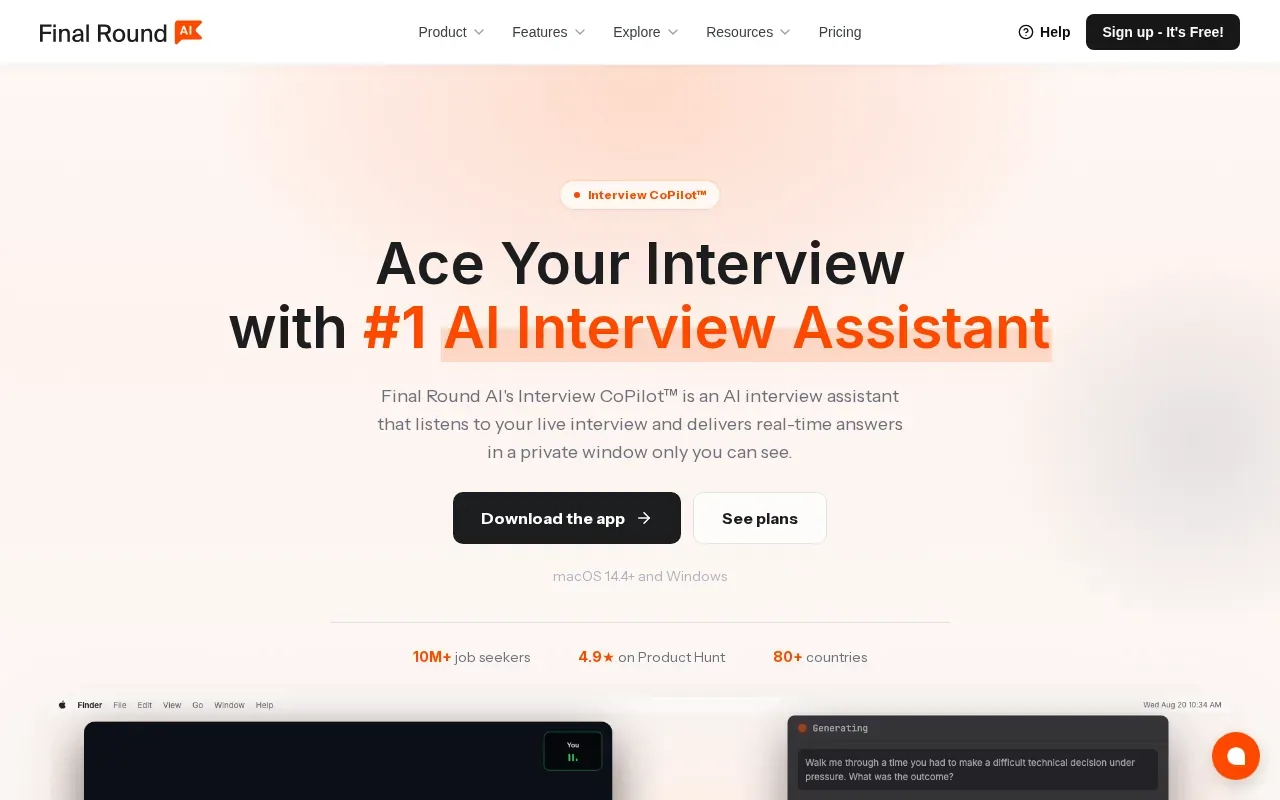
That context can make a difference in a behavioral round. If an interviewer asks about a hard technical decision, an answer built from your own project notes is more useful than a polished story that doesn’t match your experience. For a coding prompt shown on screen, the tool can use visible screen content as context. Its desktop app runs on macOS and Windows.
The workflow also connects live help with practice and a post-session debrief. Candidates who want one place to prepare role details, rehearse, get live guidance, and review afterward may find that structure useful. Live Copilot sessions require an active paid subscription, while the app has a free plan for exploring it.
Language support is broad, with 76 languages across 143 locales in the desktop app settings. Test the setup before an interview, especially if you’ll use screen-based prompts or a meeting app with its own audio settings.
3. LockedIn AI: live and mock interview modes
LockedIn AI has live interview and mock interview modes, with coding assistance. It may suit candidates who want to rehearse before a call, then use a similar tool for live guidance during a session.
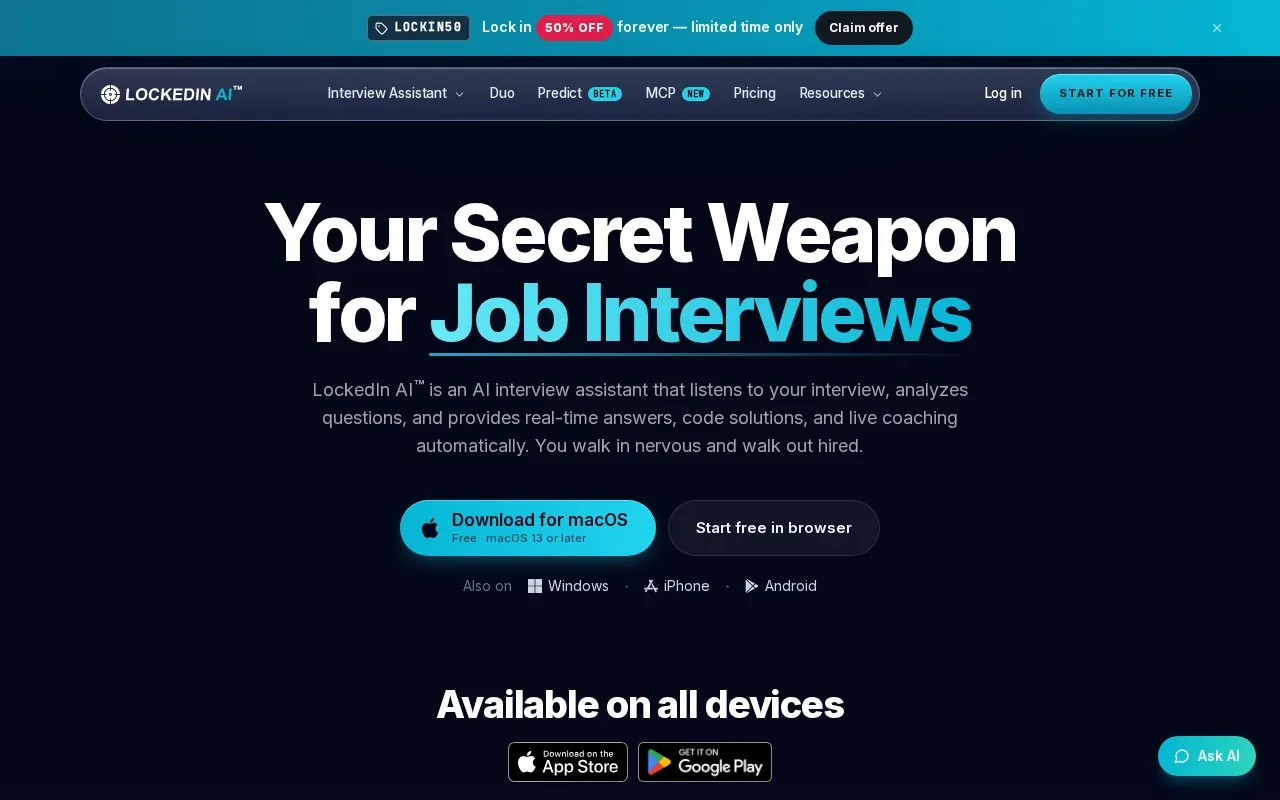
Its coding support is relevant when an interviewer asks you to work through an algorithm problem or explain a change to your code. The mock mode can help you practice saying your reasoning out loud. That matters because a correct solution is only part of a technical interview; you also need to explain why you chose an approach and respond to follow-up questions.
Its mock mode ends with a performance report. Check the service’s current privacy details and consider what interview content you’re comfortable sharing before you use it. A transcript can help with review, but it also contains information from the conversation.
4. Interview Pilot: role-aware interview support
Interview Pilot provides real-time, role-aware guidance and supports technical, behavioral, and mock interviews. It’s a candidate for engineers who want one assistant for more than coding prompts alone.
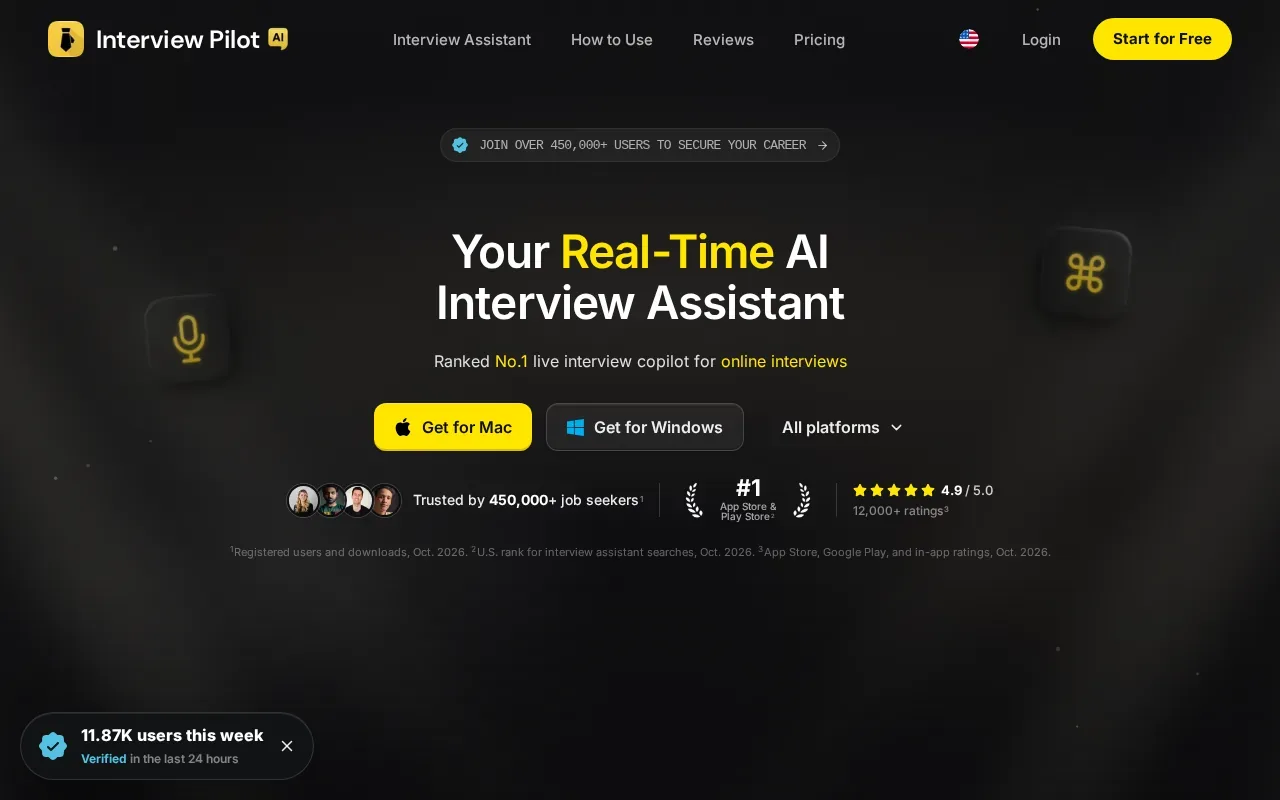
Role-aware support is useful when the same question can call for different emphasis in different jobs. A backend engineer might explain a service’s reliability choices, while a staff-level candidate may need to make ownership and team decisions clear. Before using any suggested answer, check that it fits the role and your own work history.
It runs on Windows, macOS, iPhone, iPad, and Android. That range can be useful if you prepare on one device and take a mock interview on another. For a live call, test the actual device and audio setup you expect to use, rather than assuming every combination works the same way.
Interview Pilot can fit candidates who want role-aware help across both technical and behavioral rounds. Keep your own examples close so the guidance stays tied to things you can explain under follow-up questions.
5. ULTRACODE AI: coding and verbal interview support
ULTRACODE AI is an interview copilot for developers that works with coding prompts and verbal questions. It’s aimed at software engineers who want technical help that explains the steps, not only a final answer.
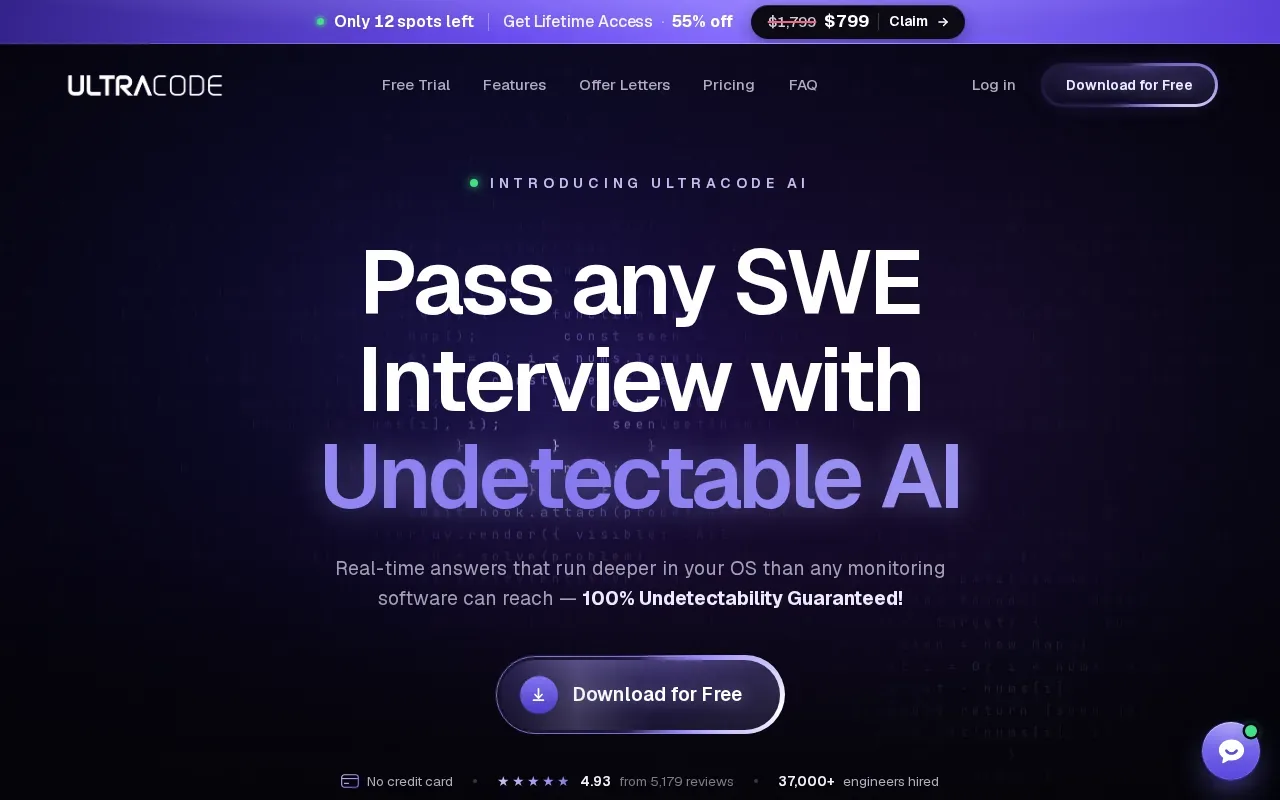
That explanation-first approach can help during practice. For example, if a prompt asks you to find duplicate values, you can check whether the proposed method handles repeated input and what its time and space costs are. Then try explaining the reasoning without looking at the response. That tests whether you understand the solution well enough to discuss it.
The tool’s strength is a structured pattern for explaining each step. It supports coding and verbal questions, so a candidate can use it when the interviewer shifts from a code task to a follow-up about the design.
Before relying on any assistant during a real hiring process, check whether outside help is permitted. A hidden window or a claimed privacy feature doesn’t mean an employer allows AI support. For a practice session, use the answer to test your reasoning, then work through the prompt again on your own.
Compare the AI interview response generators at a glance
The right choice depends on what you need to practice. A tool with coding help may not be the best fit for behavioral stories, while a broad interview assistant may not put technical explanations first. Use this view to narrow your shortlist, then test the option against a sample question from your target role.
| Tool | Best fit | What stands out | Check before use |
|---|---|---|---|
| Phantom Code AI | Engineers preparing for technical and behavioral rounds | Live guidance with transcription and problem-type recognition | Test your OS and call setup |
| Interview Copilot by Final Round AI | Candidates who want job context across practice and live sessions | Uses resume, job details, notes, and saved examples | Live sessions need an active paid subscription |
| LockedIn AI | Candidates who want both mock and live modes | Coding assistance and mock reports | Review its privacy policy |
| Interview Pilot | Candidates who want role-aware support across interview types | Technical, behavioral, and mock interview support | Test the device you’ll use |
| ULTRACODE AI | Developers focused on coding and verbal technical questions | Explains steps in a structured pattern | Confirm AI assistance is allowed in the assessment |
Privacy and policy deserve their own check. Some tools describe hidden or private guidance, but that is not a substitute for permission from the employer. If your interview uses an assessment platform, read the applicable rules. HackerRank has a dedicated support page about AI-assisted interviews, which is a useful reminder to check the platform’s policy as well as the employer’s instructions.
FAQ
What does an AI interview response generator do?
An AI interview response generator turns an interview question into suggested guidance or an answer. Depending on the tool, it may listen to spoken questions, use job or resume details, help with code, or support mock practice. Treat its output as a prompt to think, not a script to repeat. You should be able to explain any answer in your own words.
Can AI interview tools help with coding questions?
Yes, some tools in this shortlist describe coding support. The type of help differs: it may guide you through a solution or help you review a prompt. For practice, work through the edge cases and explain the complexity yourself. During an employer’s assessment, use AI only if the instructions permit it.
Do interview response tools work for behavioral questions?
Phantom Code AI and Interview Pilot support behavioral interviews, and Interview Copilot can use your resume and saved examples as context. A useful behavioral answer still needs to reflect your actual experience. Keep a few truthful project examples ready and practice explaining your own actions and decisions.
Are AI interview assistants hidden during screen sharing?
Some tools describe private or hidden operation, but no feature should be treated as a promise that an employer will not detect assistance. Setups can vary, and employer policies vary too. Check the interview rules first. If AI help isn’t allowed, use these tools for mock practice instead of the live assessment.
How should I choose between a live assistant and a mock interview tool?
Choose based on the work you need to do before the interview. Mock practice helps you build recall and explain your reasoning without relying on prompts. Live assistance is a different use case and may be restricted by the employer. If you’re unsure, start with mock practice and confirm the rules before considering any live tool.
Conclusion
For software engineers who want live technical guidance with a transcript for review, start by testing Phantom Code AI against a coding or system design prompt you expect to face. Then check your interview’s AI policy and practice explaining the answer without assistance.