Best Free Online AI Interview Assistants

Compare free online AI interview assistants for coding prep, mock practice, live support, and free-tier limits. Find a fit for your next technical round.
A tough interview question can leave even a well-prepared engineer searching for words. A free online AI interview assistant may help with practice or live prompts, but “free” can mean a few credits or a short test, not ongoing use.
We analyzed 65 comments and questions from YouTube and Quora about free AI interview assistants and found that 32% mentioned setup and compatibility problems.
Here are five options, starting with Phantom Code AI. Compare what each gives you for free, then check that any live assistance fits the interviewer’s rules.
Table of Contents
- Phantom Code AI
- TechScreen: a free tier with full features to test
- Interview Sidekick: mock practice plus live assistance
- LockedIn AI: a copilot across desktop and mobile
- ParakeetAI: live interview support with coding practice
- Quick Comparison: Free Online AI Interview Assistant Options
- FAQ
- Conclusion
1. Phantom Code AI
Phantom Code AI is a desktop assistant for coding interviews. It listens to interview audio, transcribes questions, recognizes problem types, and gives real-time guidance during mock or live interviews. It runs on macOS and Windows.
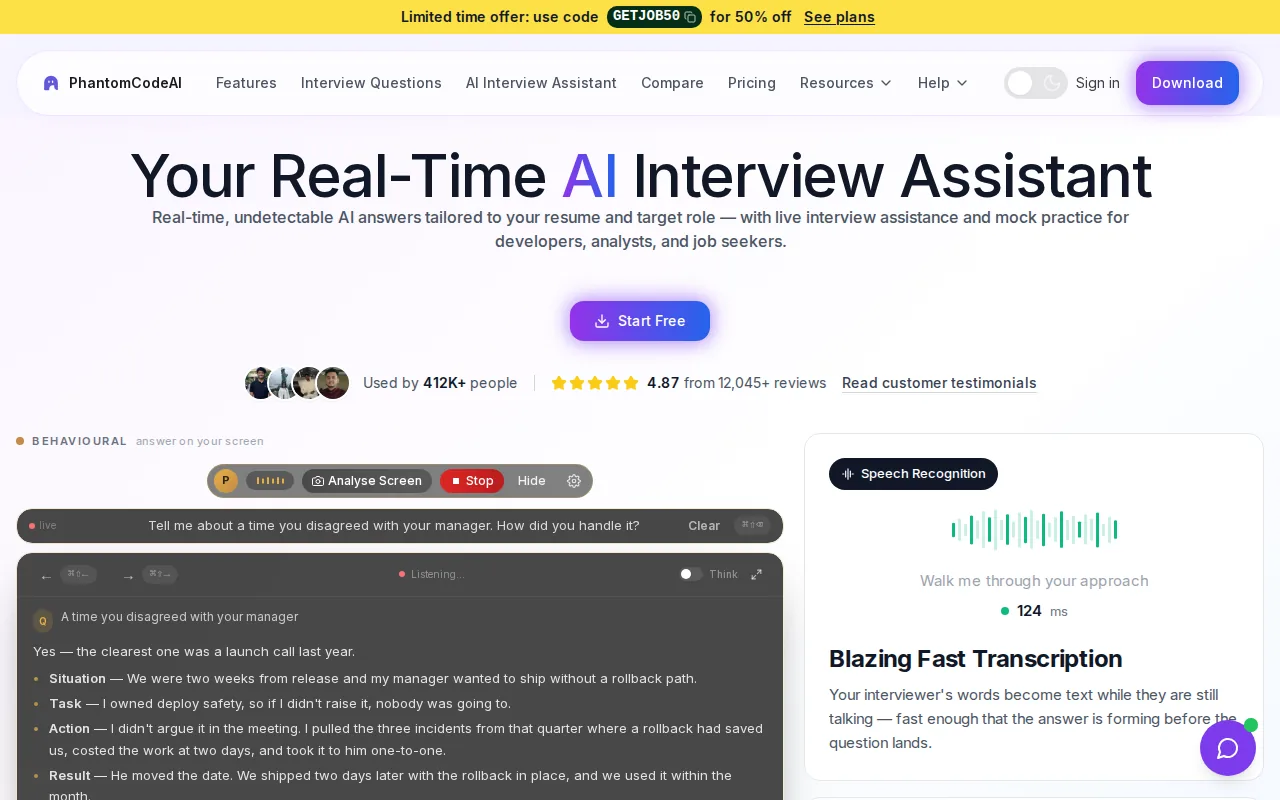
It’s a fit for software engineers who want help with data structures and algorithms, system design, or behavioral questions. For example, when a prompt asks you to compare a hash map with a balanced tree, problem-type recognition can help focus your practice on the relevant trade-offs. You still need to check the guidance and explain the answer in your own words.
Every new account gets free credits at signup, with no credit card required. That makes it possible to test the desktop setup before paying. The free access is credit-based, so it shouldn’t be mistaken for unlimited use.
If those credits run out, paid plans start at $19. The Phantom Code AI pricing page lists credit packs as well as weekly, monthly, and yearly plans. Check the current terms before planning a long practice schedule.
One useful test is to run a mock question and compare the guidance with your own solution. Can you explain why a proposed algorithm works, and state its time and space costs? If not, use the prompt as a study cue rather than a script.
For more options, see this comparison of free AI interview assistant tools. For this shortlist, the key distinction is that Phantom Code AI gives new users credits to try its live assistant without a card.
2. TechScreen: a free tier with full features to test
TechScreen is a live assistant that transcribes spoken questions and suggests answers. Its free tier includes three tokens, no credit card, and access to its full feature set, including an invisible overlay for Zoom, Meet, Teams, HackerRank, and CoderPad.
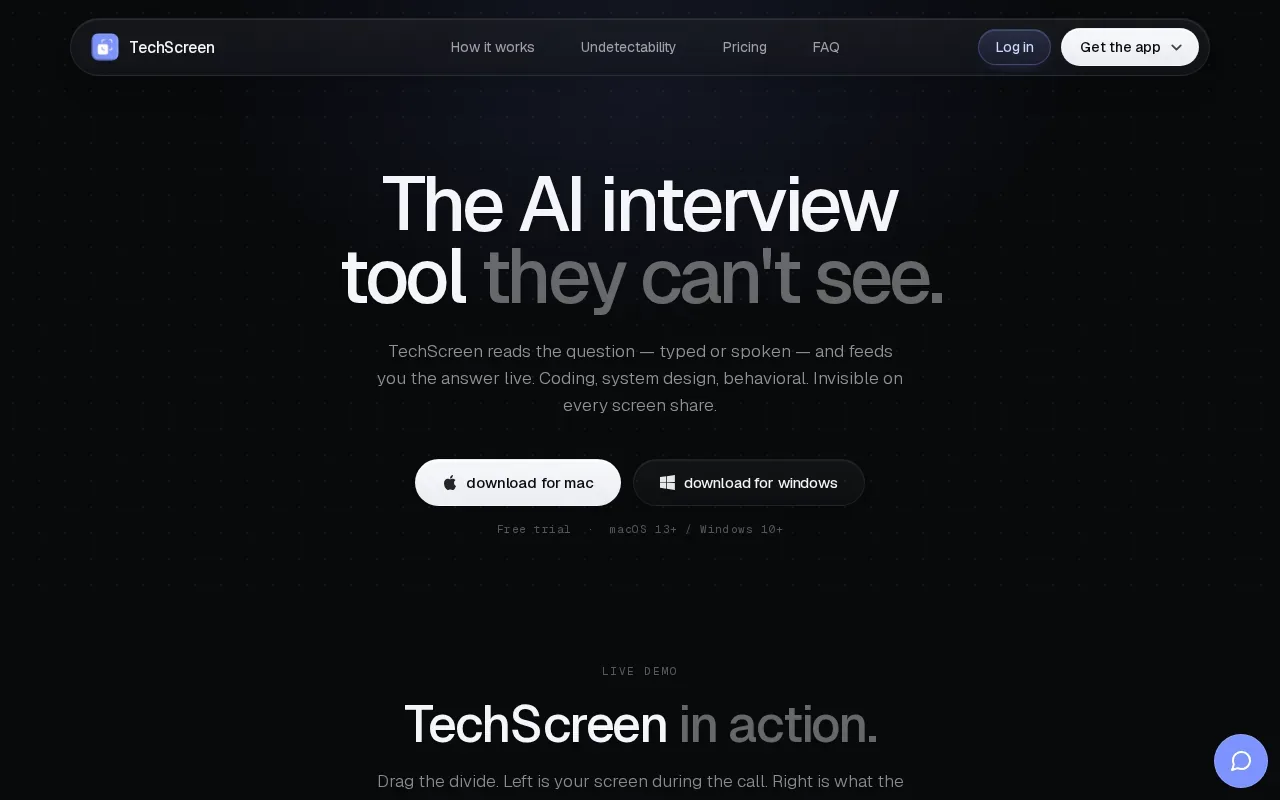
That makes it useful for a short, hands-on check of a technical interview setup. A candidate could test whether spoken audio is transcribed clearly, then see how the assistant handles a coding prompt. TechScreen also describes support for coding, system design, and behavioral questions, so one trial can cover more than algorithm practice.
The token limit matters. Three tokens can help you assess the workflow, but you’ll need a paid plan for more use. Don’t plan a long series of mock interviews around a small trial allowance.
TechScreen says its overlay is excluded from screen capture by the operating system. It also describes custom prompts for role, programming language, and spoken language. Those settings may help shape a response for a backend role or a Python coding round, but you should still review each answer instead of reading it blindly.
Use the free tokens to test the exact conditions you expect in a permitted practice session. Check audio capture and the coding workflow before deciding whether the short trial tells you enough.
3. Interview Sidekick: mock practice plus live assistance
Interview Sidekick offers a free Basic plan and combines mock practice with a live assistant.
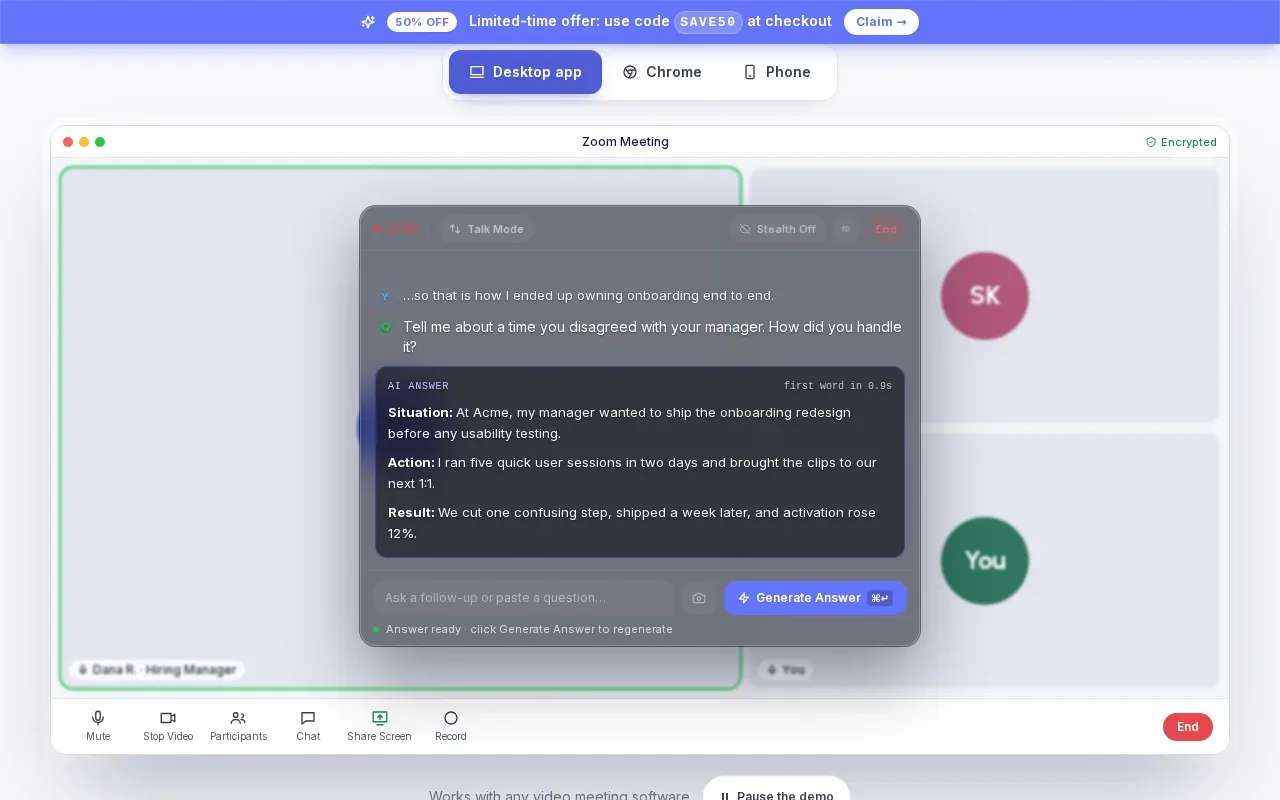
It may suit candidates who want to rehearse before trying live support. A mock interview can help you practice explaining a technical choice aloud; the live assistant offers a separate way to get question support during a call. Use practice to check whether you can deliver a clear answer without leaning on generated text.
That combination can be handy when your upcoming loop mixes a coding screen with questions about past work. Consider whether live support fits the rules for your interview.
One point to confirm before any live use is the interview policy. Outside help may be allowed in one setting and prohibited in another. Follow the rules for that specific interview.
4. LockedIn AI: a copilot across desktop and mobile
LockedIn AI is a desktop and mobile copilot that transcribes interview questions and suggests answers and code live. It also includes full mock interviews. Its free plan needs no credit card, so you can try it before committing.
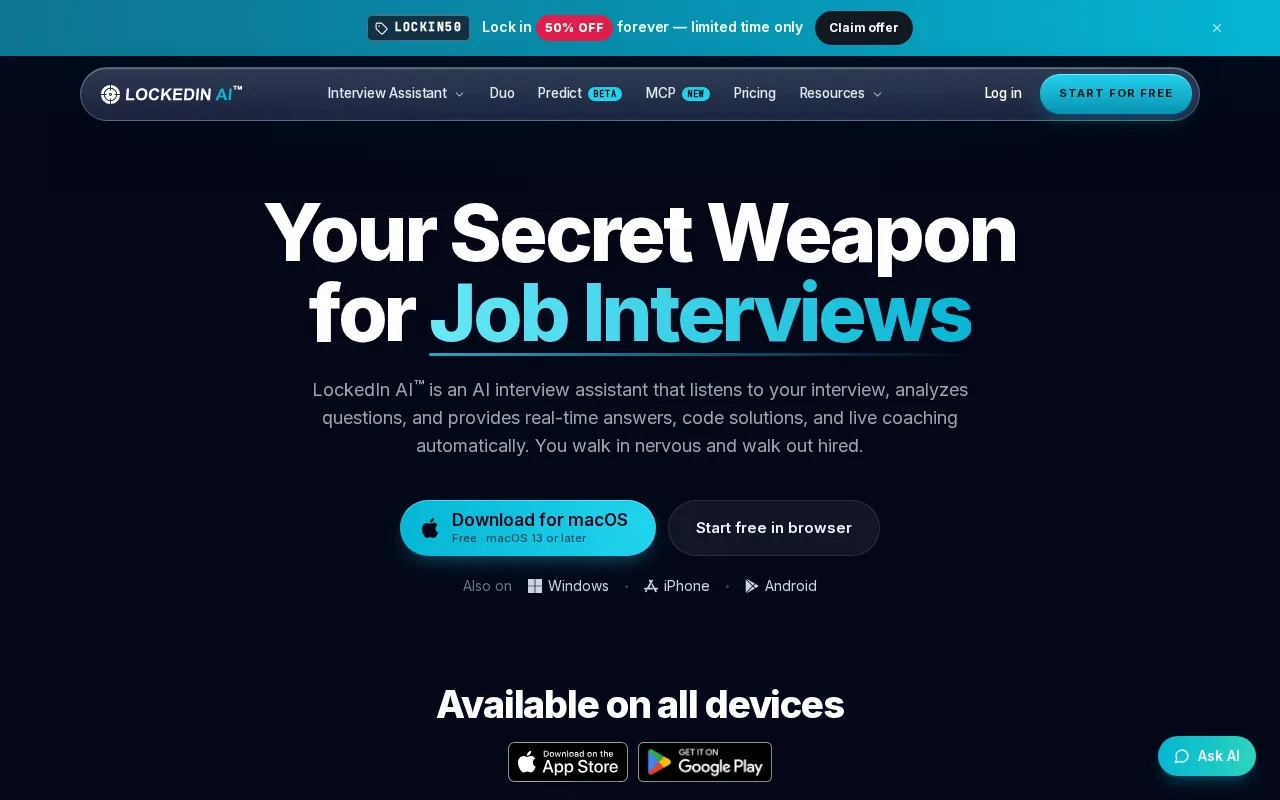
It fits candidates who want coding support alongside broader interview prep. Before a session, write down the project details and constraints you want to explain, then use a mock interview to practice connecting your choices to the problem.
For coding practice, consider a prompt that asks you to debug a function with an off-by-one error. A live code suggestion can give you a starting point, while a mock interview lets you rehearse how you’d explain the bug and your fix. Make sure you can defend the reasoning; a suggestion alone doesn’t show that you understand the code.
Its free plan is a way to test the product before choosing whether it fits your next round. The exact mix of features you need depends on whether your next round is a code screen, a design discussion, or a behavioral interview.
Because it works across desktop and mobile, think about where you’ll practice. Pick the device that matches your planned setup, and check the experience there before an interview day.
5. ParakeetAI: live interview support with coding practice
ParakeetAI is a real-time call assistant that transcribes interviews and suggests answers. It includes coding support and AI mock interviews.
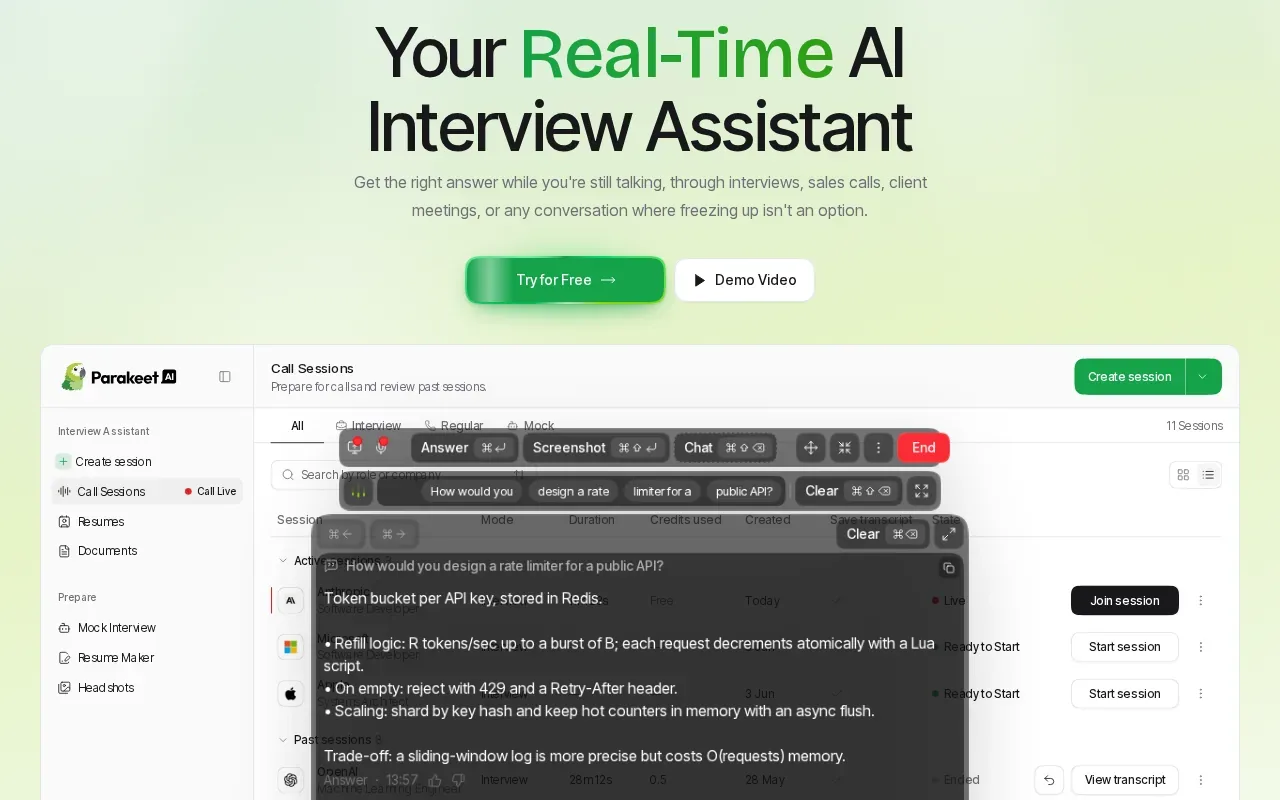
For a technical interview, use coding practice to rehearse explaining your reasoning, not just arriving at an answer. State the assumptions you are making, describe a straightforward solution, and then discuss its time and space complexity. If you get stuck, identify a smaller example and work through it step by step.
Mock interviews can give you a chance to practice both technical and behavioral responses. For a behavioral question, use a specific example and make your own contribution clear. For a coding question, narrate the tradeoffs as you work. After practice, note where your explanation became unclear and try again with a more structured answer.
During a live interview, treat suggested answers as prompts to organize your own response, rather than a substitute for understanding the question. Check that any code or technical explanation matches the problem and your intended approach. A transcript can also help you review what you said and identify points to clarify before your next practice round.
Quick Comparison: Free Online AI Interview Assistant Options
Free access varies across these tools. Some give signup credits, while others give a small number of tokens or a short feature test.
| Tool | Free access to try | Useful fit | Limit to keep in mind |
|---|---|---|---|
| Phantom Code AI | Free signup credits, no card required | Live coding interview guidance | Free access uses credits |
| TechScreen | Three free tokens, full features | Testing live transcription and answer support | More use needs a paid plan |
| Interview Sidekick | Free Basic plan | Mock practice plus live support | Check the Basic plan limits |
| LockedIn AI | Free plan, no card required | Cross-device use with coding and mock support | Check the plan that fits your use |
| ParakeetAI | First mock interview free | Out-loud practice and coding support | A free mock isn’t unlimited live access |
If you’re comparing an AI interview assistant with free online access, first decide what you need to test: a full live coding prompt, a mock conversation, or just the setup. Then use the free access for that task. A short test can confirm the workflow, but it may not show how the tool performs through a whole interview.
FAQ
Can I use an AI interview assistant for free online?
Yes, some tools let you try their interview features without paying upfront. The free offer may be signup credits, a set number of tokens, or a short test. Phantom Code AI gives new accounts free credits without a card, while TechScreen includes three tokens and Interview Sidekick offers a free Basic plan. Check each tool’s terms before planning repeated use.
Which free AI interview assistant is best for coding interviews?
Phantom Code AI is a clear starting point if you want to test live coding interview guidance with free signup credits and no card. TechScreen also includes coding support in its three-token free tier. Your best fit depends on the type of help you want and how much free access you need to test it.
Can an AI interview assistant tailor answers to my resume?
Some can. LockedIn AI describes using your resume and job description to personalize suggestions. ParakeetAI also describes using resume and job information as context. Check the tool’s setup before a mock session, and verify that every suggested detail matches your own experience.
Are invisible interview assistants allowed in a real interview?
It depends on the employer’s rules. A tool’s claim about screen sharing does not mean the interviewer permits outside assistance. Read the interview instructions, and ask the recruiter if the policy is unclear. For interviews that prohibit help, use an assistant for preparation or mock practice instead of the live round.
How do I test a free tier before an interview?
Use a mock or permitted practice session with a question like the one you expect. Check that the audio is transcribed correctly, then see whether the suggested approach is accurate enough to explain. Note the time or token limit as well. That quick check helps you avoid learning the workflow for the first time during an important call.
Conclusion
If you’re a software engineer looking for live coding guidance without a card at signup, start by testing Phantom Code AI’s free credits in a permitted mock interview. Pick one question from your upcoming round, work through it, and make sure you can explain the final answer yourself.