Best Real-Time Interview Copilots for 2026

Compare real-time interview copilot tools for technical interviews, including live guidance, mock practice, transcription, and platform support.
A real-time interview copilot can help you keep your train of thought when a coding prompt or follow-up lands. Tools differ in the workflows they support, such as live transcription, streamed suggestions, or mock interviews. Here are five options and the workflows each fits.
We analyzed 44 comments and questions from YouTube and Quora about real-time interview copilot and found that 27% mentioned screen sharing requirements and visibility worries.
Table of Contents
- Phantom Code AI
- Final Round AI: Mock interviews and broad meeting support
- LockedIn AI: Live transcription and problem recognition
- OphyAI Interview Copilot: Resume-informed streamed suggestions
- Linkjob AI: Desktop copilot with mock interviews
- Compare the 5 Real-Time Interview Copilots
- FAQ
- Conclusion
1. Phantom Code AI
Phantom Code AI is a desktop assistant for coding interviews that listens, transcribes, recognizes problem types, and provides live guidance. It’s built for software engineers preparing for coding, system design, and behavioral rounds, including practice sessions and live interviews.
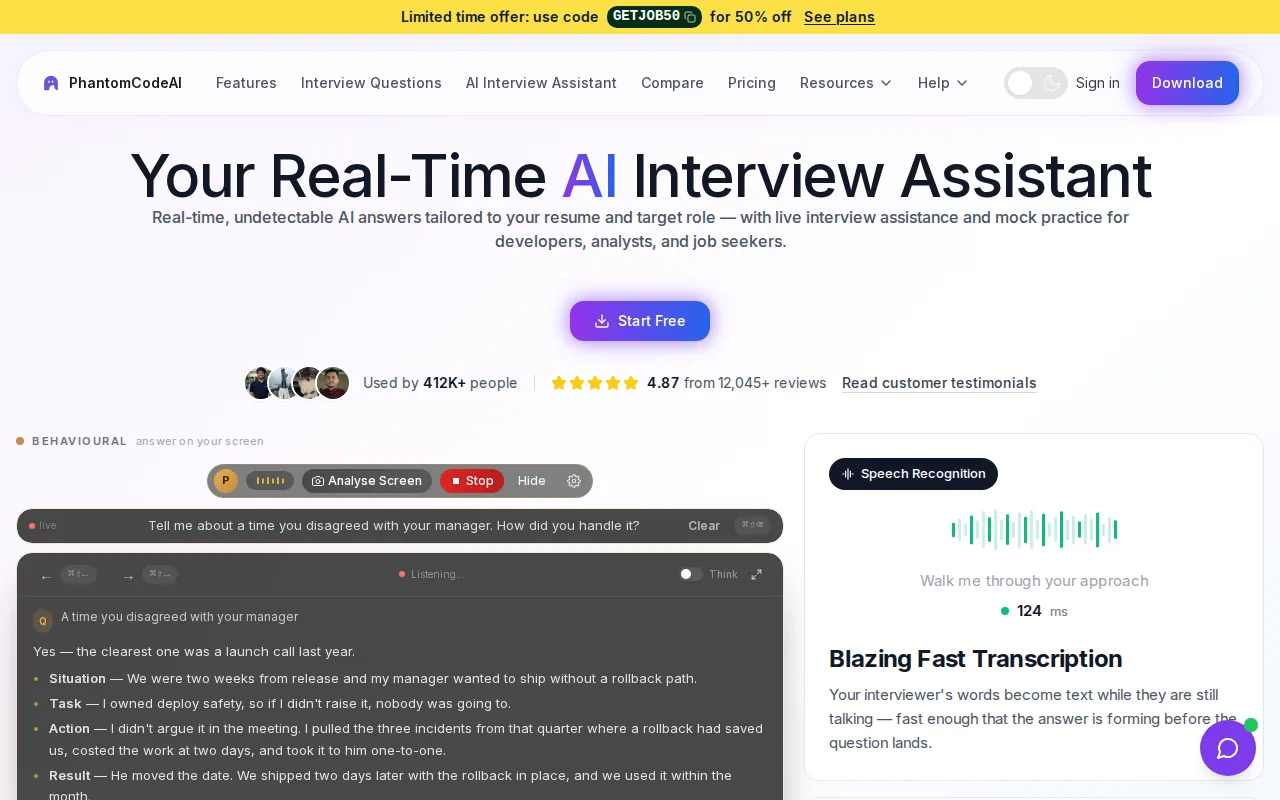
Problem recognition matters because a coding prompt calls for a different response than a system design question. For example, a candidate facing a graph problem may need to explain a traversal and its time cost. A design prompt may call for trade-offs around storage or service boundaries. Recognizing the question type helps shape the guidance to the discussion rather than treating every prompt as the same kind of answer.
The product runs on macOS and Windows. New accounts get free credits at signup without a card, and paid options start at $19. Engineers comparing live support with Phantom Code AI’s interview copilot features can check the details against the interview format they expect.
Its place on this list comes down to that combination: live transcription, problem-type recognition, and guidance across technical and behavioral interview prep. Use any AI assistance only in ways the employer or interview platform permits. The tool can help organize your thinking, but you still need to understand and stand behind what you say.
2. Final Round AI: Mock interviews and broad meeting support
Final Round AI combines mock interviews with live interview guidance. It may fit candidates who are preparing for several interview formats and want practice before a call, then time to reflect afterward.
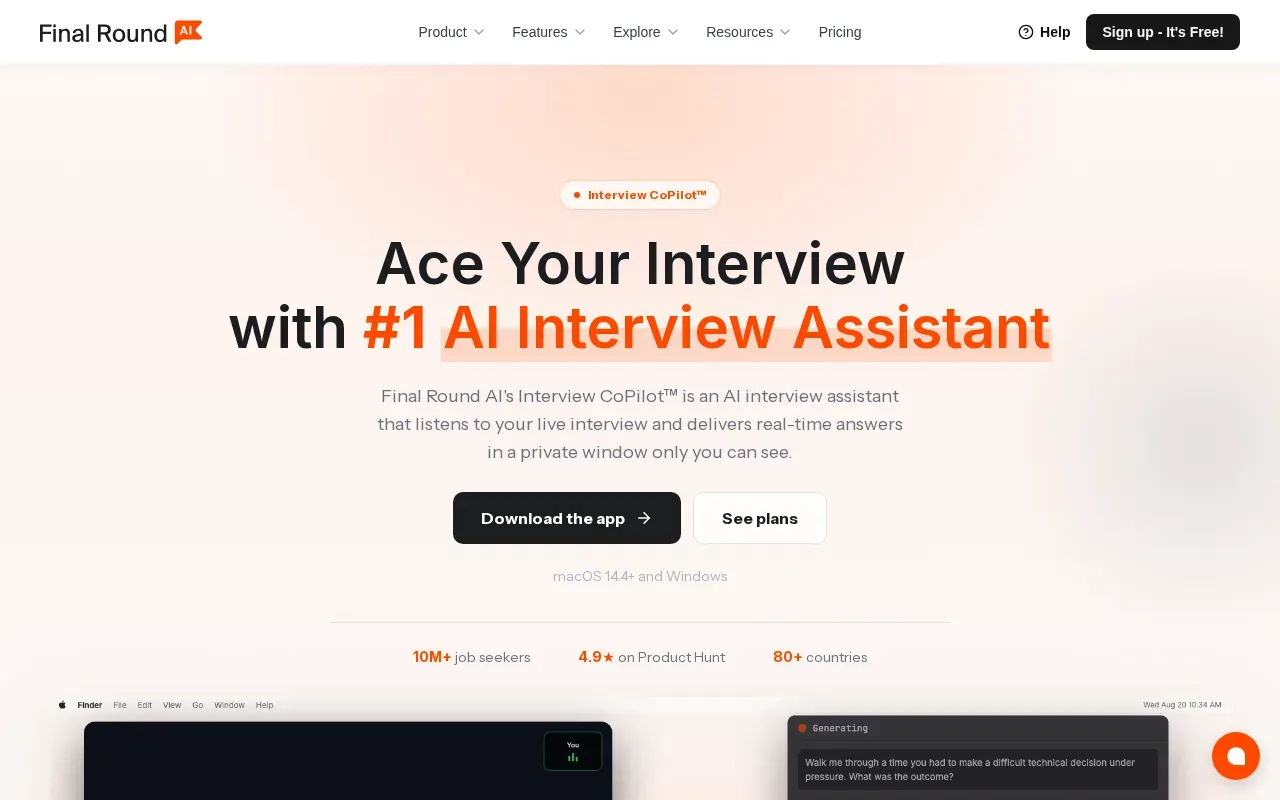
It can provide live guidance over Zoom, Google Meet, Microsoft Teams, and coding platforms.
The range of practice is useful if you’re working through a full interview loop. For a coding round, you could rehearse explaining an approach, then note where your reasoning needs more clarity. Don’t treat suggested answers as a script; practice saying the idea in your own words.
3. LockedIn AI: Live transcription and problem recognition
LockedIn AI transcribes interview conversation in real time and provides live answers and coaching. It suits candidates who want support with spoken questions as well as technical problem-solving and follow-ups.
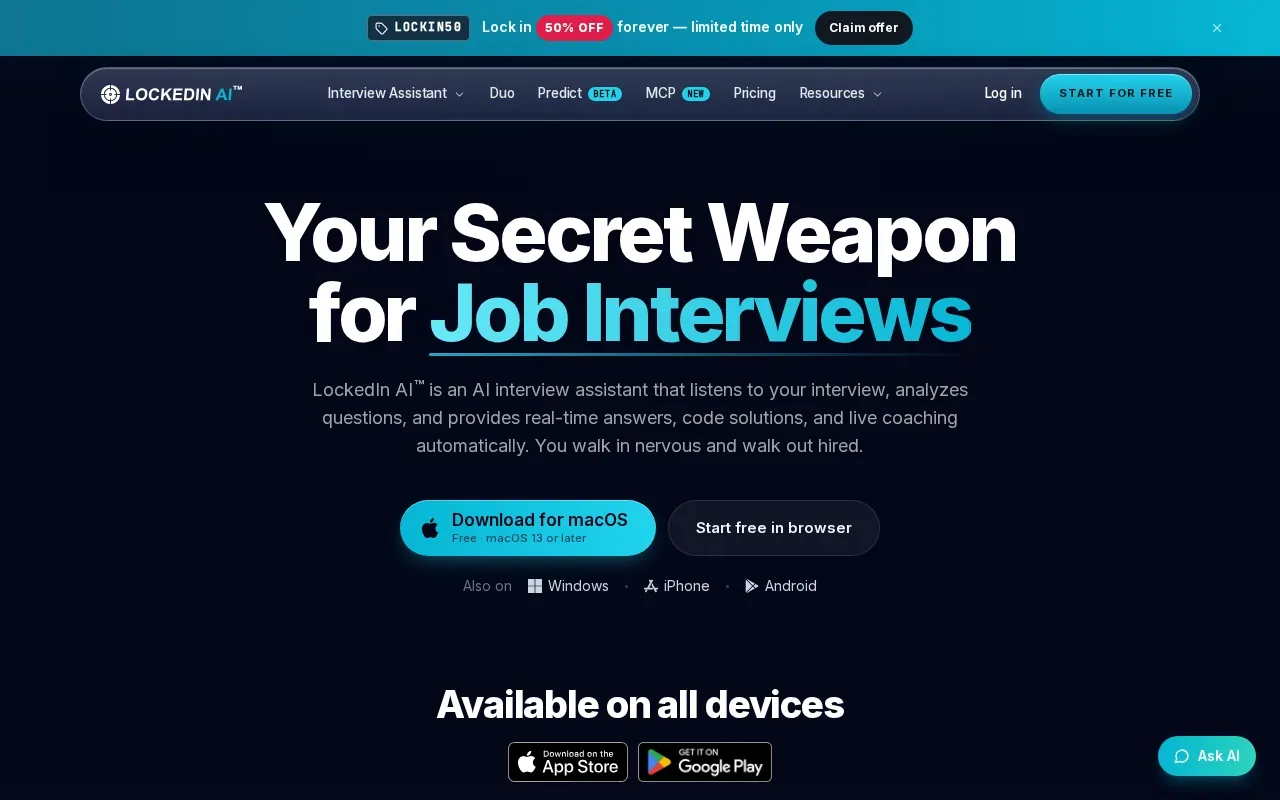
For coding interviews, LockedIn AI can break down algorithm problems, handle follow-up questions, and provide code review and debugging help. It supports audio questions across interview types. That can matter when the interviewer changes direction mid-problem: a candidate may need to revisit an edge case or explain why a chosen approach fits the constraints.
The product also offers post-call scoring and a live coach that can flag issues such as vague claims, filler words, or pace while you speak.
There’s a clear distinction between its live help and its coaching feedback. If your main goal is to spot habits in how you explain a solution, coaching may be useful. If you need to work through algorithm questions, check that the guidance fits the interview format you’re preparing for.
4. OphyAI Interview Copilot: Resume-informed streamed suggestions
OphyAI Interview Copilot transcribes an interviewer’s questions and streams suggestions informed by your resume. It may suit candidates who want question-by-question guidance with their background in view, especially during a Google Meet interview.
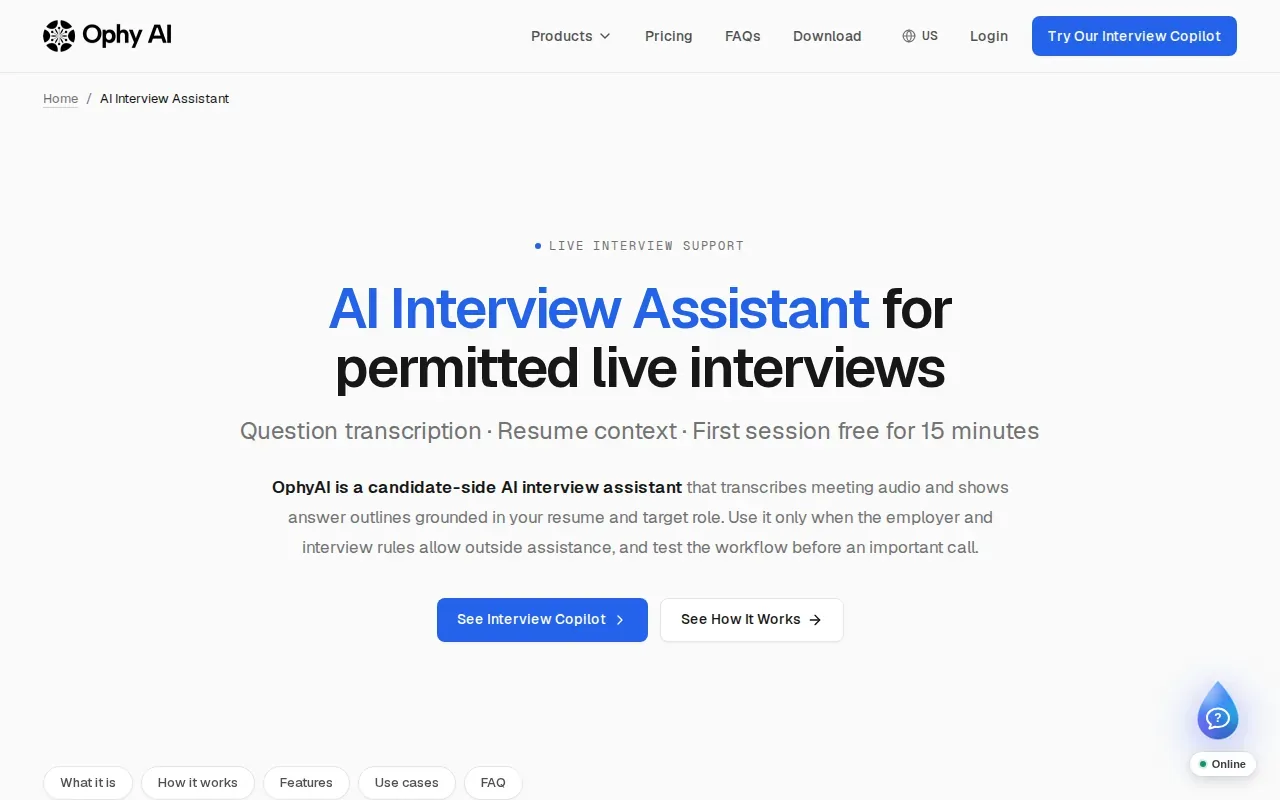
OphyAI can also use a job description as context for its suggestions. Its Google Meet workflow can run in a browser or in a desktop app for Mac and Windows. In the browser, Whisper Mode opens a separate floating answer panel. OphyAI markets the desktop answer window as hidden from Google Meet screen sharing, but recommends testing the exact setup before an important interview.
New eligible users can try one session of up to 15 minutes without a card. OphyAI's Pro plan is $29 per month and its Premium plan is $59 per month, with ongoing copilot access tied to a plan or eligible pass. Screenshot-based review for coding problems is a separate workflow from the standard live transcription workflow.
That split is worth keeping in mind. Resume-informed suggestions can help you recall relevant experience, while a screenshot-based coding workflow may suit a problem displayed on screen. Review each suggested detail for accuracy and speak only to work you’ve actually done.
5. Linkjob AI: Desktop copilot with mock interviews
Linkjob AI is a desktop copilot with mock interview practice. It runs as a desktop app, making it a candidate for engineers who want a desktop workflow and rehearsal in one tool.
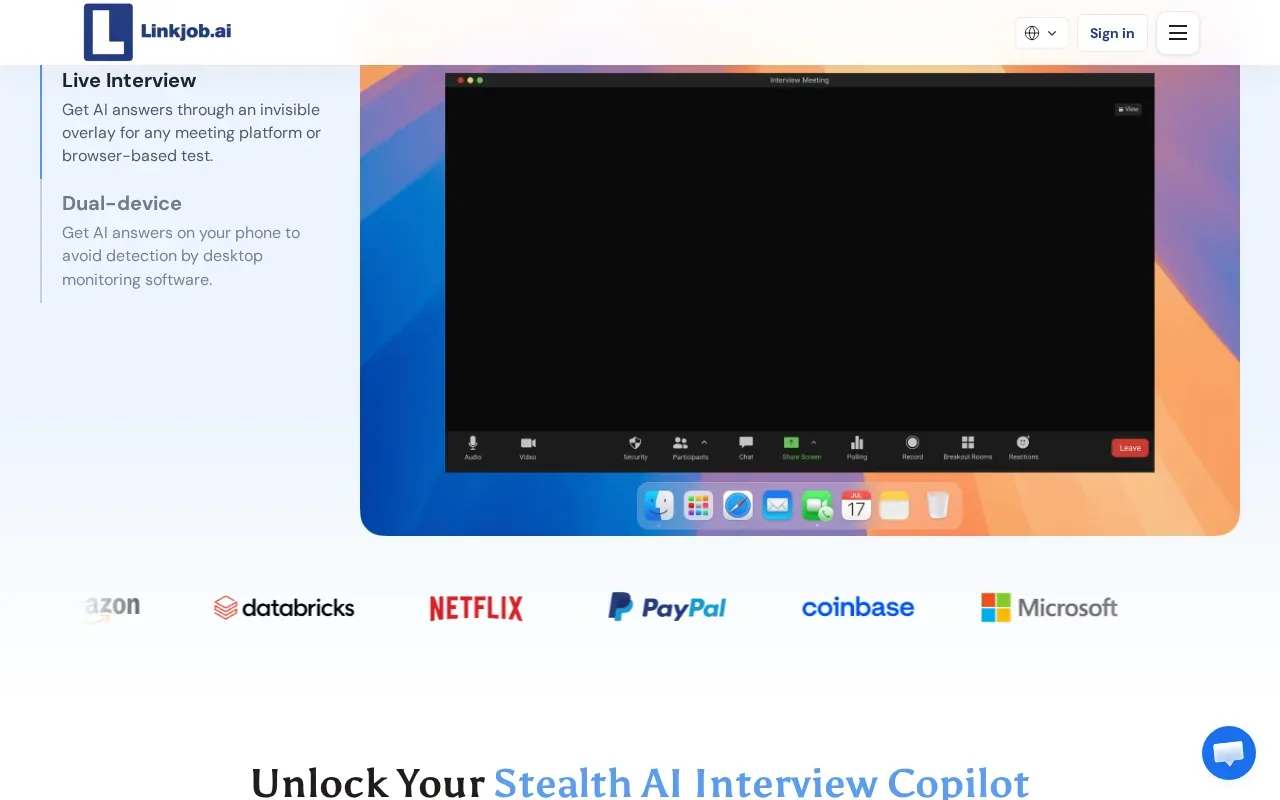
For technical rounds, use mock practice to rehearse explaining a solution aloud.
New downloads get a free 30-minute trial. The Monthly plan is $99.99, and the Yearly plan works out to $29.99 a month. That setup is useful to know before a practice session, so you don’t spend interview time configuring the app.
Linkjob AI may fit candidates who want to test a desktop assistant before choosing a paid plan. As with any screen-based tool, rehearse with the same display and call setup you expect to use. Follow the hiring team’s rules on AI support and assessment software.
Compare the 5 Real-Time Interview Copilots
The tools have different use cases and free or paid entry points.
| Tool | Best fit | Practice or review | Pricing |
|---|---|---|---|
| Phantom Code AI | Live transcription with problem-type recognition | Mock or live interview guidance | Free signup credits; paid options start at $19 |
| Final Round AI | Live guidance across meeting and coding platforms | Mock interviews and post-session debriefs | See website |
| LockedIn AI | Live transcription, technical problem help, and coaching | Mock interviews and post-call scoring | See website |
| OphyAI Interview Copilot | Resume-informed streamed suggestions | One free session of up to 15 minutes for eligible new users | Pro at $29 per month; Premium at $59 per month |
| Linkjob AI | Desktop guidance based on the question and screen | Mock interviews | Free 30-minute trial; $99.99 monthly or $29.99 a month yearly |
Before choosing, match the tool to your next round. A candidate preparing for DSA problems may put problem recognition and screen context first. Someone working on behavioral answers may care more about resume-based prompts and repeated mock practice. Then test audio, permissions, and the display on the device you’ll use.
Also ask whether the interview allows AI assistance. A feature that works during a call isn’t permission to use it. If the rules aren’t clear, ask the recruiter or hiring team before the interview.
FAQ
What does a real-time interview copilot do?
A real-time interview copilot listens to interview questions and provides guidance during the conversation. Depending on the tool, it may transcribe speech, suggest answers, help with coding prompts, or support mock practice. The details vary, so check whether a product fits your interview type and device. Always follow the employer’s rules about AI assistance.
Can interview copilots help with coding interviews?
Yes, some interview copilots provide support for coding questions. The options here offer features such as problem-type recognition, algorithm breakdowns, code help, or screen-based context. Those features don’t replace knowing the solution: you should be ready to explain the approach and discuss trade-offs. Check whether the tool is permitted for the interview or assessment.
Do these tools work with Zoom, Google Meet, or Teams?
Some do. Final Round AI works with Zoom, Google Meet, and Microsoft Teams. Setup and screen-sharing behavior can vary by device and permissions, so test the exact arrangement before an interview rather than assuming it will work unchanged.
Which interview copilot has a free option?
Several options in this shortlist describe a free way to start, but the terms differ. Phantom Code AI gives new accounts free credits without a card. Linkjob AI offers a free 30-minute trial. Check the current plan terms and whether live guidance is included.
Should I use an AI copilot during a job interview?
Use one during an interview only if the hiring team or assessment rules allow it. Some tools are designed to provide live suggestions, but that doesn’t establish permission. Ask the recruiter when the policy is unclear. For preparation, mock interviews can help you practice explaining your own reasoning and identify topics to study further.
Conclusion
For engineers who want live transcription paired with problem-type recognition, start by testing Phantom Code AI against the format of your next interview. Use the free signup credits to check your audio and workflow, and confirm that AI assistance is allowed before using a copilot in a live round.