Best Low-Latency Live Interview Tools: Monthly Costs

Compare the monthly subscription cost for low-latency live interview tools, including pricing, free access, latency checks, and interview platform compatibility.
A low monthly price doesn’t tell you whether help will arrive in time to use it. Here are six live interview tools, their listed costs, and the checks that matter before you pay.
Table of Contents
- Phantom Code AI
- ShadeCoder: Lower-cost real-time coding assistance
- OphyAI: Budget-focused coding session assistance
- SubcueAI: Month-to-month behavioral and coding support
- Final Round AI: Broader preparation suite from $25 per month
- Interview Copilot: Live assistance with an annual-plan price caveat
- FAQ
- Conclusion
1. Phantom Code AI
Phantom Code AI is a desktop assistant for coding interviews that listens, transcribes, recognizes problem types, and gives live guidance. It’s the first option to assess if you want support across coding, system design, and behavioral rounds.
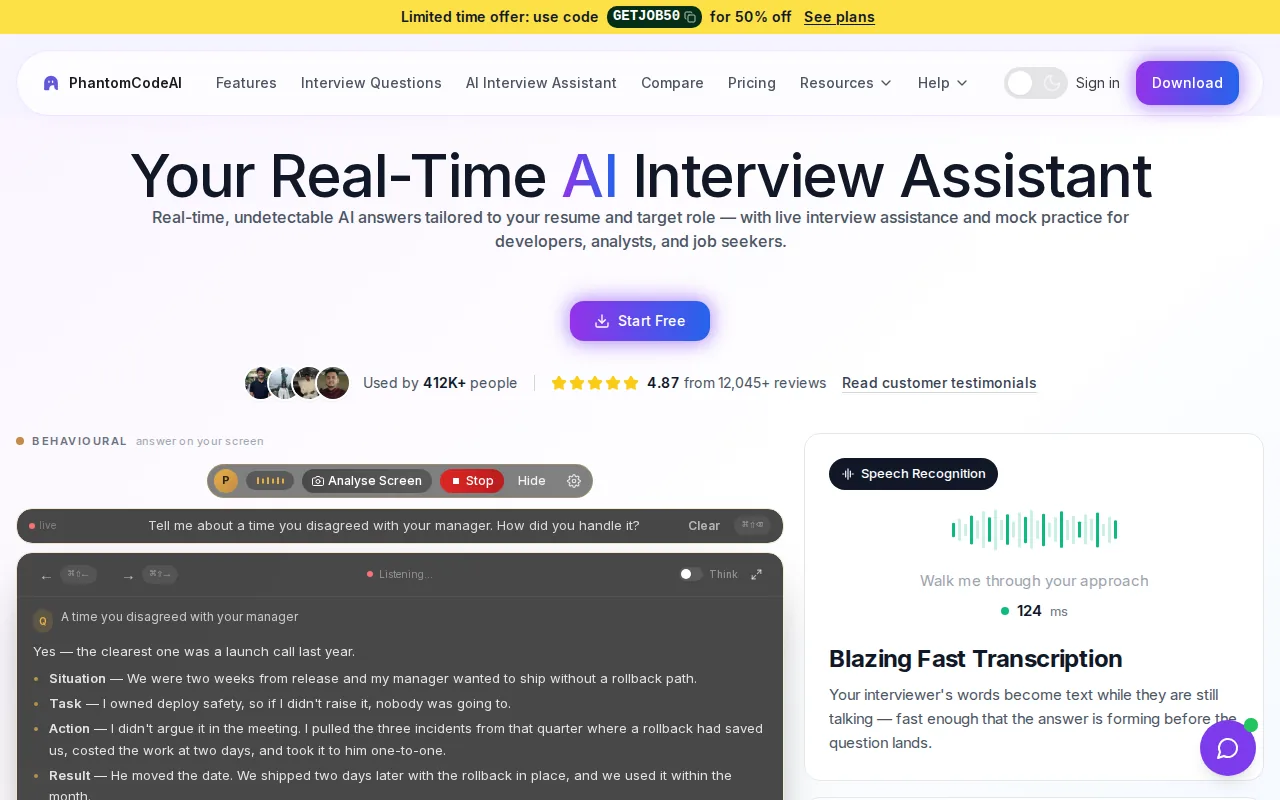
Phantom Code AI sells a $49 monthly plan, a $29 weekly plan for a short sprint, and a $199 yearly plan, all with unlimited use while active. It also sells one-time credit packs from $19, which aren’t subscriptions. Check the Phantom Code AI subscription and credit-pack pricing before buying.
Latency depends on your network and interview setup as much as on the tool, so run your own test before an important round.
For a coding round, response time affects whether a hint can help while you’re still reasoning through a problem. A useful test is to ask a mock interviewer to describe a graph problem, then see how quickly the tool reflects the task and offers guidance. Also check your interview’s rules before using live assistance. Some employers don’t allow it.
Choose this option if you want one assistant for more than coding and can confirm the plan and latency that fit your setup.
2. ShadeCoder: Lower-cost real-time coding assistance
ShadeCoder is a coding-focused assistant with real-time support. It may suit engineers who want help during coding practice and need to keep the monthly spend low.
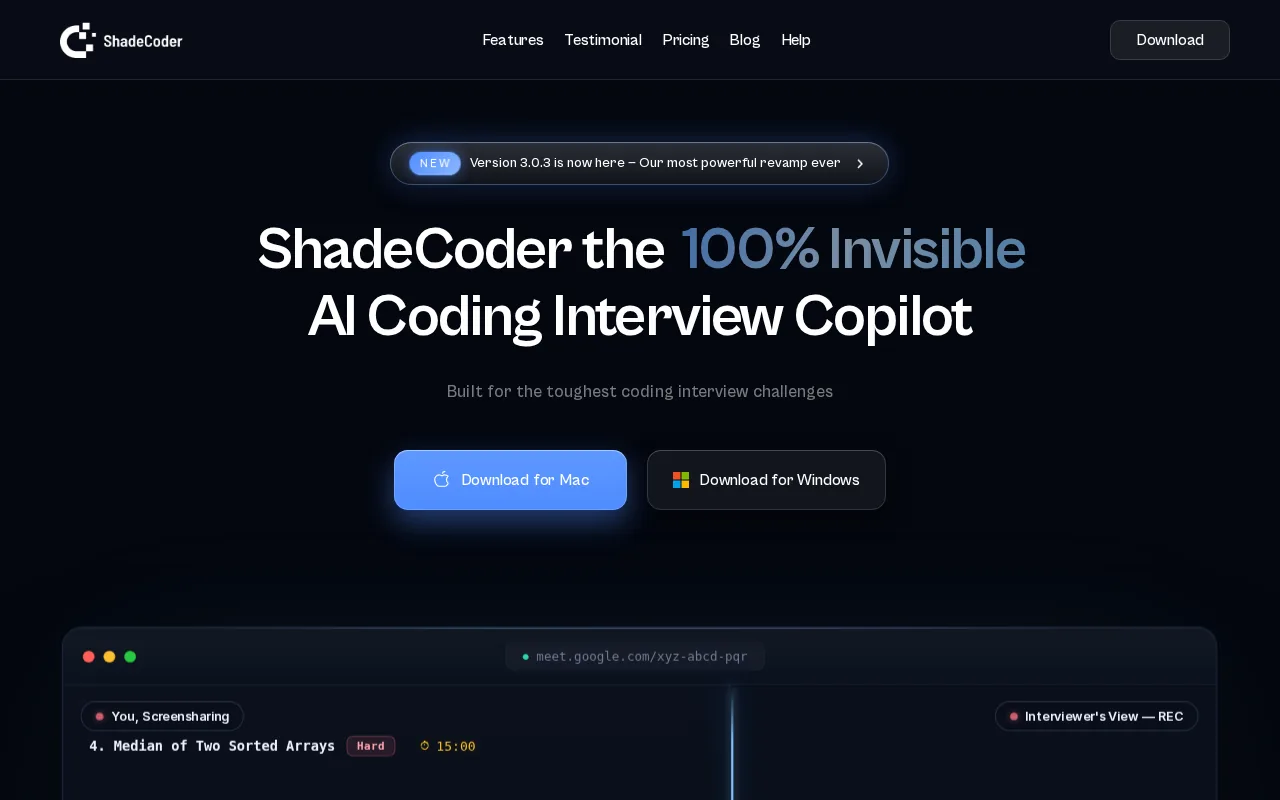
Its price range is $19 to $29 per month. A basic free plan is also listed, but it has limited functionality and no credits. That makes it a way to test the basic experience, not evidence that a full coding session will be free. Check what counts as a credit and whether the free access includes the features you intend to use.
“Real time” can mean different things. A helpful test is to pose a question aloud, then check whether the response arrives while you’re still working through the problem. Ask the vendor how its latency is measured and test the app directly.
Before subscribing, confirm whether the plan renews monthly and how cancellation works. For a short interview sprint, a monthly plan may be easier to assess than paying for a longer period upfront. Use the free access first, then pay only if it supports the kind of coding practice you need.
3. OphyAI: Budget-focused coding session assistance
OphyAI is a coding-session assistant that uses screenshot analysis. At $9 per month, it’s the lowest listed monthly price in this shortlist and may fit a candidate who mainly wants help with coding sessions.
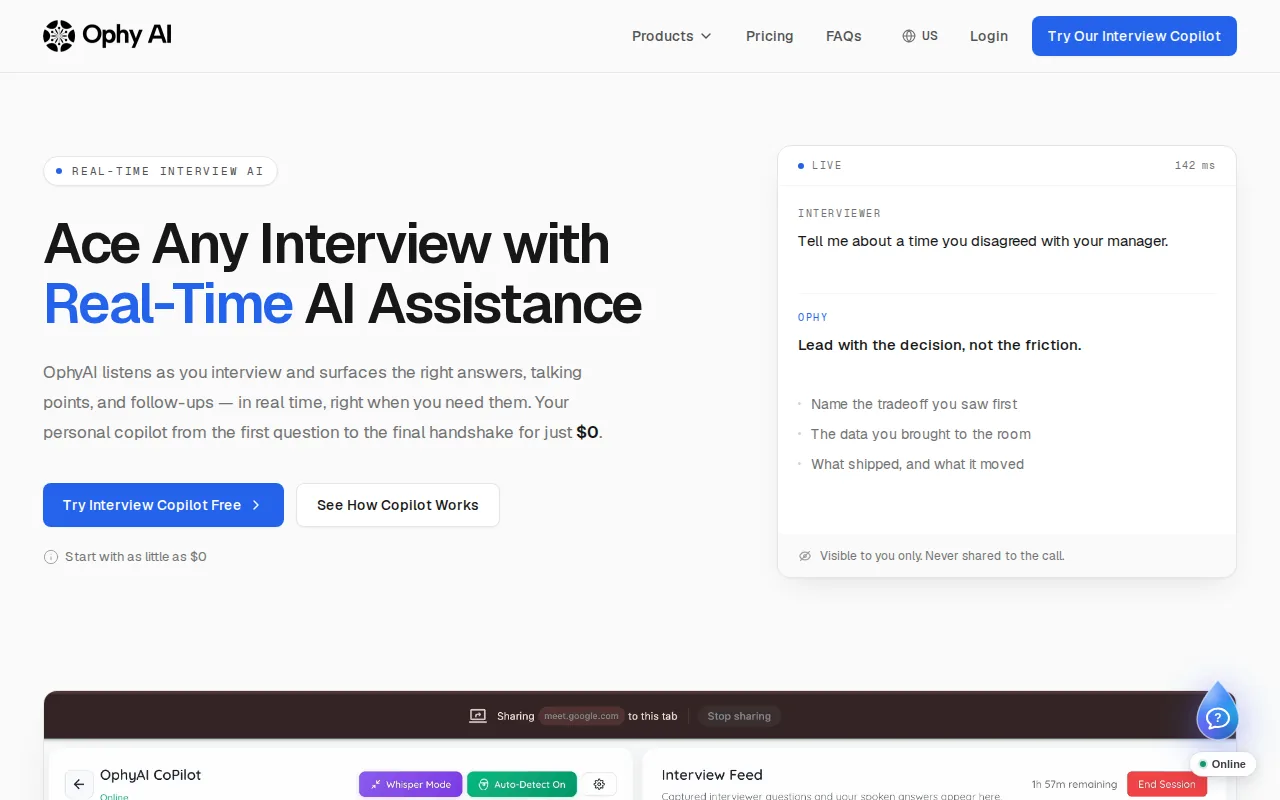
Check the plan terms before subscribing. A low monthly price matters less if the plan doesn’t support a full mock interview.
Because it works from screenshots, test how it handles a problem as it changes. For example, add a constraint to a coding prompt halfway through a mock session. Then see whether the assistant’s guidance reflects the updated prompt or only the earlier screen. That’s a test to run, not a claim about how OphyAI performs.
Screenshot-based support also makes screen access worth checking. Find out what the app captures, when capture starts, and how you can stop it. Don’t assume that a low price includes a privacy review, a service-level agreement, or priority support.
OphyAI is worth considering when low monthly spend is the main filter. If latency is your main concern, ask for a measured response time or run a trial yourself.
4. SubcueAI: Month-to-month behavioral and coding support
SubcueAI offers real-time behavioral and coding support. Its Pro tier is $20 per month, with a lower-commitment monthly option suited to candidates who don’t want an annual lock-in.
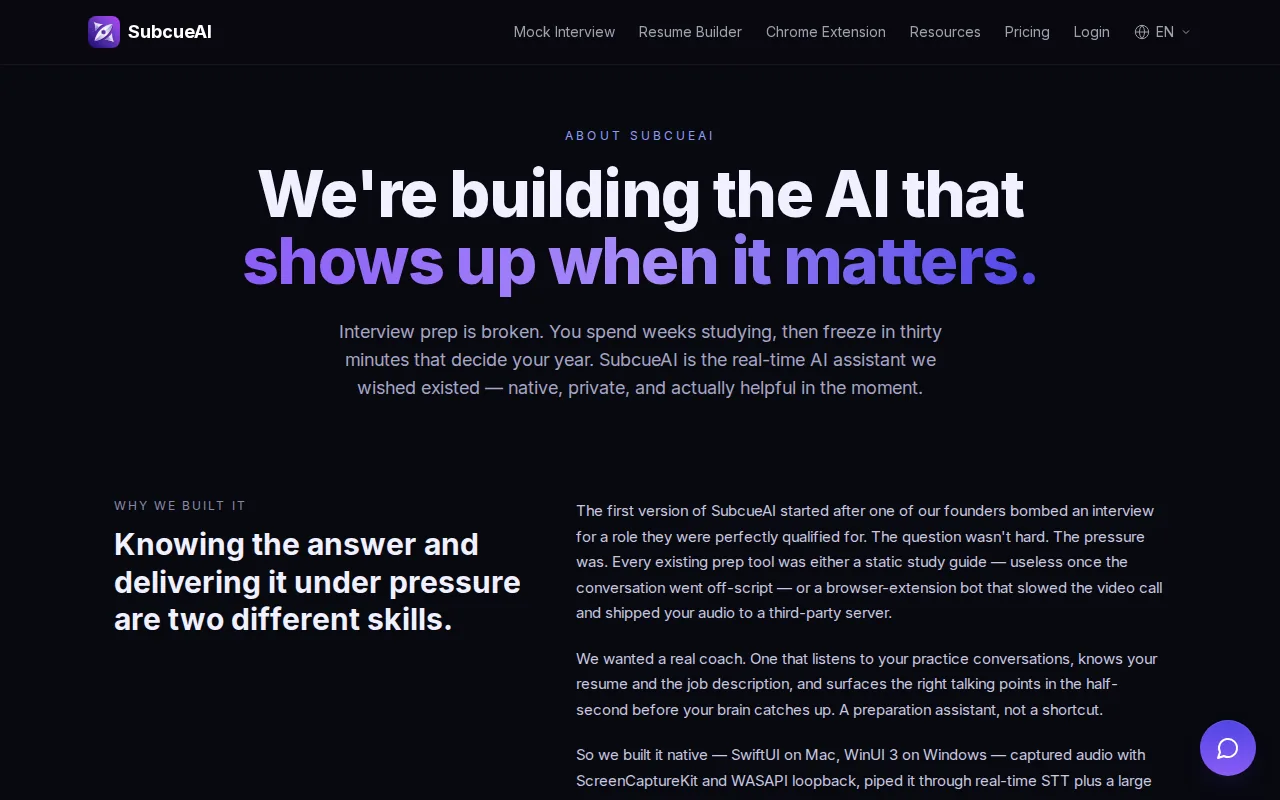
That mix may help if your interview schedule includes both technical and behavioral rounds. You could use coding support during a mock problem, then test behavioral practice with a prompt such as “Tell me about a time you disagreed with a teammate.” The key is to see whether its guidance fits the round you’re preparing for, rather than assuming one mode works equally well for both.
Ask about free access, trial terms, yearly billing, and latency before comparing the $20 cost with a tool that publishes a different billing term or performance figure.
For live use, check compatibility with the video-call app you actually use. Don’t assume support for Zoom, Google Meet, or Microsoft Teams from the phrase “real time.” Ask whether the assistant works with your desktop setup, whether it can process the audio you need, and whether it affects screen sharing. Those details can change whether the subscription fits your workflow.
A month-to-month price is useful when interviews come in bursts. Set a reminder to review the renewal after your interview cycle, and confirm the cancellation steps before the first charge.
5. Final Round AI: Broader preparation suite from $25 per month
Final Round AI is a broader preparation suite with live copilot support. It may suit candidates preparing for several kinds of interview rounds, rather than coding alone.
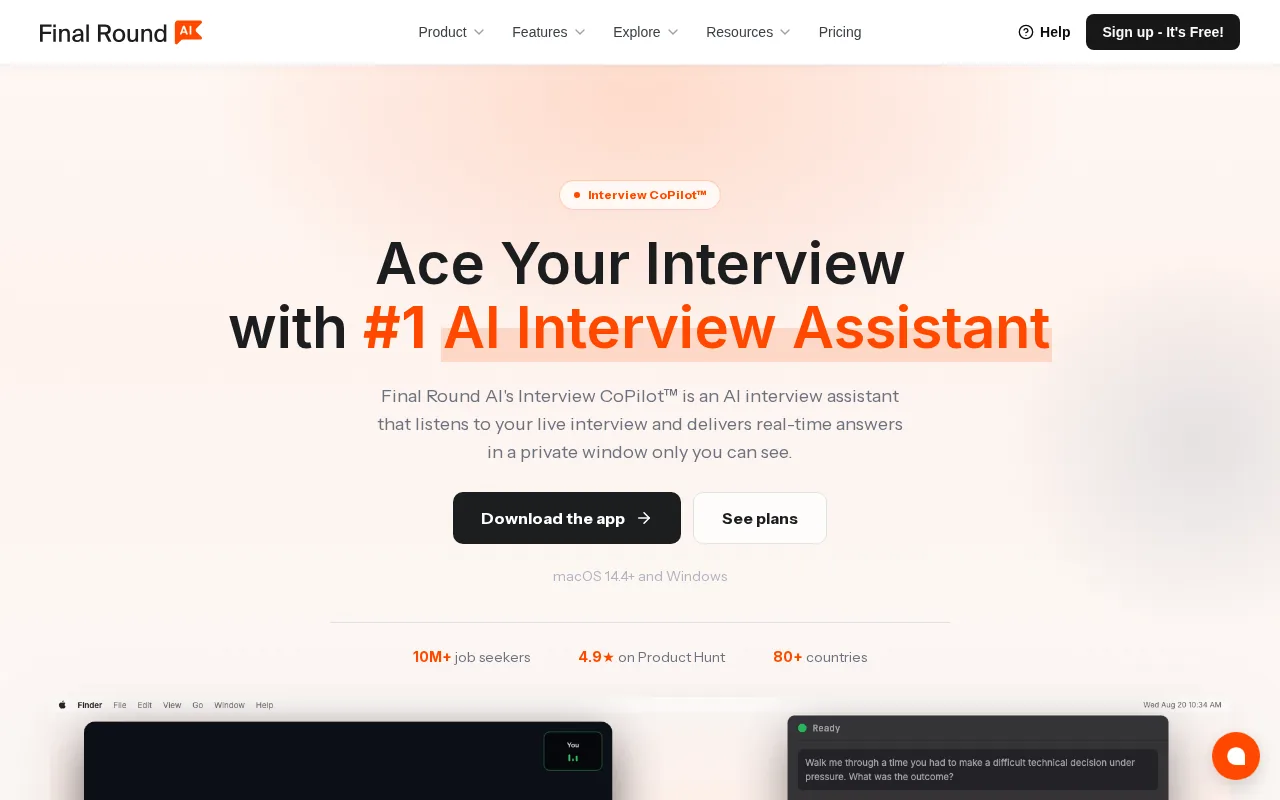
Confirm the current price and billing term before subscribing.
For a mixed interview schedule, test one task from each round you expect. Try a coding prompt, then a behavioral question, and check whether the tool responds in a way you can use without breaking your train of thought. Also confirm its fit with Zoom, Google Meet, or Teams instead of assuming support based on a live-copilot label.
Final Round AI’s broader focus could make a single subscription useful across different prep tasks. Still, a free allowance is only valuable if it covers the features you need. Check the limits before comparing its starting price with a coding-only plan.
6. Interview Copilot: Live assistance with an annual-plan price caveat
Interview Copilot is a real-time assistant for behavioral and coding rounds. It may fit candidates who want live help across both interview types, with free access for practice.
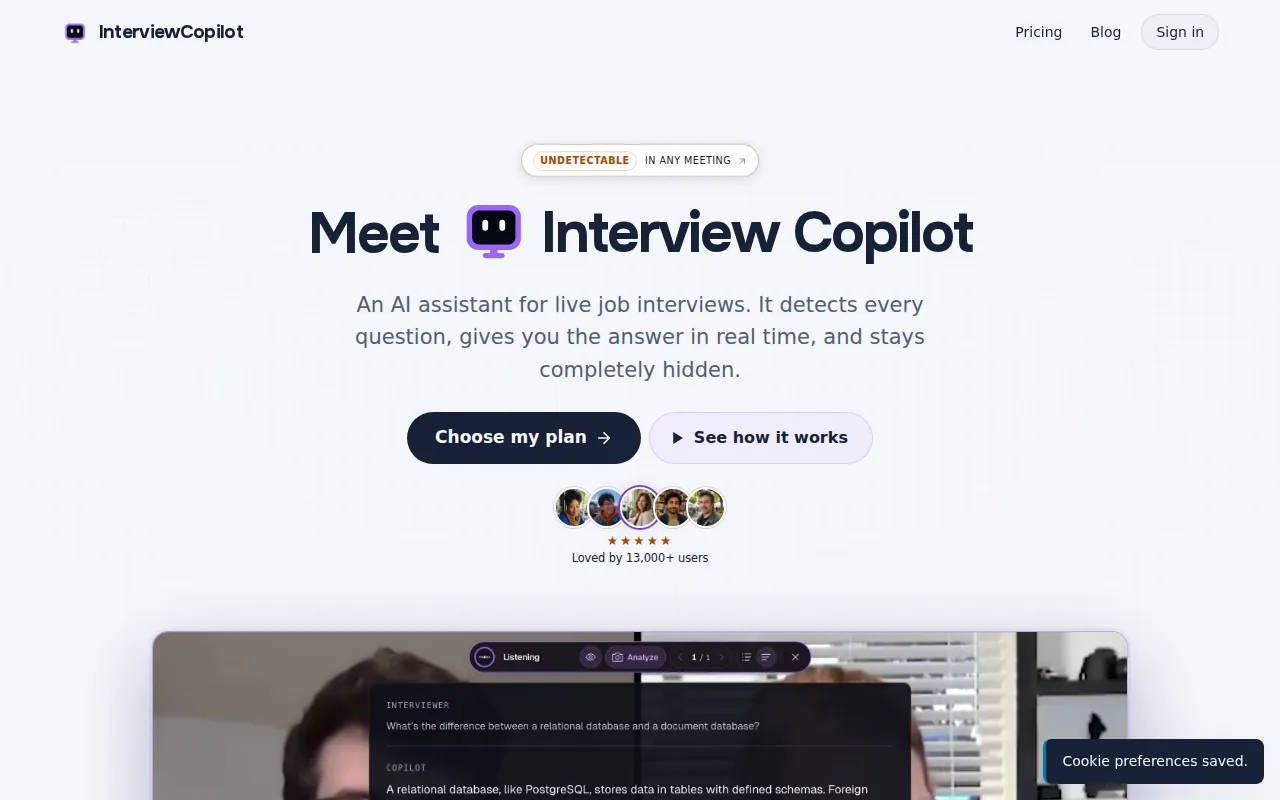
The listed price is $25 per month on an annual plan. That wording matters: it doesn’t confirm that you can pay $25 for one month and cancel. Check the full charge for the year, the renewal date, and the cancellation terms before entering payment details. The free practice tier may let you test some features first, so check its limits.
| Decision check | What’s listed | What to confirm |
|---|---|---|
| Price commitment | $25 per month, annual plan | Total upfront charge and renewal terms |
| Free access | Practice tier | Session limits and live feature access |
| Latency | See website | Response time in your own call setup |
| Support and uptime | See website | Any SLA, uptime target, or support tier |
When comparing interview assistant costs, count the price you’ll actually pay, not only a monthly equivalent. Also ask whether plans are per person, per seat, or limited by usage. Also ask about add-on fees for transcripts, analytics, or custom branding.
For any tool you plan to use during a call, test it in the exact meeting app and device setup you’ll use. Check screen sharing and audio permissions. Network conditions and the app’s processing time still matter when assessing response speed.
A self-hosted option may avoid a subscription, but it shifts the work to you. You’d need to account for setup, updates, compute, network use, and troubleshooting. For one candidate preparing for a short interview cycle, that work may cost more time than a paid plan saves.
FAQ
How much does a low-latency live interview tool cost per month?
Monthly prices in this shortlist range from $9 for OphyAI to $25 per month for Final Round AI and Interview Copilot, though Interview Copilot’s price is tied to an annual plan. ShadeCoder is listed at $19 to $29 monthly, and SubcueAI Pro at $20. Phantom Code AI’s monthly plan is $49, with a $29 weekly option and a $199 yearly plan.
Which live interview tool has the lowest latency?
Latency depends on your connection and setup, so compare tools yourself. Ask a mock interviewer to read the same prompt to each tool on your normal connection, and time how long a usable response takes.
Do these tools work with Zoom, Google Meet, and Microsoft Teams?
Phantom Code AI lists Microsoft Teams, Zoom, Google Meet, Amazon Chime, and Cisco Webex among the apps it works with. For other tools, don’t assume support for all three; ask each vendor about the specific app and device you’ll use. Test audio access and screen sharing in a mock call, since a tool that works in one setup may not work the same way in another. Also check your employer’s rules before using live assistance.
Is an annual interview assistant plan worth the cost?
An annual plan may cost less per month on paper, but it requires a longer commitment. It can make sense if you expect to prepare across many months and the tool passes your tests. For a short job-search sprint, compare the full annual charge with the cost of a monthly plan, including renewal and cancellation terms.
What should I check before subscribing?
Confirm the total price and billing term first. Then check free-plan limits, cancellation, supported meeting apps, latency measurement, and how the software handles audio or screen data. Ask about uptime commitments and support if a failed session would matter. For interview use, make sure the employer or interviewer permits AI assistance.
Conclusion
Start with a free trial or mock session, then compare the response time and billing terms against your actual interview schedule. Phantom Code AI is the recommended first option in this shortlist; start with its $29 weekly plan if your interview cycle is short, and test the latency on your own setup.