Best LeetCode Helper Tools for Coding Interviews

Compare LeetCode helper tools for coding interview practice, including live coding support, mock interviews, and options for different prep needs.
A good LeetCode helper can point you toward a solution without taking over the problem-solving work. Here are seven tools, with Phantom Code AI first, plus what each one is built to help with. Use AI for practice, and check your employer’s rules before using it in a live interview.
Table of Contents
- Phantom Code AI
- LockedIn AI: A cross-device interview copilot
- OphyAI Coding Copilot: Screenshot-based coding support
- Interview Sidekick: Live algorithm and coding assistance
- ParakeetAI: Interview transcription with mock practice
- Final Round AI: Coding, behavioral, and system design support
- Linkjob AI: A stealth-focused option for live interviews
- FAQ
- Conclusion
1. Phantom Code AI
Phantom Code AI is a desktop assistant for coding interviews. It listens to interview audio, transcribes questions, recognizes problem types, and gives real-time guidance during mock or live technical interviews. It runs on macOS and Windows, and new accounts get free credits at signup without a card.
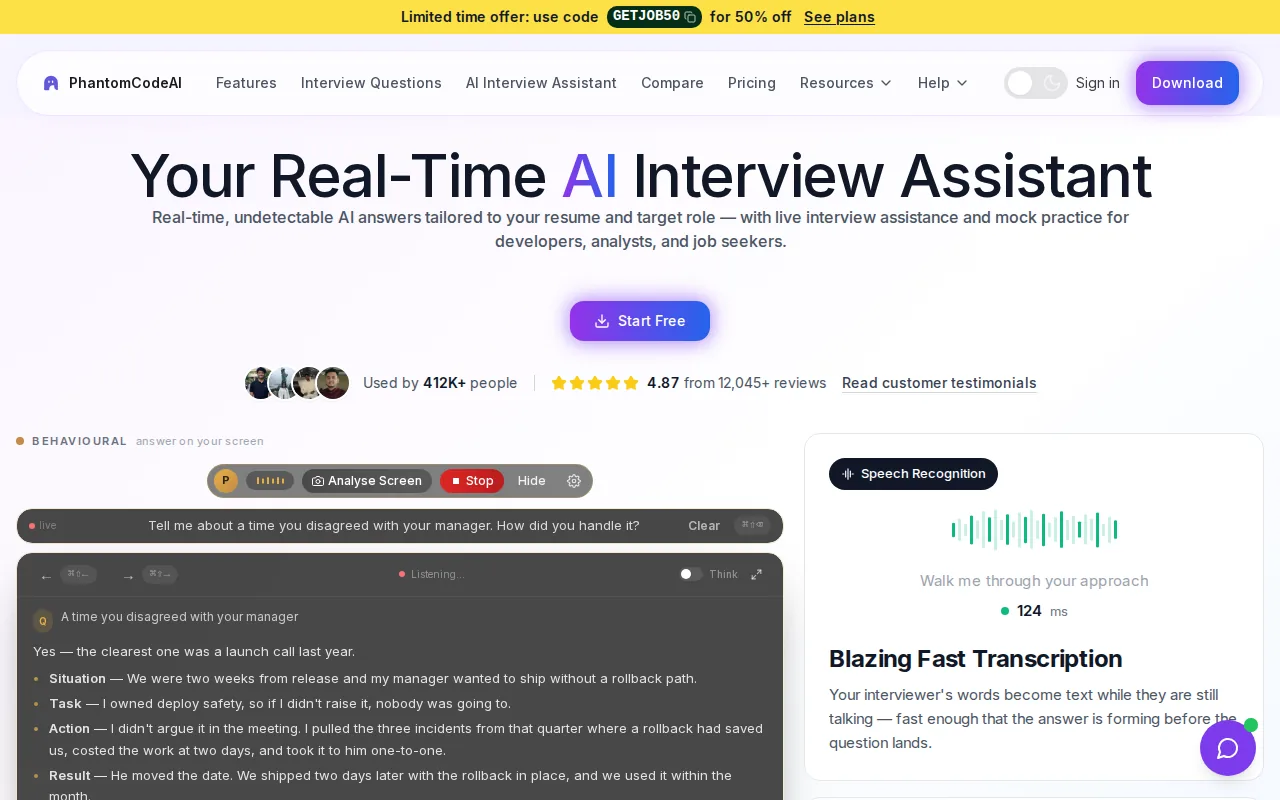
It’s a fit for engineers who want help across more than algorithm drills. The product is aimed at coding, system design, and behavioral interview prep. Its screenshot-based vision approach can read code and questions on screen, while audio mode can capture a question spoken by an interviewer. That means you don’t have to rely on a dedicated plug-in for one coding site.
For a LeetCode-style problem, the useful practice loop is to read the prompt, try your own approach, then use guidance to check the reasoning and code. Pay special attention to edge cases and time and space complexity. If a solution gives you an approach you can’t explain, stop and work through why it works before moving on.
Phantom Code AI also supports 55 spoken languages. For engineers who practice or interview in a language other than English, that may be a useful fit. Its free signup credits let you try the workflow before choosing a paid plan.
For LeetCode interview practice, check your reasoning and make sure you can explain the solution yourself.
2. LockedIn AI: A cross-device interview copilot
LockedIn AI is a desktop, web, and mobile copilot that transcribes interview questions and suggests answers and code live. It also includes full mock interviews. It also offers a VSCode extension.
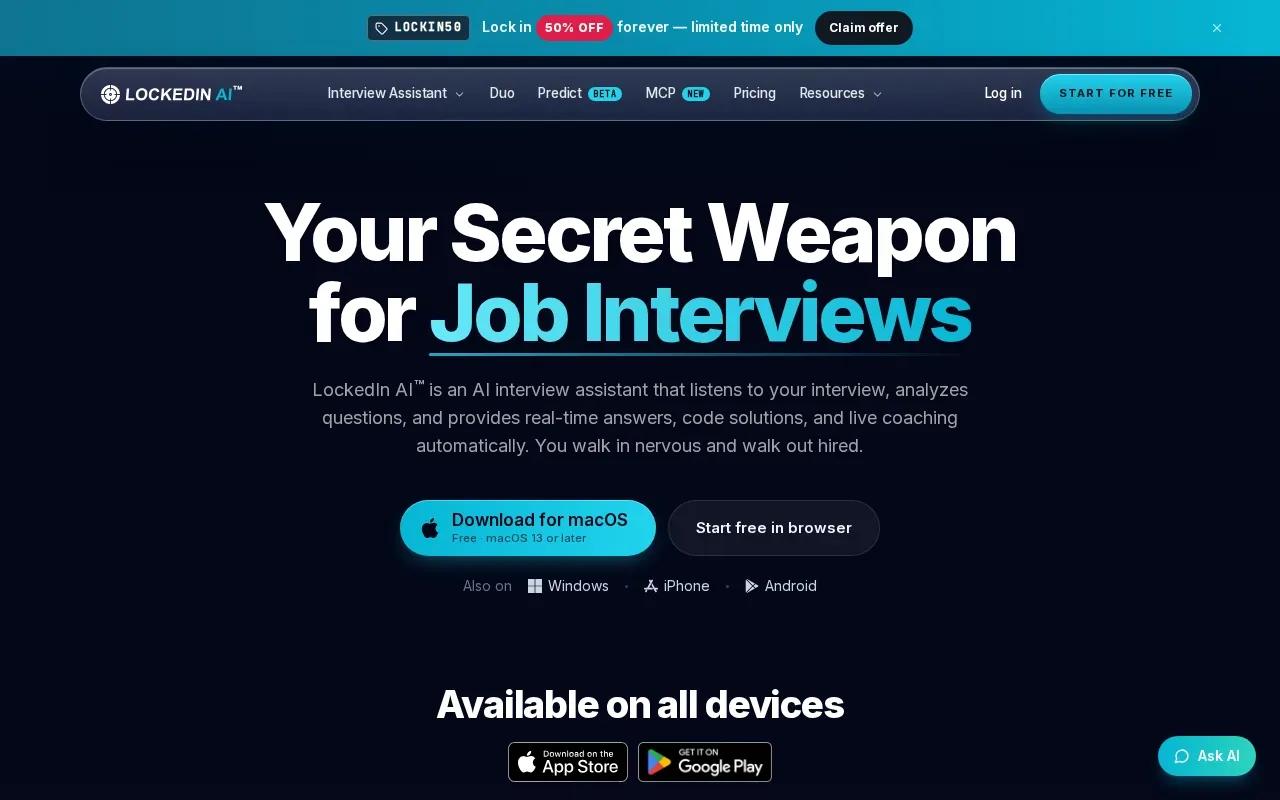
This is a reasonable option if you want one tool for coding suggestions and mock interview practice, and you work across more than one device type. The transcription workflow may help when a prompt arrives as spoken language rather than text. For a coding round, the tool’s live code suggestions are the part to assess during practice.
Try it with a problem you already understand. First, solve it without help. Then compare your approach with the suggestion and explain the difference out loud. For example, if your first solution checks every pair of values, ask whether a hash map or a two-pointer approach would change the time cost. The aim is to learn how to justify a choice, not memorize generated code.
LockedIn AI provides live support and mock interviews in one copilot. If VSCode is central to your practice, its integration may matter. If you use another editor, consider whether the broader desktop, web, and mobile workflow suits how you study.
3. OphyAI Coding Copilot: Screenshot-based coding support
OphyAI Coding Copilot uses screenshots to read coding problems and return a suggested approach, working code, and a complexity explanation. It works alongside LeetCode, HackerRank, CoderPad, and CodeSignal through screenshot capture rather than a plug-in.
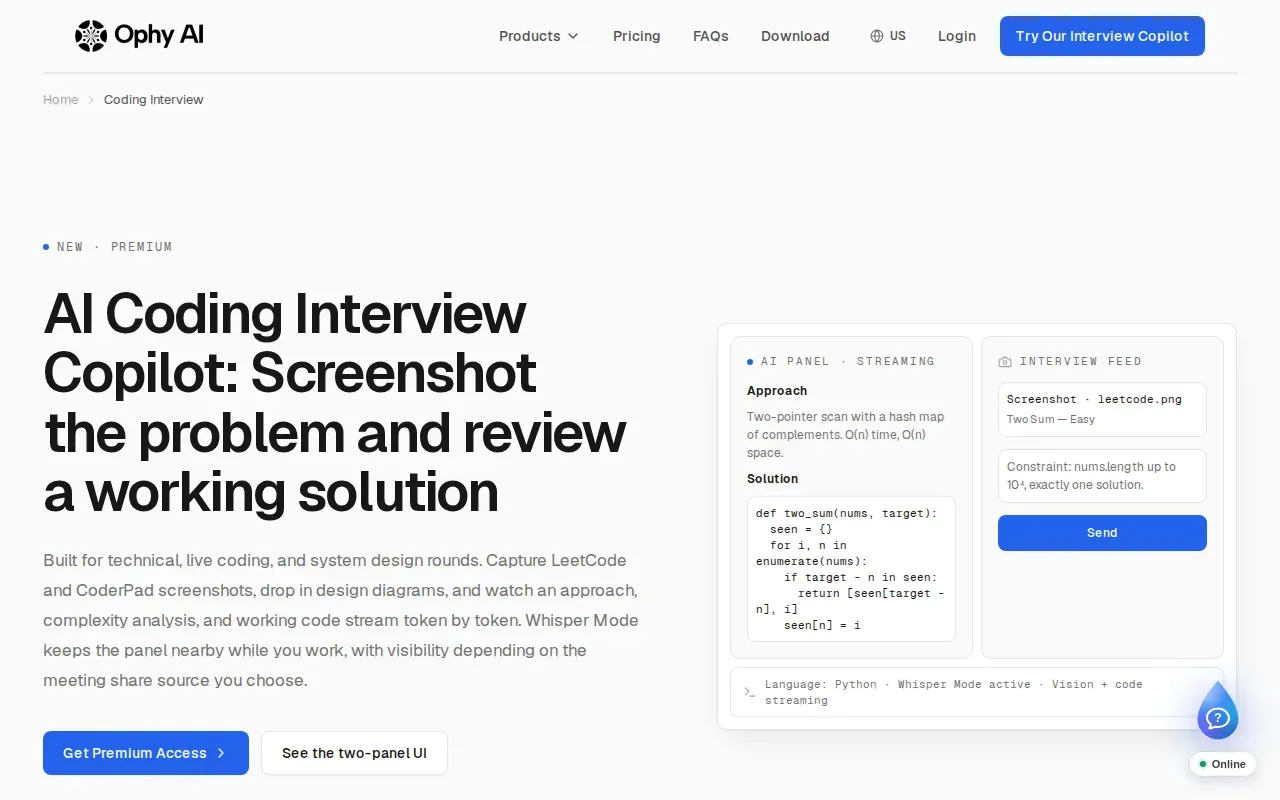
That makes it relevant for engineers who want help beside a coding surface without connecting an account to that platform. Capture the problem or your code, then compare the suggested approach with what you wrote. A useful check is to ask whether the code handles an empty input, a single item, or repeated values, when those cases fit the prompt.
OphyAI’s screenshot workflow can also take a problem from a platform not named in the integrations, since the input is an image. Its examples are LeetCode, HackerRank, CoderPad, and CodeSignal. For practice, this can help you review a prompt and your code in one session. For a live or proctored assessment, follow the platform’s and employer’s rules on outside help.
4. Interview Sidekick: Live algorithm and coding assistance
Interview Sidekick provides real-time AI assistance with algorithms and live coding. Its listed platforms include LeetCode, HackerRank, CoderPad, and CodeSignal, and it supports 31 languages. A free Basic plan starts without a credit card.
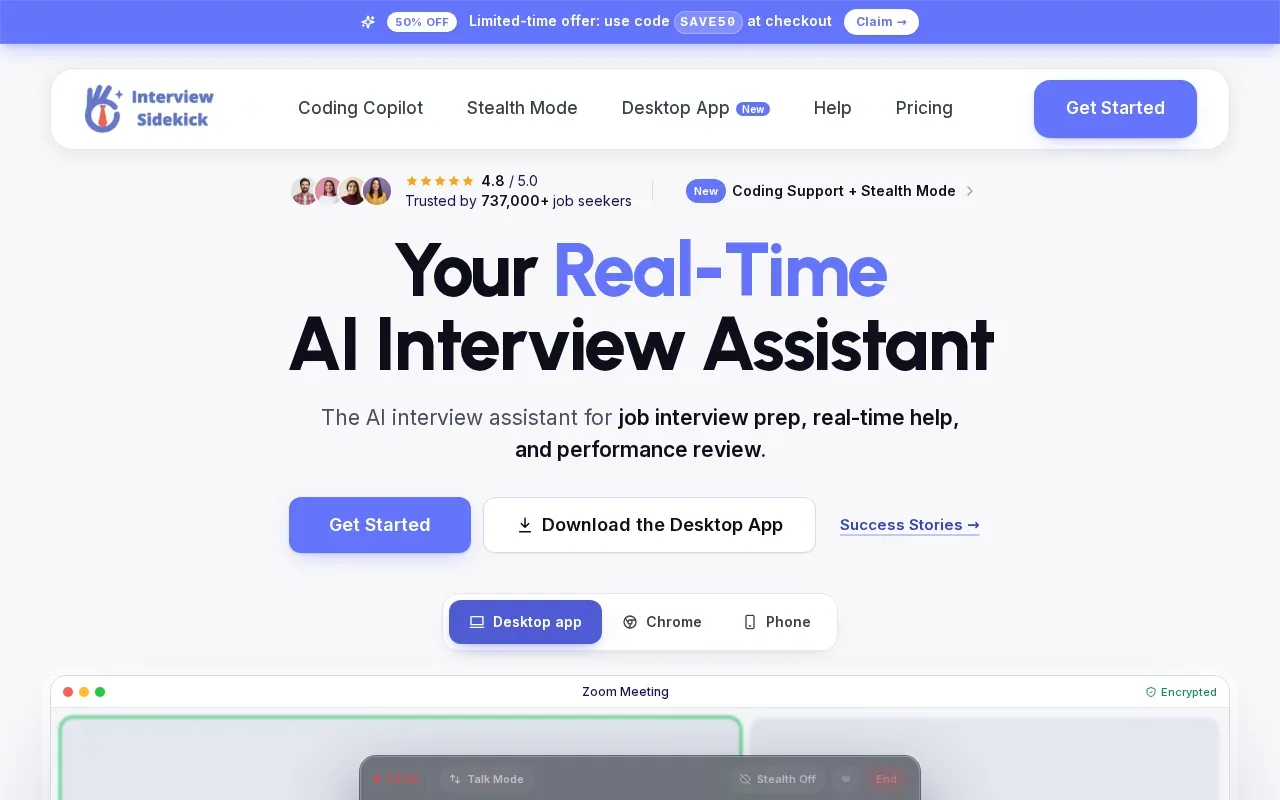
This tool is aimed at candidates who want coding help during practice on those platforms. Its language support may also be useful if you switch between languages while preparing. For instance, solve a familiar array problem in one language, then use a second language to test whether you understand the approach rather than just its syntax.
Keep the practice focused. Before looking at any suggested solution, write down the input, expected output, and a small test case. Afterward, check whether the code meets the prompt’s requirements and whether you can state its time and space costs. This turns live assistance into a review aid instead of a code-copying shortcut.
The free plan gives you a way to test the workflow first. Check that the platforms and language support match your own prep routine, then decide whether real-time algorithm and coding help is what you need most.
5. ParakeetAI: Interview transcription with mock practice
ParakeetAI is a real-time call assistant that transcribes interviews and suggests answers. Its capabilities include coding support and AI mock interviews. The first mock interview is free.
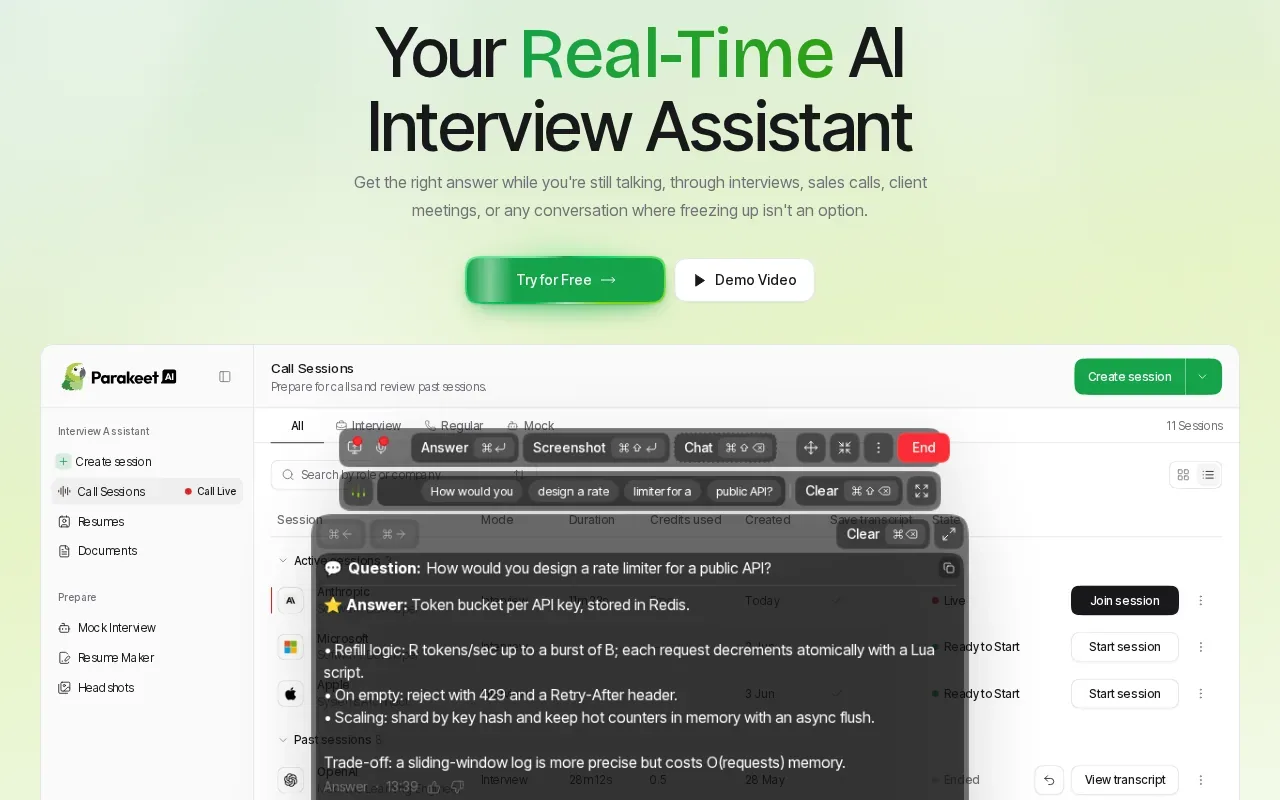
It may suit someone who wants to rehearse spoken interview questions as well as get coding support. A mock interview can help you practice talking through a solution, not only reaching an answer. Try explaining why you picked a data structure, then describe the edge cases you would test. Those are useful habits even when the tool is closed.
ParakeetAI’s transcription focus can also fit behavioral practice. You can rehearse a concise answer to a question about a past project, then pay attention to whether your answer names your role and the result. For technical prep, use the coding support to check your understanding rather than treating a generated response as proof that your own solution is correct.
The free first mock interview gives you a direct way to try the mock-practice format. If your main need is a structured coding practice routine, compare how much time you expect to spend on mock interviews versus solving problems on your own.
6. Final Round AI: Coding, behavioral, and system design support
Final Round AI bundles a Coding Copilot with behavioral and system design support. It runs as a desktop stealth app for Mac and Windows. Its focus is full-loop interview preparation.
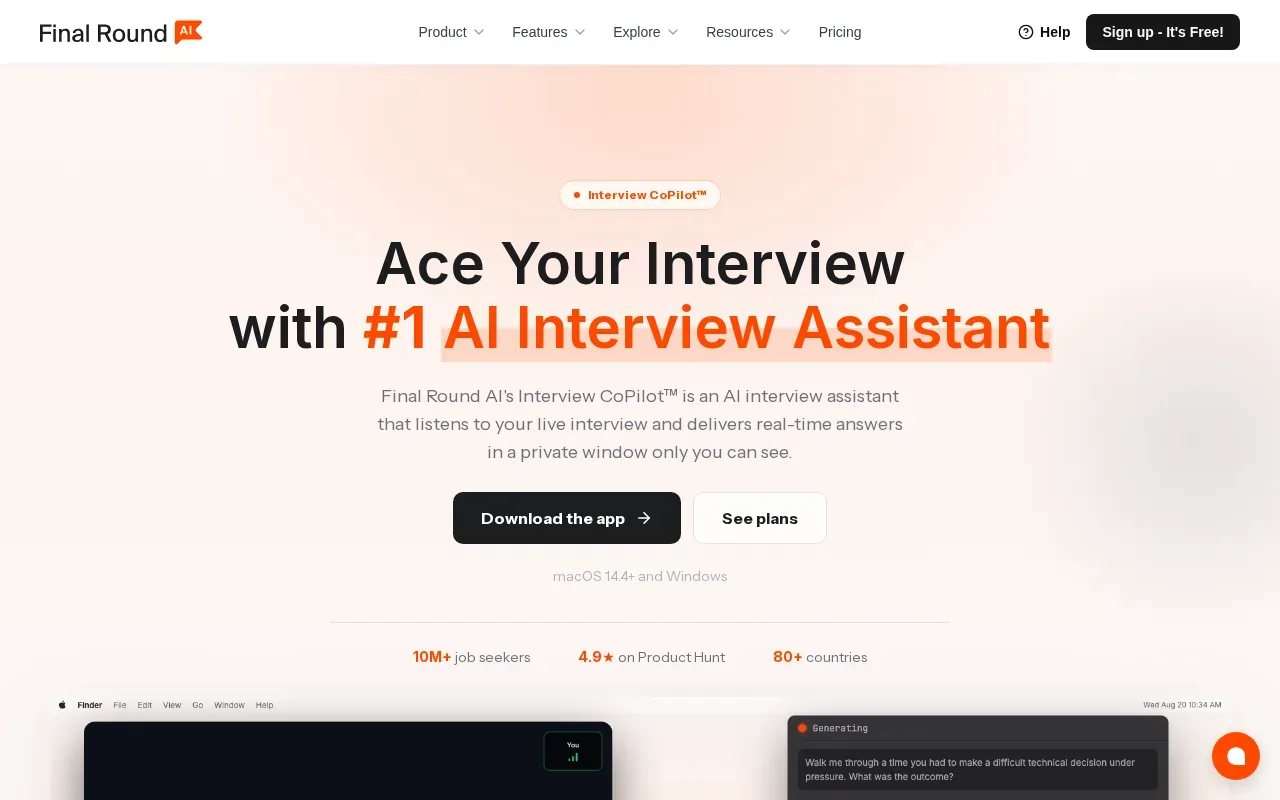
This option may fit candidates who are preparing for several interview formats and want coding, behavioral, and system design support together. For example, an engineer can use coding practice to work on algorithm explanations, then shift prep time to a system design prompt or a behavioral answer. The important choice is whether that broad scope matches your current interview plan.
For a coding round, keep the same standards you’d use without assistance: understand the prompt, test the code against edge cases, and be ready to explain complexity. For system design practice, make sure you can explain the trade-offs behind your choices in plain language. A tool can suggest content, but you still need to own the reasoning.
Final Round AI’s wider interview focus sets it apart from tools built mainly around live coding. If you’re preparing for one coding screen, that breadth may matter less. If you’re preparing for a full interview loop, it may be a more relevant match.
7. Linkjob AI: A stealth-focused option for live interviews
Linkjob AI describes itself as an invisible tool for real-time interviews and coding tests, with live help for job and technical interviews. That makes it a fit to consider if your search is specifically for live interview assistance.
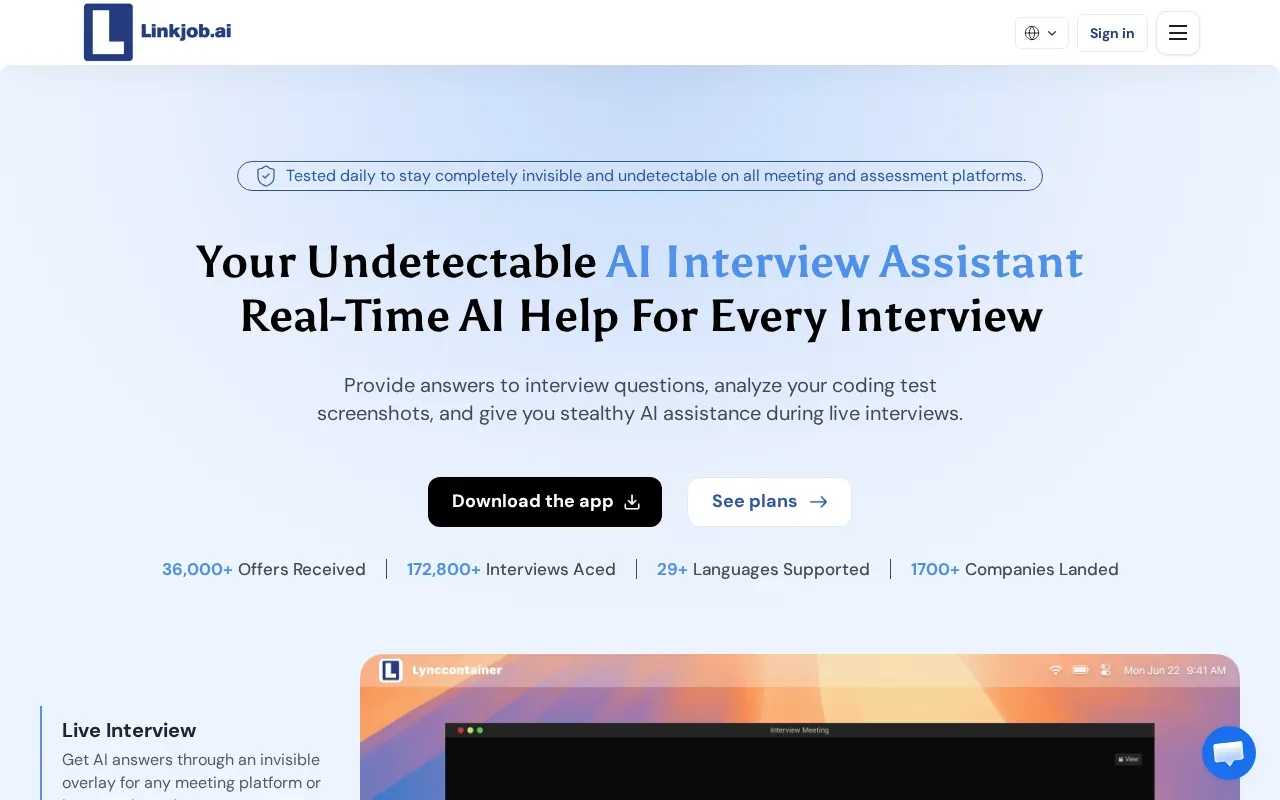
Stealth claims deserve careful thought. A tool’s description does not set the rules for an interview. Before using any assistant in a hiring process, check the employer’s instructions and the assessment platform’s terms. When those rules prohibit outside help, keep AI use to your own practice sessions.
For study, set a clear goal before using live assistance. You might first attempt a problem alone, then ask for help understanding the approach. Afterward, close the assistant and explain the solution from memory. If you can’t explain why it works, you’ve found a topic to review before the next mock round.
| What you need | Option to consider | Fit |
|---|---|---|
| Live coding and spoken interview transcription | Phantom Code AI | Transcription, problem recognition, and coding guidance |
| Screenshot-based problem review | OphyAI Coding Copilot | Approach, code, and complexity explanation |
| Mock interviews alongside coding support | LockedIn AI or ParakeetAI | Both offer mock interviews |
| Broader interview-round preparation | Final Round AI | Coding, behavioral, and system design support |
| Live algorithm help on listed coding platforms | Interview Sidekick | Real-time algorithm and coding assistance |
| Stealth-focused live interview help | Linkjob AI | Describes itself as invisible for live interviews and coding tests |
Use the table as a shortlist, not as a reason to use a tool where an interviewer has barred it. Practice and a live assessment are different settings.
FAQ
What is a LeetCode helper?
A LeetCode helper is a tool that supports coding problem practice with features such as hints, solution suggestions, code review, or interview practice. The exact features vary by tool.
Can AI explain a LeetCode solution step by step?
Some interview assistants provide a suggested approach, code, or complexity explanation, but features differ by product. Use an explanation to test your understanding: restate the algorithm, walk through a small input, and explain its time and space costs. If you can’t do that without looking at the answer, keep practicing before you move on.
Is it okay to use an AI helper during a coding interview?
Employers may set rules for their hiring process. When you’re unsure, ask before the interview or keep AI assistance to mock sessions and personal study.
Should I use AI to get the full answer while practicing?
Try the problem yourself first, then use help to review a specific gap. You might ask for a hint before requesting a full solution, or compare your code with a suggested approach after your attempt. Finish by closing the tool and explaining the solution from memory. That last step shows what you’ve learned.
Conclusion
For a single helper across coding practice and other interview rounds, start with Phantom Code AI and test it on a problem you’ve already attempted. Check the solution against your own reasoning, then explain the approach without assistance before using it in a mock interview.