How to Improve Coding Interview Pacing With Feedback
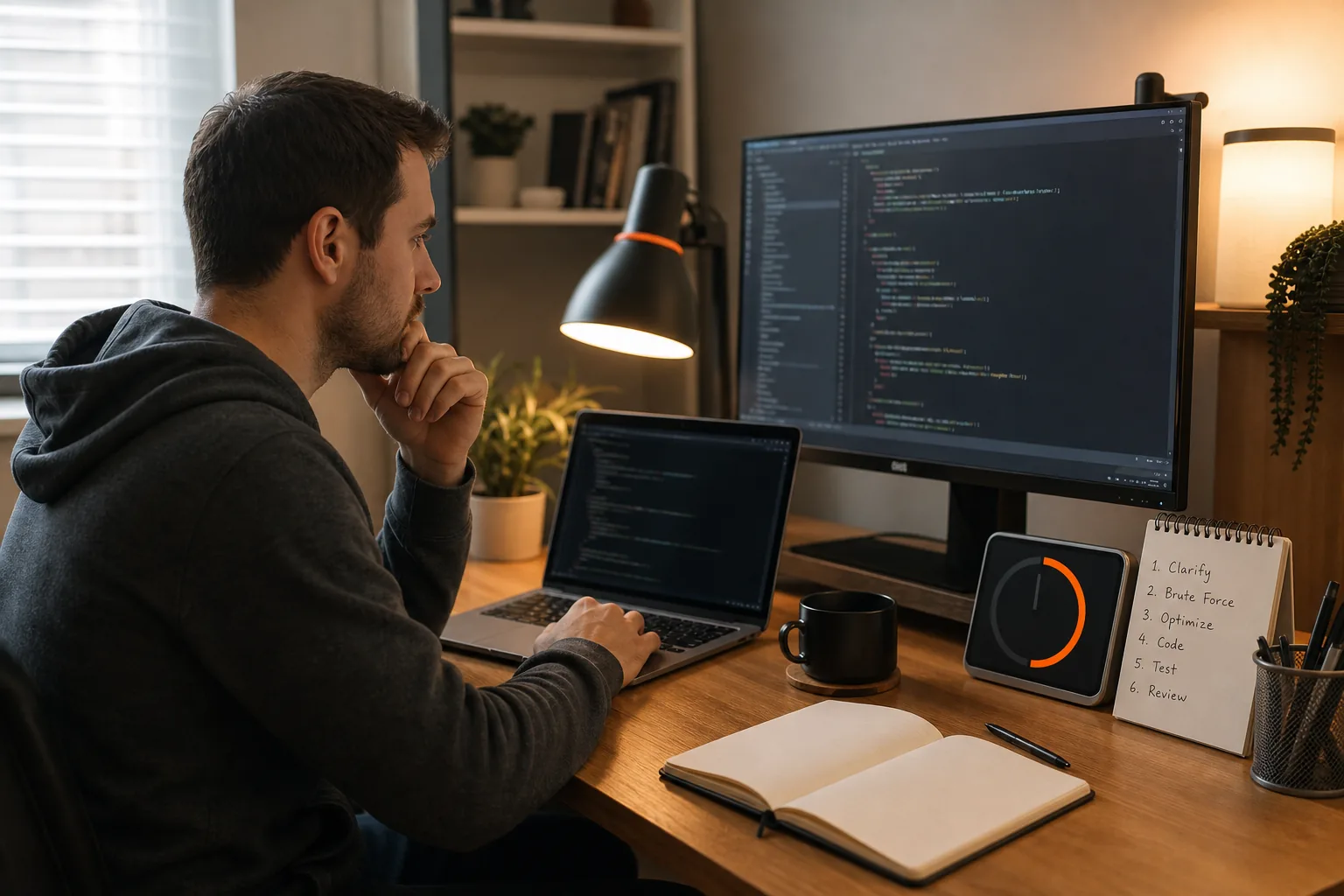
Learn how to use live feedback to improve coding interview pacing with time budgets, checkpoints, test signals, and focused review.
Pacing problems rarely come from coding speed alone. Most come from spending too long in one phase, such as reading the prompt, debating an approach, or debugging without a clear next test.
The best fix is a live feedback loop. Use a time budget, pause for direction checks, watch code and test signals, then review the exact point where your pace slipped.
We read the six top-ranking pages for coding interview pacing advice and checked each for four practices. Only 2 of 6 set a phase-based time budget, and 4 of 6 mention restatement or checkpoint habits. Just 1 of 6 treats test runs as a pacing signal, and 2 of 6 recommend a post-session review tied to pacing. None of the 6 pages covered all four practices together, showing room for a loop that combines a budget, checkpoints, test signals, and review.
Table of Contents
- Step 1: Set a Time Budget Before You Start
- Step 2: Use Restatements and Checkpoints to Confirm Direction
- Step 3: Build a Restate-to-Test Interview Loop
- Step 4: Turn Code Execution and Tests Into Live Pacing Signals
- Step 5: Review Feedback and Adjust Your Next Practice Session
- FAQ: Using Live Feedback for Coding Interview Pacing
- Conclusion
Step 1: Set a Time Budget Before You Start
To use live feedback for coding interview pacing, set a rough plan before you write code. A timer should guide your choices, not pressure you into rushed code.
Start by asking how much time you have for the problem. In a mock round, set the limit yourself. Then split the session into phases:
- Understand: Spend a few minutes restating the prompt and asking about inputs.
- Plan: Use several minutes to compare approaches and state the tradeoff.
- Code: Reserve the largest block for the main solution.
- Test: Leave enough time to run examples and inspect edge cases.
These blocks don't need equal length. A graph problem may need more planning than a basic array task. The point is to spot drift early. If your plan allows ten minutes for design and you reach minute twelve without a clear approach, change course.
A visible countdown can help, but it can also pull your eyes away from the problem. Treat it as a quiet signal. Check it at phase changes instead of watching every second.
Phantom Code AI can add another type of signal during practice. Its assistant listens, transcribes the conversation, and gives guidance on the problem. Keep a separate timer for pacing, then use the transcript to review where you slowed down. Learn more about coding interview patterns and live AI interview help if you want to compare that workflow with a basic timer.
By now you should have a written phase plan and one rule for drift. For example: if planning runs long, state the best current approach and begin a small proof through examples.
Step 2: Use Restatements and Checkpoints to Confirm Direction
Restatements and checkpoints make live feedback useful before a wrong approach consumes half the interview. They give the interviewer, coach, or AI assistant a clear moment to correct your direction.
After hearing the prompt, pause. Say what you think the task asks you to do. Include the input, the expected output, and one important limit. Then ask if that reading is correct.
For example, you might say: “We receive an array of values. I need to return the length of the longest range without repeated values. I can use a moving window and track the last index of each value. Is that the intended task?”
This does two jobs. It checks your understanding, and it gives the interviewer a chance to point out a missing detail. It also creates a natural checkpoint before you spend time on code.
Use the same habit after your outline. State the approach in plain terms, then name the expected time and space cost. Don't turn this into a long lecture. Two or three sentences are often enough.
Watch the response. A human interviewer may answer with a short correction. A live assistant may flag a missed edge case or suggest a question. Treat that feedback as a prompt to verify, not as proof that the suggested path is right.
For more structured drills, rehearse checkpoints in timed practice sessions that follow a fixed format. The useful part is the repeatable pause. You want to build the habit before a real interview makes the cost of a wrong turn much higher.
Keep a short list of checkpoint questions beside you:
- What exactly must the function return?
- Which input limits affect the approach?
- What case would break this plan?
- Can I explain why this data structure fits?
By now you should have a confirmed problem statement and a short plan that another person can follow. If you can't explain the plan clearly, you're probably not ready to code.
Step 3: Build a Restate-to-Test Interview Loop
A restate-to-test loop gives your pacing a fixed shape. Use it to keep moving without skipping the parts that show how you think.
The loop is:
- Restate: Confirm the task and constraints.
- Outline: Name the likely approaches and their tradeoffs.
- Choose: Pick one path and explain why.
- Code: Write a small part, then explain the next part.
- Test: Run an example and inspect the result.
Use the loop as a rail, not a cage. A system design interview may need more discussion before implementation. A behavioral interview may need a different structure. But for coding practice, this order stops you from jumping straight into syntax.
Phantom Code AI is useful when you want feedback during the loop rather than only after the session. Phantom Code AI is an assistant that listens, transcribes, recognizes problem types, and gives real-time guidance during mock or live technical interviews. Compare the guidance with your phase plan before choosing the next step.
Still, don't follow every suggestion without checking it. Live feedback can become a distraction if you stop thinking and wait for the next prompt. Set a rule before practice: accept a hint only after you state your own hypothesis or plan.
Here's an example. Suppose your two-pointer solution fails on an input with repeated values. Before asking for help, say: “I think the left pointer moves too late when the right value repeats. I'll trace the window after each move.” Then test that idea.
This keeps the assistant in a support role. It also gives you better feedback because the system can respond to a clear question instead of guessing what you need.
Use the same loop for system design practice at a larger scale. Restate the goal, outline two designs, choose one, sketch the key flow, then test it against load or failure questions. The time blocks change, but the feedback habit stays useful.
By now you should have a repeatable sequence that tells you what to do next. If the loop feels rigid, allow a short branch for a deeper interviewer question, then return to the next phase.
Step 4: Turn Code Execution and Tests Into Live Pacing Signals
Code execution gives you live feedback about both correctness and pace. Use small runs to find errors early instead of saving every test for the final minutes.
Write a narrow slice of the solution first. Run it on a small input. Check whether the output matches your stated expectation. Then add the next piece.
This approach gives you useful signals:
- If a small case fails at once, your last change needs attention.
- If the code works on a basic case but fails on a repeat or empty input, your edge handling needs work.
- If you can't form a test, your approach may still be vague.
- If each test takes too long to explain, your implementation may be growing without enough checkpoints.
Use simple inline tests when the interview environment allows them. Print a pass or fail result for a few small cases using the available output mechanism.
Don't run code just to feel busy. Before each run, state what you expect. For example: “This input has one repeated value, so the window should shrink once and the answer should be three.” Now the test checks reasoning, not only syntax.
Debugging also affects pacing. When a test fails, avoid changing three lines at once. Write one hypothesis. Add a print or check that can confirm it. Then decide whether the result supports your idea.
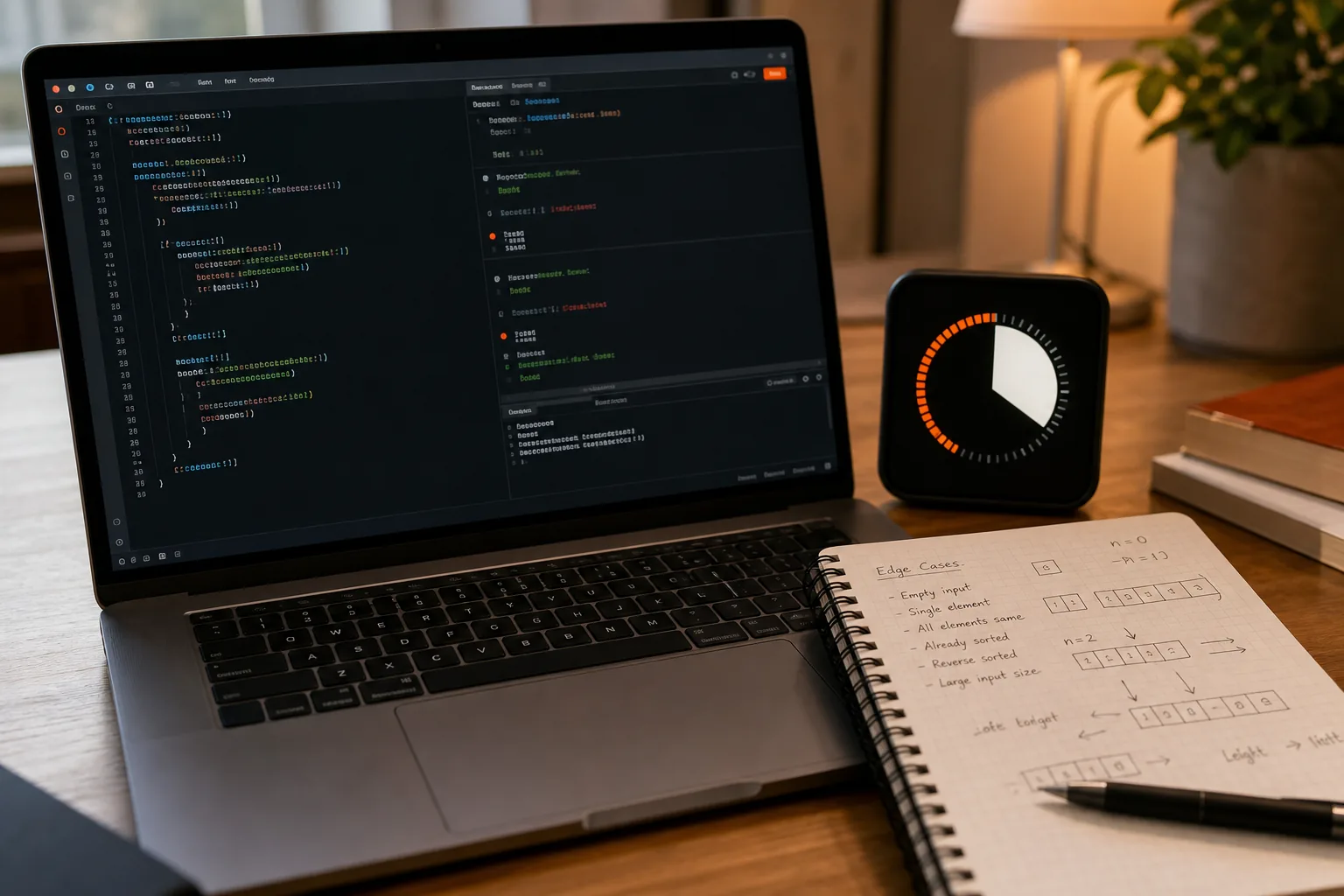
A good live assistant can point out that you are stuck in a debug loop, but it can't replace the check itself. You still need to explain what failed and why the next test will teach you something.
Use a pacing rule for failures: spend one short block on a hypothesis. If it fails, return to the last known-good version and restate the invariant. That is usually better than piling fixes onto an unclear state.
By now you should have a test rhythm that shows progress. You should also know the last point where the code was still understood.
Step 5: Review Feedback and Adjust Your Next Practice Session
Review turns live feedback into better pacing for the next coding interview. Don't judge the session by one final score. Find the phase that used too much time.
Right after the session, write down four facts:
- How long you spent understanding the prompt.
- When you chose an approach.
- When the first working test passed.
- What caused the largest delay.
Then compare your notes with the transcript or feedback report. Look for mismatches. Maybe you thought you explained the plan in two minutes, but the transcript shows seven minutes of repeated debate. Maybe you reached correct code quickly but spent the remaining time polishing a minor edge case.
Classify the problem before choosing a fix:
- Direction problem: You misunderstood the task or missed a constraint.
- Planning problem: You considered too many approaches without choosing.
- Execution problem: You coded without small checks.
- Debug problem: You changed code without a testable theory.
- Communication problem: Your explanation hid the next action.
Change one behavior in the next session. If planning took too long, limit yourself to two candidate approaches. If debugging drifted, require a hypothesis before every edit. If you skipped tests, set a checkpoint after each helper function.
Phantom Code AI can fit this review cycle because its stated workflow includes listening and transcription during the session. A transcript gives you something more useful than a vague feeling that you were slow. It lets you mark the exact sentence where your reasoning stalled.
Be careful with feedback scores. A low score may point to a pattern, but it doesn't tell you the next action by itself. Convert every note into a behavior you can observe in the next round.
For example, replace “pace better” with “choose an approach within eight minutes, then run one test before adding another helper.” That instruction is specific enough to follow and easy to review.
By now you should have one pacing issue, one behavior change, and one measure for the next practice round. Repeat that cycle until the change holds without constant reminders.
FAQ: Using Live Feedback for Coding Interview Pacing
How does live feedback improve coding interview pacing?
Live feedback improves coding interview pacing by showing when you drift from the current phase. A prompt can remind you to confirm the problem, choose an approach, test a small case, or move on from unproductive debugging. Use those signals to change your next action, not to wait for an answer.
Should I use a timer during coding interview practice?
Yes, use a timer as a phase check rather than a source of pressure. Set a total limit, mark rough points for planning and testing, then glance at the clock only when you change phases. If watching the countdown makes your code worse, hide it and use spoken checkpoints instead.
What should I ask an AI coach during a coding interview?
Ask an AI coach for a small nudge tied to your current decision. Useful prompts ask which edge case to test or which assumption might fail. Avoid asking for the full solution. The goal of live feedback is to improve pacing while keeping your own reasoning active.
When should code be run in an interview?
Run code after a small, understandable unit is ready and before too many changes build up. State the expected output first. Then compare the result with that expectation. Frequent small tests help you locate errors, while random runs can waste time because they don't answer a clear question.
What should be reviewed after a timed coding session?
Review the time spent in each phase and mark the first point where your plan became unclear. Check the transcript or notes for repeated explanations, long pauses, and edits without a stated hypothesis. Pick one behavior for the next session, such as testing earlier or choosing between approaches faster.
Conclusion
Use live feedback as a set of small course checks, not as a replacement for judgment. Start your next practice round with a phase budget, use the restate-to-test loop, and write down the exact moment your pace slipped. Phantom Code AI can support that process when you want spoken guidance and a transcript to review afterward.