Top Enterprise Mock Interview Pricing and Seat Options

Compare enterprise pricing for mock interview solutions and seats, including custom plans, per-user rates, team access, and coding interview prep options.
Buying mock interview access for a team gets tricky when vendors don’t show seat counts or the cost of extra users. Phantom Code AI lists a $19 starter price and real-time interview guidance; below are six options and what their pricing details do, and don’t, tell you.
Table of Contents
- Phantom Code AI
- Huru: Enterprise plans for organizations and universities
- Yoodli: Custom-priced team and enterprise plans
- TryMockCall: Team plan with shareable candidate links
- EzIntervuez: One video AI platform for hiring and role-play training
- InterviewFocus: Enterprise branding and volume discounts
- Compare the shortlist: seat pricing, access, and best-fit use cases
- FAQ
- Conclusion
1. Phantom Code AI
Phantom Code AI is an AI desktop assistant for software engineers who want support during mock or live technical interviews. Its listed starter price is $19, giving individual candidates a clear entry point when enterprise seat pricing is hard to pin down.
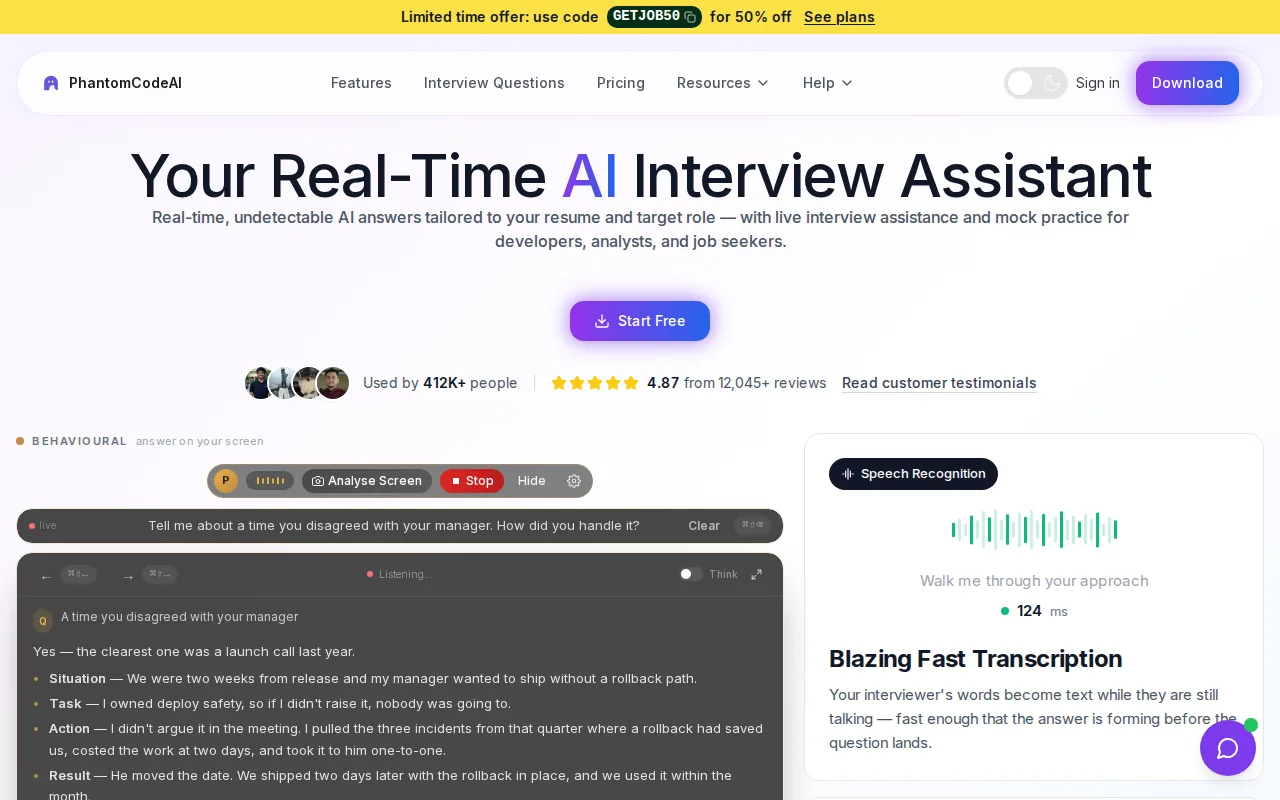
The assistant listens and transcribes, recognizes problem types, then provides guidance in real time. That makes it relevant to an engineer working through a data structures and algorithms question, explaining a system design trade-off, or preparing a behavioral answer. It’s a different use case from a hiring platform that standardizes candidate screens for a recruiting team.
It doesn’t state a team bundle, additional-seat rate, or volume discount. Ask for those terms before comparing the entry price with a vendor’s team plan.
If engineers need help handling a live technical prompt, Phantom Code AI is the most direct fit in this shortlist. It isn’t a substitute for a shared hiring rubric or a candidate management workflow.
2. Huru: Enterprise plans for organizations and universities
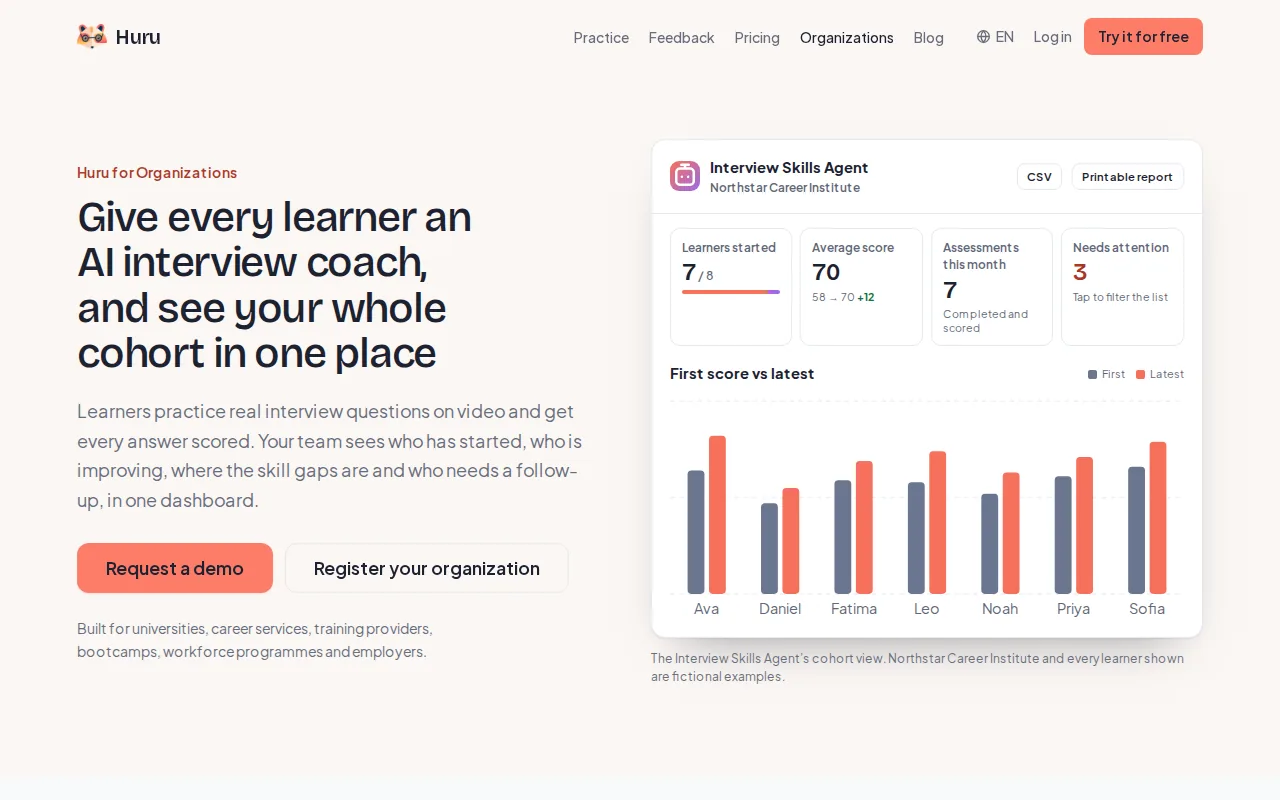
Huru has an Enterprise plan for universities and organizations, with pricing available on request. It’s a possible fit for career services teams that want students to rehearse spoken answers, or organizations planning interview practice across a group.
Huru’s interview practice centers on answering questions out loud. Practice can include recorded video review, which helps a learner notice how an answer sounds and where it needs more evidence.
For software engineers, a useful practice session might focus on explaining why a system design chose one storage pattern over another. A separate behavioral round could rehearse a clear account of a production incident and the candidate’s role in resolving it.
Pricing is the sticking point for procurement. Huru doesn’t publicly state the Enterprise seat count, added-seat cost, or volume tiers. Request the minimum seat commitment and renewal terms, and check whether the organization plan supports the review and reporting workflow your team needs. Don’t treat a custom quote as a per-user rate until the quote spells that out.
3. Yoodli: Custom-priced team and enterprise plans
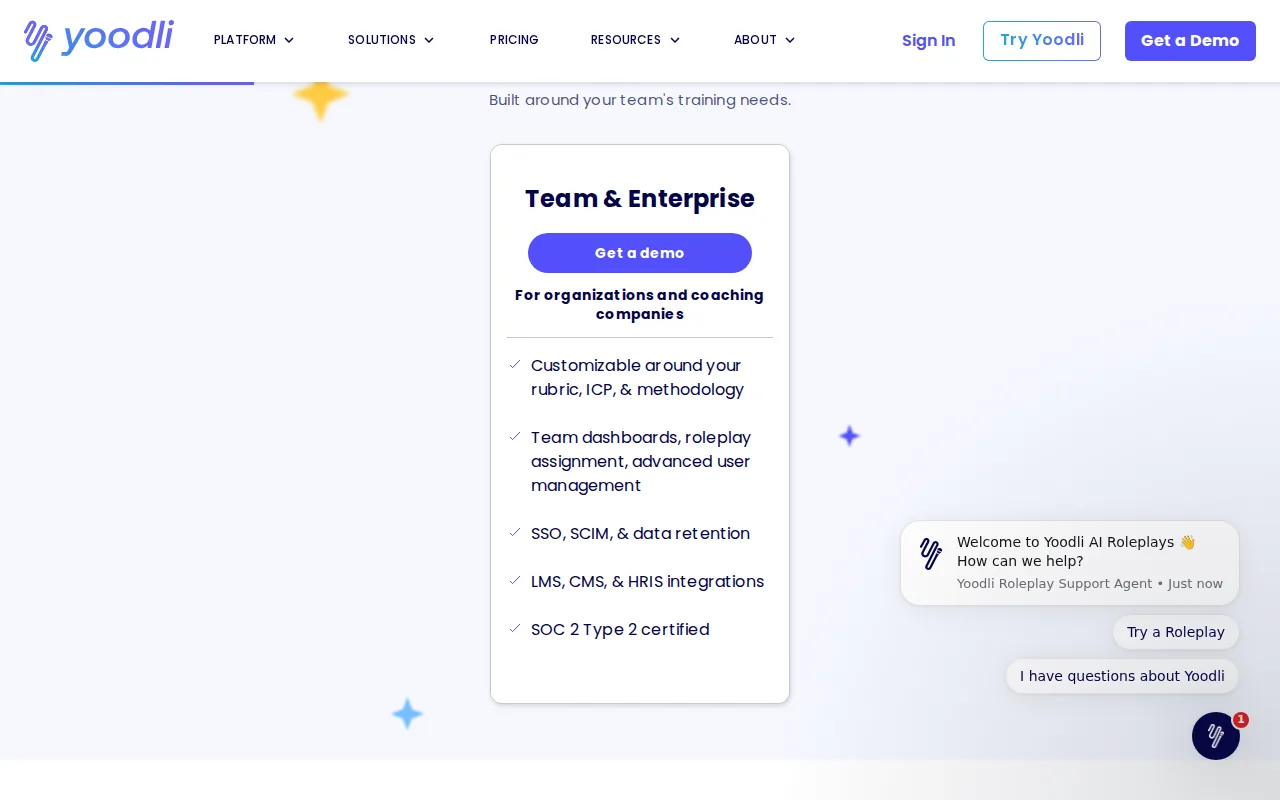
Yoodli has custom-priced Team and Enterprise plans for businesses. It may suit an organization looking for a paid team arrangement, but no seat count or per-user rate is published.
That makes the first sales conversation important. Ask whether the quote is based on named users, monthly active users, practice volume, or a fixed organization fee. Those models produce very different budgets if interview practice is seasonal, such as a university career program that sees heavier use before recruiting events.
Before signing, ask what counts as a seat and how access works for temporary users. A hiring team may need accounts for interviewers, while a training group may need access for many learners who practice at different times. Ask about role-based access, integrations, recording controls, and seat reassignment rules rather than assuming them.
Yoodli is worth requesting a quote from when a business specifically wants a team or enterprise plan. It’s hard to compare against a disclosed per-user plan until the vendor gives you the included seat count and the price for scaling up.
4. TryMockCall: Team plan with shareable candidate links
TryMockCall’s team plans are designed for hiring and employee practice, with shareable candidate links that don’t require candidates to create accounts. The Starter plan is listed at $349 per month for 50 sessions and five seats, which gives a buyer more to budget around than a quote-only plan.
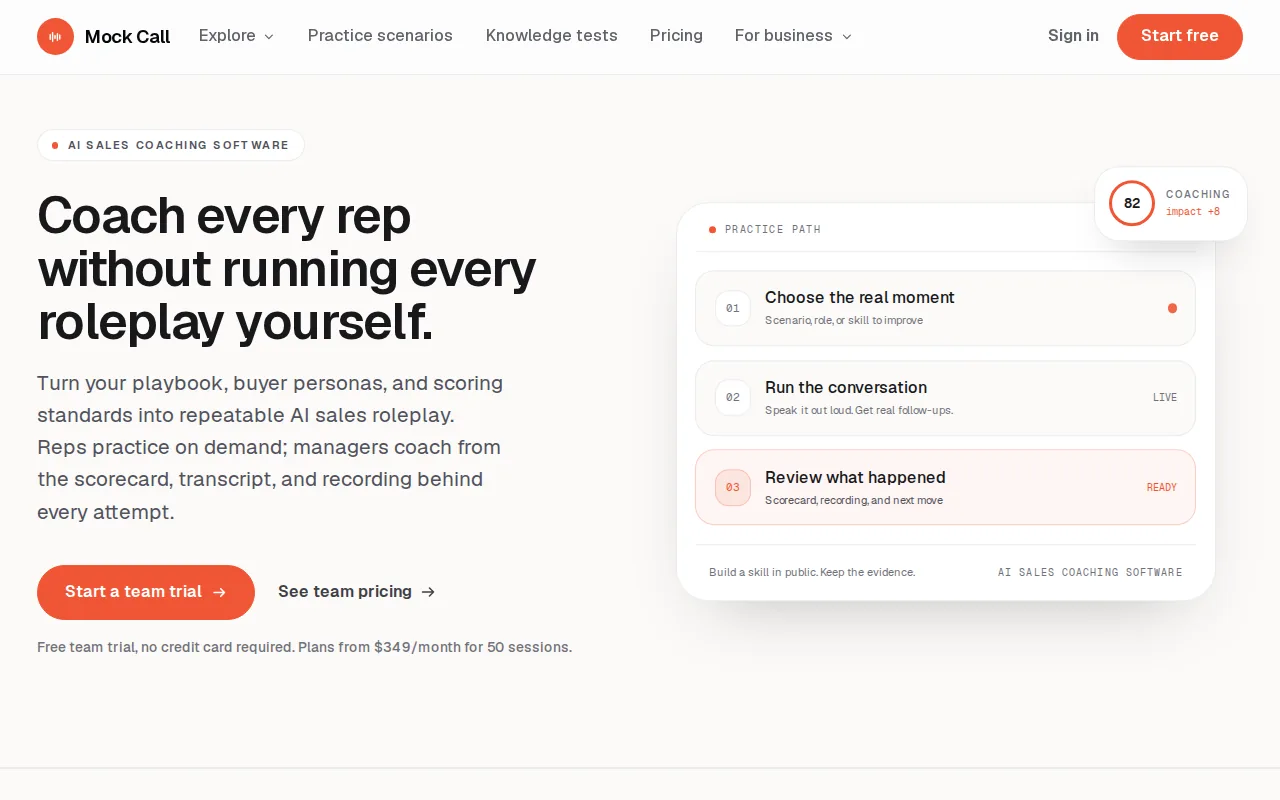
Its employer workflow centers on setting a role, questions, follow-up rules, and a weighted rubric. Candidates complete an interview in a browser through a shared link. The hiring team can then review a scorecard alongside the transcript and recording. That setup is aimed at consistent candidate evaluation, rather than one engineer’s personal technical interview prep.
TryMockCall also lists a Professional plan with 200 interviews and 20 seats. The Enterprise tier is custom-priced and described as unlimited, with SSO, an API, and a branded avatar. The listed team plans make a distinction between seats and monthly interview volume, so budget owners should check both limits rather than treating one as a proxy for the other.
For a recruiting team, no-account links can reduce friction when candidates are outside the organization. For a training lead, the practice mode can let employees repeat a role-play scenario. Confirm how extra sessions are billed and whether a candidate’s practice session draws from the same allowance as a formal screen. Those details matter when hiring volume spikes.
5. EzIntervuez: One video AI platform for hiring and role-play training
EzIntervuez is listed at $99 per month, and the same video AI is described as covering hiring interviews and role-play training. That shared use may appeal to a talent acquisition team and a learning group that want to assess one vendor together.
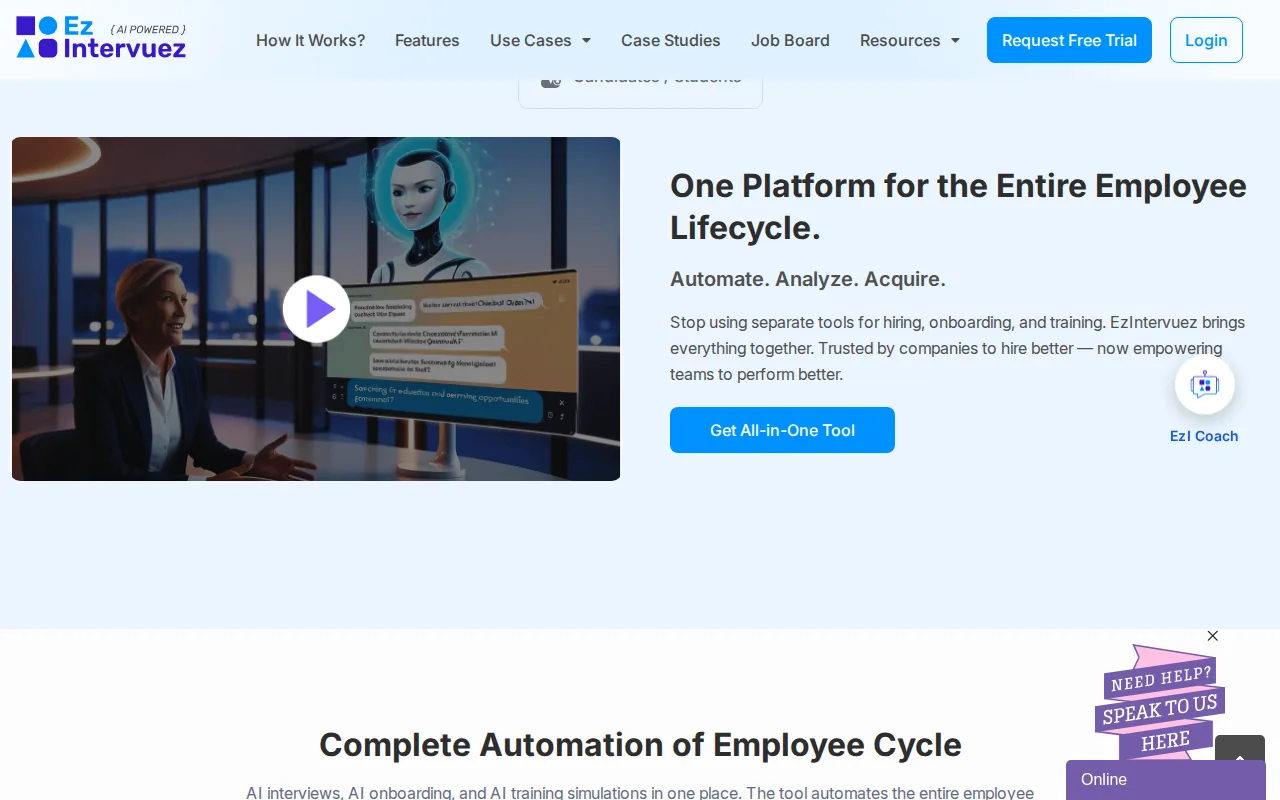
For example, a company could want interview practice for hiring managers while also rehearsing customer-facing employee conversations. A shared platform could make sense operationally, but the public pricing doesn’t say how many seats are included or whether the monthly fee covers a fixed amount of practice.
That gap makes the headline price hard to compare with a per-user plan. Ask whether the fee includes all staff who need access, or whether each hiring manager and learner needs a paid seat. Also ask if use is limited by session count, time, or another allowance. No extra-seat rate or enterprise threshold is published.
EzIntervuez is a candidate for teams looking at both hiring interviews and role-play training. It’s less straightforward to budget until the vendor confirms access limits and how the two use cases count toward any plan allowance.
6. InterviewFocus: Enterprise branding and volume discounts
InterviewFocus gives buyers a clear starting structure: its Business plan requires at least five users and starts at $79 per user per month. The Enterprise plan adds branded deployment and volume discounts for organizations with more than 150 users.
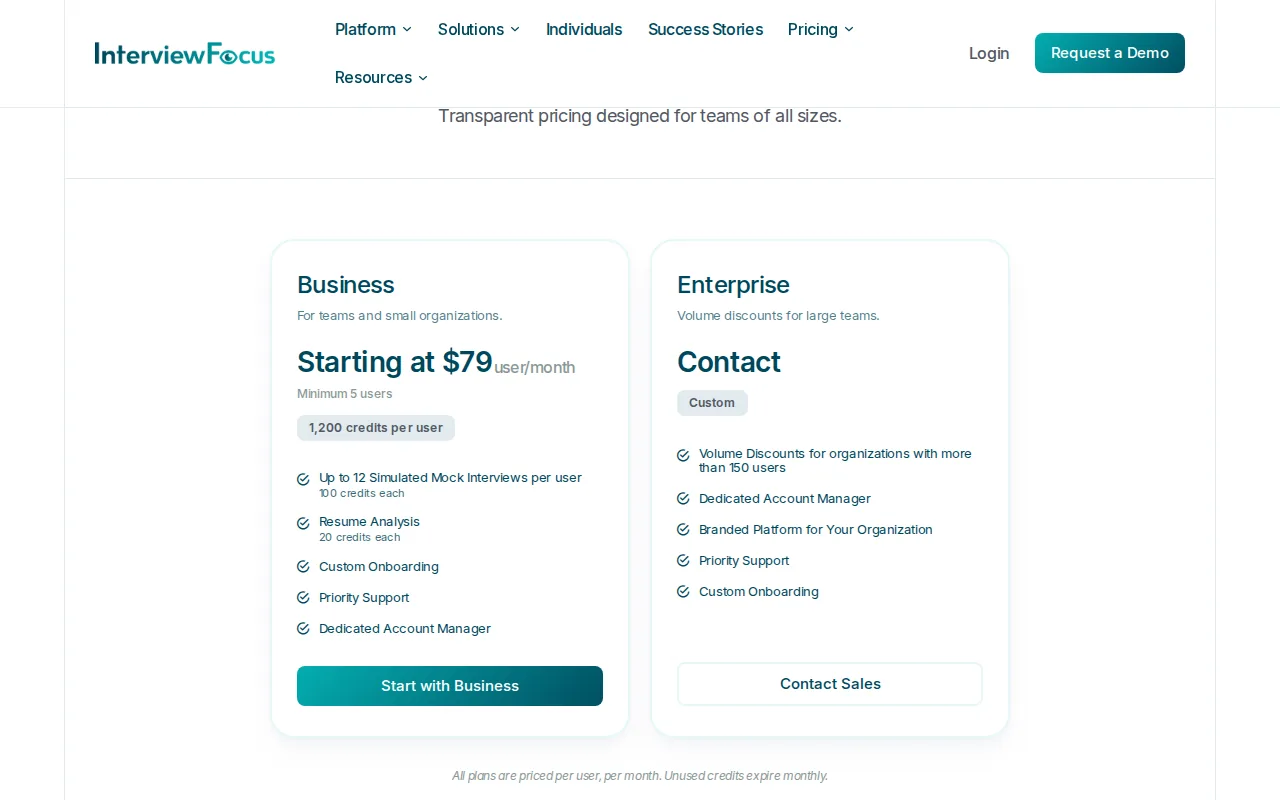
Enterprise accounts can use custom credit allocations. For a university or large employer, compare the number of seats with expected monthly activity before choosing a plan.
The branded platform is an Enterprise feature. That can matter when an organization wants learners to see its own identity during training, rather than a vendor-branded interface.
One budgeting detail deserves attention: unused credits expire at the end of each monthly billing cycle and don’t roll over. A team with uneven usage should estimate how many people will practice regularly before buying seats. Enterprise pricing is custom, so request the final per-user rate, credit allocation, and any volume discount in writing.
Compare the shortlist: seat pricing, access, and best-fit use cases
Enterprise pricing for mock interview solutions and seats isn’t a clean like-for-like comparison. Some listed prices are for individual practice, while others cover hiring workflows or team training. Use the table to spot what’s disclosed, then ask vendors to price the same user count and expected monthly volume.
| Option | Public price or plan detail | Seat and access detail | Best fit | Key item to confirm |
|---|---|---|---|---|
| Phantom Code AI | $19 starter price listed | No enterprise seat schedule stated | Engineer seeking real-time interview guidance | Team licensing and added-seat costs |
| Huru | Enterprise pricing on request | Seat count not stated | Universities or organizations planning spoken-answer practice | Minimum seats and reporting access |
| Yoodli | Team and Enterprise are custom-priced | Seat count not stated | Business seeking a team plan | Pricing basis and seat reassignment |
| TryMockCall | Starter: $349/month; Professional: pricing on request; Enterprise: custom | Starter has 5 seats; Professional has 20; Enterprise is listed as unlimited | Structured candidate screens and repeatable employee practice | Session overages and Enterprise seat terms |
| EzIntervuez | $99/month listed | Seat count not stated | Hiring interviews plus role-play training | Included users and usage allowance |
| InterviewFocus | Business starts at $79/user/month; Enterprise custom | Business minimum is 5 users; Enterprise volume discounts apply above 150 users | Organizations that need branded deployment | Credit allocation and expiry impact |
Other coding assessment tools may address a different buyer need. CoderPad supports multiple coding languages, HackerRank provides automated assessments with scoring, and CodeSignal offers standardized coding assessments with benchmarks. These are assessment tools rather than mock interview seat plans, so keep them separate from this team-practice shortlist.
When you request a quote, use one shared scenario: the number of people who need access, expected sessions per month, and whether those people are candidates, interviewers, or learners. Also ask how access changes when someone leaves the team. For interview operations, a clear candidate handoff matters too; a post-interview follow-up email workflow can help teams keep communication consistent after a practice or hiring round.
FAQ
How much do enterprise mock interview platforms cost?
There’s no single enterprise rate; public prices range from a $19 starter pack to custom quotes. For example, InterviewFocus states a Business price per user, while Yoodli’s Team and Enterprise plans are custom-priced. For a sound comparison, ask each vendor to quote the same seat count and expected monthly session volume.
Do mock interview tools charge per seat or per session?
Some plans disclose seats, while others don’t state how access is priced. TryMockCall lists both seat and monthly session limits on its Starter and Professional plans. InterviewFocus states a per-user Business rate. When discussing enterprise pricing for mock interview solutions and seats, ask whether users share a session allowance or receive individual credits.
Which option has the clearest seat pricing?
InterviewFocus gives the clearest per-user starting point in this shortlist: its Business plan starts at $79 per user per month and requires at least five users. TryMockCall also discloses five Starter seats at $349 per month. Neither detail alone tells you the full cost of a larger rollout, so request the next seat tier and any usage charges.
What should a team ask before buying an enterprise plan?
Ask how many seats the quote includes, what an added seat costs, and whether access can be reassigned. Then confirm session limits, overage fees, credit expiry, and any minimum term. If the team handles candidate recordings, ask who can view them and how long they remain available, since those details aren’t stated for every option here.
Is a personal interview assistant the same as an enterprise mock interview platform?
No. Phantom Code AI is described as a desktop assistant that gives engineers real-time interview guidance. A team hiring platform may instead focus on shared rubrics, candidate access, or organization-wide practice. Match the product to the job: individual technical preparation is different from coordinating a hiring process across many interviewers.
Conclusion
For an engineer seeking real-time help, start with Phantom Code AI and confirm whether its available plan fits your use. For a team rollout, get written quotes that spell out seats, volume, and renewal terms. Then compare those numbers against the people who will actually use the practice each month.