Best Desktop Interview Prompters: Pricing and Features

Compare desktop interview prompter annual pricing and features, including live guidance, transcription, practice feedback, and plan details to check before paying.
A desktop interview prompter should help you follow the question while you stay focused on the conversation. Phantom Code AI combines live guidance and transcription. Here are six options, with their known prices and the details you should confirm before subscribing.
Table of Contents
- Phantom Code AI
- ParakeetAI: credit-based access for occasional use
- Interview Sidekick: annual Pro plan with practice feedback
- CoPilot Interview: Windows and macOS desktop app
- GhostPilot: annual plan with live-session access
- Final Round AI: broad interview support with a higher annual commitment
- Desktop interview prompter pricing and feature comparison
- FAQ
- Conclusion
1. Phantom Code AI
Phantom Code AI is a desktop assistant for coding interviews that listens, transcribes, recognizes problem types, and provides live guidance. It’s best suited to software engineers preparing for DSA, system design, or behavioral rounds who want support during practice or a live session.
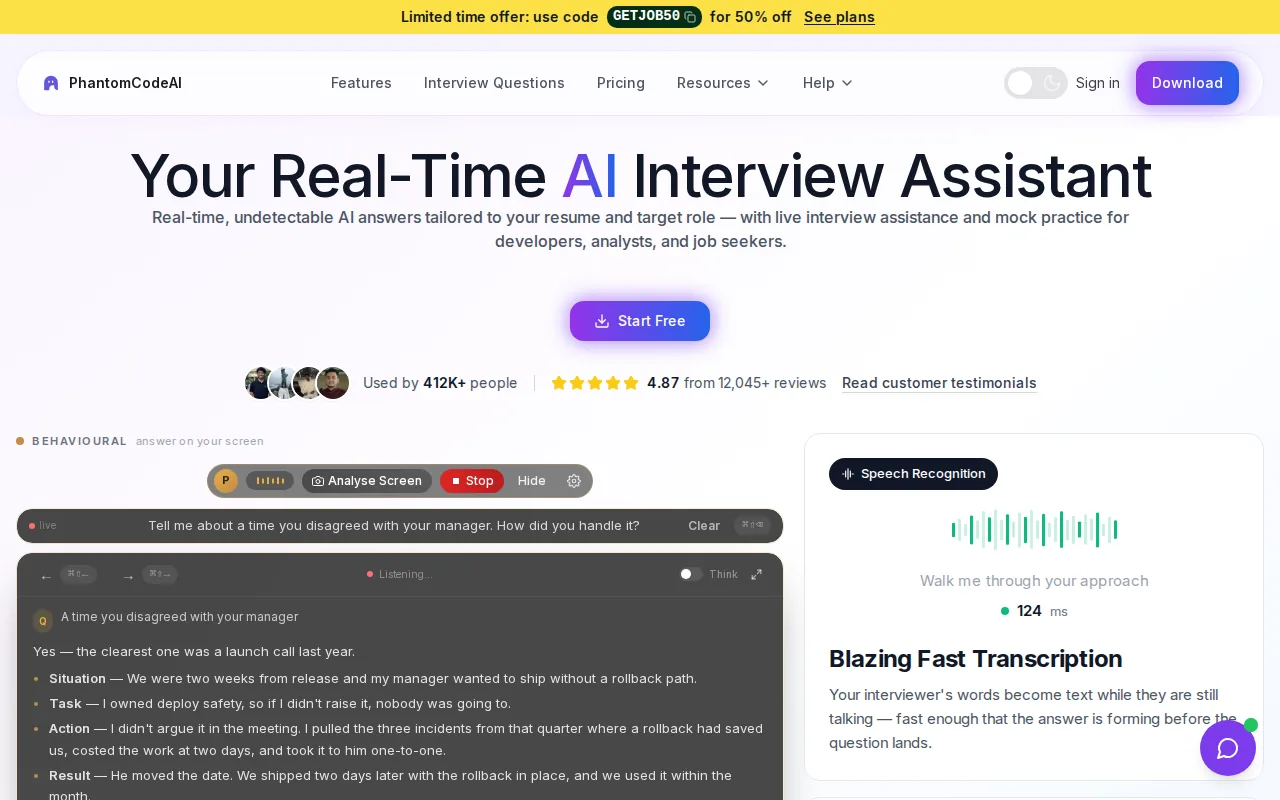
Phantom Code AI also lists support for Zoom, Google Meet, and Microsoft Teams. That specificity helps if you already know which video-call app your interview uses. Many tools don’t clearly state which meeting platforms they support.
One-time credit packs are also available, so you don’t have to choose an annual subscription if you only need help during a short interview sprint. Check the Phantom Code AI plan and credit-pack details against your likely interview schedule before paying.
One distinction matters: this is an AI interview assistant, not a physical camera teleprompter. It doesn’t claim to provide a mirror, lens rings, phone remote, or script-scrolling hardware. For a coding round, though, the mix of transcription and question-aware help makes it a direct fit.
2. ParakeetAI: credit-based access for occasional use
ParakeetAI uses credits rather than a standard annual subscription. It’s a possible fit for multilingual candidates who prefer paying per use and are comfortable with a desktop app.
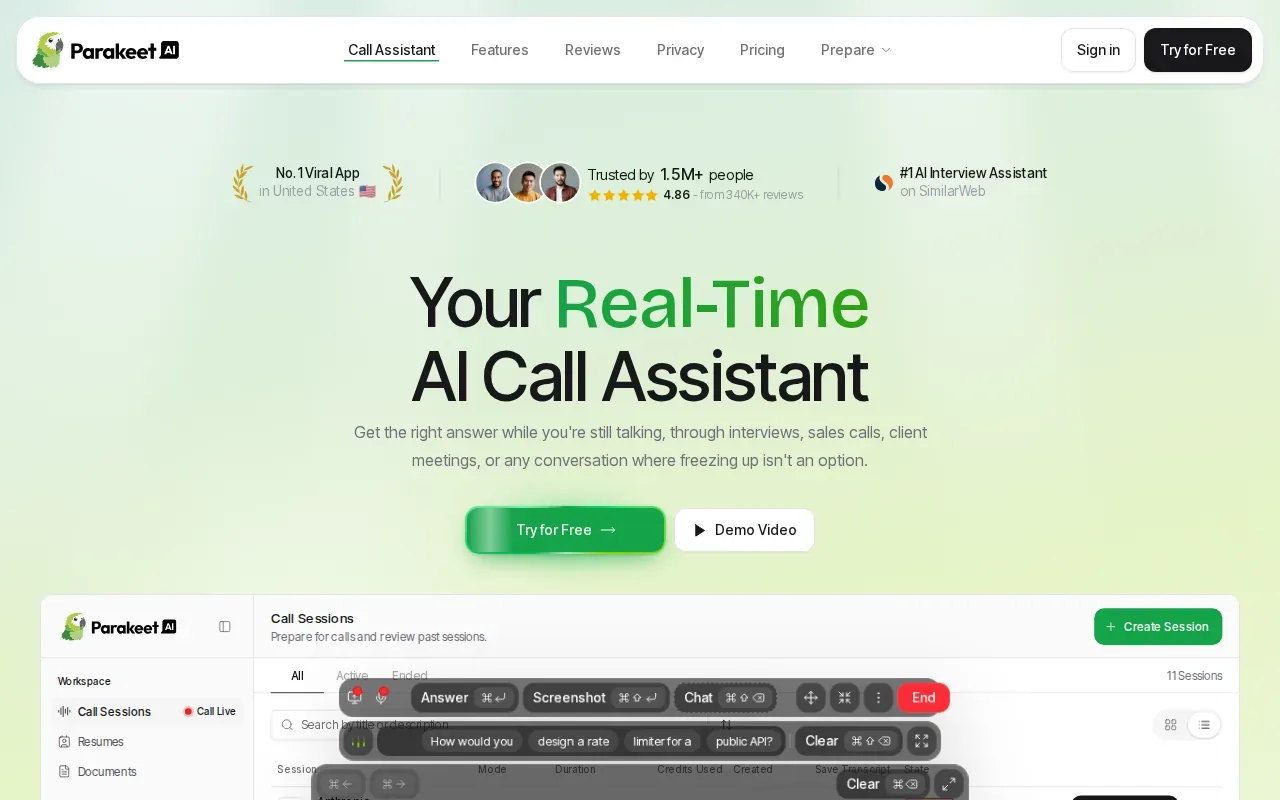
Its listed starting point is about $29.50 for three credits, bought once. That can make sense if you have a few scheduled interviews and don’t want a recurring bill during quiet weeks. Before purchase, confirm what one credit covers and whether the amount of time or number of sessions matches your plan.
ParakeetAI’s public positioning includes real-time interview help. Check transcription, feedback after a practice session, supported meeting apps, and the number of languages before you buy credits. Don’t assume those features are included just because the tool is described as multilingual or live.
For annual pricing comparisons, treat this as a one-time credit purchase, not a yearly plan. Work out the cost of the sessions you expect to use, then compare that total with a subscription you can cancel or let expire. If your interview timeline is uncertain, check credit expiry and refund terms before buying.
3. Interview Sidekick: annual Pro plan with practice feedback
Interview Sidekick has a Pro plan listed at $120 per year, based on its $10 monthly rate. It’s aimed at candidates who want live prompts and feedback to help improve their interview practice.
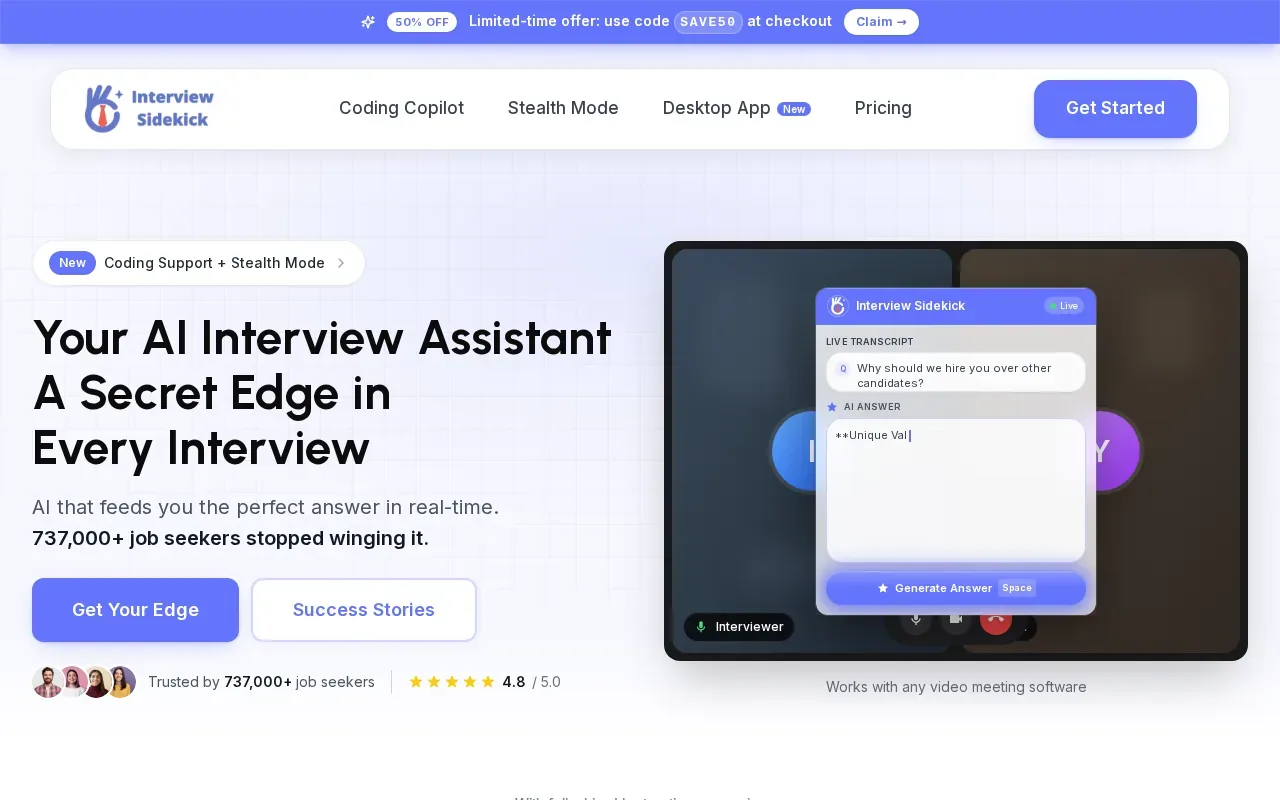
The known feature set includes real-time guidance during interviews and real-time transcripts. It also gives detailed feedback to help you improve. For example, a transcript can help you revisit the wording of a question after a practice session, while feedback gives you something to work on before the next round.
At $120 a year, the annual cost is lower than several of the listed plans below. But price alone doesn’t tell you whether it fits a technical interview workflow.
Also check how the yearly charge is presented at checkout. A monthly equivalent can make a plan look flexible even when the full year is due upfront. If you only have one interview coming up, compare the annual commitment with a short-term or credit-based option first.
4. CoPilot Interview: Windows and macOS desktop app
CoPilot Interview is a native desktop app for Windows and macOS. Its annual Unlimited Pro plan costs $199.99 per year and includes 30 sessions per month with Pro models. It may suit candidates who expect to interview over several months.
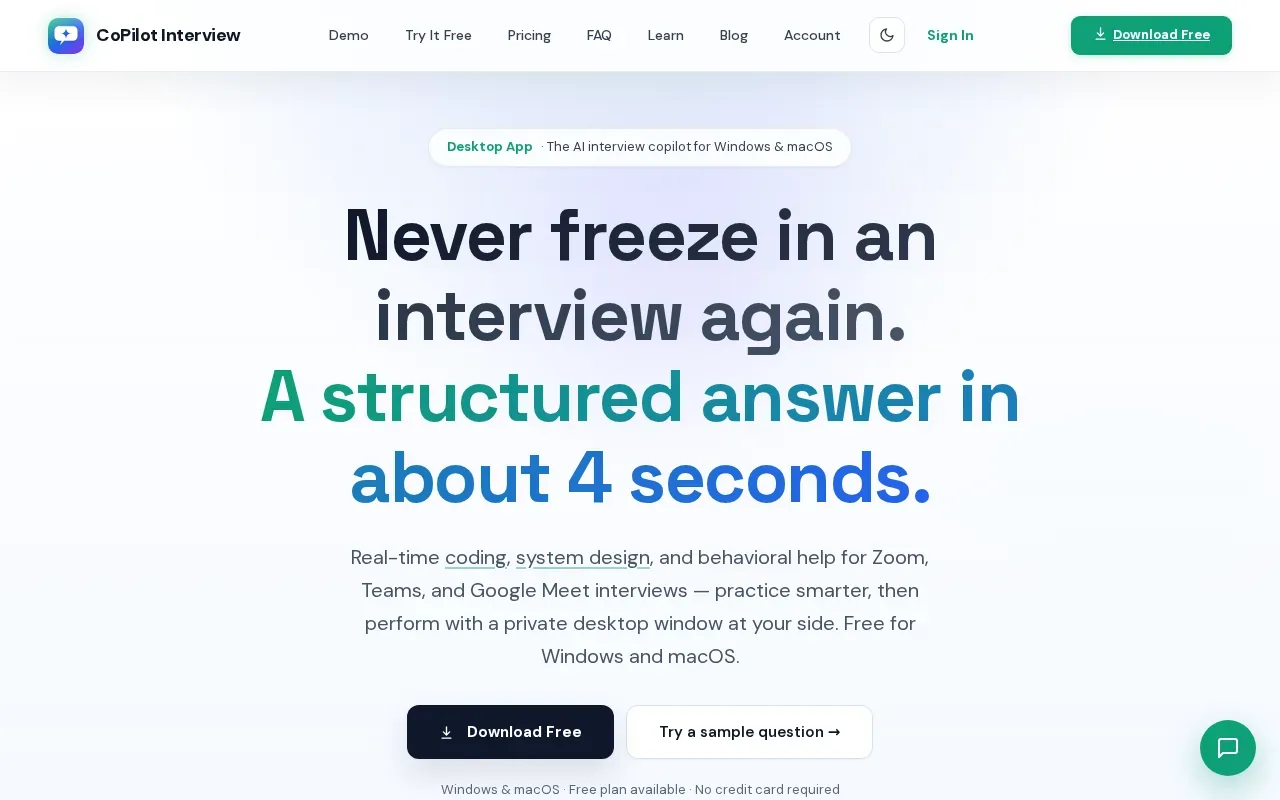
The app is described as working beside Zoom, Microsoft Teams, and Google Meet.
There’s also a free plan with 10-minute sessions, two sessions per day, and no credit card requirement. Those limits can be enough to test the desktop workflow before paying. The annual plan makes more sense if you expect to use its higher session allowance over an extended search.
CoPilot Interview’s paid options differ by session length and model access, so compare the limits you’ll actually hit. A short practice round may fit the free plan. A full-length interview may not. Confirm current plan terms before checkout.
5. GhostPilot: annual plan with live-session access
GhostPilot lists a free tier with 10-minute live sessions, a $59 monthly plan, and a $192 annual plan. It’s an option for people who want live-session access and prefer a yearly bill over paying month by month.
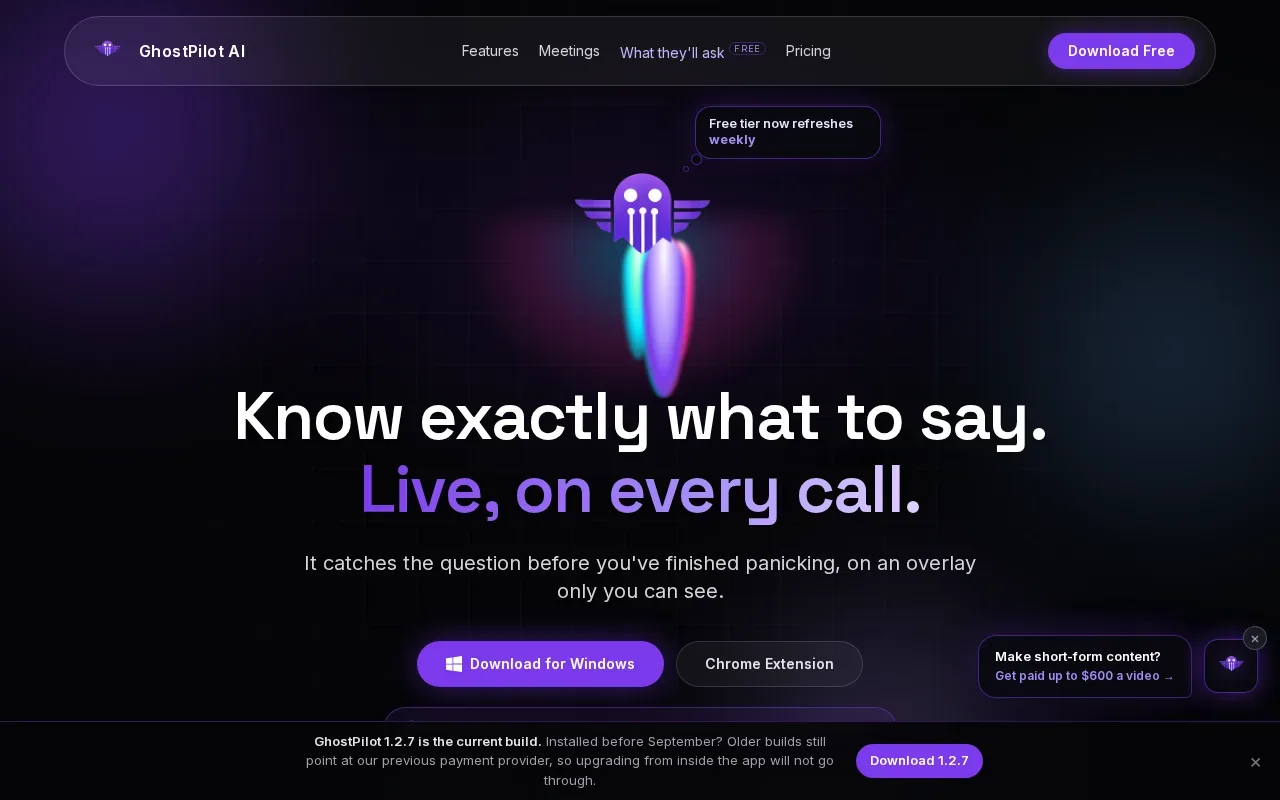
The annual price works out to $16 per month when divided across the year, but you pay $192 upfront. Its listed live-session features include transcription and AI-generated answers in a side panel. Those features may help you keep track of a question while following the conversation on screen.
Check which video-call apps it supports, the annual session limit, and how long transcripts remain available. Check those details if you need to use the app for a full interview or review a transcript later.
That’s different from a physical teleprompter for recording a video. Physical setups may use a two-way mirror and a screen for scrolling scripts; GhostPilot is live interview software instead. If your main goal is on-camera presentations, verify that a tool supports script controls rather than assuming interview prompts will do the same job.
6. Final Round AI: broad interview support with a higher annual commitment
Final Round AI has a free tier with five-minute Copilot trials and an annual plan listed at about $596 upfront. It’s aimed at candidates interviewing often who value rehearsal and are willing to make a larger annual commitment.
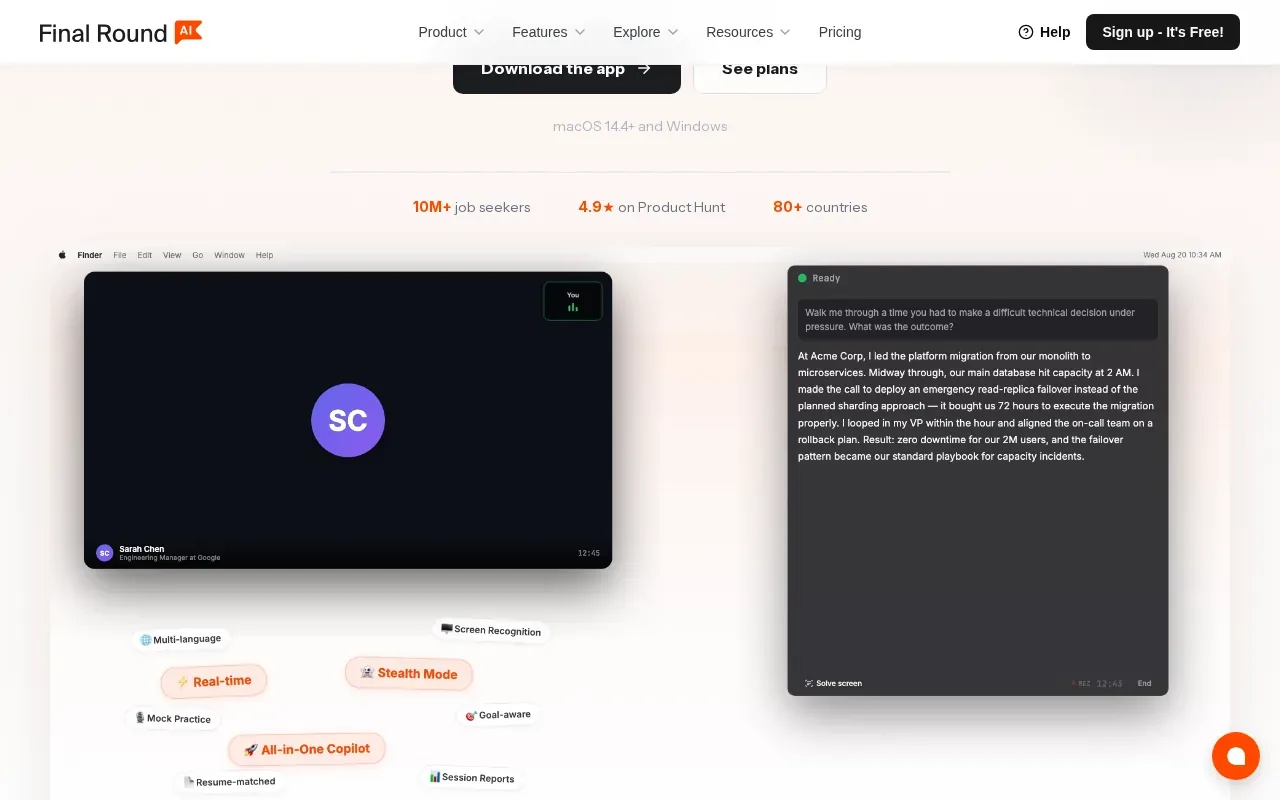
It includes real-time transcription and feedback. Those can help you revisit what happened after an interview, rather than relying only on memory.
The price is the key trade-off. At roughly $50 per month when spread across a year, the effective monthly rate can look less steep than the upfront payment. But the charge is still about $596 at signup. Compare that total with the number of months you expect to interview, and confirm the renewal amount and cancellation terms before committing.
Desktop interview prompter pricing and feature comparison
These prices aren’t all the same kind of purchase. Some are annual subscriptions; ParakeetAI’s listed entry price is a one-time credit purchase. Compare the charge you’ll actually pay, then check the feature gaps that could affect your interview setup.
| Option | Known price | Useful fit | Check before paying |
|---|---|---|---|
| Phantom Code AI | $199/year; credit packs from $19 | Live coding, system design, or behavioral support with transcription | Which plan matches your interview period |
| ParakeetAI | About $29.50 for three credits, one-time | Occasional use; multilingual candidates | Credit limits and expiry |
| Interview Sidekick | $120/year | Live guidance, transcripts, and feedback | Supported platforms and transcript access |
| CoPilot Interview | $199.99/year | Windows or macOS users expecting repeated sessions | Session limits and model access |
| GhostPilot | $192/year | Live sessions with transcription and side-panel answers | Session limits and meeting-app support |
| Final Round AI | About $596 upfront annually | Frequent practice and live interview support | Renewal terms and supported apps |
Don’t confuse these interview assistants with camera teleprompters. For recorded interviews, livestreams, or presentations, check for script scrolling, voice-synced scrolling, phone or Stream Deck controls, and camera or lens compatibility. For accessibility, check font resizing and screen-reader behavior directly; users should be able to enlarge text without loss of content or function.
Privacy needs a separate check. Ask what audio or transcript data is stored, who can access it, how long it’s retained, and whether you can delete it. Don’t record another person without checking consent rules that apply to your location and situation.
FAQ
How much does a desktop interview prompter cost per year?
Annual prices in this shortlist range from $120 to about $596 upfront, while some options use credits instead. For example, Interview Sidekick lists $120 per year, and Phantom Code AI’s yearly plan is $199. Compare the full amount charged at signup, not only a monthly equivalent, and check whether the plan renews automatically.
What features should I check in a desktop interview prompter?
For live interview software, check real-time guidance, transcription, supported meeting apps, and session limits. For a camera teleprompter, check script scrolling, voice-sync, remote controls, screen size, and lens fit. These are different products, so confirm which kind you’re buying. In either case, review privacy and data-retention terms before using it in an interview.
Is an annual plan cheaper than paying monthly?
An annual plan can have a lower monthly equivalent, but it asks you to pay for a longer period upfront. GhostPilot lists $192 per year, while its monthly plan is $59. The annual option only makes sense if you expect to use it long enough. Compare the total commitment with your likely interview timeline and cancellation terms.
Can I use an interview assistant for Zoom, Teams, or Google Meet?
Some tools list specific meeting apps, but support isn’t confirmed for every option here. Phantom Code AI lists Zoom, Google Meet, and Microsoft Teams, and CoPilot Interview is described as working beside those services. Check compatibility on the current plan before an interview, and test the setup in a practice call first.
Should I record a practice or live interview?
Only record after checking consent requirements for everyone involved and the rules that apply where you are. Also review the app’s data policy to learn whether audio or transcripts are stored, how long they remain available, and how to delete them. If you don’t need a recording, avoid capturing one.
Conclusion
For software engineers who need live technical interview support, Phantom Code AI is the clearest fit in this shortlist because its stated features combine transcription, real-time guidance, and named support for major video-call apps. Compare its yearly plan with credit-based access if your interview window is short. Then verify the current terms and test the setup before your next round.