Best Coding Interview AI Tools: 9 Picks

Compare nine coding interview AI tool options for live help and mock practice, with notes on use cases, pricing, privacy, and responsible use.
AI can help you prepare for a coding interview, but tools differ in what they do during the session. A coding interview AI tool may support live problem solving, mock practice, or a wider interview workflow. Here are nine named options, starting with Phantom Code AI, and the situations each one fits.
We analyzed 51 comments and questions from YouTube, Quora and Reddit about AI tools for coding interviews and found that 22% mentioned the risk of cheating and ethical misuse.
Table of Contents
- Phantom Code AI
- InterviewCoder
- Linkjob AI
- ExtraBrain
- Final Round AI
- LockedIn AI
- ParakeetAI
- Interview Sidekick
- Cluely
- How the 9 Coding Interview AI Tools Compare
- FAQ
- Conclusion
1. Phantom Code AI
Phantom Code AI is a desktop assistant for coding interviews. It listens, transcribes, recognizes problem types, and gives real-time guidance during mock or live technical interviews. It runs on macOS and Windows, and new accounts get free signup credits without a card.
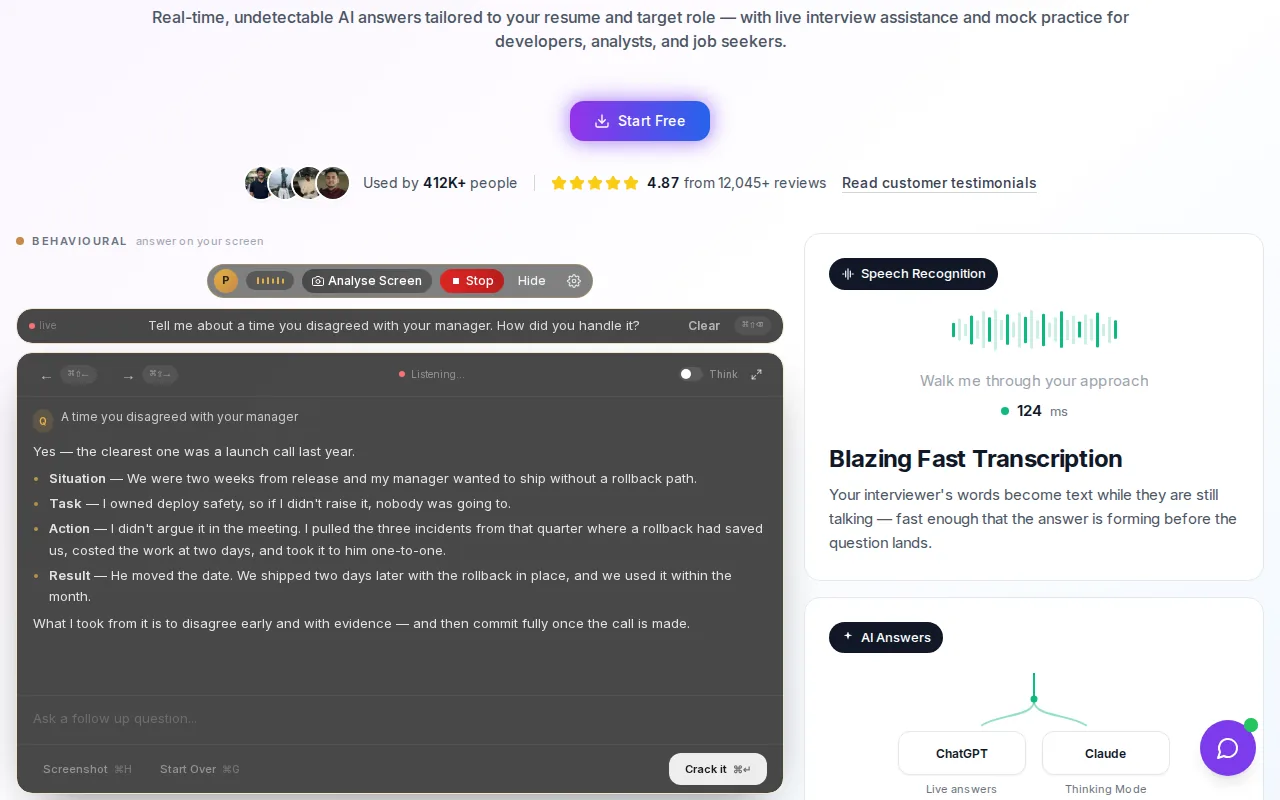
It’s a fit for software engineers preparing for DSA, system design, or behavioral rounds who want those stages in one workflow. For example, you can use a mock to rehearse how you clarify a graph problem, then use the transcript to review which constraints you missed. Phantom Code AI also has paid plans starting at $19, according to its official product site.
That mix of listening, transcription, problem-type recognition, and guidance sets it apart from picks focused on one interview stage. If you’re planning a practice session, this site’s AI coding interview practice tool comparison can help you think through the prep side too. In a live interview, follow the employer’s rules and use assistance only when allowed.
2. InterviewCoder
InterviewCoder is designed specifically for technical interviews, with a stated focus on LeetCode interviews. It’s best for developers whose main concern is a live coding round and who want a purpose-built tool rather than broad interview prep.
That narrow focus can help if you’re trying to work through algorithm problems and want assistance aimed at coding interviews. Think of a prompt about finding a path through a graph: you still need to explain the input, choose an approach, and defend the tradeoffs. A tool can be most useful when it helps you test your reasoning, not when you accept an answer without checking it.
Try any live-assistance feature only in settings where it’s permitted. For practice, pause before asking for help, state your proposed approach, then use the response to spot a gap. InterviewCoder focuses on coding interviews rather than broader system design or behavioral coverage.
3. Linkjob AI
Linkjob AI describes itself as a real-time assistant for interviews and coding tests. Its focus on live help makes it relevant to candidates who want assistance while a technical prompt is in progress.
The fit is clearest when your need is live support rather than a guided prep plan. Before relying on a live assistant, check whether the interview or test rules allow it. “Invisible” is Linkjob AI’s own claim, not a substitute for permission or a reason to conceal AI use from an interviewer.
For a coding prompt, keep your own reasoning in view. Ask for a way to check a proposed approach or clarify an edge case, then make sure you can explain the result yourself. That’s a better test of readiness than reading a generated answer and hoping you can reproduce it later.
4. ExtraBrain
ExtraBrain is a Mac-first, local-first desktop copilot for live interviews and technical meetings. ExtraBrain supports coding, system design, behavioral interviews, and meetings, making it a fit for Mac-focused developers who want more than a coding-only prep tool.
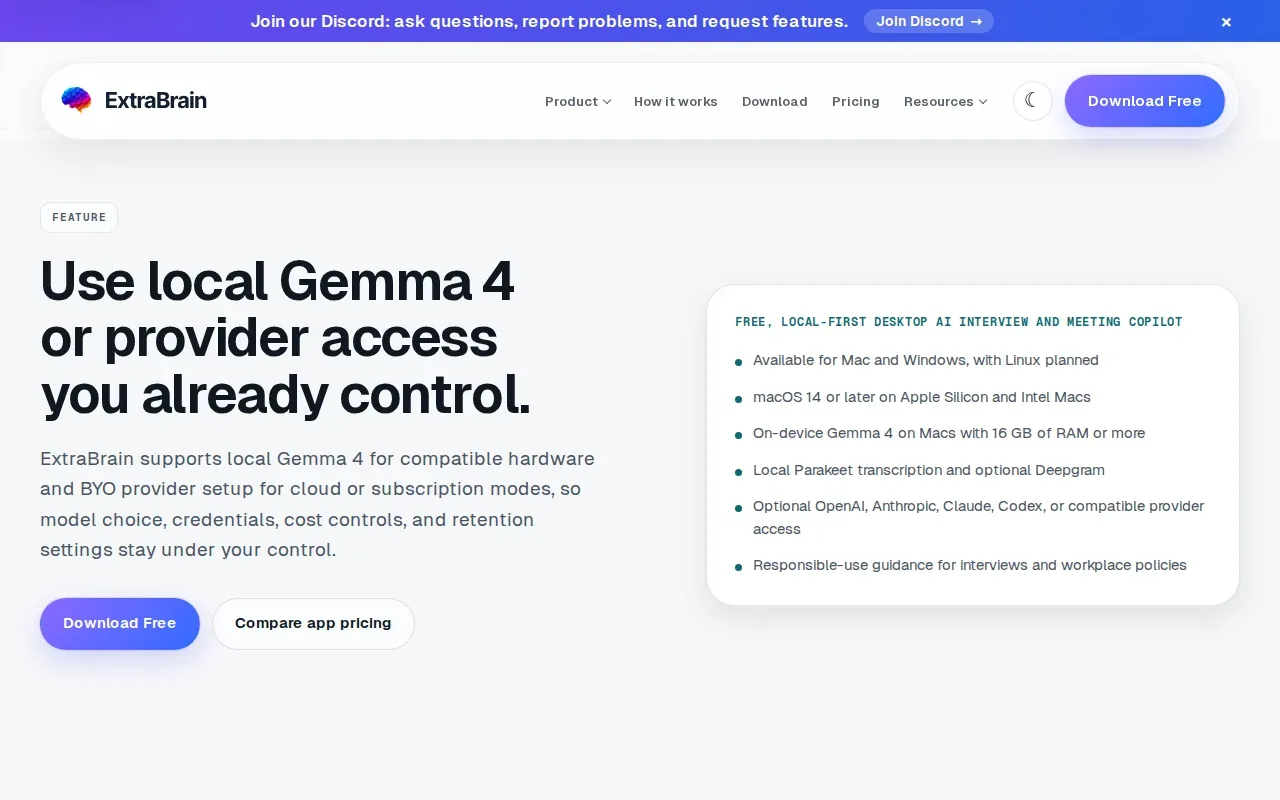
For a coding round, it can help capture a prompt and keep constraints, edge cases, and complexity tradeoffs in view. Say the interviewer adds a condition about duplicate values. A transcript and screen context can help you revisit exactly what changed, then review whether your updated plan addresses it.
ExtraBrain’s workflow also emphasizes review after a session. You can use notes to spot where you missed a constraint or gave a vague explanation, then pick one thing to work on next time. The important caveat is consent: use transcription, screenshots, or AI assistance only when the interviewer, employer, and platform allow them.
5. Final Round AI
Final Round AI is an interview assistant that gives real-time answers, alongside a broader preparation and review journey. It’s best for candidates who want a guided interview-prep platform rather than only a live desktop copilot.
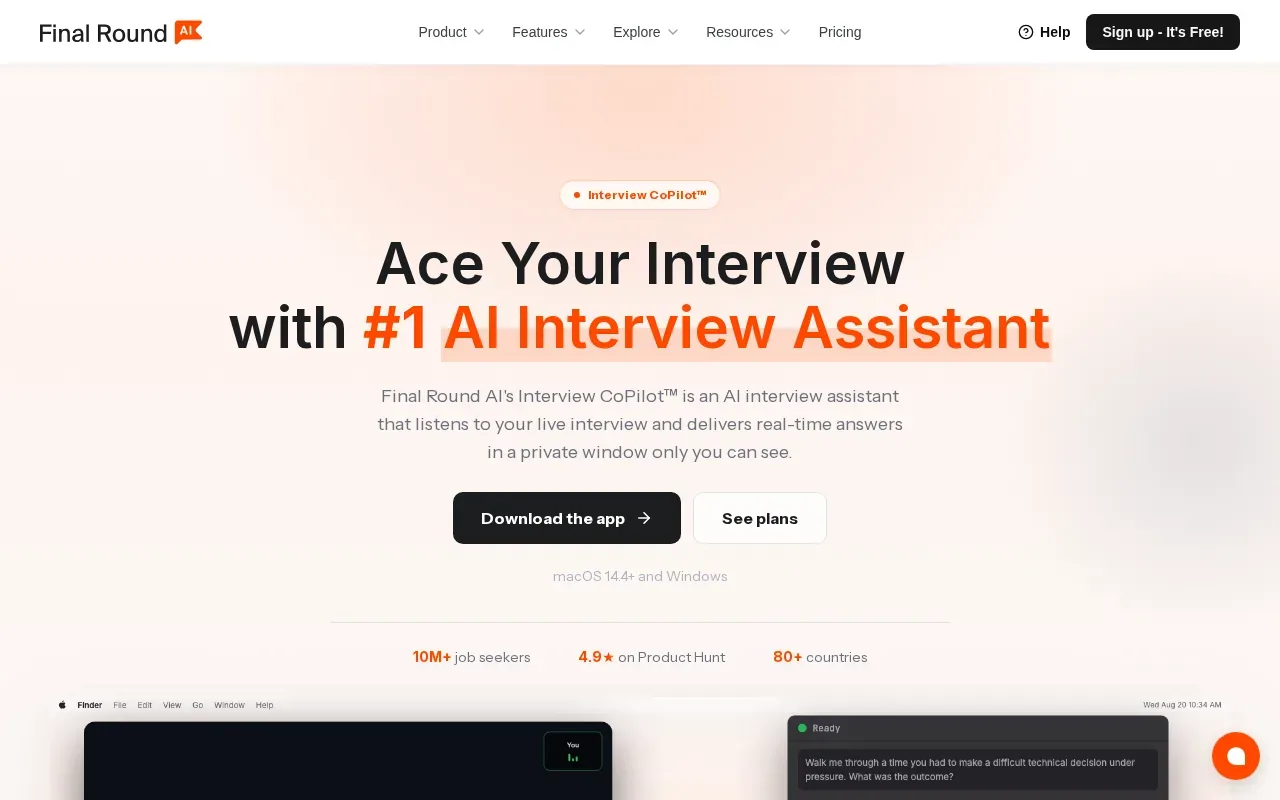
That wider focus may suit someone preparing for coding plus behavioral or HR questions. Use a mock to practice answering aloud, then review the answer for clear reasoning and specific examples. For a technical prompt, rehearse explaining why you chose a data structure before asking for a suggestion.
Final Round AI’s generalist approach is a different fit from a tool centered on coding rounds. Phantom Code AI’s comparison page states that Final Round AI costs $148 per month and runs in a browser tab. Treat those details as a point to verify directly before you choose, since plan terms can change.
6. LockedIn AI
LockedIn AI markets broad AI interview copilot features, including real-time answers, coaching, and code help. It’s a possible fit for users who want a general interview copilot and are prepared to check how its specific features match their needs.
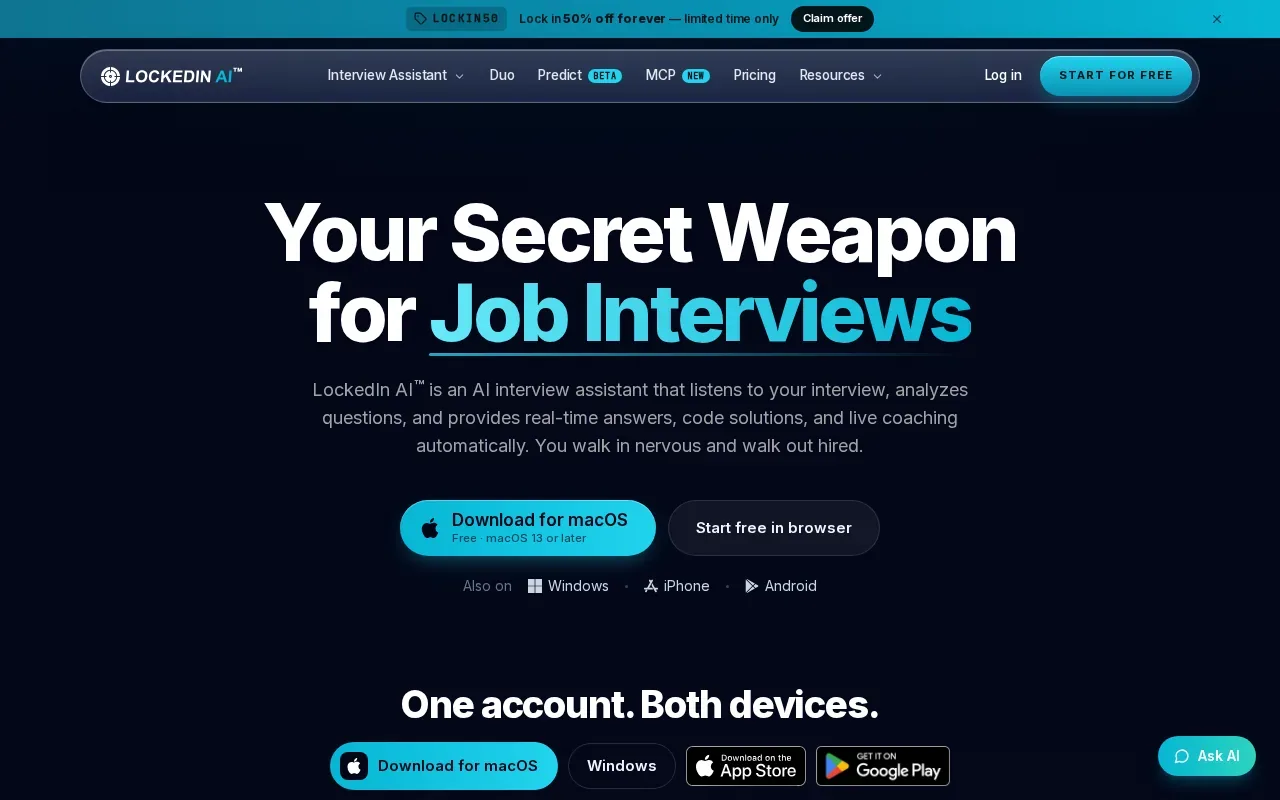
Its coding copilot focus gives technical candidates a reason to compare it with coding-centered tools. For instance, ask whether the tool’s assistance matches the kind of round you’re practicing: implementing a function, debugging an existing codebase, or discussing a design tradeoff. Those tasks call for different kinds of support.
LockedIn AI says you can start for free. Check the current terms and the exact features included before you build a prep plan around it. And if you use it in a real interview, follow the rules for that specific session instead of assuming a tool’s broad marketing language grants permission.
7. ParakeetAI
ParakeetAI presents itself as an assistant that gives responses during interviews, sales calls, client meetings, and other conversations. It may fit candidates who want help with spoken interview questions as well as other live conversations.
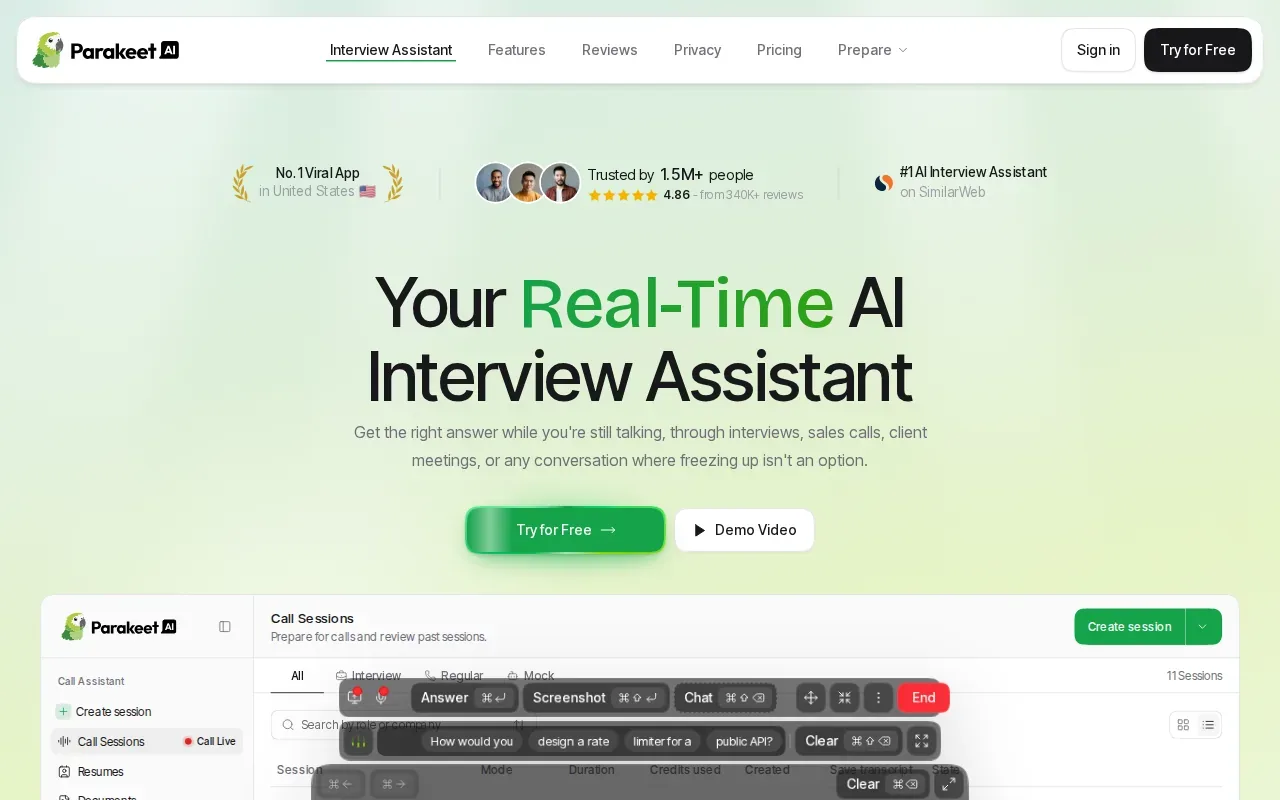
For a software role, that broader conversation focus may be useful during behavioral questions. If an interviewer asks about a production issue, for example, organize your response around the problem, your actions, and the outcome. Make sure each detail reflects your own work and that you can answer follow-up questions without leaning on a generated script.
Phantom Code AI’s comparison page describes ParakeetAI as focused on transcription and behavioral or HR answers, rather than code generation. That distinction matters if you need help reasoning through an algorithm, not only capturing what was said. Check current product details and session rules before choosing a live tool.
8. Interview Sidekick
Interview Sidekick describes itself as an assistant for coding, behavioral, and technical job interviews, with mock interview s as well. It’s a fit for candidates who want live help across interview types and a way to practice before a real conversation.
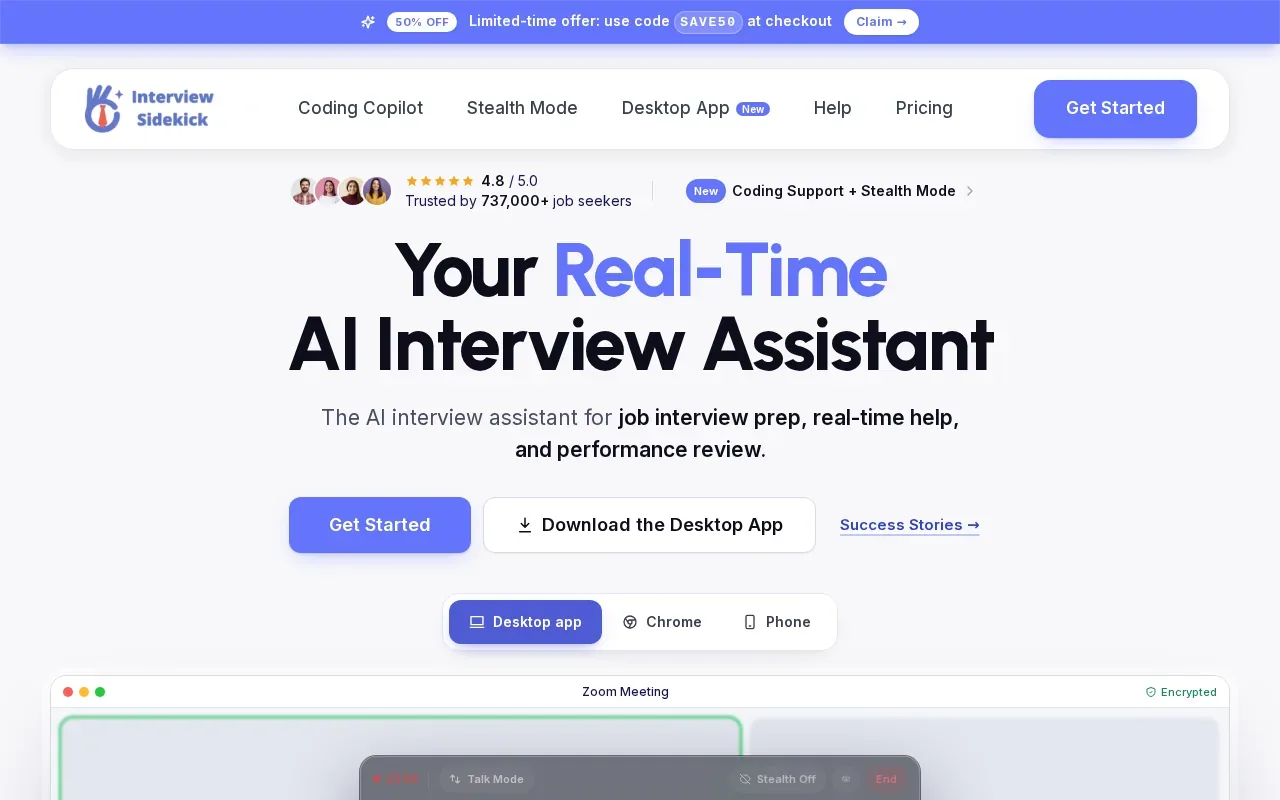
The mock-interview part can help you rehearse more than a final answer. Practice asking a clarifying question, describing your approach, and explaining why a test case matters. For a system design prompt, say what you know about the expected traffic or consistency needs before settling on a design.
For a real interview, don’t treat mock practice and live assistance as the same permission. A practice session is a chance to build your own skills. A live interview may have rules against outside help, so check them first and be transparent when required.
9. Cluely
Cluely is a broader live meeting and call assistant that describes live notes and instant answers during calls. It’s best for users who want help across meetings and general workflows, rather than a tool centered on technical interview profiles.
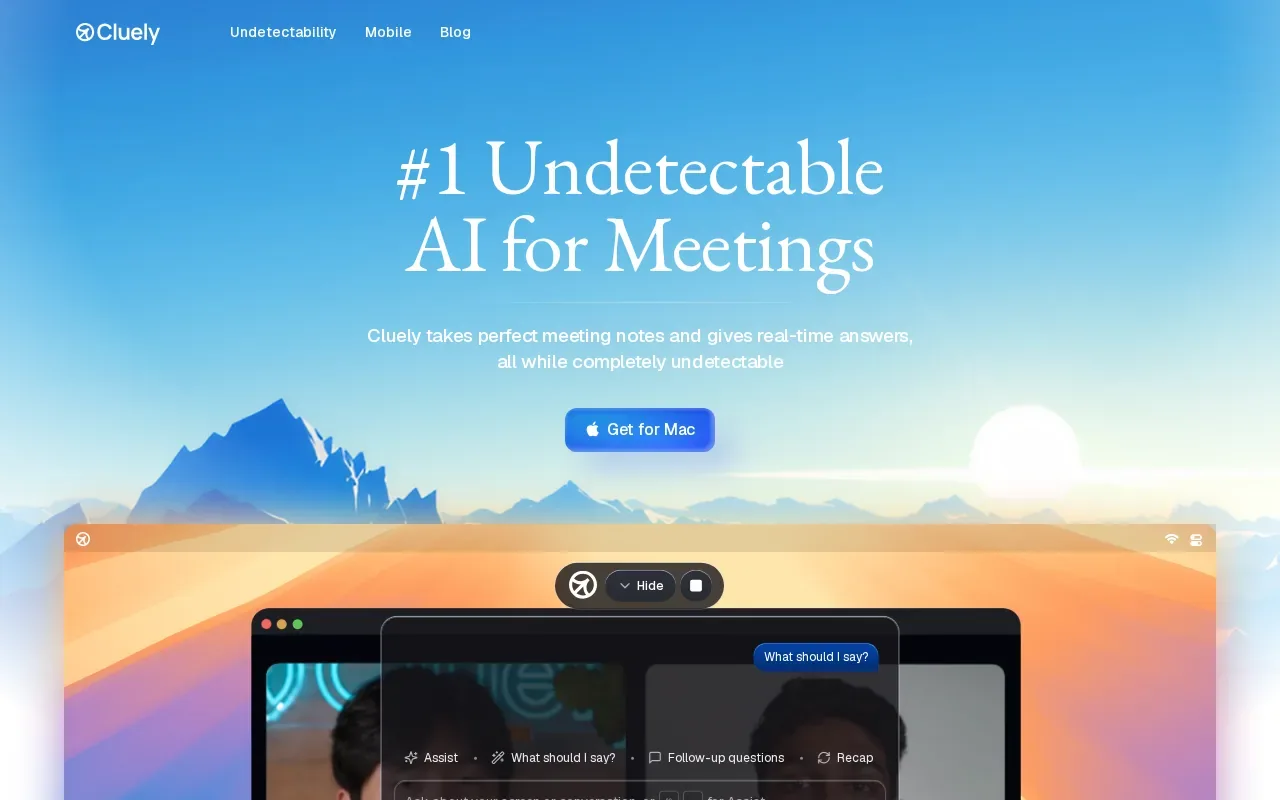
That wider use can make sense if you also want call support outside interview prep. For a coding round, though, compare the type of help you need with the tool’s stated role. A call assistant may help you keep up with spoken discussion, while a coding-focused assistant may be a closer fit for problem-specific reasoning.
Phantom Code AI’s Cluely comparison describes Cluely as live-only and notes its broader meeting focus. Don’t infer that any assistant is allowed in a hiring process just because it works during calls. The hiring team’s rules come first.
How the 9 Coding Interview AI Tools Compare
The tools differ in focus.
| Tool | Best fit | Interview or workflow focus | Pricing detail available here |
|---|---|---|---|
| Phantom Code AI | Engineers seeking one workflow for practice and live support | Listens, transcribes, recognizes problem types, and provides guidance | Paid plans start at $19; signup includes free credits |
| InterviewCoder | Developers focused on live coding rounds | Purpose-built for technical interviews | — |
| Linkjob AI | Candidates seeking live interview and coding-test assistance | Real-time help | — |
| ExtraBrain | Mac-focused developers who want a local-first desktop copilot | Coding, system design, behavioral interviews, and meetings | — |
| Final Round AI | Candidates who want guided interview preparation | Preparation, live answers, and review | $148 per month, as stated on Phantom Code AI’s comparison page |
| LockedIn AI | Users looking for a general interview copilot | Real-time answers, coaching, and code help | Free to start, per its stated offer |
| ParakeetAI | Candidates focused on spoken interview support | Live help across interviews and conversations | — |
| Interview Sidekick | Candidates who want live help and mock interviews | Coding, behavioral, and technical interviews | — |
| Cluely | Users who want broader call and meeting support | Live notes and instant answers during calls | — |
These differences matter when a round shifts between tasks. Some technical interviews ask you to read an unfamiliar codebase, inspect failed tests, fix a bug, and then optimize a solution. A useful mock should let you practice those moves, not only solve a fresh algorithm problem. Interview support can span stages, from codebase reading and debugging to optimizing a solution.
Before you choose, check the current plan terms and how the tool handles audio, screen context, and transcripts. ExtraBrain describes local and external provider paths, while the other options should be reviewed against their own current privacy details. If you have strict data rules, confirm which inputs leave your device before using any assistant.
FAQ
What does a coding interview AI tool do?
A coding interview AI tool can help with live interview support or practice, depending on the product. Some tools focus on coding questions, while others cover broader interview tasks or calls. Check whether it supports the round you’re preparing for, then test it in a mock. In a live interview, use it only if the rules allow it.
Can I use AI during a coding interview?
You can use AI during a coding interview only when the interviewer, employer, or platform permits it. Some interviews may expect candidates to work with an AI agent, while others may ban outside help. Ask about the rules before the session. Don’t use generated responses to claim skills or work that aren’t yours.
Are there free coding interview AI tools?
Some tools provide a free starting point, but the terms differ. Phantom Code AI says new accounts receive free credits without a card, and LockedIn AI says it’s free to start. Check what each free offer covers before relying on it, since access, usage limits, and paid features can vary.
How should I use AI for coding interview practice?
Use AI practice to test your reasoning, not skip it. First, restate the prompt and name the constraints. Then propose an approach and ask the assistant to check for a missed edge case or a complexity issue. Finally, explain the result aloud without reading from the answer. That last step shows whether you can defend the solution yourself.
What should I check before using an interview assistant?
Check the interview rules and the tool’s privacy choices before you start. Find out whether it captures audio, screen content, or transcripts, and which provider handles that data. Close unrelated files and windows during a permitted session. If the tool has a mock mode, test permissions and settings there first.
Conclusion
For developers who want mock and live technical support in one workflow, Phantom Code AI is the clearest fit in this shortlist. Start with a mock interview, check the rules for any live use, and note which parts of your reasoning you still need to explain on your own.