Best Value Mock Interview Packages for Junior Developers

Compare mock interview packages for junior developers, including low-cost AI practice, structured training, recorded feedback, and live interviewer sessions.
Best value mock interview packages for junior developers should help you practise the rounds you’ll face without draining your budget. Phantom Code AI is one option for coding, system design, and behavioral practice; the picks below range from voice-based AI to live human feedback.
We analyzed 56 reviews, comments and questions from Reddit, YouTube, Quora and the App Store about mock interview packages for junior developers and found that 18% mentioned lack of interview standardization across companies.
Choose based on the kind of practice you need most, then check how each option gives you feedback you can use.
Table of Contents
- Four-Leaf: Low-cost voice AI practice
- Big Interview: Practice paired with structured training
- Interviewing.io: Live practice for unscripted follow-ups
- InterviewFocus: Role-targeted live video feedback
- Yoodli: Recorded-response review for delivery practice
- FAQ: Mock Interview Packages for Junior Developers
- Conclusion
1. Four-Leaf: Low-cost voice AI practice
Four-Leaf is a browser-based voice AI mock interview tool with real-time feedback, transcript analysis, and scoring. It suits a junior developer who wants repeated voice practice and a low-cost way to review answers.
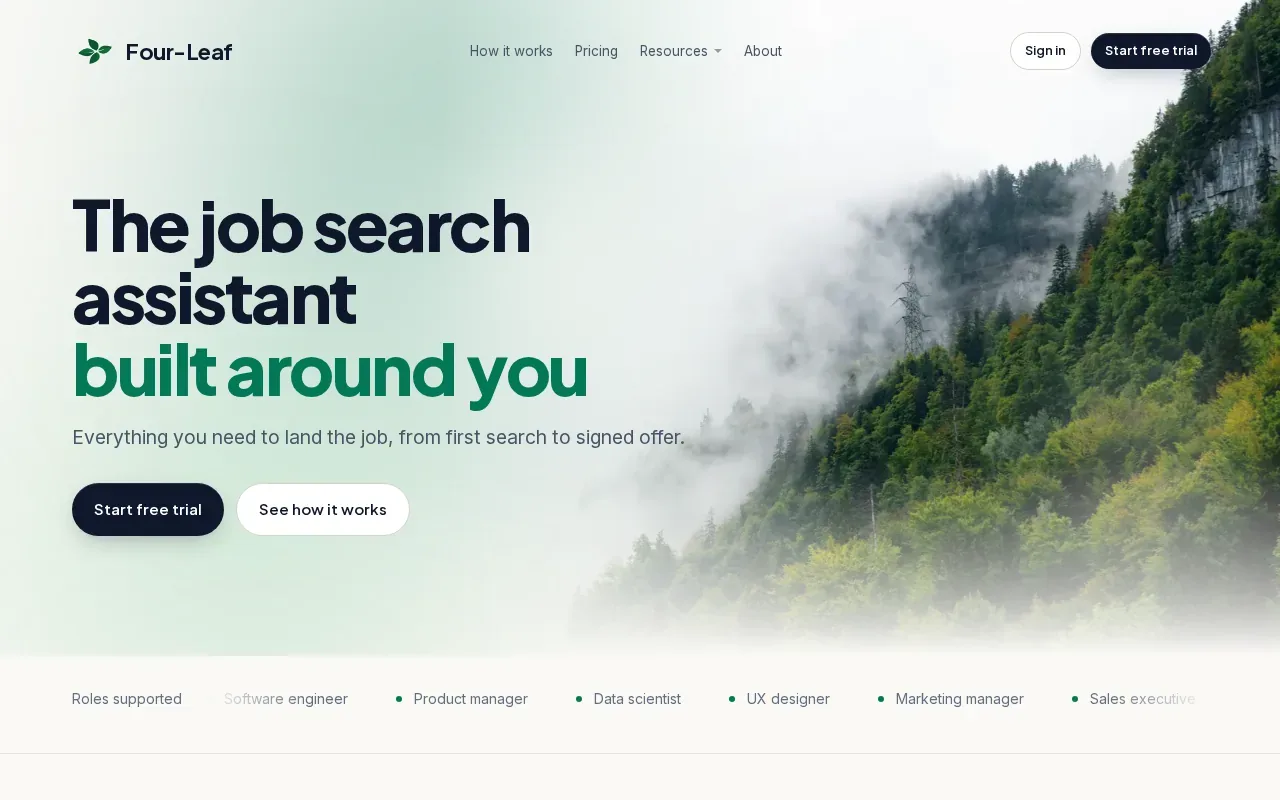
Four-Leaf costs $20 a month or $5 for a one-time pass. Its feedback can help you notice how you explain a coding choice or respond to a prompt. A transcript also gives you something specific to review after a session, rather than relying on memory of how the answer felt.
For example, take a prompt about choosing a data structure. After your attempt, look back at the transcript and ask whether you explained the trade-off or jumped straight to code. Then repeat the prompt and improve that one part.
Voice practice helps with clarity, but it won’t recreate every part of a live technical interview. Pair it with timed coding practice, and keep a short note on what you changed between attempts.
2. Big Interview: Practice paired with structured training
Big Interview pairs a structured training curriculum with video practice interviews. It fits junior developers who want instruction alongside practice, rather than a prompt and score alone.
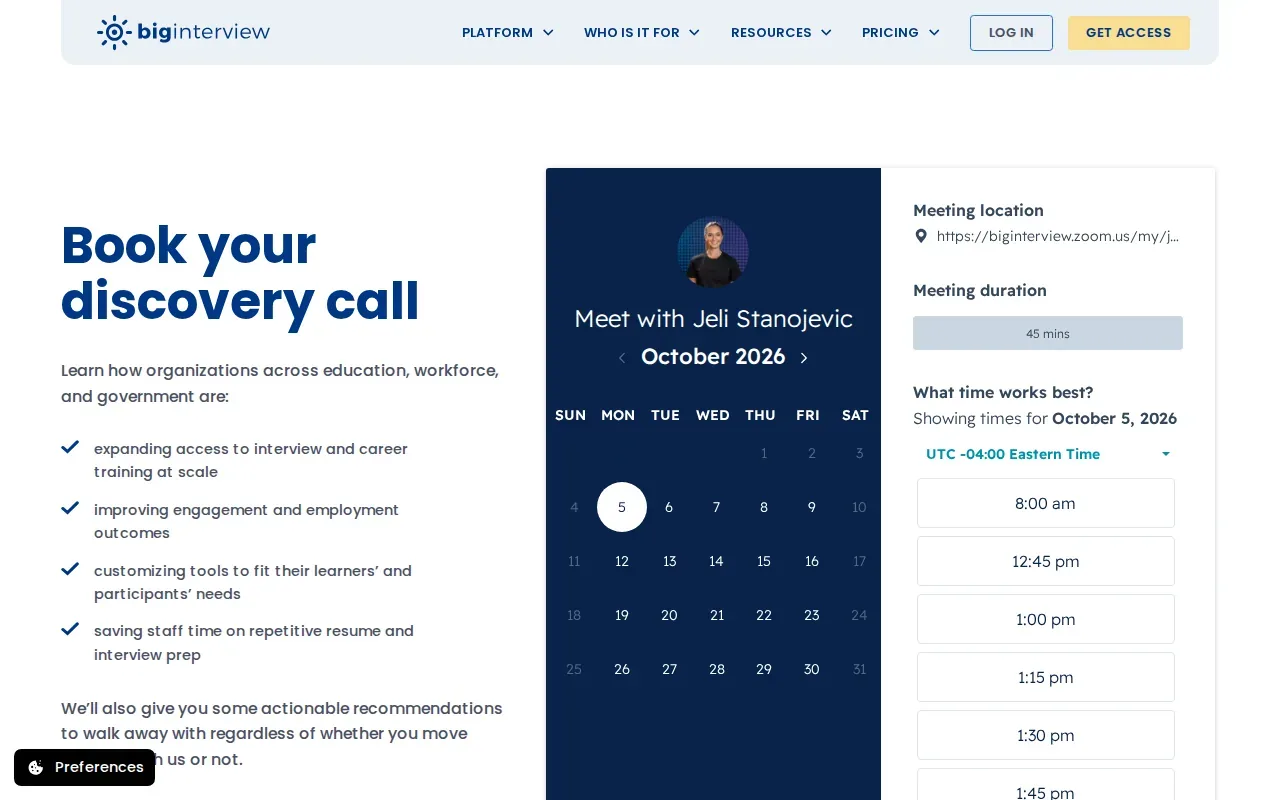
The service has transcript analysis and a library of practice questions tailored to different industries. That mix can help when you’re still learning how to shape an answer. You might review a lesson, record a response to a project question, then use the transcript to check whether you explained your role and the result clearly.
For behavioral practice, prepare examples from class projects, internships, or personal work. Keep each story focused on the situation, your action, and what happened. Questions about disagreements or missed deadlines can test how you reflect on choices, not just whether you know a tool.
Big Interview may be a better fit for answer structure and delivery than for hands-on coding drills. Add separate coding practice if your target role includes live problem solving.
3. Interviewing.io: Live practice for unscripted follow-ups
Interviewing.io runs live mock interviews with an anonymous interviewer. It suits junior developers who want to practise reacting to follow-up questions from a person, especially when a coding discussion takes an unexpected turn.
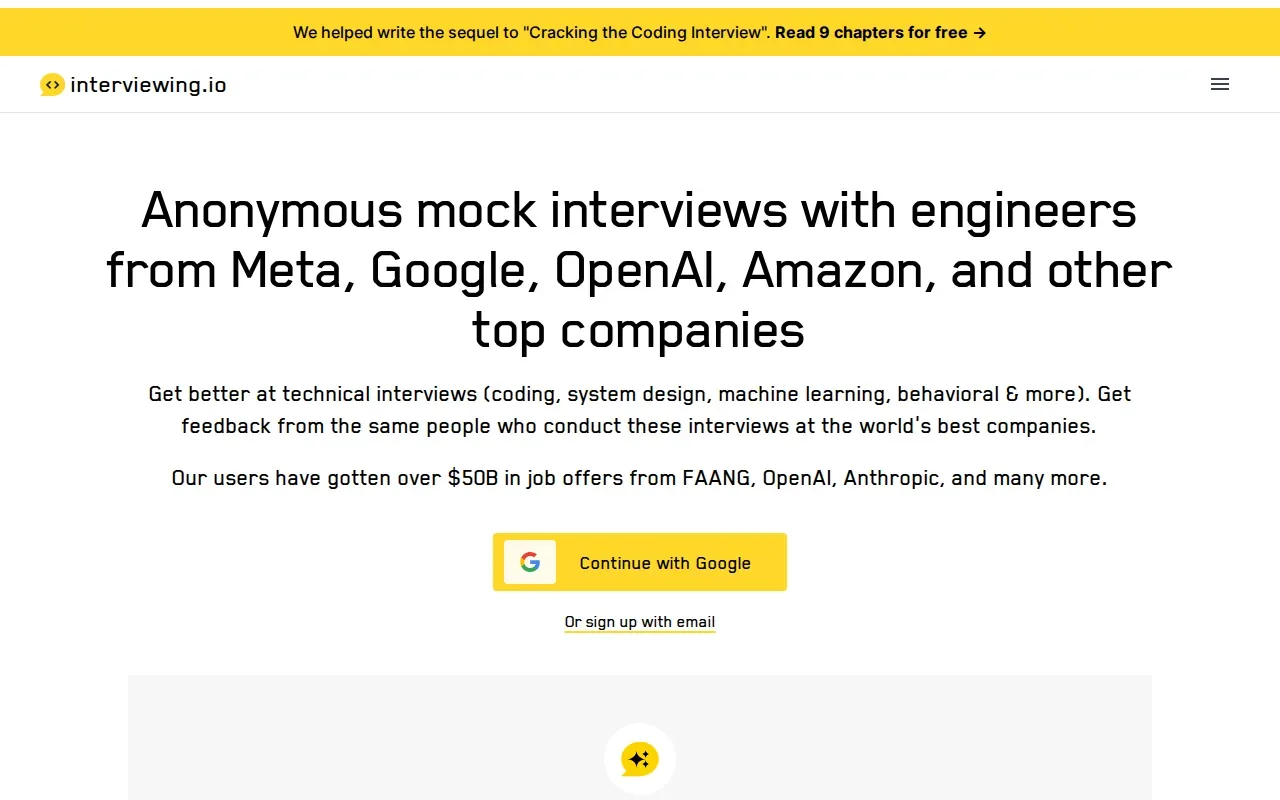
A live interviewer can ask why you chose one approach, what you’d test next, or how you’d change your solution for a larger input. That back-and-forth is hard to mimic with a fixed prompt. The session can show whether you explain your thinking while you work, not only whether you reach an answer.
Paid sessions start at roughly $100 to $225 each. Some free anonymous sessions are available through community events, but availability is limited. Because paid practice costs more than a low-cost AI session, it may make sense to save it for a later stage, after you’ve had time to work through common patterns on your own.
Use a live mock to test how you handle pressure and clarification. Then write down one technical point and one communication habit to work on before booking another session.
4. InterviewFocus: Role-targeted live video feedback
InterviewFocus runs live video mock interviews that adapt to your target role and scores each answer across more than ten dimensions. It’s best suited to engineers polishing for top-tier interview loops who want an interviewer and detailed answer feedback.
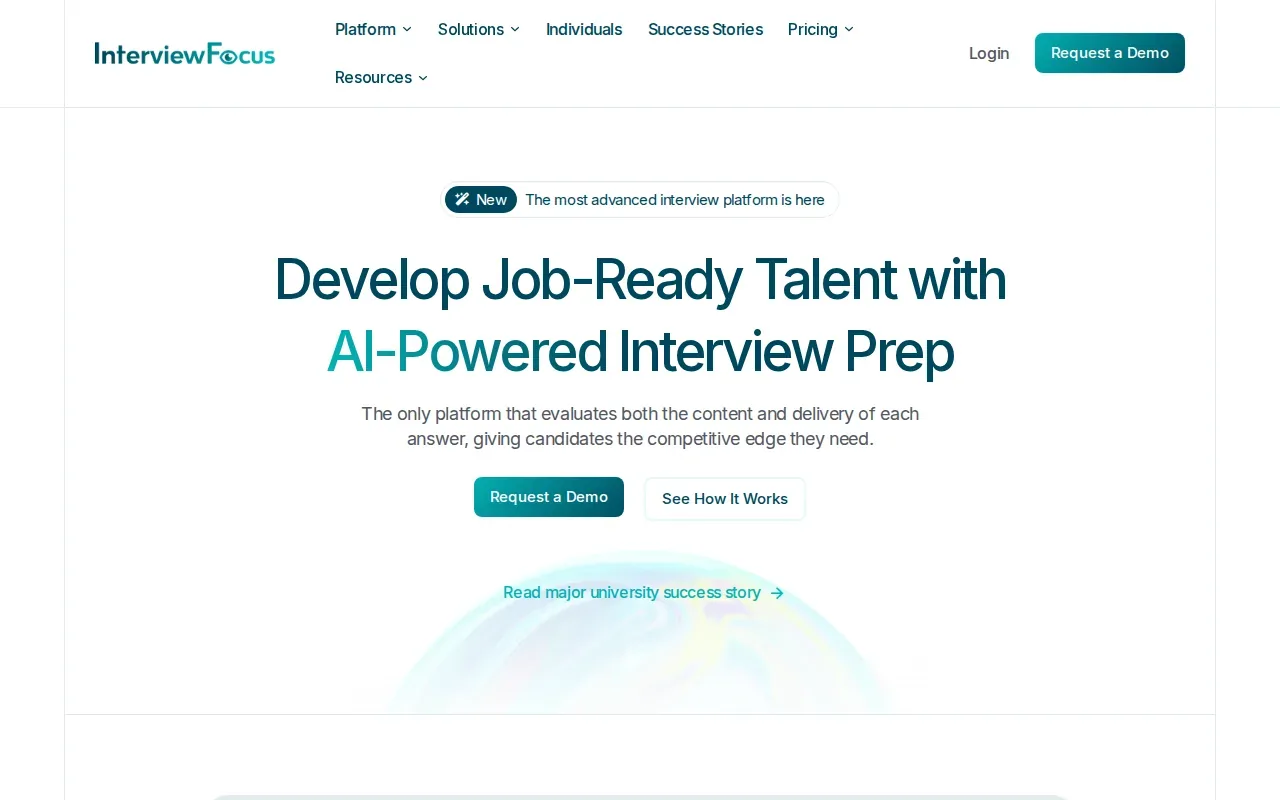
Role-targeted practice can help you focus on the job you’re applying for instead of cycling through broad prompts. For a junior .NET role, you might practise describing dependency injection or explaining how you’d handle an error in an API.
Live video also gives you a chance to practise speaking clearly while someone listens and responds. Use feedback to spot a specific gap, such as leaving out the reason behind a design choice. Then prepare a tighter answer and test it in another session.
This kind of session is more involved than practising alone with recorded prompts. It can be useful when you already know the basics and want feedback on how you present them in a live exchange.
5. Yoodli: Recorded-response review for delivery practice
Yoodli guides mock interview practice with prompts and recorded-response playback. Its AI feedback focuses on delivery, making it a fit for junior developers who want to review how they speak before a live interview.
Recorded answers are useful for questions where the way you explain your work matters. Try a short response to “Tell me about a project you built,” then listen back. Did you state the problem and your part in the work? Did you spend too long on background before getting to the point?
Yoodli gives rubric-scored feedback from recorded responses, with an improvement summary for each attempt. That makes it easier to choose one change for the next try. For instance, you might trim a long setup or make the outcome of a project clearer.
Recorded playback can help with pacing and clarity, but it doesn’t provide the live follow-up exchange of a human mock interview. Use it for delivery practice, then add a live session if you need to rehearse answering unplanned questions.
Compare the practice style before you pay
| Option | Practice format | Feedback focus | Useful when |
|---|---|---|---|
| Four-Leaf | Voice AI session | Live feedback, transcript analysis, scoring | You want low-cost spoken practice |
| Big Interview | Video practice | Transcript analysis and structured training | You want lessons alongside practice |
| Interviewing.io | Live anonymous interviewer | Unscripted follow-up practice | You want a human response to your approach |
| InterviewFocus | Live video with an interviewer | Scores across more than ten dimensions | You want role-targeted interview feedback |
| Yoodli | Recorded-response playback | Delivery-focused AI feedback | You want to review how you speak |
FAQ: Mock Interview Packages for Junior Developers
Are mock interviews worth it for junior developers?
Yes, mock interviews can help junior developers practise explaining their choices before a real interview. Use technical prompts to rehearse your problem-solving out loud, then use behavioral prompts to shape short stories from projects or coursework. The value comes from reviewing a specific gap and trying again, not from collecting sessions without changing your approach.
Should I choose an AI mock interview or a human interviewer?
Choose AI practice when you want repeat attempts and quick feedback on recorded or spoken answers. Choose a human mock when you need to practise unscripted follow-ups and live discussion. Many candidates can use both: build familiarity with repeated practice, then use a human session to test how they respond when the conversation shifts.
How can I practise behavioral interview answers as a new developer?
Start with examples from projects, internships, group work, or a bug you had to fix. Keep the story focused on what happened, what you did, and what you learned. Practise answers about a challenge or disagreement, then check that the story answers the prompt instead of turning into a long technical explanation.
Can I use an AI assistant during a real job interview?
Only use an assistant in a live hiring interview if the employer’s rules allow it. A mock interview is a safe place to test AI guidance and learn from feedback. During an actual interview, follow the stated instructions and ask the recruiter if a tool’s use is unclear. Don’t present AI-generated work as your unaided answer.
Conclusion
If you want broad, real-time practice on a budget, start with Phantom Code AI’s free signup credits and try a mock session. Then review the available practice plans and pricing to see what fits your prep schedule.