Best AI System Design Interview Prep Options

Compare AI system design interview prep options for mock rounds, LLM architecture, diagram practice, and trade-off questions so you can choose what to drill.
A blank whiteboard can make even a strong engineer lose their train of thought. AI system design interview prep works best when it helps you explain a design, defend its trade-offs, and adapt to follow-up questions. Phantom Code AI recommends pairing mock interviews with focused drills, since tools differ sharply in live diagram support.
Table of Contents
- Mockingly.ai — AI-powered system design mock interviews
- SuperInterview — Practice for system design interview rounds
- Interview Helpers — Diagram-focused practice for live interview formats
- ChatGPT — Asynchronous practice for concepts and design explanations
- Claude — Architecture explanations and text-based diagram rehearsal
- AI Engineer Role-and-Interview Loop Review — Map skills to interview stages
- LLM Application Design Cases — Practice retrieval, generation, and evaluation
- Multi-Agent Workflow Challenges — Design coordination and failure handling
- Whiteboard Architecture Rehearsals — Clarify scope and communicate diagrams
- AI Workload Trade-Off Drills — Balance latency, scale, cost, and safety
- Quick Comparison: Match Each Prep Option to Your Interview Goal
- Frequently Asked Questions
- Conclusion
1. Mockingly.ai — AI-powered system design mock interviews
Mockingly.ai runs AI system design interviews and is aimed at candidates who want repeated mock practice. Its listed free tier includes unlimited practice, which can make it useful for building a steady routine without counting sessions.
Use it to rehearse a prompt such as “design a notification service.” First, state the users and the core use case. Then sketch the main request path and explain what happens when a downstream service slows down. A mock is most useful when you answer before you review any model response.
After each session, note where you went quiet or skipped a decision. Turn those gaps into a short list for your next practice round.
2. SuperInterview — Practice for system design interview rounds
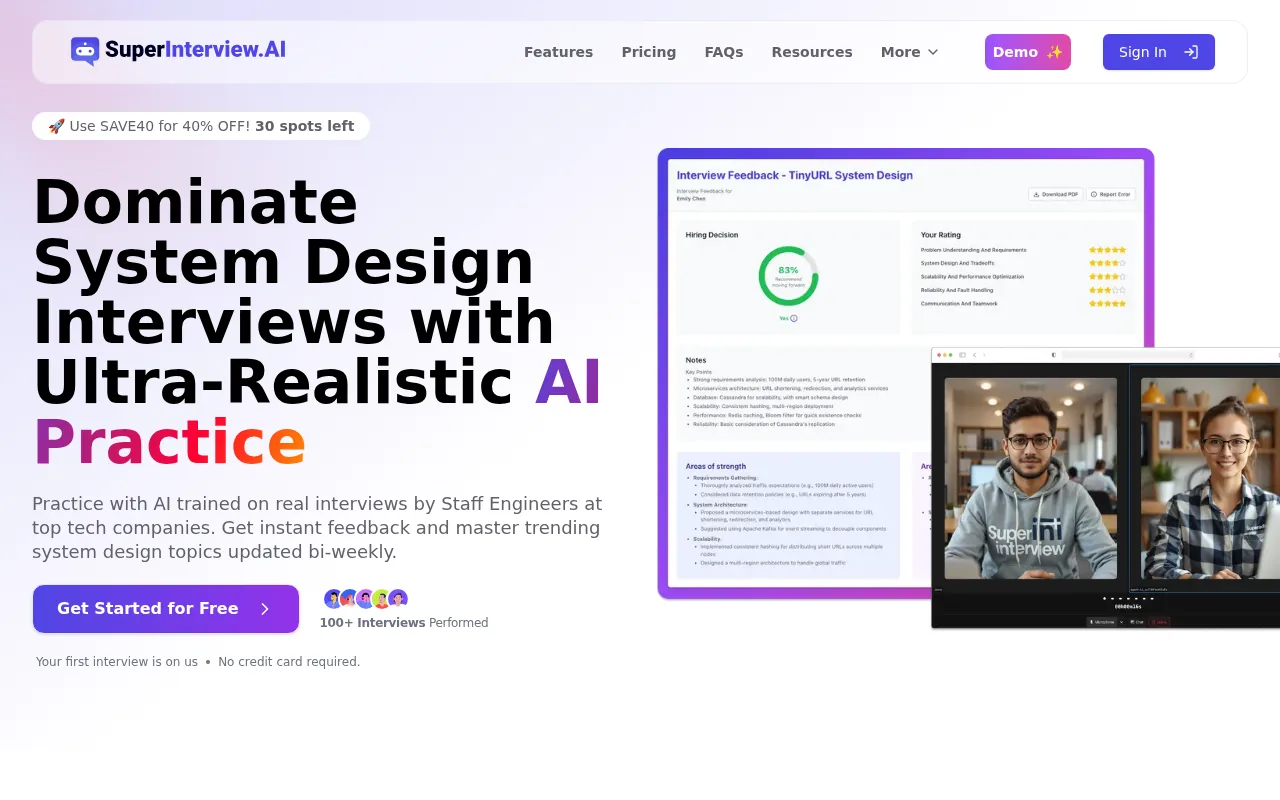
SuperInterview is an option for candidates preparing for system design interviews. For practice, work through a prompt before looking at example approaches; then assess whether your response addresses the requirements and design trade-offs.
That order matters. If you read a polished design first, it’s easy to mistake familiarity for skill. Instead, try a question cold, then review whether your answer covers scope, architecture, failure cases, and trade-offs.
For a second pass, use a new prompt. Repeating the same one can test recall more than transfer.
3. Interview Helpers — Diagram-focused practice for live interview formats
Interview Helpers is built for system design rounds where a diagram matters. Its system design mode can turn a screenshot of a prompt into an architecture answer with rendered Mermaid diagrams, including flowcharts, sequence diagrams, and data models. It also includes rough capacity math.
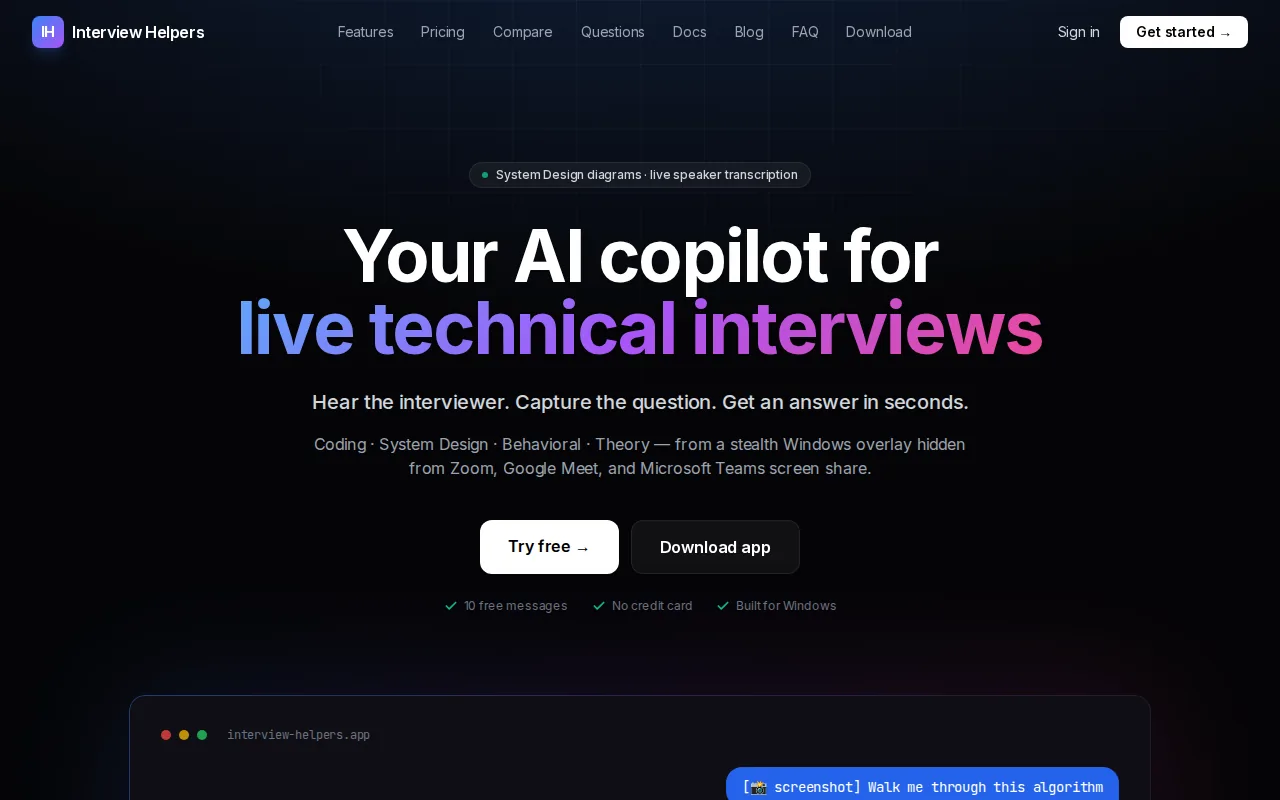
That makes it the most diagram-focused option in this shortlist. For a URL shortener prompt, you can practice explaining the write path, the lookup path, and where a cache belongs. Interview Helpers offers a 10-message free trial and a stealth overlay for Zoom, Google Meet, Microsoft Teams, and Discord. Treat live-assistance features as subject to the interview’s rules, and use them only when permitted.
For honest skill-building, pause after each diagram and explain why each box exists. A diagram you can’t talk through won’t help you handle a skeptical follow-up.
4. ChatGPT — Asynchronous practice for concepts and design explanations
ChatGPT is a general-purpose chat assistant that can explain system design concepts and draft prose answers to design prompts. It fits quiet, self-paced study better than a live interview round, where switching between a call and a separate chat can break your flow.
Ask it to explain a topic such as retrieval-augmented generation, then request a short design prompt that tests the idea. Make your own answer first. Afterward, ask it to point out missing assumptions or unclear reasoning.
Use the output as a study aid, not as proof that your design is sound. Check each suggestion against the requirements you set.
5. Claude — Architecture explanations and text-based diagram rehearsal
Claude can help with async practice by producing prose answers and ASCII-style diagrams. It suits candidates who want to rehearse how a design might look in plain text before drawing it on a whiteboard.
Try a prompt such as “design a search autocomplete service.” Ask for a simple diagram, then rewrite it by hand from memory. Can you explain where requests go? Can you say what changes when traffic spikes? Those are better tests than copying a tidy diagram.
Claude’s text-based approach can support concept review, but it’s a different mode from on-the-fly diagramming during a live call.
6. AI Engineer Role-and-Interview Loop Review — Map skills to interview stages
An AI engineer interview may test model use, software design, coding, and how you work with other people. A role-and-interview loop review helps you match prep to the round instead of treating every interview as a system design test.
Expect the process to vary, but common stages include a recruiter screen, technical coding, a take-home task, system design, behavioral questions, and a hiring-manager discussion. Coding may involve calling a model API, validating structured output, or handling an API error. A take-home may ask you to build a small retrieval-augmented generation system and explain how you checked answer quality.
For behavioral practice, prepare a clear story about a project that went wrong. Say what you owned, how you handled the issue, and what you learned. Plain detail beats claims about passion.
7. LLM Application Design Cases — Practice retrieval, generation, and evaluation
LLM application design cases help you rehearse the parts that make a system useful beyond a model call. Pick a support assistant or a document search tool. Explain how data enters the system, how a query finds relevant content, and how the answer should cite or refuse when evidence is weak.
Then design an evaluation plan. Write a few test questions with the sources you expect the system to use. Include a case where the answer isn’t in the documents. This tests whether the system can avoid making up a response, not only whether it can sound fluent.
Finally, explain what you’d measure after launch. Separate answer quality from response time, and say how a bad answer would be caught before it reaches users.
8. Multi-Agent Workflow Challenges — Design coordination and failure handling
Multi-agent workflow challenges test whether you can explain when a system needs more than one agent. Start with a support request that may need billing or technical help. Describe how a central agent routes the request and what context each specialist receives.
Then test the failure path. What if an agent hands the task back and forth? What if one tool times out? A sound design limits repeated handoffs, tracks each action, and gives the system a way to stop or ask a person for help.
Also defend the simpler alternative. If one agent and a fixed workflow can handle the task, extra agents may add work without improving the result.
9. Whiteboard Architecture Rehearsals — Clarify scope and communicate diagrams
Whiteboard rehearsals build the skill that a polished written answer can hide: explaining a design while the interviewer changes the prompt. Begin with a service such as a rate limiter. Ask who uses it, what traffic it handles, and what should happen when a limit is reached.
Next, draw only the components needed to meet those needs. Talk through one request from start to finish. If the interviewer adds a stricter latency limit, say which part of your design you’d revisit and why.
Engineers who want a timed session can use the AI-graded system design mock interview to practice with follow-up questions and trade-off feedback. Keep the focus on your reasoning, not on drawing a perfect diagram.
10. AI Workload Trade-Off Drills — Balance latency, scale, cost, and safety
AI workload trade-off drills help you answer the “what changes at ten times the traffic?” follow-up. Pick one part of a design, such as model serving. Break the response time into stages, then point to the stage most likely to slow down as requests rise.
For a retrieval system, talk through what happens when the document set grows. For a model-based assistant, explain when you’d choose a smaller model or a simpler path to stay within a response-time budget. Don’t claim a design is fast or cheap without saying what you would measure.
Safety belongs in the design too. Name which requests need a refusal, where a human review fits, and how you’d catch a change in answer quality after a model update.
Quick Comparison: Match Each Prep Option to Your Interview Goal
Choose by the gap you need to close. The table pairs each option with a useful practice task, so you can combine formats instead of expecting one tool to cover every round.
| Option | Best fit | Practice task |
|---|---|---|
| Mockingly.ai | Repeated mock rounds | Answer a full system design prompt |
| SuperInterview | Answer-first practice | Compare your design with a reference |
| Interview Helpers | Diagram-focused rehearsal | Explain a rendered architecture |
| ChatGPT | Concept review | Clarify an LLM design idea |
| Claude | Text-based diagram rehearsal | Redraw an ASCII diagram from memory |
| Interview loop review | Role-wide preparation | Match practice to each interview stage |
| LLM application cases | Retrieval and evaluation | Design a grounded-answer test |
| Multi-agent challenges | Agent coordination | Find a handoff loop or failure path |
| Whiteboard rehearsals | Clear spoken explanations | Clarify scope, then draw the core path |
| Workload trade-off drills | Scale, latency, and safety | Explain a failure and fallback plan |
Frequently Asked Questions
What should I study for an AI system design interview?
Study core system design, LLM application patterns, and evaluation. Practice coding tasks that use model APIs or structured output. For a design round, work on clarifying requirements before drawing components. Then explain retrieval, serving, failure handling, safety checks, and how you’d measure answer quality.
Are AI mock interviews useful for system design?
AI mock interviews can help you practice answering under time pressure and spot gaps in your explanation. They work best when you answer before reading sample feedback. Treat any suggested architecture as material to review, not as a guaranteed correct answer. Repeat with a new prompt to test whether you can adapt.
How do I practice system design diagrams?
Practice by drawing a small architecture from memory and explaining each component aloud. Trace one request through the system, then show where data is stored or retrieved. Add a failure case, such as a slow dependency. A useful diagram supports your explanation; it doesn’t replace it.
How should I prepare for AI engineer interview rounds?
Match your practice to the round. Review coding with small model or retrieval tasks, and prepare to discuss a take-home project in detail. For system design, rehearse a full architecture discussion. For behavioral questions, prepare specific stories about ownership, ambiguity, and how you handled a setback.
Conclusion
Start with a mock interview, then add focused diagram or LLM workload drills based on where your answer gets thin. Phantom Code AI is relevant when you want interview practice support across technical and behavioral rounds; next, pick one prompt and explain your design aloud before reviewing any sample answer.