Best AI Interview Cheating Tools: 6 Options

Compare AI interview tools for coding, system design, and behavioral rounds. Check stated features, free access, and interview policy risks before choosing.
An AI interview cheating tool may generate answers during a live call, but using one without permission can misrepresent your skills. The six tools offer different interview capabilities and access options; use AI for preparation in line with interview rules.
We analyzed 70 comments and questions from YouTube and Quora about AI interview cheating tools and found that 33% mentioned cheating detection methods.
Table of Contents
- Phantom Code AI
- LockedIn AI: Flexible access for different interview-prep paces
- Interview Sidekick: Prep, live assistance, and review in one product
- Interview Coder: Desktop AI assistance across macOS and Windows
- Cluely: Desktop responses generated in real time
- CoPilot Interview: A daily free tier for trying its interview modes
- Compare the AI interview tools by capabilities and stated access
- FAQ: AI Interview Cheating Tools
- Conclusion
1. Phantom Code AI
Phantom Code AI is a desktop assistant for technical interview practice and live guidance. It listens to interview audio, transcribes it, recognizes problem types, and gives real-time help for coding, system design, and behavioral questions.
It runs on macOS and Windows. The company also describes support for Zoom, Microsoft Teams, and Google Meet. New accounts get free credits without a card, and paid plans start at $19. Those facts make it possible to test the workflow before deciding whether it fits your needs.
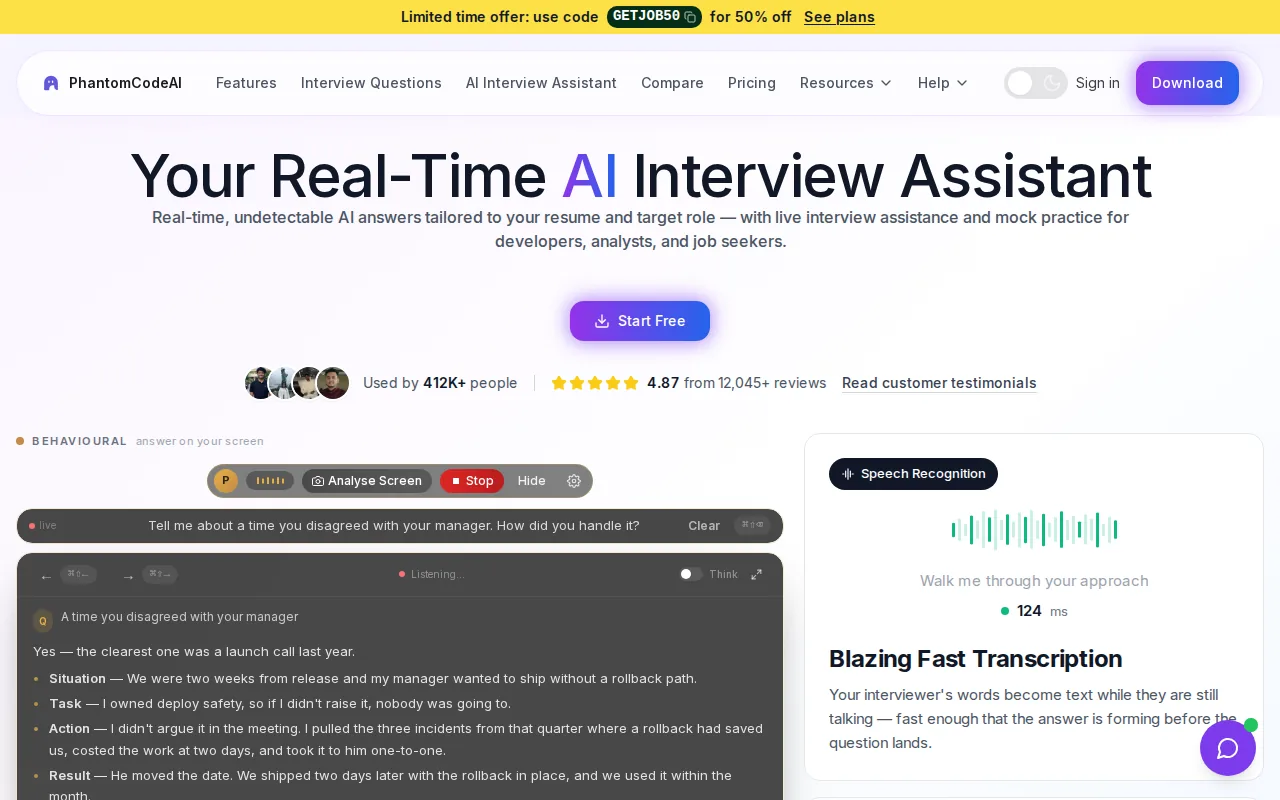
For a software engineer, the useful distinction is between practice and a live assessment. In a mock DSA round, you could use guidance to review an approach, then close the assistant and solve a similar problem on your own. During an actual interview, follow the employer’s rules. A hidden answer feed can cross the line into misrepresenting your ability.
Treat any tool's claims about privacy or visibility as product claims, not as permission to use it against an employer’s policy.
It’s a fit to consider when you want one assistant for several interview types and want to try it before paying. The key decision is still whether live AI is allowed in your interview.
2. LockedIn AI: Flexible access for different interview-prep paces
LockedIn AI provides real-time assistance for coding, behavioral, and system-design interviews. Its access options include help by the minute or by the month, which can suit candidates whose interview schedules vary.
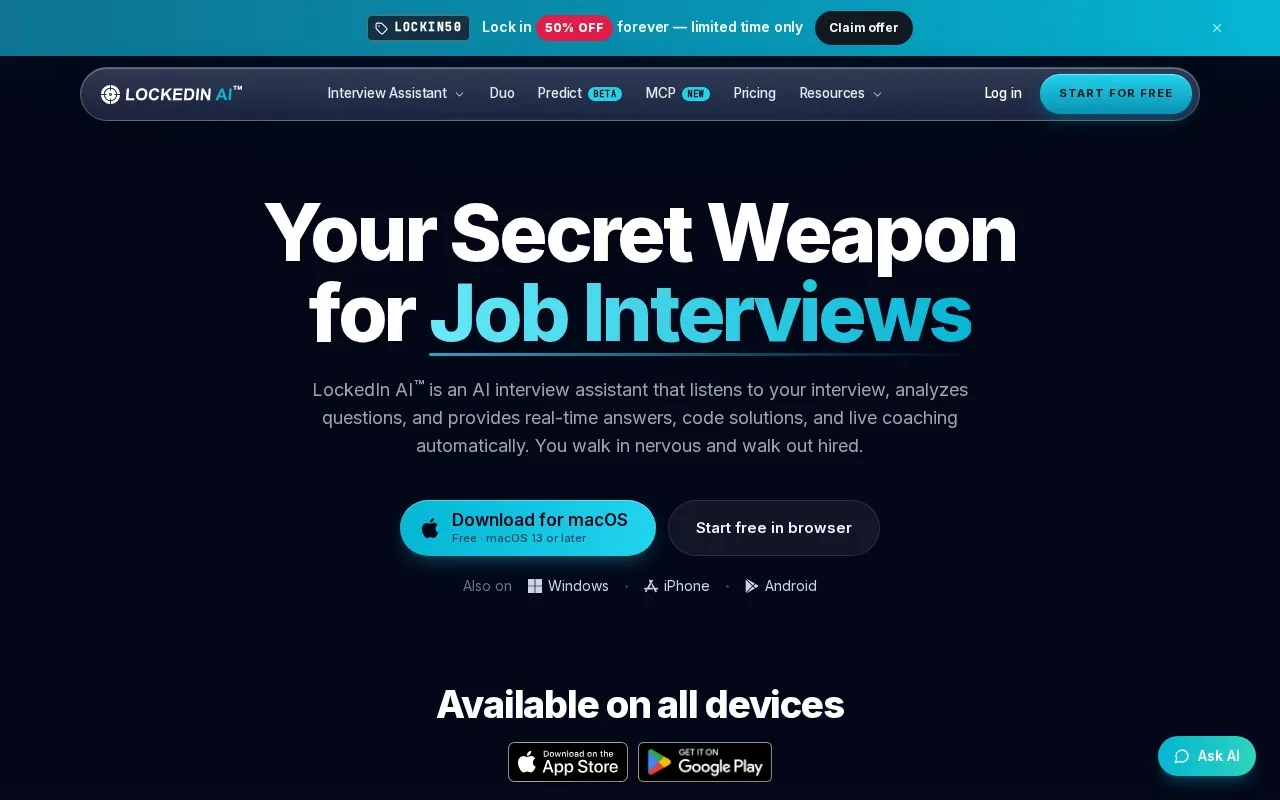
For a coding round, its coverage includes live coding support. A candidate could use that in an allowed practice session to think through an algorithm, then explain the time and space costs without help. For a system-design mock, the relevant question is whether you can defend the choices in the suggested design, such as why you’d add a cache or choose a particular data store.
LockedIn AI supports macOS and Windows. Platform fit can depend on the specific setup. Check the product’s current requirements before a mock or permitted interview.
Its pay-by-use option may make sense for a short interview sprint. A monthly plan may fit a longer search. Either way, decide whether you need live help, practice, or both before choosing a billing pace.
One caveat is about the interview, not the software: if the hiring team has barred outside AI, flexible access doesn’t change that rule.
3. Interview Sidekick: Prep, live assistance, and review in one product
Interview Sidekick combines interview preparation, real-time assistance, and post-interview review. Its question coverage includes behavioral and technical interviews, AI-assisted coding, and case interviews.
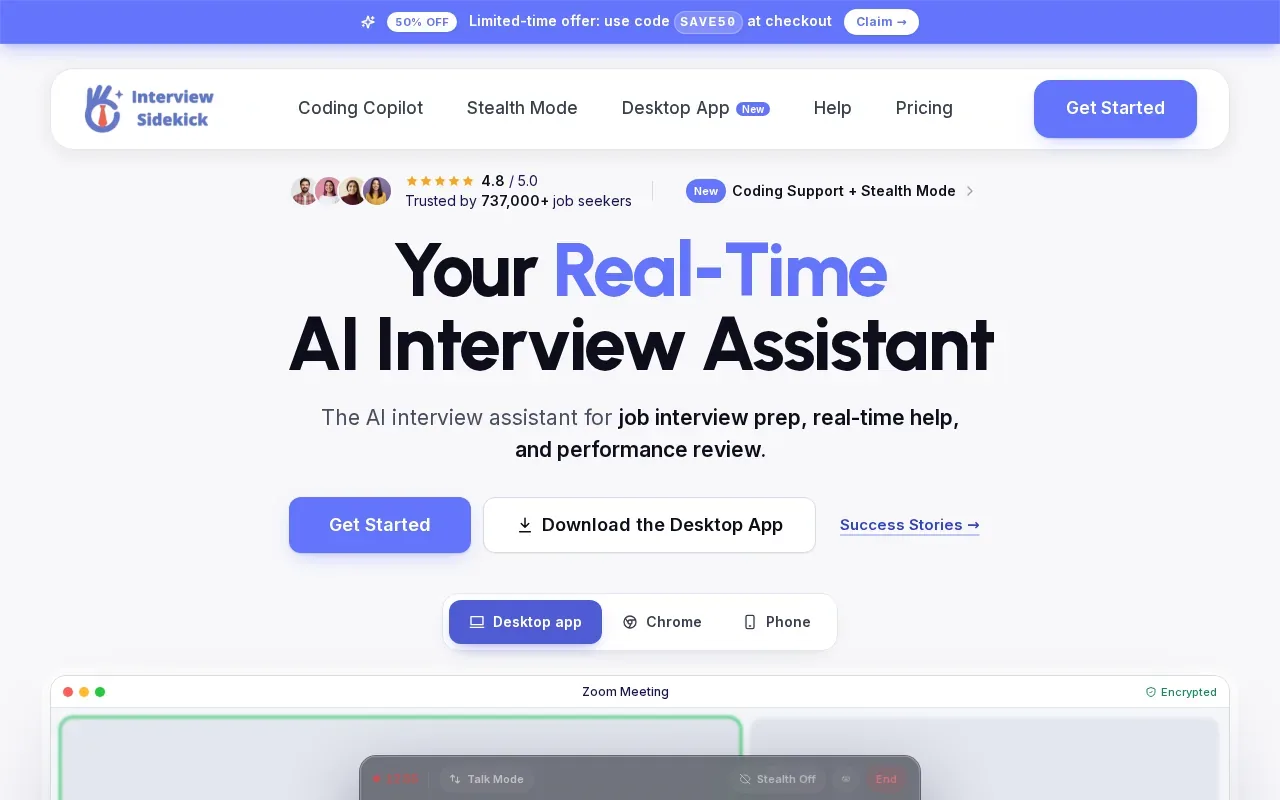
The product also offers live answers and a stealth mode. Its free tier includes limited prep sessions. That combination gives candidates a way to rehearse before a call and review their answers afterward, alongside its live-assistance features.
For a behavioral mock, preparation is most useful when you build a true story rather than memorize a polished script. For example, describe a production bug you helped fix, what you tried first, and what changed after the fix. After practice, review whether your account explains your own decisions clearly.
Candidates should prepare for common questions without relying on canned answers.
Interview Sidekick may suit someone who wants prep and review in one product. Before using real-time help, ask whether the employer allows it. A tool’s stealth feature does not make undisclosed use acceptable.
4. Interview Coder: Desktop AI assistance across macOS and Windows
Interview Coder is a desktop application designed for technical coding interviews. It was developed to generate AI-powered answers during live coding interviews, and the integrations include macOS and Windows.
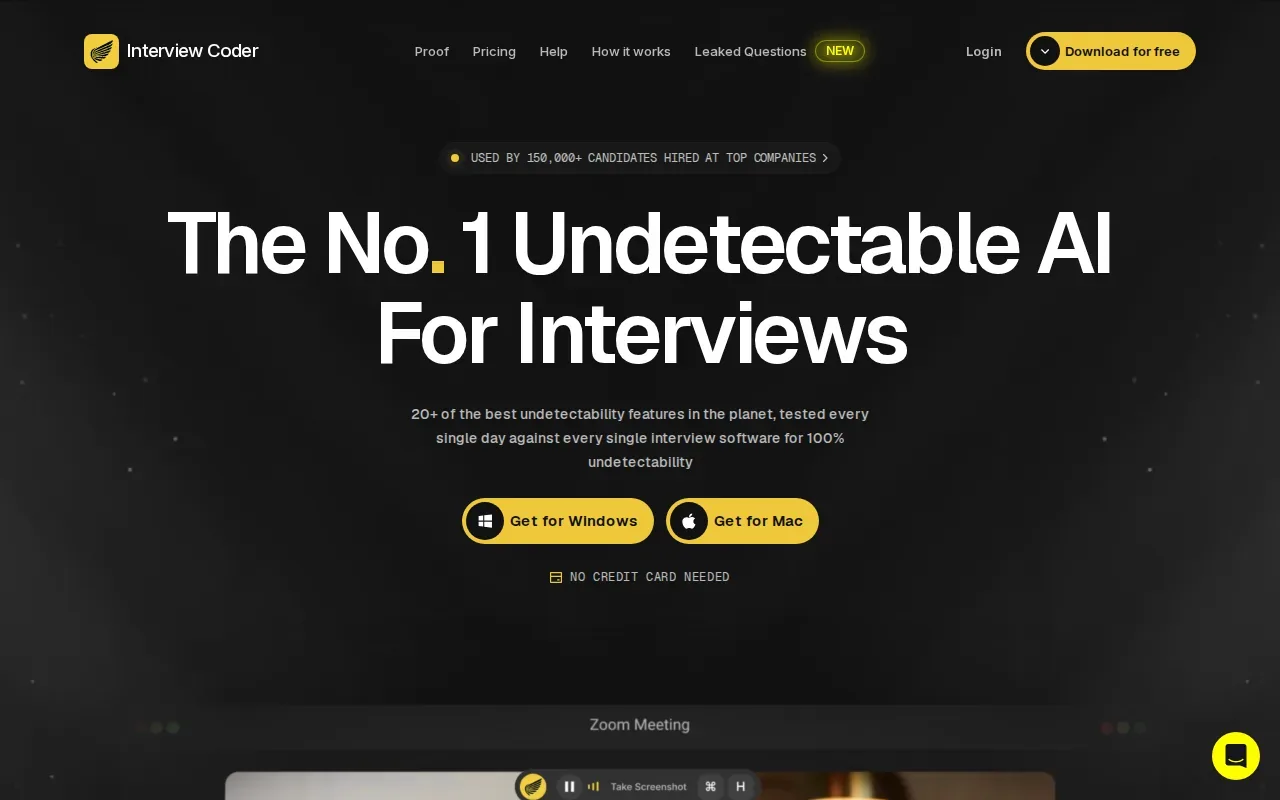
That narrow focus can matter if your main concern is coding practice rather than behavioral preparation. Picture a mock question about finding a pair of values in an array. A useful learning session would examine the brute-force approach, then compare it with a hash map and explain why the time cost changes.
The same exercise changes meaning in a live assessment. If the interviewer expects you to solve the problem independently, hidden generated code can give a false picture of your current skill. Practice the pattern beforehand, then make sure you can reproduce and explain it without a prompt feed.
To keep the practice honest, use a timer and speak your reasoning aloud. If you can’t explain why the algorithm works or handle a changed constraint, revisit the underlying concept before the next round.
5. Cluely: Desktop responses generated in real time
Cluely now describes itself as an AI meeting assistant that takes notes and gives real-time answers during calls, with a desktop app and a mobile app.
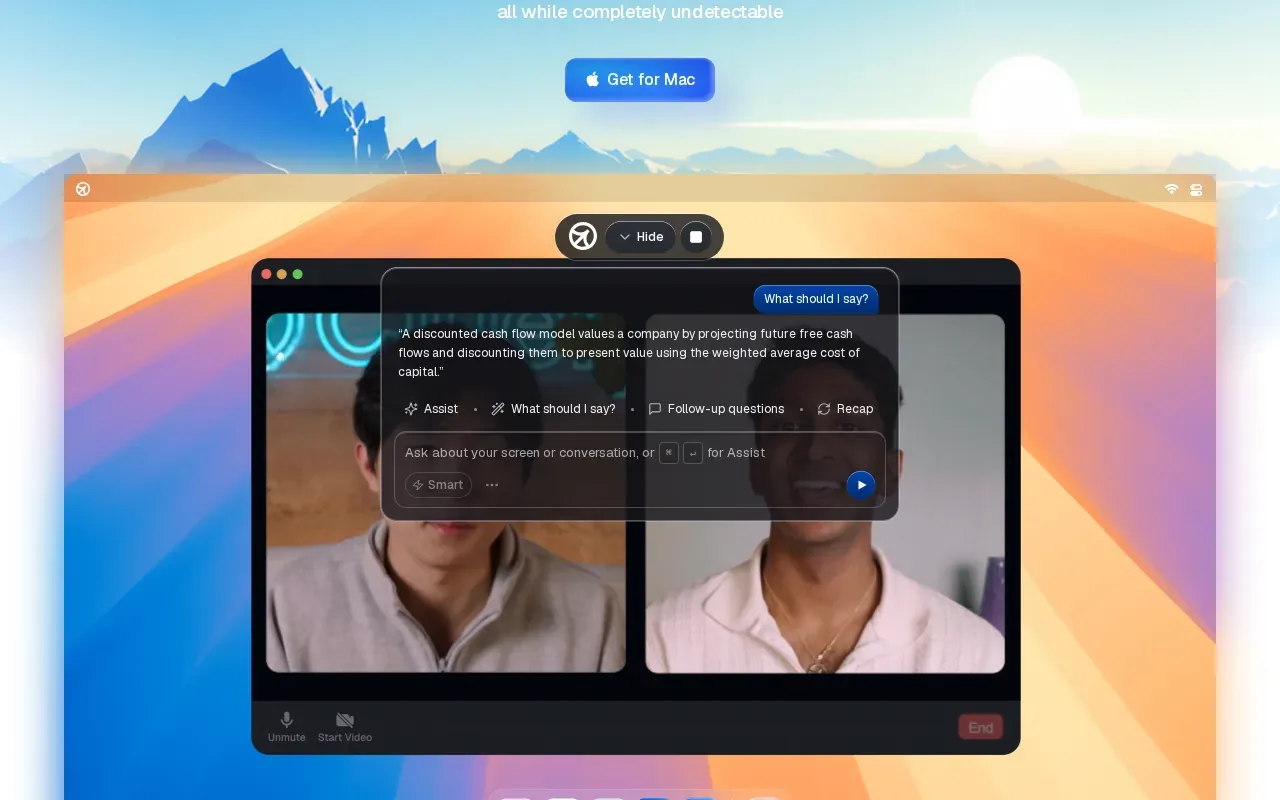
It can be compared with Interview Coder by the type of workflow described: desktop assistance that produces responses during an interview. Check Cluely’s current terms and capabilities before relying on it.
That check should include the interview rules. A screen-share setting or a separate desktop window doesn’t tell you whether outside help is allowed. If the interviewer says the assessment is independent, using an undisclosed answer generator may violate that instruction.
For preparation, a better test is to take a suggested answer from a mock session and rebuild it from memory. For a system-design prompt, explain the trade-offs yourself. For a behavioral answer, make sure every detail is true and that you can answer follow-up questions.
6. CoPilot Interview: A daily free tier for trying its interview modes
CoPilot Interview is a desktop app for Windows and macOS with four modes. Its free plan gives 15 minutes each day across those modes, with no account or credit card required.
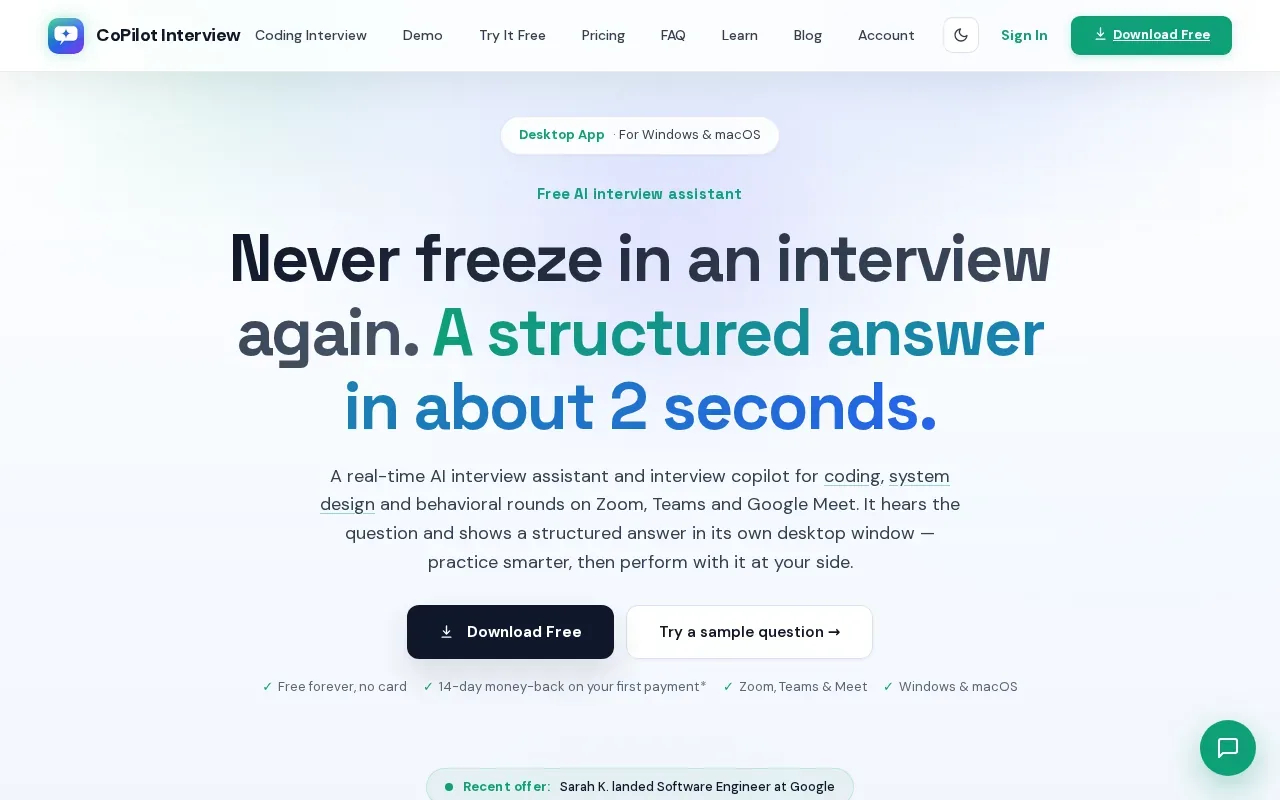
The daily allowance gives candidates a way to try the app’s modes in short sessions. For example, use a practice session to rehearse explaining a coding solution, then spend the remaining time checking whether your explanation covers edge cases. Compare CoPilot Interview’s current modes with the task you want to practice.
CoPilot Interview can be worth considering if you want to test an app before paying and prefer desktop access. As with the other tools here, a free tier is a way to assess fit, not an exception to an employer’s rules.
Before any real interview, make a clear choice: use only the tools the hiring team permits. If the policy is vague, ask the recruiter rather than guessing.
Compare the AI interview tools by capabilities and stated access
The table compares interview coverage and access details. It doesn’t rank whether live assistance is appropriate for a particular interview. That depends on the employer’s instructions.
| Tool | Stated interview coverage | Stated access detail | Useful decision point |
|---|---|---|---|
| Phantom Code AI | Coding, system design, behavioral | Free signup credits; paid plans start at $19 | Try it for practice, then check live-use rules |
| LockedIn AI | Coding, behavioral, system design | Pay by minute or month | Match access to how often you’ll practice |
| Interview Sidekick | Behavioral, technical, coding, case | Limited free prep sessions | Consider its prep and review mix |
| Interview Coder | Technical coding interviews | macOS and Windows | Check fit for coding-focused practice |
| Cluely | Real-time interview responses; coding session focus | Desktop application | Review current terms and interview rules |
| CoPilot Interview | Four modes | 15 free minutes daily; no account or card | Try its modes in short sessions |
Phantom Code AI lists weekly, monthly, yearly, and one-time credit-pack plans. Its official pricing page gives the current plan details. Compare the access model that fits your prep, but don’t treat price or a stealth feature as a reason to ignore interview instructions.
What employers may check
Interview checks can include asking candidates to share a full screen, follow up on a solution, or explain a choice in a new way. Some browser-based assessments can record events such as tab changes or copy-and-paste activity. These signals may prompt questions, but a single signal doesn’t prove misconduct.
Hiring teams also need to be careful. Identity checks, video review, or monitoring should fit the assessment and respect candidate privacy. A fair process makes its rules clear before the interview and tests skills that match the job.
Where the ethical line sits
AI used to learn a topic before an interview is different from AI secretly answering during an assessment. If a company allows AI, ask what kinds of help are permitted and explain how you used it. If the rule forbids outside help, don’t use a live answer tool.
For a fuller look at policy, fairness, and candidate risk, see Phantom Code AI's guide on how to ask about interview AI rules before using an assistant. That distinction matters after the interview, too: a candidate should be able to do the work they claimed to do.
FAQ: AI Interview Cheating Tools
Are AI interview tools allowed during a job interview?
AI interview tools are allowed only when the employer or assessment rules permit them. Policies differ by company and by interview type. Prep and mock practice are separate from using a hidden assistant in a live evaluation. If the instructions don’t say, ask the recruiter what tools you may use before the call begins.
Can an interviewer detect AI help during a video interview?
An interviewer may notice unusual pauses, answers that don’t match a candidate’s explanation, or difficulty handling follow-up questions. Some assessment systems can also record browser events. None of those signals alone proves AI use, and attempts to monitor candidates can raise privacy concerns. Clear rules and follow-up questions help assess understanding more fairly.
Is it safer to use a hidden AI assistant?
No. A hidden assistant doesn’t make its use permitted or remove the risk of misrepresenting your skills. Employers may use different interview formats or monitoring methods, and a candidate may still be asked to explain a suggested answer. Use live AI only when the hiring team has clearly allowed it.
What’s a responsible way to use AI for interview prep?
Use AI before the interview to practise likely questions, review a solution after you’ve tried it, or get feedback on a mock answer. Then close the tool and try again unaided. For coding, explain the algorithm and test edge cases. For behavioral questions, use a true example you can discuss in detail.
What should I do if the interview policy is unclear?
Ask the recruiter before the interview whether notes, documentation, search, or AI tools are allowed. Be specific about the format you plan to use. If you don’t get a clear answer, avoid live assistance during an assessment. That choice protects your credibility and lets the interviewer judge your own work.
Conclusion
For interview preparation, start with a tool that fits the round you’re practising, then test yourself without assistance. Phantom Code AI is one option to try, with free signup credits and coverage for several interview types. Before using any assistant during a real interview, confirm the employer’s policy and follow it.