Best AI for Technical Interviews: 5 Tools

Compare AI for technical interviews, including live coding guidance, mock practice, and system design support. Find a tool that fits your prep and interview rules.
A coding prompt lands, the clock starts, and your mind goes blank. AI for technical interviews can help you rehearse that moment, but the right tool depends on what you need to practice and what your interview rules allow.
We analyzed 65 comments and questions from YouTube and Quora about AI for technical interviews and found that 28% asked about features of AI interview assistants.
Here are five options, with a close look at live guidance, mock practice, and where each may fit your prep.
Table of Contents
- Phantom Code AI
- LockedIn AI: Broad live and mock interview support
- Interview Coder: Real-time coding-question assistance
- ParakeetAI: Call assistance with coding and mock practice
- Interview Sidekick: Mock practice plus a live assistant
- FAQ
- Conclusion
1. Phantom Code AI
Phantom Code AI is a desktop assistant for coding interviews that listens to interview audio, transcribes it, recognizes problem types, and gives real-time guidance. It’s aimed at software engineers preparing for coding, system design, and behavioral rounds.
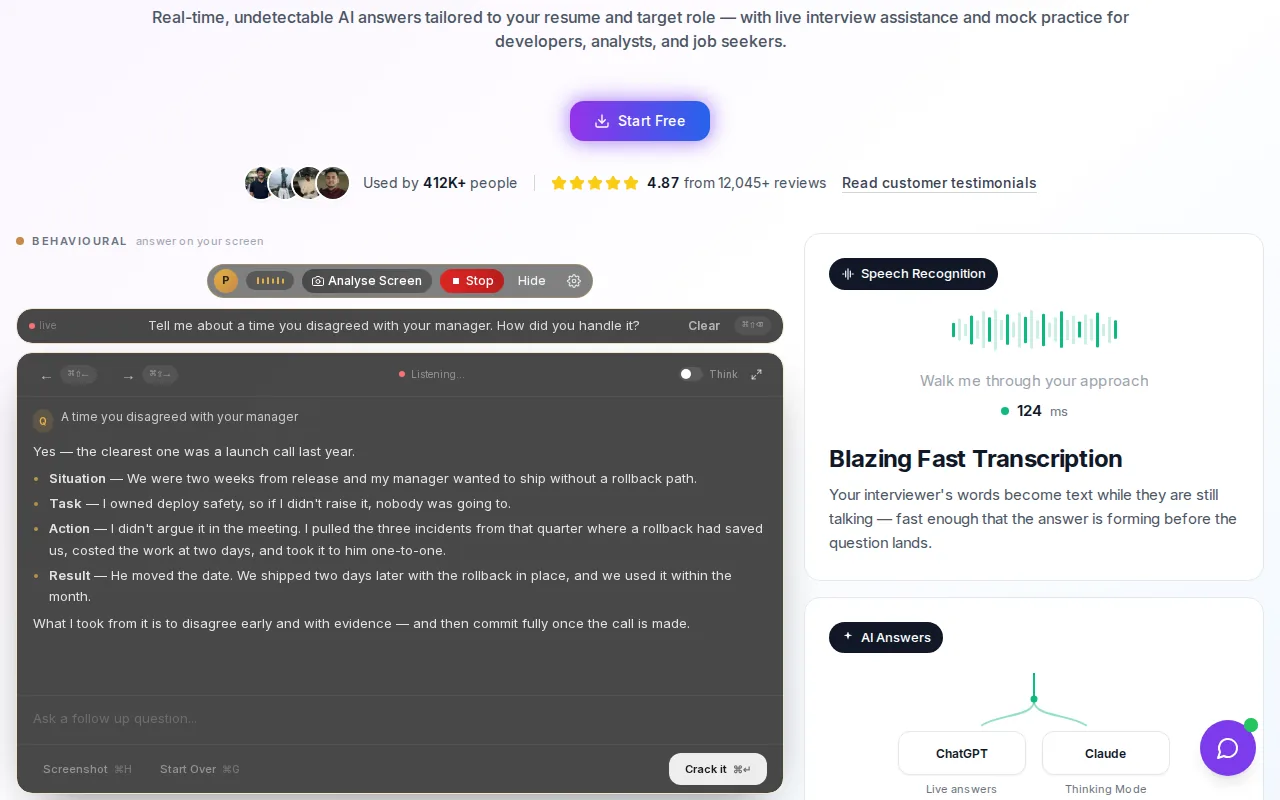
That mix is useful when a prompt needs more than a code draft. Say an interviewer asks you to fix a slow service that times out. You still need to clarify the issue, explain a design choice, and respond to follow-up questions. Transcription can help you keep track of the prompt, while problem recognition can give you a starting point for your own reasoning.
Phantom Code AI runs on macOS and Windows. New accounts get free credits at signup without a card, and paid plans start at $19. Treat those details as a way to try the workflow, not a reason to skip the core test: can you explain the answer without leaning on the assistant?
For a sound prep routine, solve first without help, then use AI to review your approach or generate a changed version of the problem. Here is more on using AI as a study partner for tech interview prep.
Use any live guidance only when the interview rules permit it. A hidden assistant can cross the line from practice into misrepresentation if the interviewer expects unaided work. Honesty and trustworthiness are useful standards when deciding how to use AI.
2. LockedIn AI: Broad live and mock interview support
LockedIn AI is a desktop and mobile copilot that transcribes interview questions and suggests answers and code live. It also includes full mock interviews.
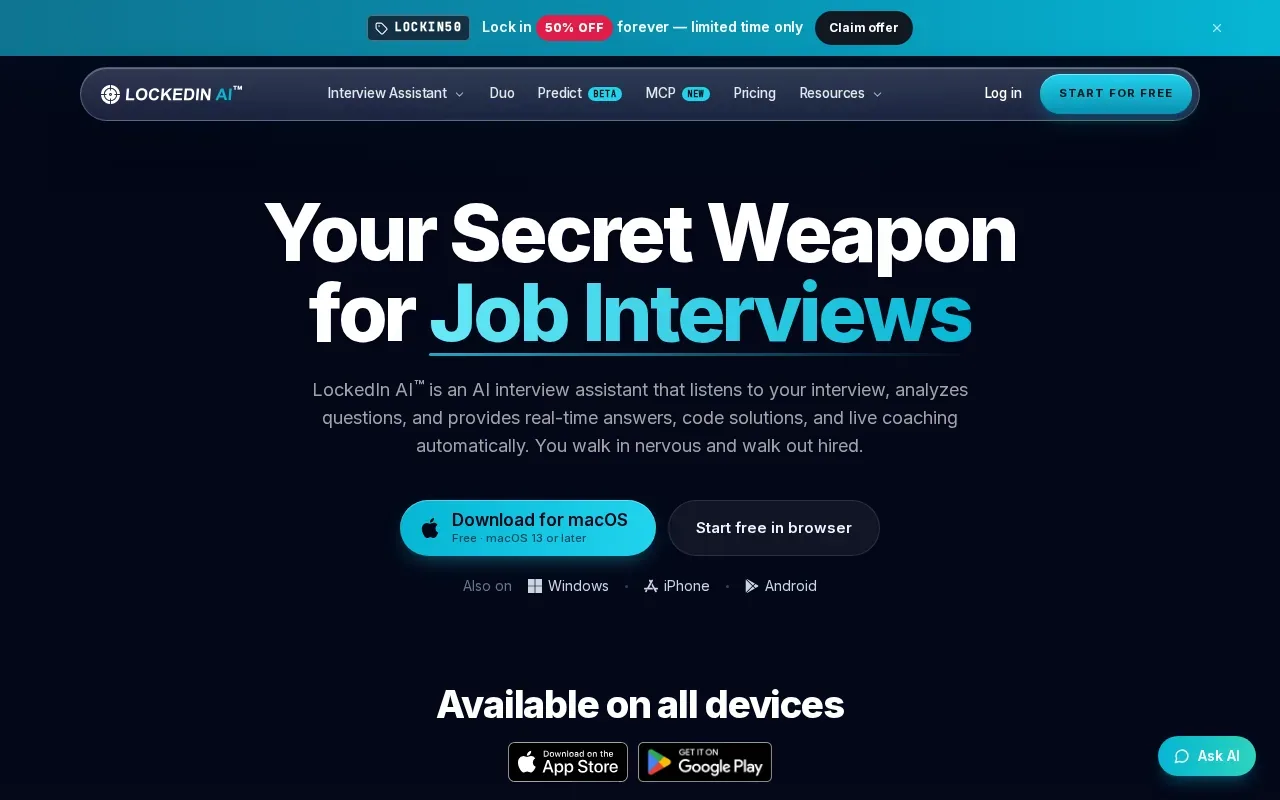
That combination can suit someone who wants to move between practice and interview support in one tool. For example, use a mock session to get used to hearing a question, then practice explaining your approach before writing code. In a live coding round, its guidance includes both answers and code.
Transcription can help when a prompt has several constraints. If the interviewer asks for a solution that handles duplicates and then changes the input-size limit, a transcript gives you a way to review the details before you respond. It doesn’t replace asking a clarifying question or checking that you understood the change.
LockedIn AI’s desktop app and iOS and Android apps may matter if your prep routine moves between devices. But choose the format that matches your actual interview setup, and test the workflow before an important session. A mock interview is a good place to see whether live suggestions help you think or pull your attention away from the conversation.
As with any live copilot, check the employer’s rules first. Mock practice is a safer way to learn the tool’s flow; live help belongs only in a setting where AI use is allowed.
3. Interview Coder: Real-time coding-question assistance
Interview Coder is a desktop app that reads coding questions on screen and interview audio, then generates answers in real time. It captures and transcribes interviewer audio in real time.
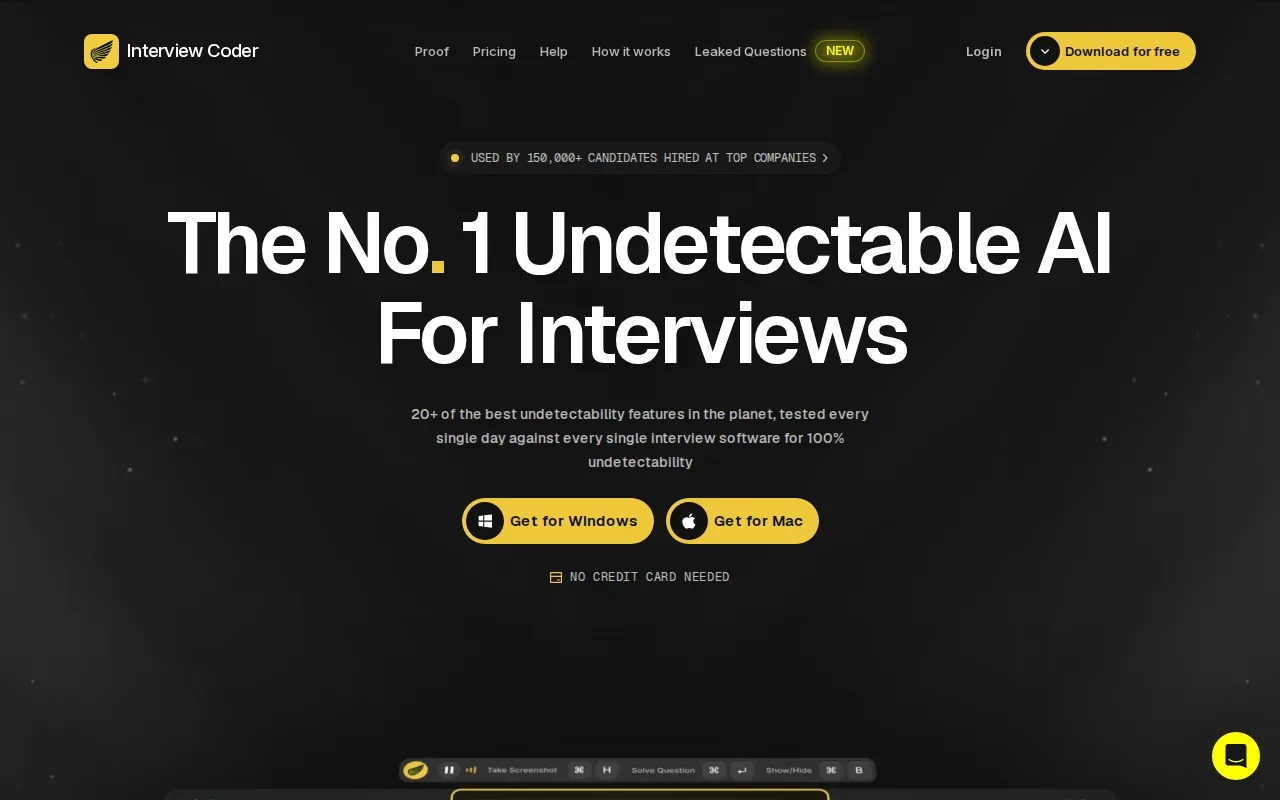
This focus makes it a fit to consider when your prep centers on coding rounds. Imagine a prompt asks you to find a pattern in a list, then adds a constraint that rules out a simple approach. The key work is still yours: explain what changed, choose a suitable method, and check the edge cases. Real-time suggestions may be useful as a prompt for thought, but they shouldn’t stand in for that explanation.
In practice, use the first few seconds of a problem to ask yourself which data structure or algorithm could fit. Then close the assistant and solve a similar problem unaided. That second pass shows whether you learned a method or only followed a suggestion.
Before using any desktop assistant in a live interview, confirm what the interviewer permits. An app’s ability to read a coding question doesn’t mean a company has approved its use. Keep your own reasoning visible in your explanations, and don’t present generated work as unaided if that’s what the process expects.
For a useful practice test, ask the tool to help you think through a problem, then explain the answer out loud without looking at its response.
4. ParakeetAI: Call assistance with coding and mock practice
ParakeetAI is a real-time call assistant that transcribes interviews and suggests answers. It includes coding support and AI mock interviews.
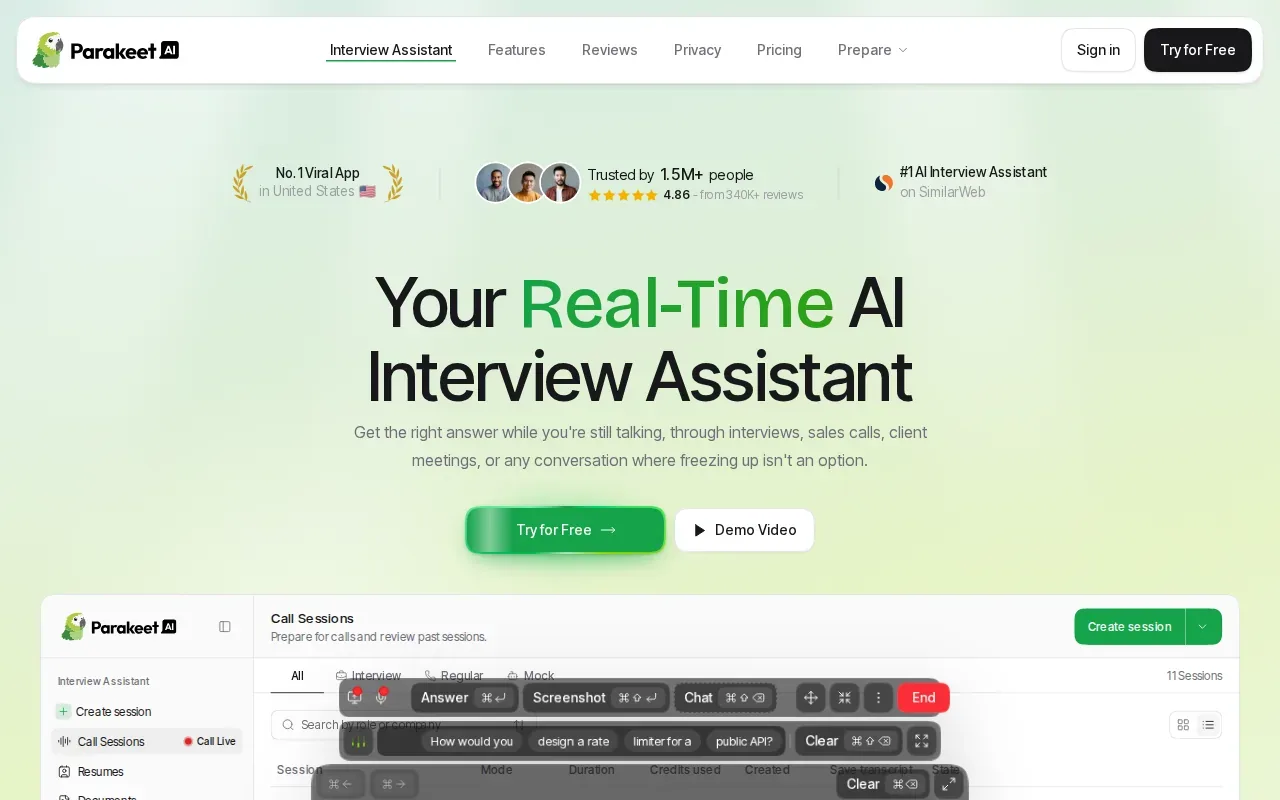
That call-focused setup may suit candidates who want to rehearse the flow of spoken questions, not only solve written prompts. In a coding mock, practice restating the task before you work on a solution. For a behavioral prompt, use the practice session to shape a clear account of what you did and what changed as a result.
Transcription can be helpful when a conversation moves quickly. You can review the wording of a question rather than rely on memory alone. Still, a transcript can’t decide which detail matters most. Make a habit of summarizing the prompt in your own words and asking the interviewer when a requirement isn’t clear.
ParakeetAI’s capabilities include live answer suggestions, coding support, and mock interviews. That covers more than one part of prep, but the best test is whether the mock helps you practice speaking and reasoning. Don’t treat suggested wording as a script. Interviewers may ask why you chose an approach or what you’d change under a new constraint.
Before using call assistance in a real interview, ask whether AI support is allowed. For candidates, consider how AI use may affect trust and fair evaluation, then follow the employer’s stated rules.
5. Interview Sidekick: Mock practice plus a live assistant
Interview Sidekick combines mock practice with a live assistant in one product. Its real-time help includes algorithm guidance and live coding suggestions on LeetCode, HackerRank, CoderPad, and CodeSignal.
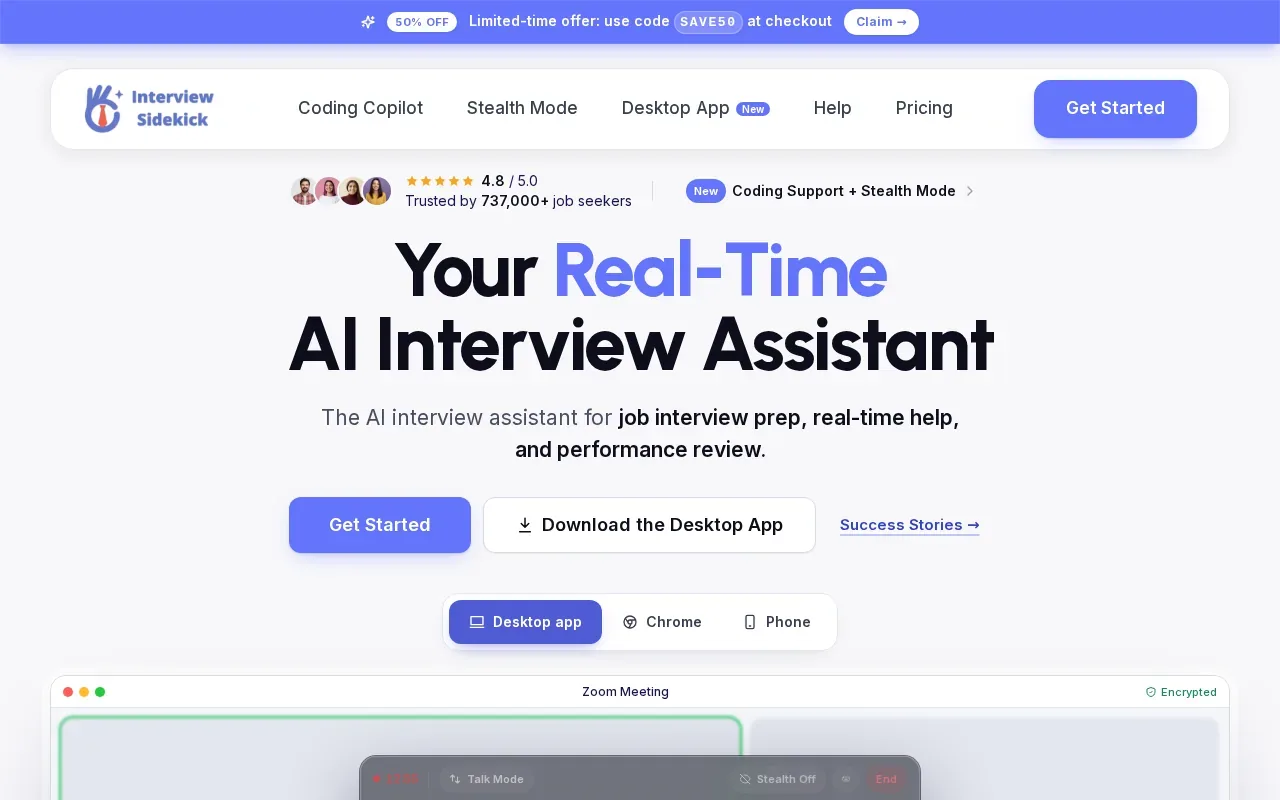
That named platform support may matter if you’re preparing in a familiar coding environment. Use a mock session to practice how you talk through an algorithm, then pay attention to whether the live assistant’s suggestions help you explain the steps. The goal isn’t to paste a solution. It’s to understand why the approach works and be ready when the interviewer changes a condition.
Interview Sidekick’s mix of mock practice and live help can appeal to someone who wants both in one product. The live coding and algorithm support is particularly relevant to DSA rounds. For system design or behavioral prep, focus on the interview skills you can rehearse directly: describing trade-offs, giving clear examples, and handling follow-up questions.
Here’s a quick way to compare the five options by the task you want to practice:
| Option | Best fit based on listed features | What to test in practice |
|---|---|---|
| Phantom Code AI | Live guidance with transcription and problem recognition | Can you explain the answer after closing the assistant? |
| LockedIn AI | Live suggestions plus full mock interviews | Does the device format fit your prep routine? |
| Interview Coder | Live help focused on coding questions | Can you use suggestions to reason through a changed constraint? |
| ParakeetAI | Call transcription, coding support, and mock interviews | Can you summarize the prompt before asking for help? |
| Interview Sidekick | Mock practice and live coding support on named platforms | Can you explain the algorithm without copying a suggestion? |
Choose by interview stage and rules
For coding prep, look for chances to explain complexity and test edge cases. For system design, rehearse why you’d pick one storage or scaling approach over another. For behavioral rounds, practice a truthful story that makes your role clear. A tool can help with practice, but it can’t replace knowing your own work.
Use mock sessions before a live interview. Try a round without assistance first, then use the tool to review a sticking point. If the employer allows AI during the interview, follow its rules closely. If not, keep the assistant out of the live evaluation.
FAQ
Can I use AI during a technical interview?
You can use AI during a technical interview only if the employer or interviewer allows it. Ask about the rules before the session rather than assume a tool’s features make its use acceptable. If AI isn’t permitted, use it to practice beforehand, then complete the evaluation on your own. That keeps your work aligned with the process.
Which AI interview tool helps with coding questions?
Phantom Code AI, LockedIn AI, Interview Coder, ParakeetAI, and Interview Sidekick all list coding-related support. Their features differ: some include transcription, mock interviews, or problem recognition. Choose based on the specific round you need to rehearse, then test whether you can explain the solution without reading generated text.
Can AI help me prepare for system design interviews?
AI can help you rehearse system design by giving you a prompt or acting as a practice interviewer. Use it to explain trade-offs out loud, such as why a service might process a long task asynchronously. Check your reasoning against sound engineering sources and practice responding to follow-up questions, rather than treating a generated design as proof that it’s correct.
Is using an AI assistant in an interview cheating?
It can be cheating if the interview expects unaided work and you secretly rely on an assistant. The deciding factor is the rules and what you represent about your work. Use AI openly when permitted. Otherwise, keep it to preparation, and make sure you can solve and explain the problem without help.
How should I practice with an AI interview assistant?
Start with a problem on your own and talk through your reasoning. Then use the assistant to review a confusing step or practice a variation. Close it and solve the variation yourself. For behavioral or system design prep, rehearse spoken answers and ask for follow-up questions. That gives you a clear check on what you’ve learned.
Conclusion
For engineers who want live guidance with transcription and problem recognition, start by trying Phantom Code AI’s free signup credits during practice. Pick one upcoming interview format, run a mock, and make sure you can explain your answer without assistance.