Best System Design Practice Platforms for Interviews

Compare system design practice platforms for visual lessons, interactive problems, AI feedback, and mock interviews to find the right fit for your prep.
A system design practice platform can help you learn patterns, rehearse your answer, or get feedback while you work. The right fit depends on what you need to improve. Here are six options, plus where Phantom Code AI fits if you want live interview guidance.
Table of Contents
- Codemia: Interactive system design practice with AI feedback
- ByteByteGo: Visual explanations of system design patterns
- Design Gurus: System design mock interviews for multiple experience levels
- Bugfree.ai: AI-driven practice reps with instant feedback
- Exponent: Mock interview videos, exercises, and AI feedback
- DevInterview.AI: Voice-led mock interviews with a diagram canvas
- Frequently Asked Questions
- Conclusion
1. Codemia: Interactive system design practice with AI feedback
Codemia is built around solving design problems on an interactive whiteboard, then getting AI-powered feedback. It suits engineers who learn by making design choices rather than only watching lessons.
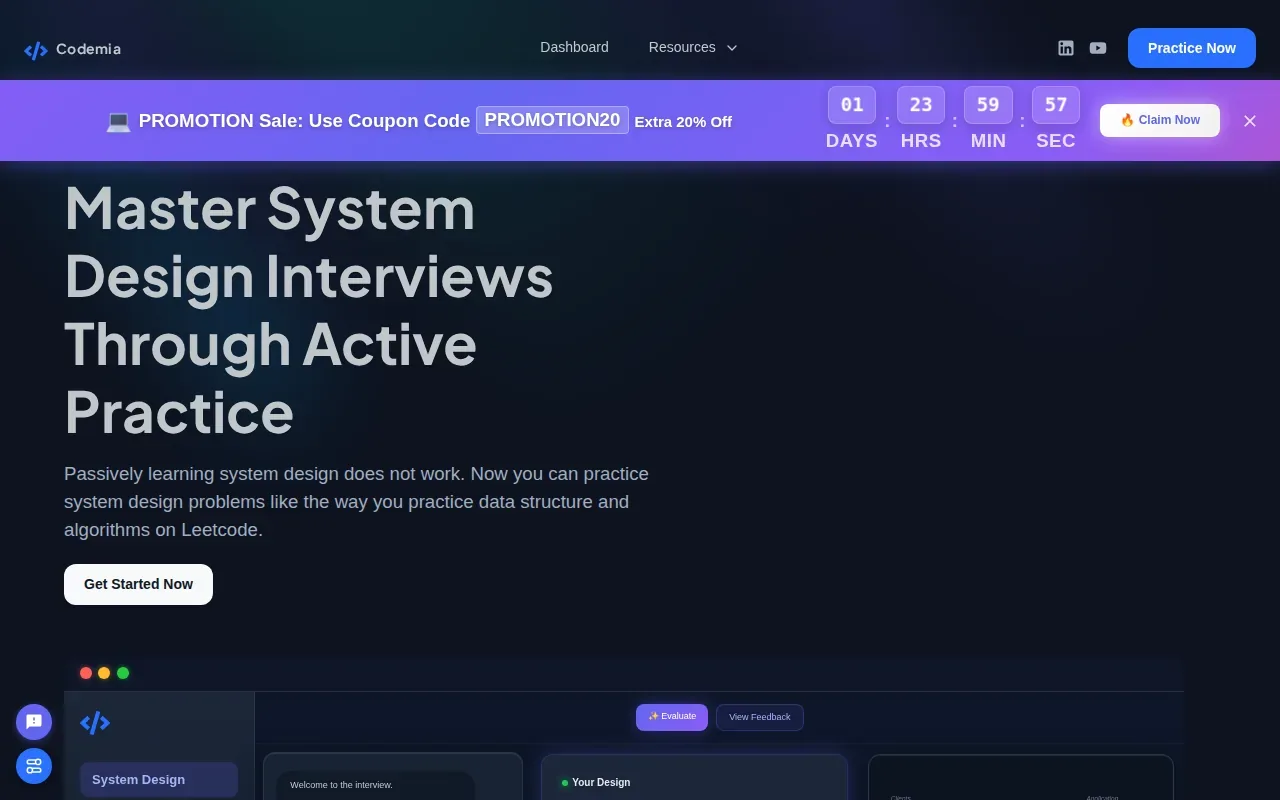
Its system design practice includes prompts, editorial solutions, and real-time AI feedback. That gives you a chance to sketch a design, explain your choices, then compare your approach with a worked solution. For example, after proposing a URL shortener, you can review how your storage choice and request flow compare with the editorial answer.
Codemia also has peer mock interviews. Participants book a time, meet by video, and take turns as interviewer and candidate. Each person gets a chance to explain a design out loud and hear feedback from another engineer.
Selected problems in each category are free to try. Codemia can be a good first stop if you want to test an interactive workflow before building a broader study plan. Phantom Code AI takes a different approach, with an assistant for guidance during mock or live technical interviews. Its system design interview assistant is aimed at engineers who want help with design discussions as they happen.
Choose Codemia when you want a problem-solving loop that combines a canvas, AI feedback, and optional peer practice.
2. ByteByteGo: Visual explanations of system design patterns
ByteByteGo is Alex Xu’s platform, built on his System Design Interview books. It’s a visual learning choice for engineers who want to see how system design patterns fit together before attempting a timed mock.
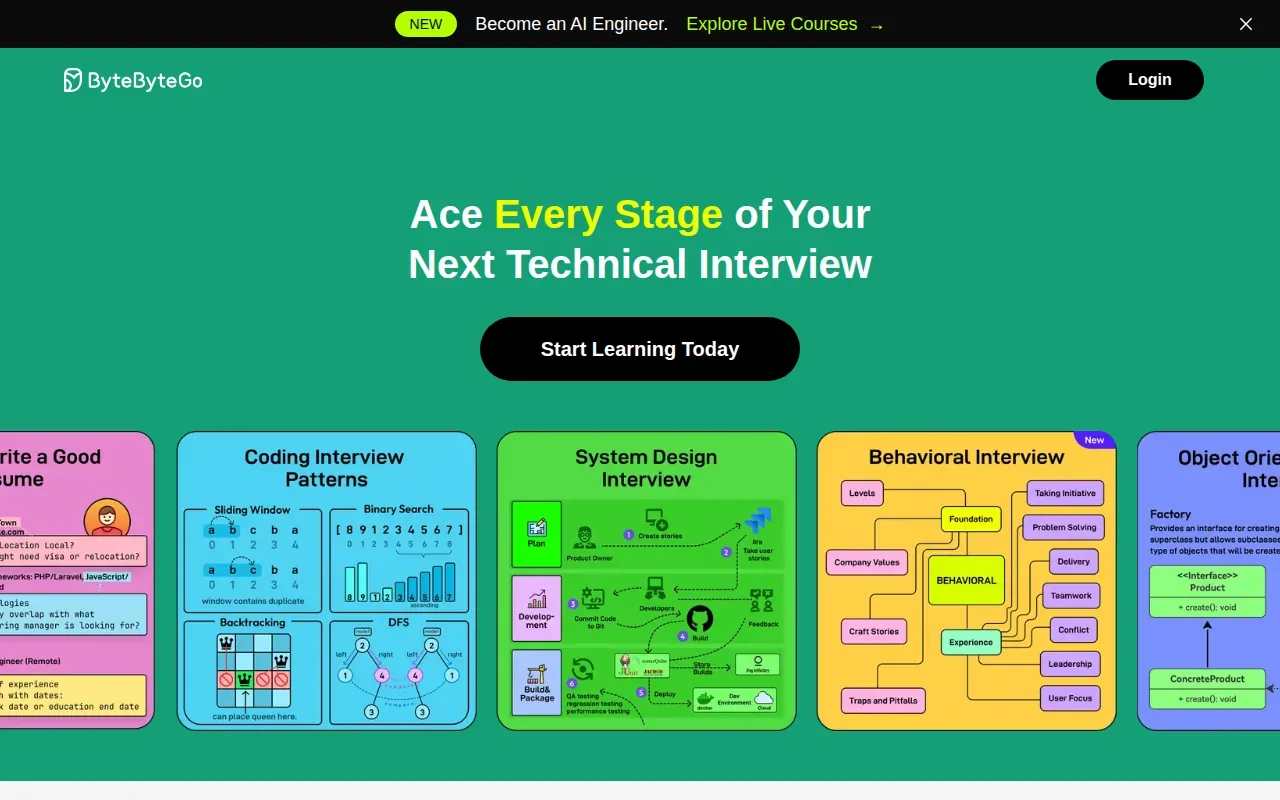
The platform uses animated explanations and detailed architecture diagrams to show system behavior. A diagram can make the flow through a cache, service, and database easier to follow than a list of terms. That’s useful when you’re learning a pattern for the first time or need a quick visual refresher.
ByteByteGo is a study resource, not a substitute for speaking through a design under interview pressure. After reviewing a diagram, close the lesson and draw the request path from memory. Then explain what happens when traffic spikes or a dependency fails. That short exercise helps turn visual recognition into an answer you can produce.
Because the content builds on Alex Xu’s books, readers already familiar with that style may find the material easy to follow. If you’re new to system design, use the visuals to learn the parts, then add timed speaking practice so you can explain the trade-offs without a diagram in front of you.
ByteByteGo fits best as a visual reference and learning aid. Pair it with a practice format that makes you explain your own design.
3. Design Gurus: System design mock interviews for multiple experience levels
Design Gurus provides system design mock interviews for engineers at different experience levels. It’s a fit for candidates who know the core concepts and want a person to challenge their reasoning in a live session.
In a system design mock, you work through an open-ended architecture prompt with an interviewer. You may need to clarify requirements, define APIs, model data, and discuss how the system handles scale. The interviewer then gives feedback on your architecture and communication.
That human back-and-forth matters when you tend to rush into components. Imagine the prompt is to design a news feed. An interviewer can ask why you chose a particular feed strategy, then change a requirement and see if your answer adapts. You can’t get that same kind of live pushback from a recorded lesson.
Design Gurus is also known for creating the “Grokking” interview methodology. Its courses and mock interviews play different roles: study helps you learn a repeatable way to approach problems, while a mock lets you test that approach aloud. The mock interview is a separate part of the preparation loop, so plan for it as its own practice activity.
Pick this option when you want feedback from an interviewer and a session shaped around your level. It’s especially useful before an interview loop where you need to practice explaining trade-offs, not just recall them.
4. Bugfree.ai: AI-driven practice reps with instant feedback
Bugfree.ai is an AI-driven mock interview platform for repeated system design practice. It suits engineers who want to work through multiple design prompts and get feedback without arranging a live peer session for each rep.
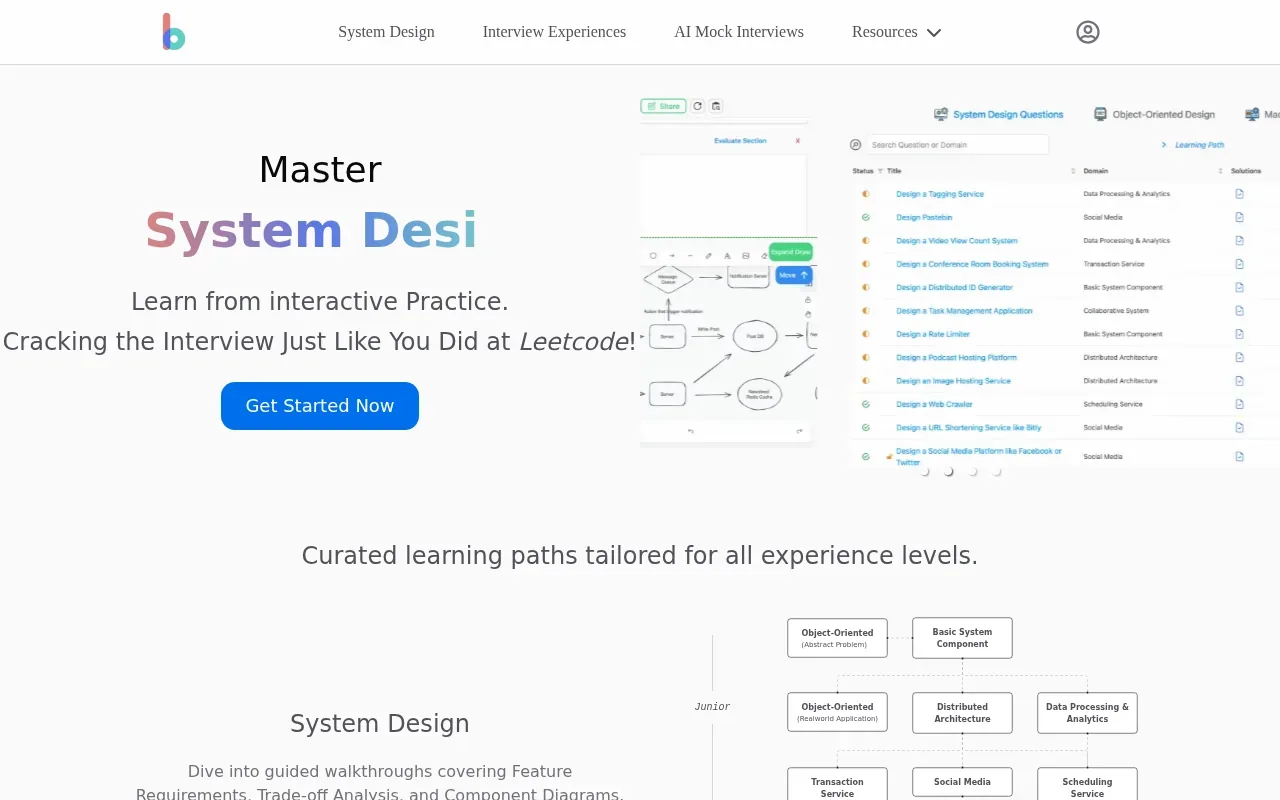
The platform supports unlimited practice reps with instant feedback. Its practice material covers system design, with related areas such as object-oriented design and machine learning design also represented in its question collections. The feedback can help you spot gaps in how you frame a problem or explain a proposed design.
For example, start with a prompt to design a notification service. Before drawing components, clarify who receives notifications and what delivery guarantees matter. Defining scope before picking an architecture keeps your first design tied to the problem instead of a memorized template.
Try to make each practice rep answer one question about your performance. Did you clarify the expected load? Did you explain why a queue belongs in the design? Did you name the trade-off behind your storage choice? A clear target makes instant feedback easier to act on in the next session.
Bugfree.ai is a strong match when you want repeated AI-led practice with feedback after your decisions. For a live mock with a human interviewer, you’ll need a separate session format.
5. Exponent: Mock interview videos, exercises, and AI feedback
Exponent includes full mock interview videos, interactive exercises, and AI feedback in its course. It’s a useful option for engineers who learn by watching interview examples and want system design prep within broader interview study.
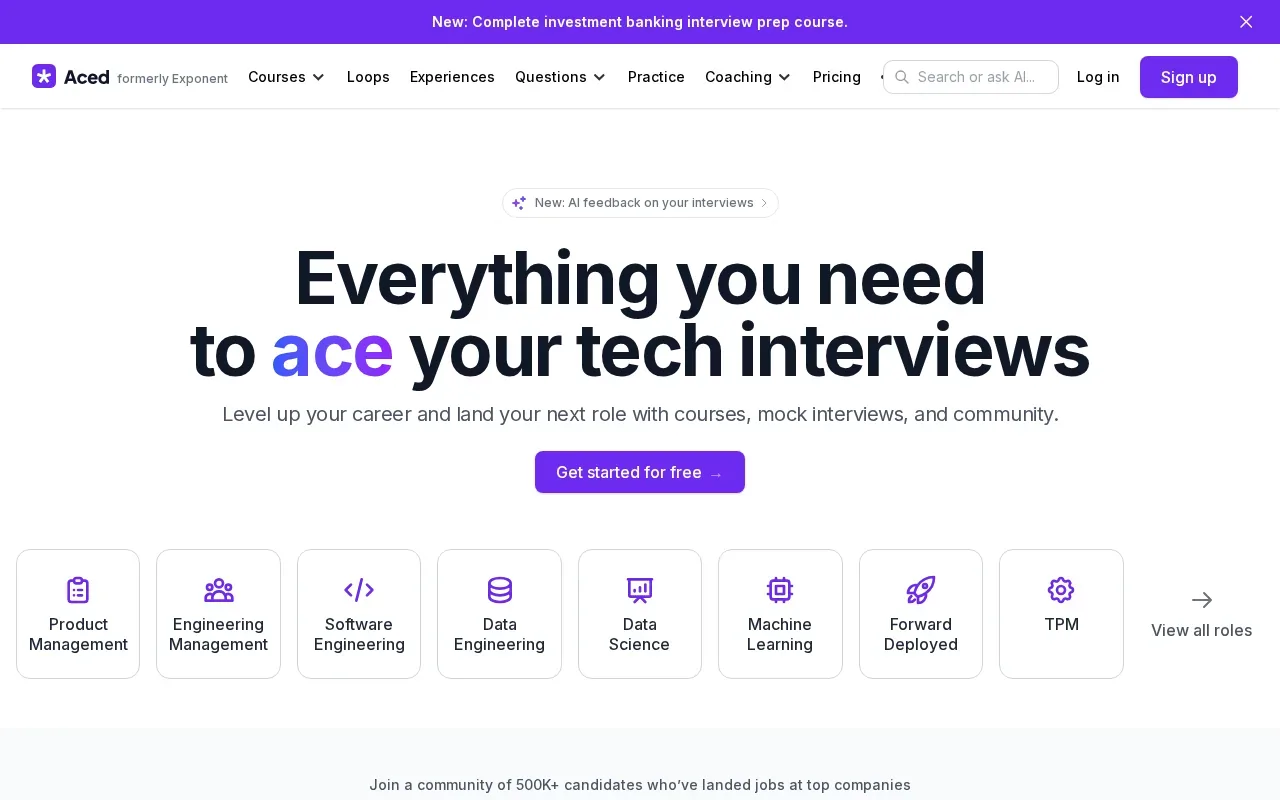
A recorded mock can show how a candidate handles an open-ended prompt, including how they set scope and explain a design. Pause before the interviewer’s next question and try to answer it yourself. That turns a viewing session into an active drill rather than background watching.
The interactive exercises give you another way to check your grasp of the material. AI feedback adds a review step as you practice. Together, those formats can help you move between watching an example and trying the work yourself.
Exponent may suit you if system design is one part of a wider interview plan. Its course approach lets you combine examples with exercises, while a separate mock session can test how you respond aloud to follow-up questions.
Use the videos to notice how candidates structure an answer, not to memorize a finished architecture. Interview prompts change. Your goal is to explain why a design fits the stated requirements and what you would revisit if those requirements shifted.
If video examples help you learn, Exponent gives you a mix of study and practice formats. Add a live spoken mock when you’re ready to test your pacing.
6. DevInterview.AI: Voice-led mock interviews with a diagram canvas
DevInterview.AI runs a voice-led mock interview with a diagram canvas for a 45-minute design session. It’s for engineers who want to practice talking through a design while drawing, rather than reading a solution in silence.
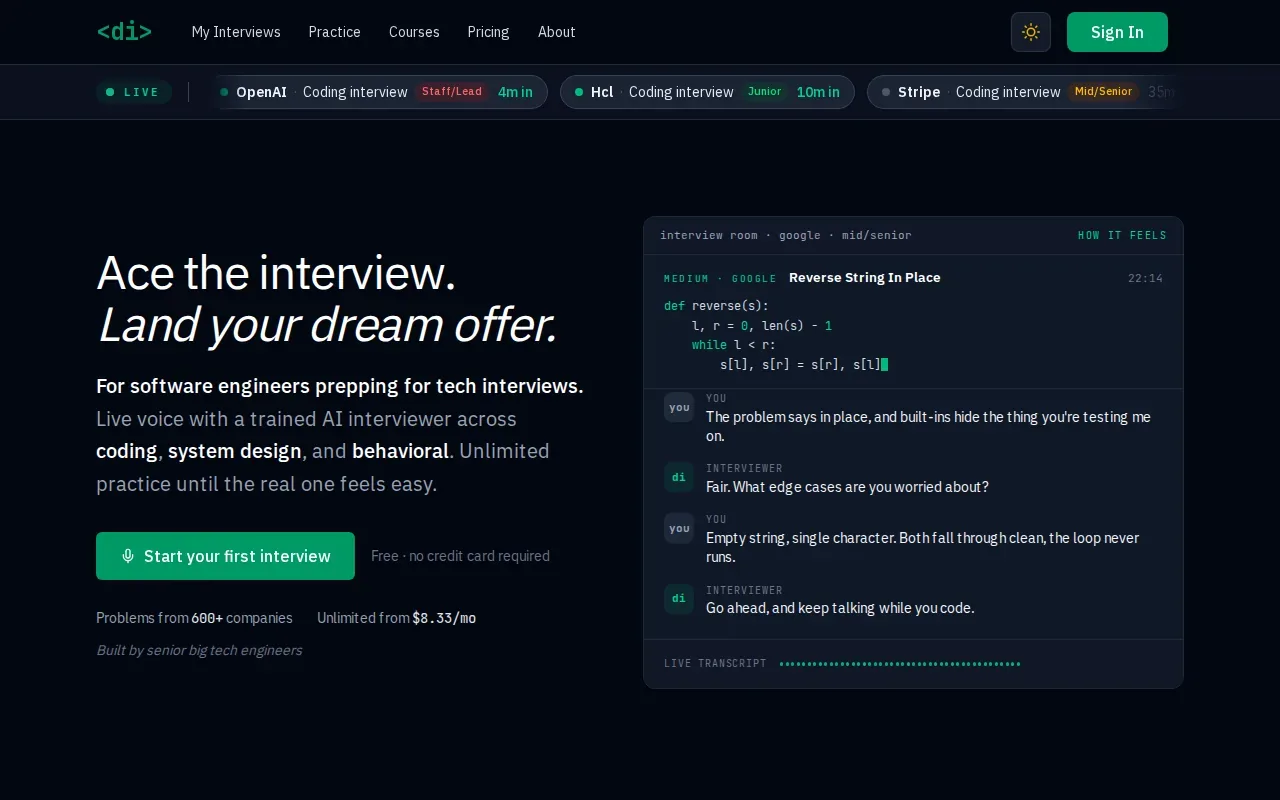
The AI interviewer can ask follow-up questions and push back on design choices as the session unfolds. You use the canvas to lay out the system, then receive an evaluation of your design. The first interview is free, with no credit card required.
That format gives you a way to rehearse the spoken part of an interview. For a prompt about a chat service, you might sketch how messages move through the system, then explain how you’d handle delivery and storage. Follow-up questions test whether you can defend the choices instead of stopping at the first diagram.
There’s a useful distinction between practicing knowledge and practicing delivery. A course can help you understand a queue or a cache. A voice-led mock makes you explain when you’d use one, while a design canvas gives you somewhere to show the flow.
| Practice need | What this format gives you | Best use |
|---|---|---|
| Speaking under time pressure | Voice-led mock interview | Rehearse a full answer aloud |
| Explaining system flow | Diagram canvas | Show components and connections |
| Handling interviewer pushback | Follow-up questions | Defend or revise design choices |
DevInterview.AI is a direct fit when your main gap is producing a design out loud and responding to follow-ups. Use it after you’ve reviewed the patterns you need, then note which questions made you pause.
Frequently Asked Questions
What should I look for in a system design practice platform?
Choose based on the part of the interview you need to rehearse. Visual lessons can help you learn a pattern, while interactive problems make you apply it. A mock interview lets you practice explaining your choices aloud. If feedback is important, check whether the format gives you AI guidance, peer feedback, or an interviewer’s review.
Can AI help with system design interview practice?
Yes, AI can give feedback during or after practice, depending on the platform. Codemia and Bugfree.ai provide AI feedback, while DevInterview.AI uses a voice-led interview format with follow-up questions. Treat AI notes as a way to spot areas to review, then test your design by explaining it aloud and defending your trade-offs.
Are system design videos enough to prepare?
No, videos can teach patterns, but watching someone else answer doesn’t show whether you can do it yourself. After a lesson, close it and explain the same design from a blank page. Then practice with a timed mock or feedback tool to find gaps in your assumptions, architecture, or communication.
Should I practice with a human or an AI interviewer?
Both can help, but they offer different kinds of practice. AI-led sessions make it easier to repeat a prompt and get feedback, while a human interviewer can respond in a less scripted way. Choose based on what you need that day. You can also use AI for frequent reps and schedule a human mock before an interview.
Where does Phantom Code AI fit in system design prep?
Phantom Code AI is for engineers who want real-time guidance during mock or live technical interviews. It takes a different role from platforms built around courses, problem libraries, or interview simulations. Use it when support during the interview itself is part of your goal, and use study or mock tools to build and rehearse your design skills.
Conclusion
Choose the platform that targets your weakest part of the interview: learning patterns, doing repeated reps, or speaking through a design under pressure. If you want real-time guidance during a technical interview, consider Phantom Code AI. Start with one design prompt this week, then pick the practice format that helps you address the gaps you noticed.